How to Use Image Examples for Electronics
We have 258 how to use image examples from 171 Electronics listings on Amazon. They make up 4% of Electronics images, against 3% across the library. Sellers place them most often as image 6, 3 or 4 (47% of examples with a known position). Common themes: Easy Setup, Easy Installation and Installation Setup.
- Examples
- 258
- Listings
- 171
- Share of Electronics images
- 4%
- Most common position
- Image 6 (16%)
- All examples
- How to Use Images · Electronics
The best how to use image examples for Electronics
Ranked by a score built from what the image does at a glance: how big and how readable its message is, measured, plus a design judgement. 254 images in this collection are scored.
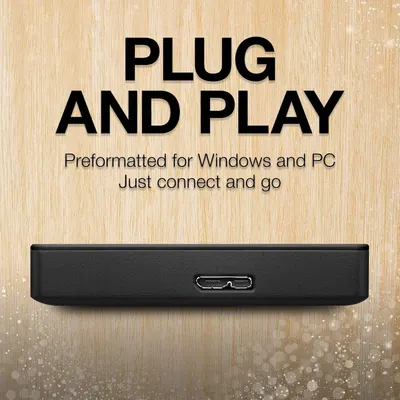 Seagate Portable 2TB External Hard Drive HDD100Reads at a glance
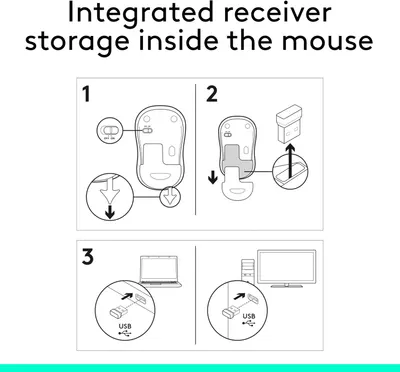 Logitech M185 Wireless Mouse100Reads at a glance
 Logitech MX Keys S Wireless Keyboard92Reads at a glance
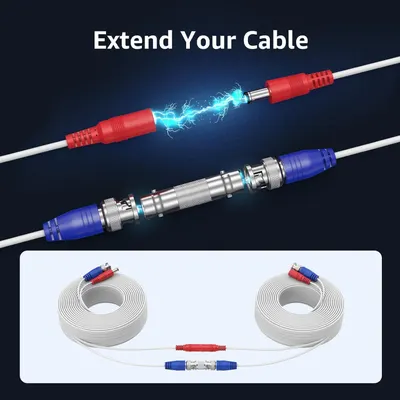 ANNKE 30M/100ft BNC Cable88Reads at a glance
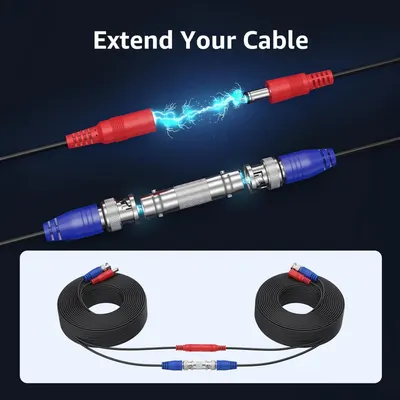 ANNKE 4 Pack 30M/100ft All-in-One Video Power Cables88Reads at a glance
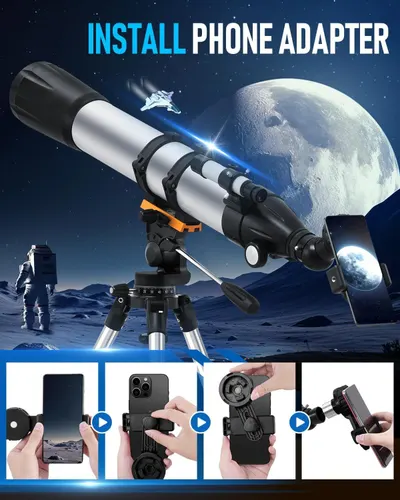 Telescope88Reads at a glance
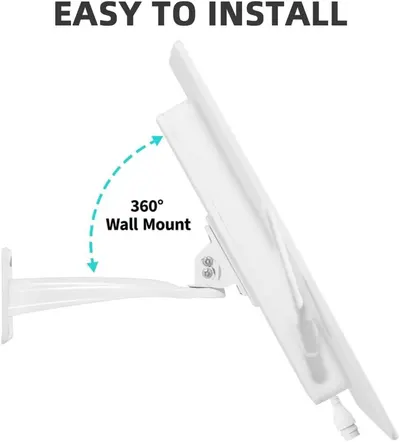 LCLCTEK® Solar Powered 4G LTE Modem Router Up to150-Feet79Readable
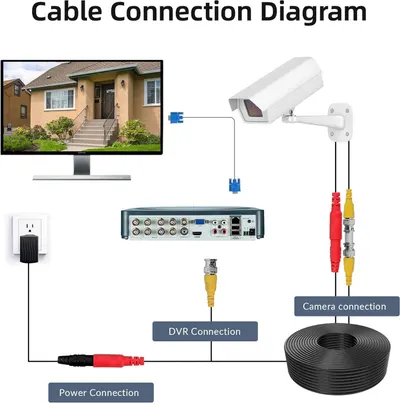 ABLEGRID® 4 Pack 100ft bnc Video Power Cable Security Camera Cable Wire Cord for CCTV…79Readable
 Cinnado Security Camera Indoor-2K 360° WiFi Cameras for Home Security,Pet/Dog/Baby…79Readable
 Adjustable Metal Wall Mount Compatible with Arlo77Readable
 (Dual Antennas for Wi-Fi Enhanced) AI Human Detected Wireless Security Camera System77Readable
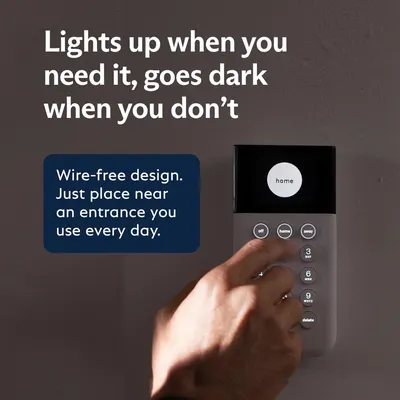 SimpliSafe 8 Piece Wireless Home Security System76Readable
| Measured | Best 6 | The rest | Accessibility floor |
|---|---|---|---|
| Headline height, % of image | 5.2% | 4.3% | 6.5% on a search tile |
| Headline contrast | Lc 99 | Lc 78 | Lc 45 minimum, 60 preferred |
| Text area, % of image | 7.4% | 8.6% | — |
| Separate blocks of text | 2.5 | 8 | — |
| Headline set bold | 83% | 25% | — |
| Still readable blurred to tile size | 83% | 19% | — |
Measured on 228 images with OCR: text height as a share of the image, APCA contrast against what sits behind the text, and whether the headline can still be read once the image is blurred to the size a shopper sees in search.
Every example
 GEEKOM A7 Mini PC
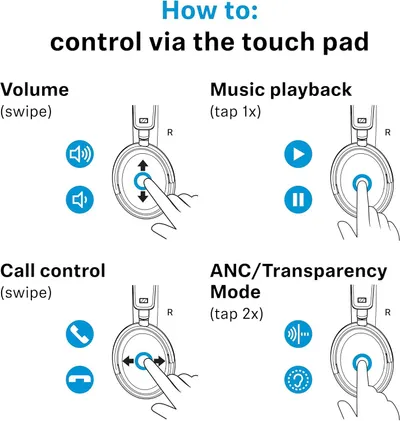 Sennehiser ACCENTUM Plus Wireless Headphones
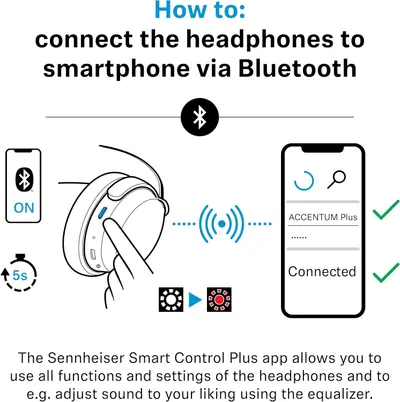 Sennehiser ACCENTUM Plus Wireless Headphones
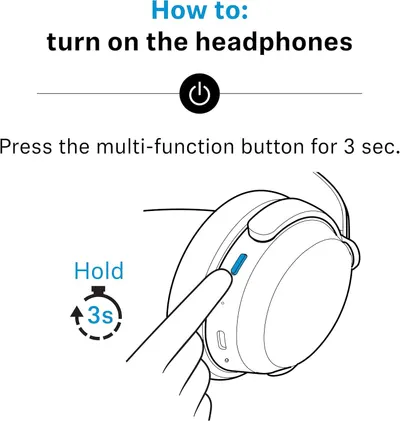 Sennehiser ACCENTUM Plus Wireless Headphones
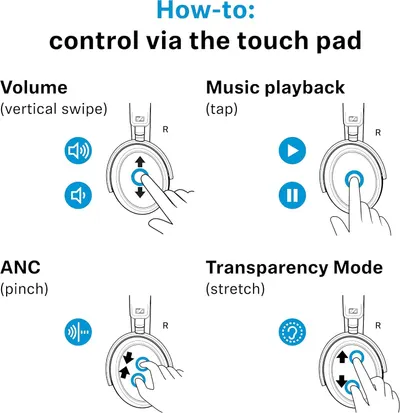 Sennheiser Consumer Audio Momentum 4 Wireless Headphones
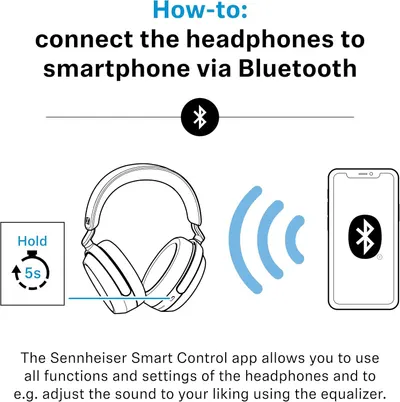 Sennheiser Consumer Audio Momentum 4 Wireless Headphones
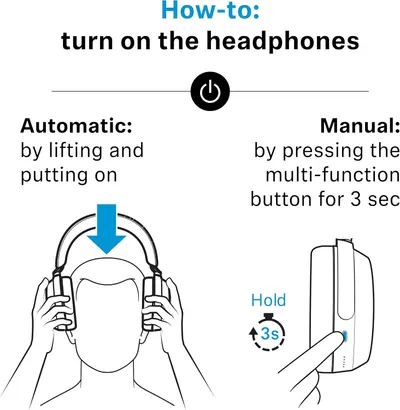 Sennheiser Consumer Audio Momentum 4 Wireless Headphones
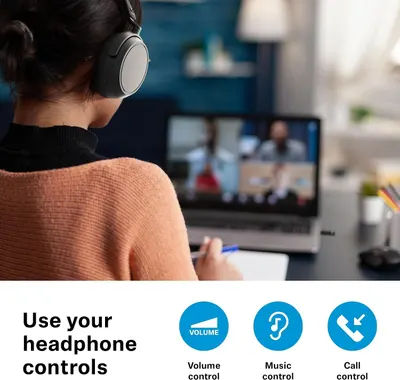 Sennehiser ACCENTUM Wireless Headphones
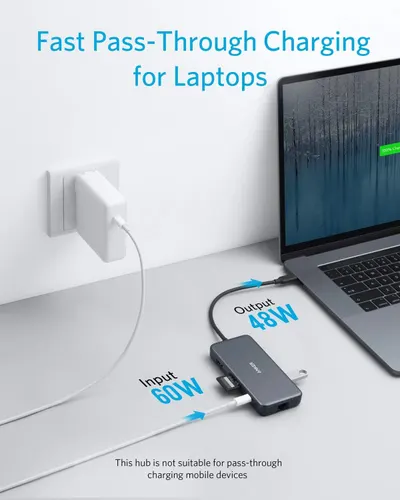 Anker Adaptador hub USB-C
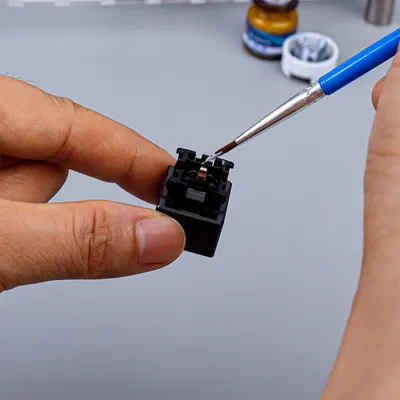 Metal Switch Opener GPL 205G0 0.35oz
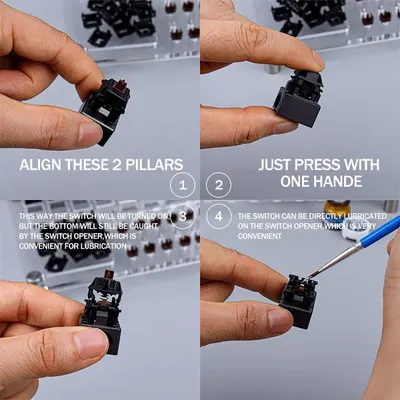 Metal Switch Opener GPL 205G0 0.35oz
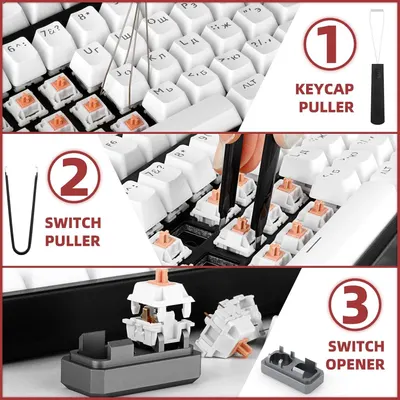 RUNJRX
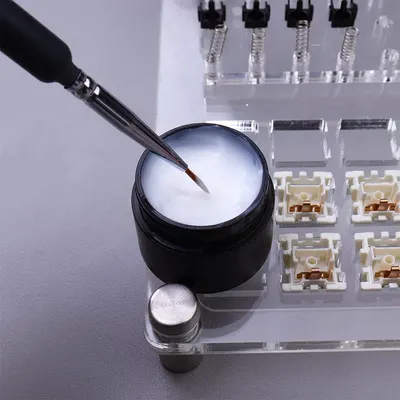 GPL 205G0 Keyboard Lube Grease 15g
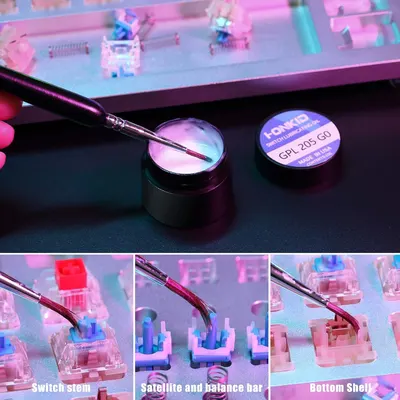 HONKID Interruptor de teclado Lube GPL 205G0 3.5 oz
 Smart Watch for Kids
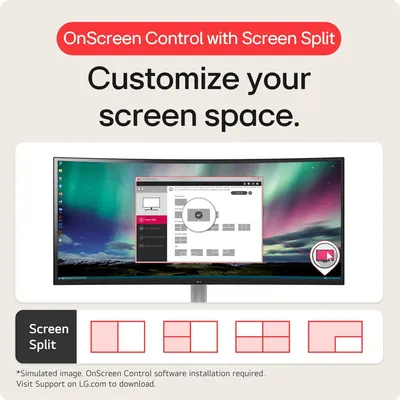 LG 32MR50C-B Curved Monitor 32-Inch FHD 100Hz AMD FreeSync OnScreen Control Dynamic…
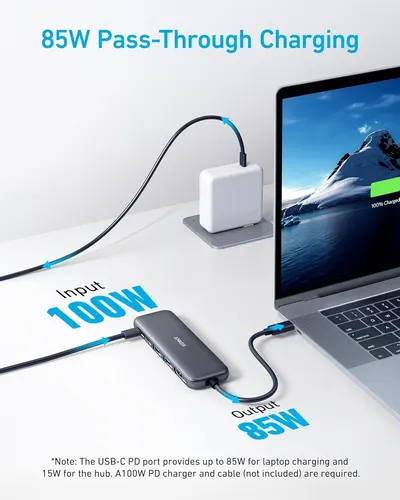 Anker USB C Hub
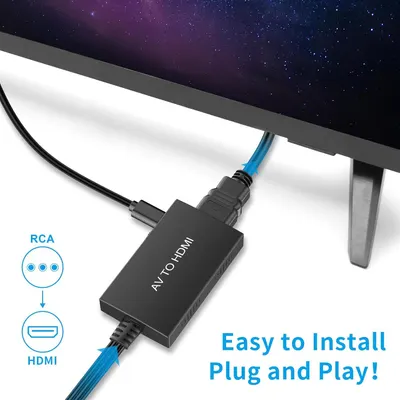 Tengchi RCA to HDMI Converter
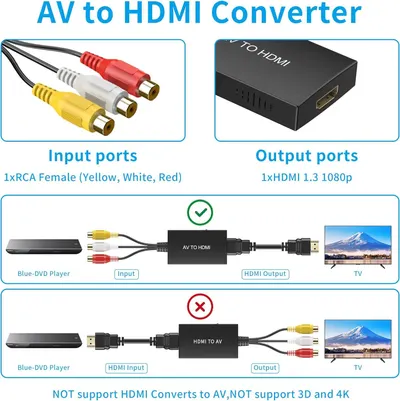 Tengchi RCA to HDMI Converter
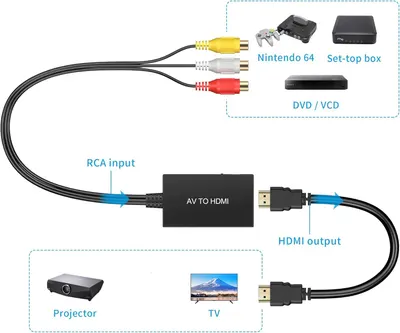 Tengchi RCA to HDMI Converter
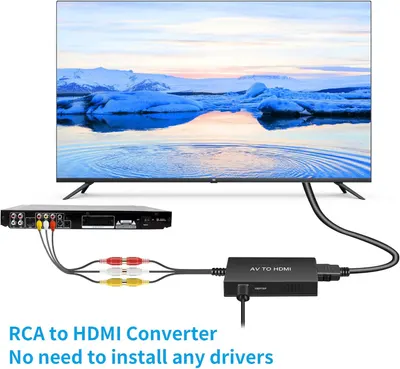 Tengchi RCA to HDMI Converter
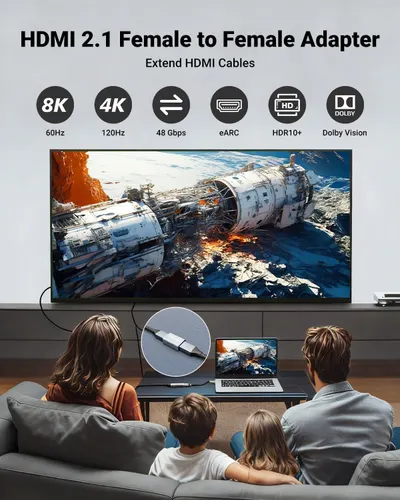 VCELINK HDMI Coupler 8K
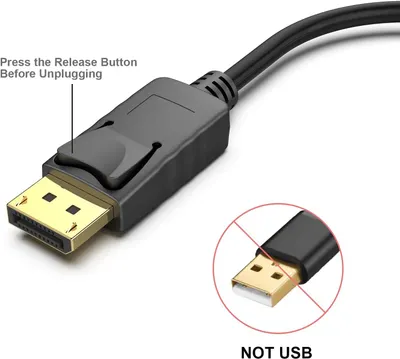 BENFEI 4K DisplayPort to HDMI Adapter
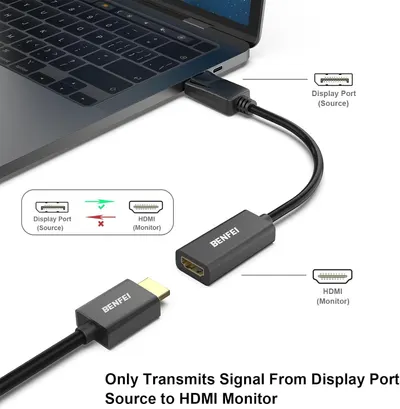 BENFEI 4K DisplayPort to HDMI Adapter
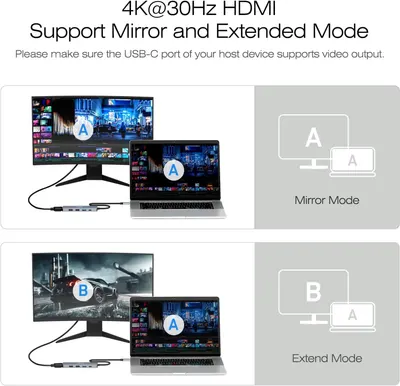 BENFEI USB C Hub 5-in-1 with 4K HDMI(Certified)
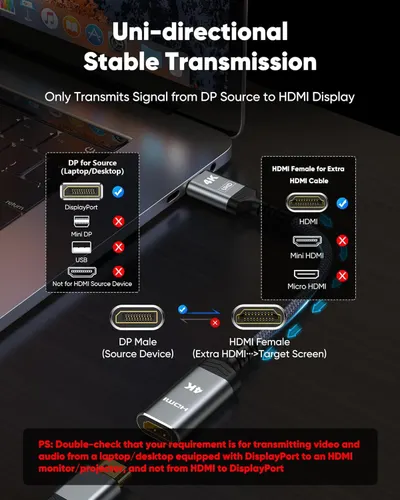 Highwings 4K Display Port to HDMI Adapter
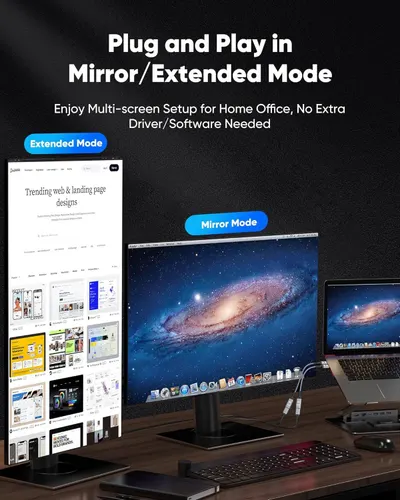 Highwings 4K Display Port to HDMI Adapter
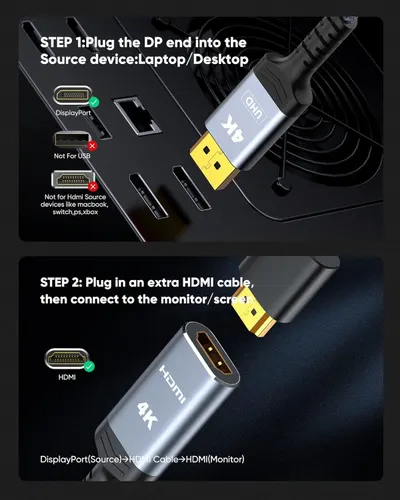 Highwings 4K Display Port to HDMI Adapter
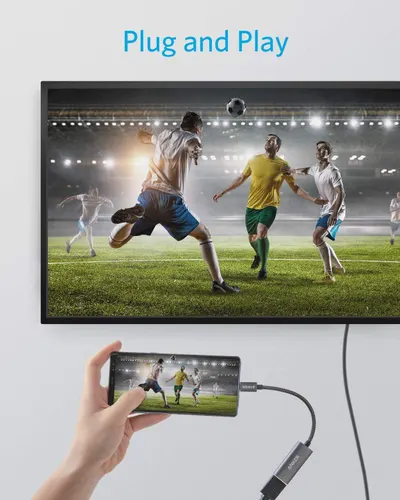 Anker USB C to HDMI Adapter (4K@60Hz)
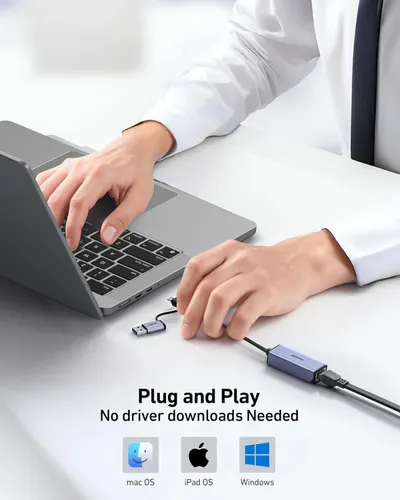 BENFEI USB 3.0 to Ethernet Adapter
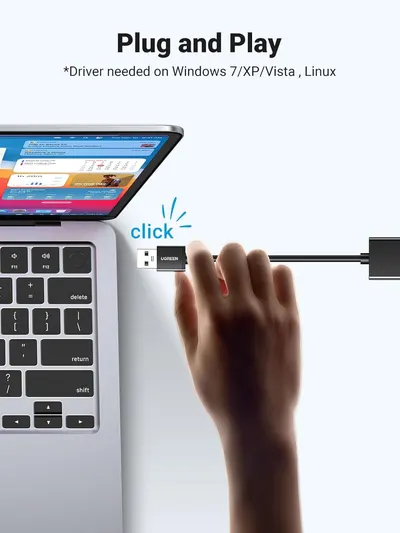 UGREEN USB to Ethernet Adapter
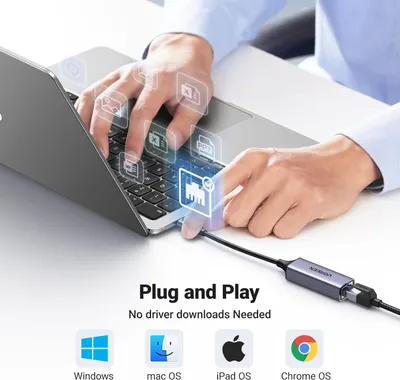 UGREEN USB C to Ethernet Adapter
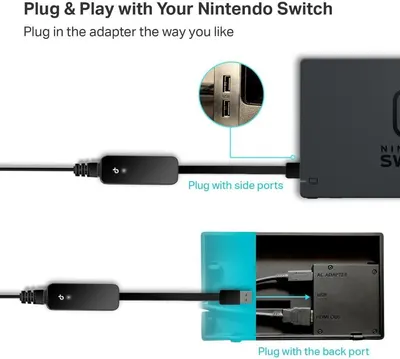 TP-Link USB to Ethernet Adapter (UE306)
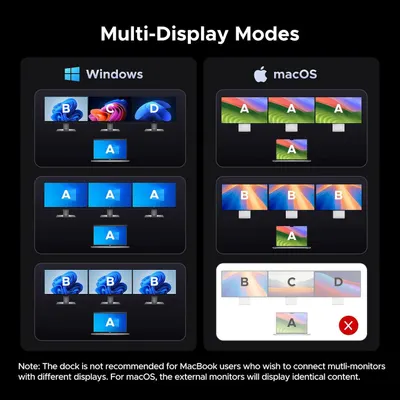 UGREEN 14 in 1 USB C Docking Station 3 Monitors Revodok Pro 314 with 8K DP/4K HDMI
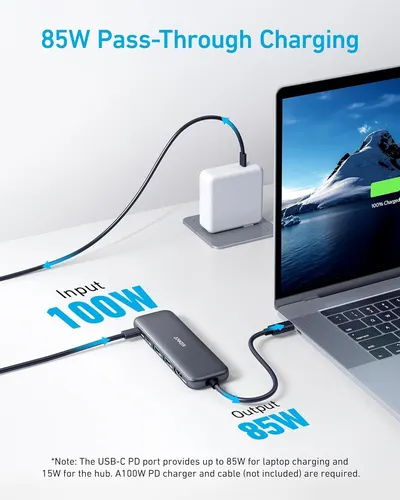 Anker USB C Hub
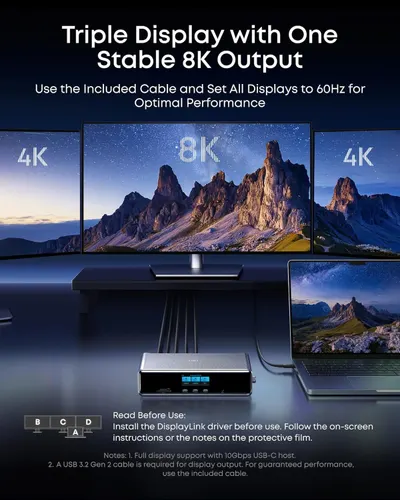 Anker Prime Docking Station (DL7400)
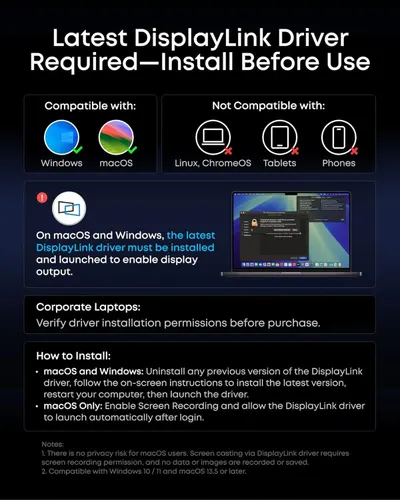 Anker Prime Docking Station (DL7400)
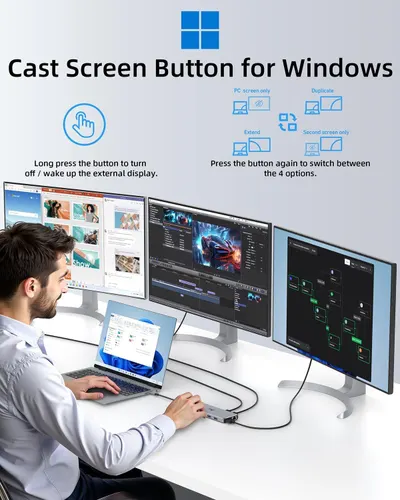 13 in 1 USB C Docking Station
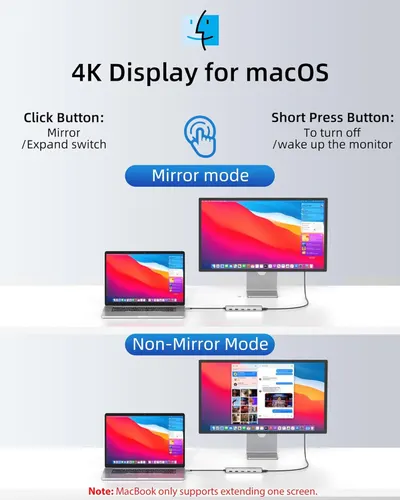 13 in 1 USB C Docking Station
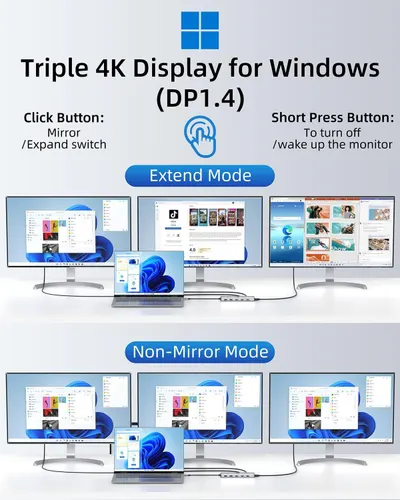 13 in 1 USB C Docking Station
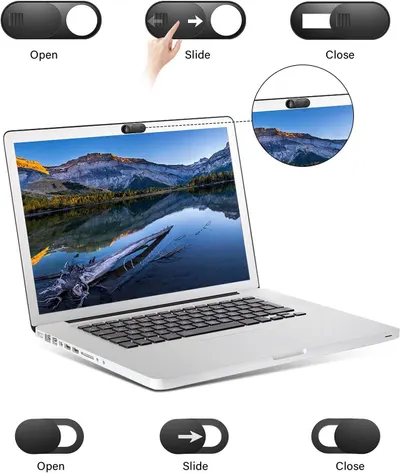 Laptop Camera Cover Slide
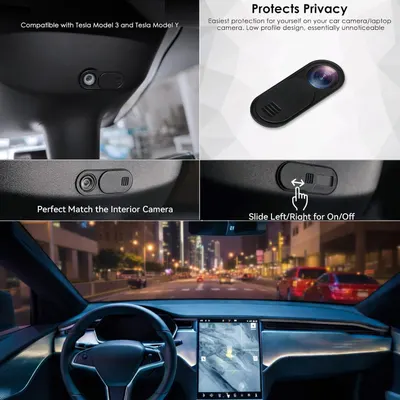 9 Pack(3 Large + 3 Medium + 3 Small) 0.03 inch Ultra Thin Webcam Cover Slide Camera…
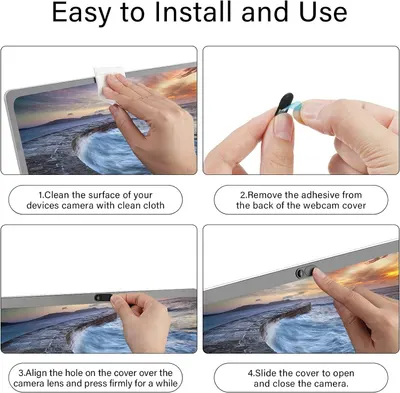 Laptop Camera Cover Slide
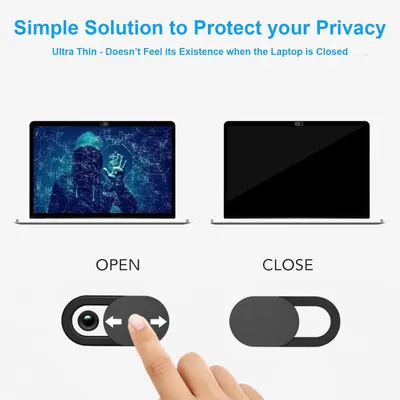 9 Pack(3 Large + 3 Medium + 3 Small) 0.03 inch Ultra Thin Webcam Cover Slide Camera…
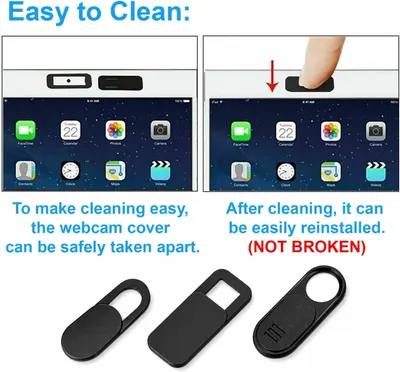 9 Pack(3 Large + 3 Medium + 3 Small) 0.03 inch Ultra Thin Webcam Cover Slide Camera…
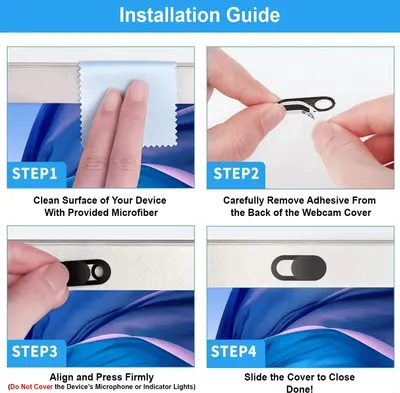 9 Pack(3 Large + 3 Medium + 3 Small) 0.03 inch Ultra Thin Webcam Cover Slide Camera…
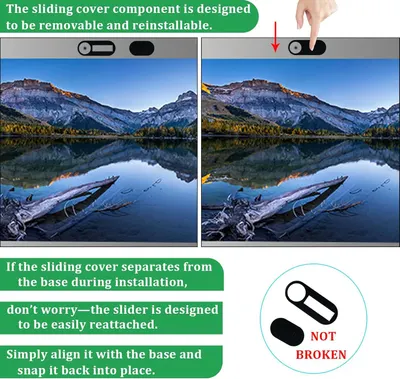 Laptop Camera Cover Slide
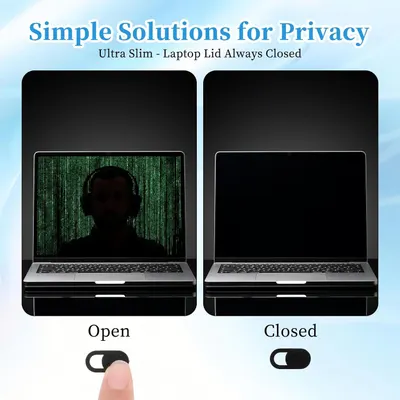 50 Pcs Webcam Cover Slide
Where how to use images sit in Electronics listings
| Image number | Examples | Share |
|---|---|---|
| Image 2 | 29 | 11% |
| Image 3 | 40 | 16% |
| Image 4 | 38 | 15% |
| Image 5 | 38 | 15% |
| Image 6 | 41 | 16% |
| Image 7 | 25 | 10% |
| Image 8 | 22 | 9% |
| Image 9 | 12 | 5% |
| Image 10 | 6 | 2% |
| Image 11 | 2 | 1% |
| Image 12 | 1 | 0% |
Common design themes
- Easy Setup36
- Easy Installation24
- Installation Setup9
- Installation Instructions8
- Ease of Use7
- Privacy Protection7
- Device Compatibility6
- Fit Styles6
More Electronics image types
- Secondary Images4,729
- Single Benefit Images1,561
- Main Images1,079
- Infographic Images757
- Product Main Images657
- Use Case Images514
- Product Detail Images450
- Key Stat Images429
- White Background Images397
- What's in the Box Images305
- Dimension Images287
- Lifestyle Images236
- Safety / Compatibility Images218
- Main Images with Accessories175
- Brand Images140
- Comparison Chart Images129
- Premium A+ Modules124
- Shadow Main Images73
- In-Use Main Images57
- Main Images with Graphics56
- Before and After Images47
- Infographic A+ Modules37
- Main Images with Packaging33
- Single Benefit A+ Modules32
- Lifestyle A+ Modules25
- Brand A+ Modules20
- As Seen On Images19
- Main Images with Variants15
- Product Detail A+ Modules12
- UGC Images12
How to Use Images in other categories
- Beauty & Personal Care350
- Health & Household314
- Tools & Home Improvement245
- Home & Kitchen213
- Sports & Outdoors176
- Automotive119
- Pet Supplies117
- Office Products116
- Clothing, Shoes & Jewelry109
- Arts, Crafts & Sewing94
- Toys & Games93
- Musical Instruments92
- Baby Products89
- Industrial & Scientific73
- Grocery & Gourmet Food58
- Patio, Lawn & Garden52
- Cell Phones & Accessories40
- Appliances39
- Books37
Electronics listings with full image stacks
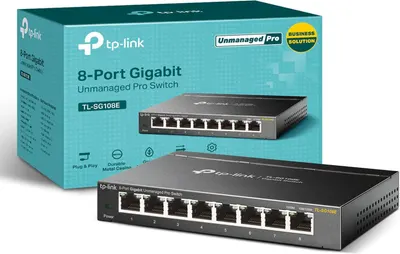 TP-Link 8 Port Gigabit Switch10 gallery images · #1 in Computer Networking Switches
 ARCTIC MX-6 (4 g)10 gallery images · #1 in Silicon Grease
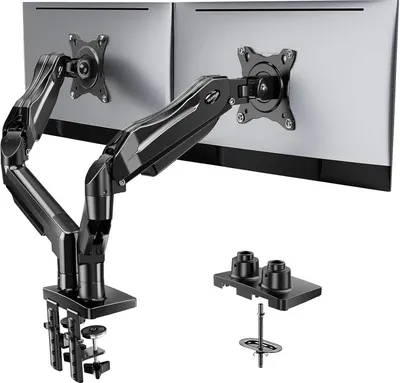 HUANUO FlowLift™ Dual Monitor Stand9 gallery images · #1 in Computer Monitor Arms
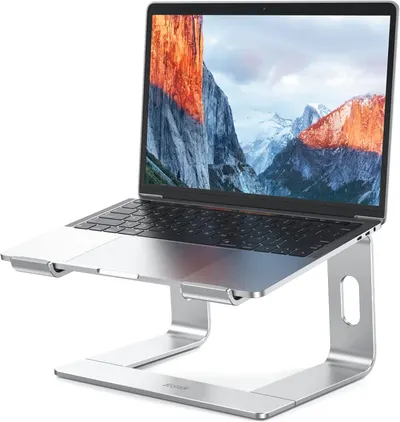 BESIGN LS03 Aluminum Laptop Stand9 gallery images · #1 in Laptop Stands
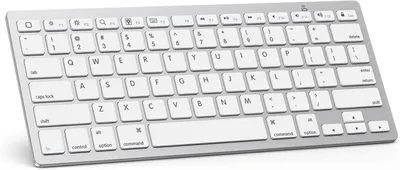 OMOTON Bluetooth Keyboard Compatible with iPad 10th Generation9 gallery images · #1 in Tablet Keyboards
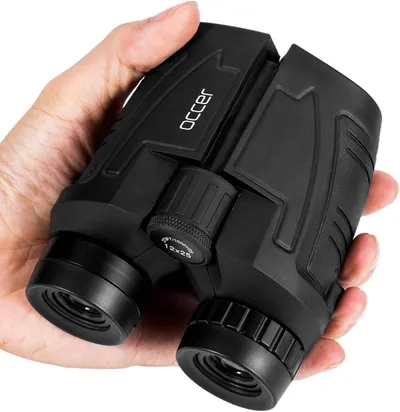 Occer 12x25 Compact Binoculars for Adults and Kids9 gallery images · #1 in Camera & Photo Products
 Seagate Portable 2TB External Hard Drive HDD7 gallery images · #1 in External Hard Drives
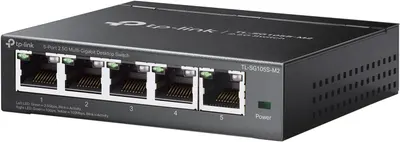 TP-Link TL-SG105S-M27 gallery images · #1 in Computer Networking Switches
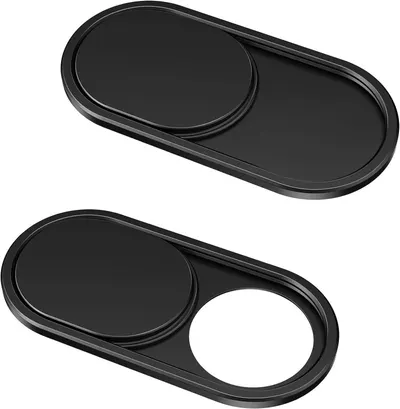 CloudValley Webcam Cover Slide[2-Pack]7 gallery images · #1 in Camera Privacy Covers
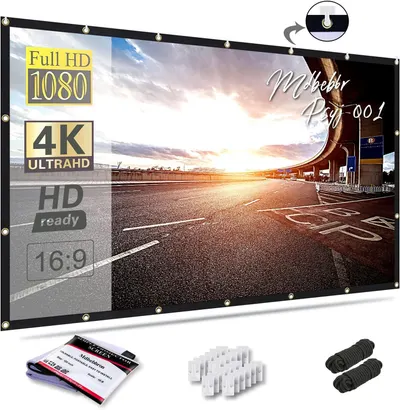 120 inch Projector Screen 16:9 Foldable Anti-Crease Portable…7 gallery images · #1 in Projection Screens
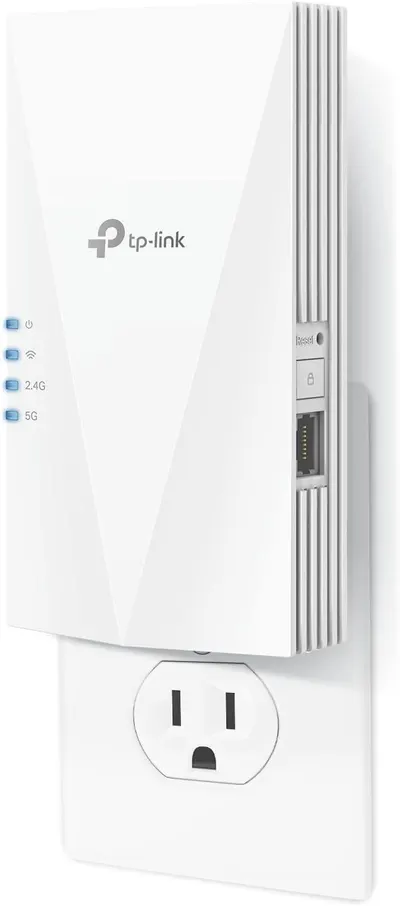 TP-Link AX1500 WiFi Extender Internet Booster(RE500X)7 gallery images · #1 in Repeaters
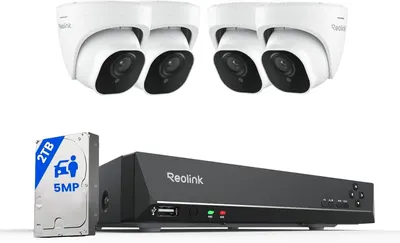 REOLINK Smart 5MP 8CH Home Security Camera System9 gallery images · #2 in Surveillance NVR Kits
Electronics brands using how to use images
Electronics product niches
- Wallet Finder Tag80
- Security Camera Cables74
- Cell Phone Ring Remote71
- Camera Privacy Covers74
- Hdmi Adapter75
- Instant Camera82
- Fingerprint Reader70
- Projector Screen69
- Thermal Paste78
- Bluetooth Keyboard103
- Ethernet Adapter77
- Home Security System152
Our design team makes Amazon listing images, infographics and A+ content. £750 per day, with revisions the next day.
Last example added 2026-10-21 · 258 examples. Image types are tagged by AI and checked by hand in samples.