TP-Link Amazon listing images

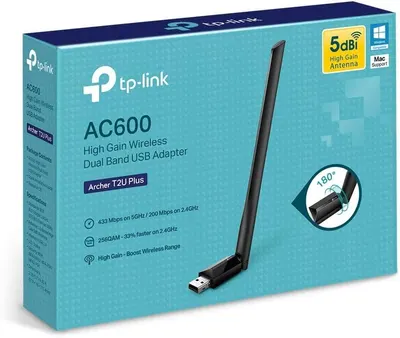
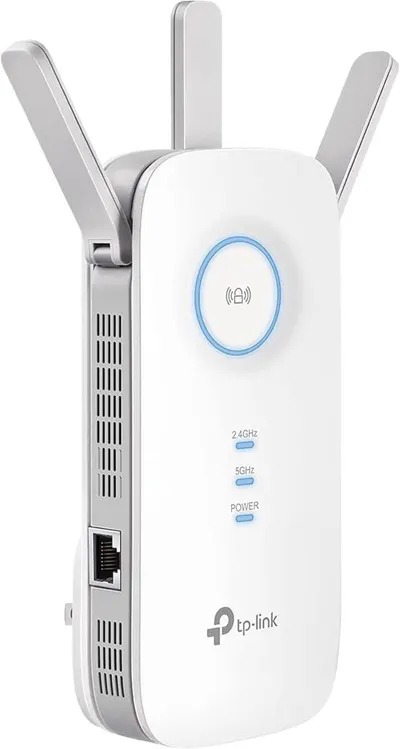
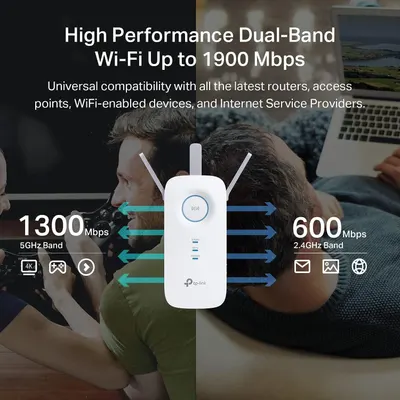
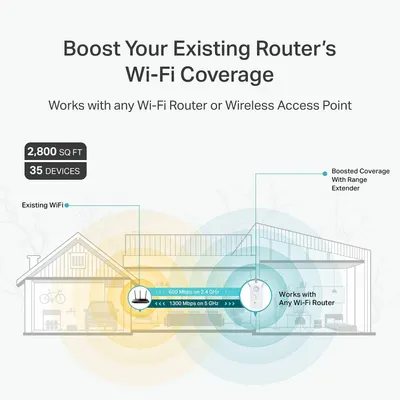
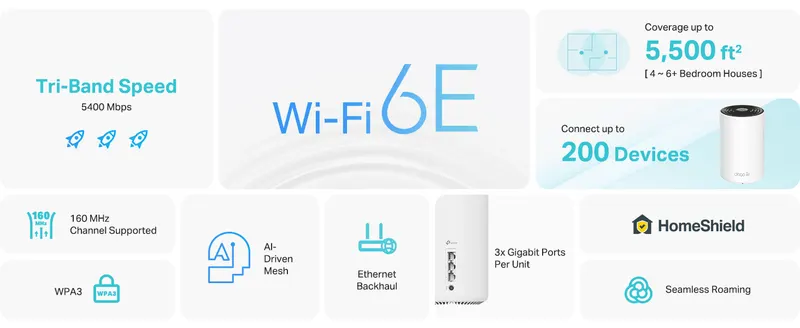
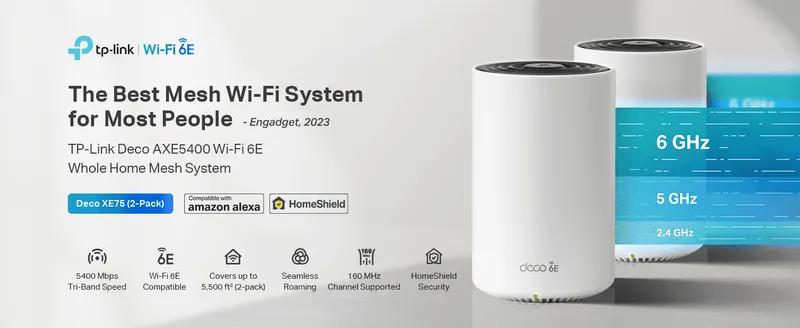
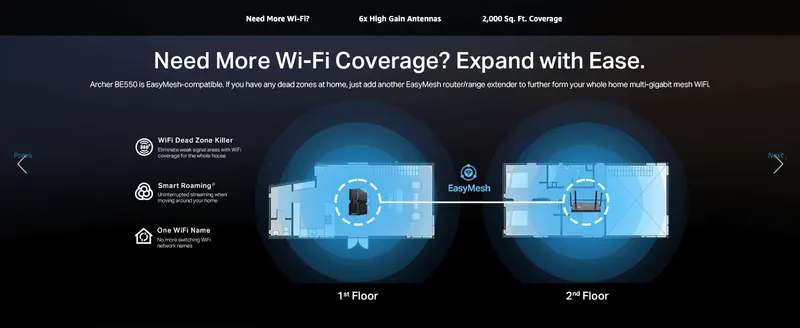
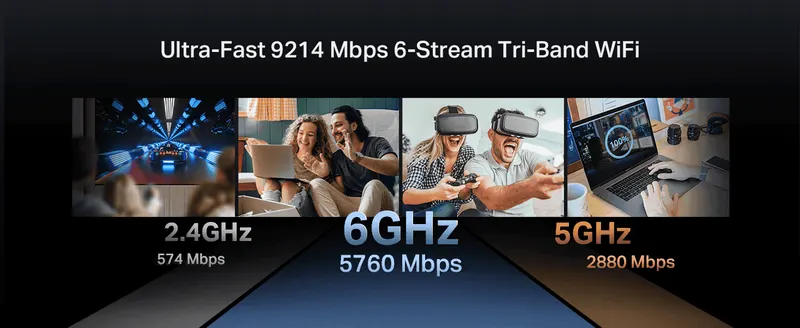
We have 274 listing images from 32 TP-Link listings, mostly in Electronics. The most common pattern: product main images in image 1, infographic images in image 2, key stat images in image 3 and single benefit images in images 4 to 7. Key Stat Images make up 15% of these images, 5.3× the library average.

Listings
32
Images
274
Full image stacks
22
Categories
Electronics
Top themes
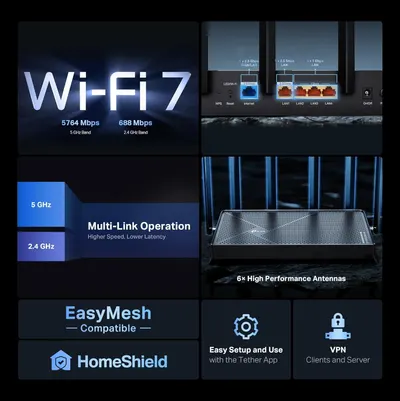
Easy Setup, Beamforming Technology, Product Only, Multiple Device Compatibility

The typical TP-Link image stack

ImageMost common typeShare of listings
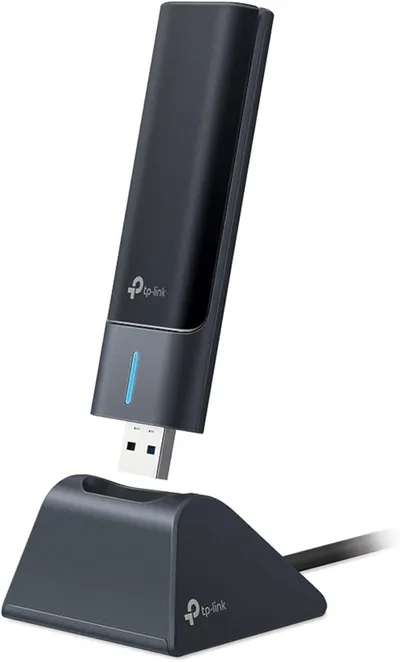
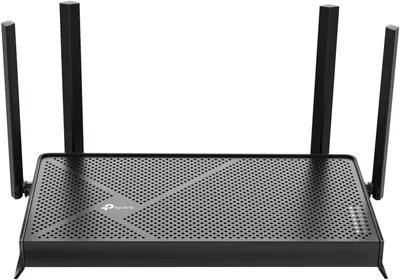
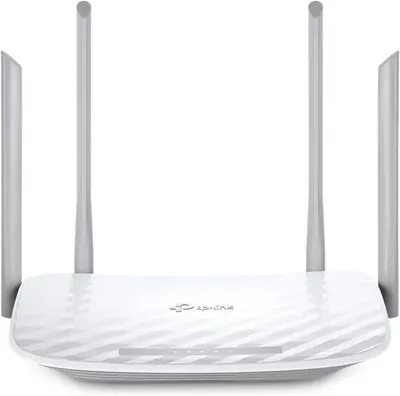
1Product Main Images100% of 32
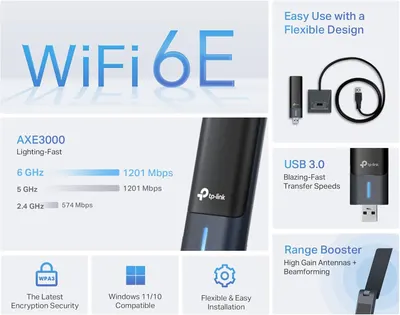
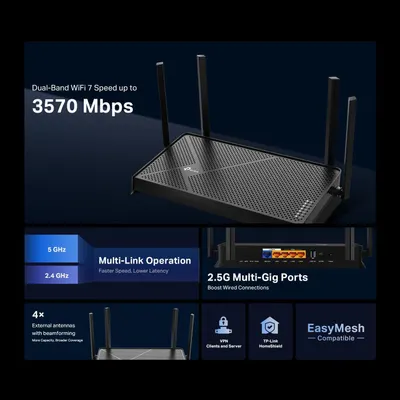
2Infographic Images25% of 32
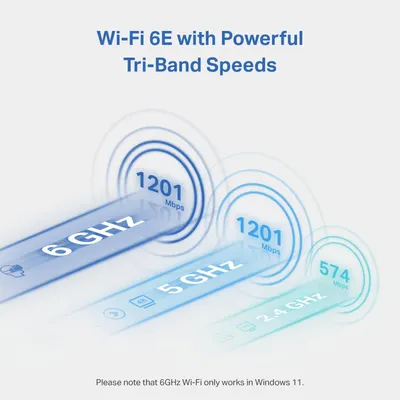
3Key Stat Images41% of 32
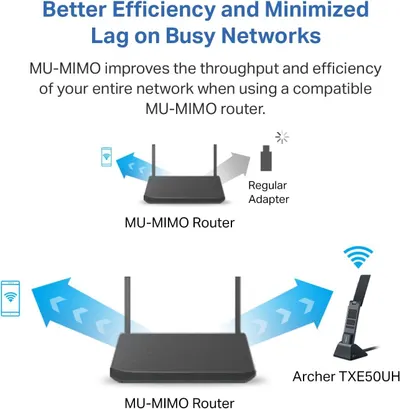
4Single Benefit Images53% of 32
5Single Benefit Images39% of 31
6Single Benefit Images32% of 31
7Single Benefit Images41% of 22

TP-Link listings with full image stacks

Image types TP-Link uses most

Common design themes

  • Easy Setup14
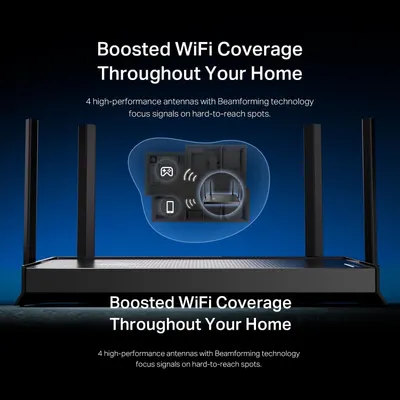
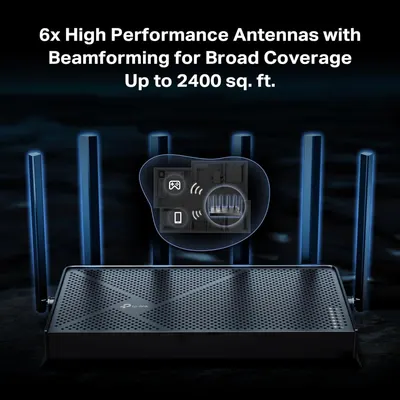
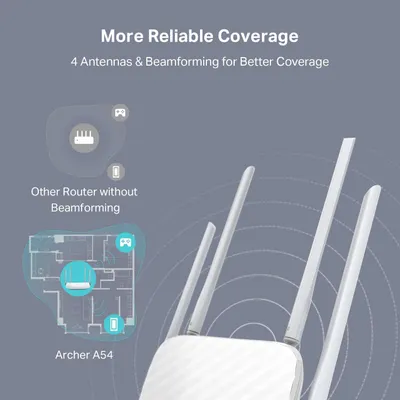
  • Beamforming Technology8
  • Product Only7
  • Multiple Device Compatibility6
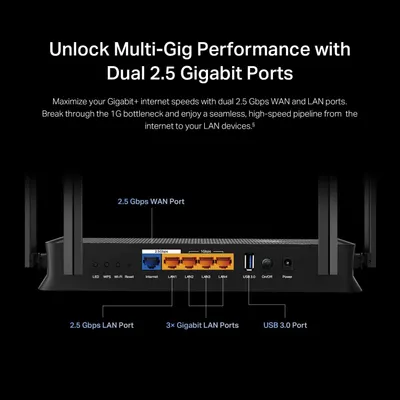
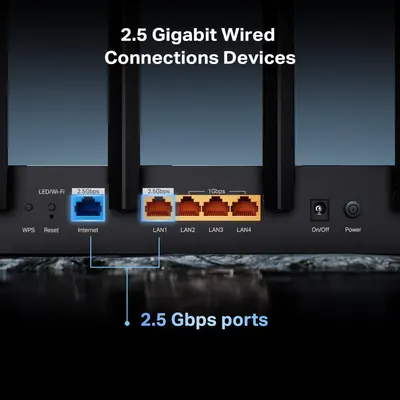
  • Port Configuration6
  • Smart Roaming6
  • Compact Dimensions5
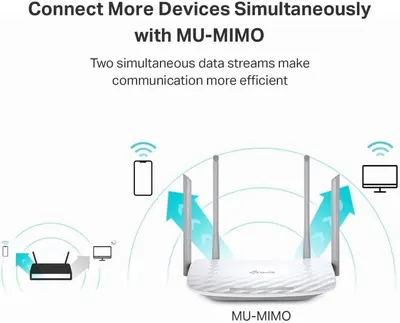
  • MU-MIMO Technology5

TP-Link listing image examples

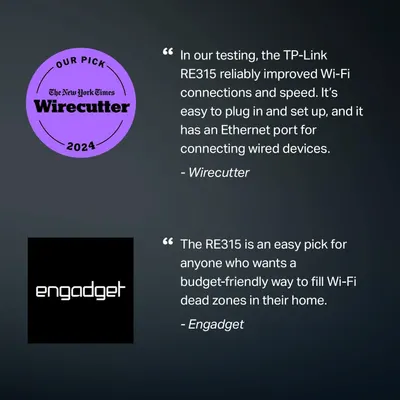
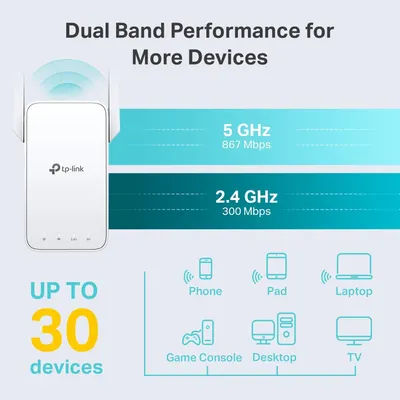
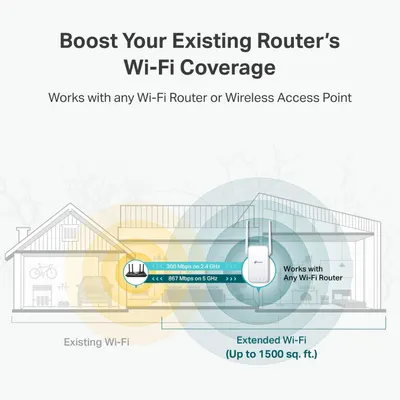
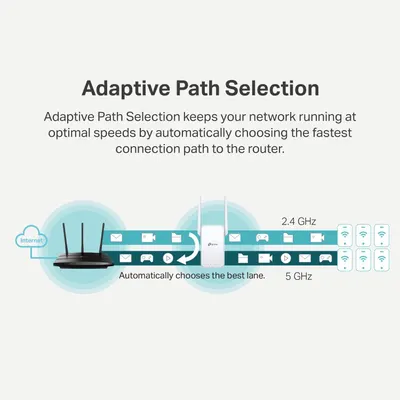
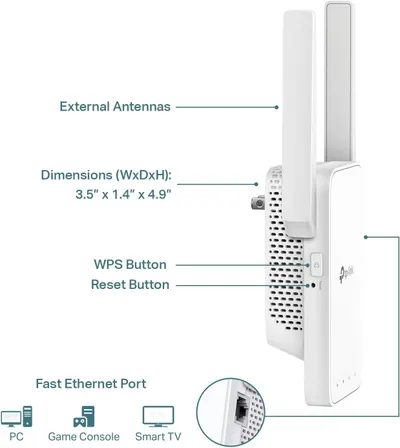
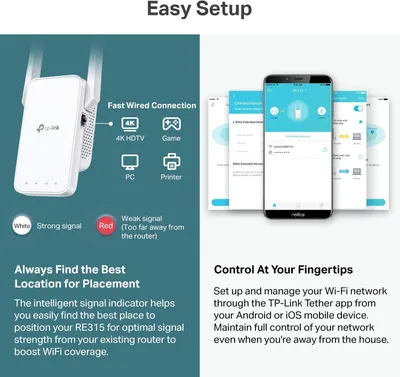
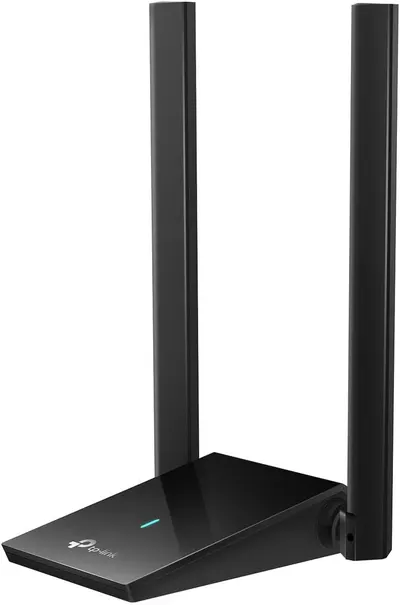
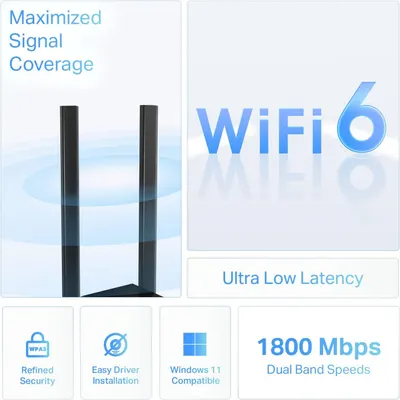
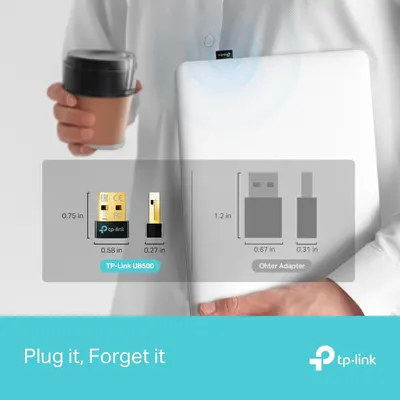
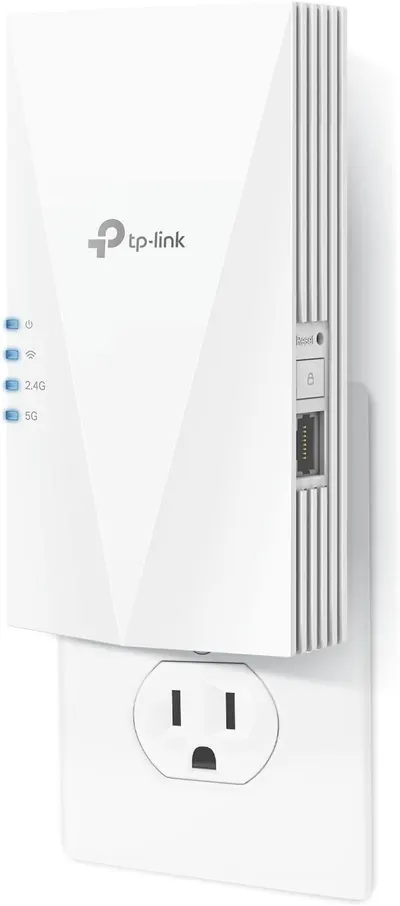
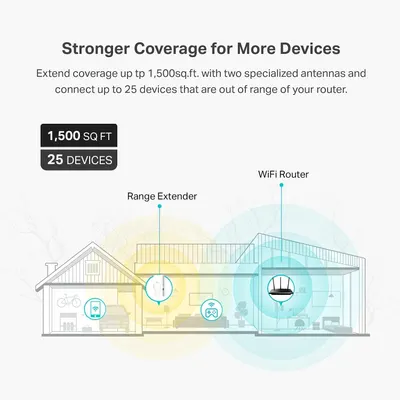
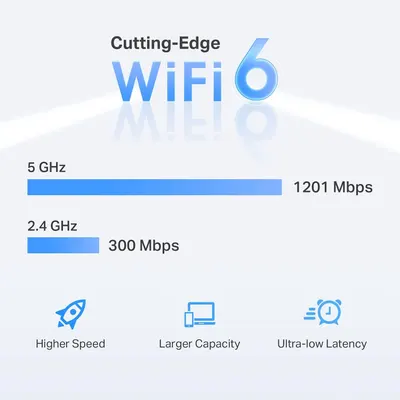
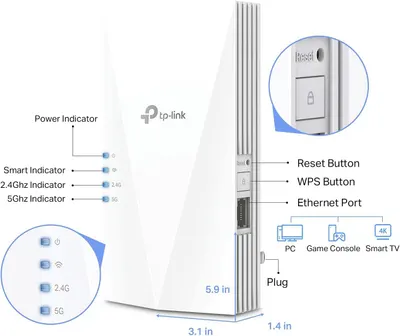
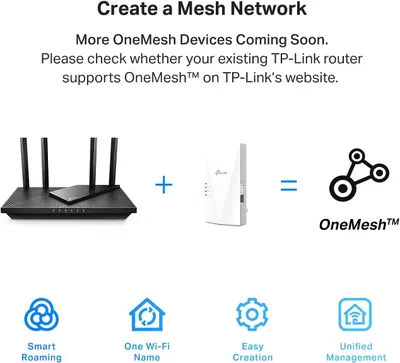
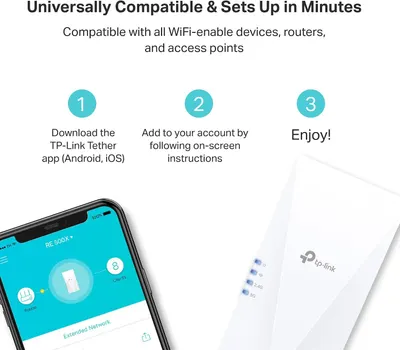
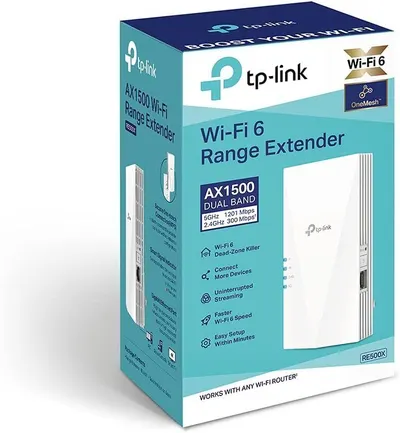
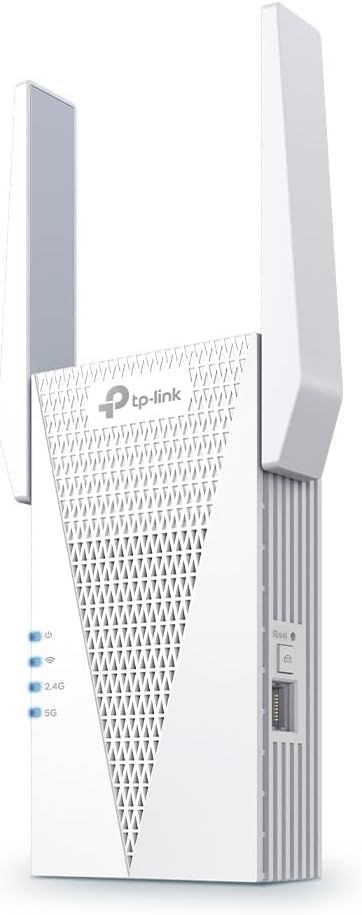
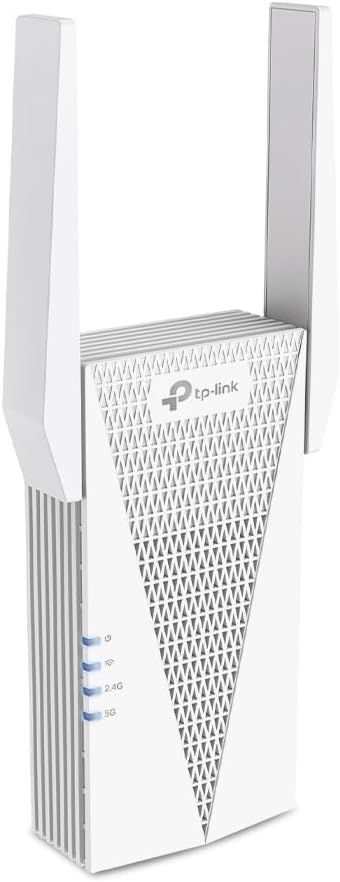
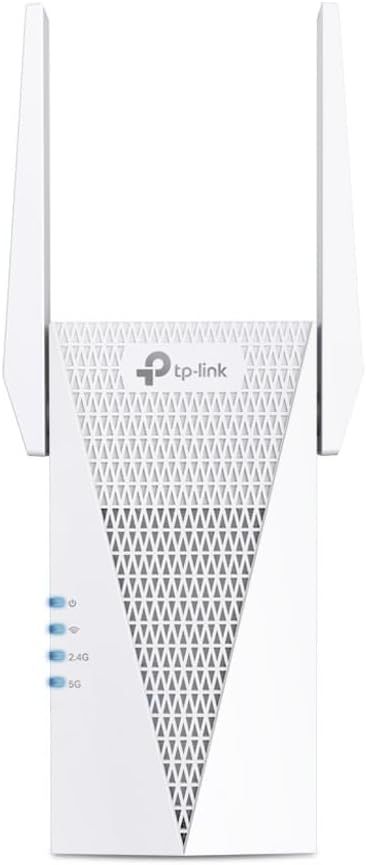
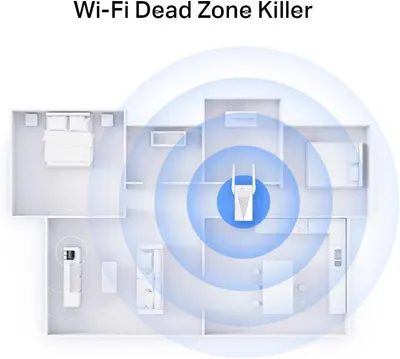
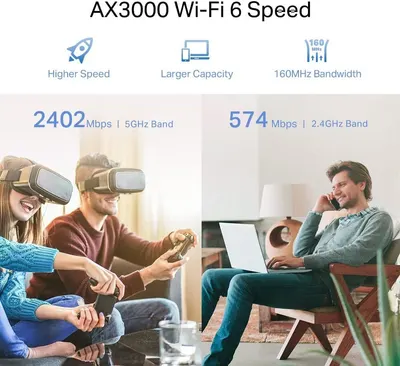
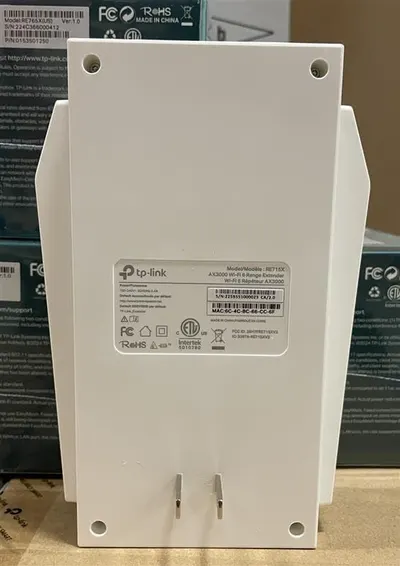
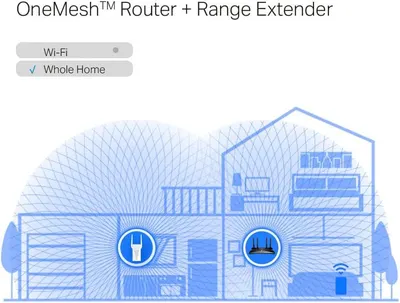
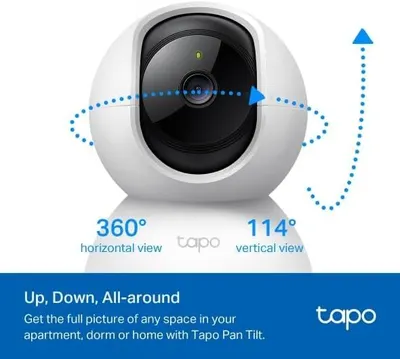
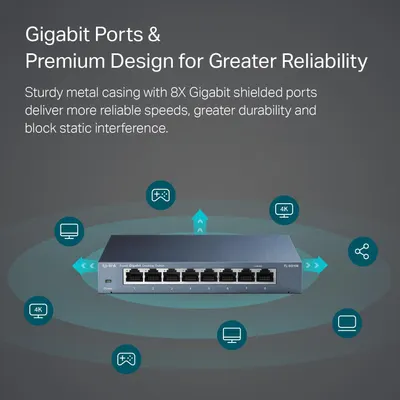
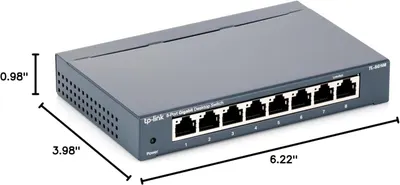
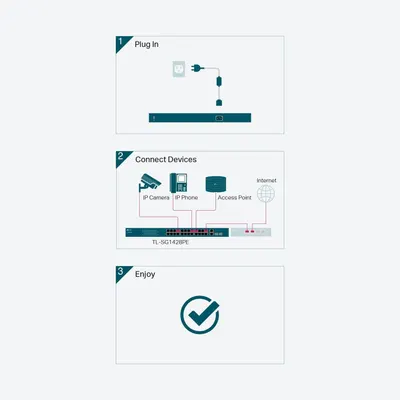
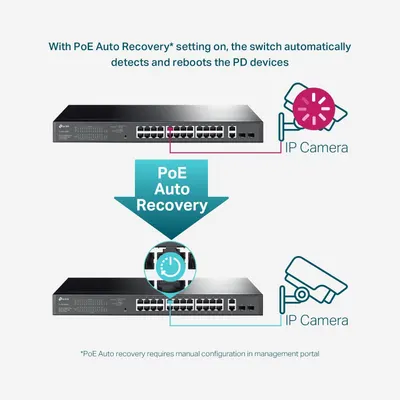
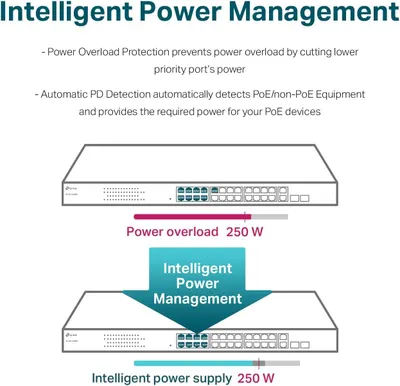
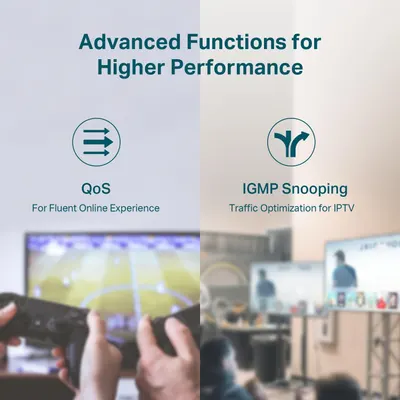
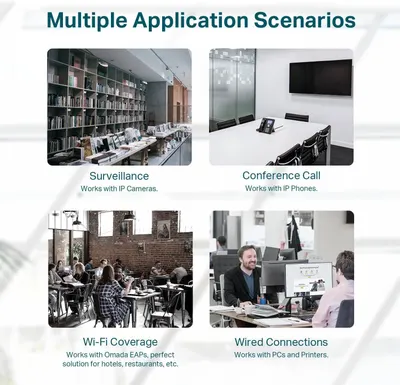
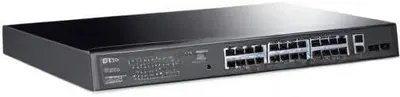
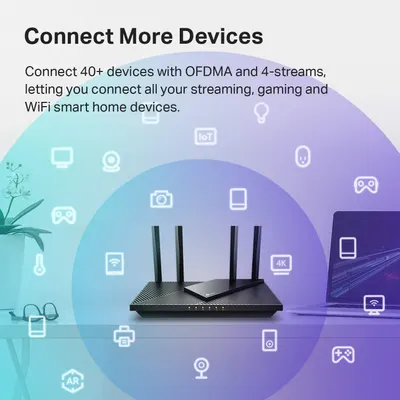
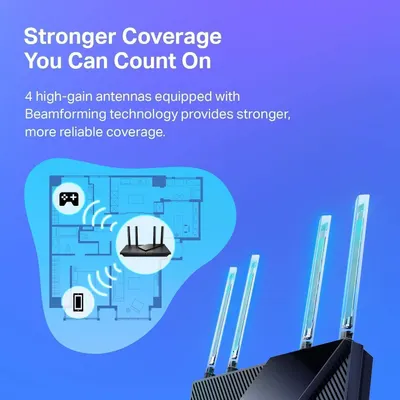
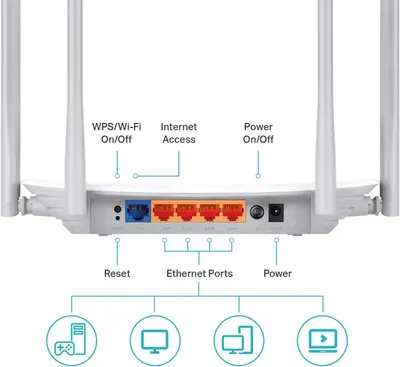
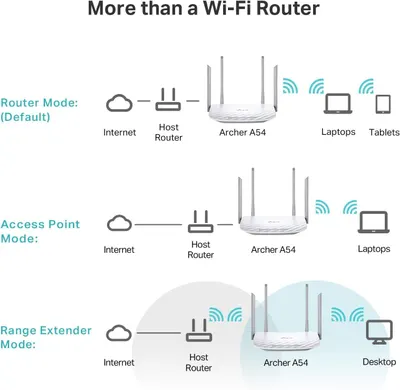
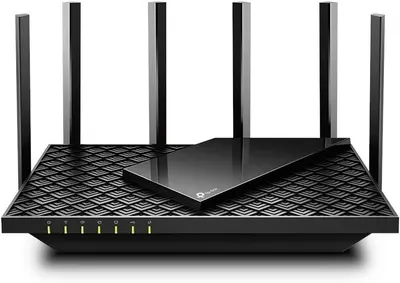
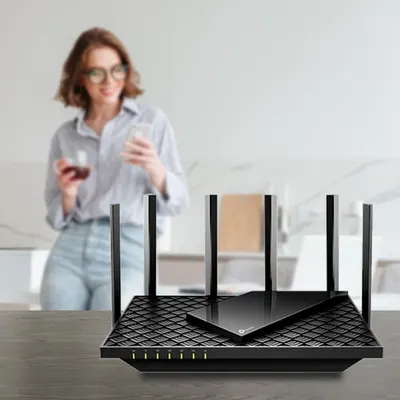
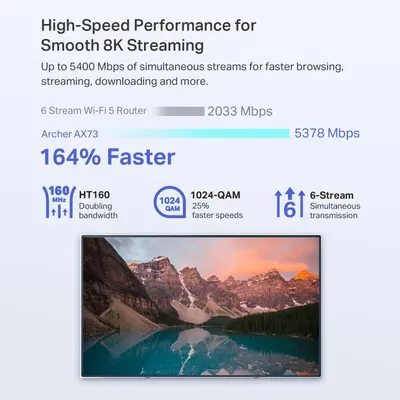
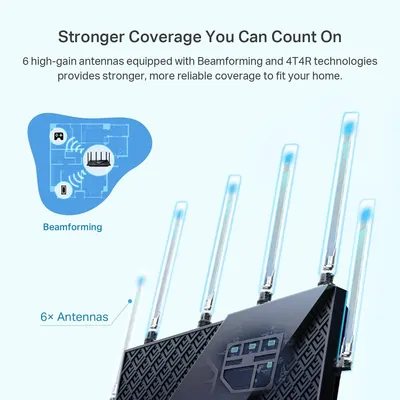
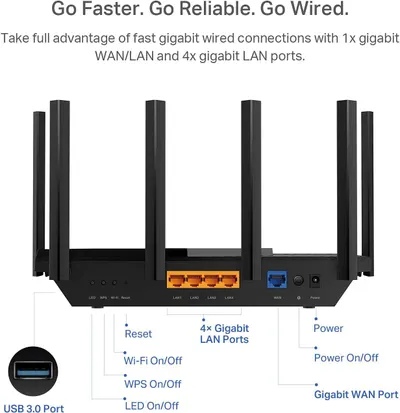
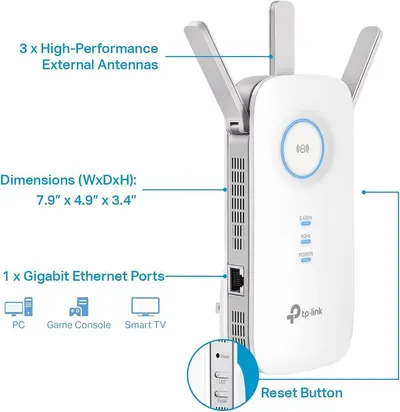
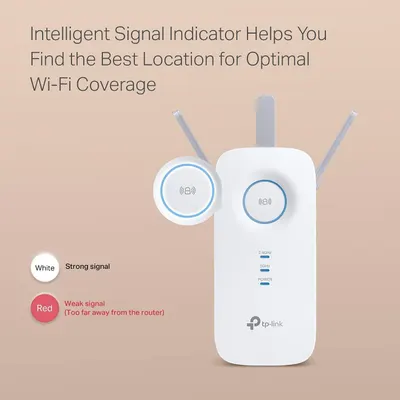
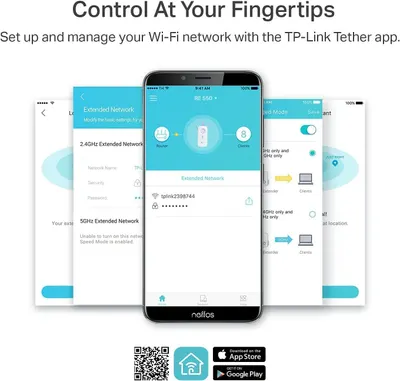
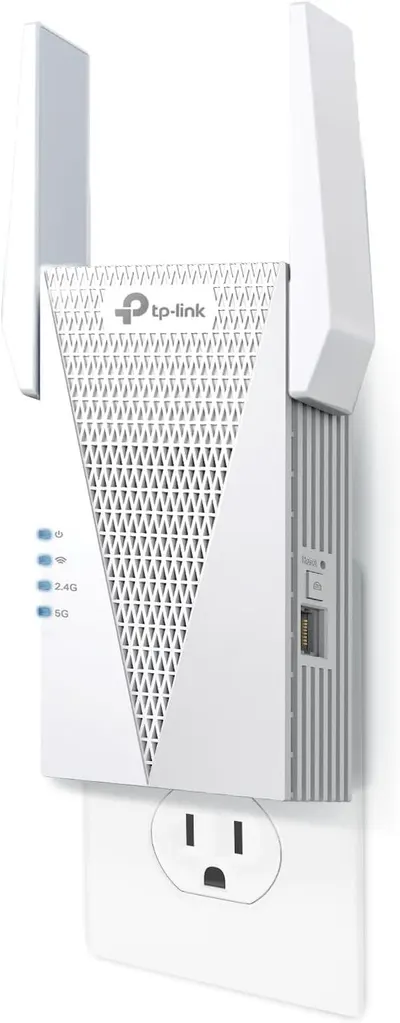
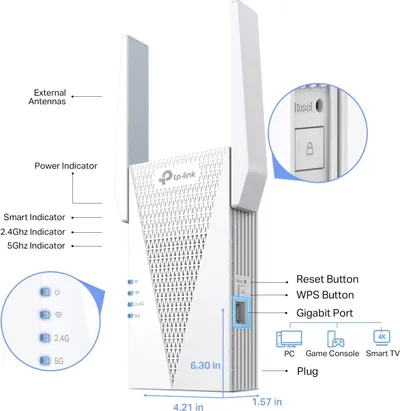
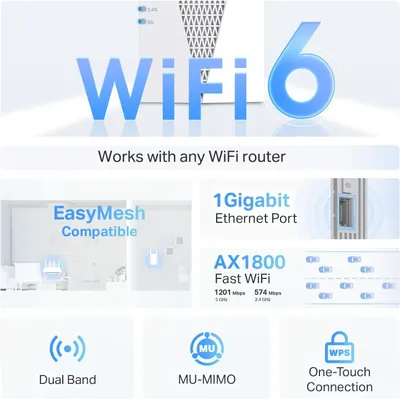
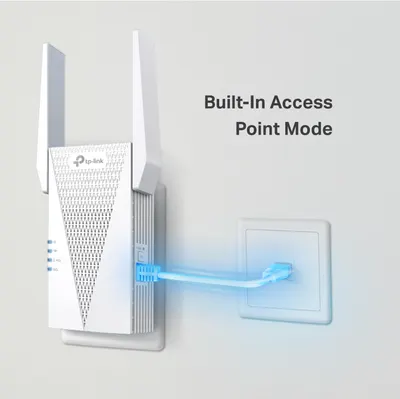
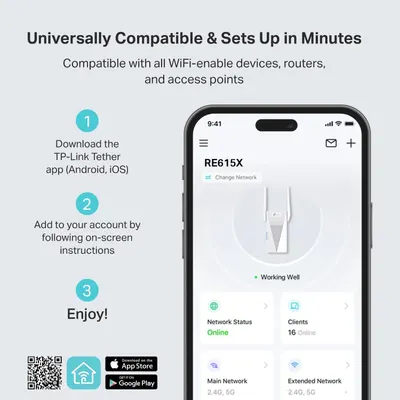
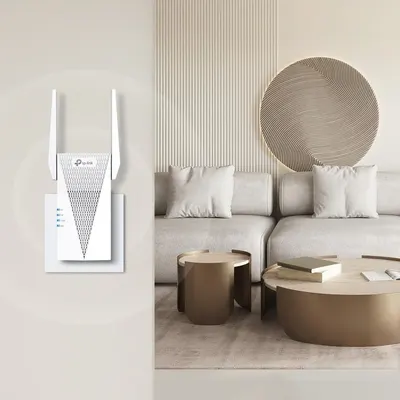
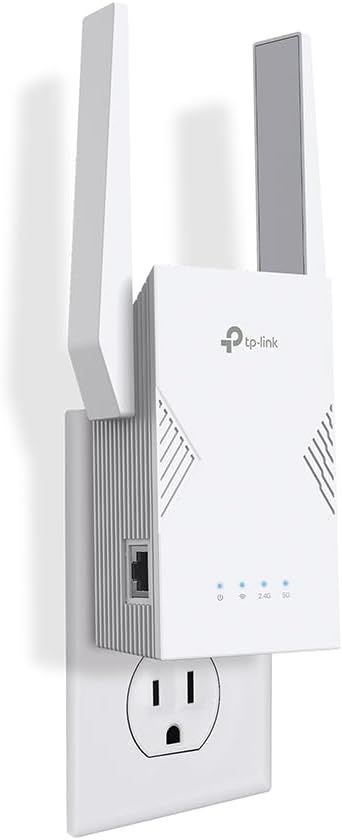
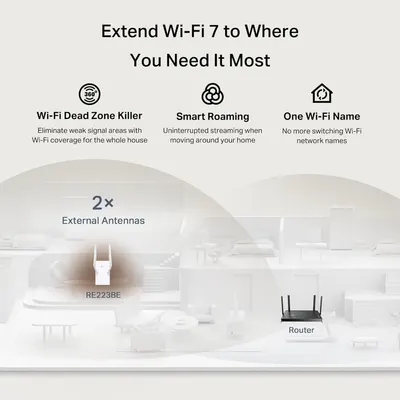
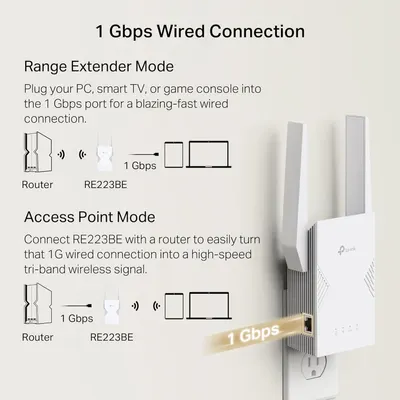
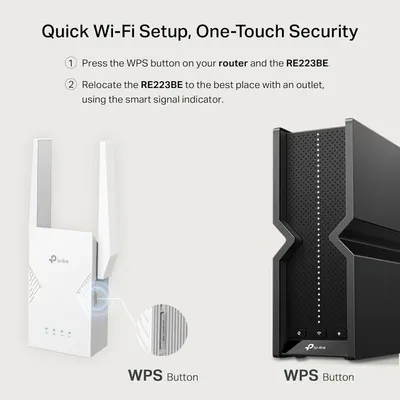
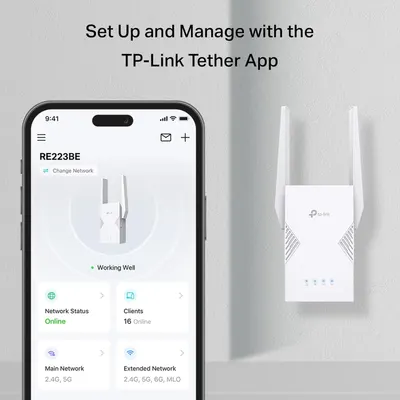
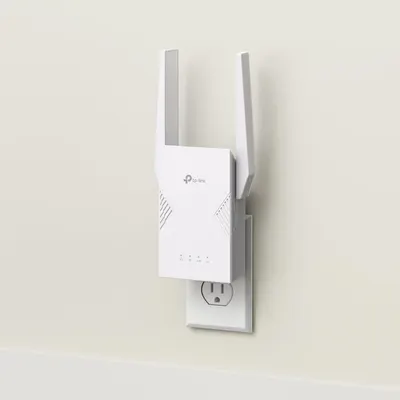
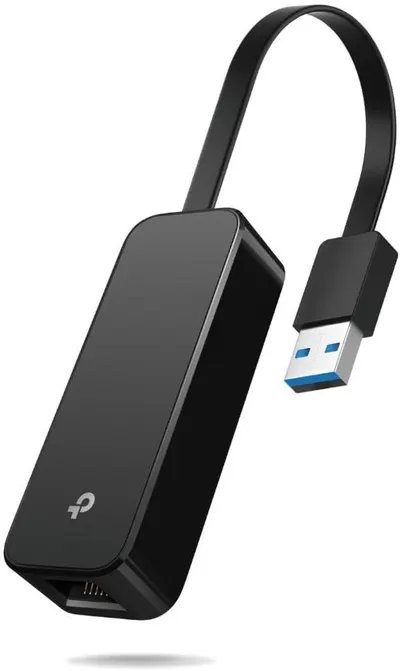
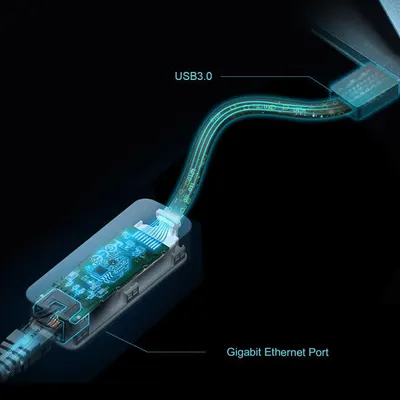
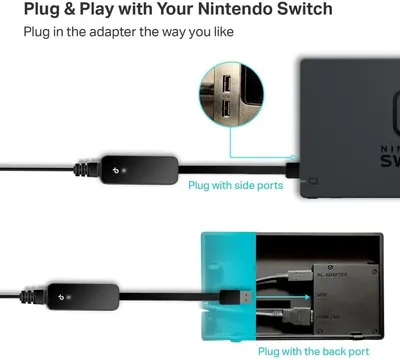
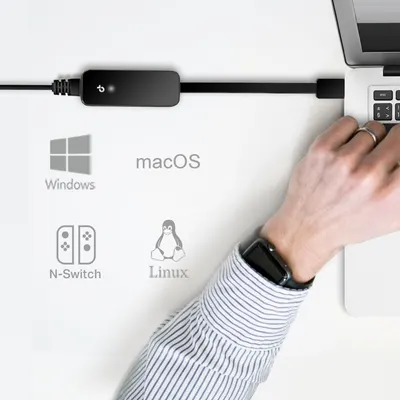
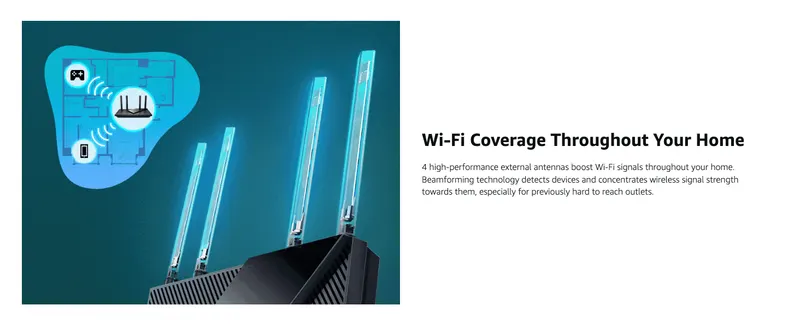
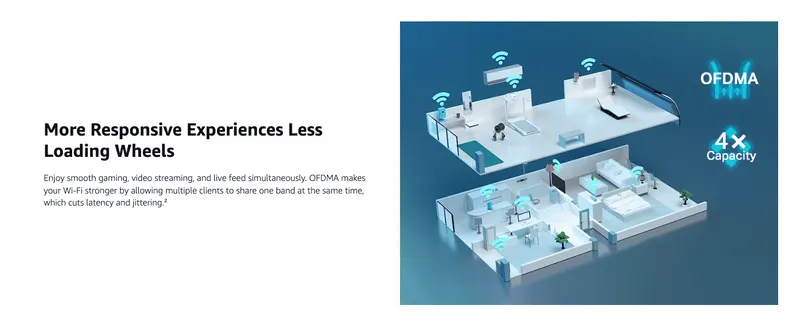
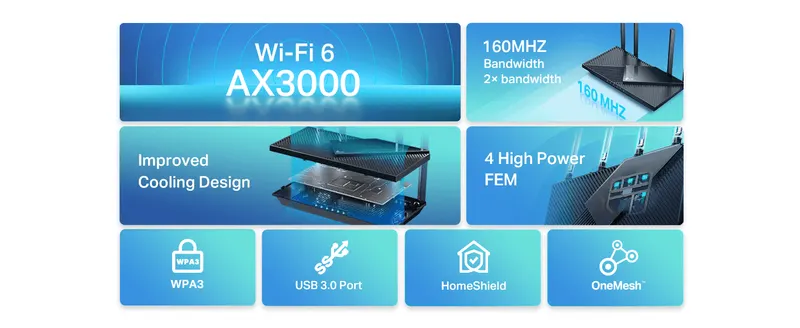
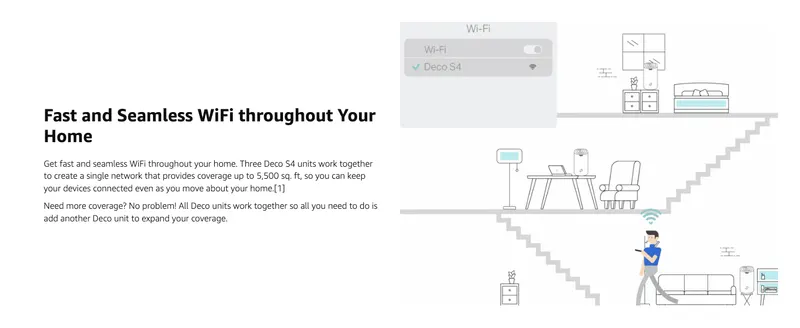
Demonstrates that the product is compatible with multiple operating systems and devices including Windows, macOS, Linux, and Nintendo Switch, reassuring shoppers of its versatility and broad…TP-Link USB to Ethernet Adapter (UE306)Demonstrates two different ways to connect the adapter to the Nintendo Switch, showing shoppers the product's ease of use and flexible installation options. Shows the product can be used in multiple…TP-Link USB to Ethernet Adapter (UE306)Highlights the internal structure and key connectivity components of the adapter, showing shoppers the technical features and build quality with labeled callouts for USB3.0 and Gigabit Ethernet Port.TP-Link USB to Ethernet Adapter (UE306)Demonstrates how the product enables gaming console connectivity to a large display, showing the product in use within a real gaming environment to help shoppers visualize the application. Shows the…TP-Link USB to Ethernet Adapter (UE306)Provides a clear, unobstructed view of the product's design and form factor for catalog purposes.TP-Link USB to Ethernet Adapter (UE306)Displays the core product clearly on a clean white background to show shoppers exactly what they will receive. Uses a subtle drop shadow beneath the product to give it visual weight and depth…TP-Link USB to Ethernet Adapter (UE306)Communicates multiple key benefits of the Wi-Fi extender in a segmented layout with icons, showing shoppers how it solves connectivity problems and improves their home network experience.TP-Link AX1500 WiFi Extender Internet Booster(RE500X)Demonstrates the simple 3-step setup process to reassure shoppers that the WiFi device is easy to install and use, reducing purchase hesitation. Highlights that the product is compatible with all…TP-Link AX1500 WiFi Extender Internet Booster(RE500X)Communicates the multiple benefits of creating a OneMesh network with TP-Link devices, including smart roaming, unified Wi-Fi naming, easy setup, and centralized management to reassure shoppers…TP-Link AX1500 WiFi Extender Internet Booster(RE500X)This image breaks down the TP-Link WiFi extender by labeling all its physical components, buttons, ports, and indicators, helping shoppers understand the device's structure and how to identify each…TP-Link AX1500 WiFi Extender Internet Booster(RE500X)Communicates the multiple technical benefits of WiFi 6 technology, including dual-band speeds (5 GHz at 1201 Mbps and 2.4 GHz at 300 Mbps), higher speed, larger device capacity, and ultra-low…TP-Link AX1500 WiFi Extender Internet Booster(RE500X)Communicates the product's quantifiable performance capabilities—extended WiFi coverage area and device connection capacity—to reassure shoppers that the range extender can handle their home size…TP-Link AX1500 WiFi Extender Internet Booster(RE500X)Shows the TP-Link WiFi range extender clearly on a white background, highlighting its compact plug-in form factor, dual-band capability (2.4G and 5G indicators), and key features like the reset…TP-Link AX1500 WiFi Extender Internet Booster(RE500X)Shows the TP-Link WiFi extender plugged into a wall outlet in a real-world home setting, helping shoppers visualize how the product looks and fits in their space.TP-Link BE3200 Wi-Fi 7 Range Extender RE223BE w/Ethernet PortShows the product in a real-world living room setting to help shoppers visualize how the WiFi extender fits into their home decor and environment.TP-Link RE615X AX1800 WiFi 6 Range Extender w/Ethernet PortDemonstrates how to set up and manage the TP-Link router using the Tether mobile app, reassuring shoppers that the product is easy to configure and monitor. Highlights the convenience of managing…TP-Link BE3200 Wi-Fi 7 Range Extender RE223BE w/Ethernet PortDemonstrates the simple 3-step setup process to reassure shoppers that the product is easy to install and configure using a mobile app. Highlights the product's universal compatibility with WiFi…TP-Link RE615X AX1800 WiFi 6 Range Extender w/Ethernet PortInstructs shoppers on how to easily set up the Wi-Fi extender using the WPS button for quick, secure connection with their router. Highlights the product's ease of installation and one-touch…TP-Link BE3200 Wi-Fi 7 Range Extender RE223BE w/Ethernet PortCommunicates that the device has a built-in access point mode feature, showing how it connects directly to an ethernet wall port for easy network setup and convenience.TP-Link RE615X AX1800 WiFi 6 Range Extender w/Ethernet PortThis image showcases multiple technical features and benefits of the WiFi product in a segmented layout, communicating compatibility, speed, connectivity options, and ease of use to help shoppers…TP-Link RE615X AX1800 WiFi 6 Range Extender w/Ethernet PortExplains two different setup modes for the range extender, showing shoppers how to configure the device either as a range extender or access point with 1 Gbps wired connection. Demonstrates the…TP-Link BE3200 Wi-Fi 7 Range Extender RE223BE w/Ethernet PortThis image breaks down the physical components and ports of the TP-Link WiFi extender, helping shoppers understand the device's structure, connectivity options, and control features.TP-Link RE615X AX1800 WiFi 6 Range Extender w/Ethernet PortCommunicates multiple distinct benefits of the Wi-Fi extender product, including whole-house coverage, seamless roaming, unified network naming, and enhanced antenna technology to reassure shoppers…TP-Link BE3200 Wi-Fi 7 Range Extender RE223BE w/Ethernet PortShows the TP-Link WiFi range extender clearly with its distinctive design, dual antennas, indicator lights for power, WiFi, 2.4G and 5G bands, and wall-plug form factor to communicate the product's…TP-Link RE615X AX1800 WiFi 6 Range Extender w/Ethernet PortShows the TP-Link Wi-Fi range extender plugged into a wall outlet to communicate its plug-and-play design and multi-antenna configuration for extended wireless coverage. Uses subtle drop shadows…TP-Link BE3200 Wi-Fi 7 Range Extender RE223BE w/Ethernet PortCommunicates multiple key benefits of the Wi-Fi range extender through a segmented list of features with icons, showing shoppers why this product solves connectivity problems and delivers superior…TP-Link AX3000 WiFi 6 Range ExtenderDemonstrates how the OneMesh router and range extender work together to provide seamless Wi-Fi coverage throughout an entire home, showing the product's application in multiple rooms and areas.…TP-Link AX3000 WiFi 6 Range ExtenderShows the back of the product with its label and mounting holes to give shoppers a complete view of the physical device.TP-Link AX3000 WiFi 6 Range ExtenderCommunicates the high-performance Wi-Fi 6 speed specifications (AX3000) to reassure shoppers that this router delivers fast, reliable connectivity for multiple devices and bandwidth-intensive…TP-Link AX3000 WiFi 6 Range ExtenderDemonstrates the product's ability to eliminate Wi-Fi dead zones by showing expanding signal coverage rings throughout an entire home floor plan, reassuring shoppers of comprehensive wireless…TP-Link AX3000 WiFi 6 Range ExtenderDisplays the TP-Link WiFi extender in a clean, catalog-style format to show the physical product design, antennas, and branding without distractions.TP-Link AX3000 WiFi 6 Range ExtenderDisplays the TP-Link WiFi extender in a clean, catalog-style format to show the product's physical design, dual antennas, and ventilation pattern without distractions.TP-Link AX3000 WiFi 6 Range ExtenderDisplays the TP-Link WiFi router clearly on a white background to show its design, dual antennas, and connectivity indicators, helping shoppers understand the physical appearance and key features of…TP-Link AX3000 WiFi 6 Range ExtenderDemonstrates how to set up and manage the Wi-Fi network using the TP-Link Tether mobile app, reassuring shoppers that network control is easy and accessible from their smartphone. Highlights the…TP-Link AC1900 WiFi Range Extender RE550Communicates the physical size of the WiFi extender with exact measurements to help shoppers understand how much space it will occupy when plugged into an outlet.TP-Link AC1200 WiFi ExtenderCommunicates that the product features an intelligent signal indicator that helps users find the best location for optimal Wi-Fi coverage by showing signal strength through color-coded lights.TP-Link AC1900 WiFi Range Extender RE550Communicates multiple key benefits of the WiFi extender including easy setup, wired connectivity options, optimal placement guidance, and mobile app management to reassure shoppers of comprehensive…TP-Link AC1200 WiFi ExtenderThis image breaks down the physical components and specifications of the WiFi extender, helping shoppers understand the device's structure, connectivity options, and key hardware features.TP-Link AC1900 WiFi Range Extender RE550This image breaks down the physical components and features of the WiFi extender, helping shoppers understand the device's structure, size, and key functional parts like buttons, antennas, and ports.TP-Link AC1200 WiFi ExtenderCommunicates the quantifiable performance capabilities of the Wi-Fi range extender, including coverage area, device capacity, and dual-band speeds to demonstrate its effectiveness in boosting…TP-Link AC1900 WiFi Range Extender RE550Communicates that the router automatically selects the fastest connection path (2.4 GHz or 5 GHz) to maintain optimal network speeds, reassuring shoppers of intelligent, hassle-free performance.TP-Link AC1200 WiFi ExtenderCommunicates the high-performance Wi-Fi speeds (1300 Mbps on 5GHz and 600 Mbps on 2.4GHz) to reassure shoppers of fast, reliable connectivity for streaming, gaming, and browsing. Highlights…TP-Link AC1900 WiFi Range Extender RE550Demonstrates how the product extends existing Wi-Fi coverage throughout a home, showing the dual-band capability and compatibility with any router to reassure shoppers about versatility and…TP-Link AC1200 WiFi ExtenderDisplays the TP-Link WiFi range extender clearly on a white background, showing its physical design, antenna configuration, indicator lights, and ethernet port to help shoppers understand what they…TP-Link AC1900 WiFi Range Extender RE550Demonstrates the product's dual-band WiFi capability (5 GHz and 2.4 GHz) and compatibility with up to 30 different device types including phones, tablets, laptops, game consoles, desktops, and TVs…TP-Link AC1200 WiFi ExtenderShowcases endorsements from major tech publications (The New York Times Wirecutter and Engadget) to build credibility and trust, demonstrating that the TP-Link RE315 has been tested and recommended…TP-Link AC1200 WiFi ExtenderShows the TP-Link WiFi range extender clearly with its plug-in design, antennas, and dual-band capabilities to help shoppers understand what the product looks like and how it plugs directly into an…TP-Link AC1200 WiFi ExtenderCommunicates that the product offers easy network management through a user-friendly web-based interface and management utility, reassuring shoppers that setup and monitoring will be straightforward.TP-Link TL-SG1428PE 24 Port Gigabit PoE+ Switch

TP-Link product niches

Want listing images like TP-Link's?

Our design team makes Amazon listing images, infographics and A+ content. £750 per day, with revisions the next day.

Last example added 2026-02-26 · 274 images. Image types are tagged by AI and checked by hand in samples.

These images belong to TP-Link and are shown for design research. Request removal.