TP-Link Tapo Pan/Tilt Security Camera for Baby Monitor: How to Use Images
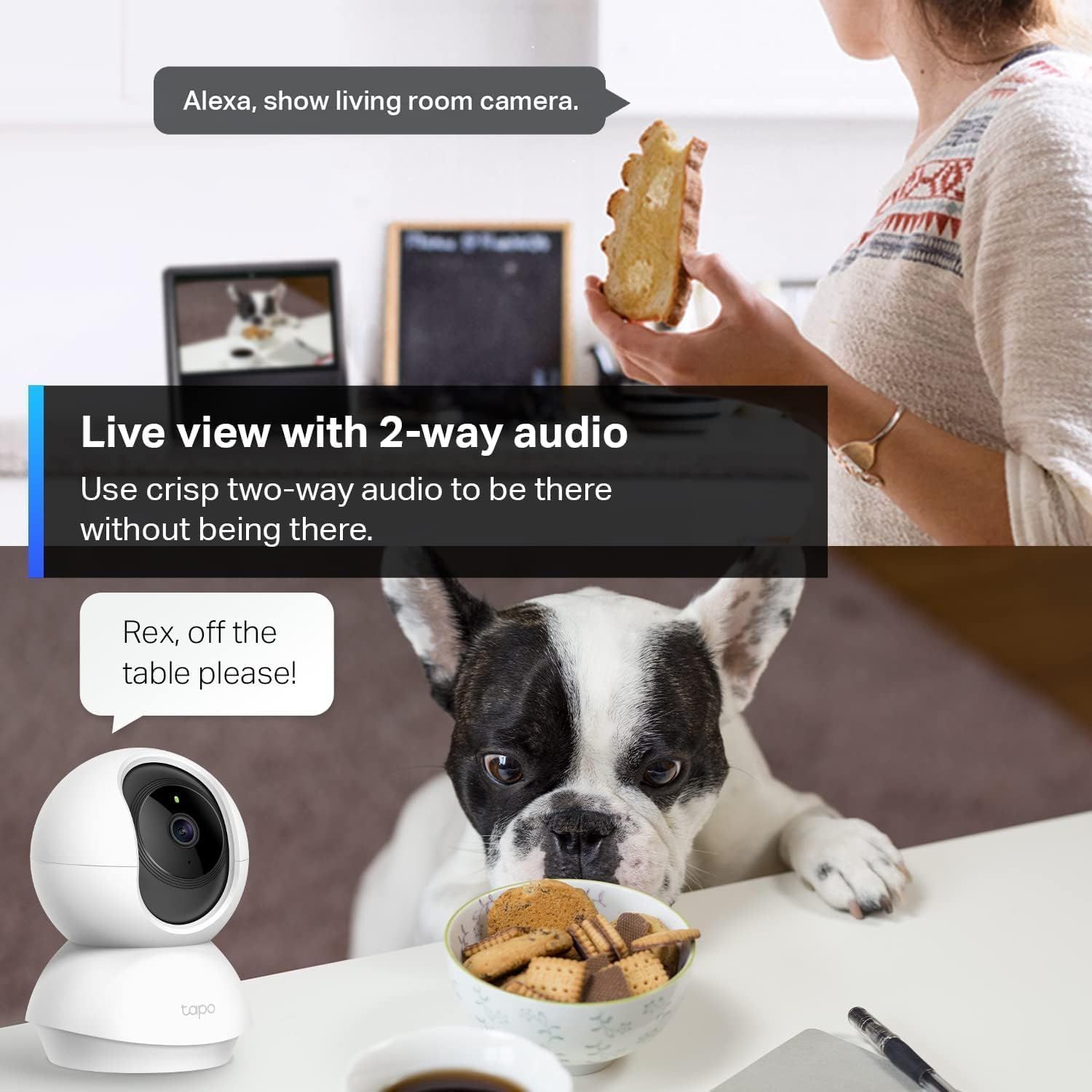
Demonstrates how to use the camera's voice control and two-way audio features to monitor and interact with pets remotely, showing practical application scenarios. Shows multiple use cases for the camera including checking on pets, using voice commands with Alexa integration, and communicating remotely through two-way audio.
- Brand
- TP-Link
- Category
- Electronics › Camera & Photo › Video Surveillance › Surveillance Cameras › Dome Cameras
- Image type
- How to Use Images, Use Case Images, Secondary Images
- Design focus
- Voice Control; 2-Way Audio Communication; Pet Monitoring; Remote Home Surveillance; Voice Commands
- Listing position
- Image 5
- Marketplace
- United States
- Best Sellers Rank
- #467 in Baby (See Top 100 in Baby) #5 in Video Baby Monitors #6 in Dome Surveillance Cameras #6 in Pet Cameras & Monitors
- Full listing
- See all 8 images in order
- ASIN
- B0829KDY9X
See your listing next to your competitors
Paste your Amazon link. We score every image and show what the top sellers do differently. Your first comparison is free.
What this image does at a glance
- Score
- 25 / 100 · Unreadable small
- Headline
- Live view with 2-way audio
- Headline height
- 3.0% of the image
- Headline contrast
- Lc 100
- Text on the image
- 6.7% of the image, 7 blocks
- Blurred to tile size
- headline no longer readable
Listing bullet points
- Pan/Tilt - The 360° horizontal range and 114° vertical range allow you to keep an eye on a wider field of view.
- High-Definition Video - The C200 captures every detail in crystal-clear 1080p. See what’s happening 24/7 and make sure your kids and house are safe. Connects via 2.4GHz Wi-Fi Band
- Advanced Night Vision - Sleep with peace of mind knowing that Tapo is keeping watch over your home and your little ones even at night. Advanced infrared night vision lets Tapo see in low light conditions up to 30 ft. away.
- Motion Detection and Notifications - Protect your family and home by stationing a camera near the entrance of your home, garage, or basement. Get notifications on your phone when your camera detects motion and trigger light and sound alarms to scare away unwanted visistors.
- Local Storage - Your recordings are stored locally on a Micro SD card to cut down on expenses like monthly fees for cloud storage. C200 supports up to 512 GB Micro SD cards. (Micro SD card not included)
- Two-Way Audio - Check in on your home and pets while you are away. With live two-way audio, you can scare off intruders, talk to your furry friends, and ensure your kids are staying out of trouble.
- Sound and Light Alarm System - Trigger sound and light to frighten away unwanted visitors.
- Share Every Memorable Moment - Memorable moments are worth sharing, especially with loved ones far away. Send interesting or amusing recorded footage with just a few taps.
Similar how to use images in Electronics
 GEEKOM A7 Mini PC
 Sennehiser ACCENTUM Plus Wireless Headphones
 Sennehiser ACCENTUM Plus Wireless Headphones
 Sennehiser ACCENTUM Plus Wireless Headphones
 Sennheiser Consumer Audio Momentum 4 Wireless Headphones
 Sennheiser Consumer Audio Momentum 4 Wireless Headphones
 Sennheiser Consumer Audio Momentum 4 Wireless Headphones
 Sennehiser ACCENTUM Wireless Headphones
 Anker Adaptador hub USB-C
 Metal Switch Opener GPL 205G0 0.35oz
 Metal Switch Opener GPL 205G0 0.35oz
 RUNJRX
This image belongs to TP-Link and is shown for design research. Request removal.