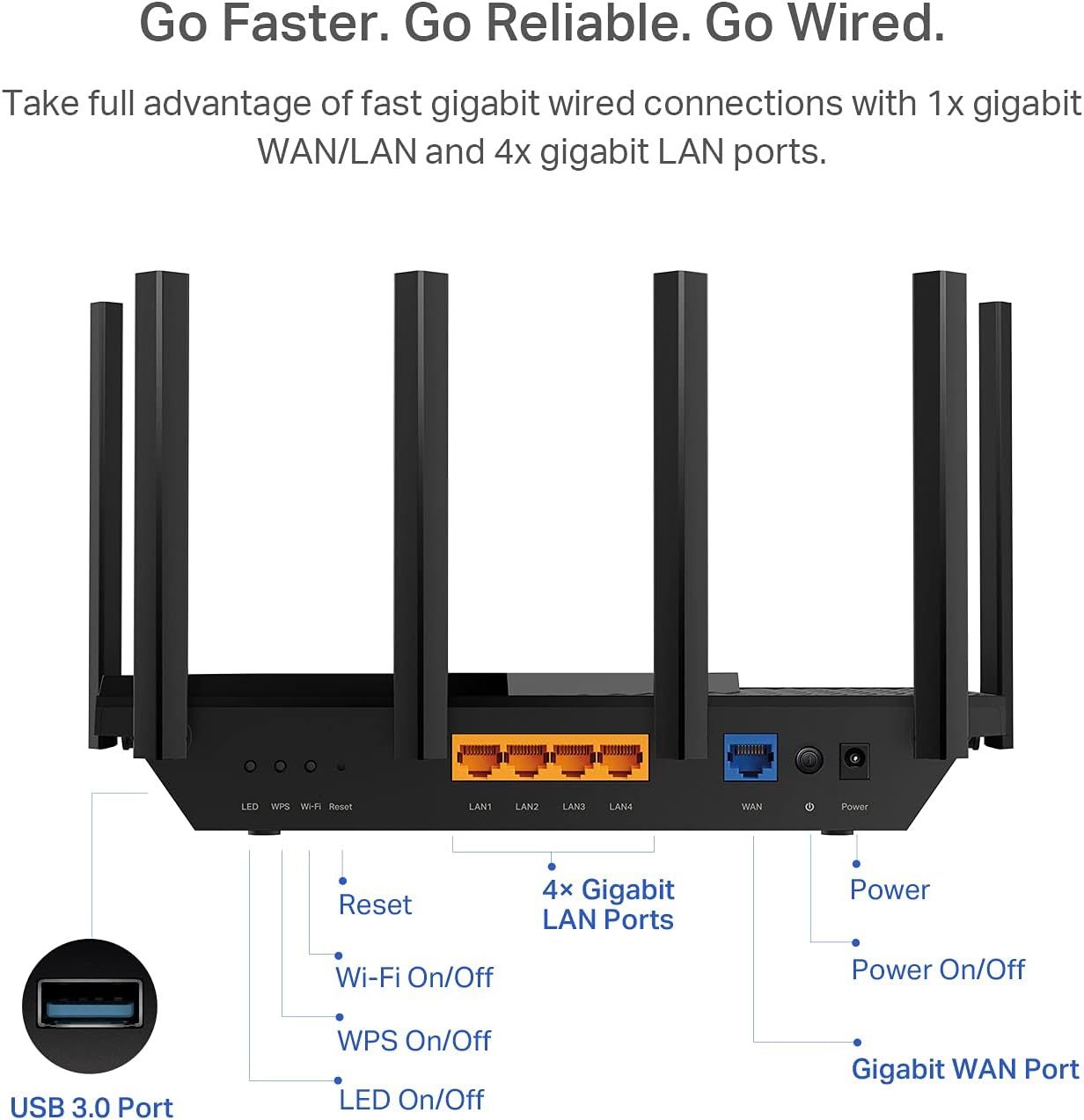
TP-Link AX5400 WiFi 6 Router (Archer AX73)- Dual Band Gigabit Wireless Internet Router…: Product Detail Images
This image breaks down the router's physical components and ports, labeling the Reset button, Wi-Fi On/Off, WPS On/Off, LED On/Off, 4x Gigabit LAN Ports, Gigabit WAN Port, Power, Power On/Off, and USB 3.0 Port to help shoppers understand the device's connectivity options and controls.
- Brand
- TP-Link
- Category
- Electronics › Computers & Accessories › Networking Products › Routers
- Image type
- Product Detail Images, Secondary Images
- Design focus
- Port Configuration; Control Buttons; USB Port
- Listing position
- Image 6
- Marketplace
- United States
- Best Sellers Rank
- #7,331 in Electronics (See Top 100 in Electronics) #55 in Computer Routers
- Full listing
- See all 7 images in order
- ASIN
- B08TH4D3QV
See your listing next to your competitors
Paste your Amazon link. We score every image and show what the top sellers do differently. Your first comparison is free.
What this image does at a glance
- Score
- 15 / 100 · Unreadable small
- Headline
- Go Faster. Go Reliable. Go Wired.
- Headline height
- 3.5% of the image
- Headline contrast
- Lc 85
- Text on the image
- 13.3% of the image, 16 blocks
- Blurred to tile size
- headline no longer readable
Listing bullet points
- Gigabit WiFi for 8K Streaming – Up to 5400 Mbps WiFi for faster browsing, streaming, gaming and downloading, all at the same time.Operating Temperature: 0℃40℃ (32℉ 104℉)
- Full Featured WiFi 6 Router– Equipped with 4T4R and HE160 technologies on the 5 GHz band to enable max 4.8 Gbps ultra-fast connections.Power:12 V 2.5 A
- Connect More Devices – Supports MU-MIMO and OFDMA to reduce congestion and 4X the average throughput
- Extensive Coverage - Enjoy stable WiFi connections, even in the kitchen and bedroom. High-Power FEM, 6× Antennas, Beamforming, and 4T4R structures combine to adapt WiFi coverage to perfectly fit your home and concentrate signal strength towards your devices
- More Vents, Less Heat – Improved vented areas help unleash the full power of the router
- USB Sharing – 1× USB 3.0 port enables easy media sharing and private cloud storage
- TP-Link HomeShield - TP-Link's premium security service keeps your home network safe with cutting-edge network and IoT protection. Free features: 1. Basic Network Security including Security Scan and IoT Device Identification 2. Basic Parental Controls 3. Quality of Service 4. Basic Weekly/Monthly…
- Works with all internet service providers, such as AT and T, Verizon, Xfinity, Spectrum, RCN, Cox, CenturyLink, Frontier, etc.( a modem is required for most internet service providers)
Similar product detail images in Electronics
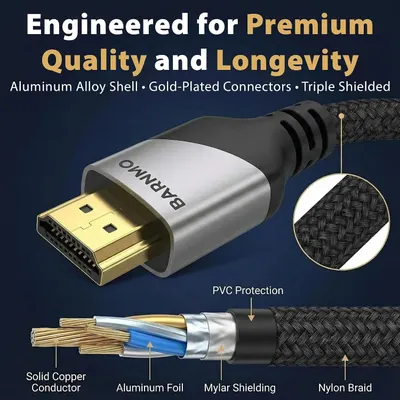 HDMI 8K 2.1 Certified
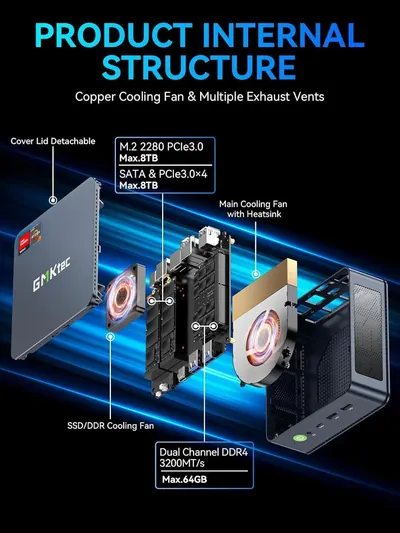 GMKtec M5 Ultra Mini PC AMD Ryzen 7 7730U (Turbo 4.5GHz) Upgradeable RAM
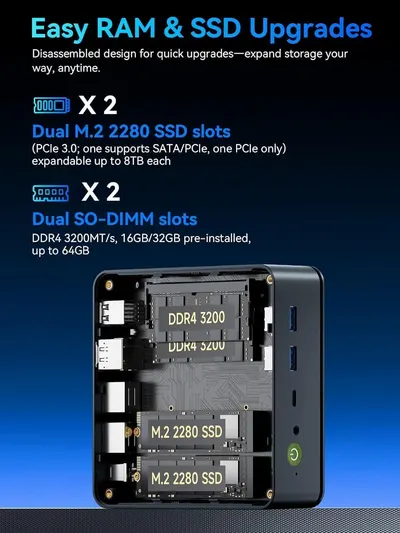 GMKtec M5 Ultra Mini PC AMD Ryzen 7 7730U (Turbo 4.5GHz) Upgradeable RAM
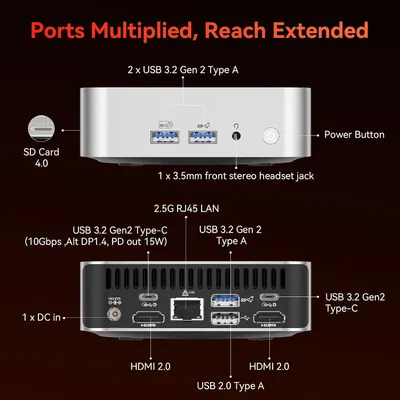 GEEKOM A7 Mini PC
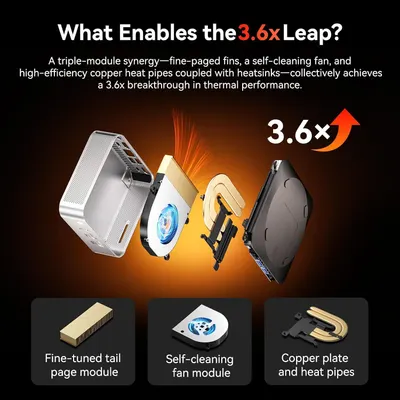 GEEKOM A7 Mini PC
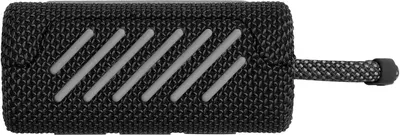 JBL Go 3
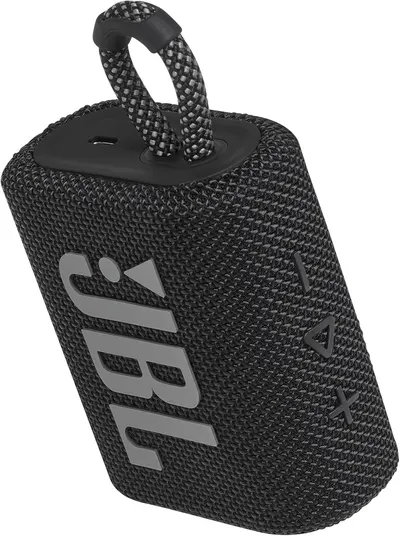 JBL Go 3
 JBL Go 3
 JBL Go 3
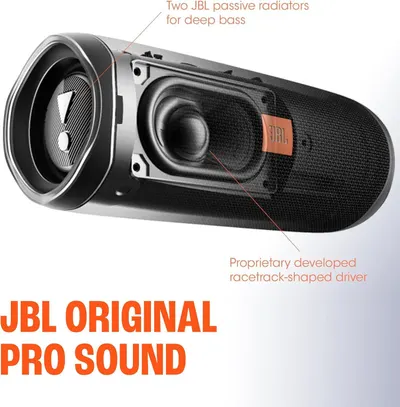 JBL FLIP 5
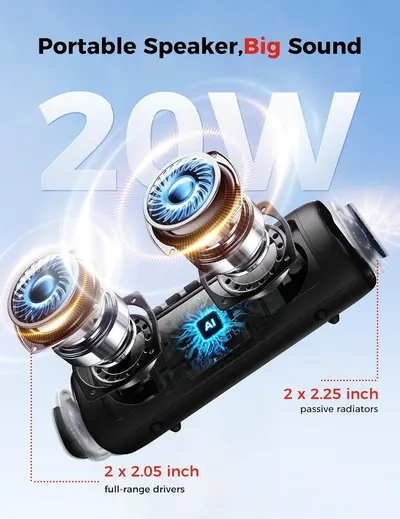 Bluetooth Speaker
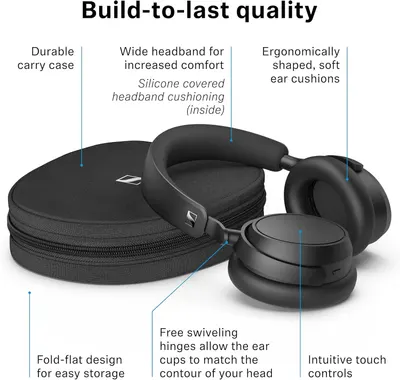 Sennehiser ACCENTUM Plus Wireless Headphones
This image belongs to TP-Link and is shown for design research. Request removal.