Highwings 4K Display Port to HDMI Adapter: How to Use Images
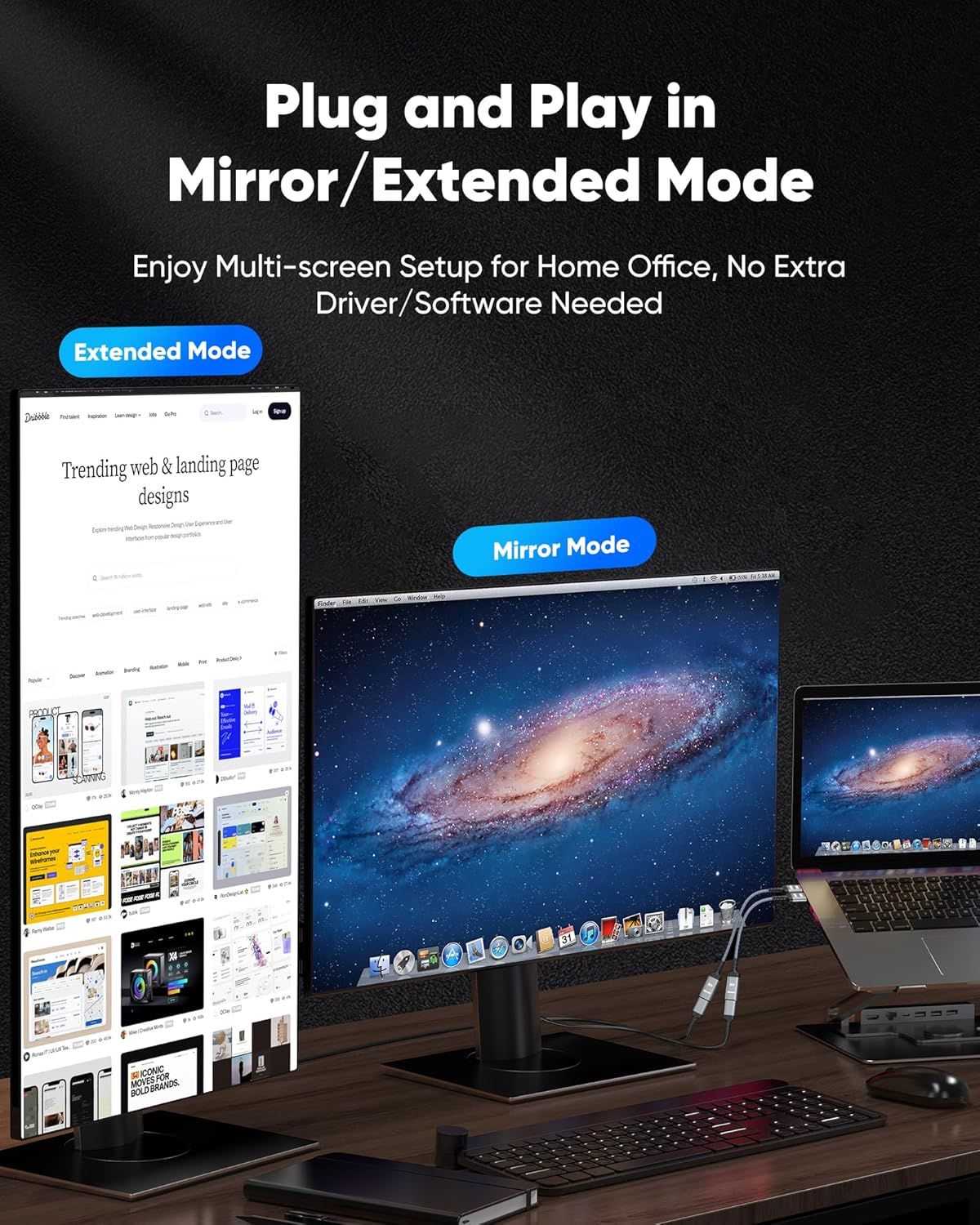
Demonstrates how the product enables easy multi-screen setup for home office use with both mirror and extended display modes, requiring no additional drivers or software installation. Shows multiple use case scenarios for the product, highlighting its versatility in supporting different display configurations for productivity and workspace enhancement.
- Brand
- Highwings
- Category
- Electronics › Computers & Accessories › Computer Accessories & Peripherals › Computer Cable Adapters
- Image type
- How to Use Images, Use Case Images, Secondary Images
- Design focus
- Plug and Play Setup; Mirror Mode; Extended Mode; Multi-screen Home Office Setup; Extended Mode; Mirror Mode
- Listing position
- Image 5
- Marketplace
- United States
- Best Sellers Rank
- #2 in Audio & Video Connectors & Adapters #11 in Computer Cable Adapters
- Full listing
- See all 8 images in order
- ASIN
- B0C4XH8LZ1
See your listing next to your competitors
Paste your Amazon link. We score every image and show what the top sellers do differently. Your first comparison is free.
What this image does at a glance
- Score
- 39 / 100 · Unreadable small
- Headline
- Mirror/Extended Mode
- Headline height
- 4.6% of the image
- Headline contrast
- Lc 104
- Text on the image
- 10.0% of the image, 8 blocks
- Blurred to tile size
- headline no longer readable
Listing bullet points
- 4K UHD and AUDIO SYNC: Supports up to 4K@30Hz resolution with backward compatibility for 1440P/2K@60Hz and 1080P Full HD. (BE SURE to NOTE: The product is passive. Also, Dock-stations are not supported) Ensures synchronized high-definition audio and video for an immersive streaming or gaming…
- UNI-DIRECTIONAL DISPLAYPORT to HDMI ADAPTER: is designed for one-way conversion from DisplayPort source to HDMI display only. It does not support HDMI to DisplayPort conversion, so it is not suitable for HDMI source devices
- WIDE COMPATIBILITY: Perfect for graphics card (AMD, NVIDIA), desktops (HP, Dell, Lenovo) with Display Port connections, this cable delivers vibrant, realistic 4K resolution and smooth 3D visuals to large screens. (Note: Monitor - to - Monitor/ TV connection is not supported. The monitor has no…
- DURABLE DESIGN: The SR Flexible Strength Design, 24K gold-plated ports, latch-free and military-grade tensile nylon can ensure that this DP to HDMI adapter withstand up to 25,000 flex times and accurately transmits signals, greatly extending use life. DisplayPort is an upgraded version of DVI,…
- NOTE1: Please ensure that the display resolution and refresh rate settings are consistent to avoid abnormal display; High-resolution data transmission will cause the chip to heat up, please don't worry too much
- Note2: Microsoft Windows, Mac OS X, and PC laptops with DP ports must support “DisplayPort Alternate Mode”. This is a passive adapter with a built-in advanced conversion chip that converts DisplayPort signals to HDMI signals. It is not bidirectional and is only for use with DisplayPort…
Similar how to use images in Electronics
 GEEKOM A7 Mini PC
 Sennehiser ACCENTUM Plus Wireless Headphones
 Sennehiser ACCENTUM Plus Wireless Headphones
 Sennehiser ACCENTUM Plus Wireless Headphones
 Sennheiser Consumer Audio Momentum 4 Wireless Headphones
 Sennheiser Consumer Audio Momentum 4 Wireless Headphones
 Sennheiser Consumer Audio Momentum 4 Wireless Headphones
 Sennehiser ACCENTUM Wireless Headphones
 Anker Adaptador hub USB-C
 Metal Switch Opener GPL 205G0 0.35oz
 Metal Switch Opener GPL 205G0 0.35oz
 RUNJRX
This image belongs to Highwings and is shown for design research. Request removal.