SimpliSafe 8 Piece Wireless Home Security System: How to Use Images
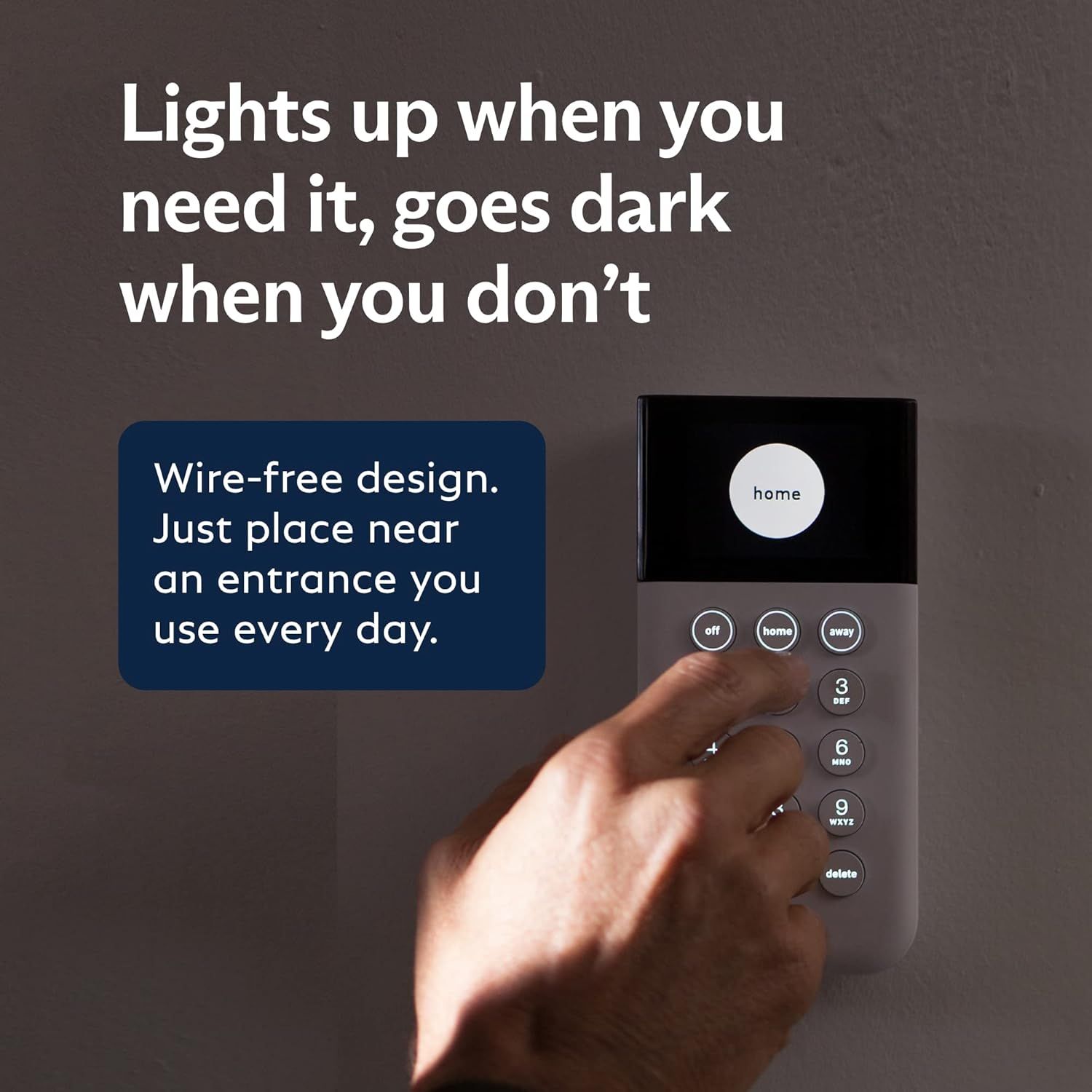
Highlights the product's smart lighting feature that activates when needed and turns off when not in use, emphasizing convenience and energy efficiency. Demonstrates the simple setup process of placing the device near a frequently used entrance, showcasing its wire-free design and ease of use.
- Brand
- SimpliSafe
- Category
- Electronics › Security & Surveillance › Home Security Systems
- Image type
- How to Use Images, Single Benefit Images, Secondary Images
- Design focus
- Automatic Lighting; Easy Installation
- Listing position
- Image 8
- Marketplace
- United States
- Best Sellers Rank
- #83 in Home Security Systems
- Full listing
- See all 11 images in order
- ASIN
- B07C38HT49
See your listing next to your competitors
Paste your Amazon link. We score every image and show what the top sellers do differently. Your first comparison is free.
What this image does at a glance
- Score
- 76 / 100 · Readable
- Headline
- Lights up when you
- Headline height
- 5.0% of the image
- Headline contrast
- Lc 96
- Text on the image
- 17.4% of the image, 12 blocks
- Blurred to tile size
- headline still readable
- 13 separate text blocks
Listing bullet points
- Simple to set up. Seriously secure - Get ready to protect right out of the box. Just plug in the Base Station, download the SimpliSafe App, place your sensors, and start protecting your home. No wiring or drilling required. Or contact SimpliSafe directly if you need help installing your system.
- 1 FREE month of professional monitoring for fast police response when you need it most. With optional monitoring services, our agents keep watch even when you can't, ready to instantly alert emergency responders. Starting at less than $1/day with no long-term contracts or hidden fees. (SimpliSafe…
- Complete control of your system with the SimpliSafe App - Arm, disarm and protect anytime, anywhere.
- Protection for entry points - Entry Sensors protect windows, doors, and cabinets and alert you when someone tries to enter. Customizable and can send Secret Alerts so you are quietly alerted if someone accesses private areas, without sounding an alarm.
- Blanket a whole room - Motion sensors detect motion within 35 feet, have a 90 degree field of view and get along great with pets under 60lbs. Perfect for full room coverage when placed in a corner.
- Instantly sound the alarm with a Panic Button - Triggers the alarm and dispatches police fast - with silent panic option to signal for help discreetly. (Requires a subscription to 24/7 Professional Monitoring)
- Prepared and built for the unexpected - The Base Station has a battery that lasts up to 24 hours and cellular backup (requires professional monitoring plan) so you stay protected even if you lose power or Wi-Fi.
- Smash-safe Keypad - Easily arm and disarm your system with a wireless Keypad that you can place anywhere. And backlit buttons light up when you need to see it and go dark when you don't.
Similar how to use images in Electronics
 GEEKOM A7 Mini PC
 Sennehiser ACCENTUM Plus Wireless Headphones
 Sennehiser ACCENTUM Plus Wireless Headphones
 Sennehiser ACCENTUM Plus Wireless Headphones
 Sennheiser Consumer Audio Momentum 4 Wireless Headphones
 Sennheiser Consumer Audio Momentum 4 Wireless Headphones
 Sennheiser Consumer Audio Momentum 4 Wireless Headphones
 Sennehiser ACCENTUM Wireless Headphones
 Anker Adaptador hub USB-C
 Metal Switch Opener GPL 205G0 0.35oz
 Metal Switch Opener GPL 205G0 0.35oz
 RUNJRX
This image belongs to SimpliSafe and is shown for design research. Request removal.