Logitech MX Keys S Wireless Keyboard: How to Use Images
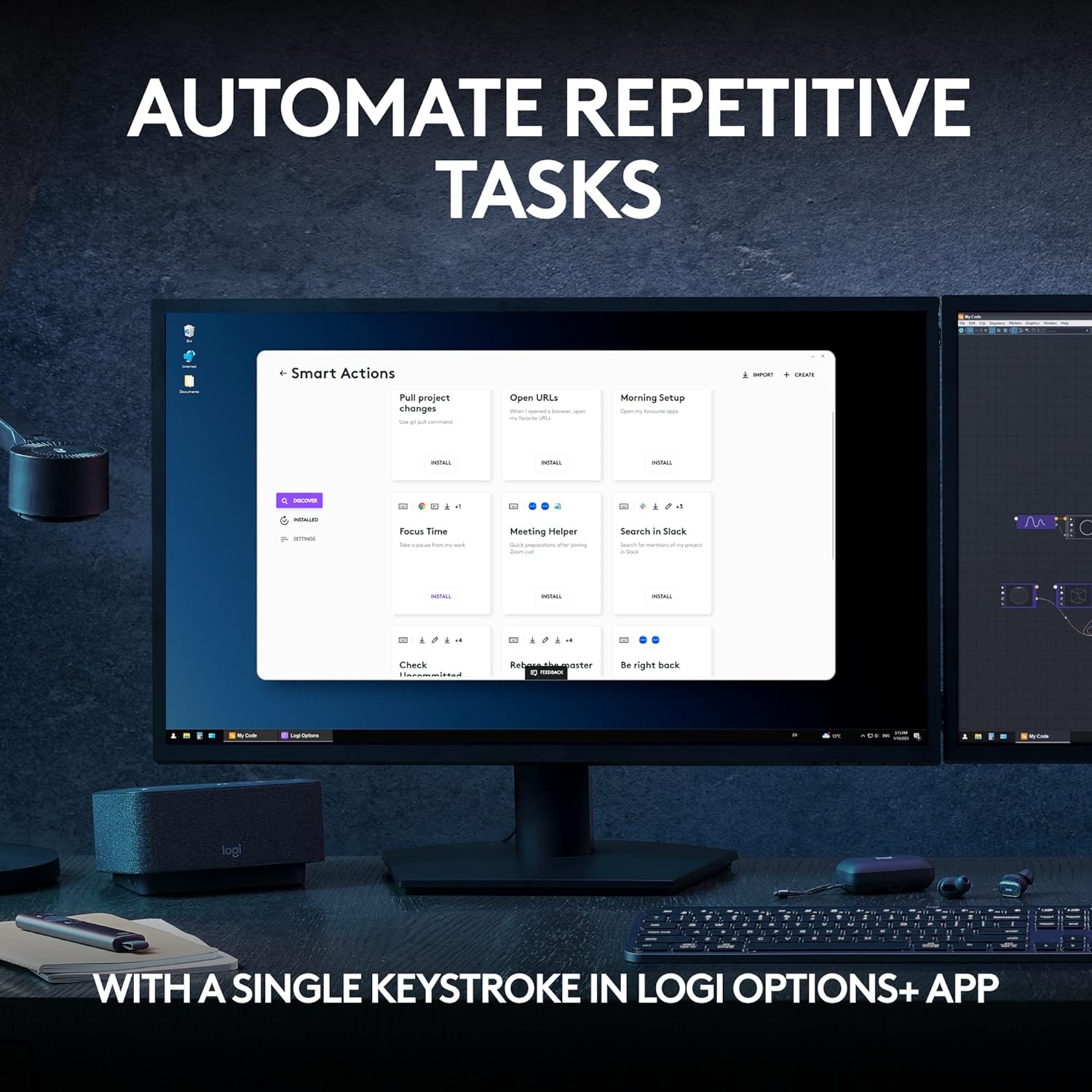
Demonstrates how to automate repetitive tasks using the Logi Options+ app, highlighting the efficiency and convenience of the software.
- Brand
- Logitech
- Category
- Electronics › Computers & Accessories › Computer Accessories & Peripherals › Keyboards, Mice & Accessories › Keyboards
- Image type
- How to Use Images, Secondary Images
- Design focus
- Task Automation
- Listing position
- Image 3
- Marketplace
- United States
- Best Sellers Rank
- #3 in Computer Keyboards
- Full listing
- See all 11 images in order
- ASIN
- B0BKW3LB2B
See your listing next to your competitors
Paste your Amazon link. We score every image and show what the top sellers do differently. Your first comparison is free.
What this image does at a glance
- Score
- 92 / 100 · Reads at a glance
- Headline
- TASKS
- Headline height
- 5.9% of the image
- Headline contrast
- Lc 94
- Text on the image
- 9.5% of the image, 9 blocks
- Blurred to tile size
- headline still readable
Listing bullet points
- Fluid Typing Experience: This Logitech MX keyboard, with its laptop-like profile and spherically-dished keys, delivers a fast, fluid, and precise typing experience
- Automate Repetitive Tasks: Easily create and share time-saving Smart Actions shortcuts to perform multiple actions with a single keystroke with this Logitech keyboard and the Logi Options+ app (1)
- More Comfort, Deeper Focus: Work for longer with a solid build, low profile keyboard design, and optimum keyboard angle
- Multi-Device, Multi OS Bluetooth Keyboard: This Logitech MX Keys wireless keyboard can pair with up to 3 devices on nearly any operating system (Windows, macOS, Linux) via Bluetooth Low Energy or included Logi Bolt USB receiver (2)
- Smarter Illumination: Backlit keyboard keys light up as your hands approach and adapt to the environment; this wireless light up keyboard now has more lighting customizations on Logi Options+
- Fully compatible with Windows 11
Similar how to use images in Electronics
 GEEKOM A7 Mini PC
 Sennehiser ACCENTUM Plus Wireless Headphones
 Sennehiser ACCENTUM Plus Wireless Headphones
 Sennehiser ACCENTUM Plus Wireless Headphones
 Sennheiser Consumer Audio Momentum 4 Wireless Headphones
 Sennheiser Consumer Audio Momentum 4 Wireless Headphones
 Sennheiser Consumer Audio Momentum 4 Wireless Headphones
 Sennehiser ACCENTUM Wireless Headphones
 Anker Adaptador hub USB-C
 Metal Switch Opener GPL 205G0 0.35oz
 Metal Switch Opener GPL 205G0 0.35oz
 RUNJRX
This image belongs to Logitech and is shown for design research. Request removal.