Anker USB C to HDMI Adapter (4K@60Hz): How to Use Images
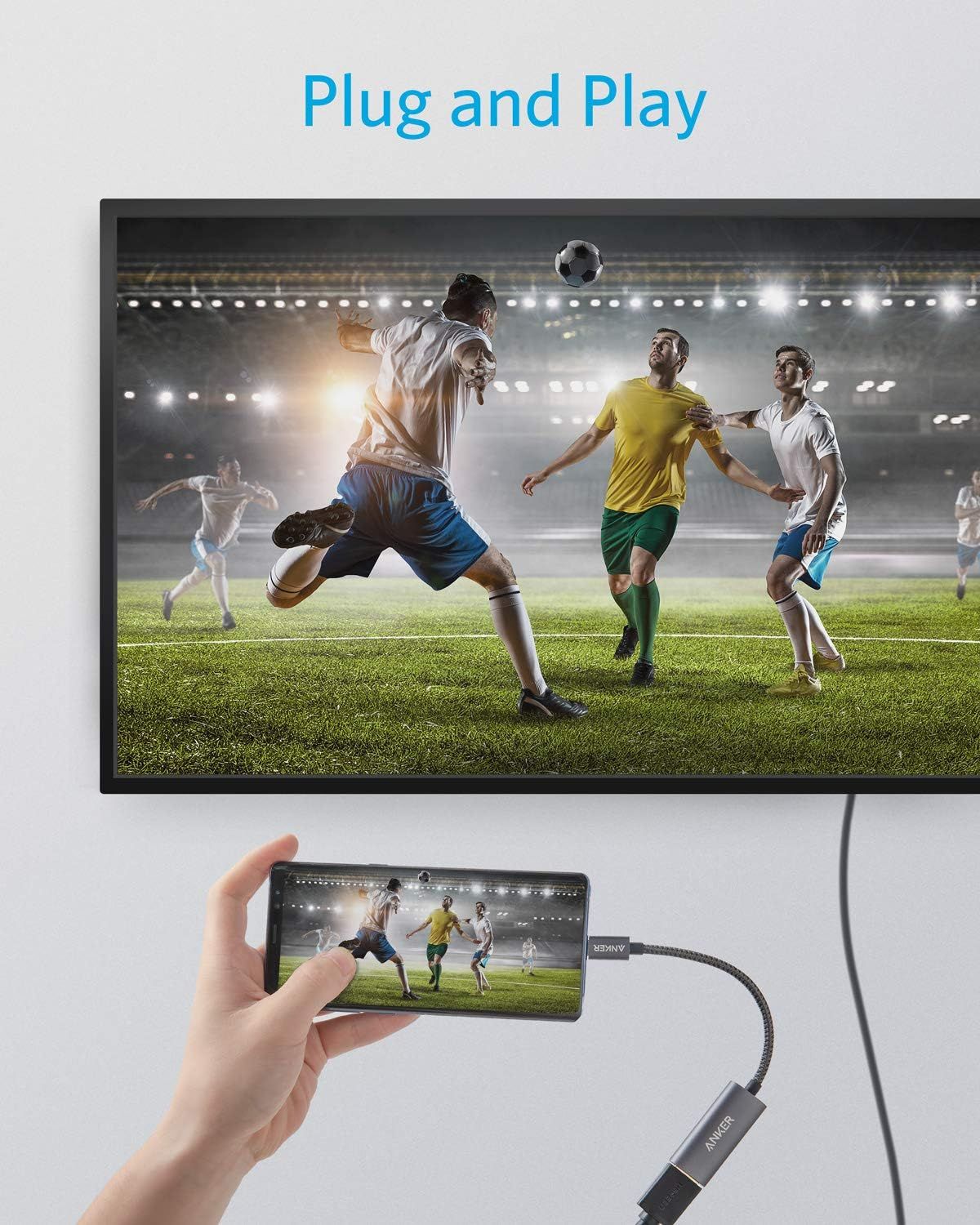
Demonstrates how simple it is to connect a smartphone to a TV using the cable adapter, showing the plug-and-play functionality for screen mirroring. Highlights the ease-of-use benefit where users can instantly mirror their phone content to a larger screen without complex setup.
- Brand
- Anker
- Category
- Electronics › Computers & Accessories › Computer Accessories & Peripherals › Cables & Accessories › Cables & Interconnects
- Image type
- How to Use Images, Single Benefit Images, Secondary Images
- Design focus
- Easy Setup; Screen Mirroring; Plug and Play; Easy Connectivity
- Listing position
- Image 3
- Marketplace
- United States
- Best Sellers Rank
- #4 in Computer Cable Adapters #33 in Computer Cables & Interconnects
- Full listing
- See all 7 images in order
- ASIN
- B07THJGZ9Z
See your listing next to your competitors
Paste your Amazon link. We score every image and show what the top sellers do differently. Your first comparison is free.
What this image does at a glance
- Score
- 23 / 100 · Unreadable small
- Headline
- ANKER
- Headline height
- 4.0% of the image
- Headline contrast
- Lc 44
- Text on the image
- 2.9% of the image, 2 blocks
- Blurred to tile size
- headline no longer readable
- lower text "Plug and Play" is 2.9% of height, needs 5.5%
- headline contrast below APCA minimum (Lc 43)
- headline unreadable at phone-tile blur
Listing bullet points
- The Anker Advantage: Join the 80 million+ powered by our leading technology.
- Vivid Video: The HDMI adapter lets you connect to any TV or display with an HDMI port to stream video in up to 4K resolution.
- Plug and Play: Instantly turn your laptop’s USB-C port into an HDMI port, with no installation necessary.
- Premium Construction: A lightweight aluminum casing allows for greater heat dissipation, while the reinforced braided-nylon cable is designed to withstand the twists and tugs of daily use.
- Compatibility: Supports USB-C DP Alt mode, USB4, and Thunderbolt connections.
- What You Get: Anker 310 USB-C Adapter (4K HDMI)/ PowerExpand+ USB-C to HDMI Adapter, welcome guide, our worry-free 18-month warranty, and friendly customer service.
Similar how to use images in Electronics
 GEEKOM A7 Mini PC
 Sennehiser ACCENTUM Plus Wireless Headphones
 Sennehiser ACCENTUM Plus Wireless Headphones
 Sennehiser ACCENTUM Plus Wireless Headphones
 Sennheiser Consumer Audio Momentum 4 Wireless Headphones
 Sennheiser Consumer Audio Momentum 4 Wireless Headphones
 Sennheiser Consumer Audio Momentum 4 Wireless Headphones
 Sennehiser ACCENTUM Wireless Headphones
 Anker Adaptador hub USB-C
 Metal Switch Opener GPL 205G0 0.35oz
 Metal Switch Opener GPL 205G0 0.35oz
 RUNJRX
This image belongs to Anker and is shown for design research. Request removal.