Anker Prime Docking Station (DL7400): How to Use Images
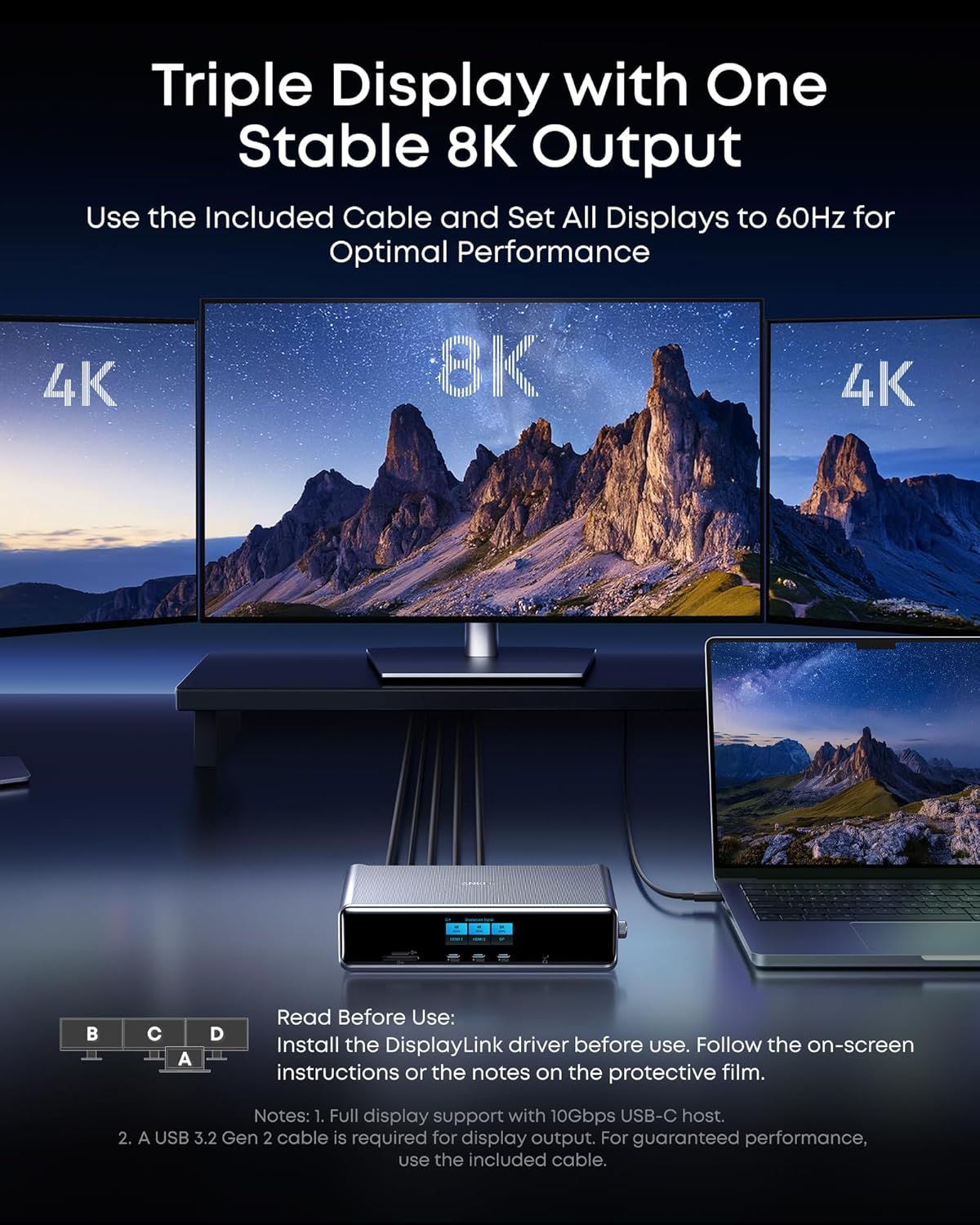
Demonstrates how to set up a triple display configuration with 8K output and provides installation guidance to help shoppers understand the setup process and optimal performance settings. Shows the product's capability to support multiple displays simultaneously, demonstrating its versatility for multi-monitor workstation setups.
- Brand
- Anker
- Category
- Electronics › Computers & Accessories › Laptop Accessories › Docking Stations
- Image type
- How to Use Images, Use Case Images, Secondary Images
- Design focus
- Triple Display Setup; Installation Instructions; Multi-Monitor Support; Triple Display Configuration
- Listing position
- Image 4
- Marketplace
- United States
- Best Sellers Rank
- #1,424 in Electronics (See Top 100 in Electronics) #19 in Laptop Docking Stations
- Full listing
- See all 9 images in order
- ASIN
- B0DTSZC5Y7
See your listing next to your competitors
Paste your Amazon link. We score every image and show what the top sellers do differently. Your first comparison is free.
What this image does at a glance
- Score
- 11 / 100 · Unreadable small
- Headline
- 4K
- Headline height
- 3.7% of the image
- Headline contrast
- Lc 50
- Text on the image
- 14.5% of the image, 13 blocks
- Blurred to tile size
- headline no longer readable
Listing bullet points
- 14 Powerful Connections: Designed for modern setups, featuring a 140W 10Gbps USB-C upstream port, two 100W 10Gbps USB-C ports, one 100W 5Gbps USB-C port, two HDMI ports, one DisplayPort, two 5Gbps USB-A ports, one 480Mbps USB-A port, a 2.5Gbps Ethernet port, a headphone and mic combo jack, plus SD…
- One 8K Output, Triple Display Versatility: Power up three external monitors at once, including one in 8K, for ultra-efficient multitasking. Compatible with both MacOS 13.5 or later and Windows 10/11.(Note: The latest DisplayLink driver installation is required.)
- Each Port Powers and Performs: Every USB-C port supports both charging and data transfer. Power your laptop with up to 140W via the upstream port, while each front USB-C port delivers 100W of high-speed charging. (Note: The front USB-C ports do not support media display.)
- Always Cool, Always in Control: View real-time updates on charging power, display performance, fan cooling mode, and settings directly from the smart display. The built-in fan and ActiveShield 3.0 help keep your device running cool and stable.
- What You Get: Anker Prime Docking Station (14-in-1, Triple Display, DisplayLink), USB-C to USB-C 3.2 Gen 2 cable for upstream port (3.3 ft, 10 Gbps), 6ft AC power cord, safety sheet with user manual QR code , 24-month warranty, and our friendly customer service.
Similar how to use images in Electronics
 GEEKOM A7 Mini PC
 Sennehiser ACCENTUM Plus Wireless Headphones
 Sennehiser ACCENTUM Plus Wireless Headphones
 Sennehiser ACCENTUM Plus Wireless Headphones
 Sennheiser Consumer Audio Momentum 4 Wireless Headphones
 Sennheiser Consumer Audio Momentum 4 Wireless Headphones
 Sennheiser Consumer Audio Momentum 4 Wireless Headphones
 Sennehiser ACCENTUM Wireless Headphones
 Anker Adaptador hub USB-C
 Metal Switch Opener GPL 205G0 0.35oz
 Metal Switch Opener GPL 205G0 0.35oz
 RUNJRX
This image belongs to Anker and is shown for design research. Request removal.