Amazon How to Use Image Examples

We have 2,789 how to use image examples from 1,891 Amazon listings, 3% of the library. Sellers place them most often as image 6, 5 or 4 (48% of examples with a known position). Beauty & Personal Care has the most (13%, 1.6× its share of the library). Common themes: Easy Installation, Usage Instructions and Easy Setup.

Page 31
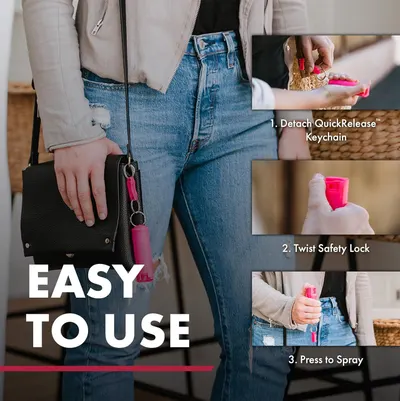
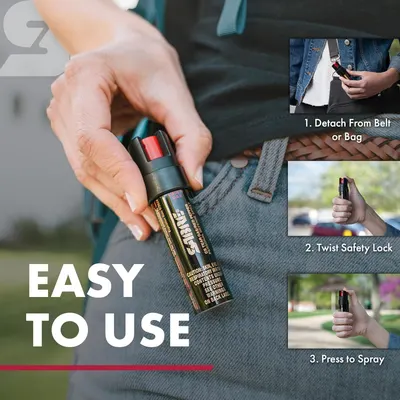
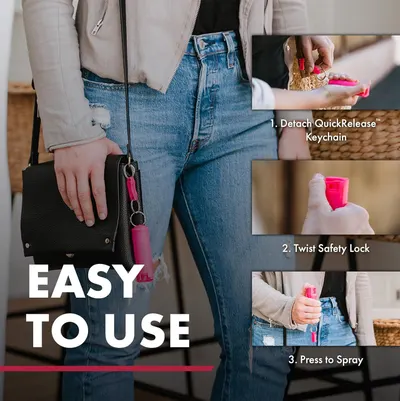
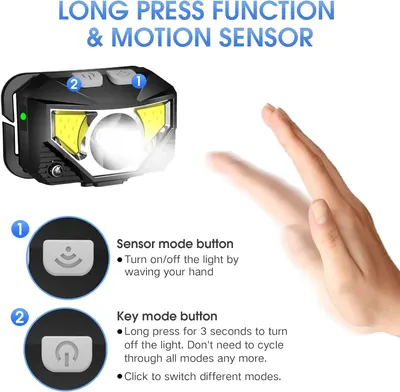
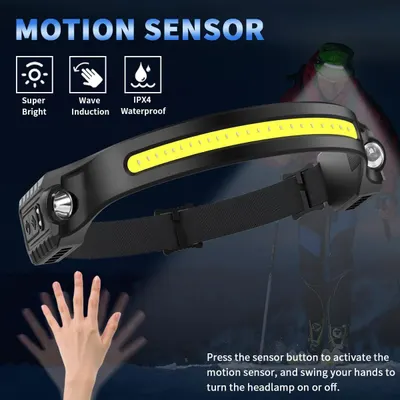
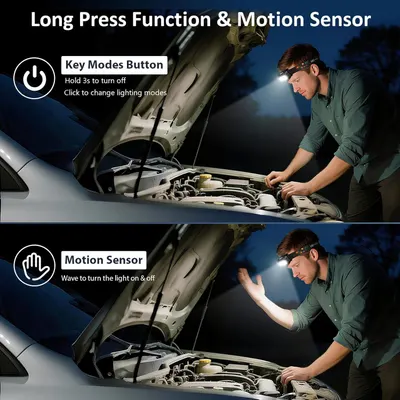
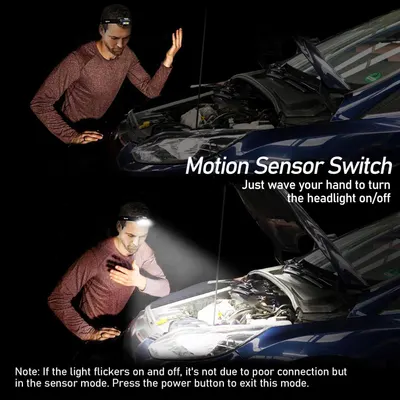
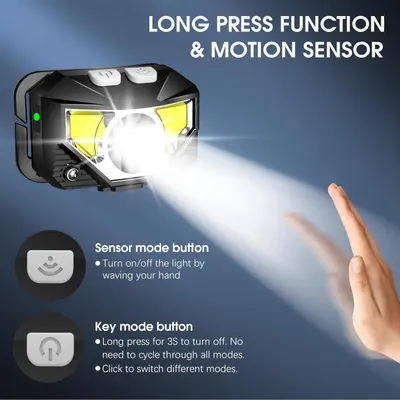
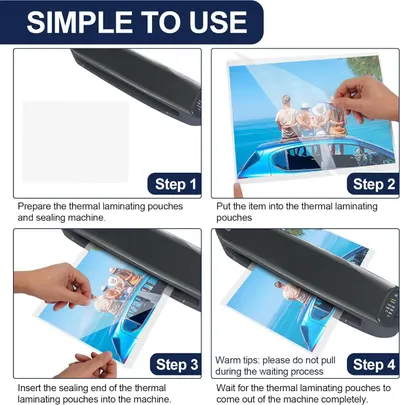
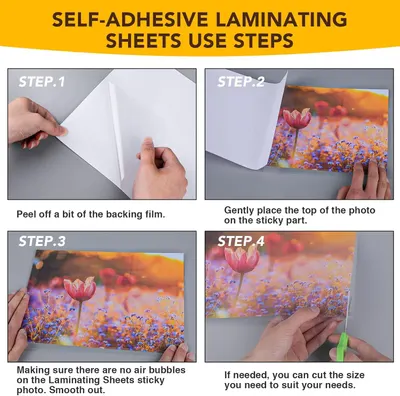
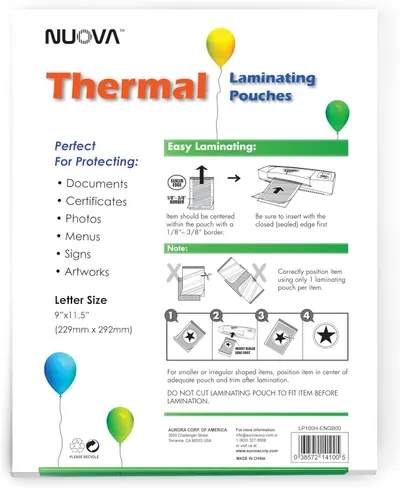
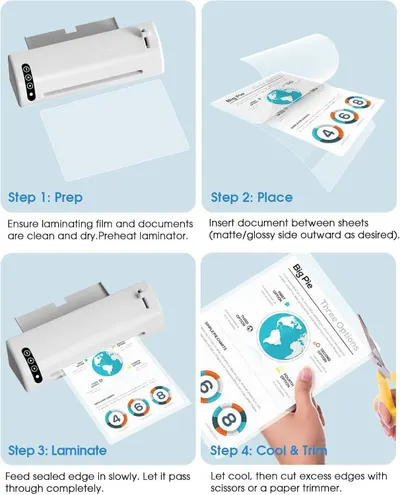
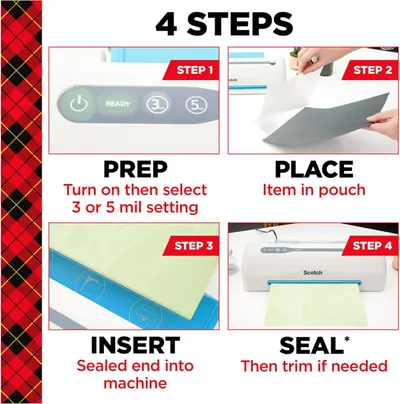
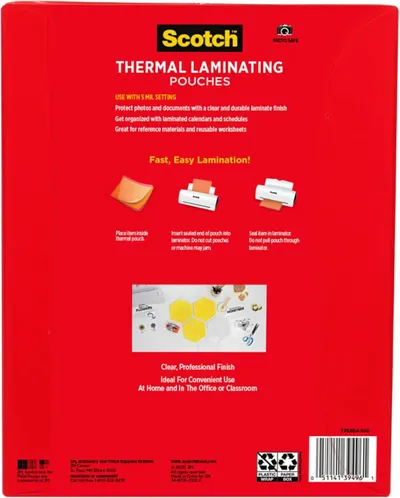
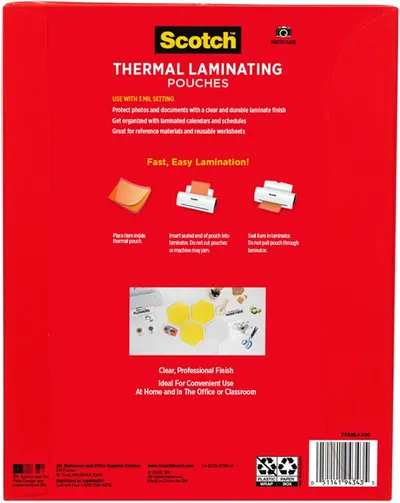
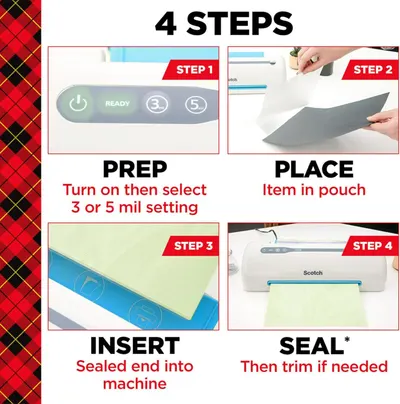
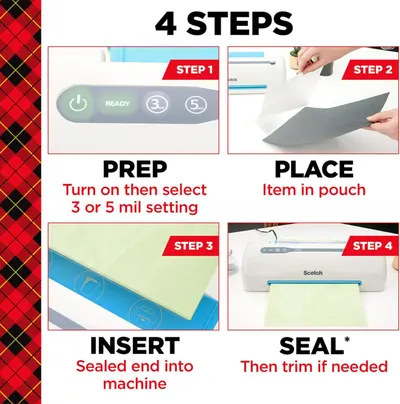
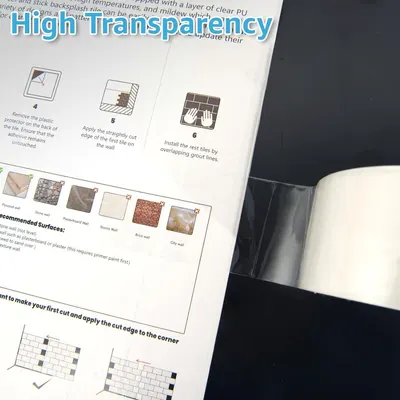
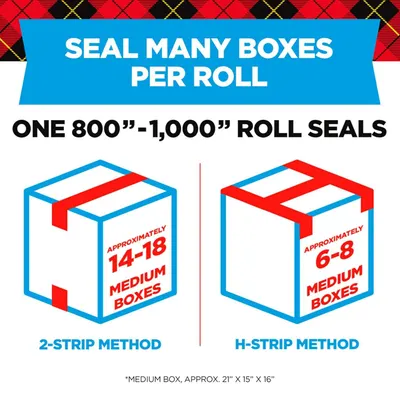
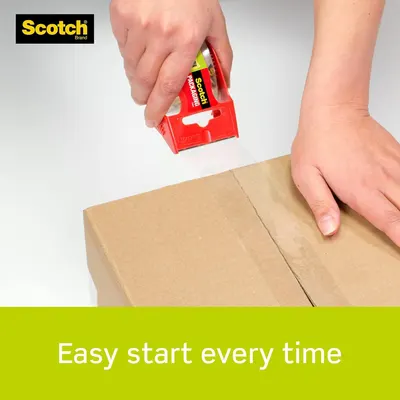
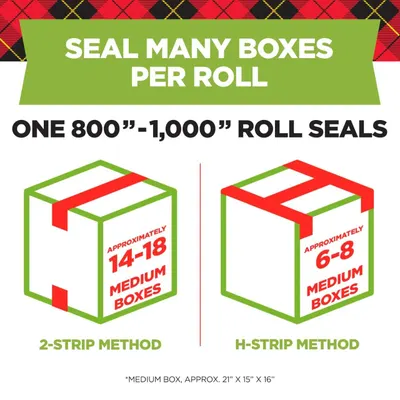
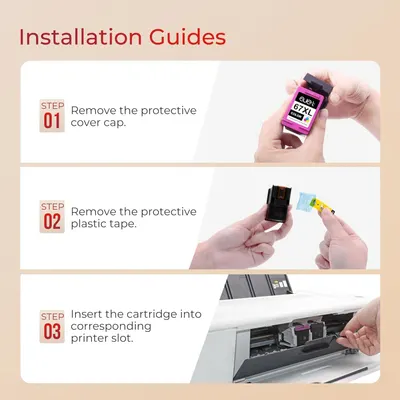
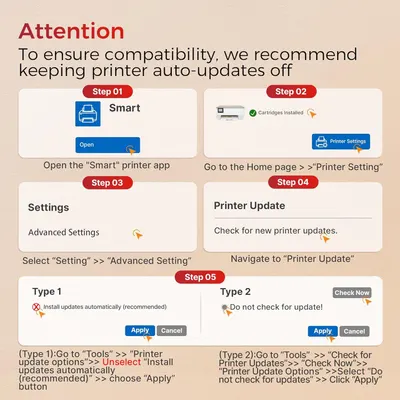
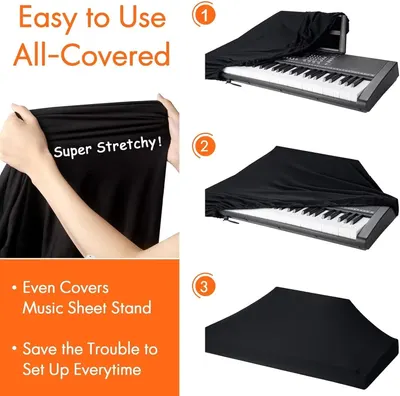
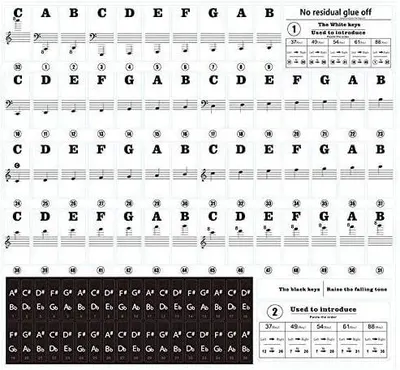
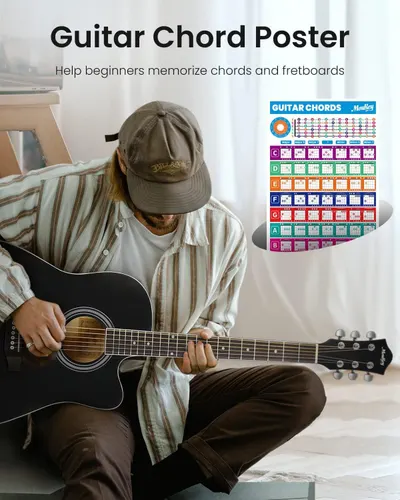
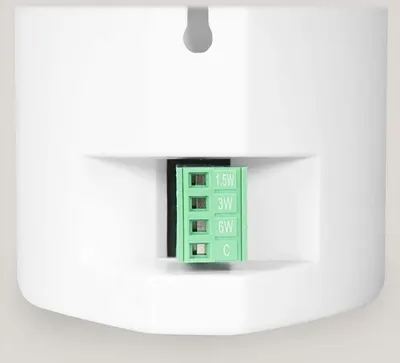
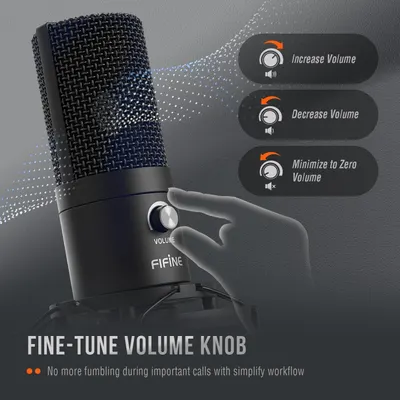
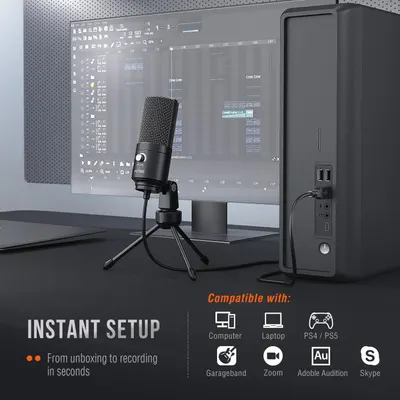
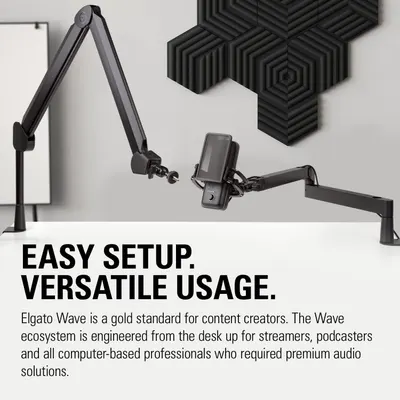
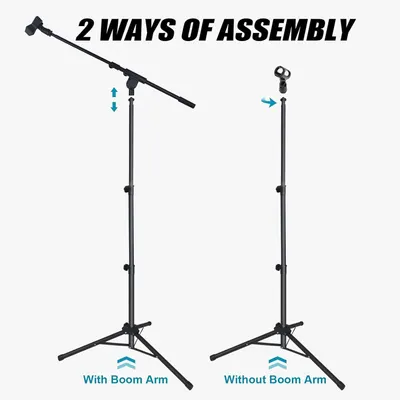
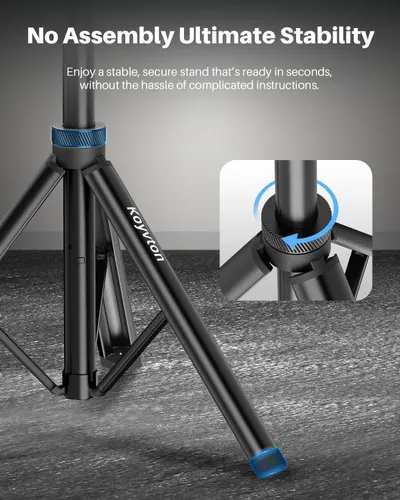
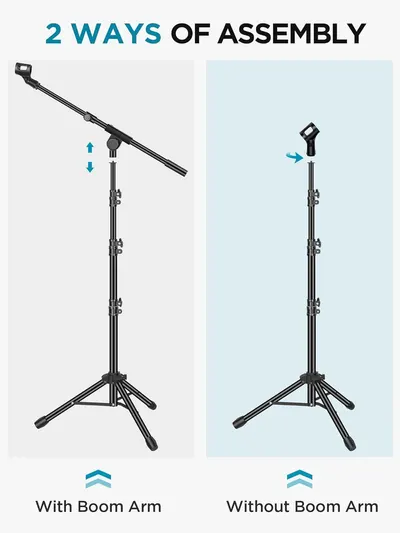
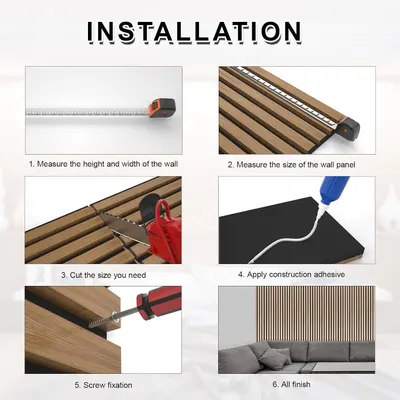
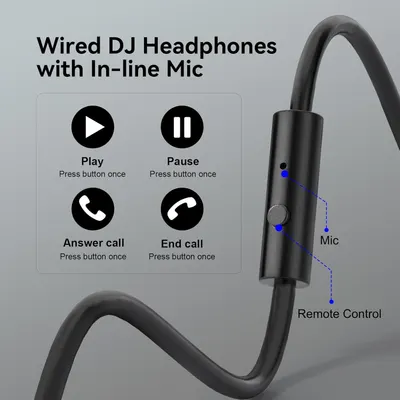
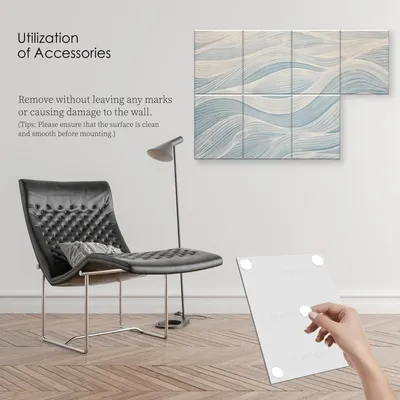
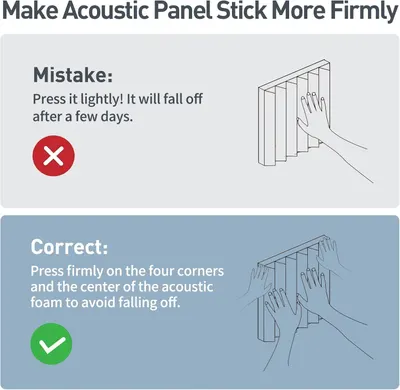
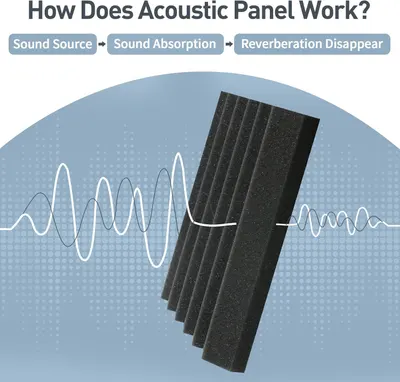
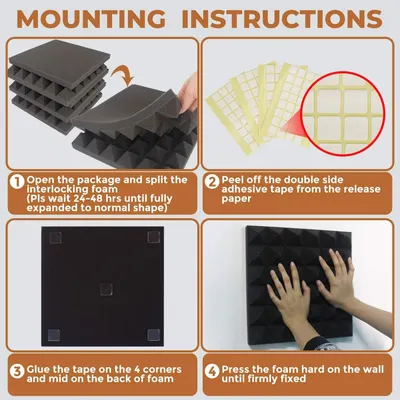
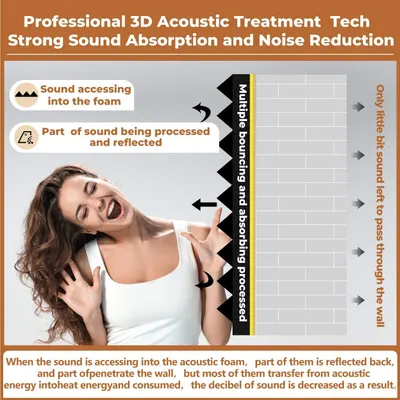
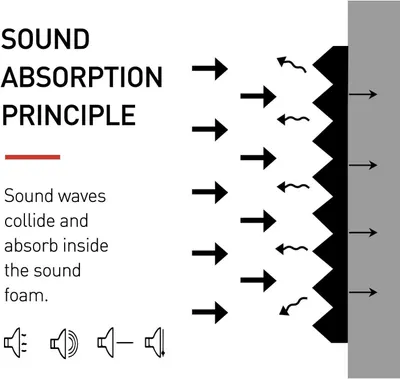
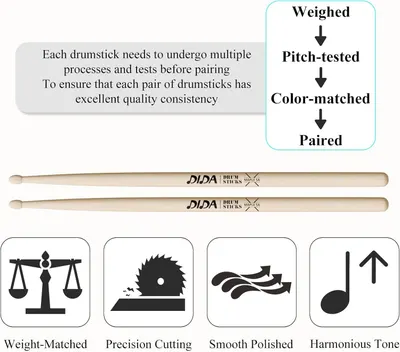
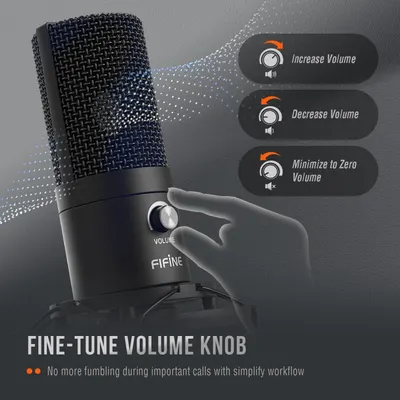
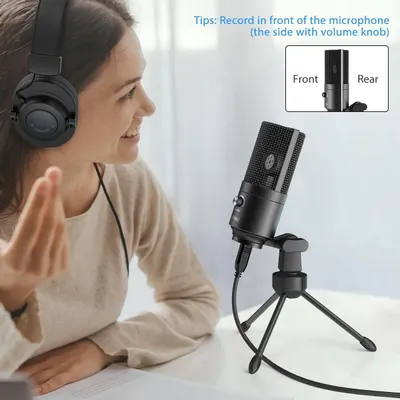
This image demonstrates the three-step process for using the personal safety spray product, showing shoppers how simple and quick it is to detach, unlock, and deploy the device in an emergency.SABRE Pepper SprayDemonstrates the simple three-step process for using the pepper spray: detach from belt, twist safety lock, and press to spray. Reassures shoppers that the product is easy to operate in emergency…SABRE 3-in-1 Compact Defense SprayThis image demonstrates the three-step process for using the personal safety spray product, showing shoppers how simple and quick it is to detach, unlock, and deploy the device in an emergency.Sabre Pepper SprayThis image demonstrates the three-step process for using the personal safety spray product, showing shoppers how simple and quick it is to detach, unlock, and deploy the device in an emergency.Sabre Pepper SprayThis image demonstrates the three-step process for using the personal safety spray product, showing shoppers how simple and quick it is to detach, unlock, and deploy the device in an emergency.Sabre Pepper SprayExplains how to operate the headlamp using the motion sensor and long press function, helping shoppers understand the convenient hands-free control and button functionality. Highlights multiple…LHKNL Headlamp FlashlightExplains how to activate and use the motion sensor feature by pressing the sensor button and waving hands to control the headlamp, demonstrating ease of use. Highlights three distinct product…Headlamp Rechargeable 5PackDemonstrates how to operate the headlamp using two different control methods: a key modes button with long press and click functions, and a motion sensor for hands-free operation. Highlights…LHKNL Headlamp RechargeableDemonstrates how to use the motion sensor feature by waving your hand to turn the headlight on/off, showing the product's ease of use in a real-world scenario. Highlights the hands-free motion…Blukar LED Headlamp RechargeableExplains how to use the headlamp's two key control features: the motion sensor mode for hands-free operation and the long-press function for quick power-off without cycling through modes. Highlights…LHKNL Headlamp FlashlightDemonstrates how to use the thermal laminating machine through a clear 4-step sequential process, reassuring shoppers that the product is easy to operate.33 PCS Laminating Sheets 9”x11.5”Demonstrates the complete process of applying self-adhesive laminating sheets through a clear 4-step visual guide, helping shoppers understand how easy the product is to use.40 PCS Self-Adhesive Laminating SheetsProvides step-by-step visual instructions on how to properly use the thermal laminating pouches, including positioning, insertion, and trimming guidance to ensure successful lamination. Communicates…Nuova Premium Thermal Laminating Pouches 9" x 11.5"Provides clear step-by-step instructions on how to use the laminator, from preparation through trimming, to help shoppers understand the ease of use and proper operation.KTRIO 30 Pack Laminating SheetsProvides clear step-by-step instructions on how to use the laminating machine, from turning it on and selecting settings to placing, inserting, and sealing items in pouches.Scotch Thermal Laminating PouchesDemonstrates the simple 3-step lamination process to reassure shoppers that the product is easy to use and provides clear instructions for achieving professional results. Shows the versatility of…Scotch Thermal Laminating PouchesDemonstrates the simple 3-step process for using the thermal laminating pouches, reassuring shoppers that the product is easy to use and provides fast lamination results. Shows the versatility of…Scotch Thermal Laminating PouchesProvides clear step-by-step instructions on how to use the laminating machine, from turning it on and selecting settings to placing, inserting, and sealing items in pouches.Scotch Thermal Laminating PouchesProvides clear step-by-step instructions on how to use the laminating machine, from turning it on and selecting settings to placing, inserting, and sealing items in pouches.Scotch Thermal Laminating PouchesThis image provides detailed installation instructions for peel-and-stick tiles, showing numbered steps and recommended surfaces to help customers understand how to properly apply the product.…Art3d 6 Rolls Carton Sealing Tape Heavy DutyCommunicates the product's efficiency by showing how many medium-sized boxes can be sealed with one roll using different application methods, helping shoppers understand value and coverage.…Scotch Heavy Duty Packaging TapeDemonstrates how simple and effortless it is to use the Scotch packaging tape dispenser, reassuring shoppers that the product is user-friendly and convenient for everyday tasks. Highlights the…Scotch Sure Start Packing TapeCommunicates the product's capacity by showing how many medium-sized boxes can be sealed per roll using different application methods, helping shoppers understand the product's value and efficiency.…Scotch Sure Start Packing TapeCommunicates the high capacity of the tape roll by showing how many medium boxes can be sealed (800-1000 inches per roll translates to 14-18 or 6-8 boxes depending on sealing method), reassuring…Scotch Heavy Duty Shipping Packing TapeProvides step-by-step instructions for installing ink cartridges, showing shoppers exactly how to set up the product correctly and easily.67XL Ink Cartridges Black/Color Combo Pack Compatible for HP Ink 67 67XL Works with HP…Provides step-by-step instructions to disable automatic printer updates to ensure compatibility with the product (likely ink cartridges).67XL Ink Cartridges Black/Color Combo Pack Compatible for HP Ink 67 67XL Works with HP…Demonstrates the simple 3-step process for covering a keyboard with the protective cover, emphasizing ease of use and complete coverage including the music sheet stand. Highlights multiple benefits…88 Keys Piano Keyboard Dust CoverTeaches shoppers how to read and apply the piano key labels to learn notes and play music, demonstrating the educational setup and usage of the product.Piano Keyboard Stickers for BeginnersThis image teaches shoppers how to use the product by showing labeled piano keys with musical notes, helping beginners instantly learn key positions and note names for quick piano learning.Piano Notes Guide for BeginnerCommunicates that the product includes an educational poster to help beginners learn and memorize guitar chords and fretboard positions.Moukey 41" Acoustic Guitar for Beginners Adult Teen Full Size Guitarra Acustica with…Demonstrates how to adjust the lamp's brightness settings by showing the control switch with multiple wattage options (1.5W, 3W, 6W, C), helping shoppers understand the product's ease of use and…Rockville Pair Cube 70V White Commercial SpeakersDemonstrates how to use the fine-tune volume knob with three different adjustment options, simplifying the workflow for users during calls. Highlights the precision volume control feature that…FIFINE Studio Condenser USB Microphone Computer PC Microphone Kit with Adjustable Boom…Instructs users on the correct way to position themselves in front of the microphone for optimal recording quality, specifically identifying which side has the volume knob and should face the user.…FIFINE USB MicrophoneDemonstrates the microphone's broad compatibility across multiple devices and software platforms (Computer, Laptop, PS4/PS5, Garageband, Zoom, Adobe Audition, Skype) while emphasizing instant setup…FIFINE USB MicrophoneDemonstrates the simple setup and versatile positioning of the microphone boom arm system, reassuring content creators that the product is easy to install and adaptable to their workspace needs.…Elgato Wave:3Demonstrates the two different ways the microphone stand can be assembled (with or without boom arm), helping shoppers understand the product's versatility and setup options.GLEAM Microphone Stand for Light Microphone less than 1 LBDemonstrates the ease of setup by showing the simple twist-lock mechanism that allows the tripod stand to be ready in seconds without complicated assembly instructions. Highlights the product's…Mic StandDemonstrates the two different ways the microphone stand can be assembled (with or without boom arm) to help shoppers understand setup flexibility and configuration options.InnoGear Microphone StandProvides a clear 6-step visual guide showing shoppers exactly how to measure, cut, and install the wall panel product, reducing purchase hesitation by demonstrating ease of installation.NeatiEase Wood Panels for WallExplains how to use the in-line microphone and remote control button for play, pause, answering calls, and ending calls, helping shoppers understand the product's hands-free functionality.OneOdio Wired Over Ear Headphones Hi-Res Studio Monitor & Mixing DJ Stereo Headsets with…Demonstrates how to use the included mounting accessories to install wall art without damaging walls, reassuring shoppers about ease of setup and wall safety. Shows that mounting accessories are…8-Pack Art Acoustic Panels Sound Absorbing PanelsInstructs shoppers on the correct way to install acoustic panels by pressing firmly on corners and center, preventing installation mistakes that would cause panels to fall off.Sound Proof Foam PanelsExplains how the acoustic panel works by showing the three-step process of sound absorption, helping shoppers understand the product's functionality and effectiveness.Sound Proof Foam PanelsProvides step-by-step instructions for mounting acoustic foam panels, guiding the customer through the complete installation process from unpacking to final wall mounting.24 Pack-12 x 12 x 2 Inches Pyramid Designed Acoustic Foam PanelsExplains how the acoustic foam technology works by showing the step-by-step process of sound waves being absorbed, reflected, and processed through multiple bouncing to reduce noise and convert…24 Pack-12 x 12 x 2 Inches Pyramid Designed Acoustic Foam PanelsExplains how the product's sound foam works by showing the principle of sound wave absorption, helping shoppers understand the technology behind noise reduction.Focusound 52 Pack Acoustic Foam Panels 1" x 12" x 12" Sound Proof Foam Panles…Explains the multi-step quality control process drumsticks undergo before pairing, reassuring shoppers of consistent quality and careful manufacturing standards. Highlights multiple quality features…Drum SticksDemonstrates how to use the fine-tune volume knob with three different adjustment options, simplifying the workflow for users during calls. Highlights the precision volume control feature that…FIFINE Studio Condenser USB Microphone Computer PC Microphone Kit with Adjustable Boom…
How to Use Images by category

Related image types

Need how to use images for your own listing?

Our design team makes Amazon listing images, infographics and A+ content. £750 per day, with revisions the next day.

Last example added 2026-11-03 · 2,787 examples. Image types are tagged by AI and checked by hand in samples.