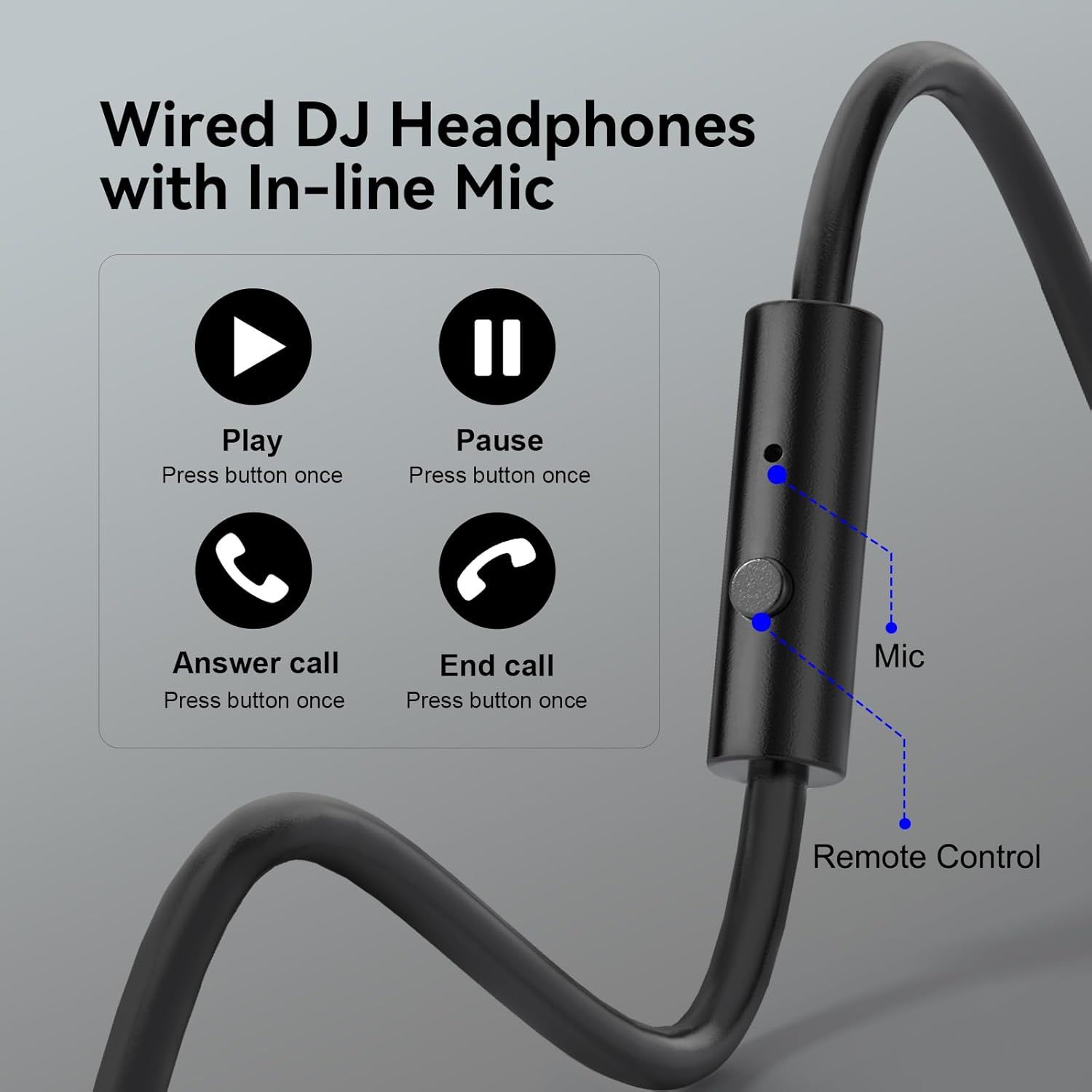
OneOdio Wired Over Ear Headphones Hi-Res Studio Monitor & Mixing DJ Stereo Headsets with…: How to Use Images
Explains how to use the in-line microphone and remote control button for play, pause, answering calls, and ending calls, helping shoppers understand the product's hands-free functionality.
- Brand
- OneOdio
- Category
- Musical Instruments › Electronic Music, DJ & Karaoke › DJ Equipment › DJ Headphones
- Image type
- How to Use Images, Secondary Images
- Design focus
- In-line Mic Remote Control Functions
- Listing position
- Image 5
- Marketplace
- United States
- Best Sellers Rank
- #5 in Musical Instruments (See Top 100 in Musical Instruments) #1 in DJ Headphones
- Full listing
- See all 9 images in order
- ASIN
- B01N6ZJH96
See your listing next to your competitors
Paste your Amazon link. We score every image and show what the top sellers do differently. Your first comparison is free.
What this image does at a glance
- Score
- 54 / 100 · Hard to read small
- Headline
- Wired DJ Headphones
- Headline height
- 4.3% of the image
- Headline contrast
- Lc 68
- Text on the image
- 8.8% of the image, 12 blocks
- Blurred to tile size
- headline no longer readable
Listing bullet points
- Bass Sound: Enjoy clear sound and superior comfort with the OneOdio Studio Monitor Headphones. Equipped with large 50mm speaker drivers and neodymium magnets, pro-10 deliver powerful bass, clear vocals, and crisp highs for a balanced stereo sound.
- Built for Comfort: The soft, padded ear cushions are designed to provide long-lasting comfort and effective noise isolation. The adjustable, stretchable headband allows you to easily find the perfect fit and angle for your listening pleasure.
- Single-side Monitoring: The 90° swiveling ear cups allow for single-ear monitoring, making it ideal for DJing or mixing. The self-adjusting and flexible headband ensures a fatigue-free listening experience, even during extended sessions, making these headphones perfect for mastering and mixing.
- Compatibility: Pro-10 wired headphones work exclusively in wired mode and are compatible with a wide range of devices, including smartphones, laptops, tablets, desktop computers, audio interfaces, DJ mixers, amplifiers, and any device that features either a 3.5mm or 6.35mm audio jack.
- Share Audio Port: With a shared audio port, easily connect another pair to share music or videos—no splitters or special cables needed.
Similar how to use images in Musical Instruments
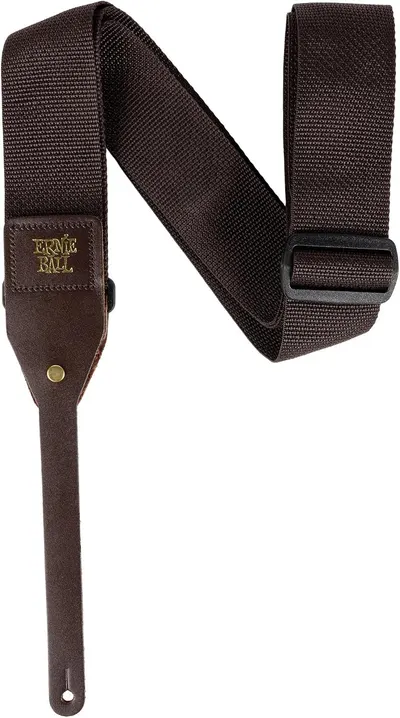 Ernie Ball Polypro Acoustic Guitar Strap
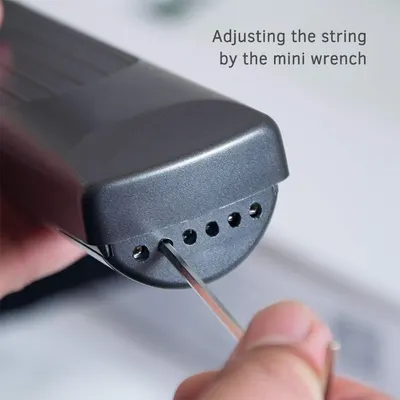 Pocket Guitar Chord Practice Tool
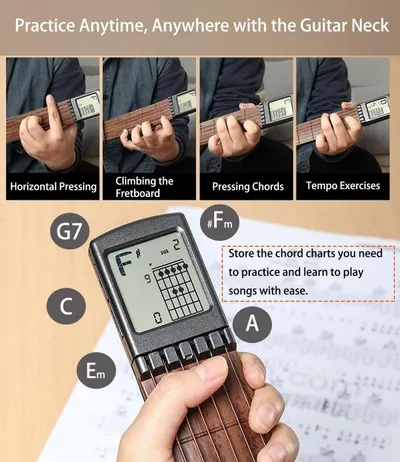 Pocket Guitar Chord Practice Tool
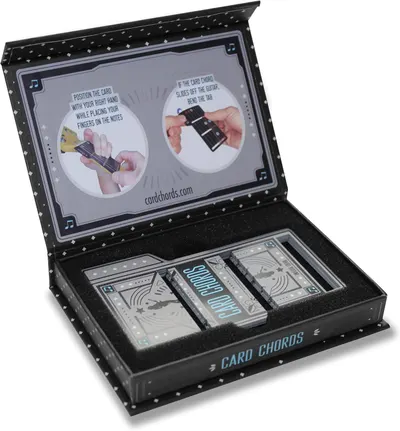 Learn Guitar in Minutes Deluxe Edition with Case Card Chords (Fits All Guitars) These…
 Learn Guitar in Minutes Deluxe Edition with Case Card Chords (Fits All Guitars) These…
 Learn Guitar in Minutes Deluxe Edition with Case Card Chords (Fits All Guitars) These…
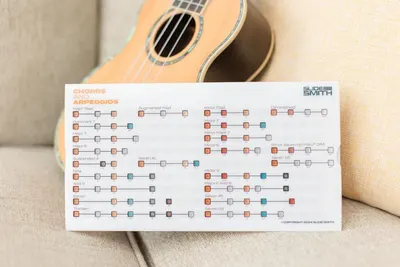 Note Navigator
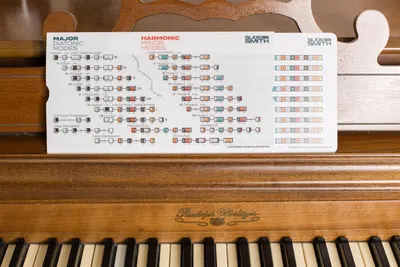 Note Navigator
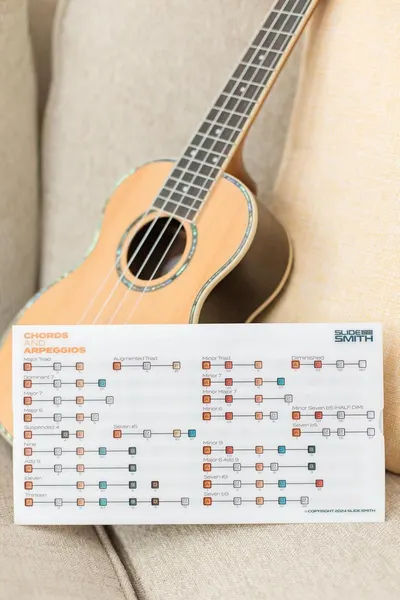 Note Navigator
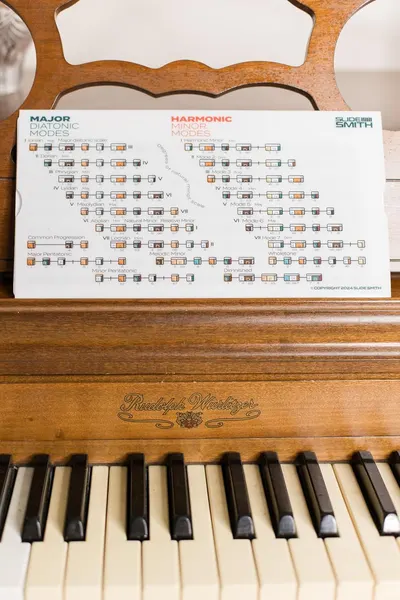 Note Navigator
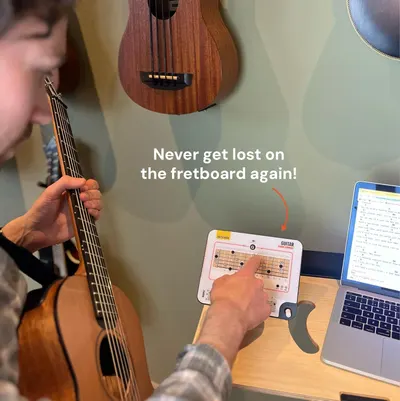 Sliding Guitar Chord Compass & Book
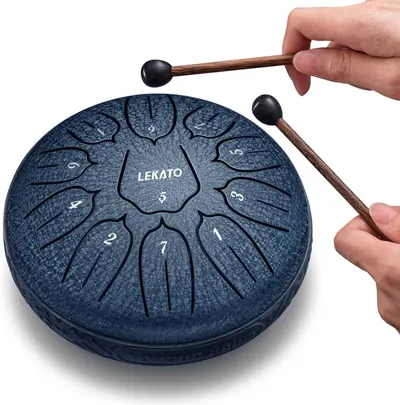 LEKATO Steel Tongue Drum 6 Inch 11 Notes
This image belongs to OneOdio and is shown for design research. Request removal.