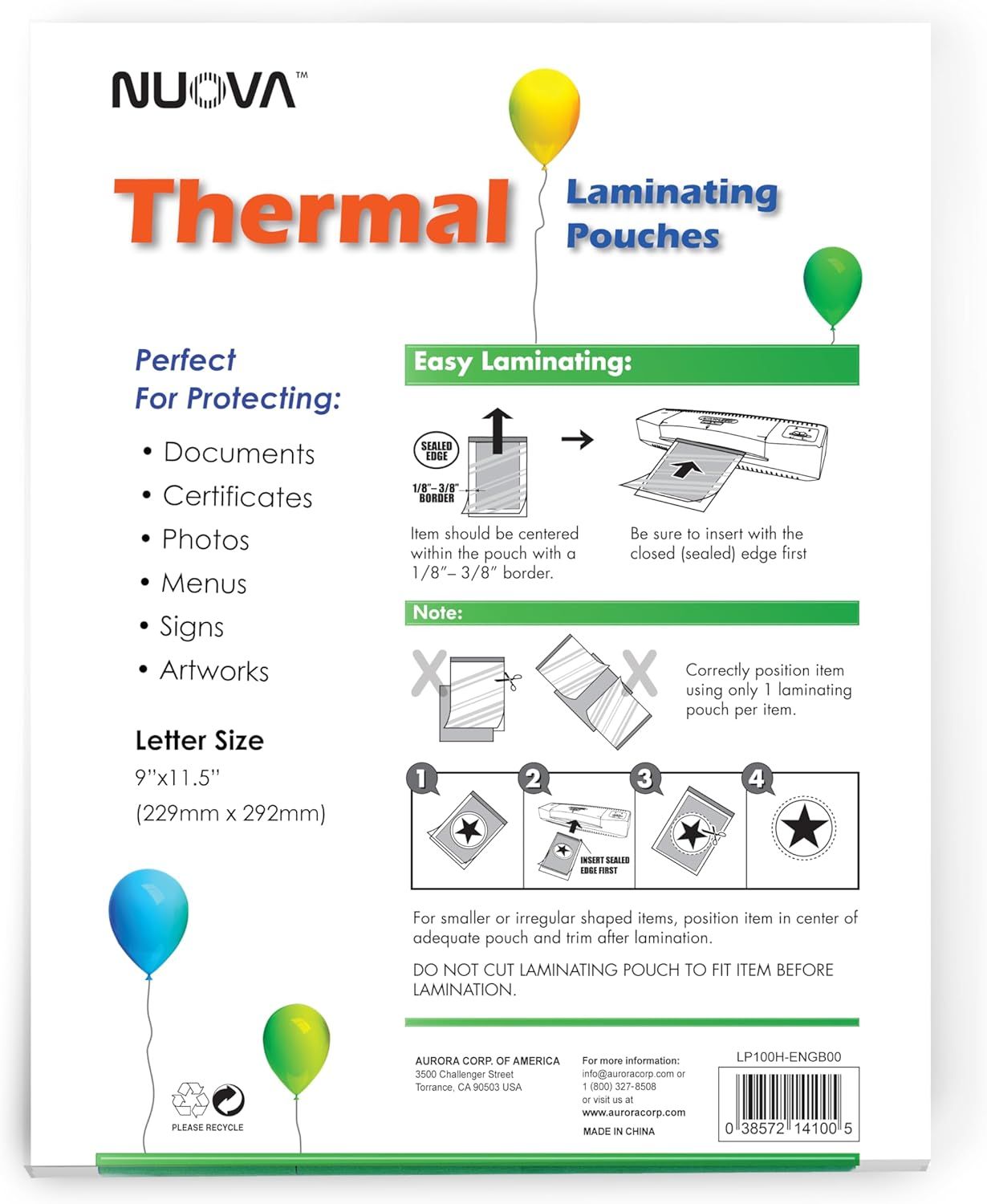
Nuova Premium Thermal Laminating Pouches 9" x 11.5": How to Use Images
Provides step-by-step visual instructions on how to properly use the thermal laminating pouches, including positioning, insertion, and trimming guidance to ensure successful lamination. Communicates multiple distinct benefits including versatile applications (documents, certificates, photos, menus, signs, artworks) and the straightforward laminating process with clear sizing information.
- Brand
- Aurora
- Category
- Office Products › Office Electronics › Presentation Products › Laminating Supplies
- Image type
- How to Use Images, Infographic Images, Secondary Images
- Design focus
- Easy Laminating Instructions; Multiple Use Cases; Easy Laminating Process; Letter Size Specification
- Listing position
- Image 4
- Marketplace
- United States
- Best Sellers Rank
- #1,850 in Office Products (See Top 100 in Office Products) #15 in Office Laminating Supplies
- ASIN
- B00UW3G2XE
See your listing next to your competitors
Paste your Amazon link. We score every image and show what the top sellers do differently. Your first comparison is free.
What this image does at a glance
- Score
- 42 / 100 · Hard to read small
- Headline
- Thermal
- Headline height
- 5.7% of the image
- Headline contrast
- Lc 61
- Text on the image
- 14.1% of the image, 43 blocks
- Blurred to tile size
- headline still readable
Listing bullet points
- Clear, durable and premium material
- Photo safe. Perfect for protecting important documents or photos. Great for children's artworks
- Rounded corners. Fits letter size document up to 8.5 inches x 11 inches
- Compatible with all laminator brands
- Thermal pouches dimensions: 9 inches x 11.5 inches; thickness: 3 mil. Box of 100 sheets
Similar how to use images in Office Products
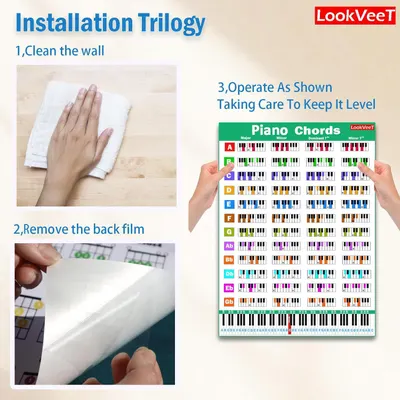 LookVeeT Piano Chord Chart Poster For Beginner And Portable A4 Laminated Chords
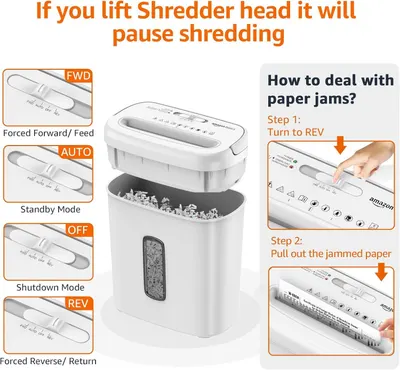 Amazon Basics 8-Sheet Cross Cut Paper and Credit Card Shredder for Security
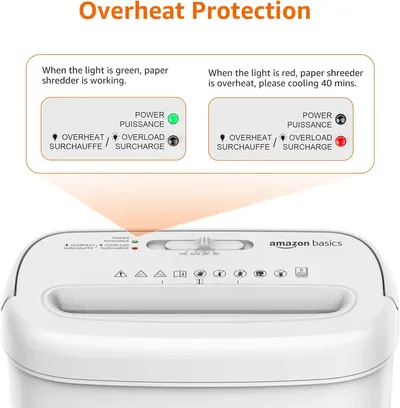 Amazon Basics 8-Sheet Cross Cut Paper and Credit Card Shredder for Security
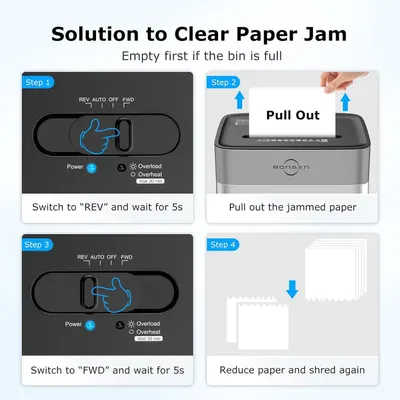 BONSEN 14-Sheet Paper Shredder for Home Office
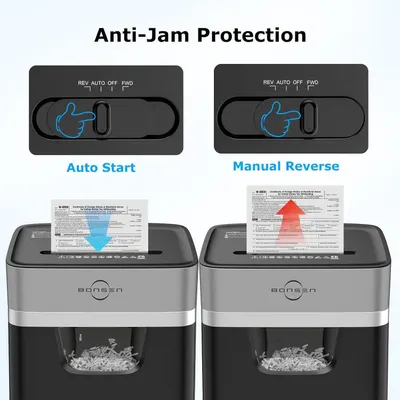 BONSEN 14-Sheet Paper Shredder for Home Office
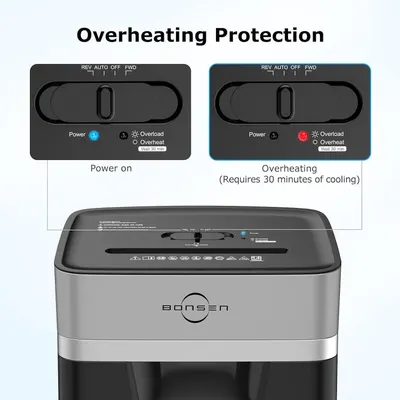 BONSEN 14-Sheet Paper Shredder for Home Office
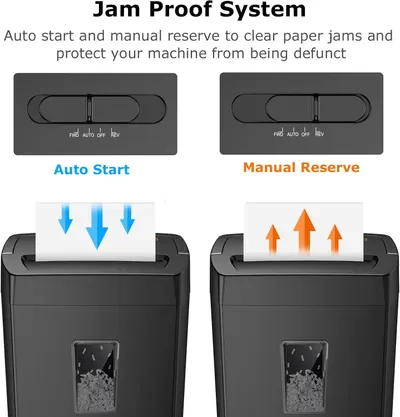 Bonsaii 12-Sheet Cross Cut Paper Shredder
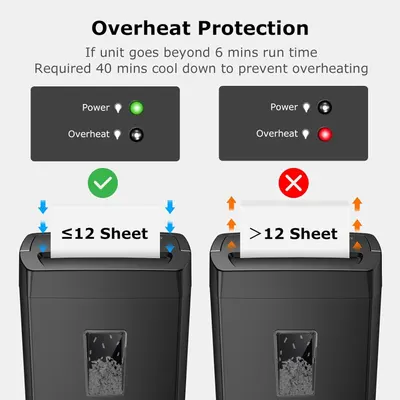 Bonsaii 12-Sheet Cross Cut Paper Shredder
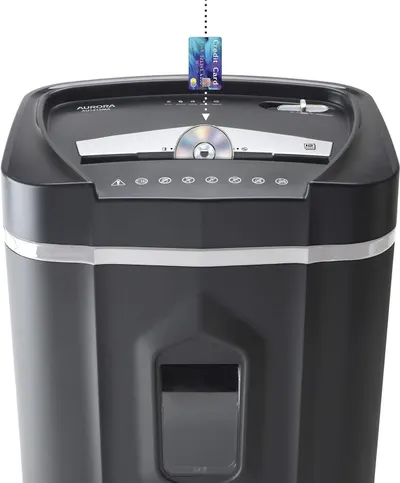 Aurora AU1210MA Professional Grade High Security 12-Sheet Micro-Cut Paper/CD and Credit…
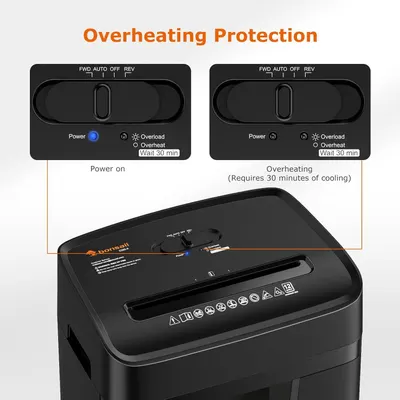 Bonsaii 12 Sheet Paper Shredder for Home Office
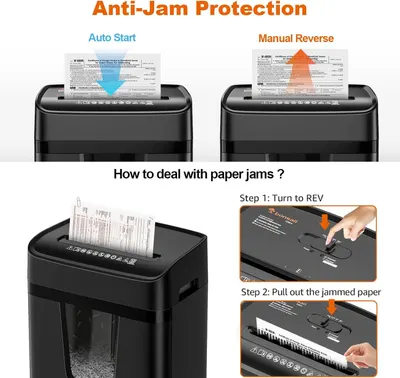 Bonsaii 12 Sheet Paper Shredder for Home Office
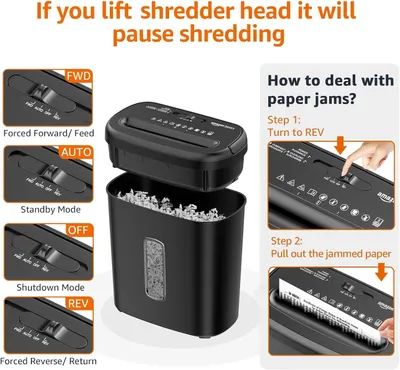 Amazon Basics 8-Sheet High Security Cross Cut Paper and Credit Card Shredder with P-4…
This image belongs to Aurora and is shown for design research. Request removal.