Amazon Basics 8-Sheet High Security Cross Cut Paper and Credit Card Shredder with P-4…: How to Use Images
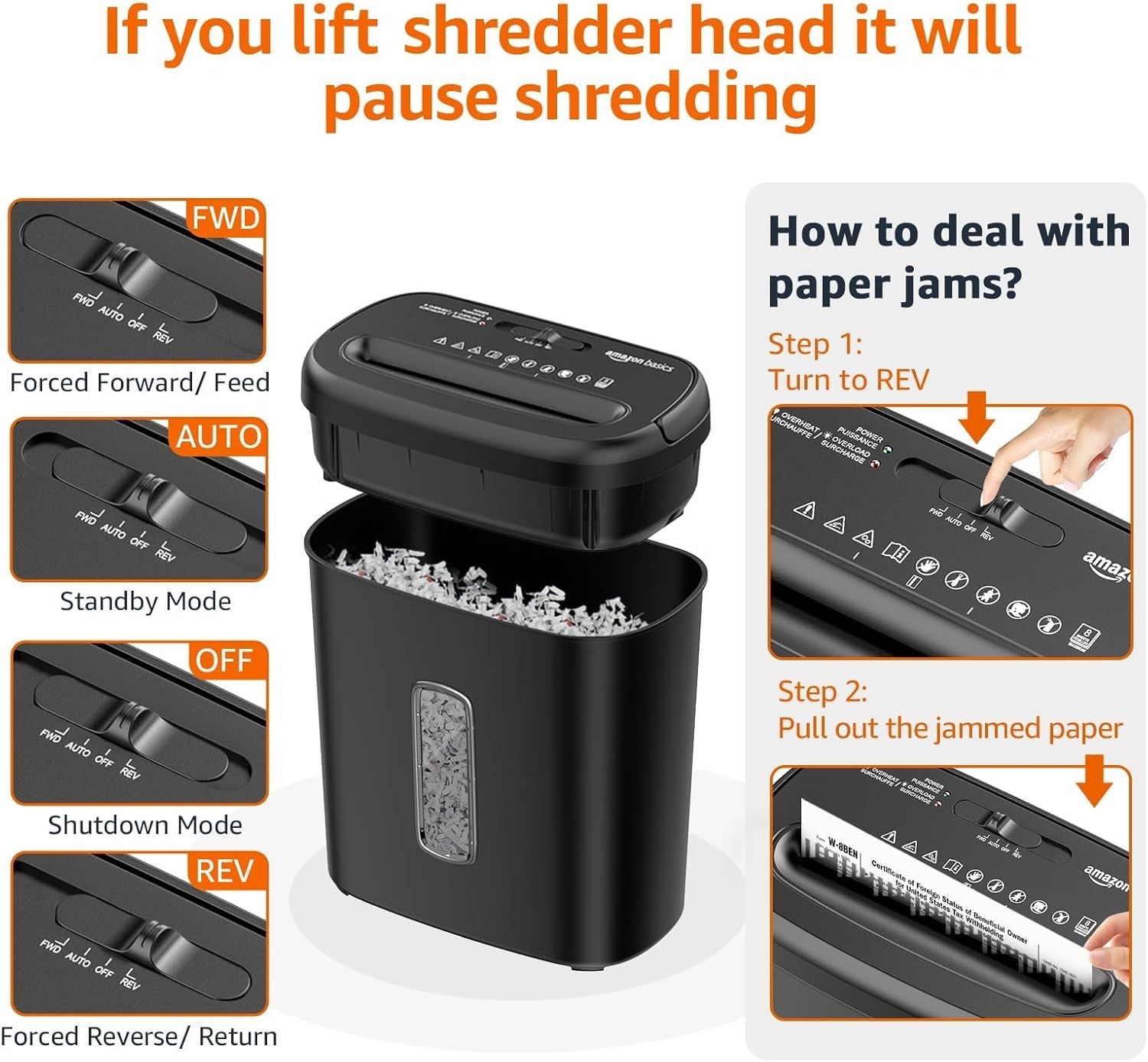
Instructs shoppers on how to resolve paper jams using the reverse function and explains the different operating modes (FWD, AUTO, OFF, REV) to reassure them the shredder is easy to use and maintain. Highlights multiple distinct benefits including various operating modes and troubleshooting capabilities in a visually segmented layout.
- Brand
- Amazon Basics
- Category
- Office Products › Office Electronics › Other Office Equipment › Shredders
- Image type
- How to Use Images, Infographic Images, Secondary Images
- Design focus
- Paper Jam Troubleshooting; Auto-Pause Safety Feature; Multiple Operating Modes; Multiple Operating Modes; Paper Jam Solution; Auto-Pause Safety
- Listing position
- Image 6
- Marketplace
- United States
- Best Sellers Rank
- #21 in Office Products (See Top 100 in Office Products) #1 in Shredders
- Full listing
- See all 7 images in order
- ASIN
- B0C6LZ8S34
See your listing next to your competitors
Paste your Amazon link. We score every image and show what the top sellers do differently. Your first comparison is free.
What this image does at a glance
- Score
- 18 / 100 · Unreadable small
- Headline
- MỐ NÁO LT
- Headline height
- 4.9% of the image
- Headline contrast
- Lc 24
- Text on the image
- 16.0% of the image, 21 blocks
- Blurred to tile size
- headline no longer readable
Listing bullet points
- Cross-cut paper and credit card shredder cuts material into approximate 0.2 x 0.7 inches (5 x 18 mm) pieces; meets security level P-4 standards
- Shreds up to 8 sheets of 20-pound bond paper at a time; shreds credit cards (one at a time, but not suitable for metal credit cards), staples, and small paper clips
- 3 minute runtime and 30 minute cool down; if unit goes beyond max run time, it automatically shuts off to prevent overheating
- 4 mode control switch (auto/on, off, reverse, forward) and LED status indicators for power on, overheat and overload; easy to empty 3.7 gallon bin
- Quality tested: As part of Amazon Basics quality inspections, we test every shredder before shipping it, which means you may see some paper shreds from the testing
- Important Note: Do not spray or keep any aerosol products in or around the shredder, and do not shred items like metallic credit cards
- Refer to the user manual, troubleshooting guide, and instructional video before use
- Product dimensions: 12.76 x 7.28 x 14.09 inches (LxWxH)
Similar how to use images in Office Products
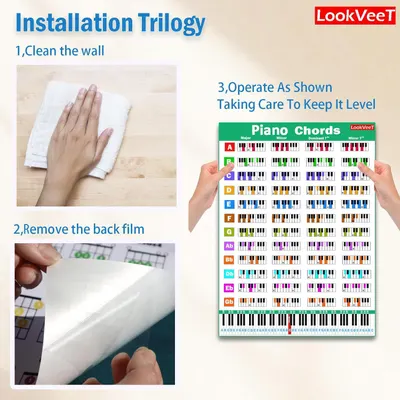 LookVeeT Piano Chord Chart Poster For Beginner And Portable A4 Laminated Chords
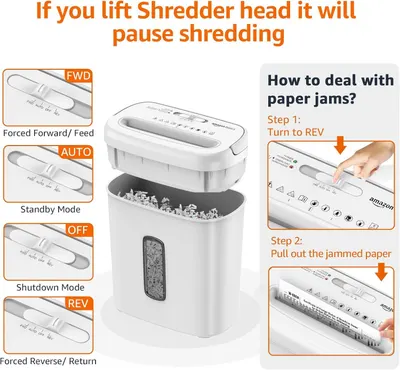 Amazon Basics 8-Sheet Cross Cut Paper and Credit Card Shredder for Security
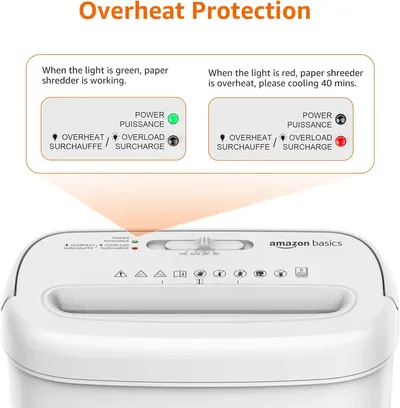 Amazon Basics 8-Sheet Cross Cut Paper and Credit Card Shredder for Security
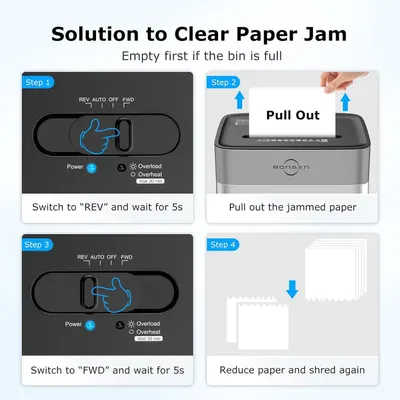 BONSEN 14-Sheet Paper Shredder for Home Office
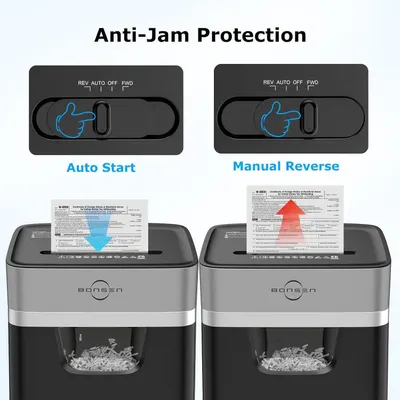 BONSEN 14-Sheet Paper Shredder for Home Office
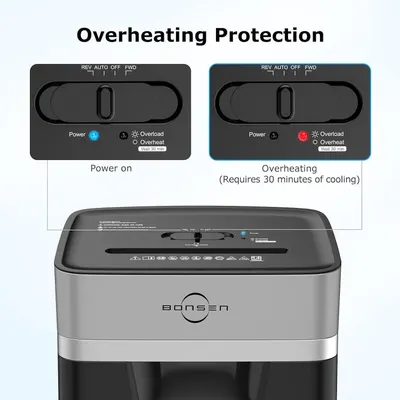 BONSEN 14-Sheet Paper Shredder for Home Office
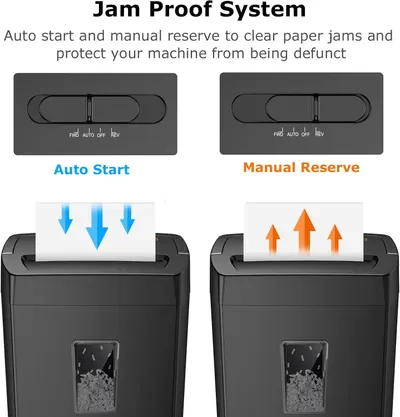 Bonsaii 12-Sheet Cross Cut Paper Shredder
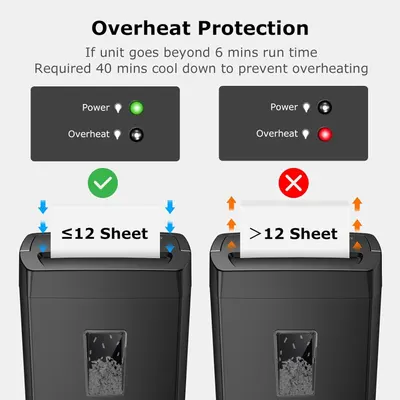 Bonsaii 12-Sheet Cross Cut Paper Shredder
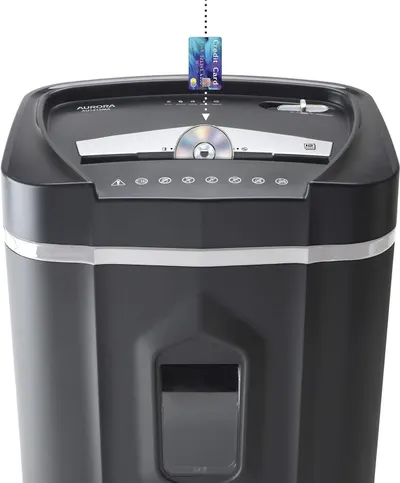 Aurora AU1210MA Professional Grade High Security 12-Sheet Micro-Cut Paper/CD and Credit…
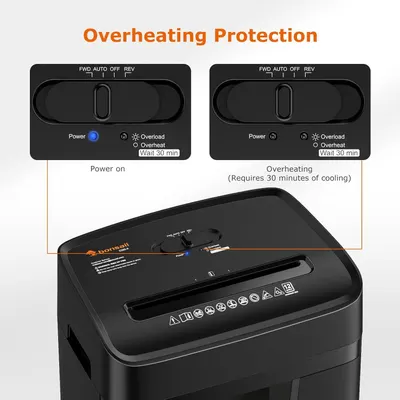 Bonsaii 12 Sheet Paper Shredder for Home Office
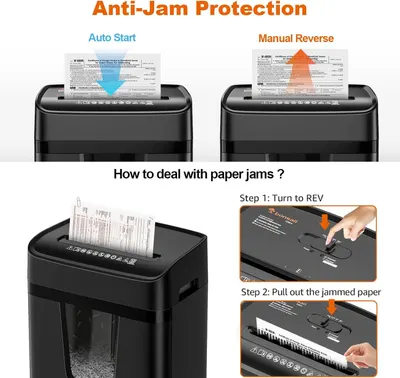 Bonsaii 12 Sheet Paper Shredder for Home Office
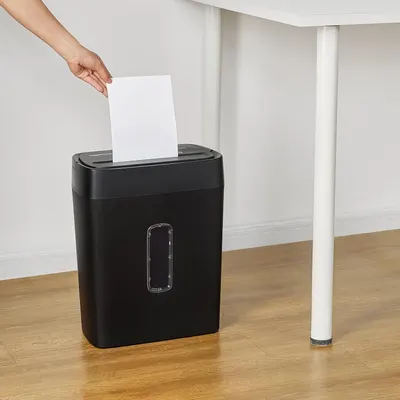 Amazon Basics 12-Sheet Cross-Cut Paper and Credit Card Shredder with Overheat Protection
This image belongs to Amazon Basics and is shown for design research. Request removal.