Dyson 360 Vis Nav Robot Vacuum: full Amazon image stack
Dyson 360 Vis Nav Robot Vacuum by Dyson uses 10 gallery images plus 12 A+ and Brand Story images. Image 1 is a product main image. The rest of the stack uses single benefit images, infographic images and how to use images.
- Brand
- Dyson
- Category
- Home & Kitchen
- Gallery images
- 10
- A+ and Brand Story images
- 12
- ASIN
- B0CT95LTCJ
Gallery images in order
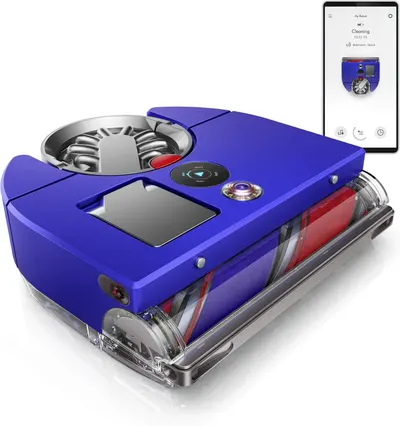 Image 1 · Product Main Images, In-Use Main Images
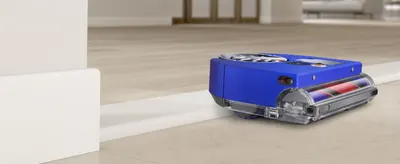
Displays the core robotic vacuum product with a transparent view of its internal mechanisms and app connectivity to communicate advanced technology and smart home integration. Demonstrates the product's smart functionality through the visible app interface and exposed internal cleaning components, showing shoppers how the device operates and can be controlled remotely.
Robotic Vacuum Cleaner; App-Controlled; Internal Components Visible; App Control; Internal Mechanism Display
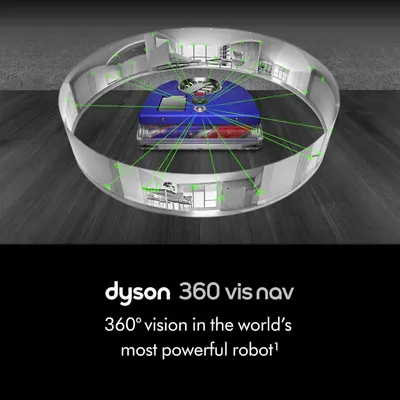 Image 2 · Single Benefit Images
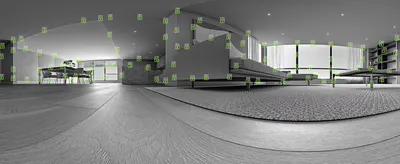
Highlights the robot vacuum's advanced 360-degree vision navigation system, reassuring shoppers that it can intelligently map and navigate the entire home.
360-degree vision; Navigation technology
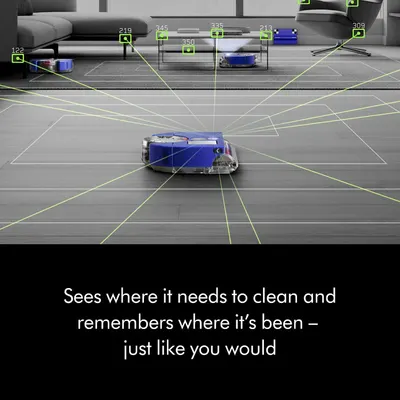 Image 3 · Single Benefit Images
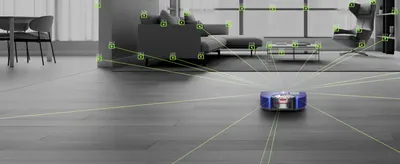
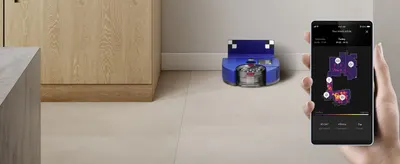
Demonstrates the robot's smart navigation capability to detect areas that need cleaning and remember where it has already been, emphasizing autonomous intelligence.
Intelligent navigation; Memory mapping
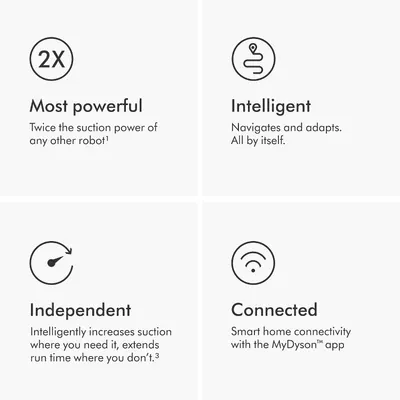 Image 4 · Infographic Images
Showcases four key selling benefits in a segmented grid layout: twice the suction power, intelligent self-navigation, independent adaptive operation, and smart home app connectivity.
Powerful suction; Intelligent navigation; Independent operation; Smart home connectivity
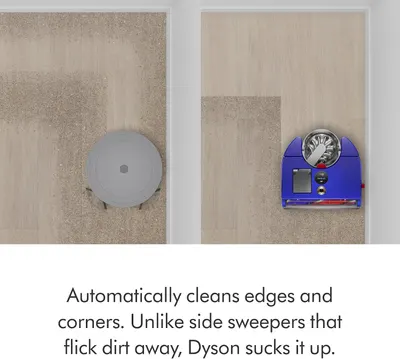 Image 5 · Single Benefit Images, Comparison Chart Images
Compares Dyson's suction-based edge cleaning against generic side sweepers, demonstrating superior corner and edge cleaning performance to establish competitive advantage. Highlights the product's automatic edge and corner cleaning capability as a key benefit over competitors.
Edge cleaning superiority; Edge and corner cleaning
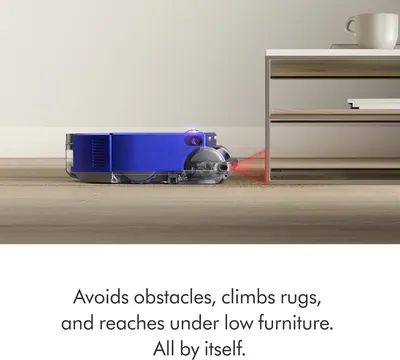 Image 6 · Single Benefit Images
Demonstrates the robot's intelligent ability to avoid obstacles, climb over rugs, and reach under furniture autonomously, reassuring shoppers of hassle-free operation.
Obstacle avoidance; Low-clearance navigation; Autonomous operation
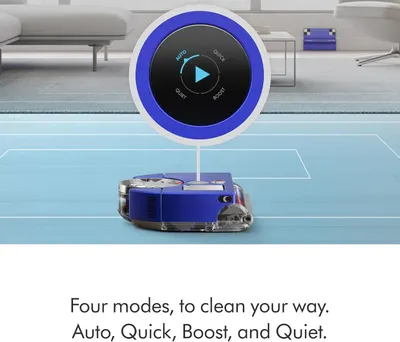 Image 7 · Single Benefit Images
Highlights the four cleaning modes available (Auto, Quick, Boost, and Quiet), emphasizing user control and customization for different cleaning needs.
Multiple cleaning modes; Customization
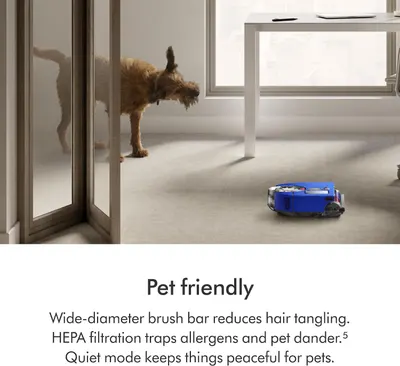 Image 8 · Single Benefit Images
Reassures pet owners that the vacuum is designed for homes with pets, featuring hair tangle reduction, allergen filtration, and quiet mode for pet comfort.
Pet-friendly design; Hair management; HEPA filtration; Quiet operation
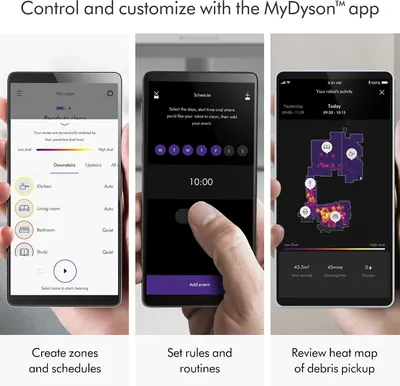 Image 9 · How to Use Images, Infographic Images
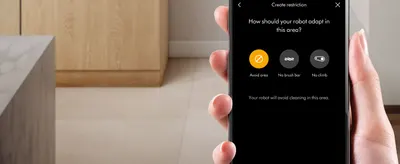
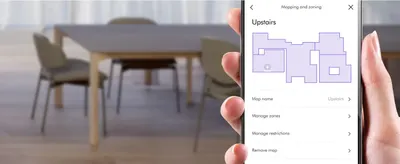
Explains how to use the MyDyson app to control and customize the robot vacuum, including creating zones, setting schedules, and reviewing cleaning activity. Showcases multiple app features in a segmented three-panel layout, demonstrating the range of smart control and customization options available.
App control; Zone creation; Scheduling; Activity tracking; App features; Smart control; Customization
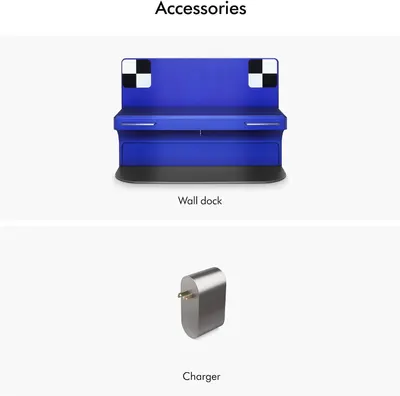 Image 10 · What's in the Box Images
Shows the accessories included with the robot vacuum purchase: a wall dock for storage and charging, and a charger, so customers know what comes in the box.
Wall dock; Charger
A+ Premium Modules images
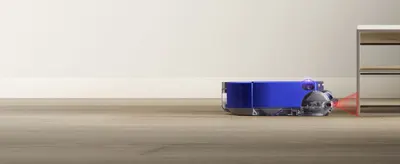 Dyson 360 Vis Nav Robot Vacuum
 Dyson 360 Vis Nav Robot Vacuum
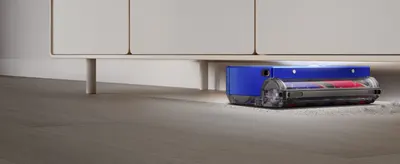 Dyson 360 Vis Nav Robot Vacuum
 Dyson 360 Vis Nav Robot Vacuum
 Dyson 360 Vis Nav Robot Vacuum
 Dyson 360 Vis Nav Robot Vacuum
 Dyson 360 Vis Nav Robot Vacuum
 Dyson 360 Vis Nav Robot Vacuum
 Dyson 360 Vis Nav Robot Vacuum
 Dyson 360 Vis Nav Robot Vacuum
 Dyson 360 Vis Nav Robot Vacuum
 Dyson 360 Vis Nav Robot Vacuum
Design themes in this listing
- Customization2
- Intelligent navigation2
- 360-degree vision1
- Activity tracking1
- App control1
- App Control1
- App features1
- App-Controlled1
Our design team makes Amazon listing images, infographics and A+ content. £750 per day, with revisions the next day.
Last example added 2026-10-07 · 22 images. Image types are tagged by AI and checked by hand in samples.
These images belong to Dyson and are shown for design research. Request removal.