Dyson 360 Vis Nav Robot Vacuum: How to Use Images
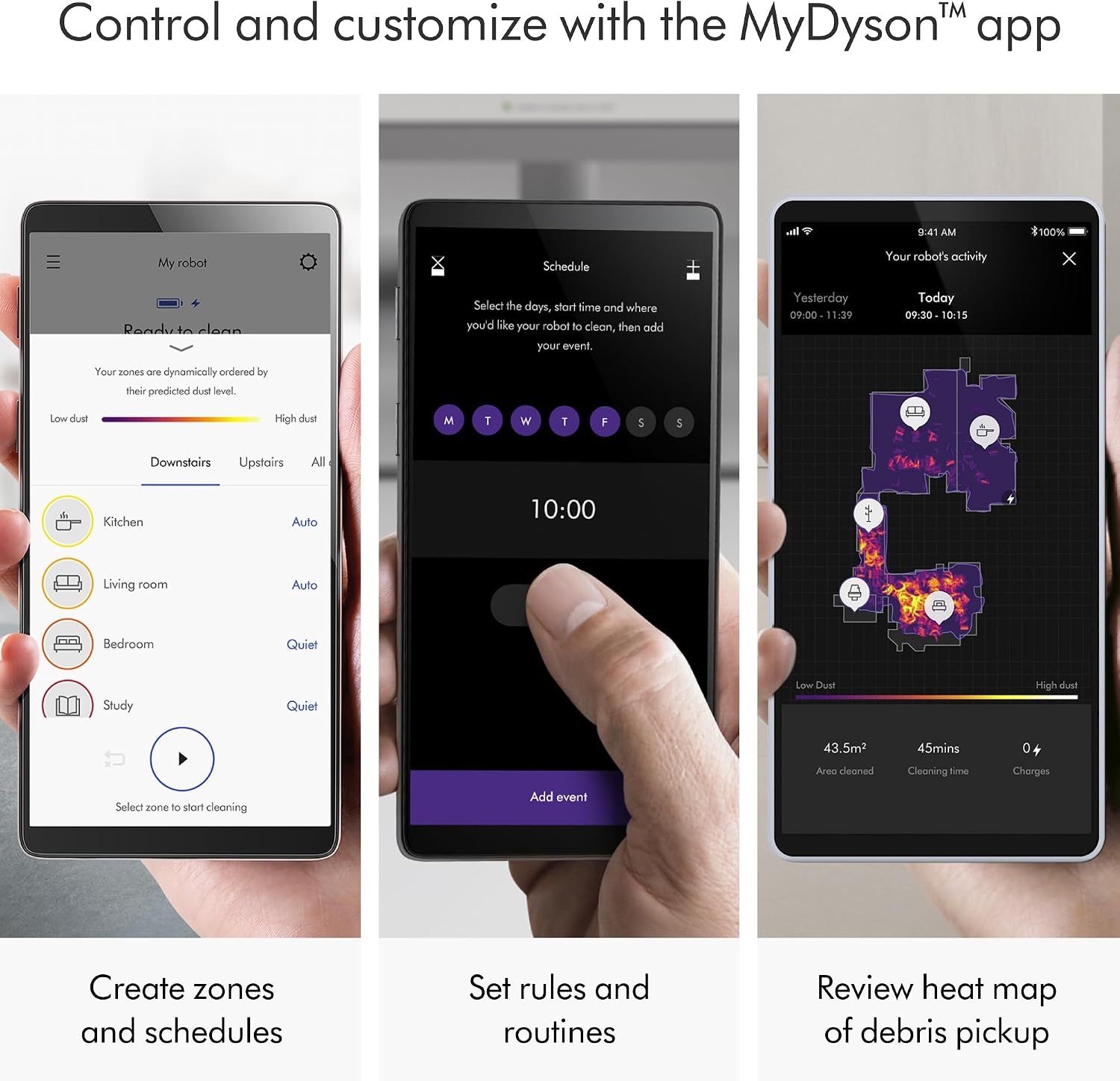
Explains how to use the MyDyson app to control and customize the robot vacuum, including creating zones, setting schedules, and reviewing cleaning activity. Showcases multiple app features in a segmented three-panel layout, demonstrating the range of smart control and customization options available.
- Brand
- Dyson
- Category
- Home & Kitchen › Vacuums & Floor Care › Vacuums › Robotic Vacuums
- Image type
- How to Use Images, Infographic Images, Secondary Images
- Design focus
- App control; Zone creation; Scheduling; Activity tracking; App features; Smart control; Customization
- Listing position
- Image 9
- Marketplace
- United States
- Full listing
- See all 10 images in order
- ASIN
- B0CT95LTCJ
What this image does at a glance
- Score
- 15 / 100 · Unreadable small
- Headline
- Control and customize with the MyDyson™ app
- Headline height
- 3.5% of the image
- Headline contrast
- Lc 96
- Text on the image
- 10.3% of the image, 37 blocks
- Blurred to tile size
- headline no longer readable
Listing bullet points
- The world's most powerful robot vacuum.¹ 2x the suction of any other robot vacuum.¹
- Sucks up more than any other robot on all floors.² Dyson's first brush bar to combine three ways to deep clean. Engineered with a wide diameter to reduce long hair and pet hair tangling.
- Control your clean or let your Dyson robot do it for you. Choose between four power modes: Auto, Boost, Quick, and Quiet. In Auto mode, the 360 Vis Nav robot vacuum automatically adapts suction power to debris level.³
- Unlike side sweepers that flick dirt away, Dyson sucks up dirt right to the edge of your wall. An automatic extending side duct redirects suction that's powerful enough to capture debris right up to the wall.
- Cleans far. Cleans fast. An 11.8-inch brush bar covers more floor with every sweep, and Quick mode prioritizes speedy cleans. Up to 65 minutes of run time, before automatically recharging, ready to clean again.⁴
- Intelligent. Independent. Sees where it needs to clean and remembers where it's been – just like you would. With 26 sensors, 360° navigation, a low-profile design, and dual-link suspension, it reaches far and avoids getting stuck.
- Clean. Wherever you are. Set-up requires connection to the MyDyson app. This unlocks your robot’s intelligent features – mapping your home, choosing cleaning modes for each room, setting areas to avoid, smart scheduling, and clean time estimates.
- Whole-machine HEPA filtration. Dyson's fully sealed HEPA filtration system traps dust and seals in 99.99% of particles as small as 0.1 microns –including allergens and pet dander.⁵
Similar how to use images in Home & Kitchen
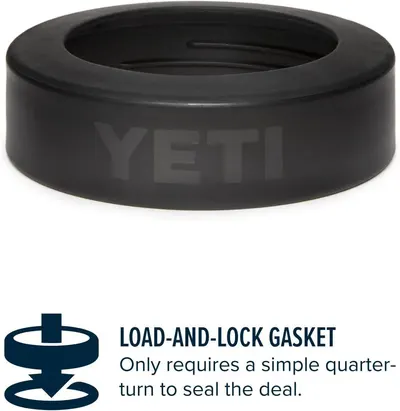 YETI Navy Rambler Colster Can Insulator
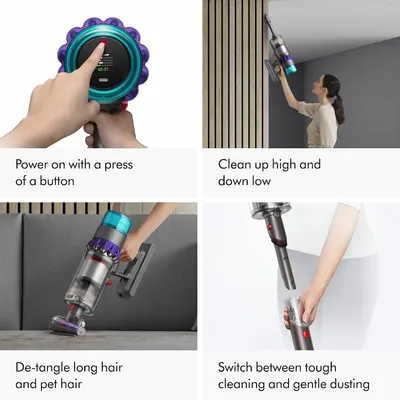 Dyson Gen5detect Cordless Vacuum
 Comfy Hour 3 Inch Cardinal Salt and Pepper Shakers
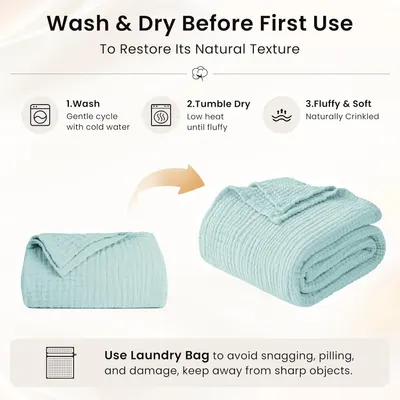 Love's cabin 100% Cotton Muslin Blanket
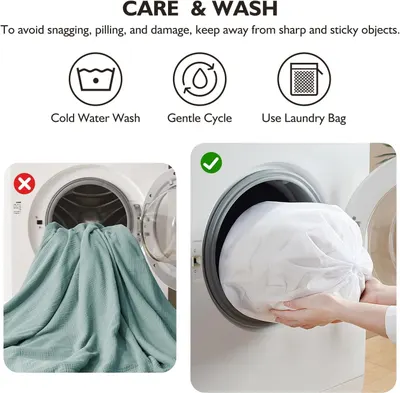 EMME Muslin Cotton Blankets Queen Size for Bed Adults Soft Teal 90" x 90"
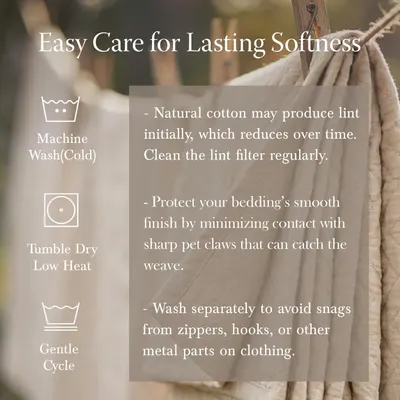 Threadmill Cotton Queen Coverlet Blanket
 100% Cotton Muslin Blanket for Adults
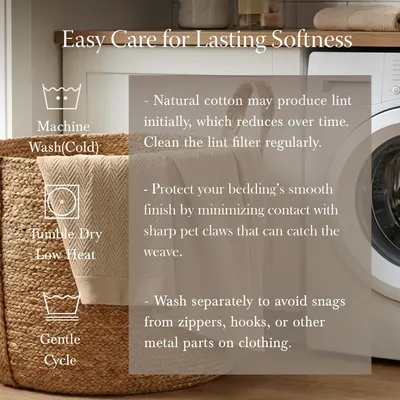 Threadmill Luxury 100% Cotton Queen Herringbone Blanket
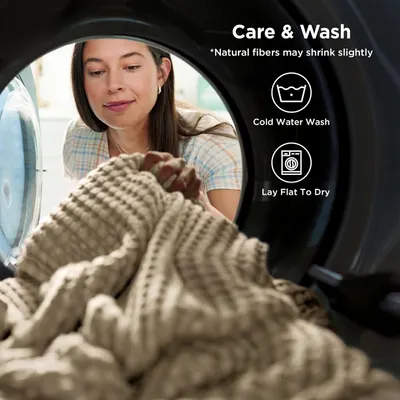 Bedsure Cooling Waffle Blanket for Hot Sleepers
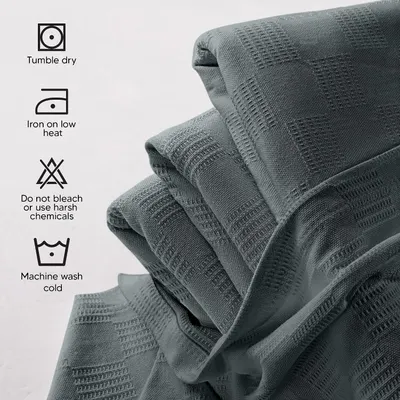 Utopia Bedding 100% Cotton Thermal Blanket Smoke Gray Queen Size Soft
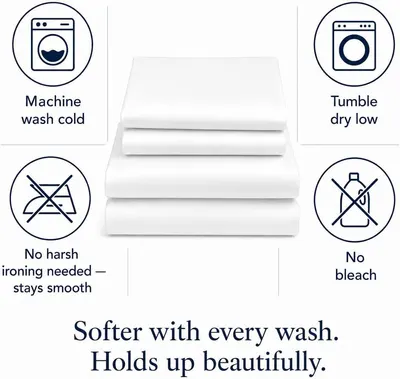 800 Thread Count Queen Sheet Set
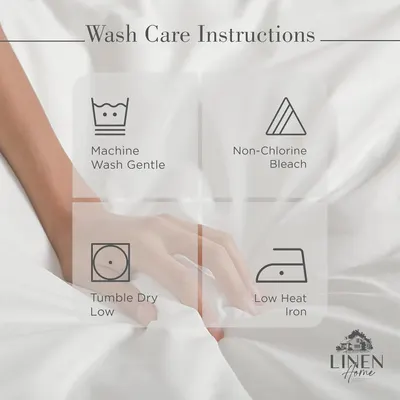 Linen Home 100% Cotton Percale Sheets Queen Size 4 Pc Cooling Set
This image belongs to Dyson and is shown for design research. Request removal.