Dyson 360 Vis Nav Robot Vacuum: How to Use A+ Modules
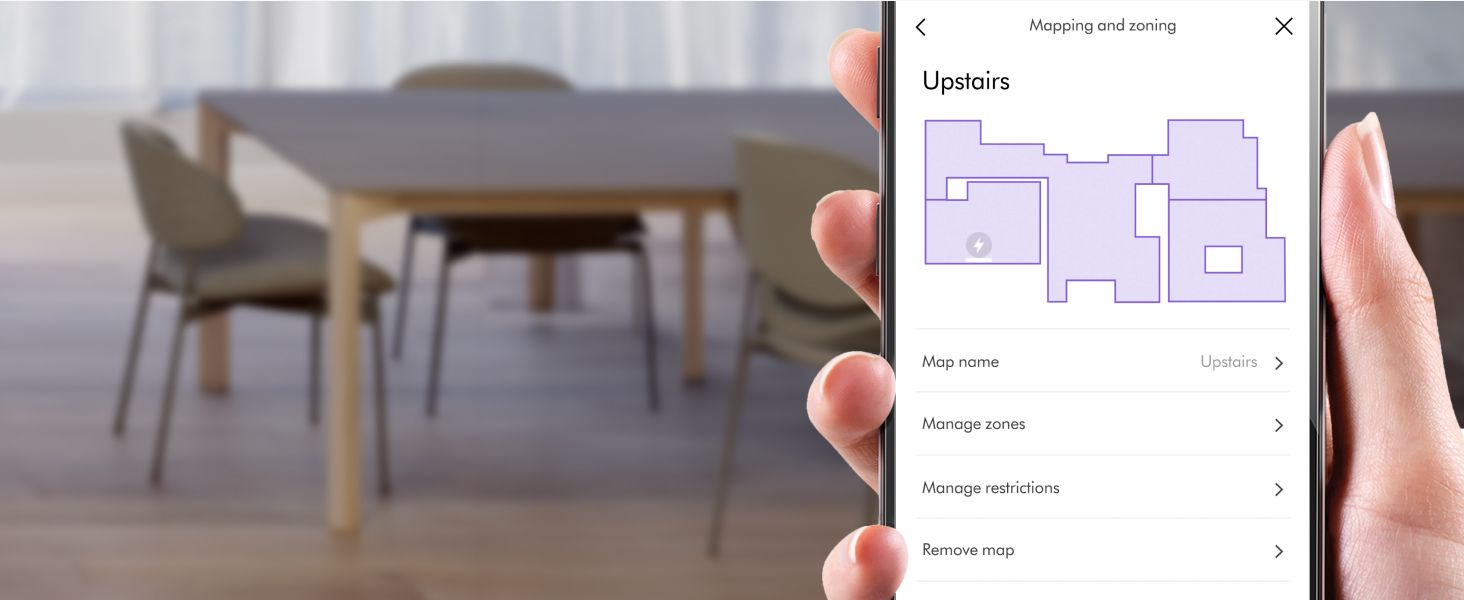
Explains how to use the mapping and zoning features through the app interface, helping shoppers understand how to customize cleaning areas for their home layout. Highlights the intelligent mapping capability that allows users to visualize and manage different zones in their home for targeted cleaning.
- Brand
- Dyson
- Category
- Home & Kitchen › Vacuums & Floor Care › Vacuums › Robotic Vacuums
- Image type
- How to Use A+ Modules, Premium A+ Modules, Single Benefit A+ Modules
- Design focus
- Mapping and Zoning Setup; Smart Mapping Technology
- Listing position
- Image 11
- Marketplace
- United States
- Full listing
- See all 10 images in order
- ASIN
- B0CT95LTCJ
What this image does at a glance
- Score
- 25 / 100 · Unreadable small
- Headline
- Upstairs
- Headline height
- 3.0% of the image
- Headline contrast
- Lc 74
- Text on the image
- 1.9% of the image, 7 blocks
- Blurred to tile size
- headline no longer readable
Similar how to use a+ modules in Home & Kitchen
 Dyson 360 Vis Nav Robot Vacuum
 Our Place Dream Cooker
 LEVOIT Cordless Vacuum Cleaner
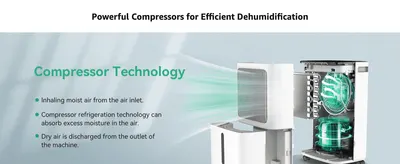 2500 Sq.Ft Dehumidifiers for Home with Drain Hose Max 34 Pints
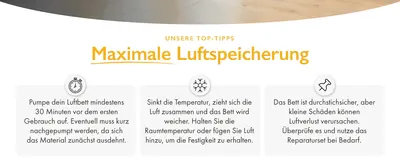 Huddle Lite Luftbett mit Integrierter Pumpe
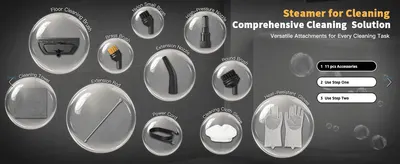 Steam Cleaner
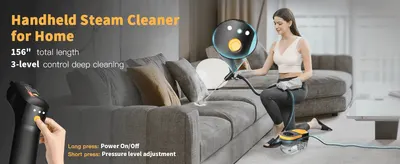 Steam Cleaner
 Bedsure Queen Sheets
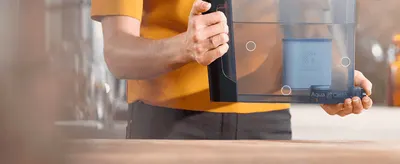 Philips AquaClean Kalk- und Wasserfilter für Espressomaschine
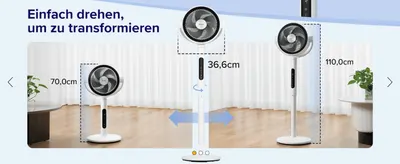 Levoit 20dB Standventilator Leise
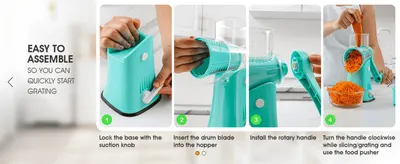 Zulay Rotary Cheese Grater 5 Blade Cheese Shredder
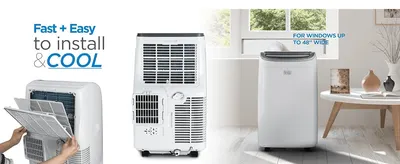 BLACK+DECKER 8,000 BTU Portable Air Conditioner for Rooms up to 350 Sq. with Remote…
This image belongs to Dyson and is shown for design research. Request removal.