13 in 1 USB C Docking Station: full Amazon image stack
13 in 1 USB C Docking Station by LIONWEI uses 9 gallery images. Image 1 is a product main image. The rest of the stack uses product detail images, how to use images and infographic images. It ranks #9 in Laptop Docking Stations.
See your listing next to your competitors
Paste your Amazon link. We score every image and show what the top sellers do differently. Your first comparison is free.
- Brand
- LIONWEI
- Niche
- Laptop Docking Stations
- Category
- Electronics
- Gallery images
- 9
- Best Sellers Rank
- #9 in Laptop Docking Stations
- ASIN
- B0BNTHWWMY
Gallery images in order
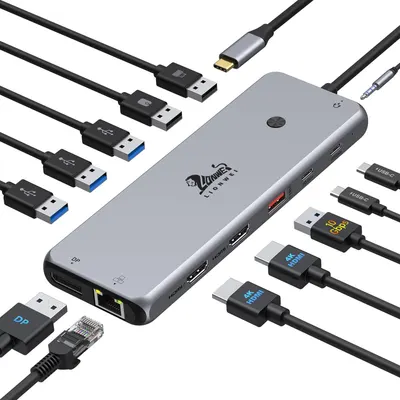 Image 1 · Product Main Images, Main Images with Accessories
Displays the core product, a USB hub with various ports (USB-A, USB-C, HDMI, DisplayPort, Ethernet, audio jack), along with all compatible cables to show connectivity versatility and compatibility. Shows all the included cables and accessories that come with the USB hub, demonstrating the complete package and ready-to-use nature of the product.
Multi-port USB hub with multiple connectivity options; Multiple cables and adapters included
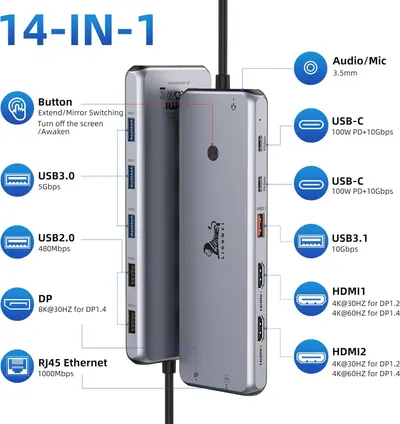 Image 2 · Product Detail Images
This image breaks down all the physical ports and components of the docking station hub, showing shoppers exactly what connectivity options are included and where each port is located.
14-in-1 Port Configuration; USB-C; USB 3.0/2.0; HDMI; DisplayPort; Ethernet; Audio/Mic; Button Controls
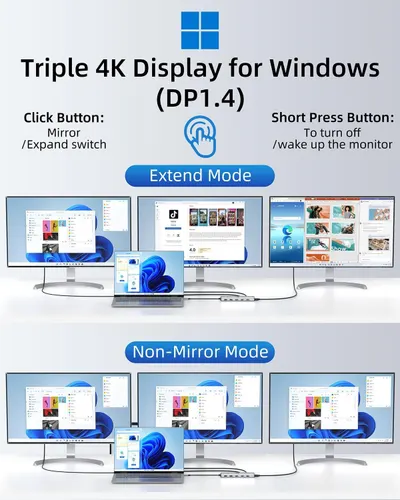 Image 3 · How to Use Images, Use Case Images
Explains how to set up and use the triple 4K display adapter for Windows, showing both Extend Mode and Non-Mirror Mode configurations with button instructions. Demonstrates the two different display configuration options available with the product, showing how it can be used in different multi-monitor setups.
Display Mode Setup; Button Functions; Multiple Display Modes; Extend Mode; Non-Mirror Mode
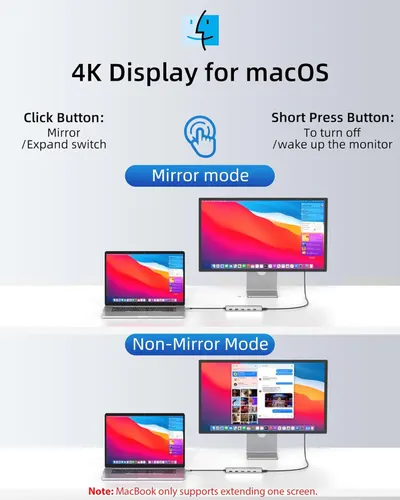 Image 4 · How to Use Images, Single Benefit Images
Explains how to use the 4K display with macOS, showing the difference between mirror mode and non-mirror mode configurations, and instructing users on button functions for switching between modes. Demonstrates that the 4K display is compatible with macOS and offers flexible display mode options to reassure Mac users about functionality and ease of use.
Mirror Mode vs Non-Mirror Mode Setup; macOS Compatibility; Dual Display Modes
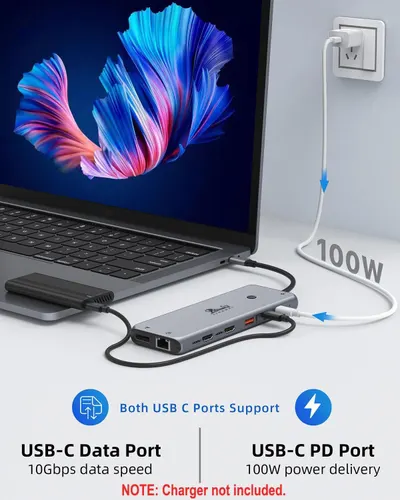 Image 5 · Infographic Images
Highlights the dual functionality of the USB-C hub's two ports—one for high-speed data transfer and one for powerful charging—to communicate versatility and performance to shoppers.
USB-C Data Port; USB-C PD Port; 100W Power Delivery; 10Gbps Data Speed
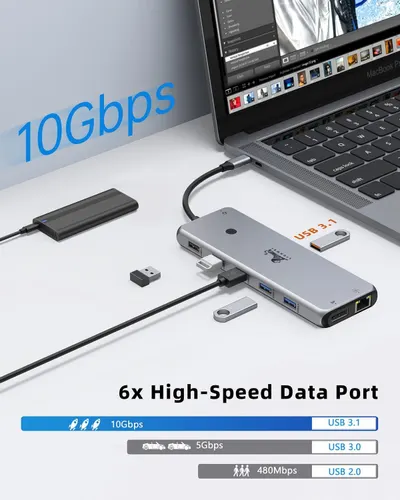 Image 6 · Key Stat Images, Single Benefit Images
Communicates the product's high-speed data transfer capability (10Gbps) and multiple port options to reassure shoppers of fast, efficient connectivity and performance. Highlights the primary benefit of fast data transfer speeds to appeal to users needing efficient connectivity solutions.
10Gbps High-Speed Data Transfer; 6x High-Speed Data Ports; High-Speed Data Transfer
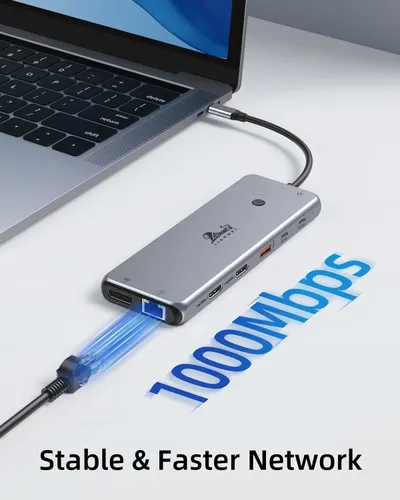 Image 7 · Key Stat Images, Single Benefit Images
Communicates the high-speed network performance capability of the USB hub to reassure shoppers that it delivers fast and stable connectivity. Highlights the product's ability to provide a stable and faster network connection as a key benefit for laptop users.
1000Mbps Network Speed; Fast Network Connection
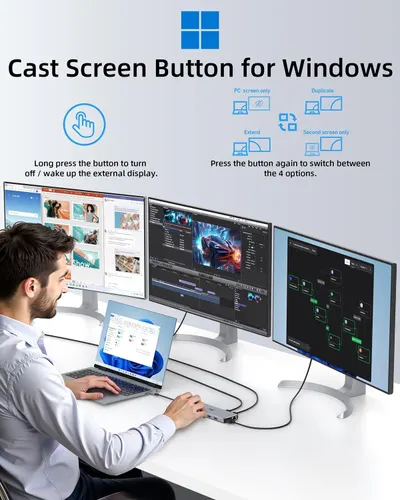 Image 8 · How to Use Images, Use Case Images
Instructs users on how to use the cast screen button to control external displays on Windows, including turning on/off displays and switching between four display modes (PC screen only, Duplicate, Extend, Second screen only). Demonstrates the product's versatility in supporting multiple professional use cases including design work, video editing, and complex multi-screen workflows.
Cast Screen Button for Windows; Display Mode Switching; Multi-Monitor Setup; Professional Workflows
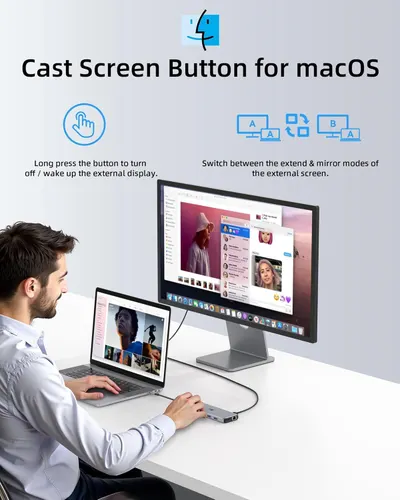 Image 9 · Infographic Images
Communicates multiple distinct benefits of the product's cast screen button functionality, including the ability to turn on/off external displays and switch between extend and mirror modes.
Cast Screen Button; External Display Control; Display Mode Switching
Design themes in this listing
- Display Mode Switching2
- 1000Mbps Network Speed1
- 100W Power Delivery1
- 10Gbps Data Speed1
- 10Gbps High-Speed Data Transfer1
- 14-in-1 Port Configuration1
- 6x High-Speed Data Ports1
- Audio/Mic1
Other Laptop Docking Stations listings
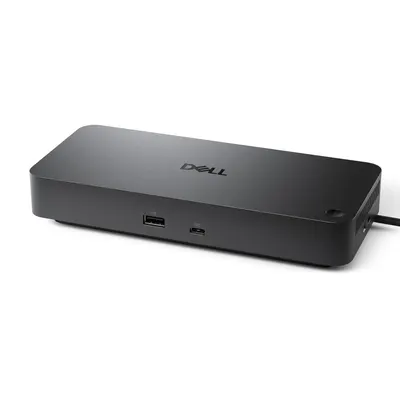 Dell Pro Dock WD258 gallery images · #72 in Computers & Accessories
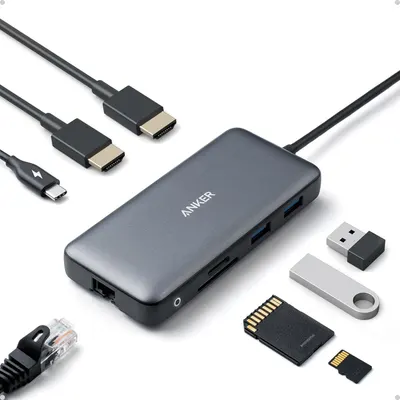 Anker Laptop Docking Station Dual Monitor8 gallery images · #261 in Electronics
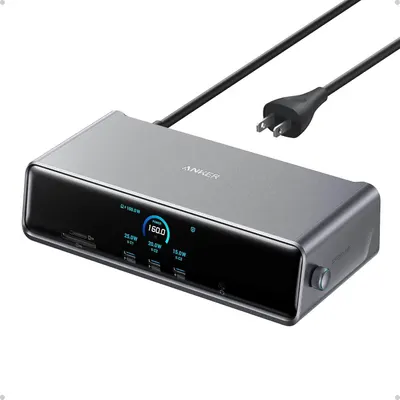 Anker Prime Docking Station (DL7400)9 gallery images · #1,424 in Electronics
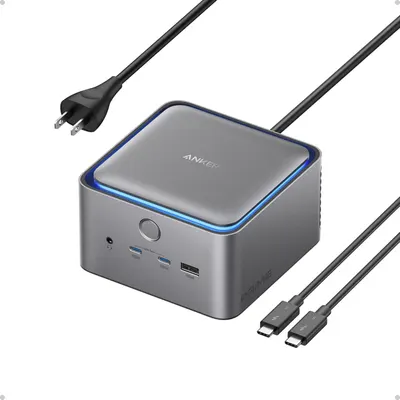 Anker Prime TB5 Docking Station7 gallery images · #2,157 in Electronics
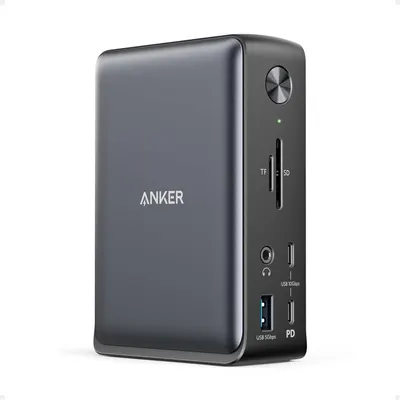 Anker Laptop Docking Station7 gallery images · #2,459 in Electronics
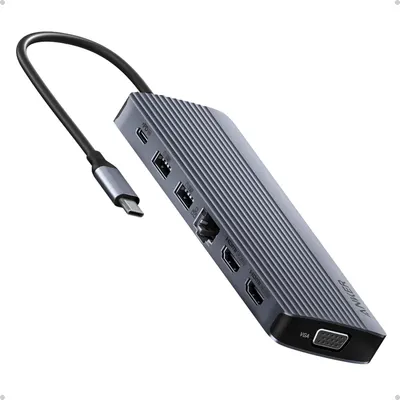 Anker Laptop Docking Station 3 Monitors7 gallery images · #2,734 in Electronics
Our design team makes Amazon listing images, infographics and A+ content. £750 per day, with revisions the next day.
Last example added 2026-02-26 · 9 images. Image types are tagged by AI and checked by hand in samples.
These images belong to LIONWEI and are shown for design research. Request removal.