Anker Laptop Docking Station 3 Monitors: full Amazon image stack
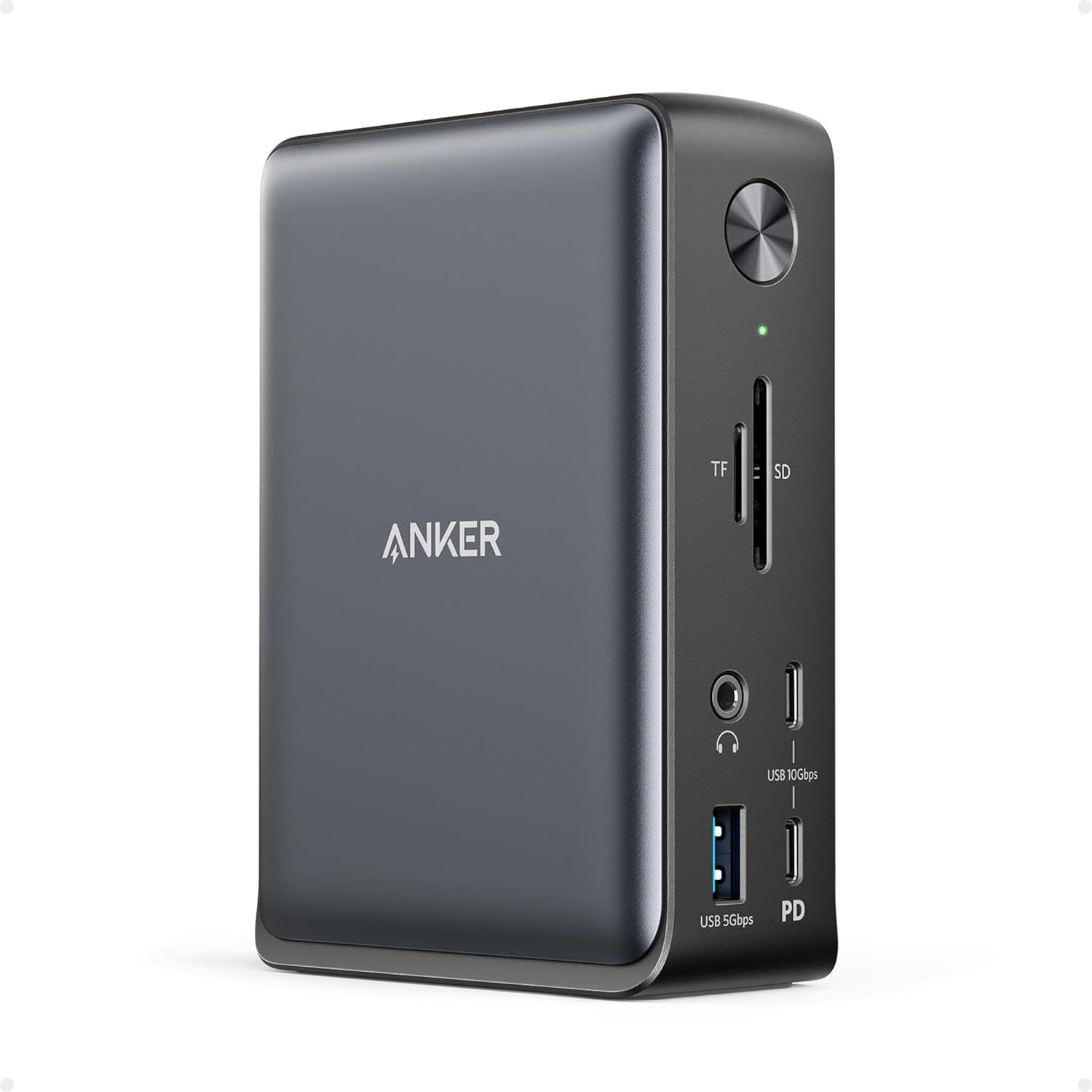
Anker Laptop Docking Station 3 Monitors by Anker uses 7 gallery images. Image 1 is a product main image. The rest of the stack uses product detail images, infographic images and single benefit images. It ranks #2,734 in Electronics.
- Brand
- Anker
- Niche
- Laptop Docking Stations
- Category
- Electronics
- Gallery images
- 7
- Best Sellers Rank
- #2,734 in Electronics (See Top 100 in Electronics)
- ASIN
- B0CF52HF6D
Gallery images in order
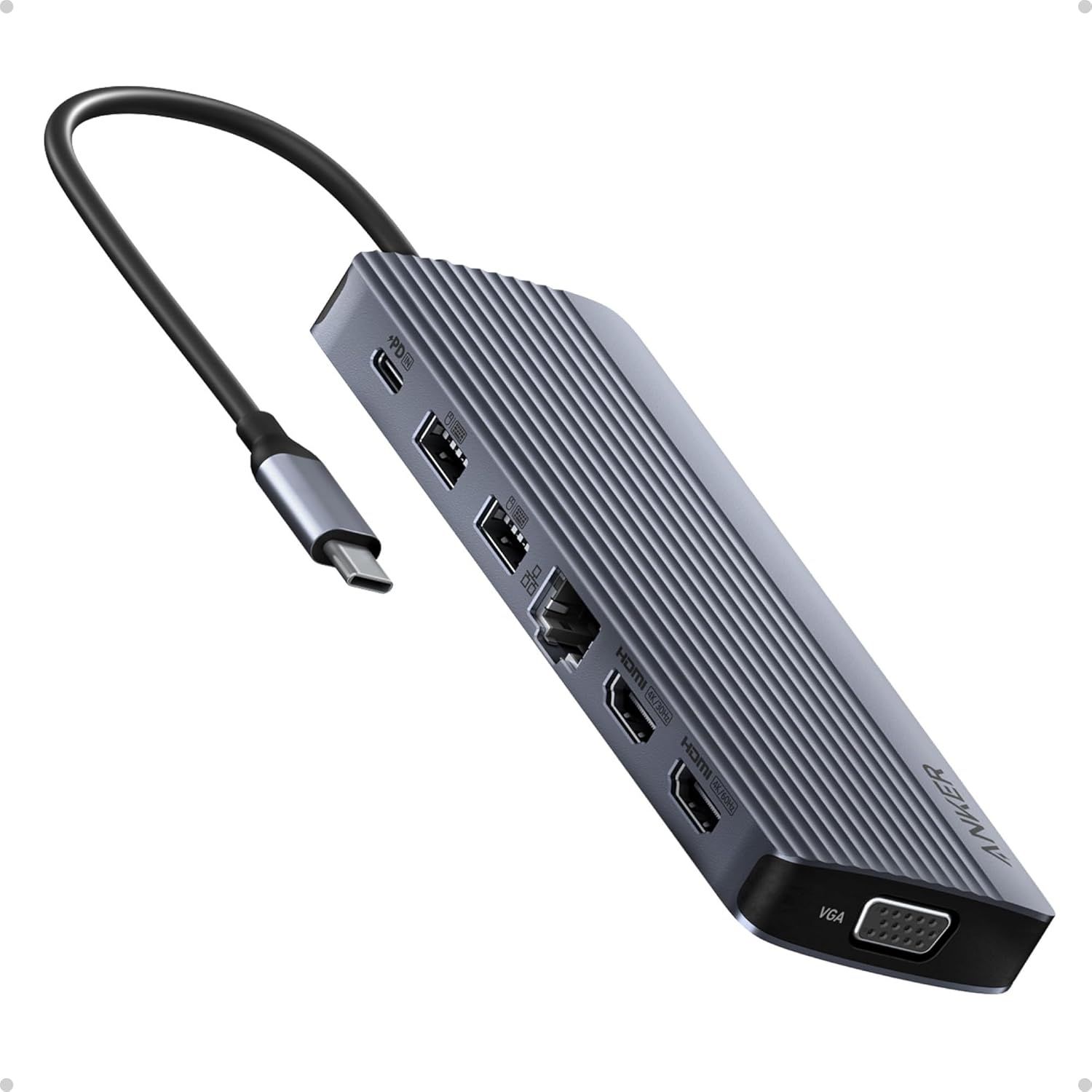 Image 1 · Product Main Images, In-Use Main Images
Displays the core product clearly on a white background to show the hub's design, multiple ports (USB, HDMI, Ethernet, VGA), and attached cable, helping shoppers understand what they will receive. Demonstrates the product's functionality by clearly showing all available ports and connection types, communicating that this hub expands a single USB-C port into multiple connectivity options for various devices and peripherals.
Multi-port USB-C Hub; Multiple Connectivity Options; Port Variety; Connectivity Expansion
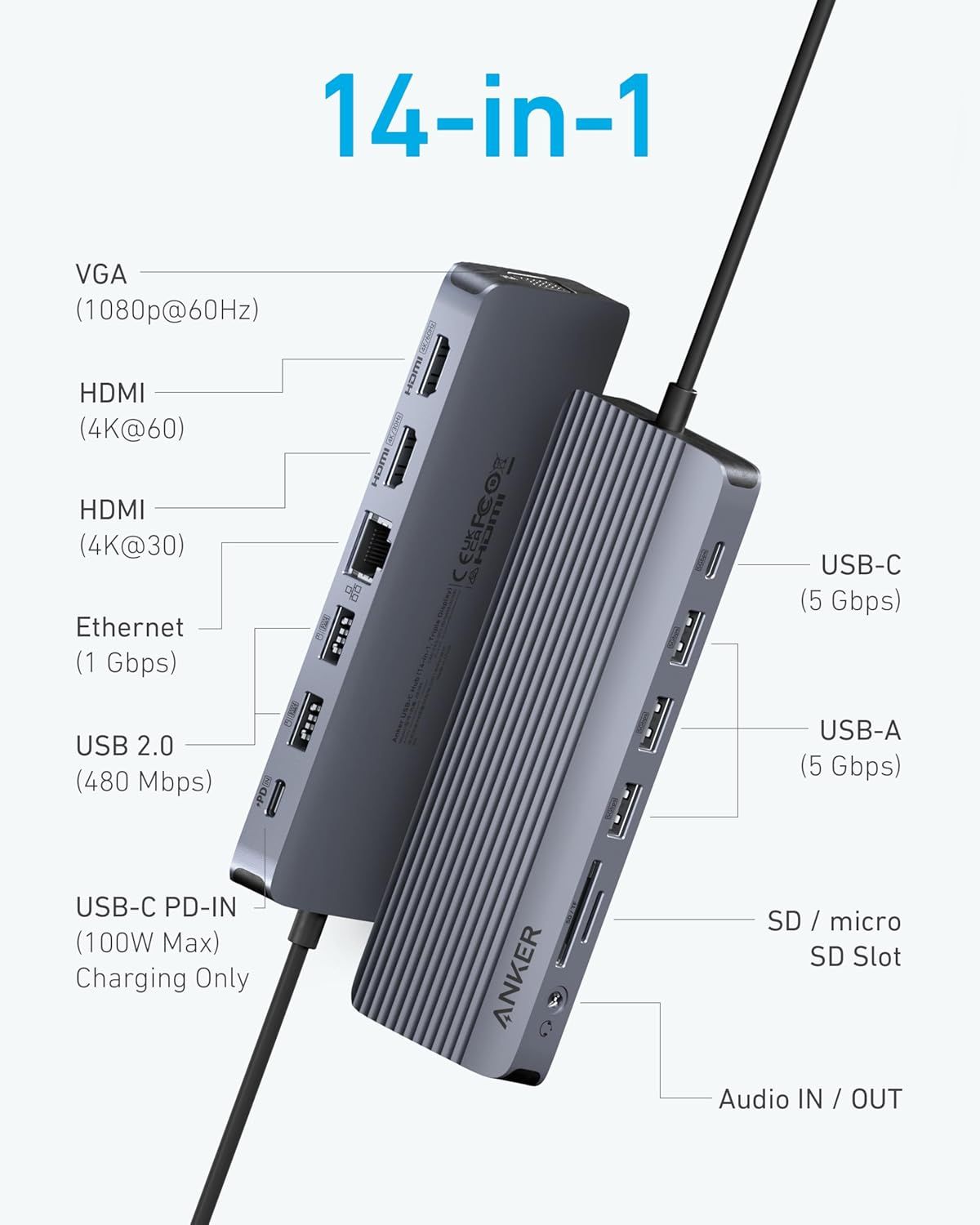 Image 2 · Product Detail Images
This image breaks down all the ports and connectivity options available on the USB-C hub, helping shoppers understand the full range of connections and capabilities the product offers.
14-in-1 Connectivity Hub; VGA; HDMI; Ethernet; USB-C; USB-A; SD Card Slot; Audio IN/OUT
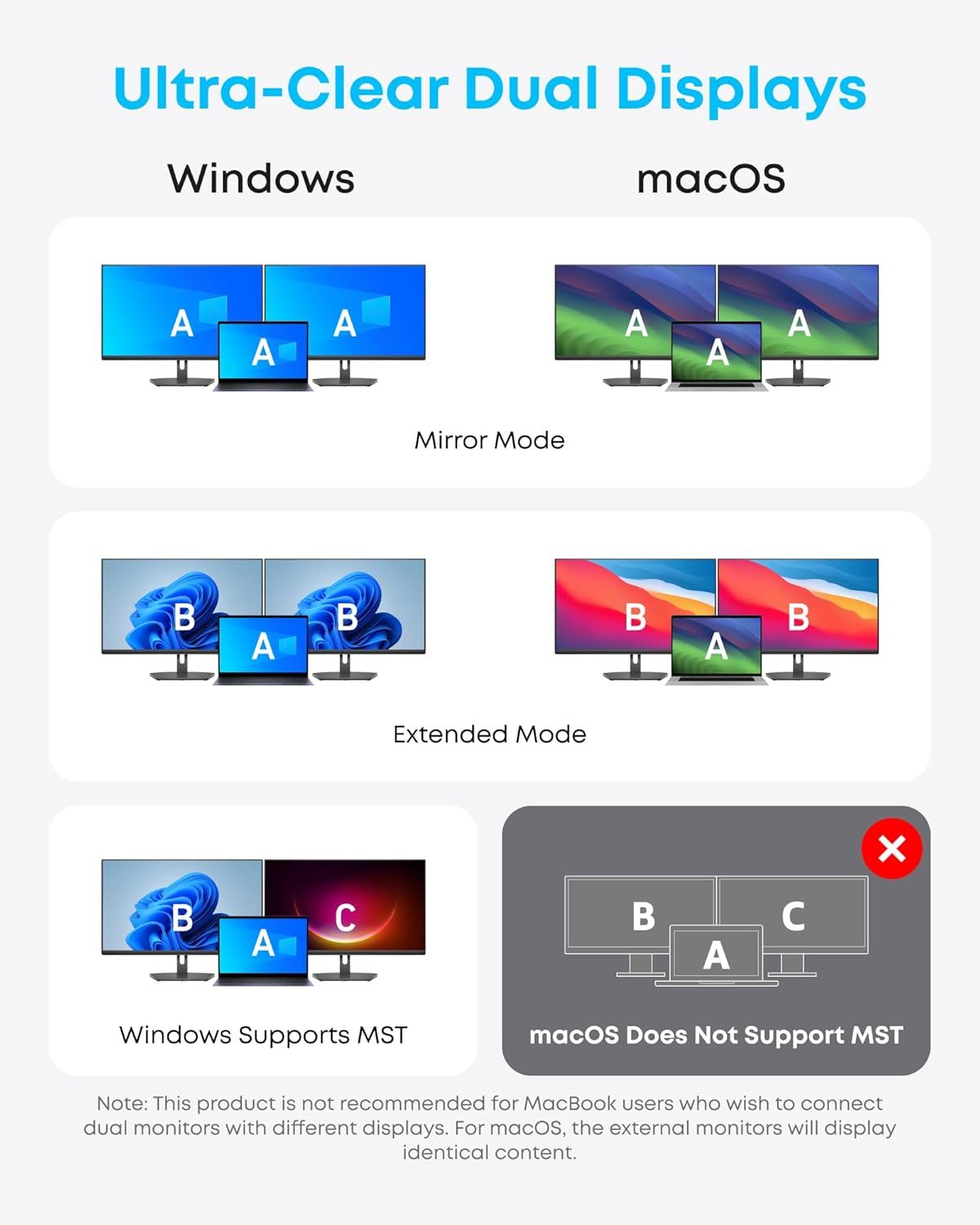 Image 3 · Infographic Images
Demonstrates the product's ability to support multiple display configurations across Windows and macOS, highlighting compatibility features and display modes to help shoppers understand setup options and limitations.
Dual Display Compatibility; Mirror Mode; Extended Mode; MST Support
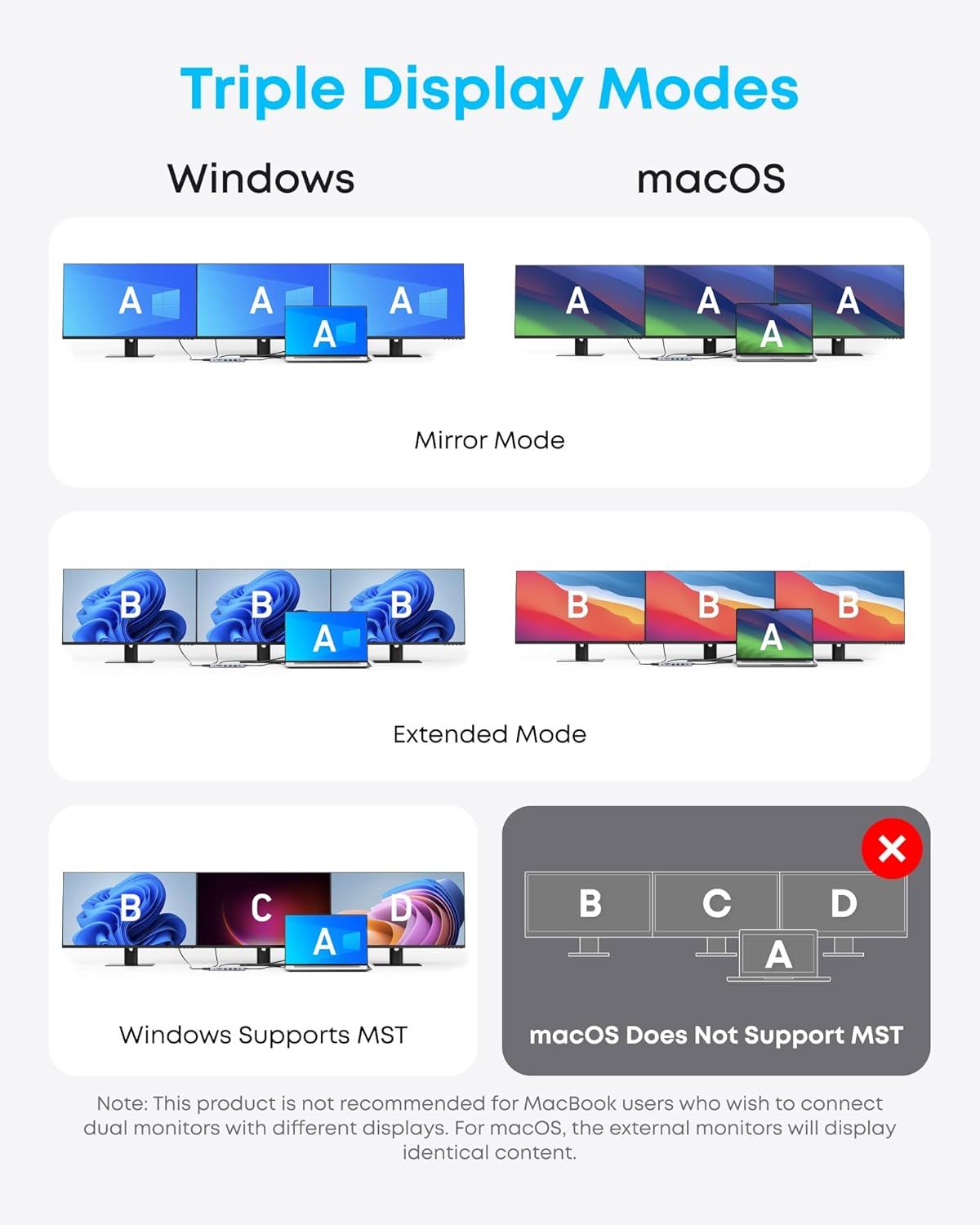 Image 4 · Infographic Images
Demonstrates the multiple display configuration options available for Windows and macOS users, showing compatibility and flexibility across different operating systems and display modes.
Triple Display Modes; Mirror Mode; Extended Mode; MST Support
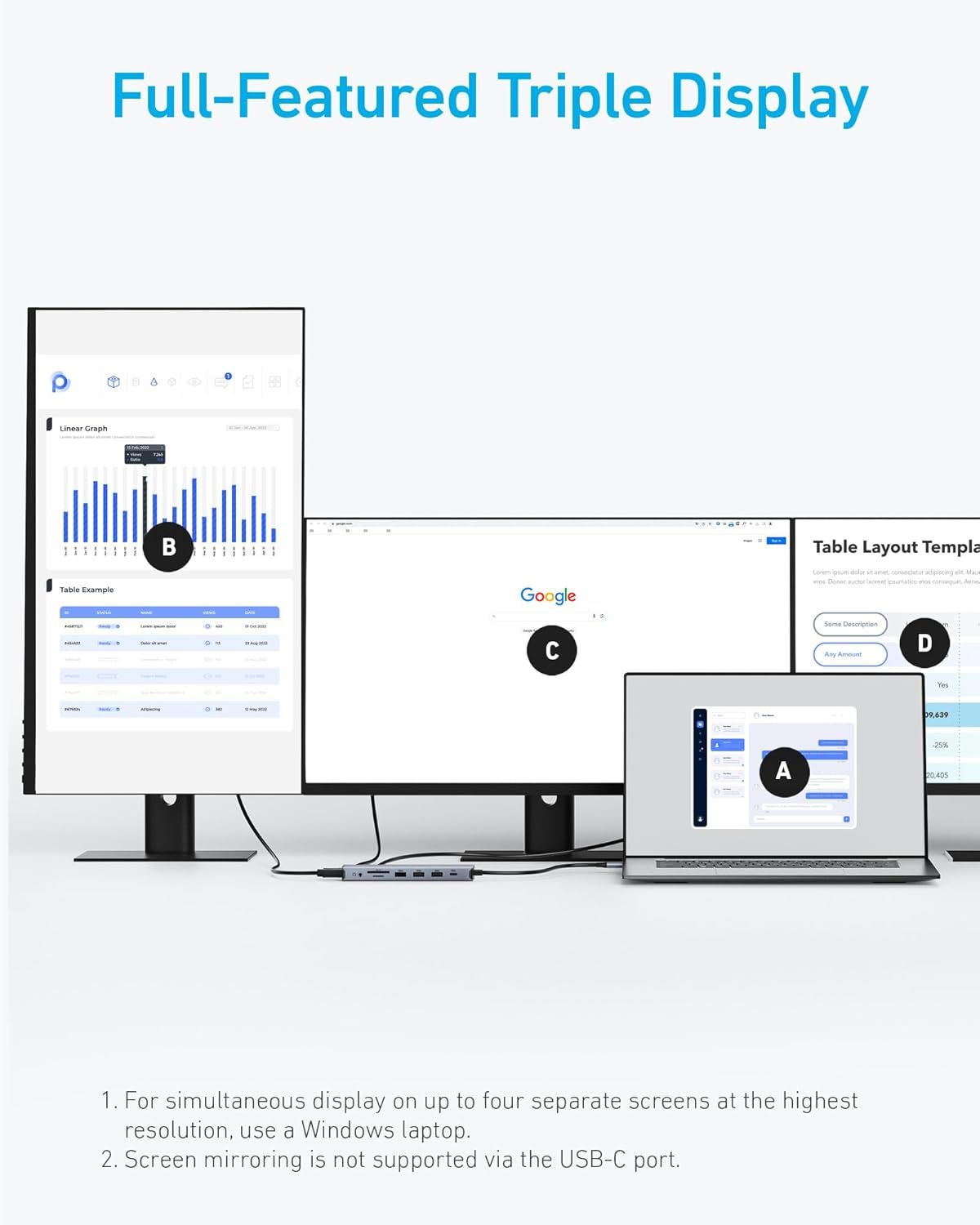 Image 5 · Single Benefit Images
Demonstrates the product's ability to connect and display content across multiple screens simultaneously, reassuring shoppers that it supports high-resolution multi-monitor setups for productivity.
Multi-monitor support; Triple display capability
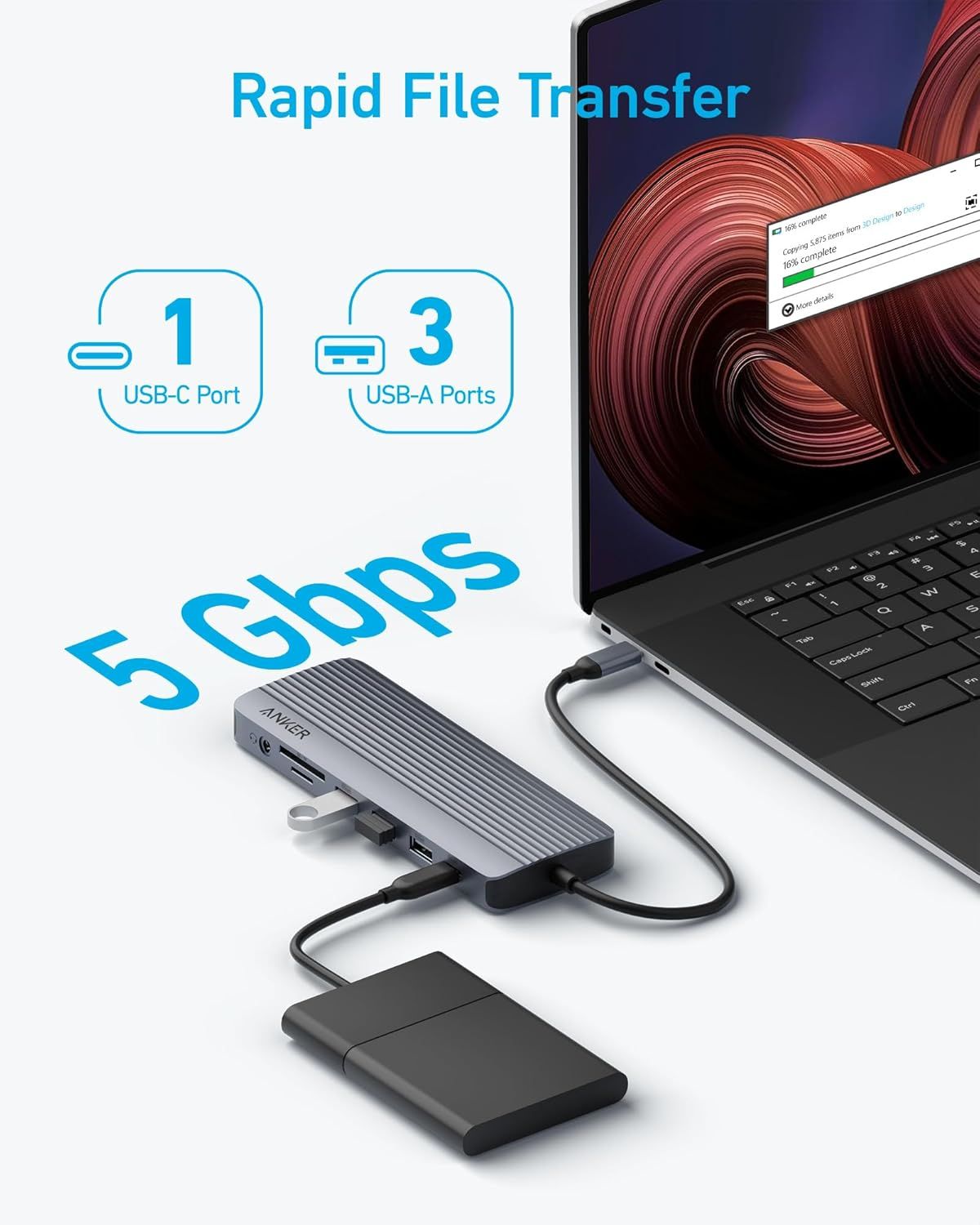 Image 6 · Key Stat Images, Single Benefit Images
Communicates the fast data transfer speed of 5 Gbps to reassure shoppers that the USB hub enables rapid file transfers between devices. Highlights the primary benefit of fast file transfer capability, showing the hub in use with a laptop and external drive to demonstrate real-world performance.
5 Gbps Transfer Speed; Rapid File Transfer
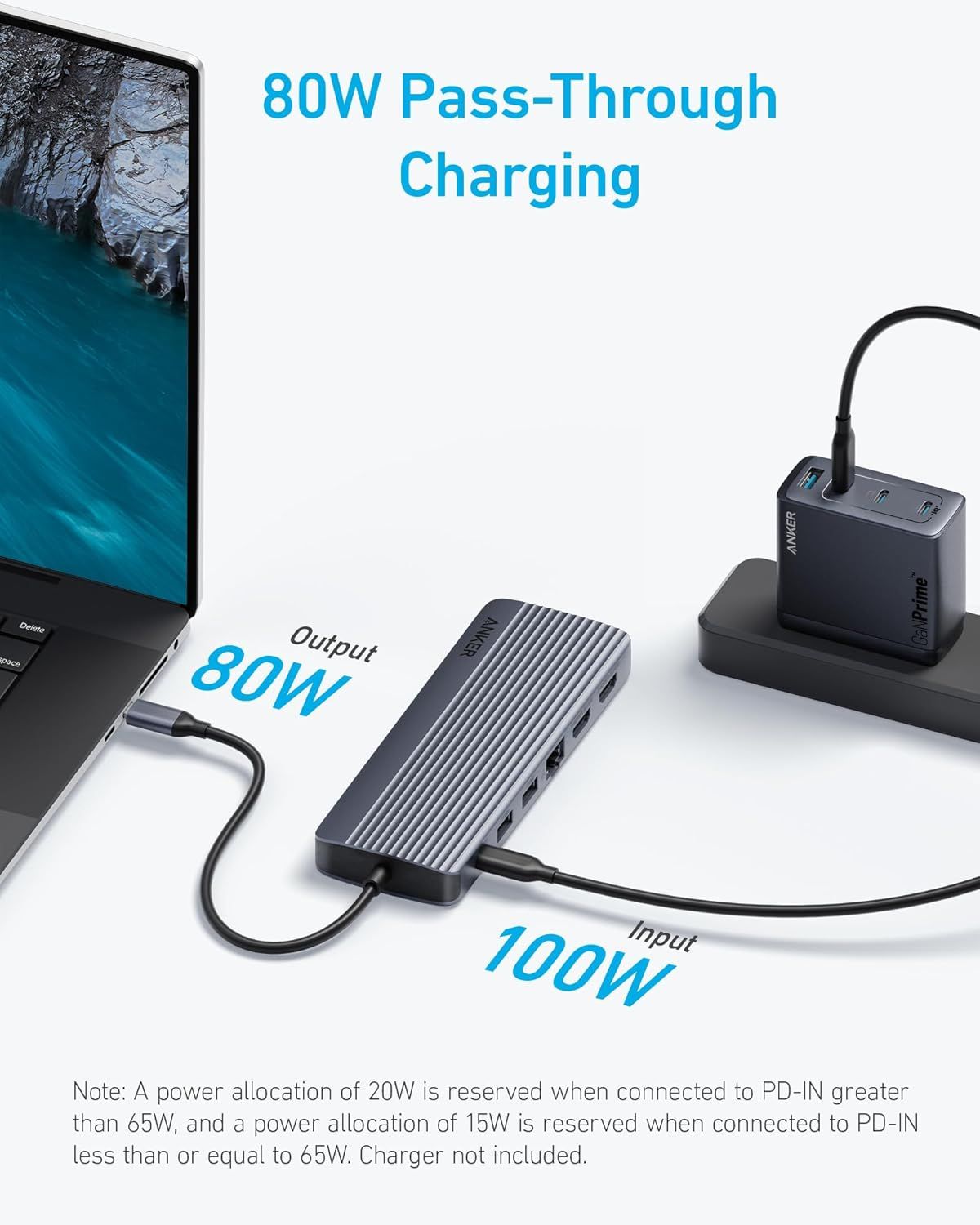 Image 7 · Key Stat Images, Single Benefit Images
Communicates the high-wattage charging capabilities of the hub, emphasizing fast pass-through charging performance to reassure shoppers about power efficiency and device compatibility. Highlights the key benefit of simultaneous charging and device usage, showing shoppers how the hub maintains power flow while in use.
80W Pass-Through Charging; 100W Input; 80W Output; Pass-Through Charging
Design themes in this listing
- Extended Mode2
- Mirror Mode2
- MST Support2
- 100W Input1
- 14-in-1 Connectivity Hub1
- 5 Gbps Transfer Speed1
- 80W Output1
- 80W Pass-Through Charging1
Other Laptop Docking Stations listings
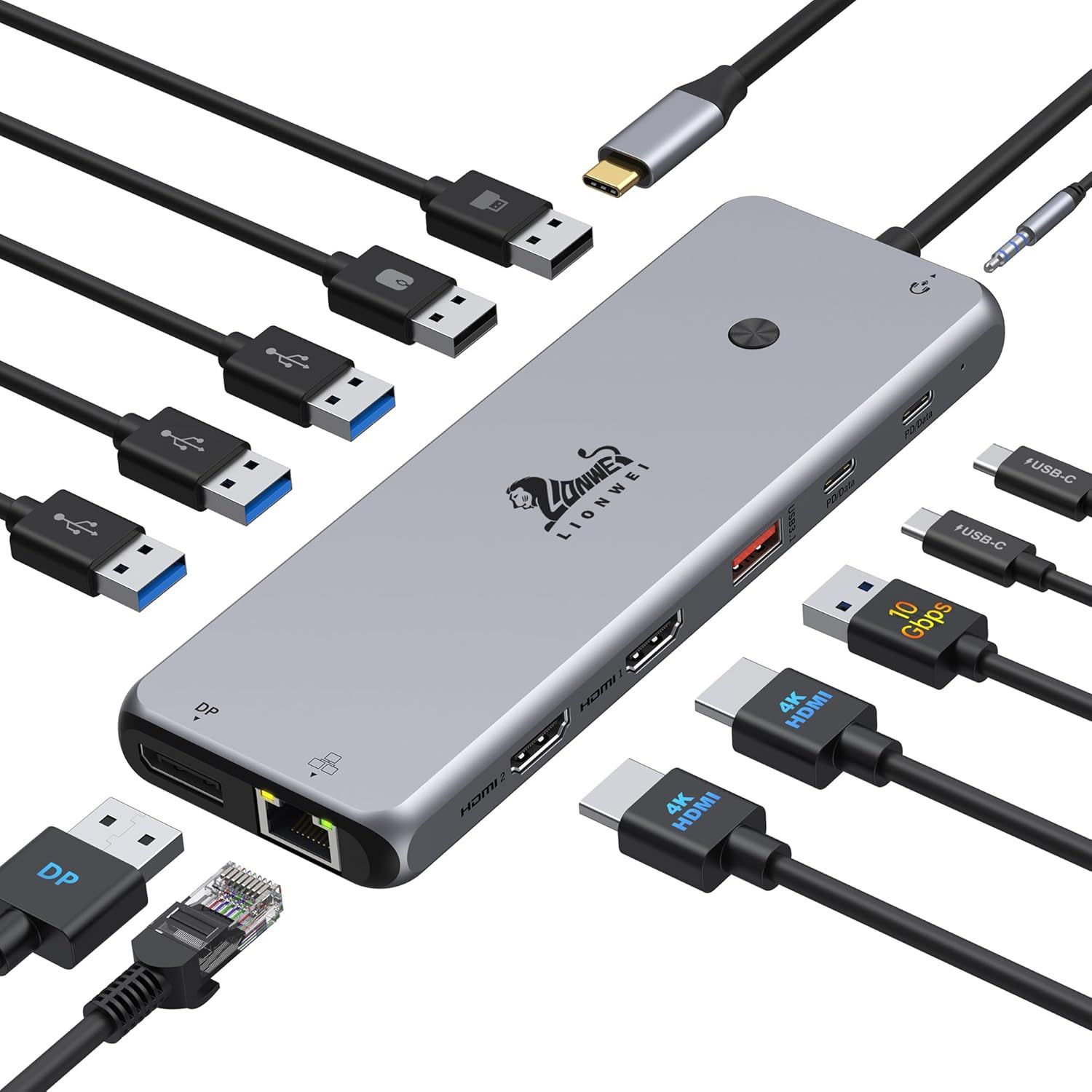 13 in 1 USB C Docking Station9 gallery images · #9 in Laptop Docking Stations
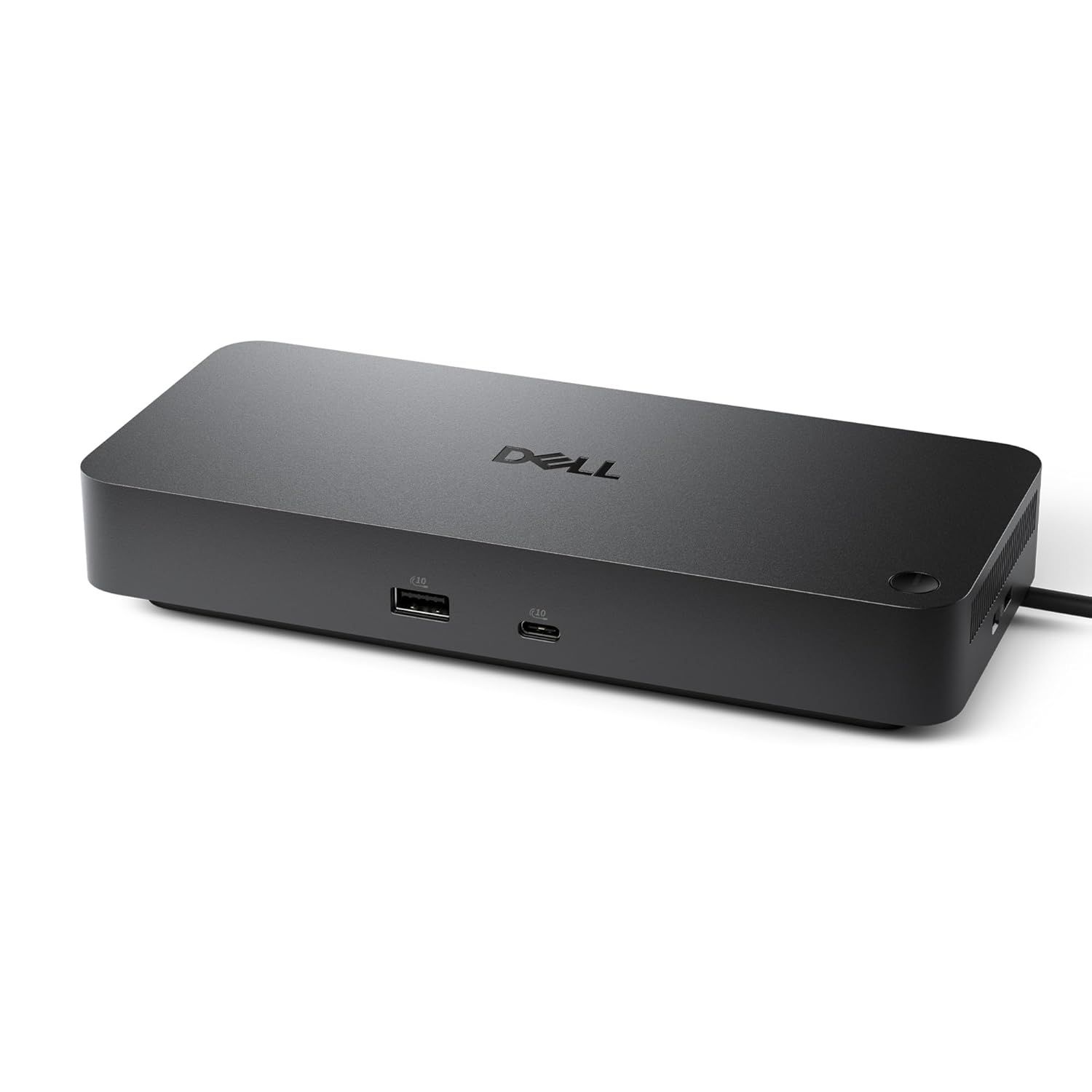 Dell Pro Dock WD258 gallery images · #72 in Computers & Accessories
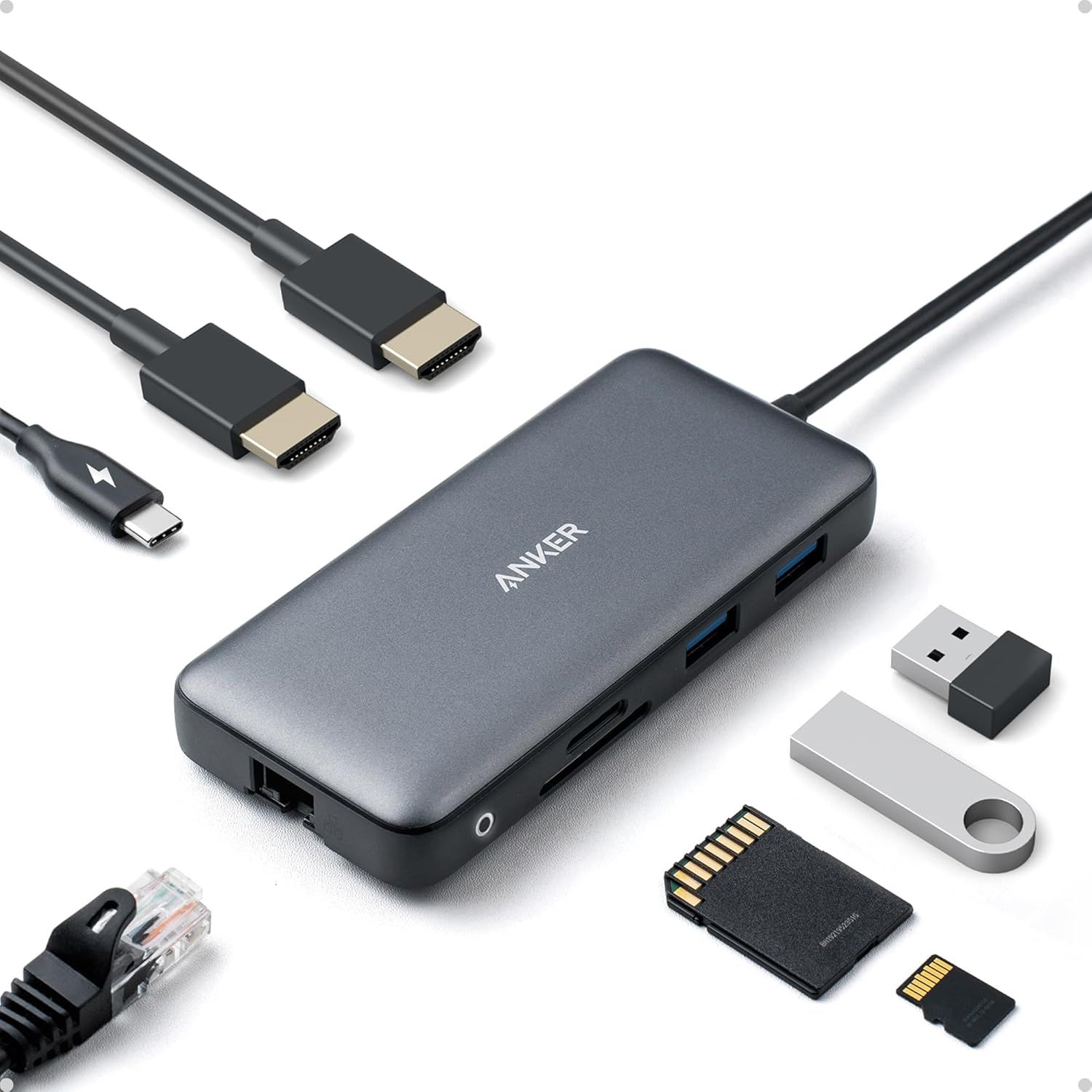 Anker Laptop Docking Station Dual Monitor8 gallery images · #261 in Electronics
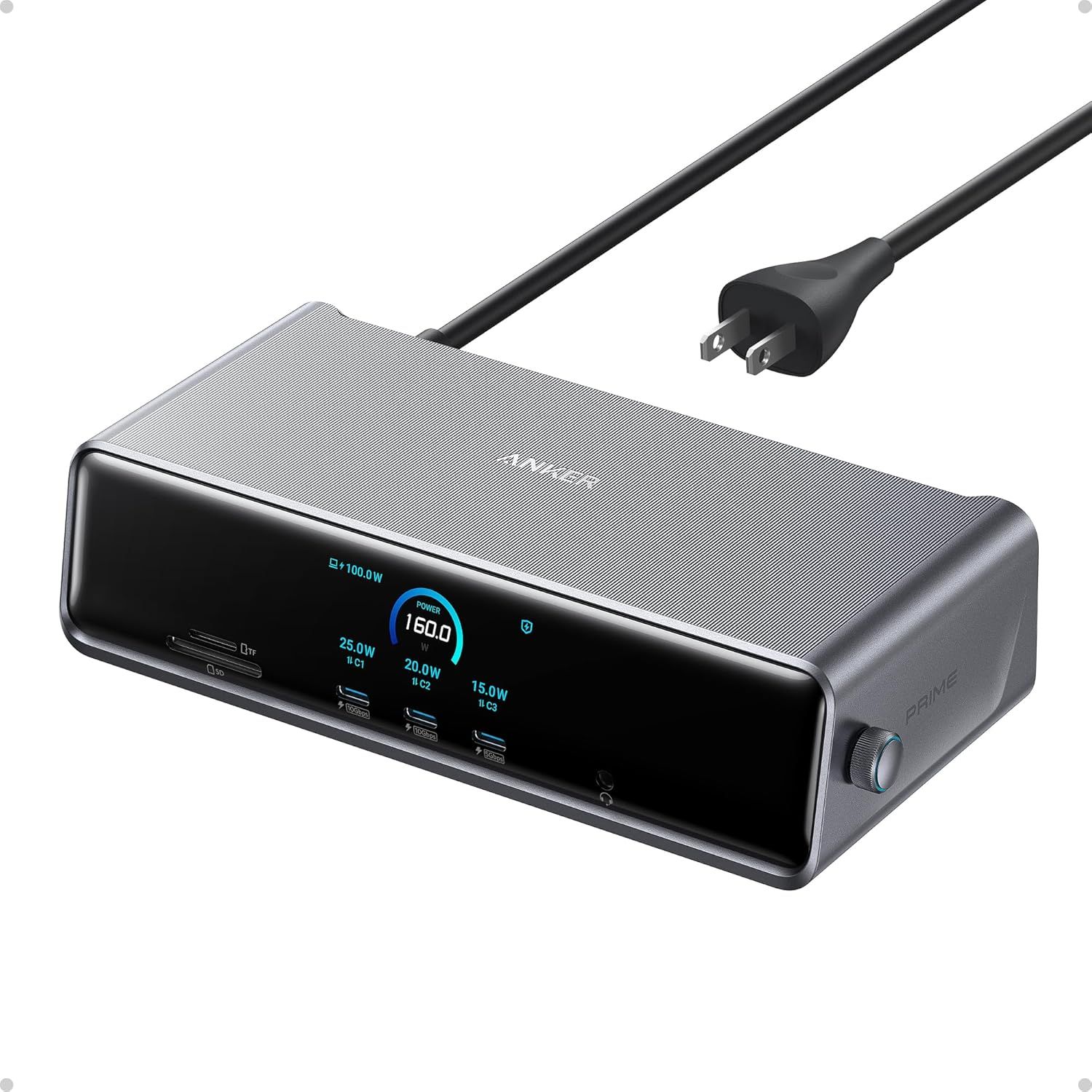 Anker Prime Docking Station (DL7400)9 gallery images · #1,424 in Electronics
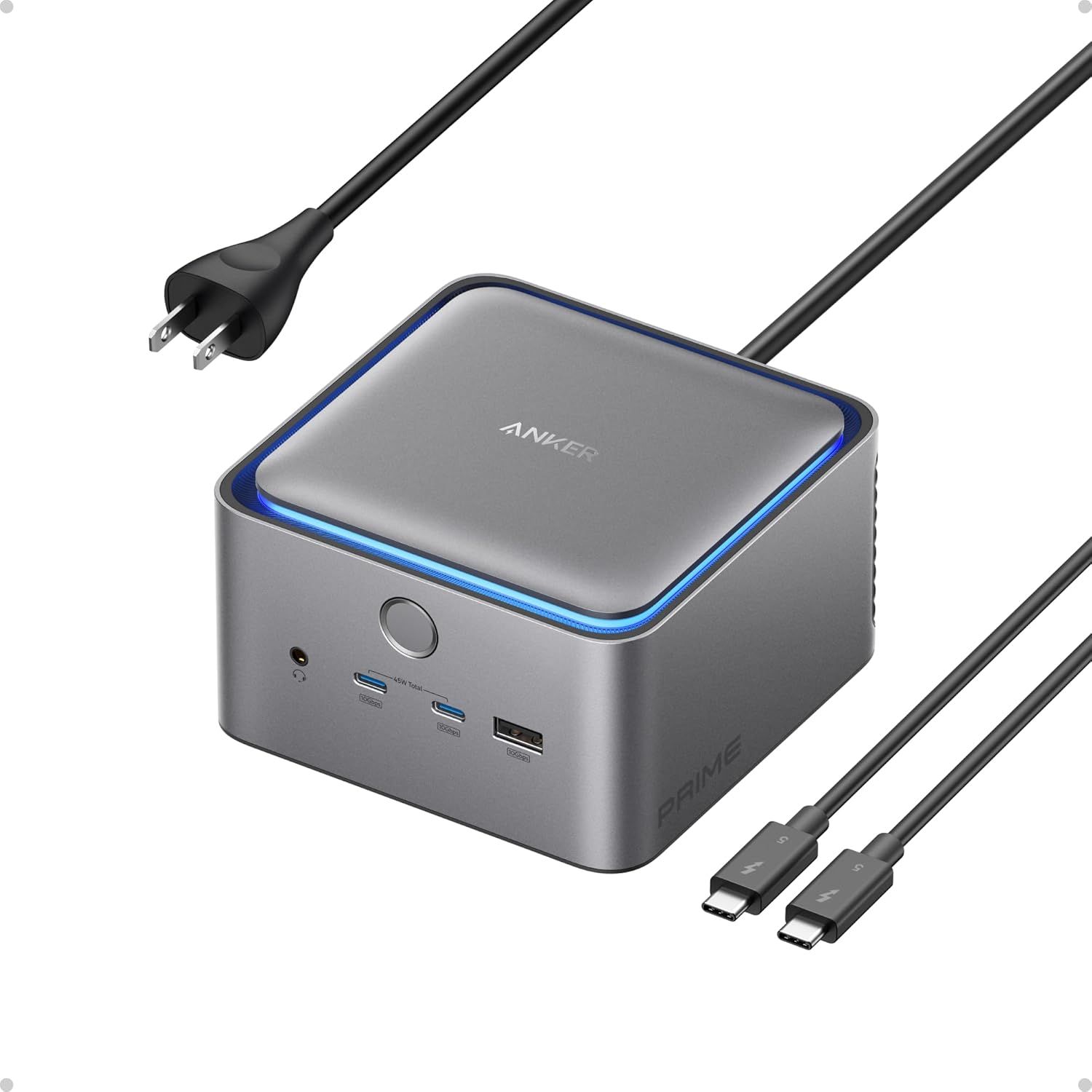 Anker Prime TB5 Docking Station7 gallery images · #2,157 in Electronics
 Anker Laptop Docking Station7 gallery images · #2,459 in Electronics
Our design team makes Amazon listing images, infographics and A+ content. £750 per day, with revisions the next day.
Last example added 2026-02-26 · 7 images. Image types are tagged by AI and checked by hand in samples.
These images belong to Anker and are shown for design research. Request removal.