XPPen Drawing Tablet with Screen Full-Laminated Graphics Drawing Monitor…: full Amazon image stack
XPPen Drawing Tablet with Screen Full-Laminated Graphics Drawing Monitor… by XP-Pen uses 9 gallery images. Image 1 is a product main image. The rest of the stack uses infographic images, product detail images and how to use images. It ranks #9 in Computer Graphics Tablets.
See your listing next to your competitors
Paste your Amazon link. We score every image and show what the top sellers do differently. Your first comparison is free.
- Brand
- XP-Pen
- Niche
- Drawing Tablet
- Category
- Electronics
- Gallery images
- 9
- Best Sellers Rank
- #9 in Computer Graphics Tablets
- ASIN
- B07VPHR6GD
Gallery images in order
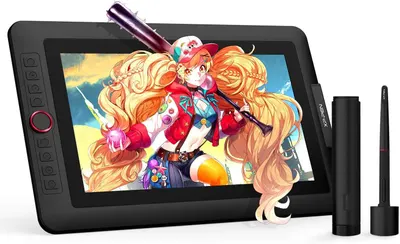 Image 1 · Product Main Images, Main Images with Accessories
Shows the core drawing tablet product with its included stylus and adapter, displaying vibrant artwork on screen to demonstrate its capability for digital art creation. Highlights the included accessories that come with the tablet, showing shoppers what additional items they will receive with their purchase.
Drawing Tablet with Display; Stylus Pen; Adapter; Stylus Pen; USB Adapter
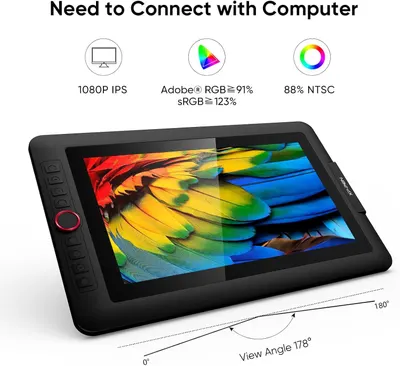 Image 2 · Infographic Images
Communicates multiple technical specifications and benefits of the drawing tablet display, including resolution, color accuracy metrics, and viewing angle to reassure professional users of its quality.
1080P IPS Display; Adobe RGB Color Accuracy; Wide Viewing Angle
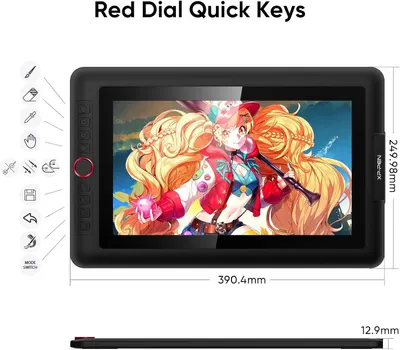 Image 3 · Product Detail Images, Dimension Images
Communicates the exact physical dimensions of the drawing tablet (390.4mm width, 249.98mm height, 12.9mm thickness) to help shoppers understand the size and portability of the device. Highlights the physical components and control interface of the tablet, showing the red dial button, quick key shortcuts, and mode switch to help users understand the device's functionality and ease of use.
Physical Dimensions; Red Dial Quick Keys; Control Buttons; Interface Layout
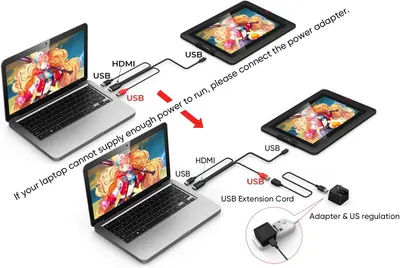 Image 4 · How to Use Images
Demonstrates two different setup methods for connecting the drawing tablet to a laptop, showing how to properly power the device depending on the laptop's power output capability.
Setup Instructions; Power Connection
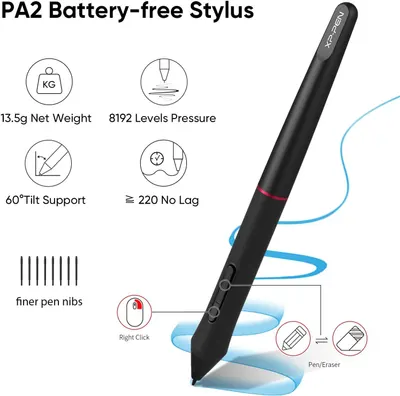 Image 5 · Product Detail Images, Infographic Images
This image breaks down the physical and functional components of the stylus, highlighting key specifications and features such as weight, pressure sensitivity, tilt support, lag-free performance, nib options, and button functions to help shoppers understand the product's capabilities. Communicates multiple distinct benefits of the stylus in a segmented layout, showing why it's a high-performance tool for digital artists and note-takers.
Weight; Pressure Levels; Tilt Support; No Lag; Finer Pen Nibs; Right Click; Pen/Eraser Mode; Lightweight; High Pressure Sensitivity; Tilt Support; Responsive Performance; Precision; Right Click Functionality; Dual Mode
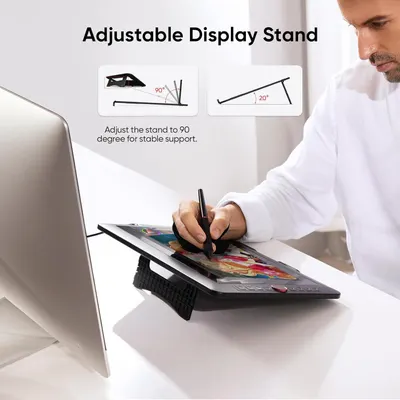 Image 6 · Single Benefit Images
Demonstrates the adjustable stand feature with specific angle options (90° and 20°) to reassure shoppers that the product offers flexible positioning for comfortable use and stable support.
Adjustable Display Stand; Multiple Angle Settings
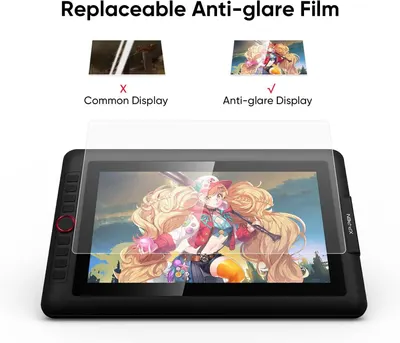 Image 7 · Single Benefit Images, Comparison Chart Images
Demonstrates the superiority of the anti-glare film by showing a side-by-side comparison with a common display, proving reduced glare and better visibility. Highlights the key benefit of the replaceable anti-glare film in reducing screen glare for better viewing experience.
Anti-glare Film; Replaceable Screen Protector; Anti-glare Protection
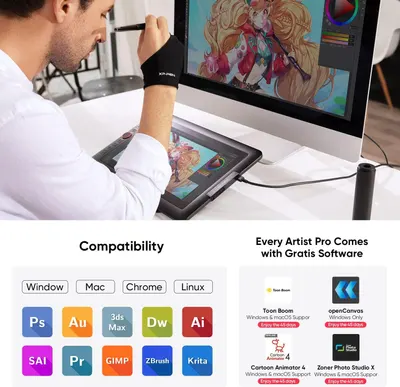 Image 8 · Use Case Images, What's in the Box Images
Demonstrates the product's broad compatibility across multiple operating systems (Windows, Mac, Chrome, Linux) and professional creative software applications, reassuring buyers that the drawing tablet will work with their existing setup and preferred tools. Highlights the value-added bonus software included with purchase, showing that buyers receive multiple professional creative applications at no additional cost.
Software Compatibility; Operating System Support; Bundled Software; Free Creative Applications
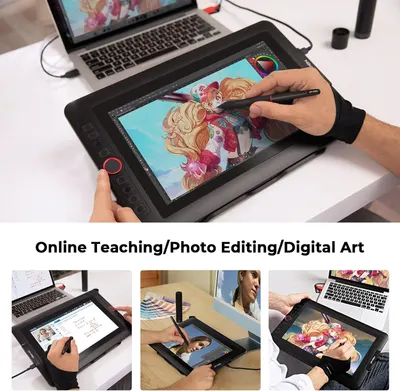 Image 9 · Use Case Images
Demonstrates the versatility of the drawing tablet by showing it can be used for multiple professional applications including online teaching, photo editing, and digital art creation.
Multiple Use Cases: Online Teaching, Photo Editing, Digital Art
Design themes in this listing
- Stylus Pen2
- Tilt Support2
- 1080P IPS Display1
- Adapter1
- Adjustable Display Stand1
- Adobe RGB Color Accuracy1
- Anti-glare Film1
- Anti-glare Protection1
Other Drawing Tablet listings
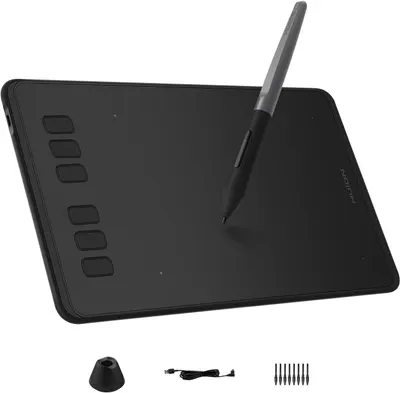 HUION Inspiroy H640P Drawing Tablet10 gallery images · #3 in Computer Graphics Tablets
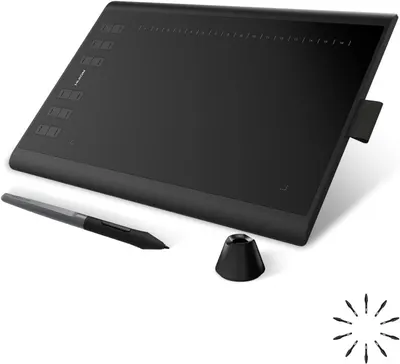 HUION Inspiroy H1060P Graphics Drawing Tablet with 8192 Pressure…10 gallery images · #4 in Computer Graphics Tablets
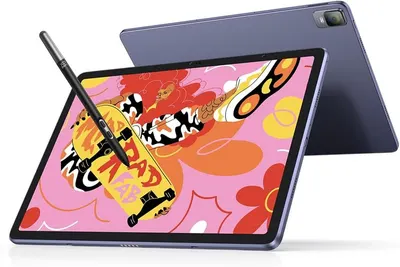 XPPen Magic Drawing Pad 12.2 Inch Standalone Drawing Tablet No…9 gallery images · #15 in Computer Graphics Tablets
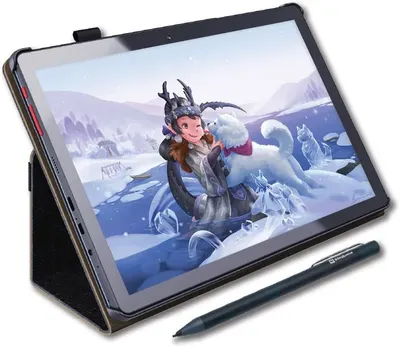 PicassoTab X Drawing Tablet • No Computer Needed • Drawing Apps &…8 gallery images · #23 in Computer Graphics Tablets
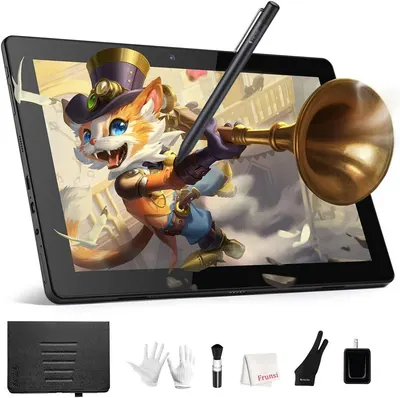 RubensTab T11 Pro standalone Drawing Tablet No Computer Needed8 gallery images · #69 in Computer Graphics Tablets
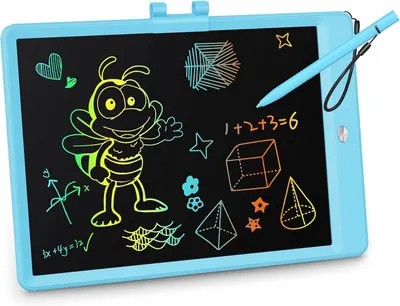 KOKODI LCD Writing Tablet8 gallery images · #90 in Toys & Games
Our design team makes Amazon listing images, infographics and A+ content. £750 per day, with revisions the next day.
Last example added 2026-02-20 · 9 images. Image types are tagged by AI and checked by hand in samples.
These images belong to XP-Pen and are shown for design research. Request removal.