XPPen Magic Drawing Pad 12.2 Inch Standalone Drawing Tablet No Computer Needed…: full Amazon image stack
XPPen Magic Drawing Pad 12.2 Inch Standalone Drawing Tablet No Computer Needed… by XP-Pen uses 9 gallery images. Image 1 is a product main image. The rest of the stack uses infographic images, single benefit images and use case images. It ranks #15 in Computer Graphics Tablets.
See your listing next to your competitors
Paste your Amazon link. We score every image and show what the top sellers do differently. Your first comparison is free.
- Brand
- XP-Pen
- Niche
- Drawing Tablet
- Category
- Electronics
- Gallery images
- 9
- Best Sellers Rank
- #15 in Computer Graphics Tablets
- ASIN
- B0CRD6J83V
Gallery images in order
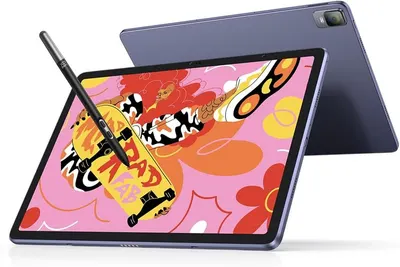 Image 1 · Product Main Images, Main Images with Accessories
Shows the core product—a tablet with stylus—from both front and back angles to communicate its design, display quality, and included stylus accessory for creative work. Highlights that the stylus pen is included with the tablet, reassuring shoppers they can start drawing or note-taking immediately without additional purchases.
Tablet with Stylus; Dual-sided Display; Included Stylus Pen
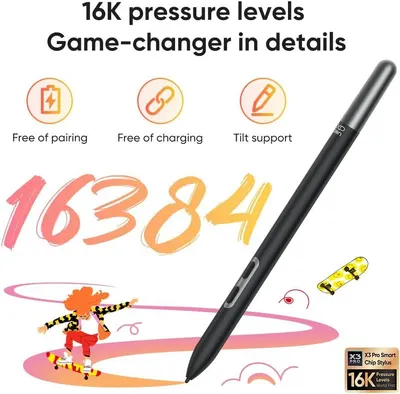 Image 2 · Infographic Images
Communicates multiple technical benefits of the stylus pen in a segmented layout, emphasizing its advanced pressure sensitivity and convenience features to reassure shoppers of its professional-grade capabilities.
16K Pressure Levels; Free of Pairing; Free of Charging; Tilt Support
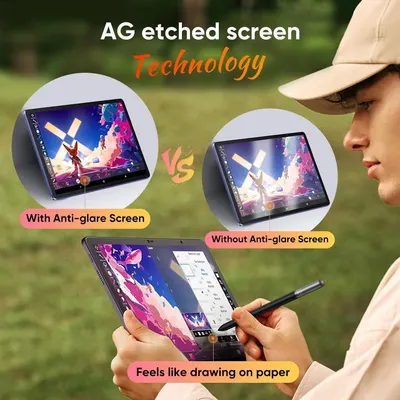 Image 3 · Single Benefit Images, Comparison Chart Images
Demonstrates the superiority of the AG etched screen technology by comparing the product with anti-glare screen versus without, showing how it reduces glare and provides a paper-like drawing experience for outdoor use. Highlights the anti-glare screen technology as a key benefit that enables comfortable outdoor use and a natural drawing experience.
AG Etched Screen Technology; Anti-glare Screen; Anti-glare Screen; Paper-like Drawing Experience
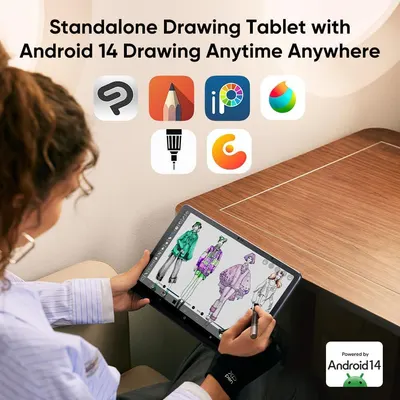 Image 4 · Use Case Images, Single Benefit Images
Demonstrates the tablet's compatibility with multiple popular drawing applications and highlights its Android 14 operating system to reassure shoppers of versatility and software support. Communicates the core benefit that this is a standalone drawing tablet with Android 14, allowing users to draw anytime, anywhere without needing a separate computer.
Compatible Drawing Apps; Android 14 OS; Standalone Drawing Capability; Versatile Creative Tool
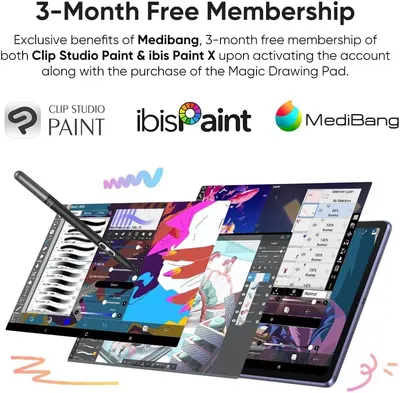 Image 5 · Single Benefit Images
Communicates the promotional value of receiving a 3-month free membership to Medibang, Clip Studio Paint, and ibis Paint X when purchasing the Magic Drawing Pad, incentivizing purchase with bundled software benefits.
3-Month Free Membership; Software Bundle Offer
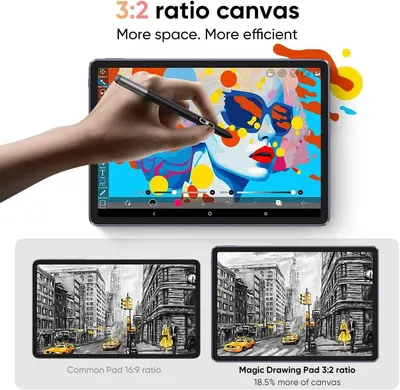 Image 6 · Single Benefit Images, Comparison Chart Images
Demonstrates that the product's 3:2 aspect ratio provides 18.5% more canvas space compared to common 16:9 tablets, positioning it as superior for digital art and creative work. Highlights the core benefit of increased workspace efficiency through the 3:2 ratio design, reassuring creative professionals and artists that they'll have more room to work.
3:2 Aspect Ratio; More Canvas Space; More Space; More Efficient
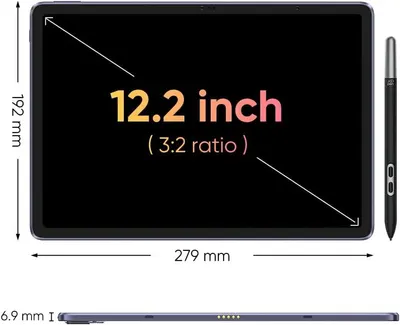 Image 7 · Dimension Images
Communicates the exact physical dimensions of the tablet (screen diagonal, width, height, and thickness) to help shoppers understand the product's size and portability.
Screen Size; Physical Dimensions; Thickness
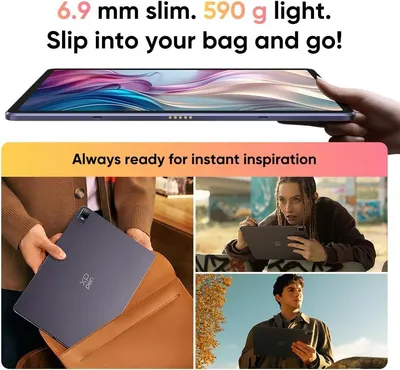 Image 8 · Key Stat Images, Single Benefit Images
Communicates the tablet's ultra-slim and lightweight design to emphasize portability and convenience for on-the-go use. Reinforces the core benefit of portability by showing the tablet easily slips into a bag and is ready for instant inspiration anywhere.
Slim Profile (6.9mm); Lightweight (590g); Portability; On-the-go Convenience
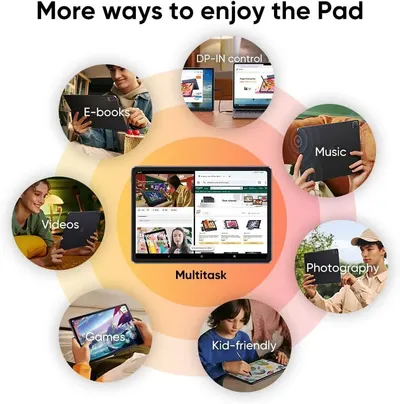 Image 9 · Use Case Images
Demonstrates the multiple use cases and versatility of the tablet, showing shoppers that the product can be used for entertainment, productivity, creativity, and family activities.
E-books; DP-IN control; Music; Videos; Multitask; Photography; Games; Kid-friendly
Design themes in this listing
- Anti-glare Screen2
- 16K Pressure Levels1
- 3-Month Free Membership1
- 3:2 Aspect Ratio1
- AG Etched Screen Technology1
- Android 14 OS1
- Compatible Drawing Apps1
- DP-IN control1
Other Drawing Tablet listings
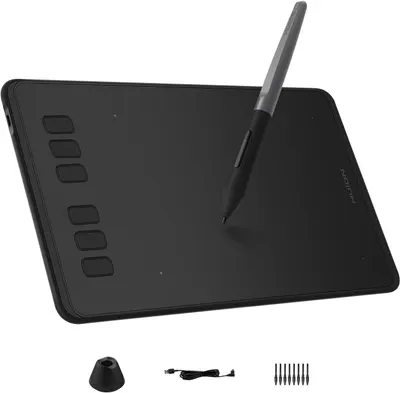 HUION Inspiroy H640P Drawing Tablet10 gallery images · #3 in Computer Graphics Tablets
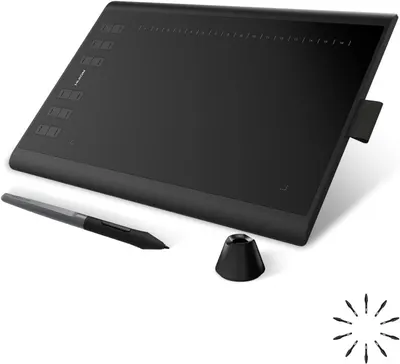 HUION Inspiroy H1060P Graphics Drawing Tablet with 8192 Pressure…10 gallery images · #4 in Computer Graphics Tablets
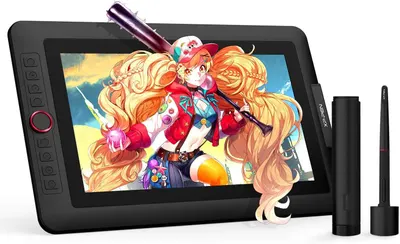 XPPen Drawing Tablet with Screen Full-Laminated Graphics Drawing…9 gallery images · #9 in Computer Graphics Tablets
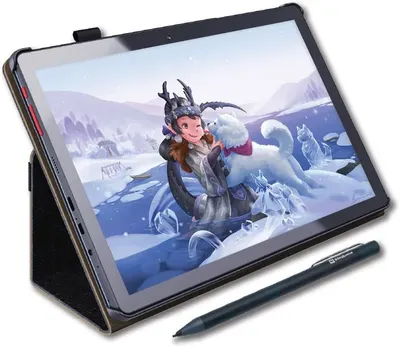 PicassoTab X Drawing Tablet • No Computer Needed • Drawing Apps &…8 gallery images · #23 in Computer Graphics Tablets
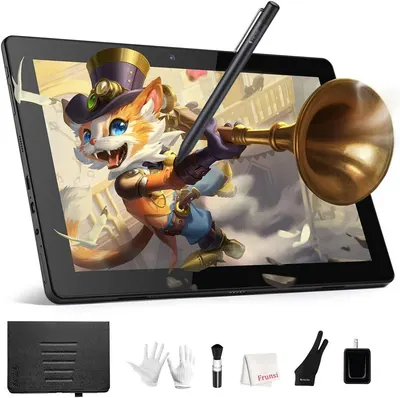 RubensTab T11 Pro standalone Drawing Tablet No Computer Needed8 gallery images · #69 in Computer Graphics Tablets
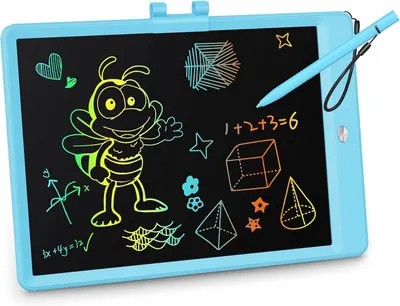 KOKODI LCD Writing Tablet8 gallery images · #90 in Toys & Games
Our design team makes Amazon listing images, infographics and A+ content. £750 per day, with revisions the next day.
Last example added 2026-02-20 · 9 images. Image types are tagged by AI and checked by hand in samples.
These images belong to XP-Pen and are shown for design research. Request removal.