Amazon Product Anatomy Secondary Image Examples

2,800 real product anatomy secondary images examples from Amazon product listings. Filter by product category and see what each image is designed to do.

Page 15

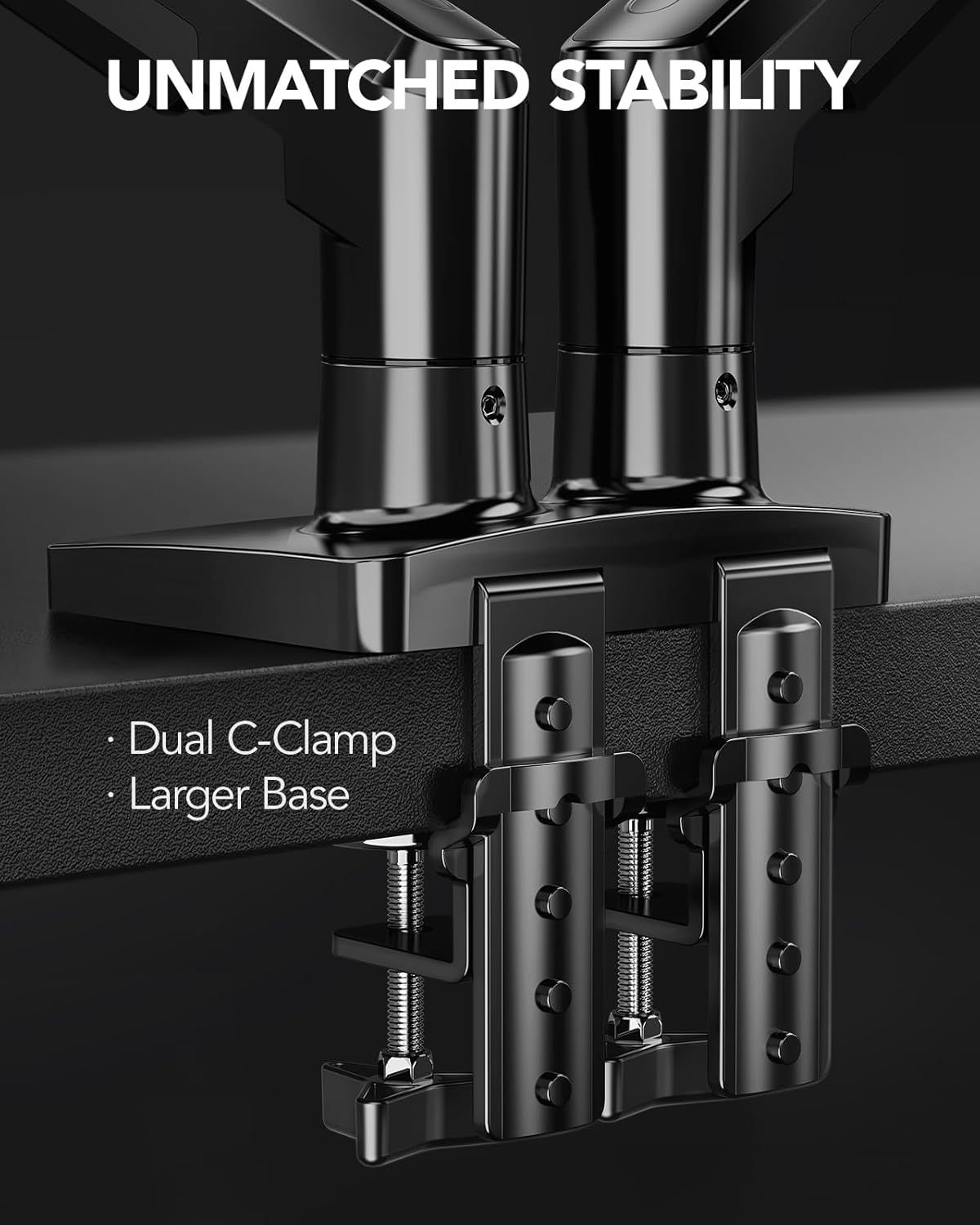
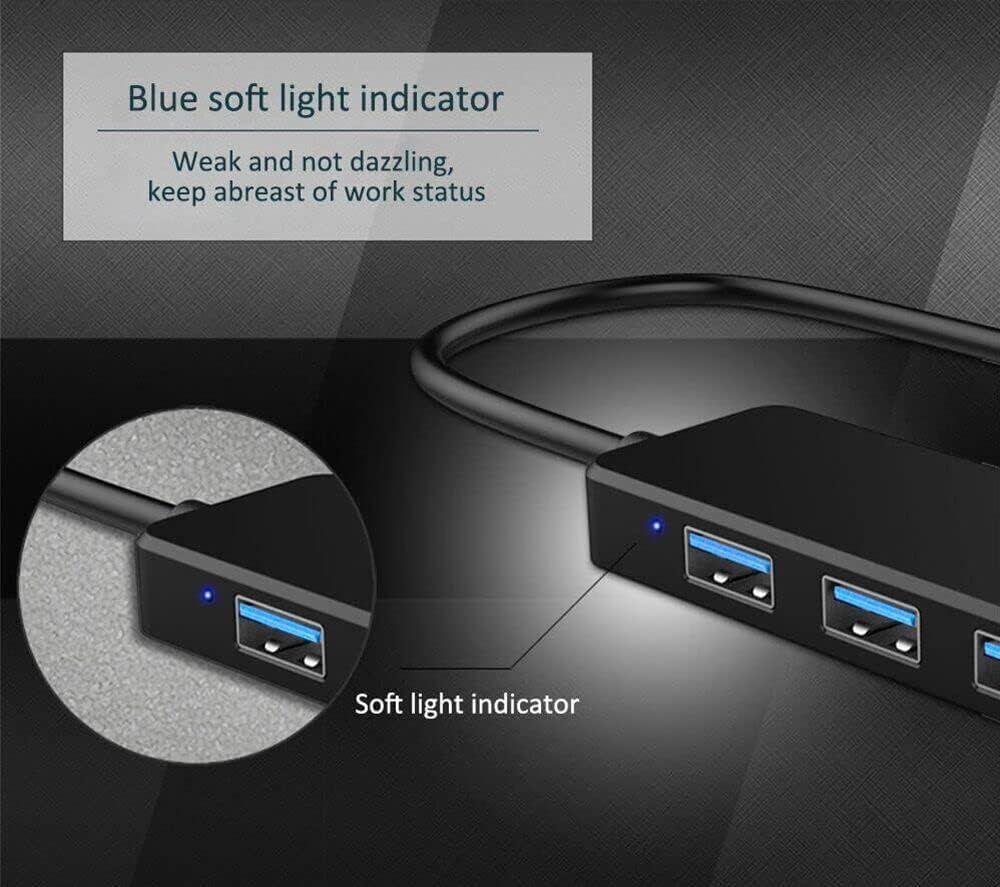
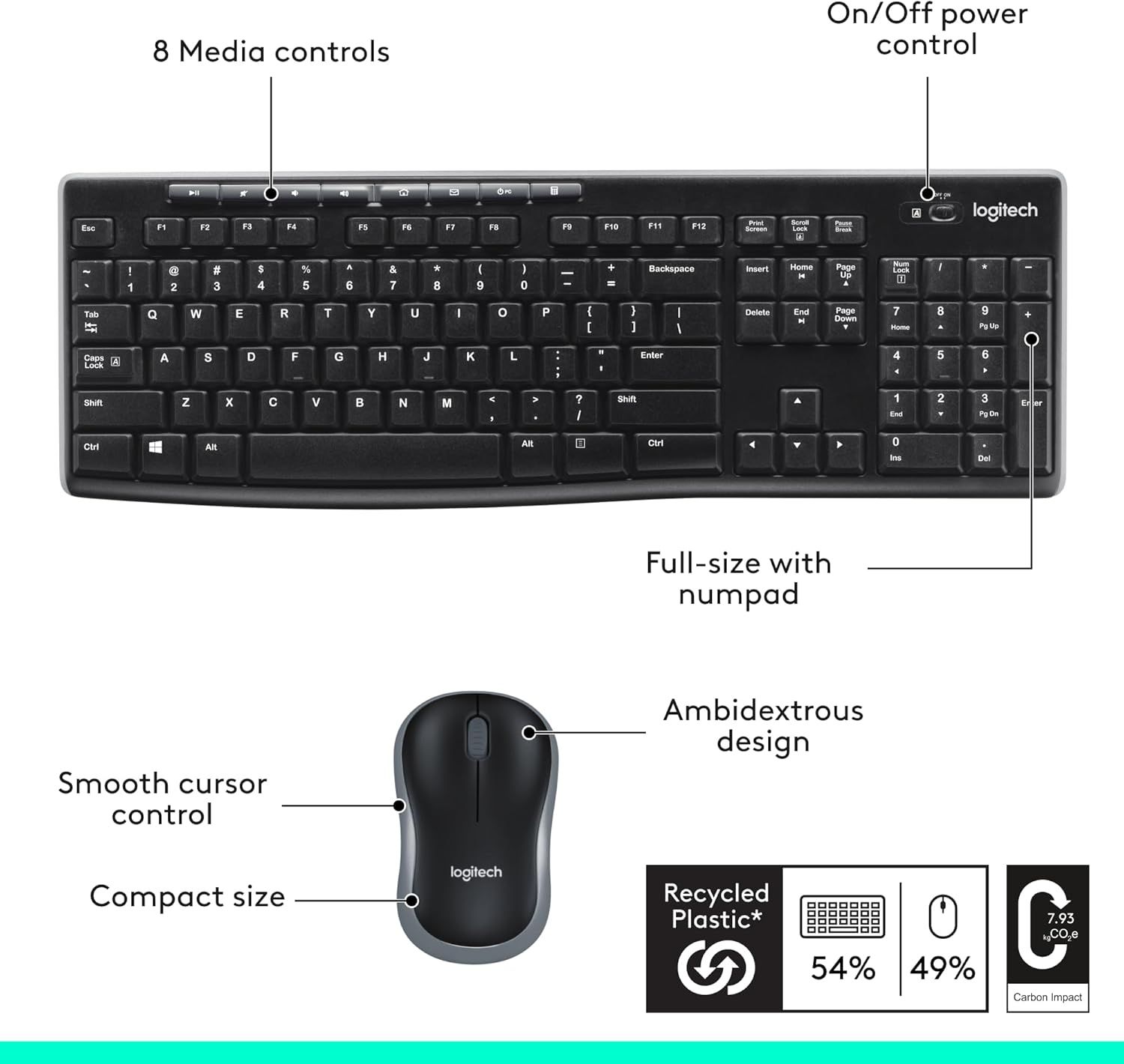
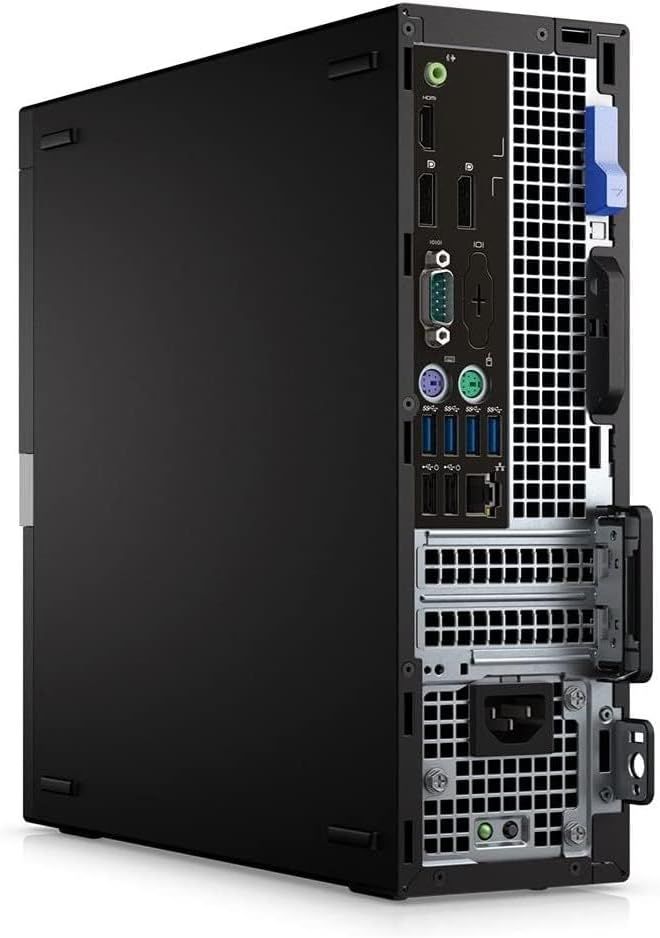
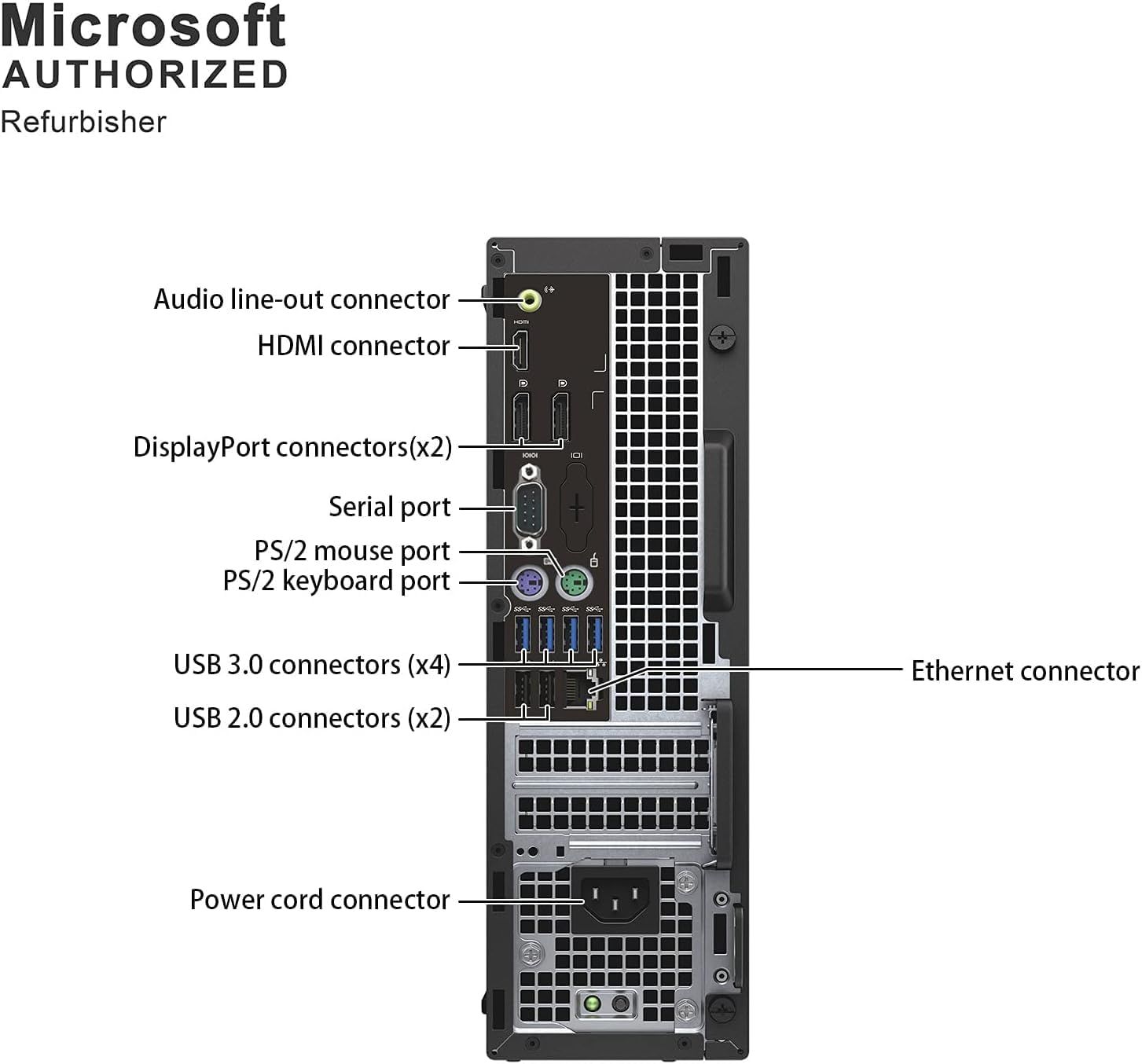
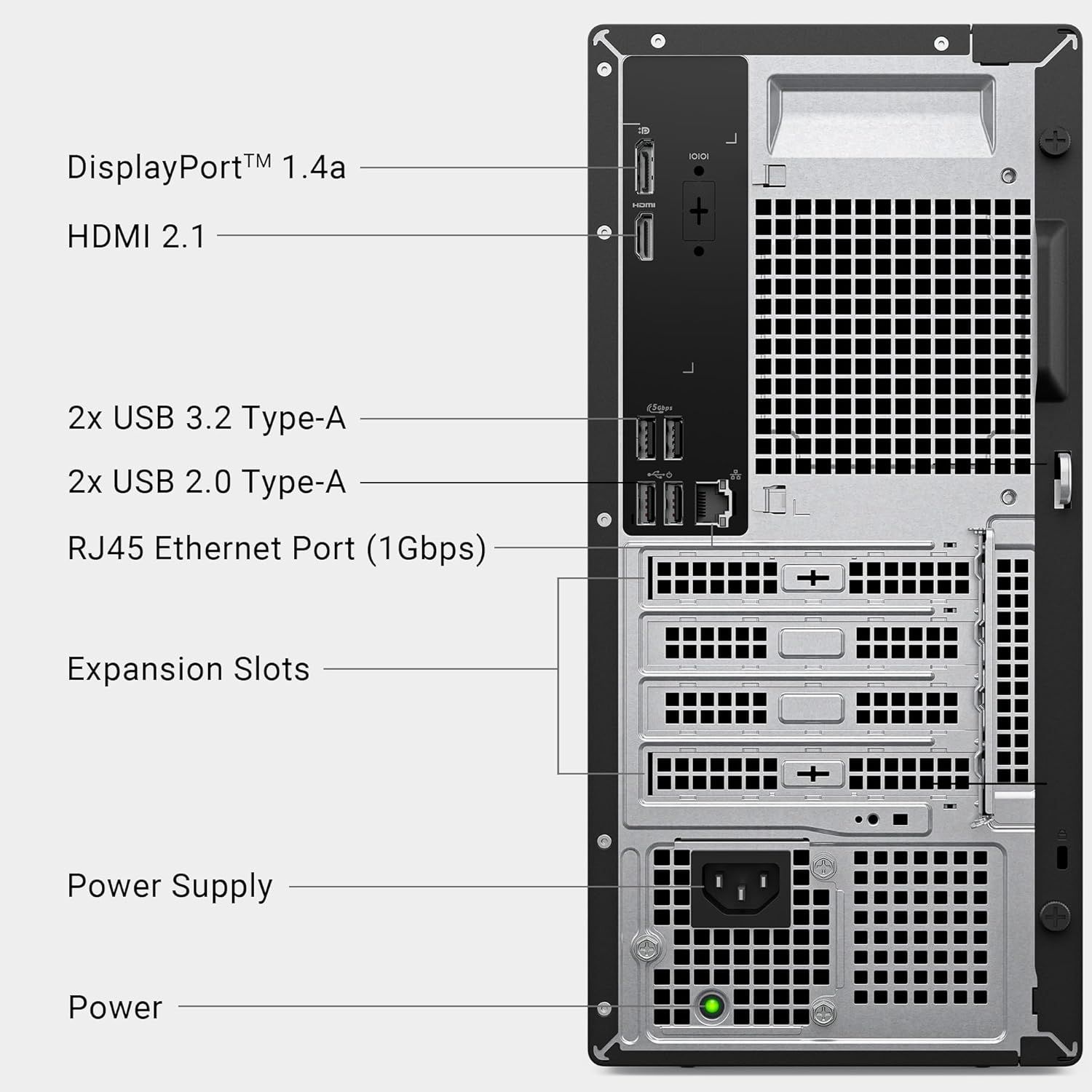
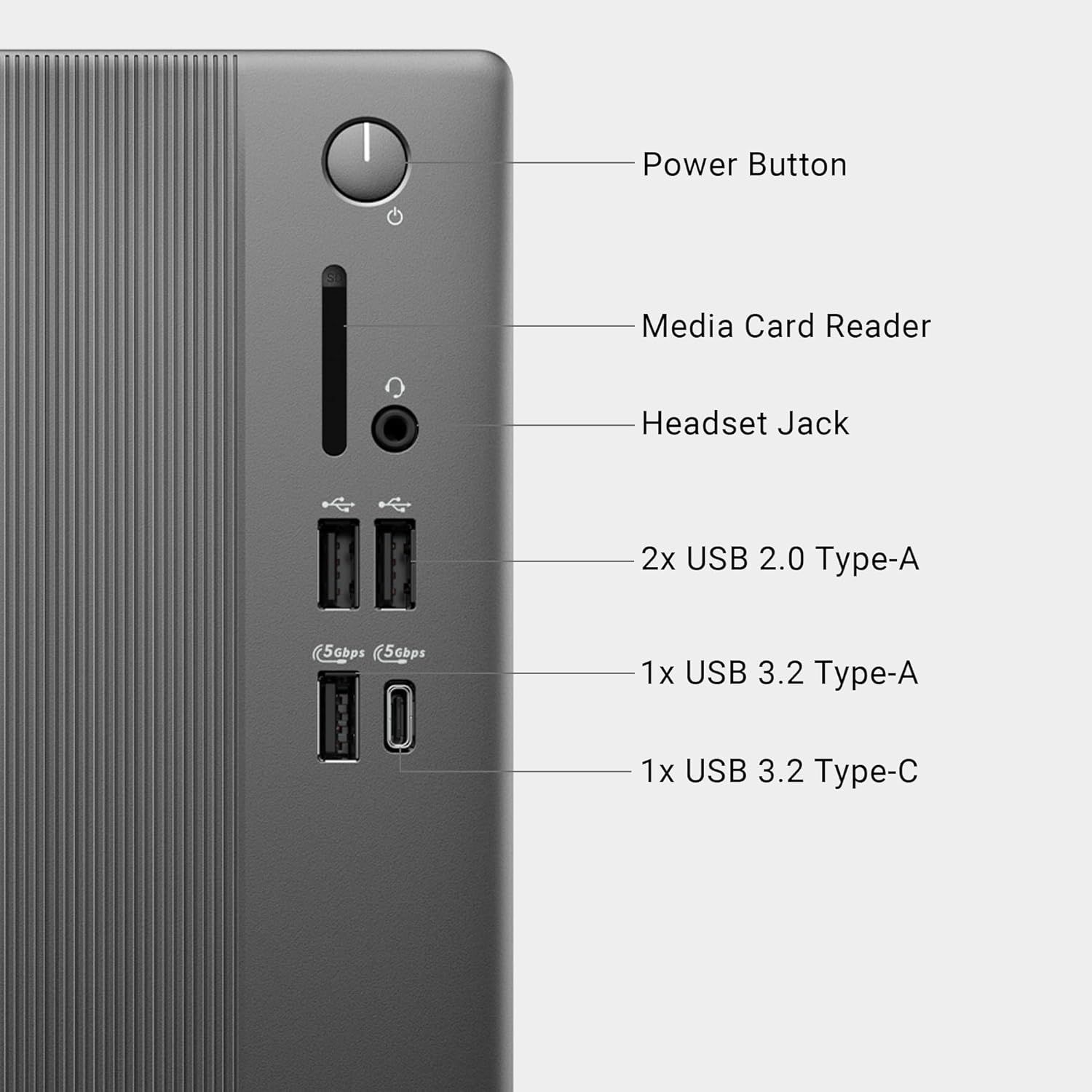
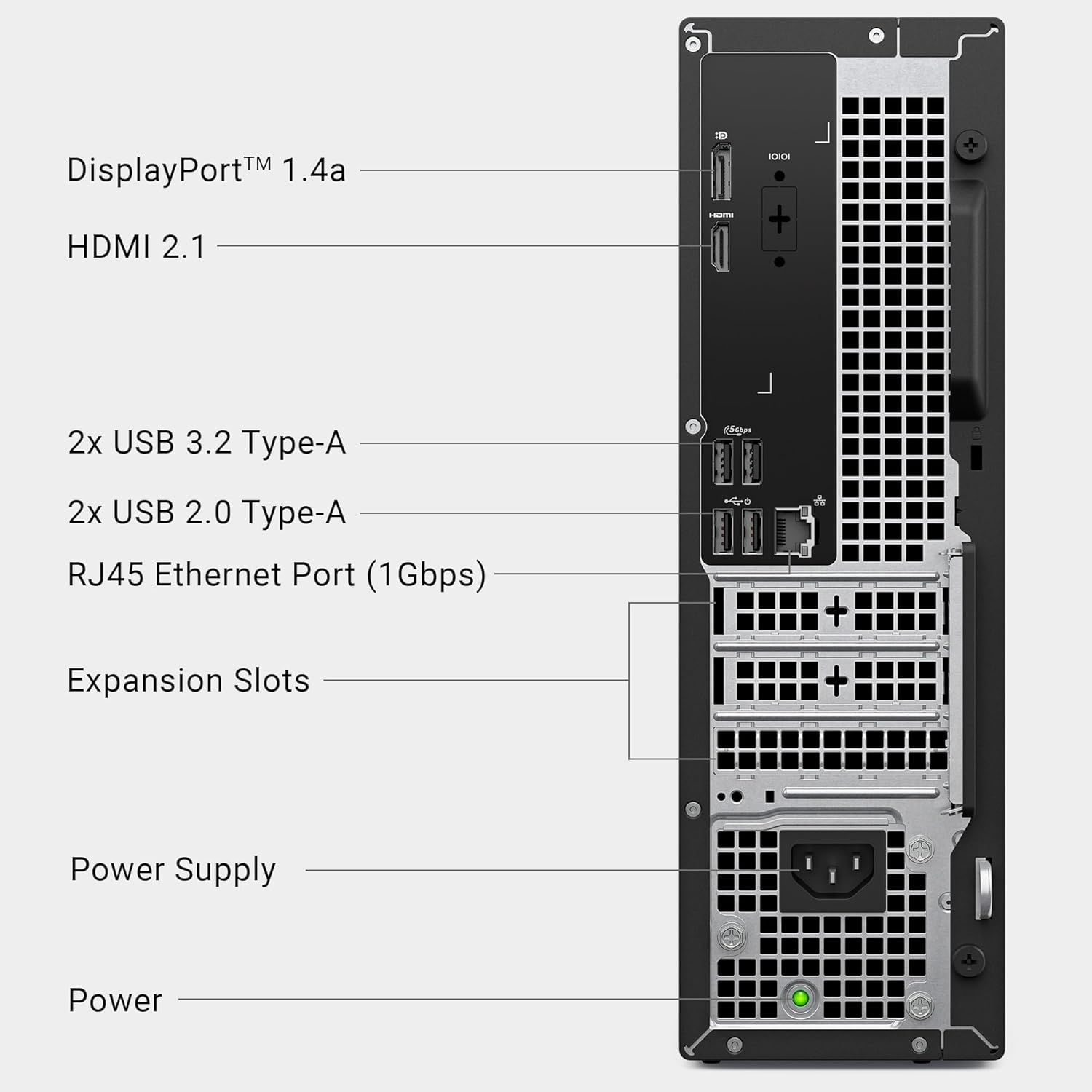
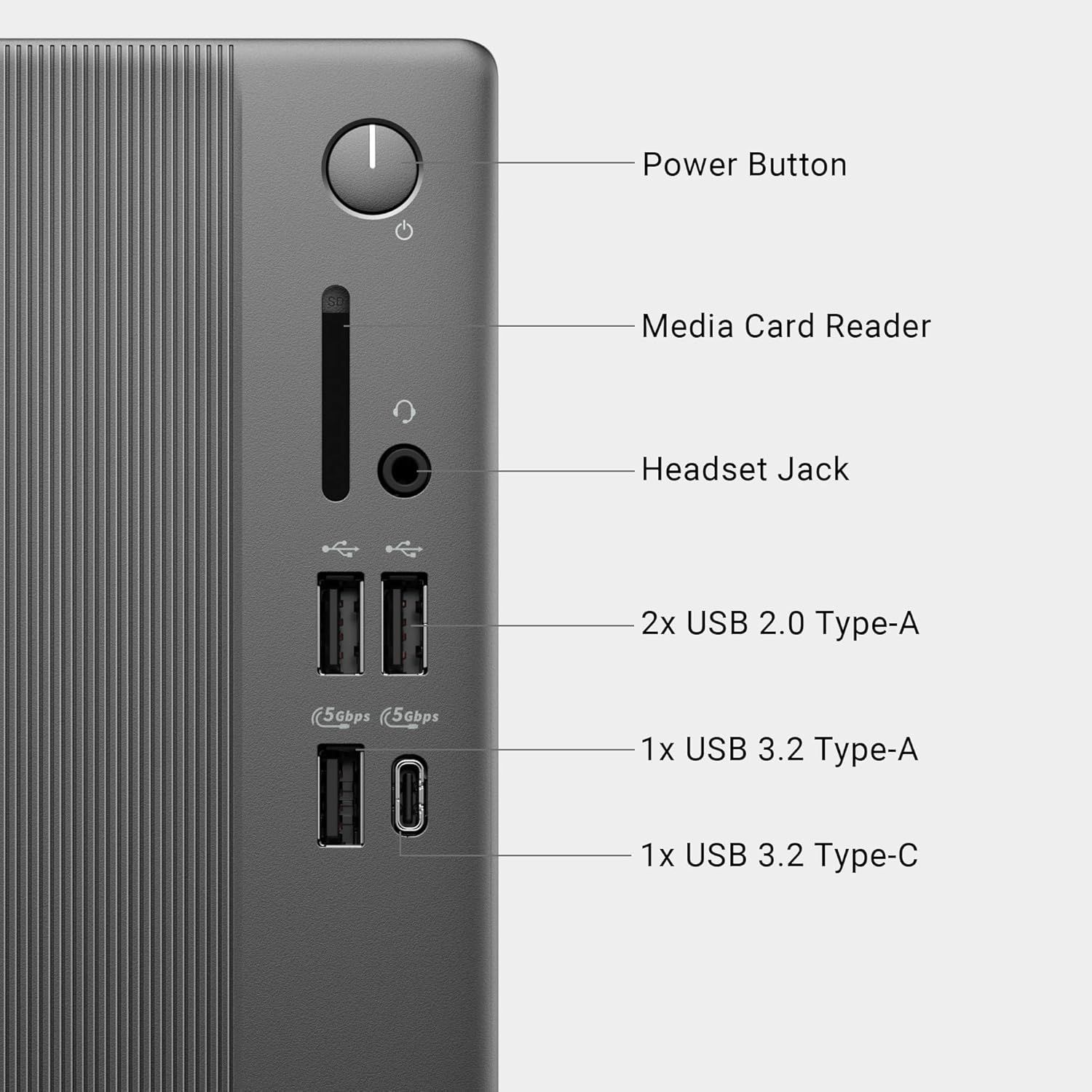
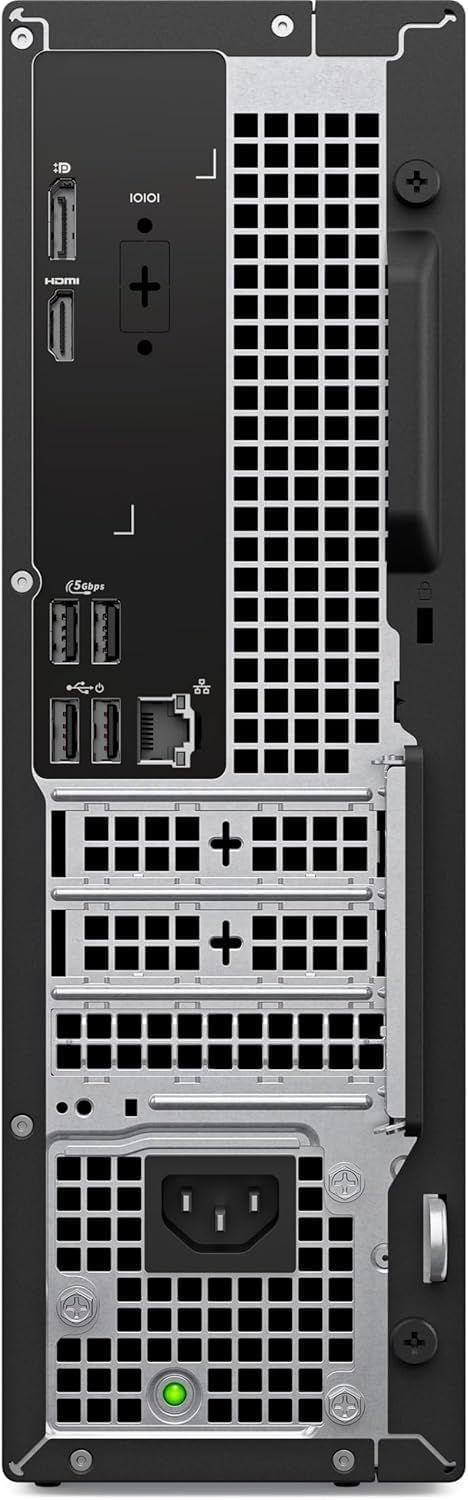
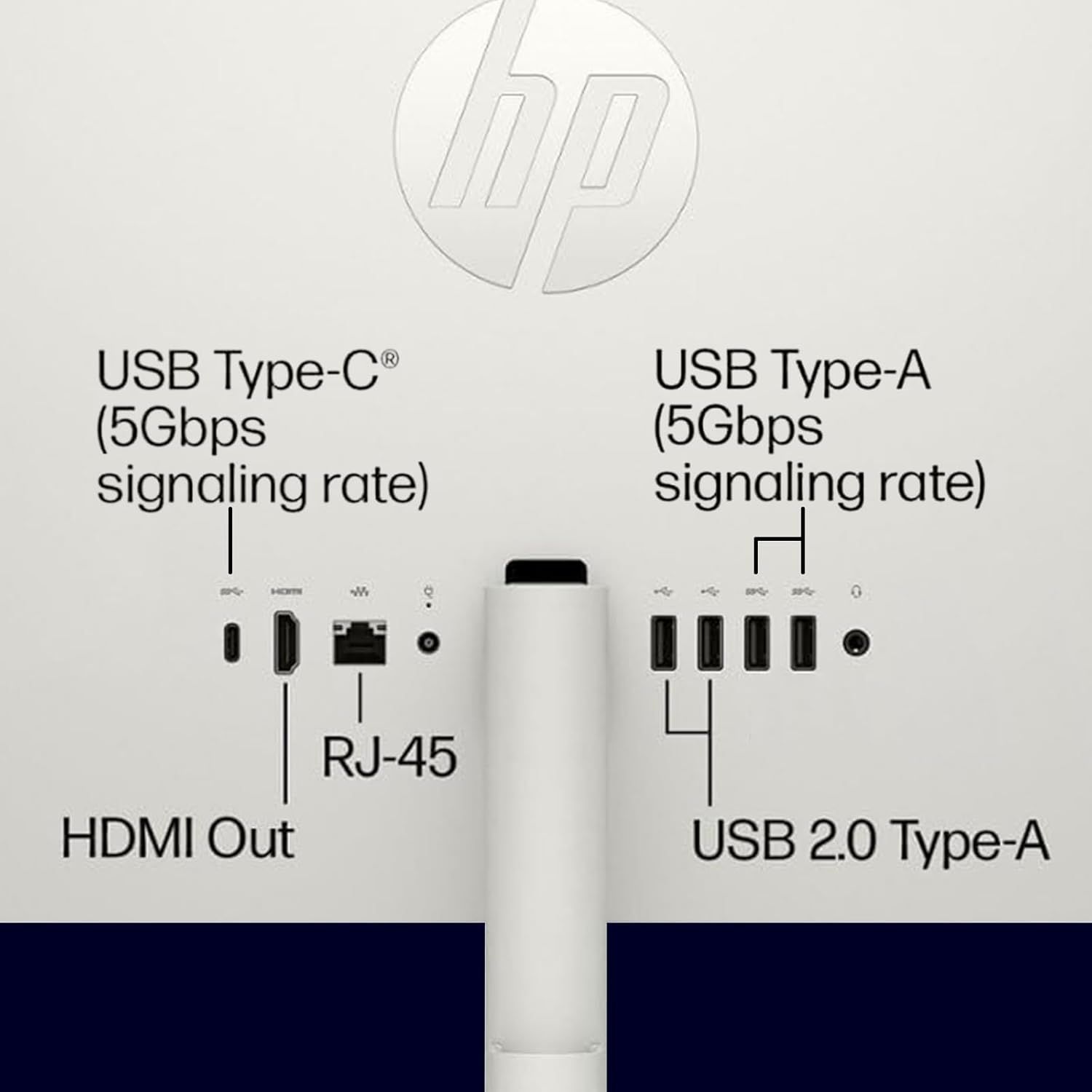
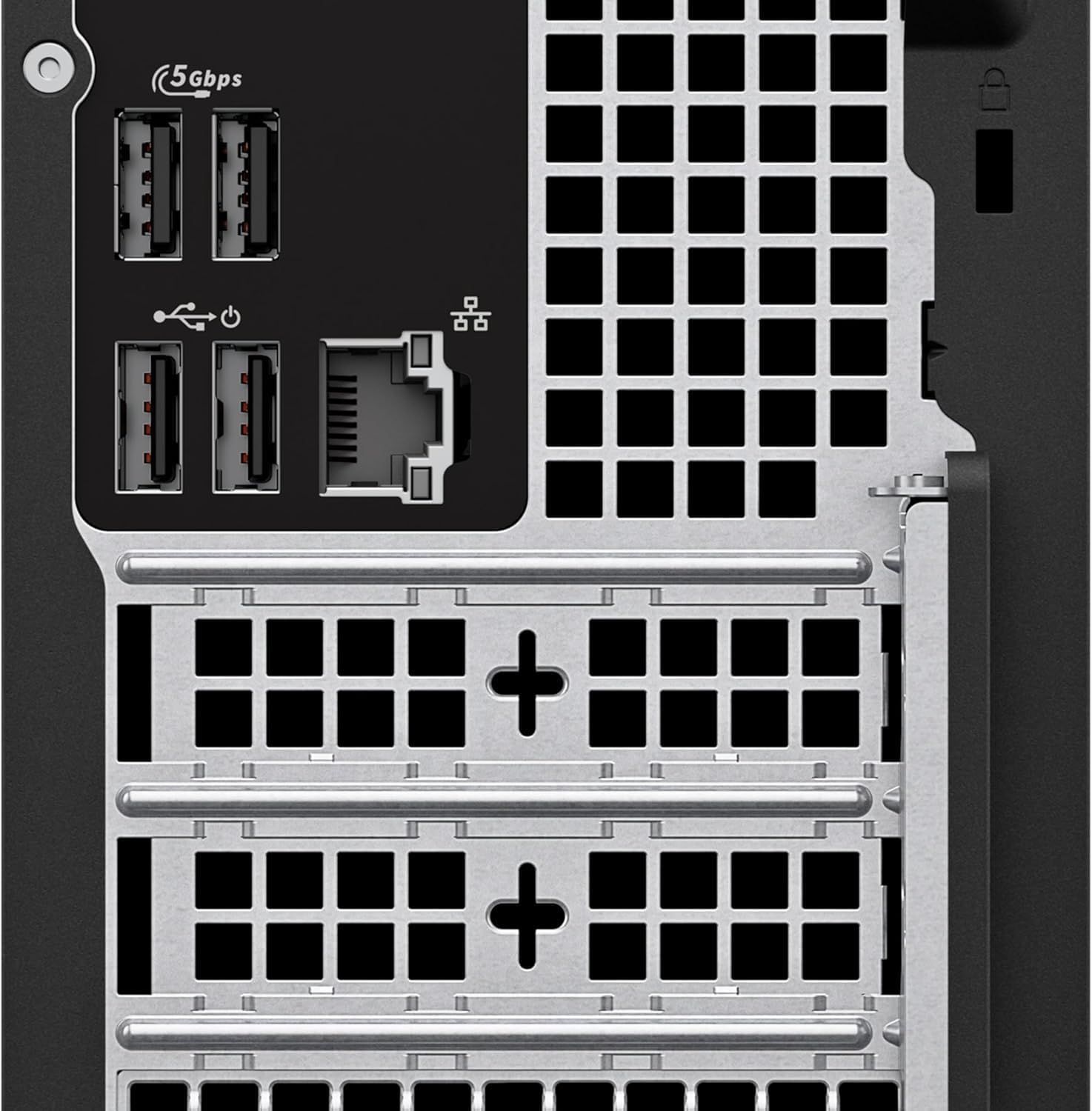
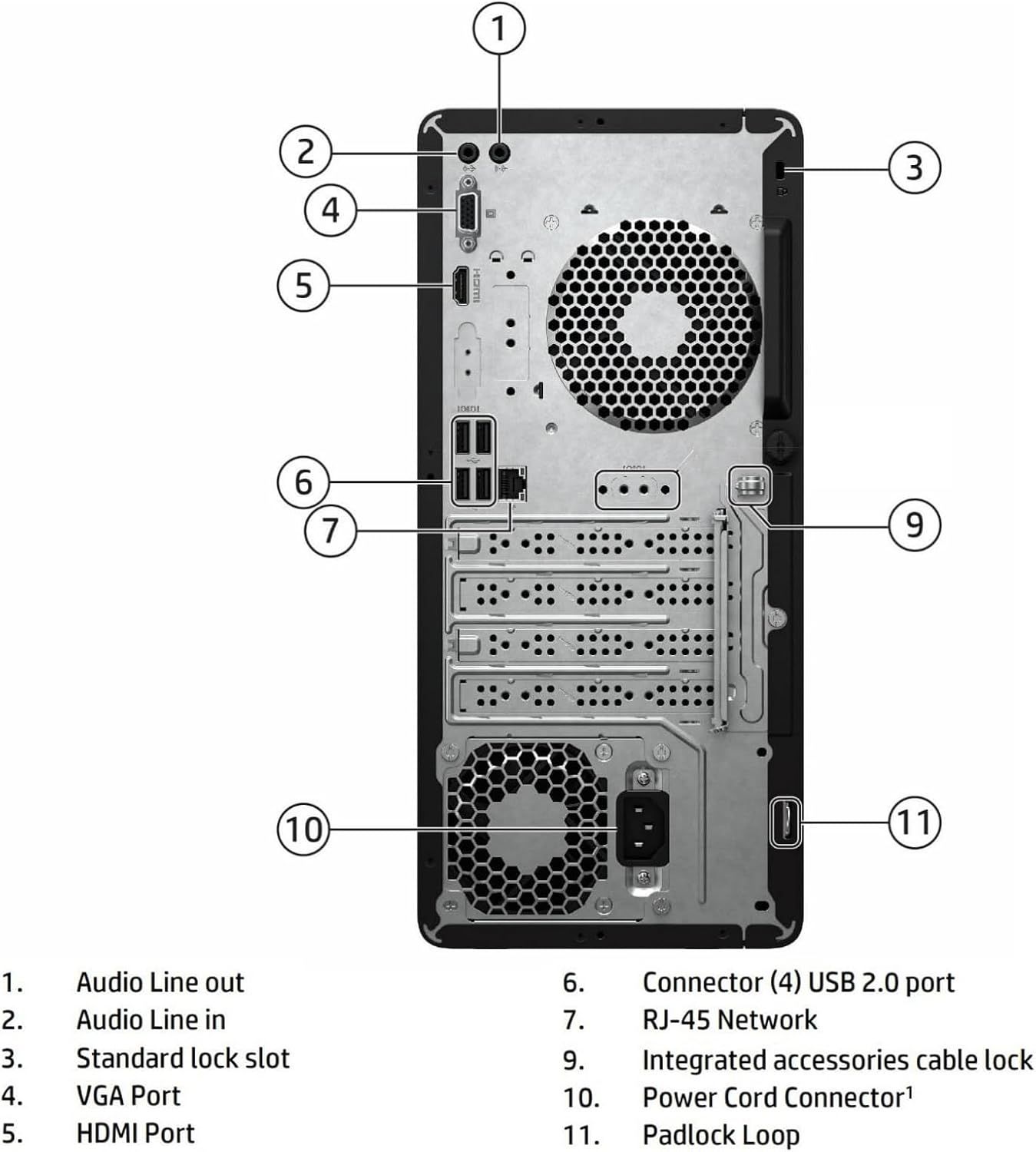
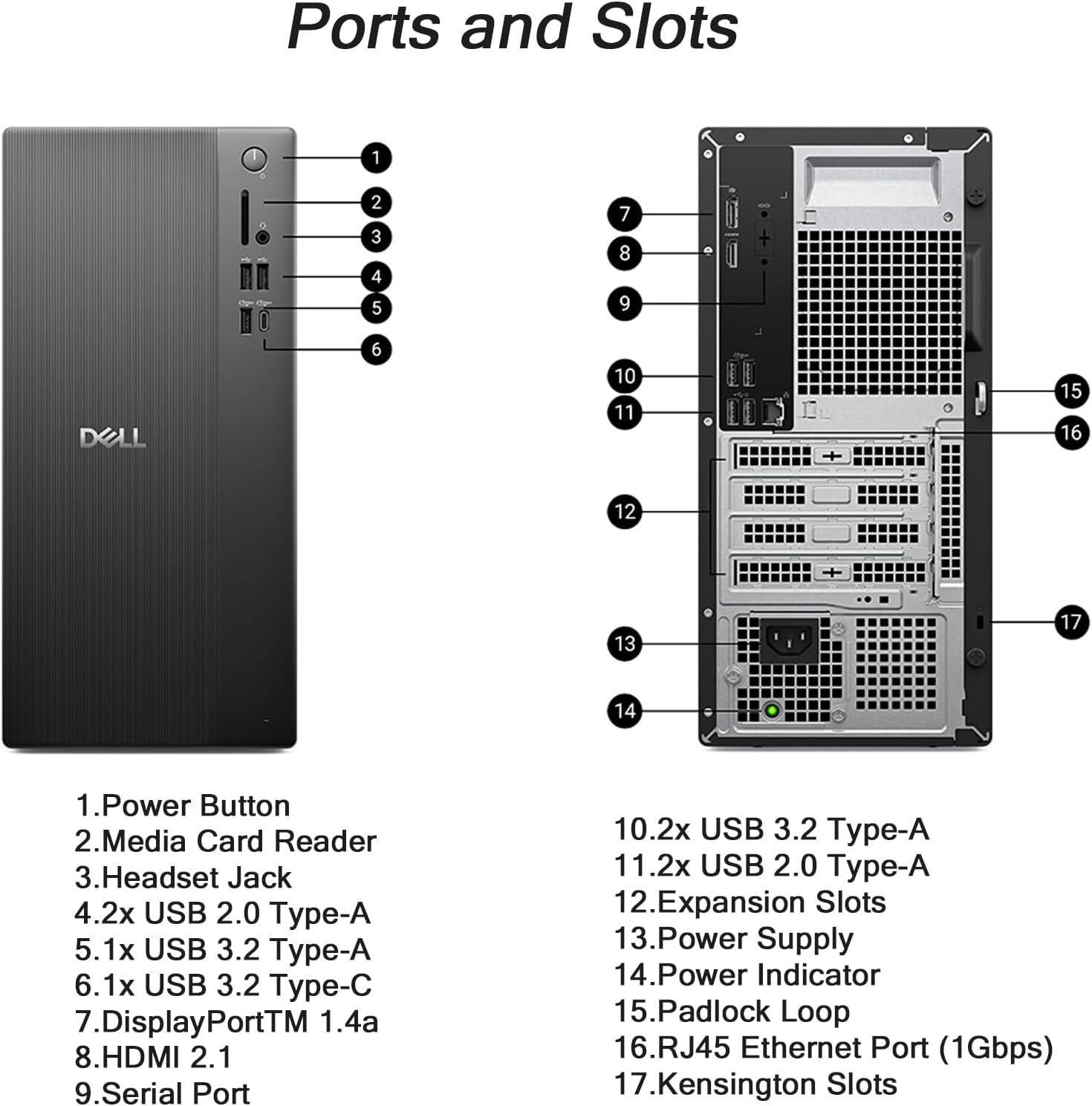
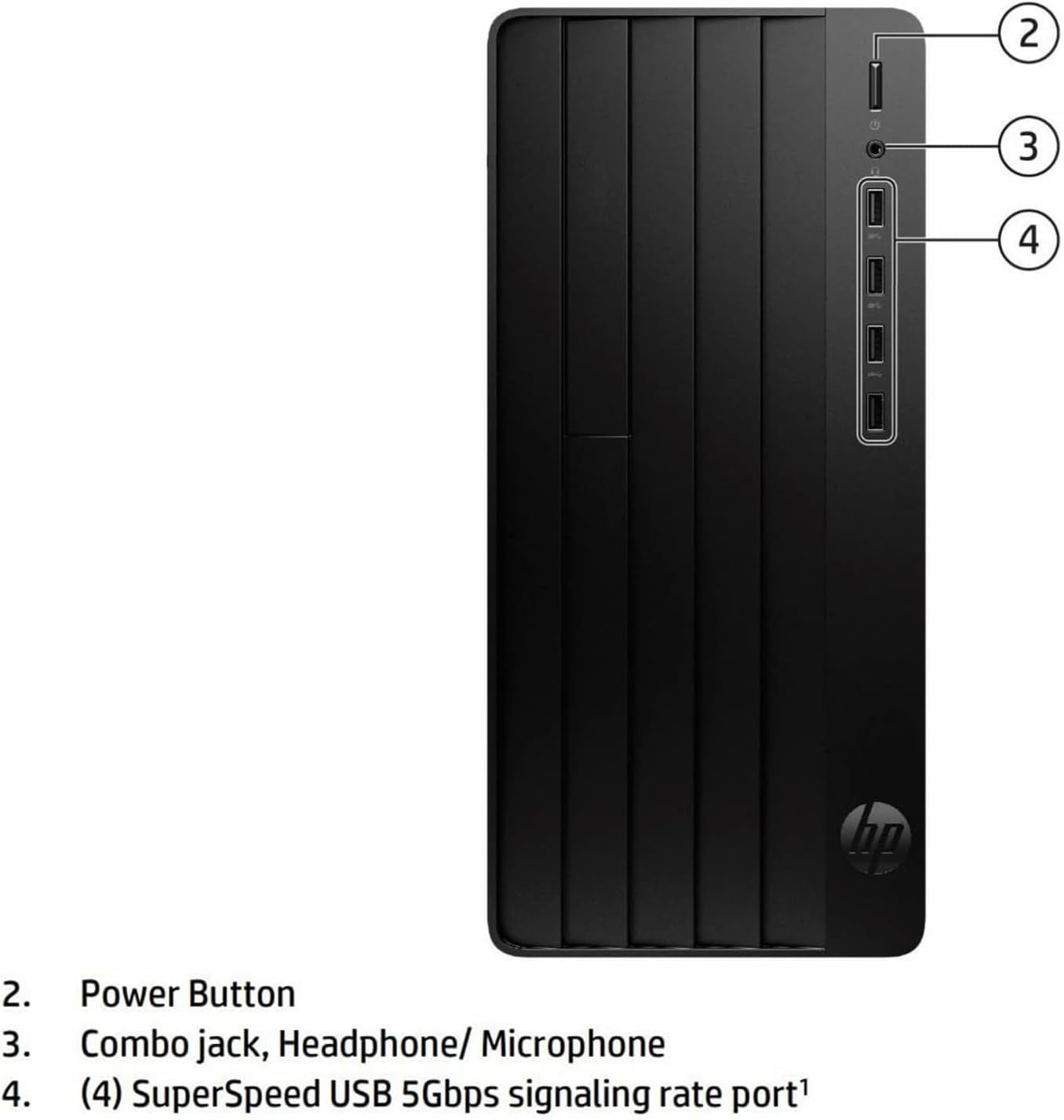
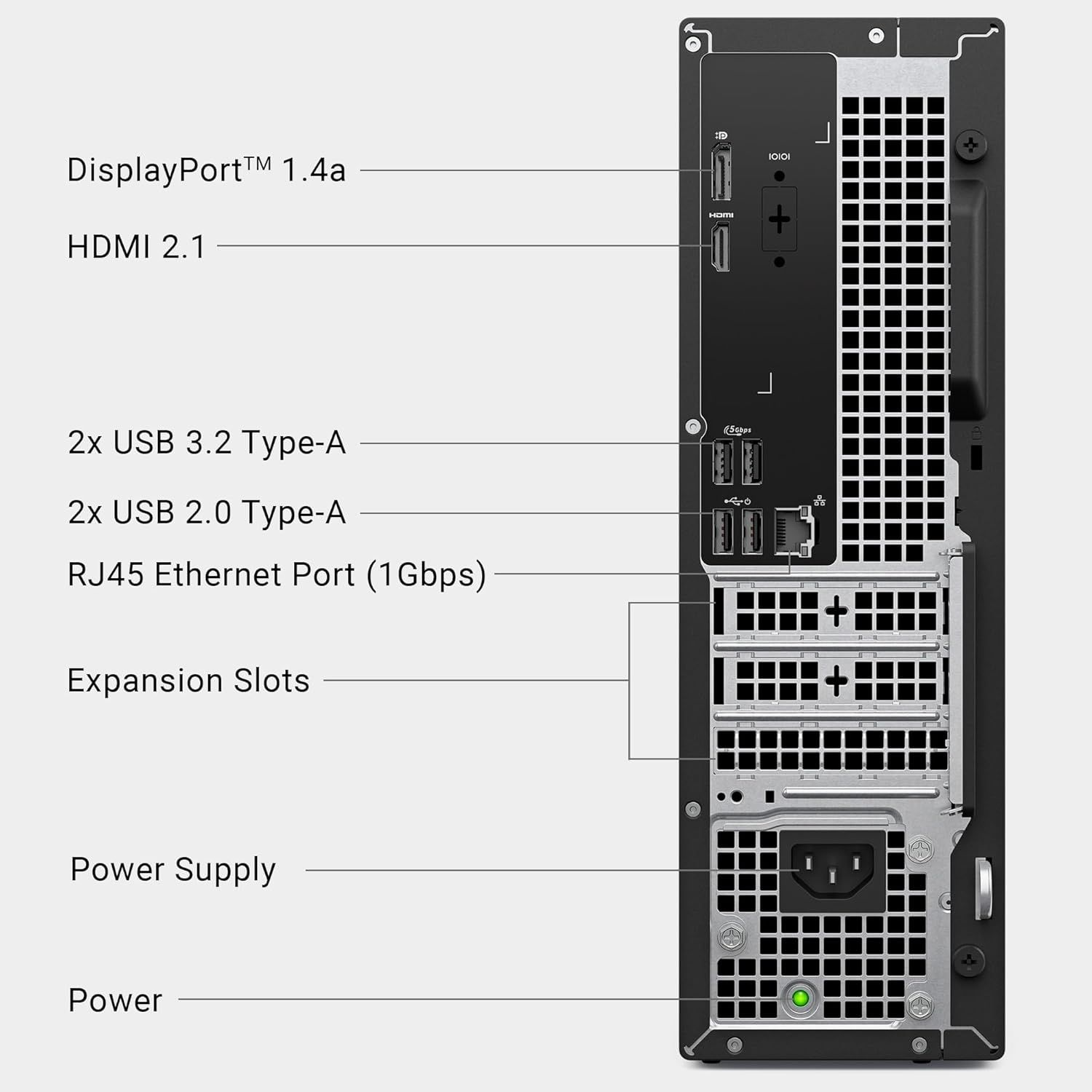
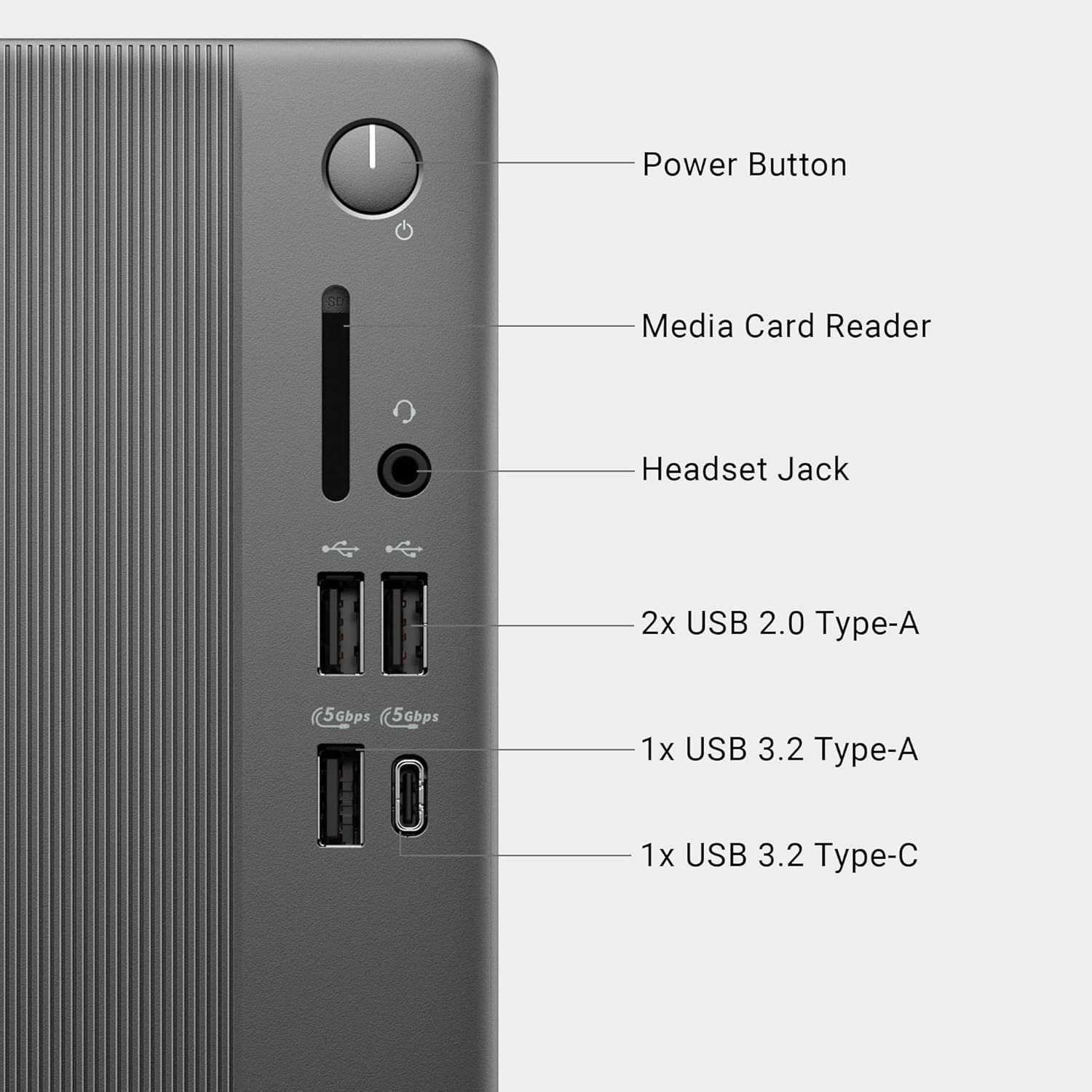
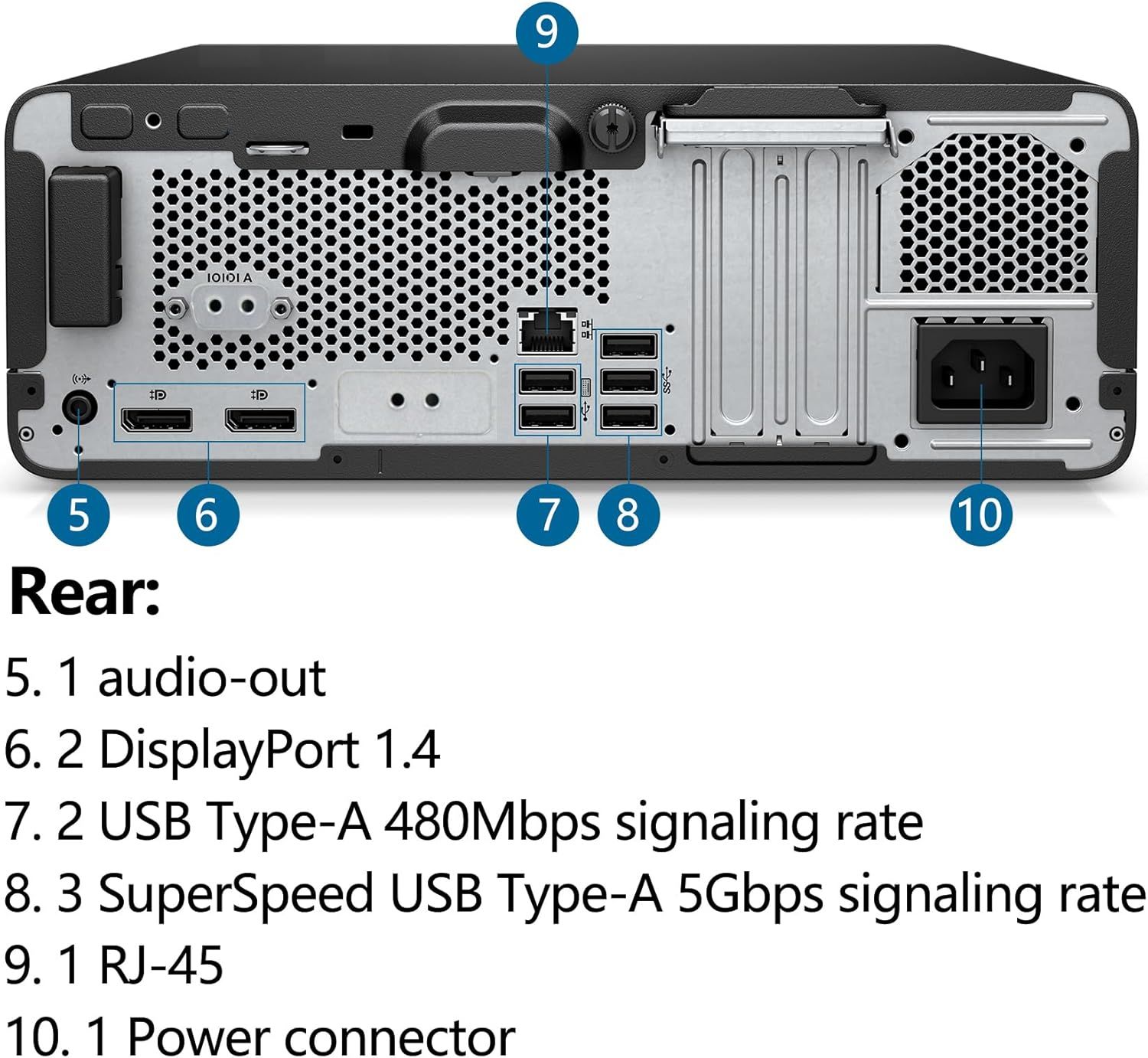
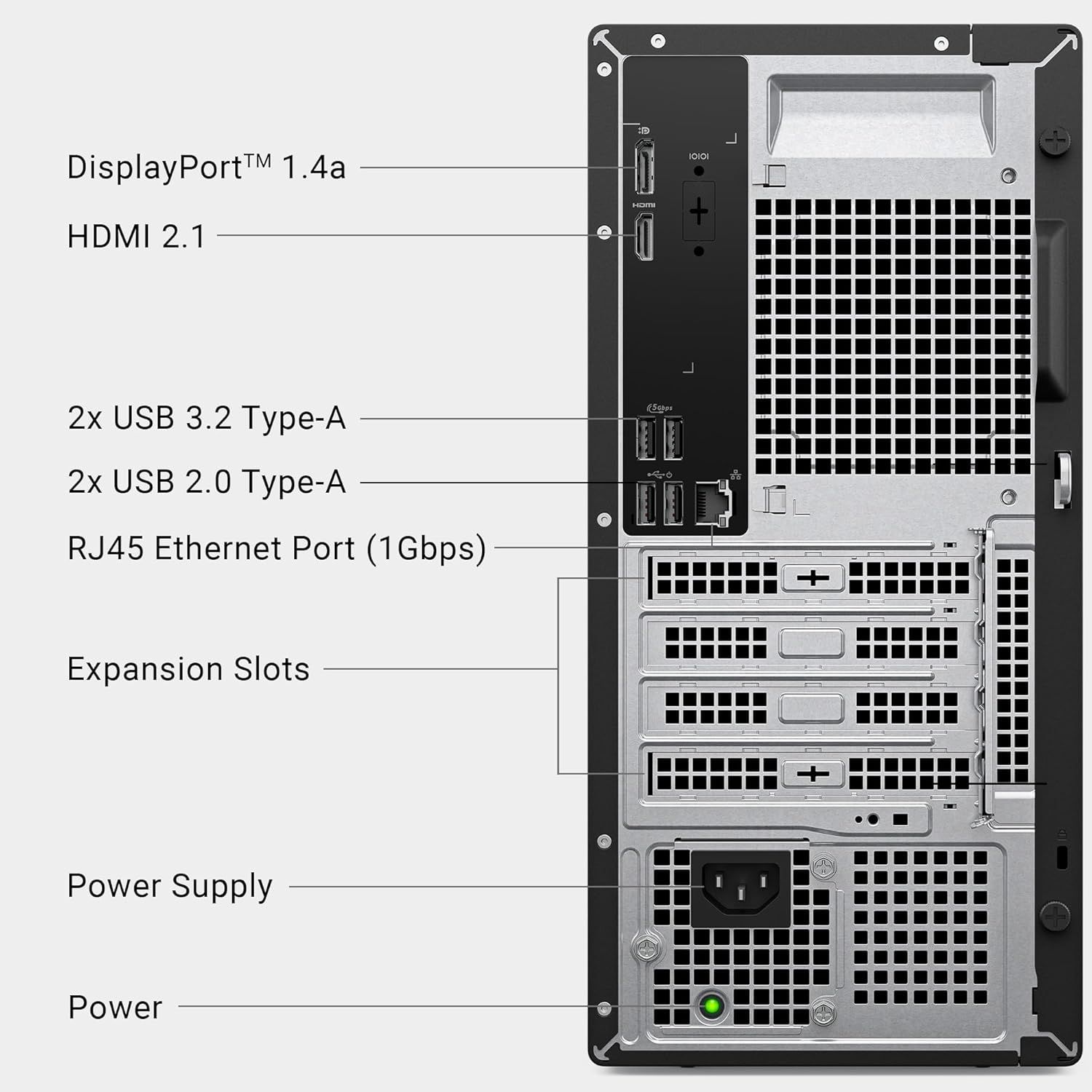
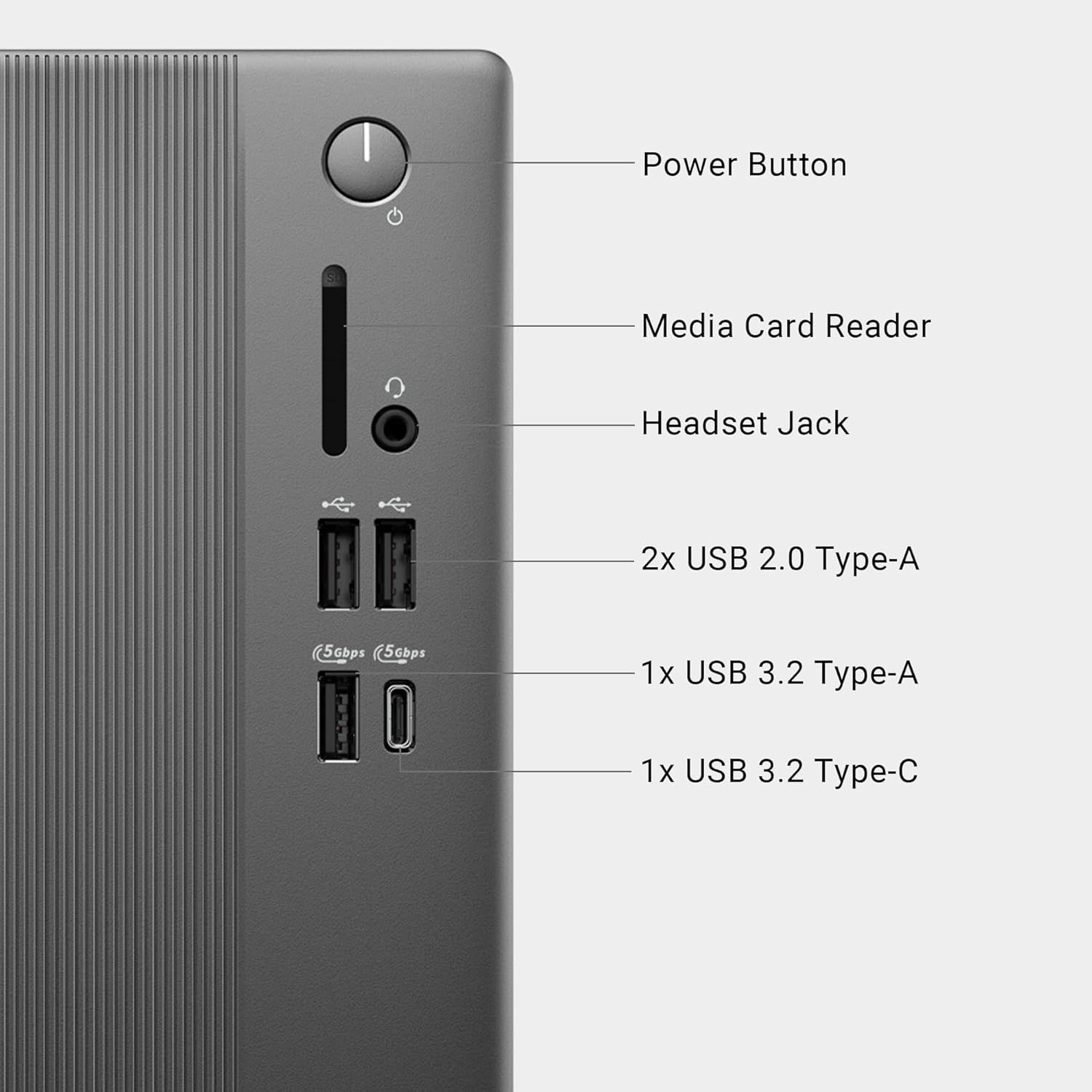
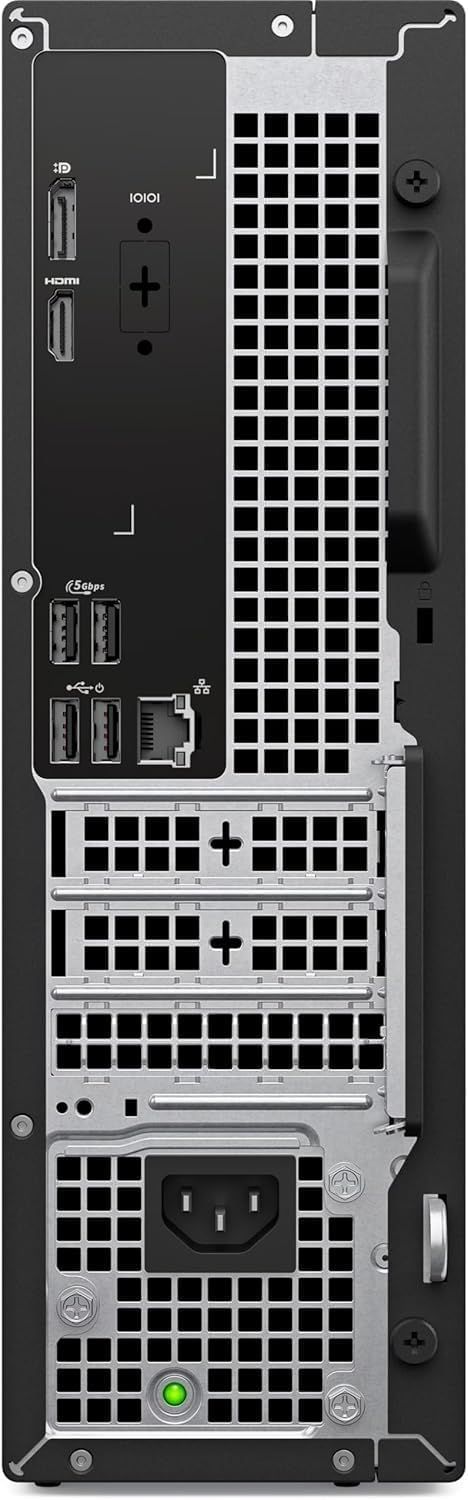
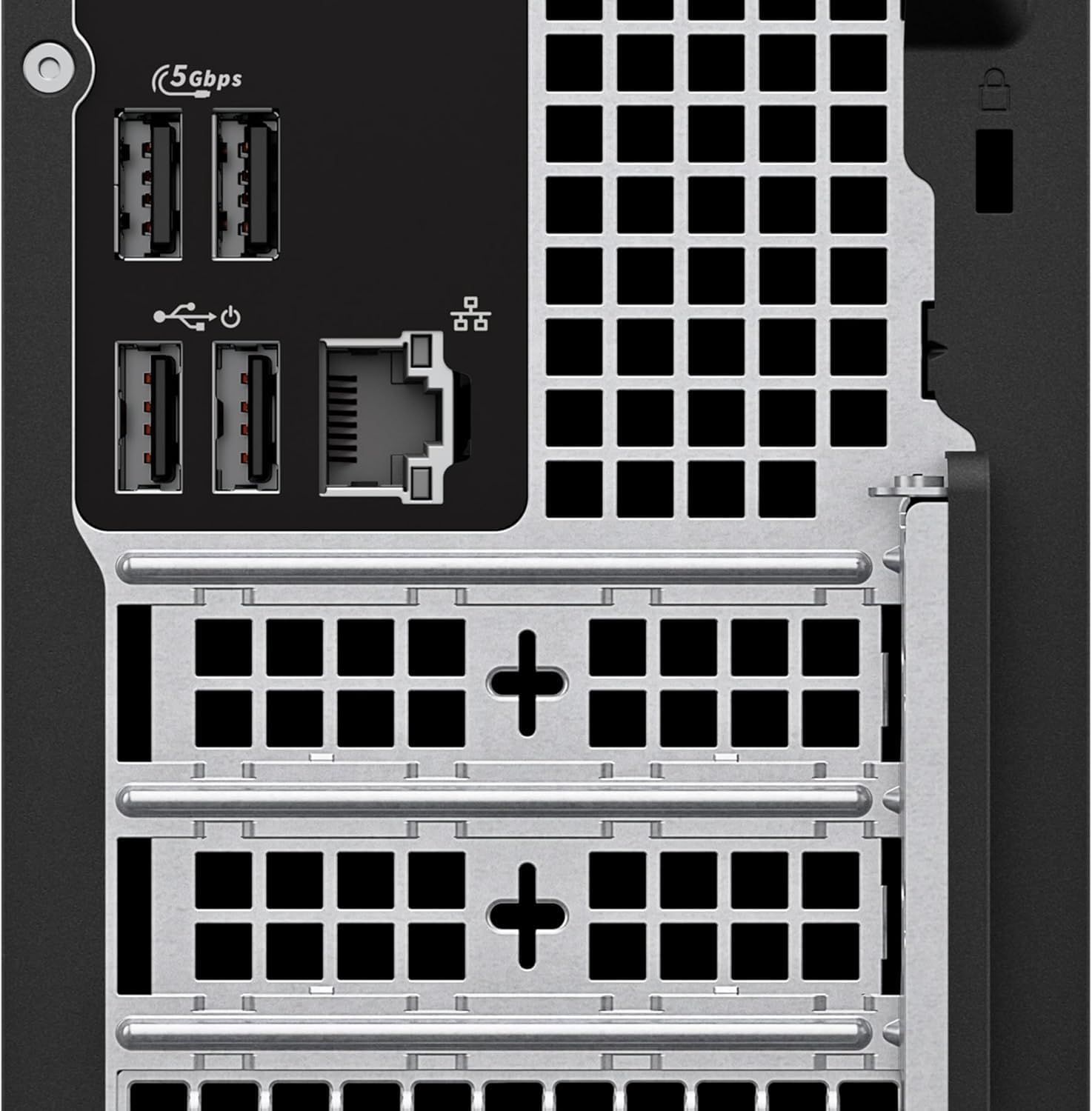
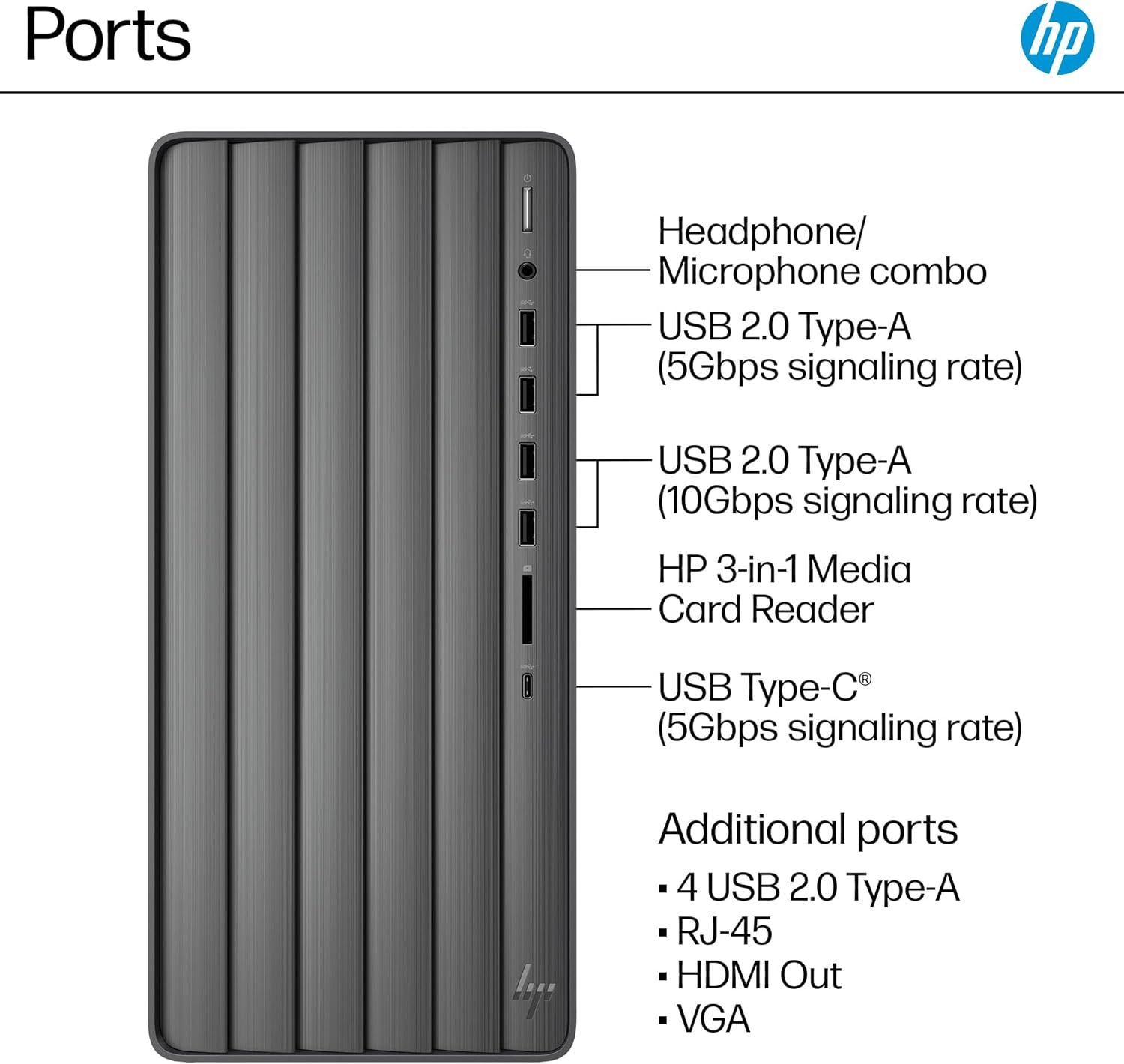
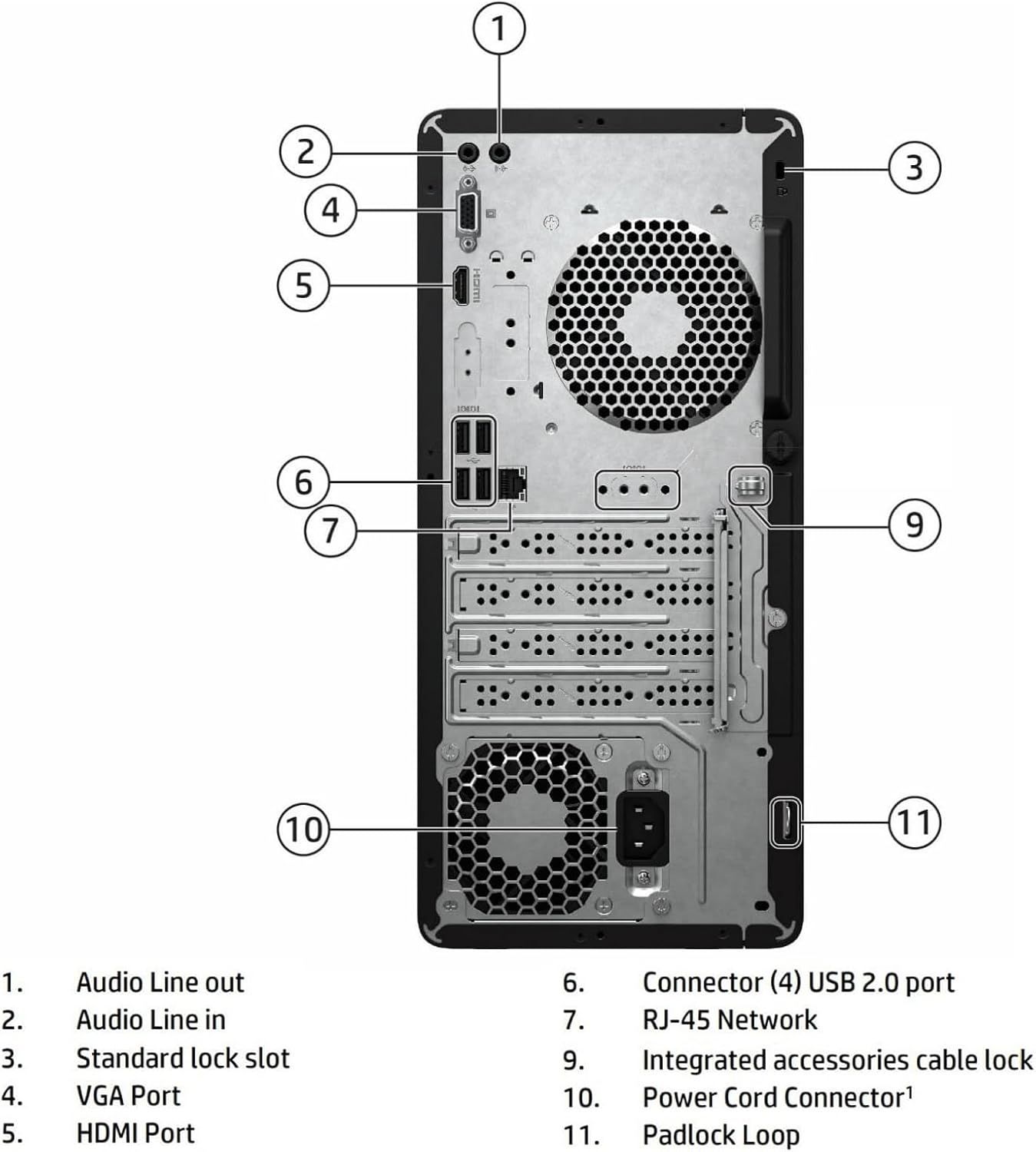
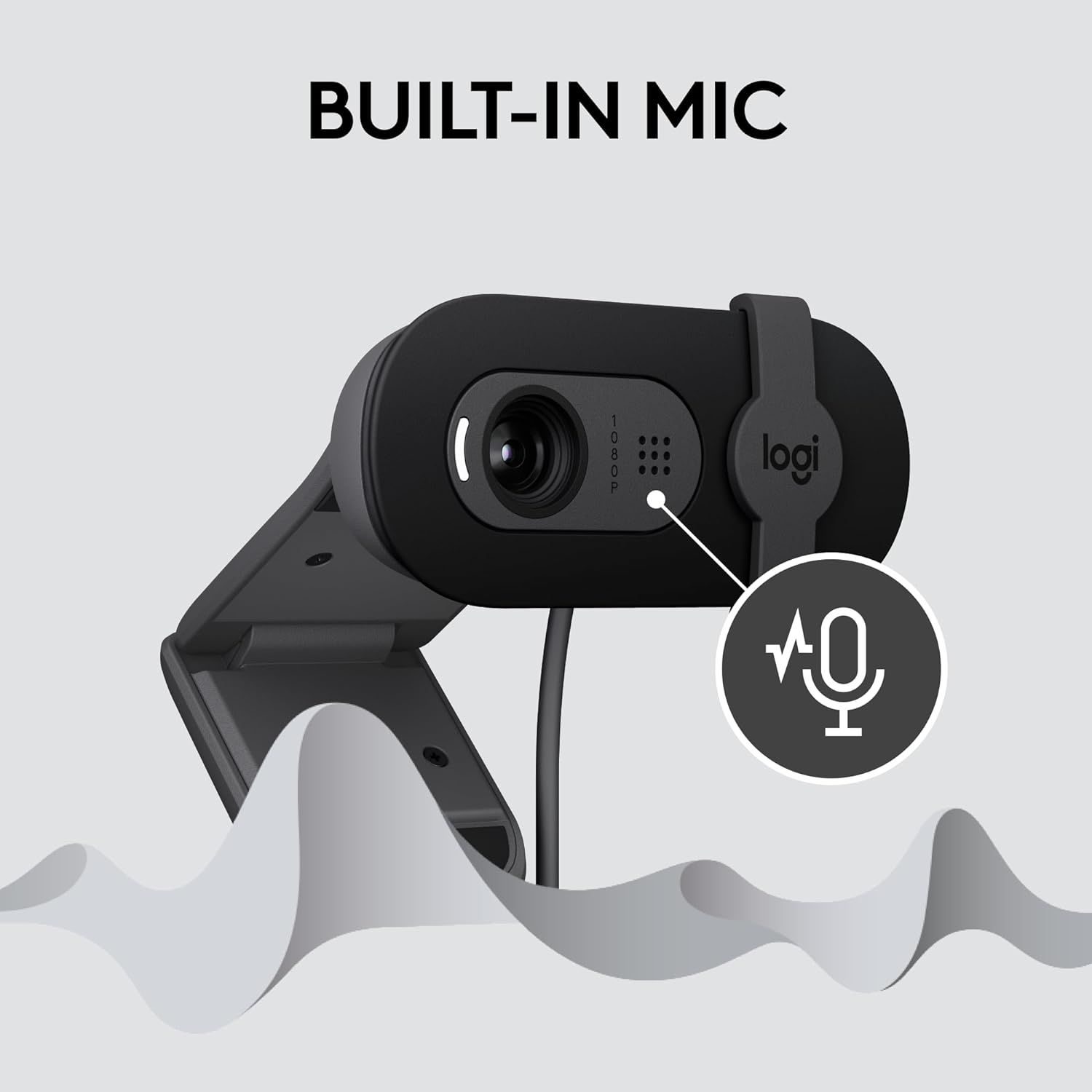
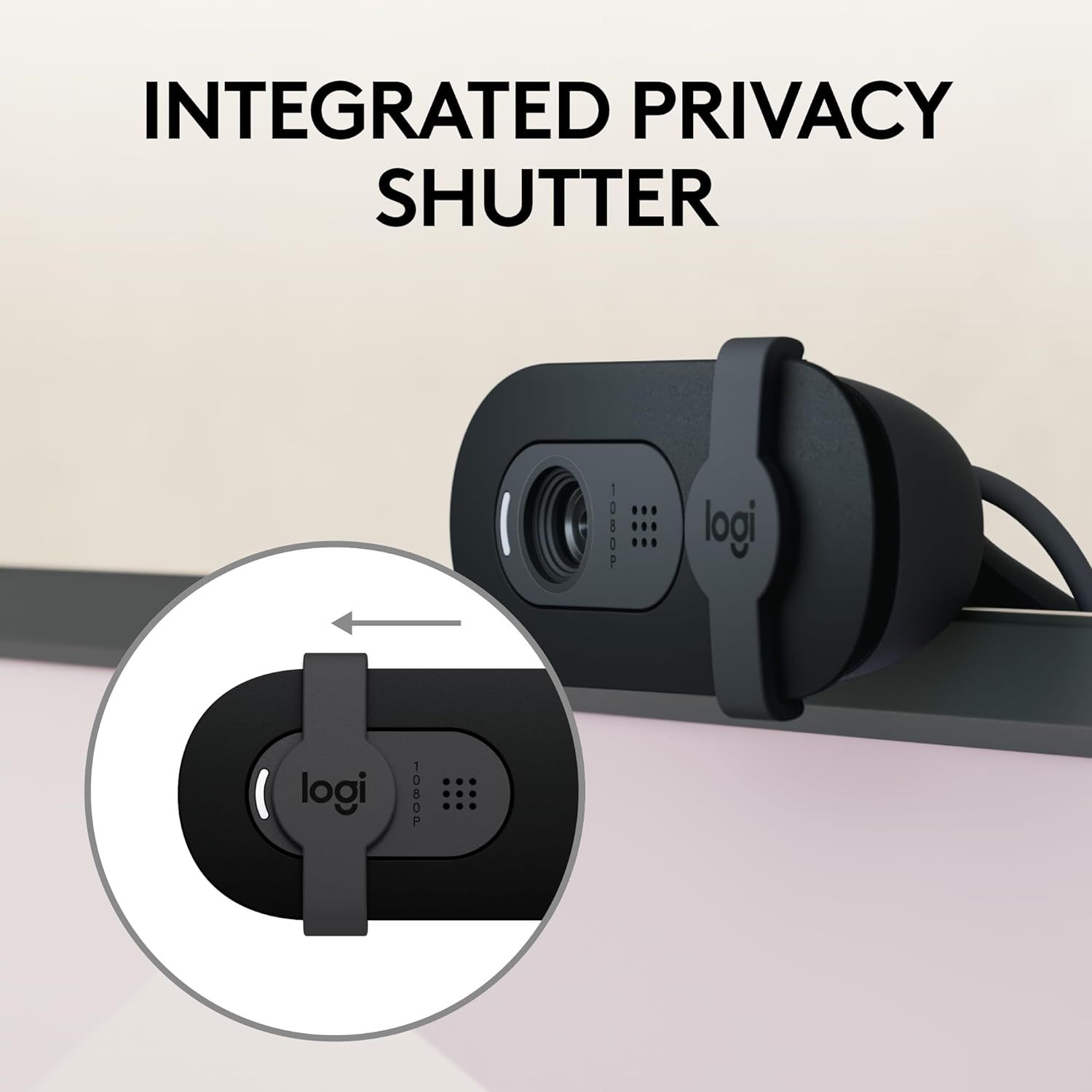
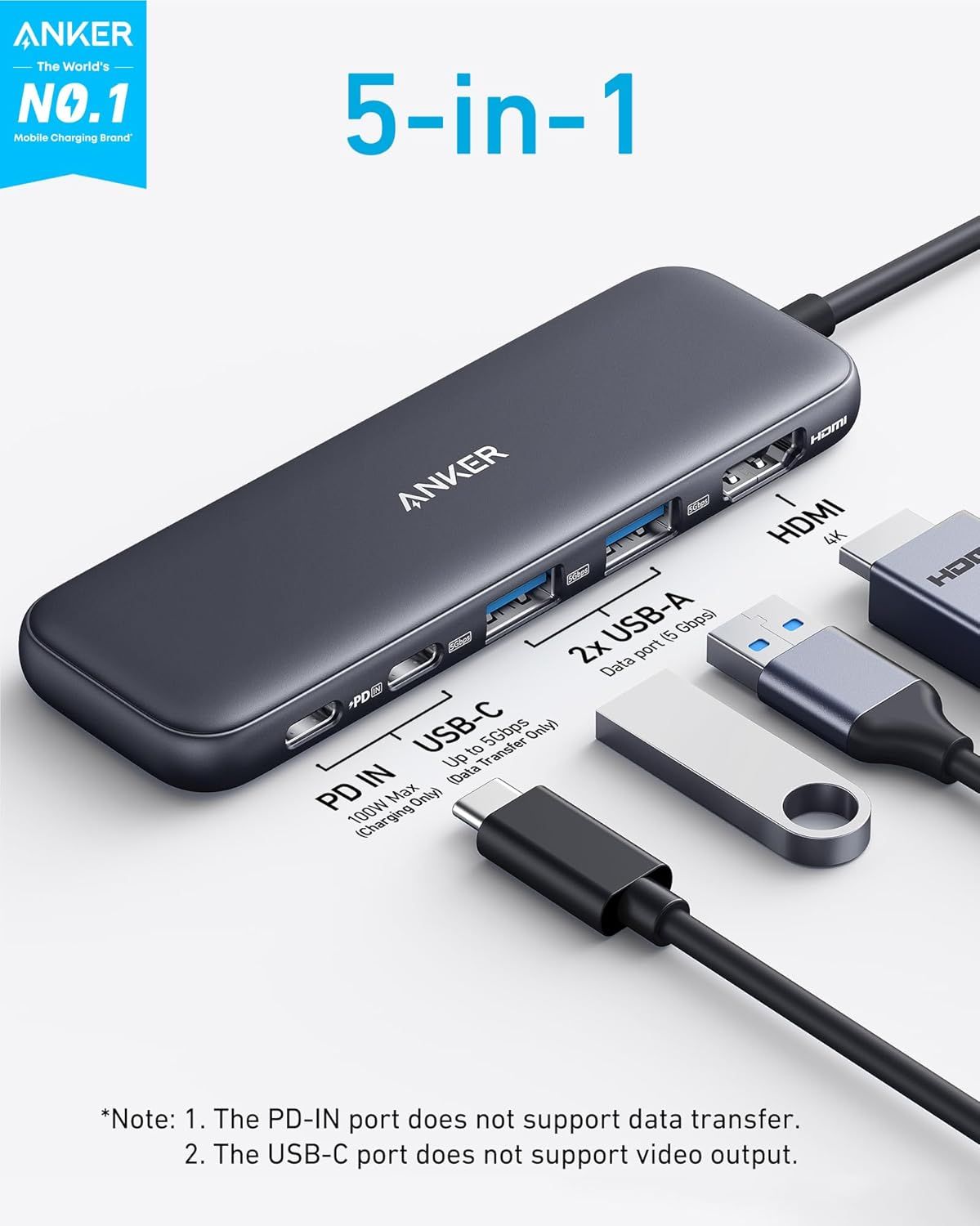
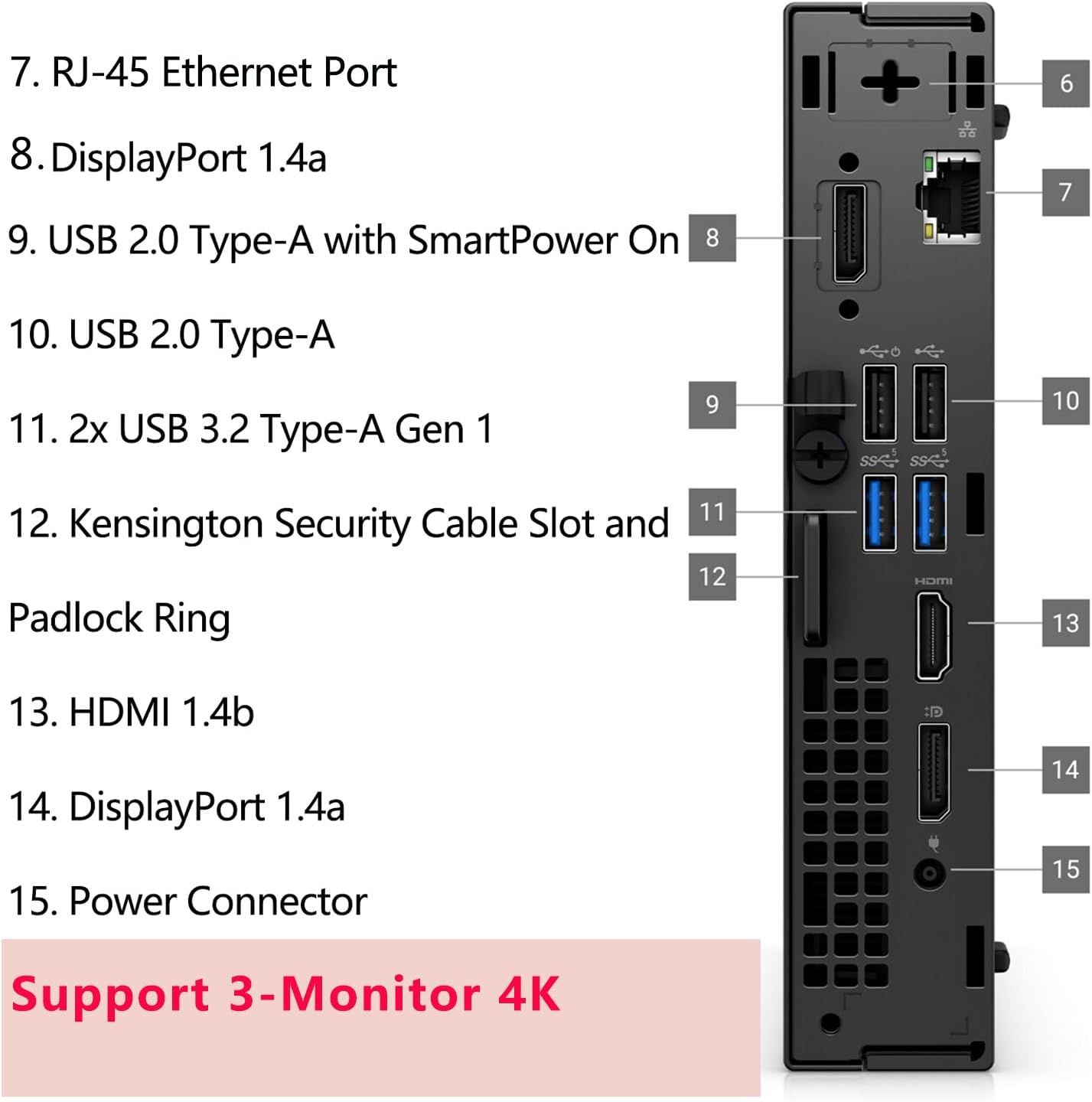
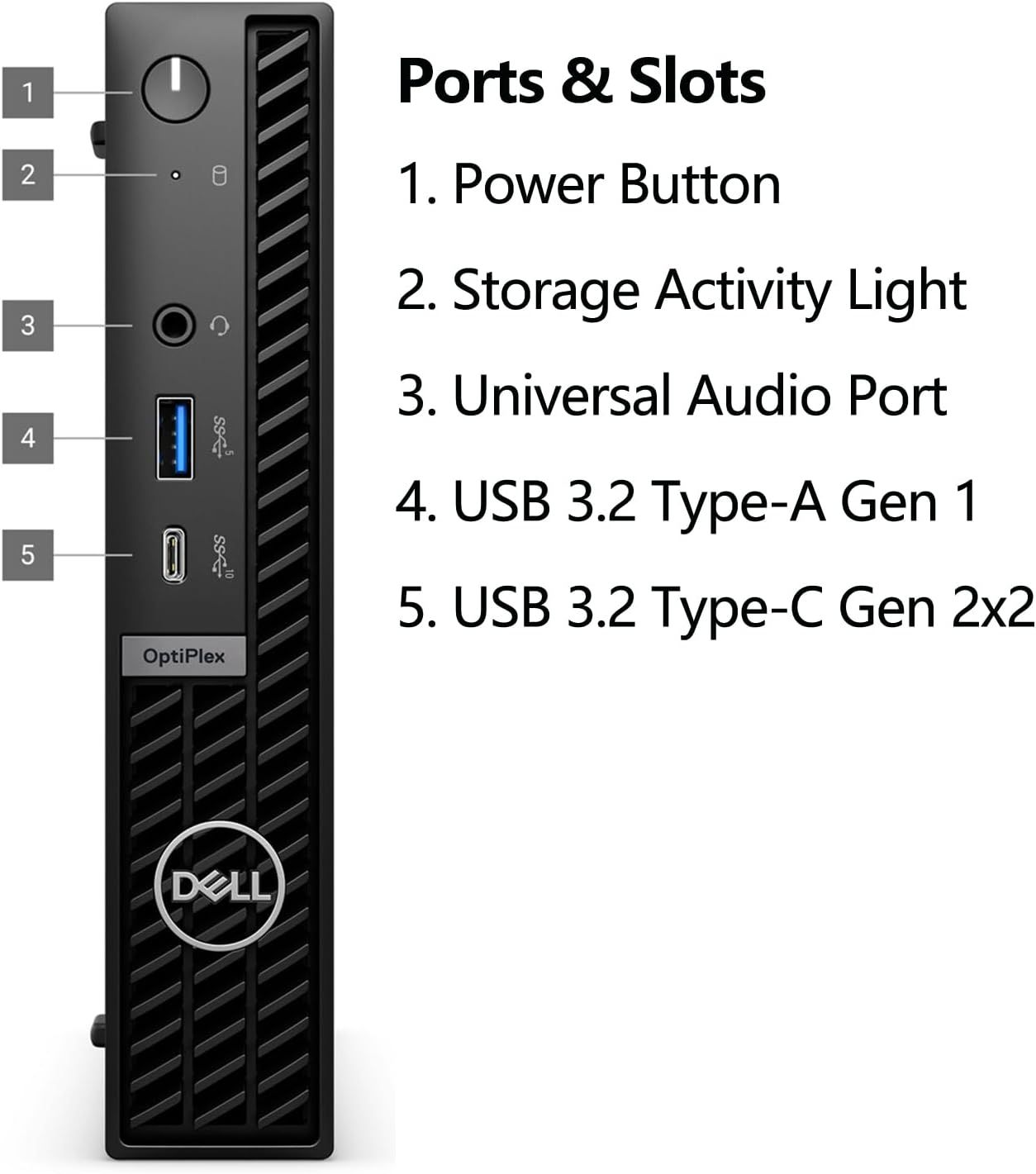
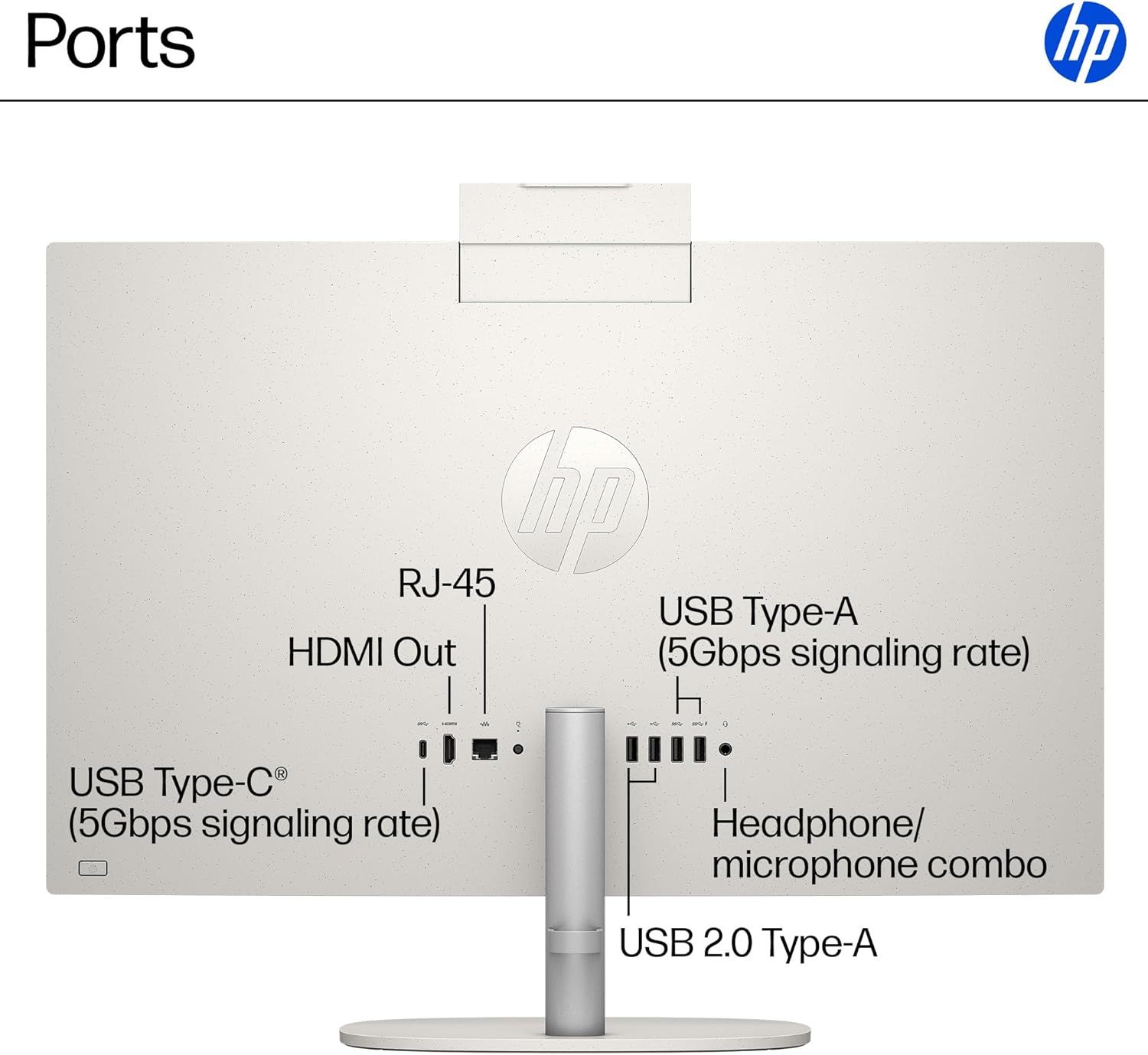
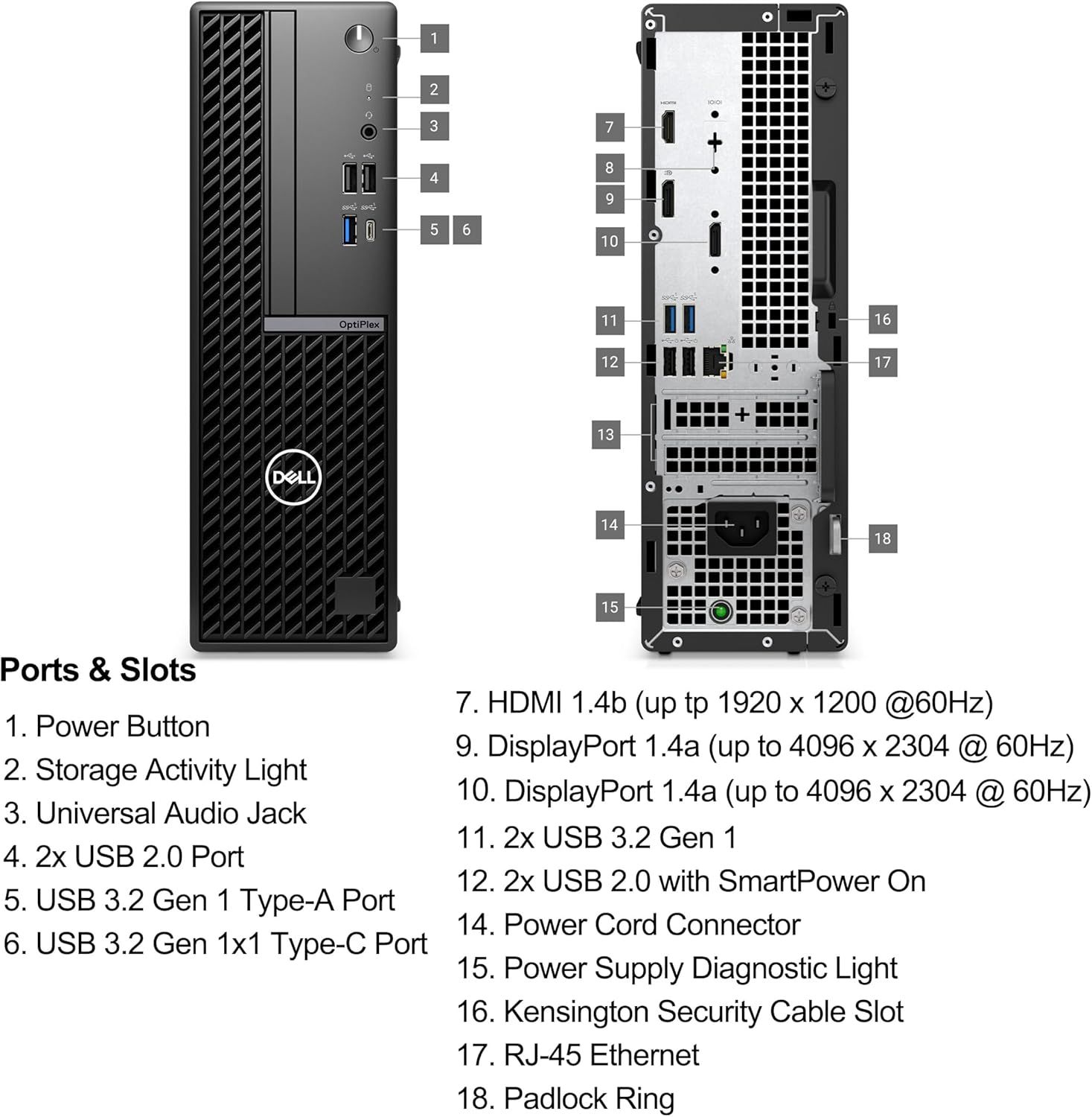
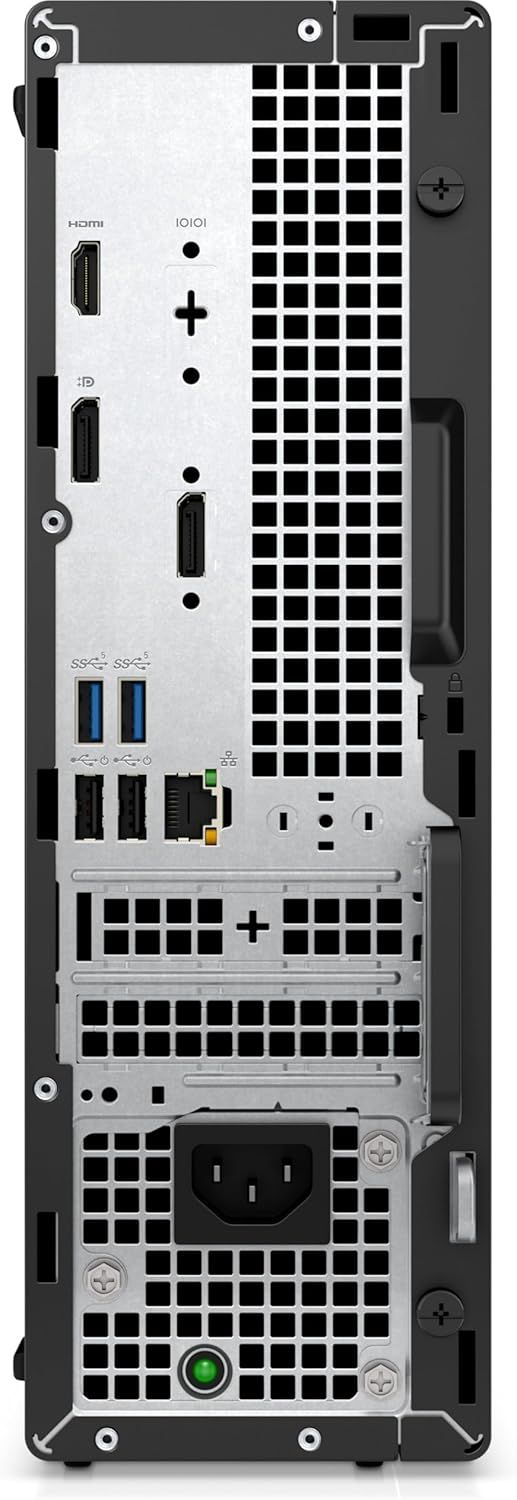
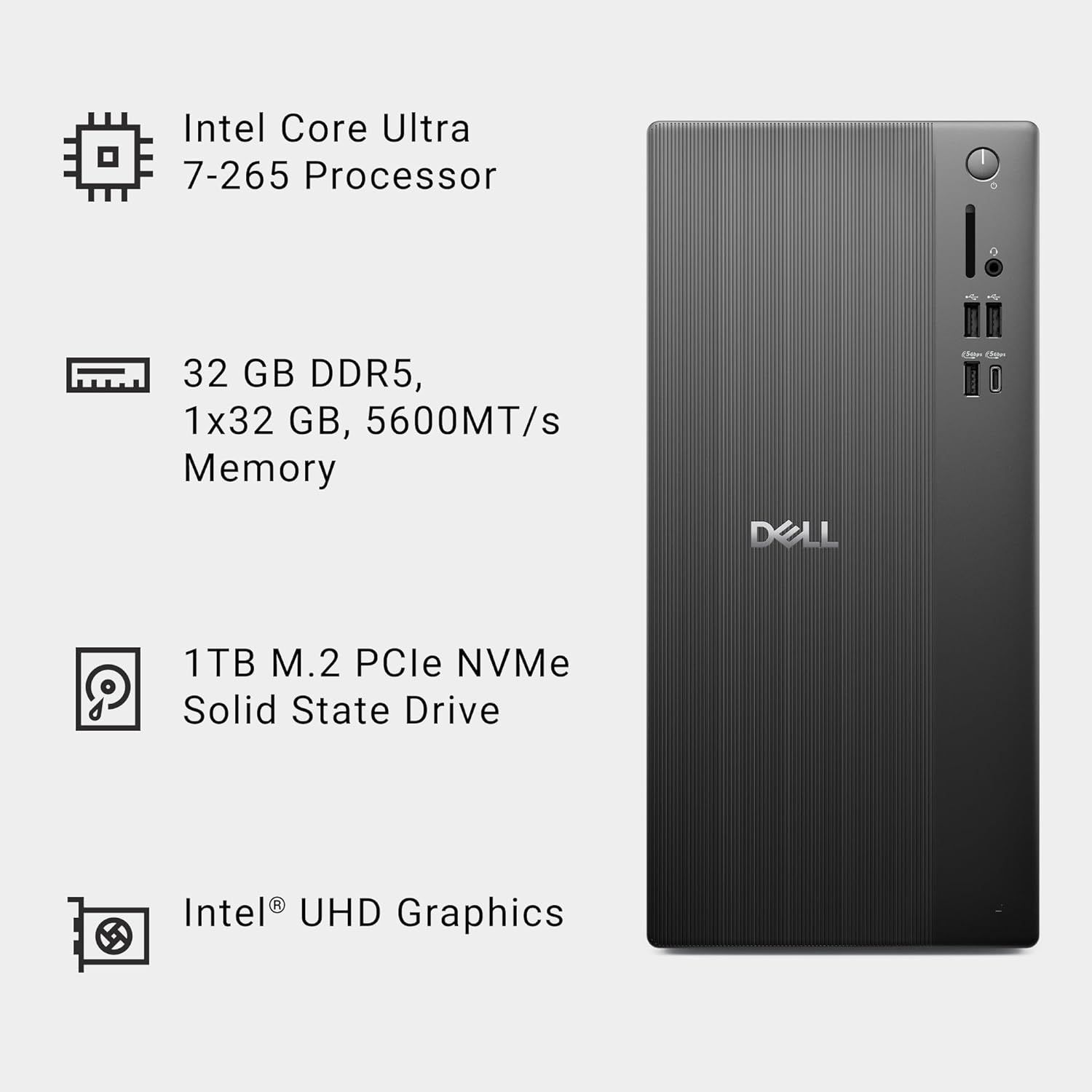
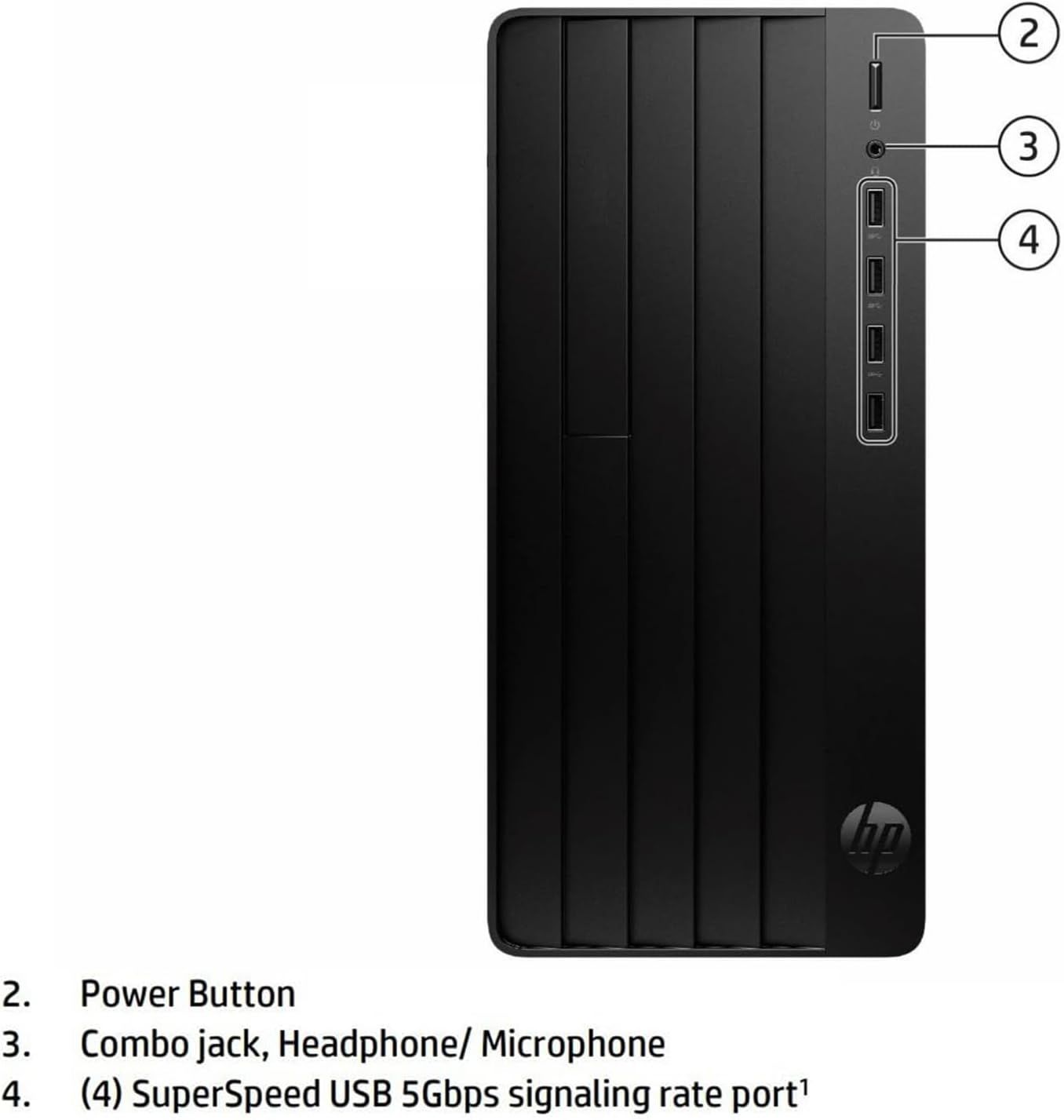
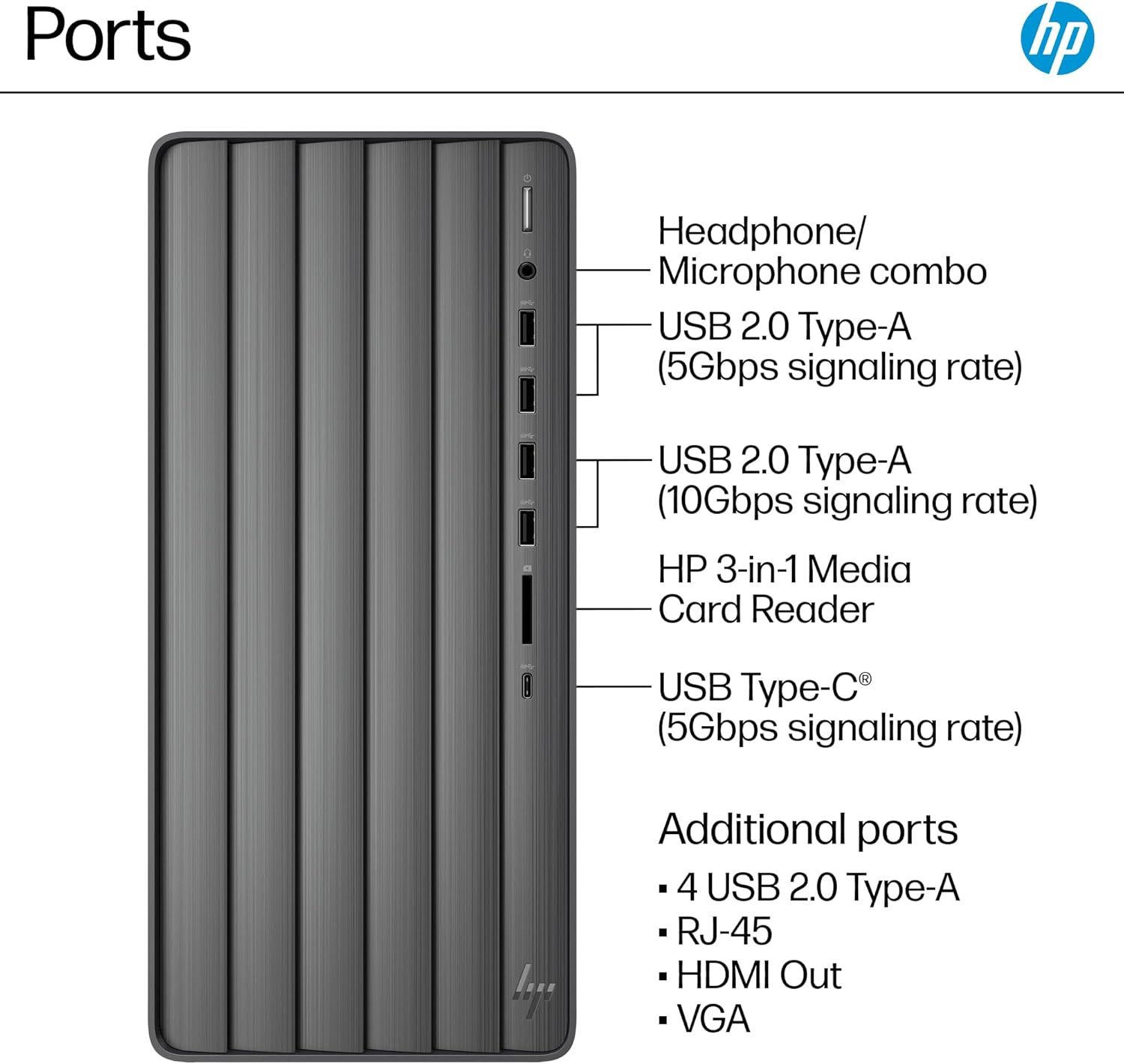
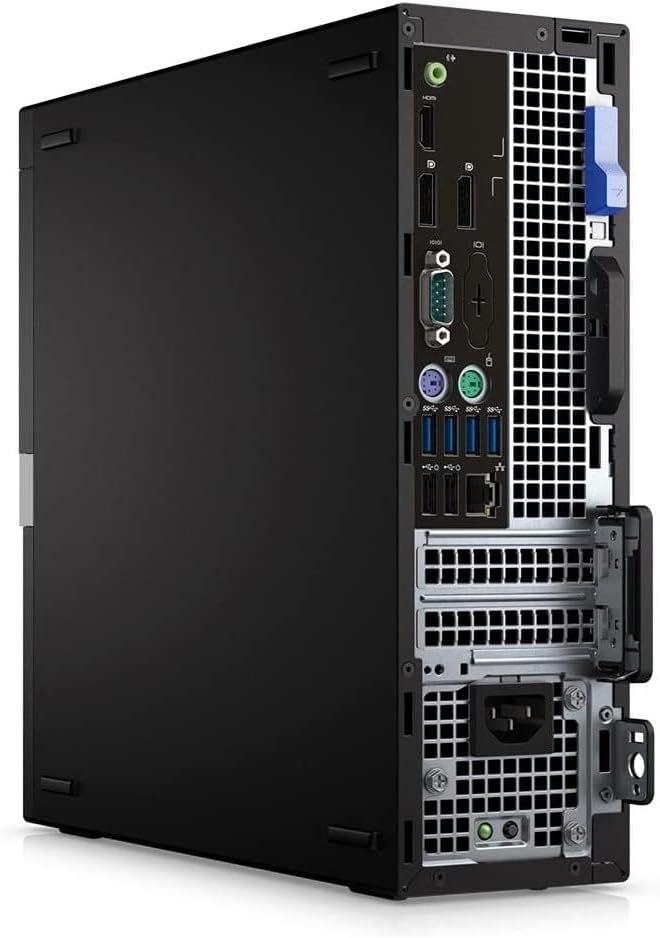
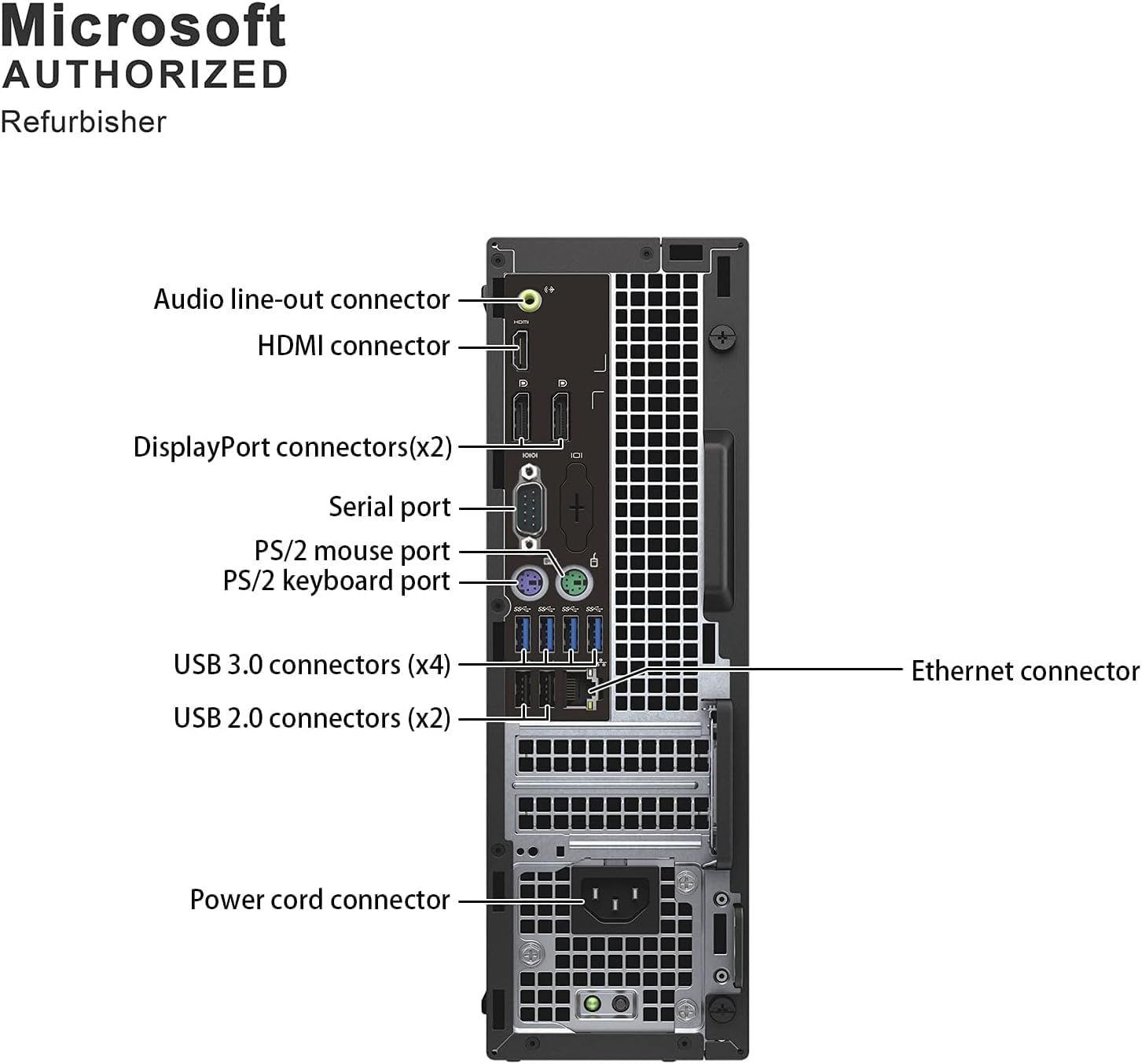
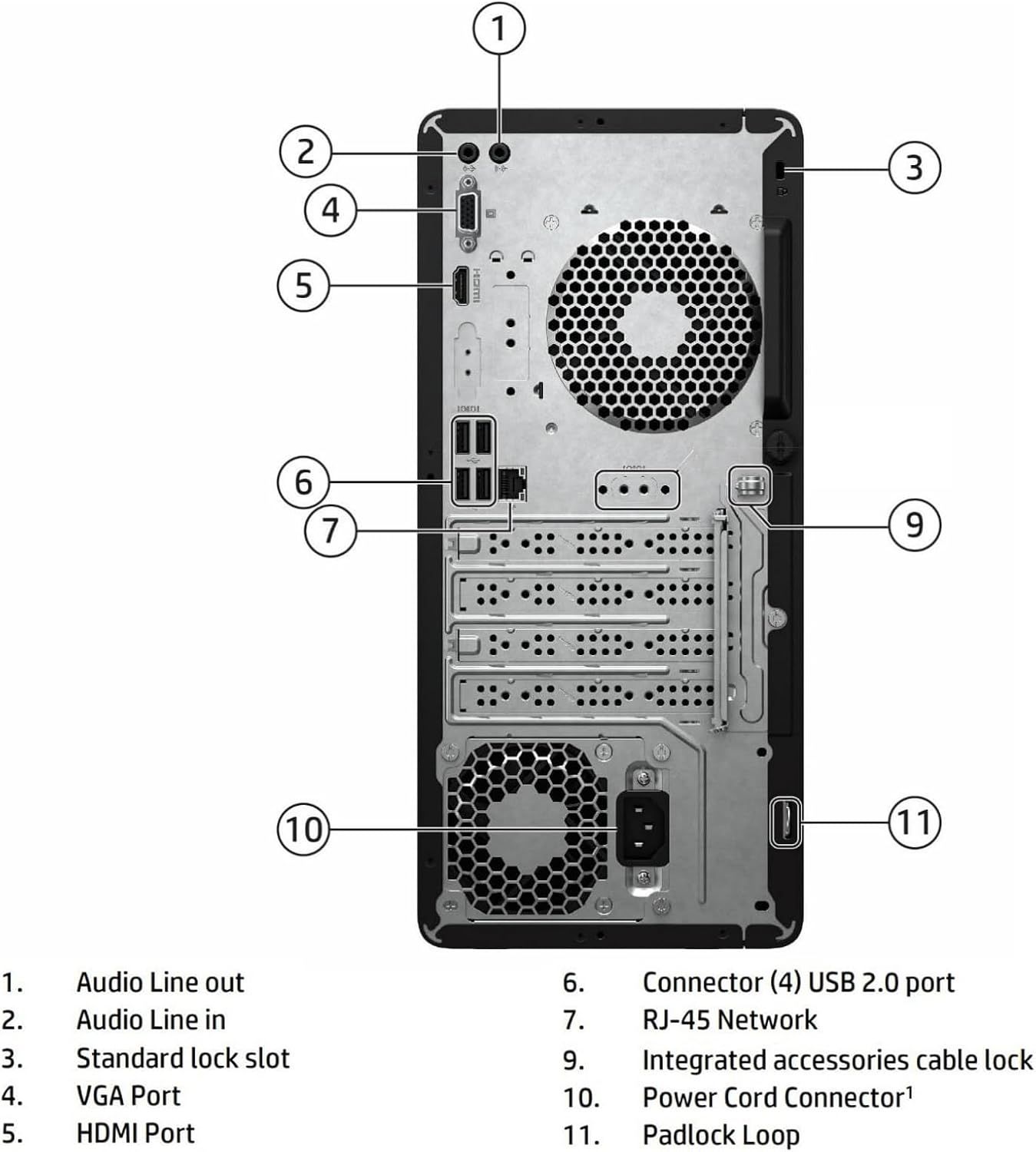
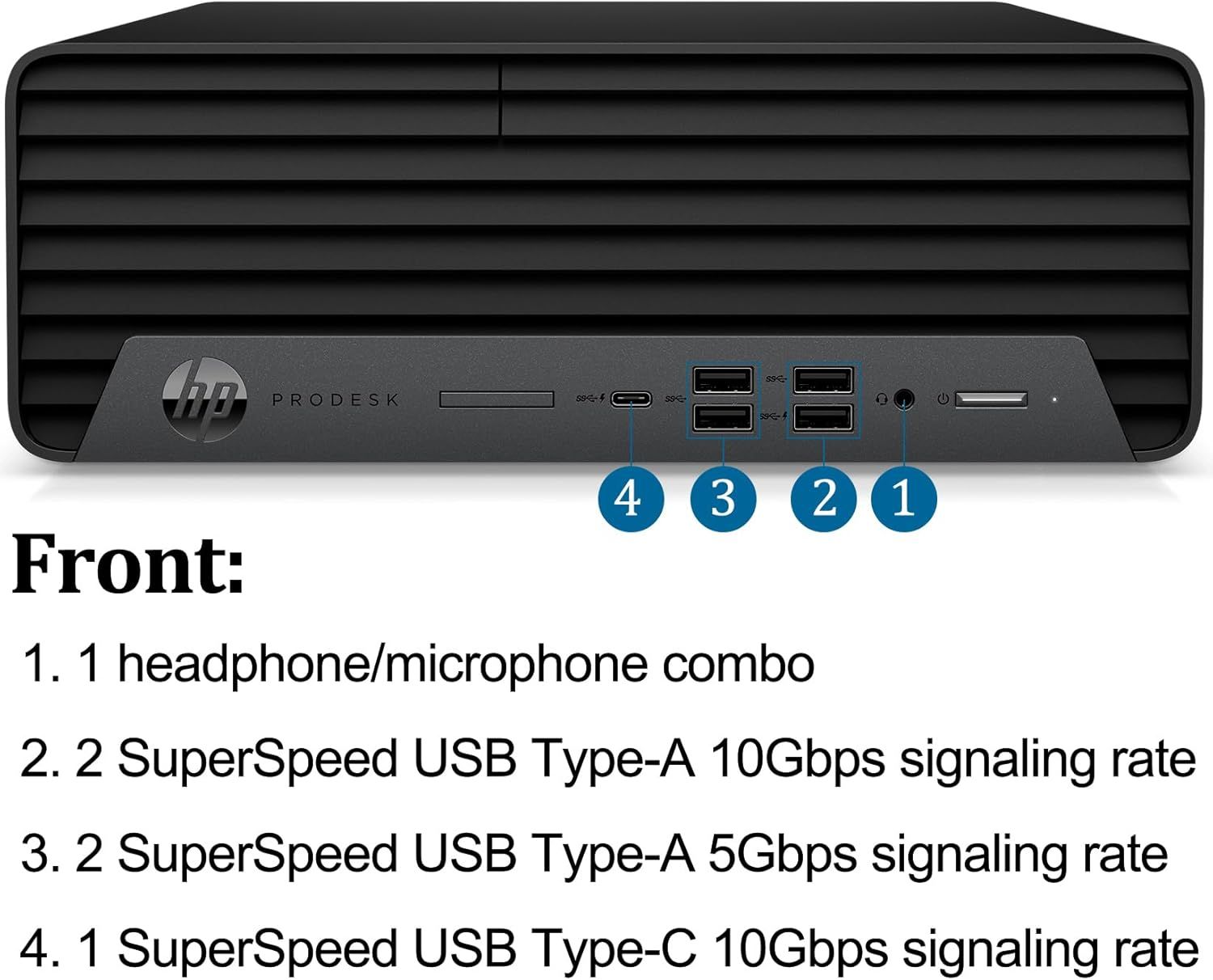
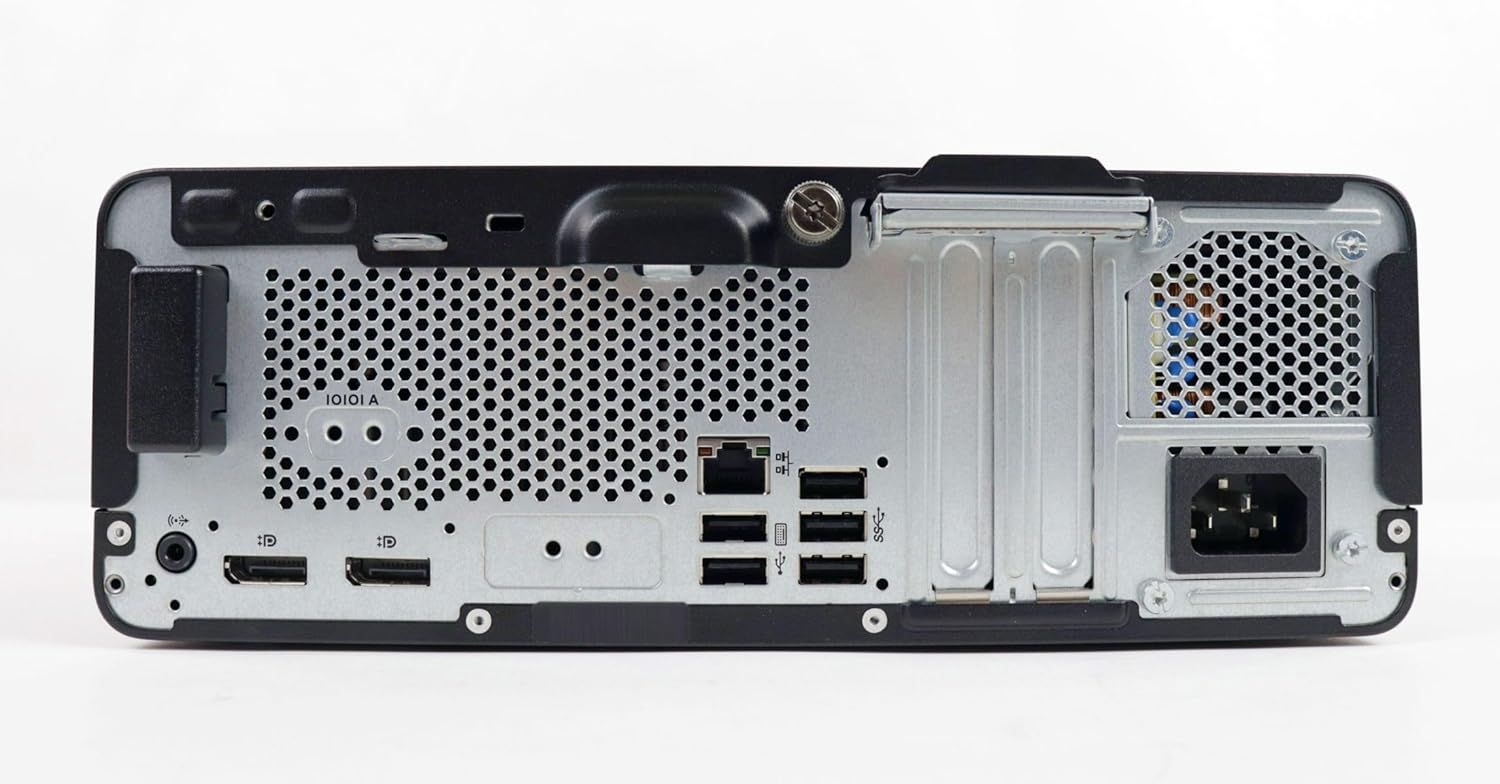
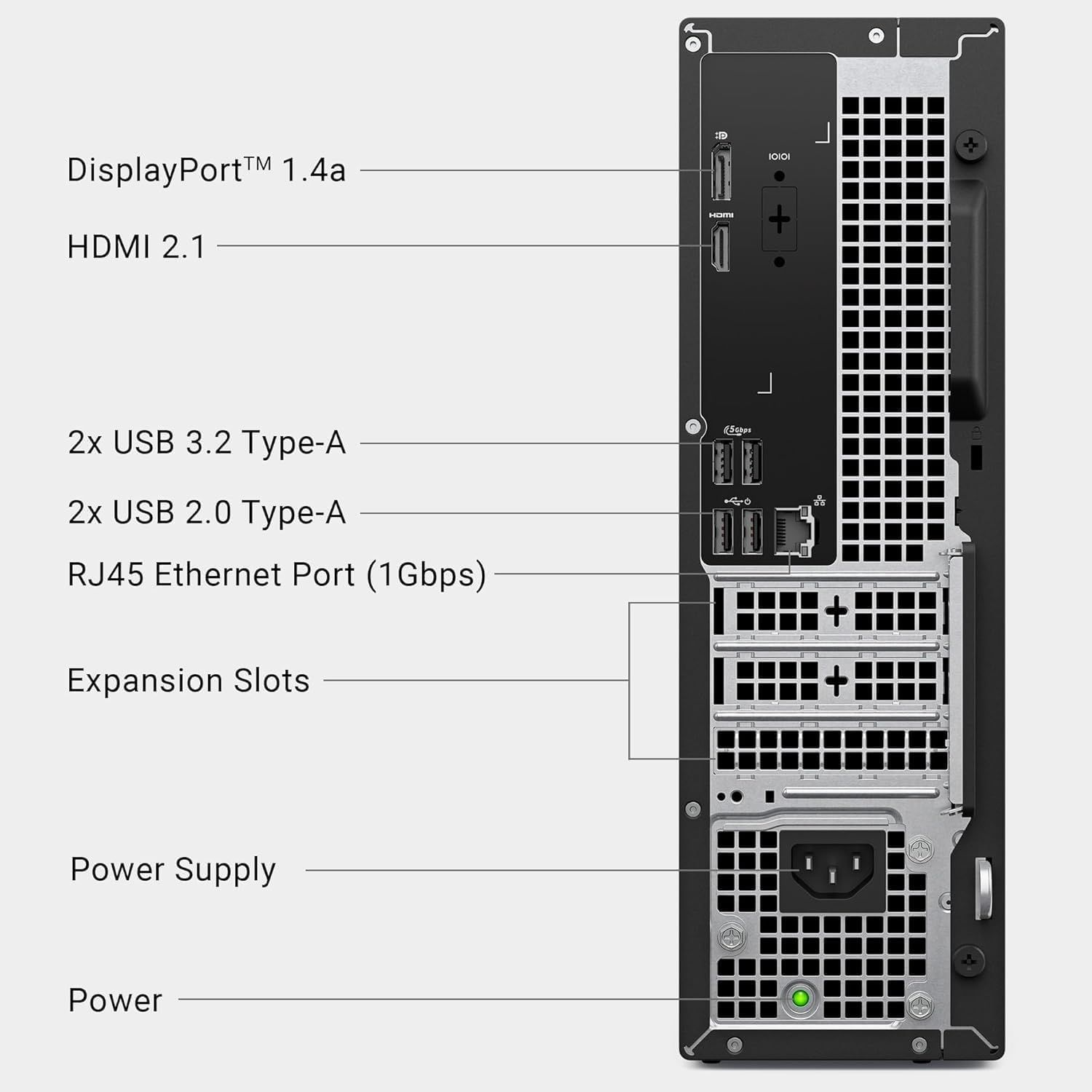
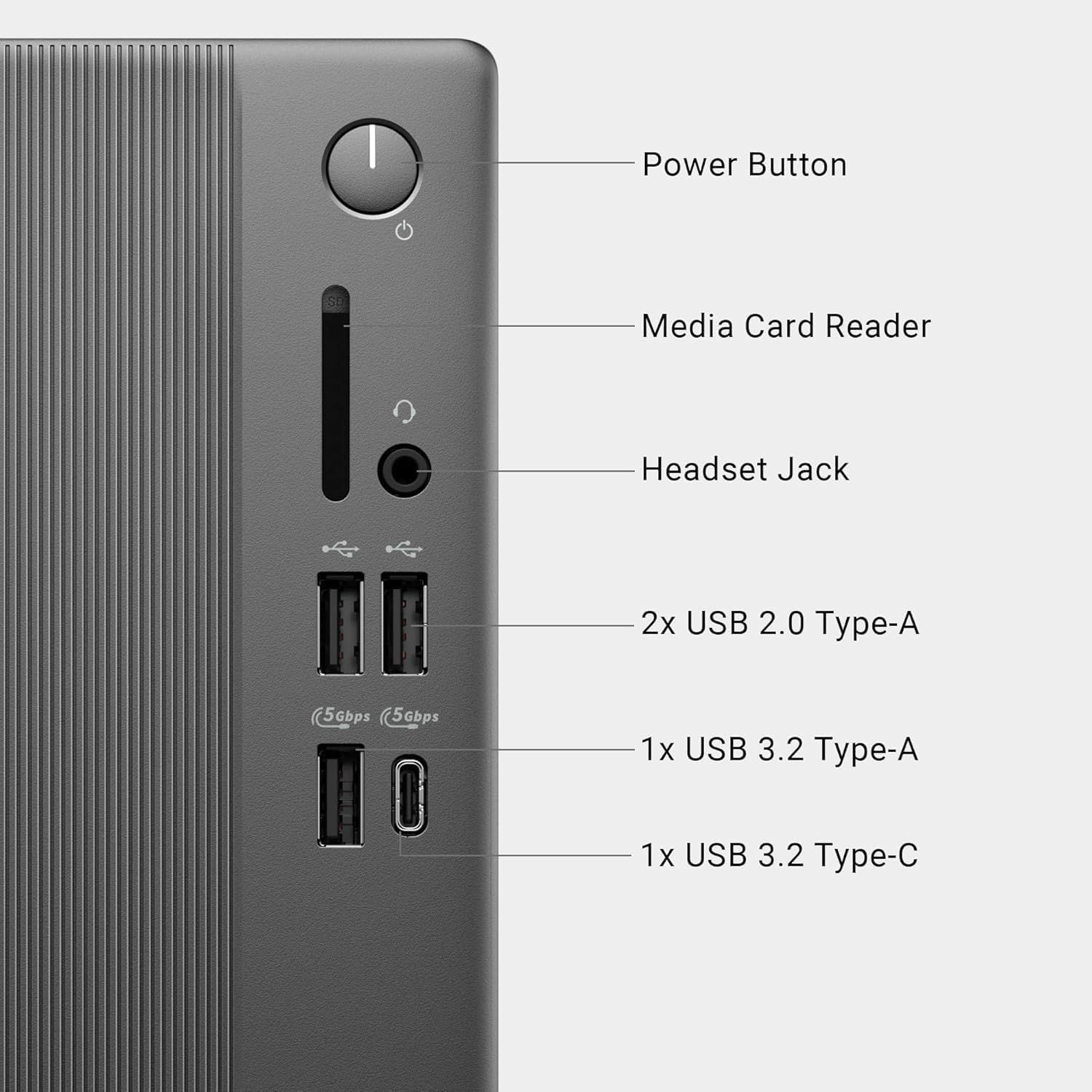
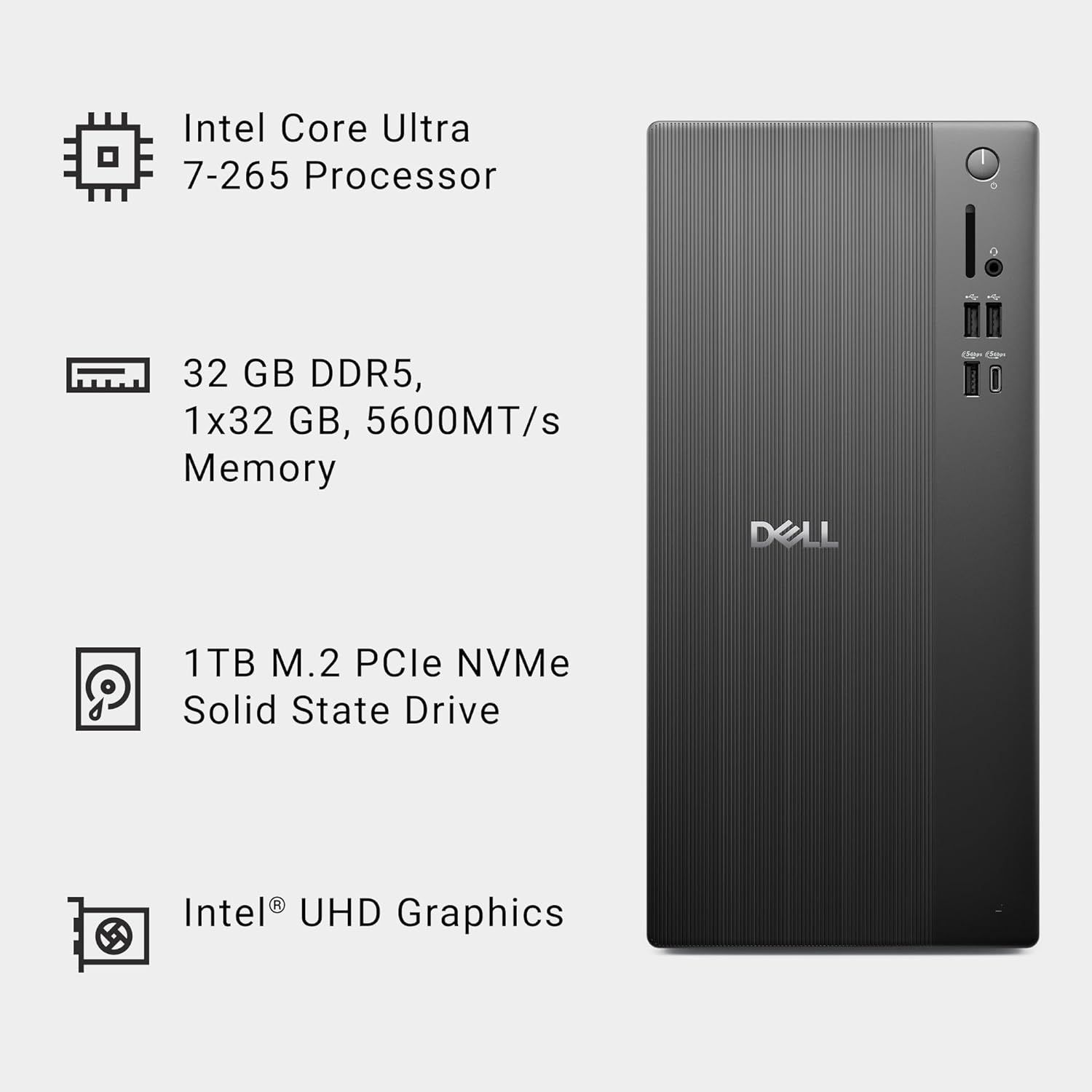
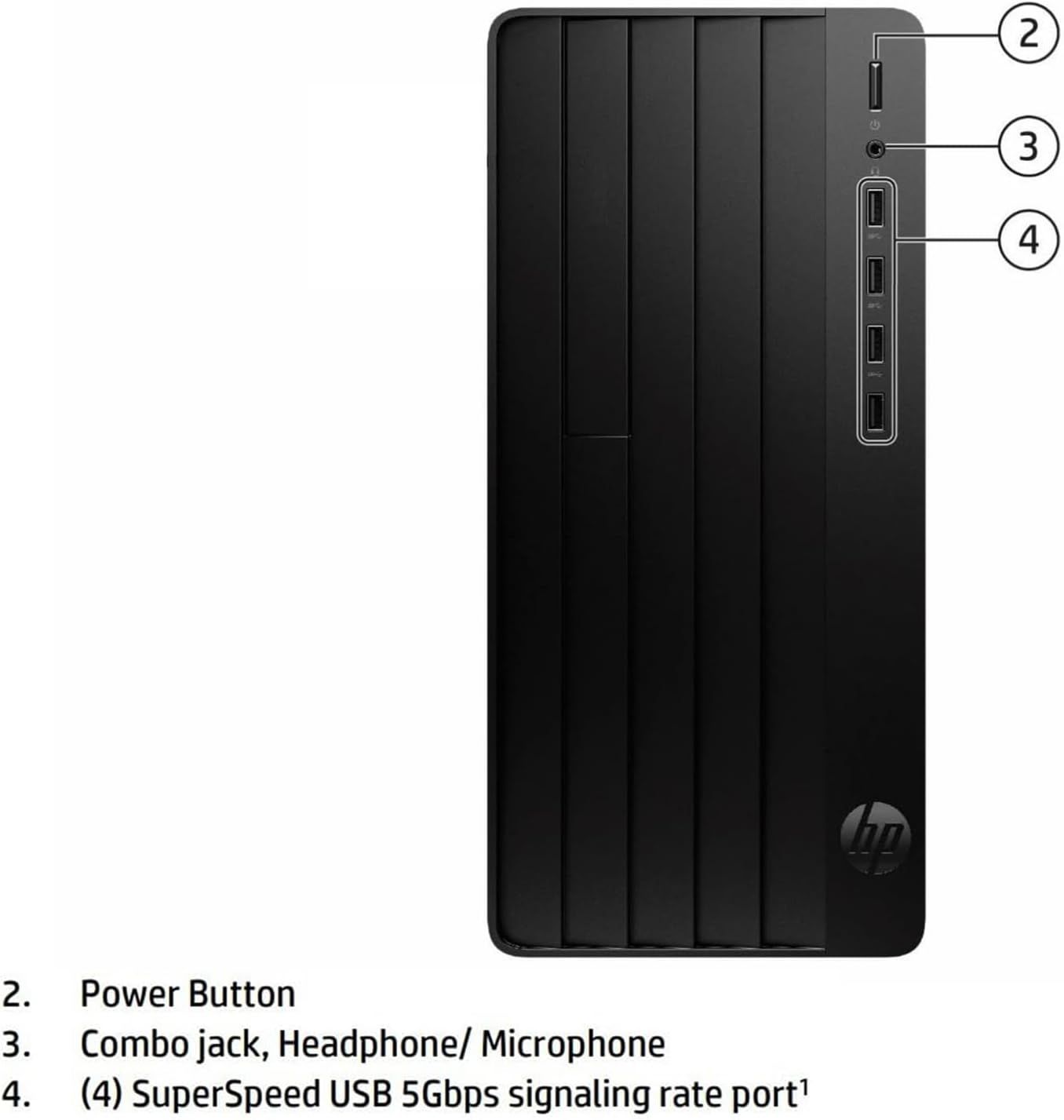
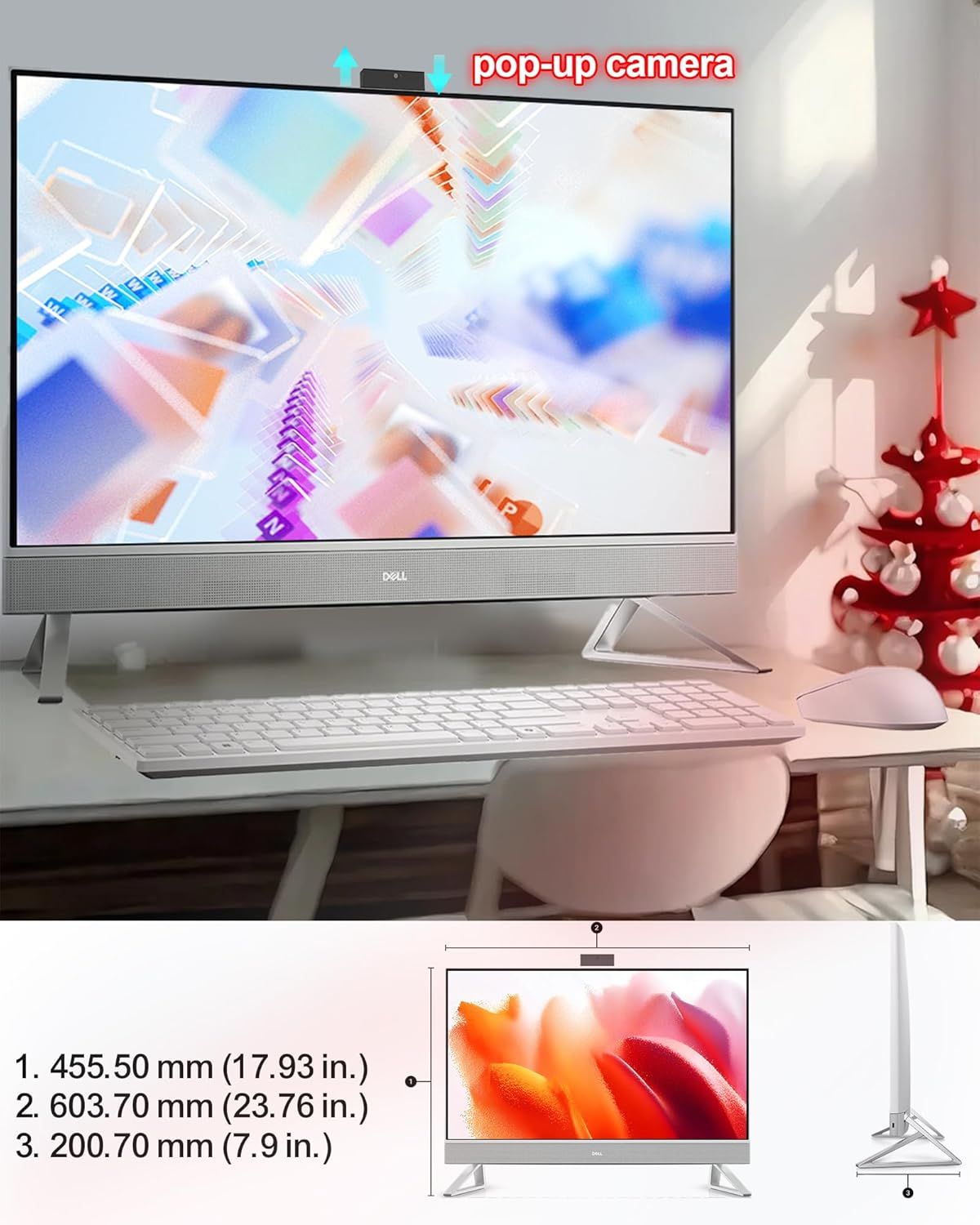
Communicates the exceptional battery longevity of the wireless mouse, emphasizing it lasts 24 months and is 2X longer than competitors to reassure shoppers about long-term convenience and reduced…TECKNET Wireless MouseThis image breaks down the physical components and features of the wireless mouse, showing shoppers exactly where each button and functional element is located and what it does. Reassures shoppers…TECKNET Wireless MouseHighlights the physical structural components of the mounting system—specifically the dual C-clamp mechanism and larger base—to demonstrate how the product achieves unmatched stability. Communicates…HUANUO FlowLift™ Dual Monitor StandHighlights the blue soft light indicator feature that provides non-dazzling status visibility, helping users monitor the device's work status without distraction. Communicates the benefit of a…USB 3.0 HubThis image uses a transparent cutaway view to showcase the internal motor and mechanical components of the product, highlighting the advanced brushless motor technology and 3-gear system that…WOLFBOX MF50 Compressed Air Duster-110000RPM Super Power Electric Air DusterHighlights the built-in microphone feature of the webcam to communicate audio capability and convenience for video calls or streaming. Communicates the convenience and functionality of having an…Logitech Brio 101 Full HD 1080p Webcam for MeetingsHighlights the physical privacy shutter component of the webcam, showing shoppers how the product protects their privacy with a built-in sliding cover over the camera lens. Communicates the key…Logitech Brio 101 Full HD 1080p Webcam for MeetingsThis image breaks down the physical ports and components of the 5-in-1 USB hub, showing shoppers exactly what connections are available and their specifications to help them understand the product's…Anker USB C HubThis image breaks down the physical features and components of the keyboard and mouse combo, highlighting key functional areas and design elements to help shoppers understand what the product…Logitech MK270 Wireless Keyboard and Mouse Combo for WindowsThis image breaks down the physical ports and connectors on the back panel of the device, helping shoppers understand the connectivity options and where each port is located. Highlights the device's…Dell OptiPlex 7010 Micro Desktop pc for Bussiness & HomeThis image breaks down the physical components and ports on the Dell OptiPlex device, helping shoppers understand the location and function of each connection point and control.Dell OptiPlex 7010 Micro Desktop pc for Bussiness & HomeThis image identifies and labels all the physical ports and connectivity options on the HP monitor, helping shoppers understand what devices and cables they can connect.HP 24 Touchscreen All-in-One Desktop Computer for Home and SchoolThis image breaks down all the physical ports, slots, and components of the Dell computer to help shoppers understand the connectivity options and physical layout of the product.Dell Desktop Computer Optiplex 7020 SffDisplays the back panel of the computer tower to show shoppers the available ports, connectivity options, and physical layout of the I/O interfaces.Dell Optiplex 7050 SFF Desktop PC Intel i7-7700 4-Cores 3.60GHz 32GB DDR4 1TB SSD WiFi…Shows the back panel layout of the device with all available ports and connections (HDMI, DisplayPort, USB, power) to help shoppers understand connectivity options and compatibility.Dell Desktop Computer Optiplex 7020 SffThis image breaks down the physical ports and connectors on the back of a Microsoft refurbished computer, helping shoppers understand the connectivity options and technical specifications available.Dell Optiplex 7050 SFF Desktop PC Intel i7-7700 4-Cores 3.60GHz 32GB DDR4 1TB SSD WiFi…Breaks down the key internal specifications and components of the Dell mini PC to help shoppers understand the technical capabilities and hardware configuration.Dell Tower Desktop ECT1250This image breaks down the physical components and ports of the computer tower, helping shoppers understand the connectivity options and hardware layout available on the device.Dell Tower Desktop ECT1250This image breaks down the physical components and ports on the device's front panel, helping shoppers understand the product's connectivity options and interface layout.Dell Tower Desktop ECT1250This image breaks down the rear panel of a computer or server by labeling all the physical ports, connectors, and components, helping shoppers understand the connectivity options and hardware layout.Dell Slim Desktop ECS1250This image breaks down the physical components and ports on the device to help shoppers understand the product's connectivity options and interface layout.Dell Slim Desktop ECS1250Shows the back panel layout of the device, highlighting all physical ports, connectors, ventilation grilles, and power components to help shoppers understand connectivity options and physical…Dell ECT1250 Slim Tower Desktop(2025)This image labels and identifies all the ports and connectivity options available on the device, helping shoppers understand what they can plug in and how to use each connection point.HP All in one Desktop PC for HomeThis image breaks down the physical components and ports of the device, showing shoppers the connectivity options and hardware layout including high-speed USB ports, network connectivity, and…Dell ECT1250 Slim Tower Desktop(2025)This image breaks down the rear panel of the computer, labeling all physical ports, connectors, and security features to help shoppers understand the product's connectivity options and physical…HP Desktop Computer Tower for Home Student & BusinessThis image breaks down the physical components and ports on the HP desktop computer to help shoppers understand the location and function of key hardware features.HP Desktop Computer Tower for Home Student & BusinessThis image breaks down the physical ports and connectivity options on the HP desktop computer, helping shoppers understand what devices and peripherals they can connect to the system.HP Envy Desktop PCThis image breaks down the physical components and ports of the Dell computer, showing shoppers exactly where each connection and feature is located on the front and back of the device.Dell Slim Tower Desktop Computer ECT1250Displays the back panel of the computer tower to show shoppers the available ports, connectivity options, and physical layout of the I/O interfaces.Dell Optiplex 7050 SFF Desktop PC Intel i7-7700 4-Cores 3.60GHz 32GB DDR4 1TB SSD WiFi…This image breaks down the physical ports and connectors on the back of a Microsoft refurbished computer, helping shoppers understand the connectivity options and technical specifications available.Dell Optiplex 7050 SFF Desktop PC Intel i7-7700 4-Cores 3.60GHz 32GB DDR4 1TB SSD WiFi…This image breaks down the rear panel of the computer, labeling all physical ports, connectors, and security features to help shoppers understand the product's connectivity options and physical…HP Desktop Computer Tower PCThis image breaks down the physical components and ports on the HP desktop computer to help shoppers understand the location and function of key hardware features.HP Desktop Computer Tower PCThis image breaks down the rear panel of a computer or server by labeling all the physical ports, connectors, and components, helping shoppers understand the connectivity options and hardware layout.Dell Slim Desktop ECS1250This image breaks down the physical components and ports on the device to help shoppers understand the product's connectivity options and interface layout.Dell Slim Desktop ECS1250This image breaks down the rear panel of the device by labeling each physical port and connector, helping shoppers understand the connectivity options and technical specifications available.HP Desktop Computer Tower PC ProDesk 600 G6 SFF for Home BusinessThis image breaks down the front panel ports and connections of the HP ProDesk, helping shoppers understand the physical connectivity options available and their technical specifications.HP Desktop Computer Tower PC ProDesk 600 G6 SFF for Home BusinessShows the back panel of the device with all its physical ports, connectors, and components to help shoppers understand the connectivity options and physical layout of the product.HP Desktop Computer Tower PC ProDesk 600 G6 SFF for Home BusinessThis image breaks down the physical components and ports on the back panel of the computer, helping shoppers understand the connectivity options and hardware layout available.Dell Tower Desktop Computer Ect1250 for BusinessThis image breaks down the physical components and ports on the device to help shoppers understand the product's connectivity options and interface layout.Dell Tower Desktop Computer Ect1250 for BusinessBreaks down the key internal specifications and components of the Dell mini PC to help shoppers understand the technical capabilities and hardware configuration.Dell Tower Desktop ECT1250This image breaks down the physical components and ports of the computer tower, helping shoppers understand the connectivity options and hardware layout available on the device.Dell Tower Desktop ECT1250This image breaks down the physical components and ports on the device's front panel, helping shoppers understand the product's connectivity options and interface layout.Dell Tower Desktop ECT1250Shows the back panel layout of the device, highlighting all physical ports, connectors, ventilation grilles, and power components to help shoppers understand connectivity options and physical…Dell ECT1250 Slim Tower Desktop(2025)This image breaks down the physical components and ports of the device, showing shoppers the connectivity options and hardware layout including high-speed USB ports, network connectivity, and…Dell ECT1250 Slim Tower Desktop(2025)This image breaks down the physical ports and connectivity options on the HP desktop computer, helping shoppers understand what devices and peripherals they can connect to the system.HP Envy Desktop PCThis image breaks down the rear panel of the computer, labeling all physical ports, connectors, and security features to help shoppers understand the product's connectivity options and physical…HP Desktop Computer Tower for Home Student & BusinessThis image breaks down the physical components and ports on the HP desktop computer to help shoppers understand the location and function of key hardware features.HP Desktop Computer Tower for Home Student & BusinessCommunicates the exact physical dimensions of the monitor (width, height, depth) to help shoppers understand the product's size and ensure it fits their workspace. Highlights the pop-up camera…Dell 27" Touchscreen All-in-One Desktop Computer PC for Business
Product Anatomy Secondary Images by category

Need product anatomy secondary images for your own listing?

Our design team makes Amazon listing images, infographics and A+ content. £750 per day, with revisions the next day.