HP Desktop Computer Tower for Home Student & Business: Product Detail Images
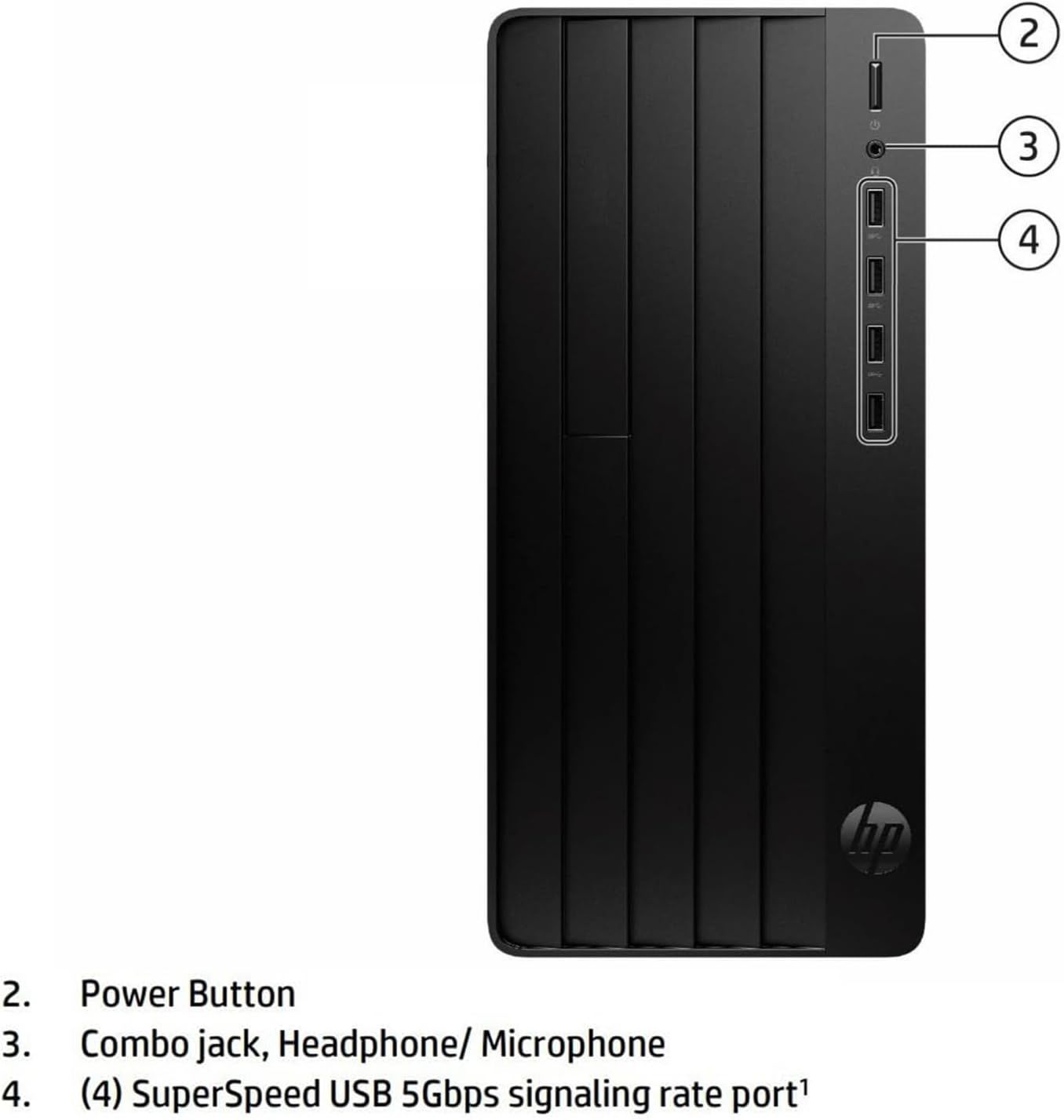
This image breaks down the physical components and ports on the HP desktop computer to help shoppers understand the location and function of key hardware features.
- Brand
- HP
- Category
- Electronics › Computers & Accessories › Computers & Tablets › Desktops › Towers
- Image type
- Product Detail Images, Secondary Images
- Design focus
- Power Button; Combo Jack; USB Ports
- Listing position
- Image 2
- Marketplace
- United States
- Best Sellers Rank
- #3,336 in Computers & Accessories (See Top 100 in Computers & Accessories) #92 in Tower Computers
- Full listing
- See all 7 images in order
- ASIN
- B0G1YBYS88
See your listing next to your competitors
Paste your Amazon link. We score every image and show what the top sellers do differently. Your first comparison is free.
What this image does at a glance
- Score
- 29 / 100 · Unreadable small
- Headline
- 2
- Headline height
- 5.2% of the image
- Headline contrast
- Lc 86
- Text on the image
- 6.0% of the image, 7 blocks
- Blurred to tile size
- headline no longer readable
Listing bullet points
- HP 290 G9 Tower powered by a 13th Generation Intel Core i3-13100 (4 Cores, 8 Threads, 12MB Intel Smart Cache, 5 MB L2 Cache, Base Frequency at 3.4GHz, Up to 4.5GHz at Max Turbo Frequency) Processor, delivering unparalleled speed and efficiency for heavy workloads, multitasking, and professional…
- RAM: 16GB DDR4 SDRAM; Hard Drive: 256GB PCIe SSD; Optical Drive: No.
- Graphics: Intel UHD Graphics 730 with shared graphics memory
- 【Note: No W-i-F-i】 Wireless USB WiFi Adapter for PC; Front Port: 4 USB Type-A 5Gbps signaling rate; 1 headphone/microphone combo. Rear Port: 4 USB 2.0 Type-A; 1 HDMI; 1 RJ-45; 1 VGA; 1 power connector; 1 line in; 1 line out.
- OS: Windows 11 Home English 64bit, giving you additional benefits suitable for professional users. Wired Keyboard and Mouse. Designed for aesthetics and durability, they'll not only keep your workspace tidy but also provide comfort and convenience for work and entertainment. This perfect…
Similar product detail images in Electronics
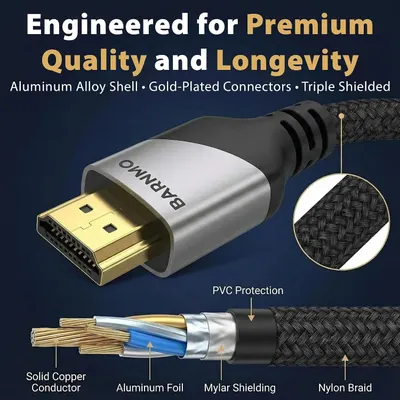 HDMI 8K 2.1 Certified
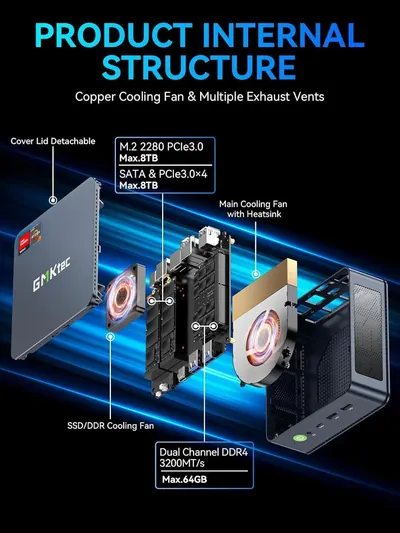 GMKtec M5 Ultra Mini PC AMD Ryzen 7 7730U (Turbo 4.5GHz) Upgradeable RAM
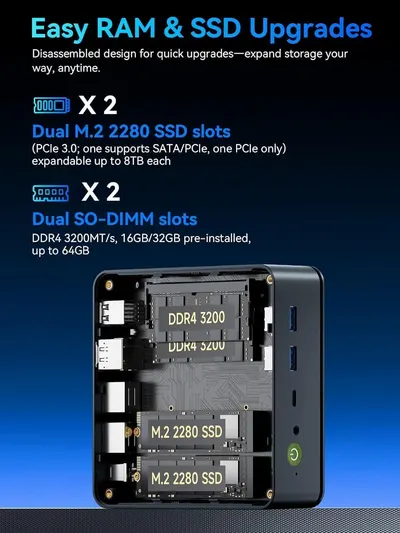 GMKtec M5 Ultra Mini PC AMD Ryzen 7 7730U (Turbo 4.5GHz) Upgradeable RAM
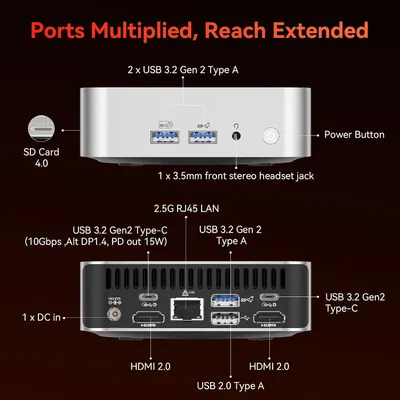 GEEKOM A7 Mini PC
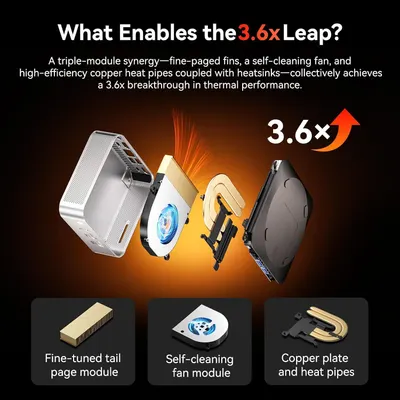 GEEKOM A7 Mini PC
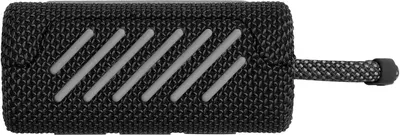 JBL Go 3
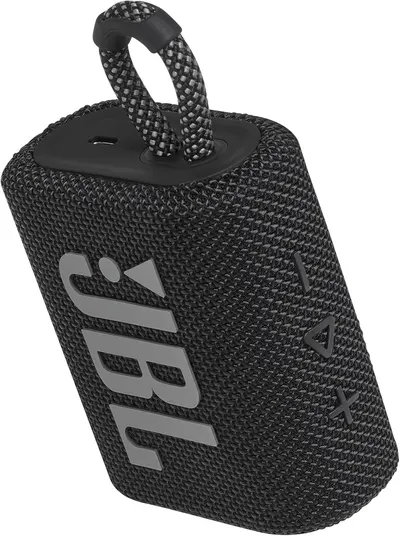 JBL Go 3
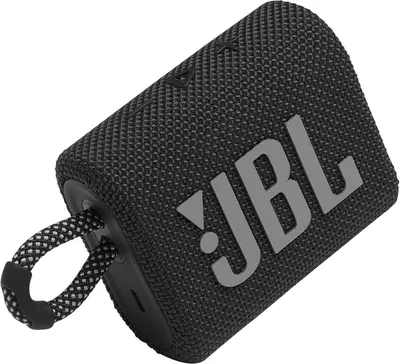 JBL Go 3
 JBL Go 3
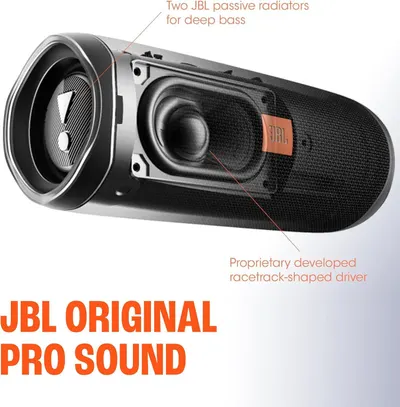 JBL FLIP 5
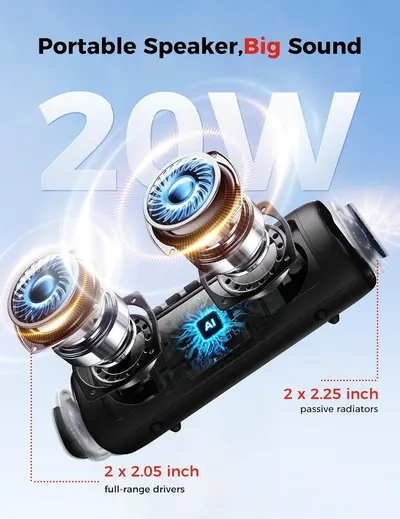 Bluetooth Speaker
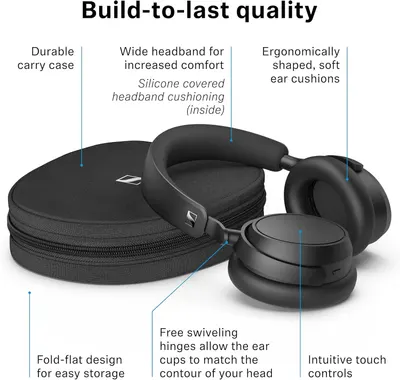 Sennehiser ACCENTUM Plus Wireless Headphones
This image belongs to HP and is shown for design research. Request removal.