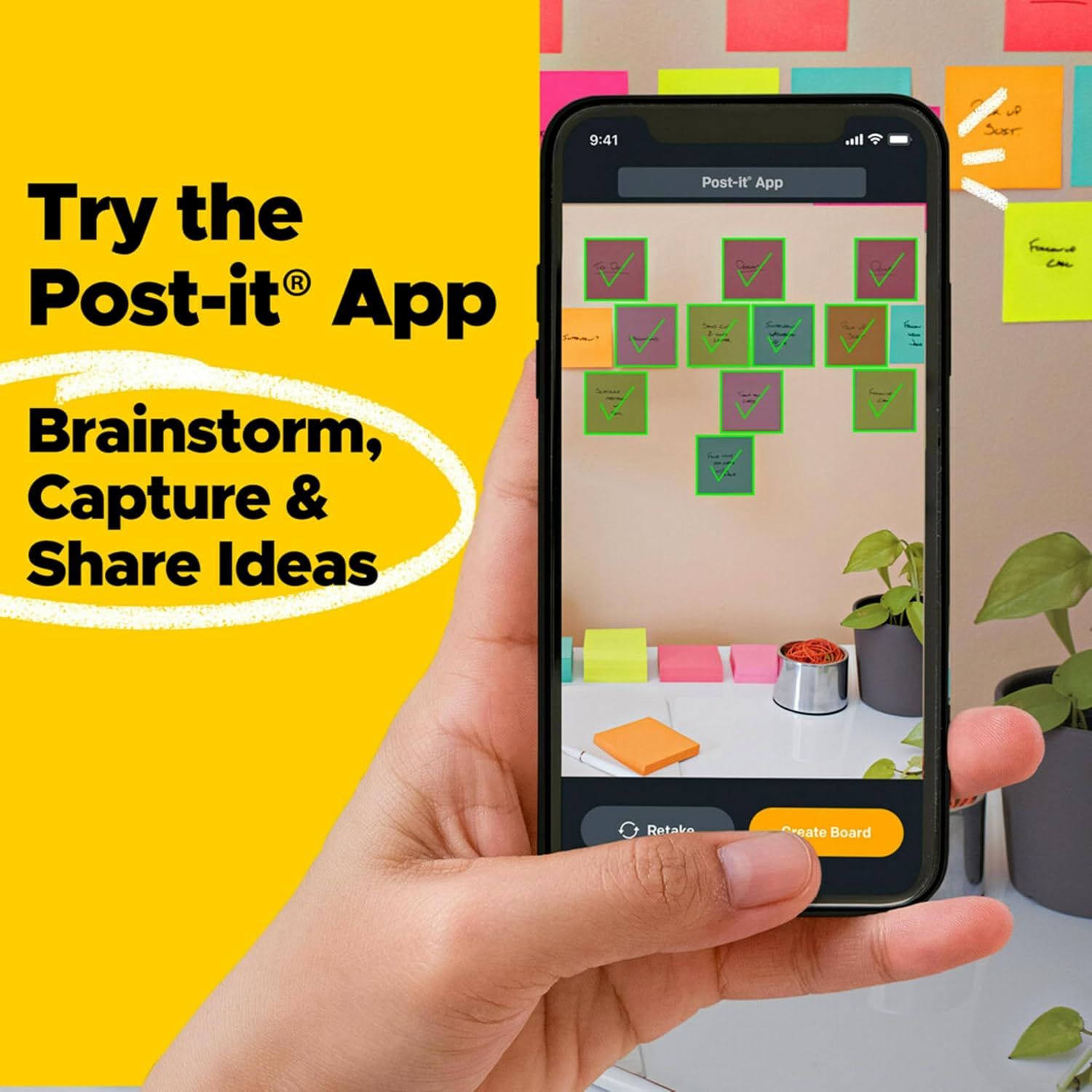
Post-it 100% Recycled Paper Super Sticky Notes: How to Use Images
Demonstrates how to use the Post-it App for brainstorming and organizing ideas digitally, encouraging shoppers to download and try the companion app. Highlights the digital integration benefit of Post-it products through the companion app, showing how users can capture, organize, and share their ideas digitally.
- Brand
- Post-it
- Category
- Office Products › Office & School Supplies › Paper › Notebooks & Writing Pads › Self-Stick Notes
- Image type
- How to Use Images, Single Benefit Images, Secondary Images
- Design focus
- App Usage; Digital Brainstorming; Digital Integration; App Functionality
- Listing position
- Image 6
- Marketplace
- United States
- Best Sellers Rank
- #93 in Office Products (See Top 100 in Office Products) #2 in Self-Stick Note Pads
- Full listing
- See all 10 images in order
- ASIN
- B0BPJW13CM
See your listing next to your competitors
Paste your Amazon link. We score every image and show what the top sellers do differently. Your first comparison is free.
What this image does at a glance
- Score
- 87 / 100 · Reads at a glance
- Headline
- Try the
- Headline height
- 5.4% of the image
- Headline contrast
- Lc 80
- Text on the image
- 11.6% of the image, 9 blocks
- Blurred to tile size
- headline still readable
Listing bullet points
- GET ORGANIZED: Each pack includes 5 pads of 3 in. x 3 in. notes, with 70 sheets per pad, great for your office, work area, or classroom
- EXPERIENCE THE POWER OF 2X STICKINESS: Post-it Super Sticky Notes offer twice the sticking power of basic sticky notes using 100% recycled paper
- 100% RECYCLED PAPER: Post-it Notes paper is sourced from certified and responsibly-managed forests
- VERSATILE AND ESSENTIAL: Post-it Super Sticky Notes are the perfect solution for shopping lists, reminders, to-do lists, color-coding, labeling, family chore reminders, brainstorming, storyboarding, and quick notes
- VARIOUS SIZES AND SHAPES: Available in different sizes, with or without lines, to cater to your specific needs
- EYE-CATCHING COLORS: Vibrant and colorful reminders are more likely to grab attention and be noticed
- INTRODUCING THE WANDERLUST COLLECTION: Explore the dreamy vibes from the Wanderlust Pastels collection including Washed Denim, Fresh Mint, Orchid Frost, Pebble Gray, Pink Salt
- STICK AND RESTICK ANYWHERE: These notes use water-based adhesive to stick firmly to walls, windows, doors, and other vertical surfaces, allowing you to move your reminders with ease
Similar how to use images in Office Products
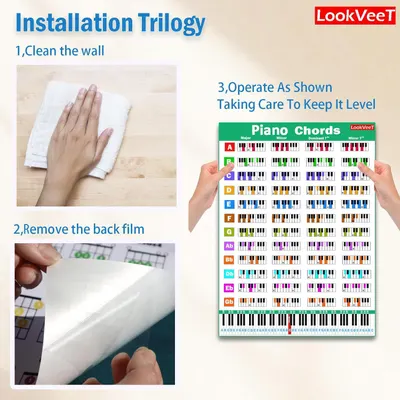 LookVeeT Piano Chord Chart Poster For Beginner And Portable A4 Laminated Chords
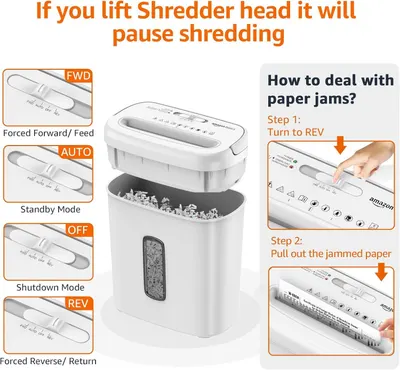 Amazon Basics 8-Sheet Cross Cut Paper and Credit Card Shredder for Security
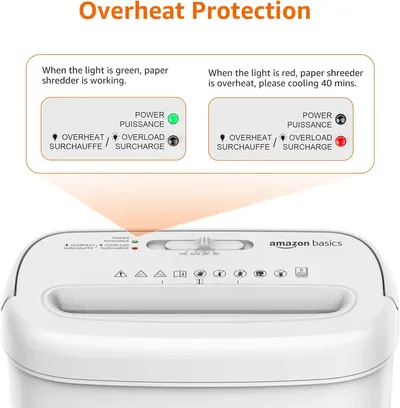 Amazon Basics 8-Sheet Cross Cut Paper and Credit Card Shredder for Security
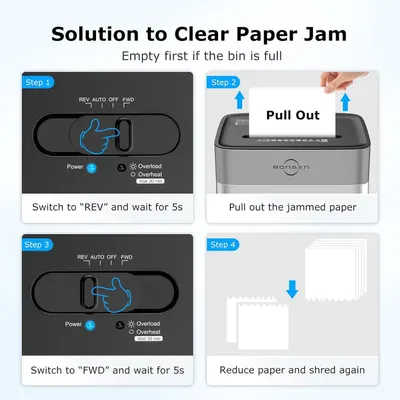 BONSEN 14-Sheet Paper Shredder for Home Office
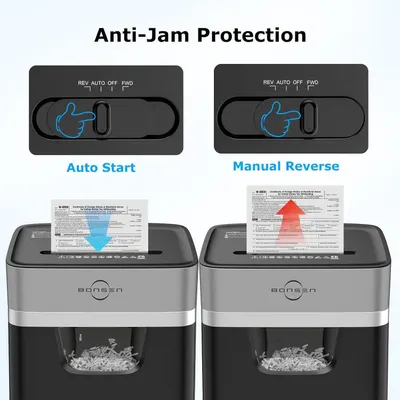 BONSEN 14-Sheet Paper Shredder for Home Office
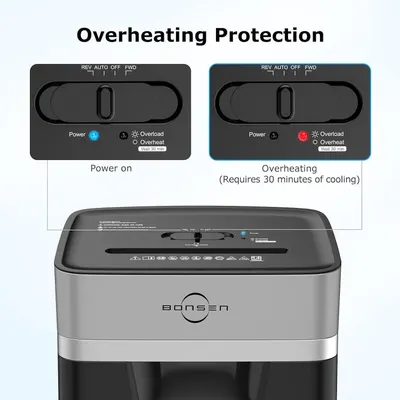 BONSEN 14-Sheet Paper Shredder for Home Office
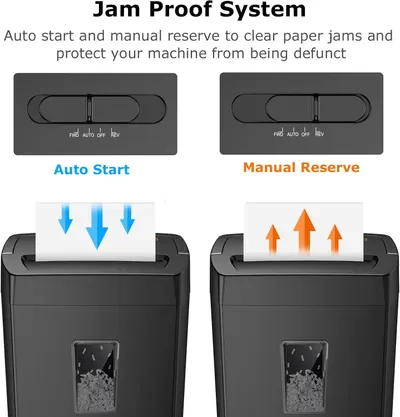 Bonsaii 12-Sheet Cross Cut Paper Shredder
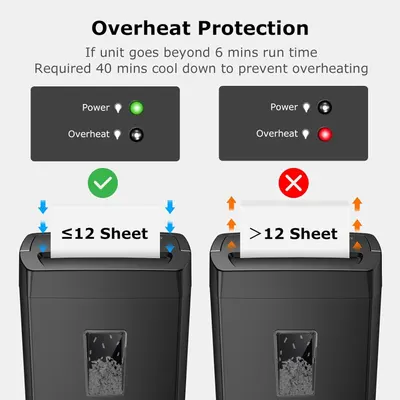 Bonsaii 12-Sheet Cross Cut Paper Shredder
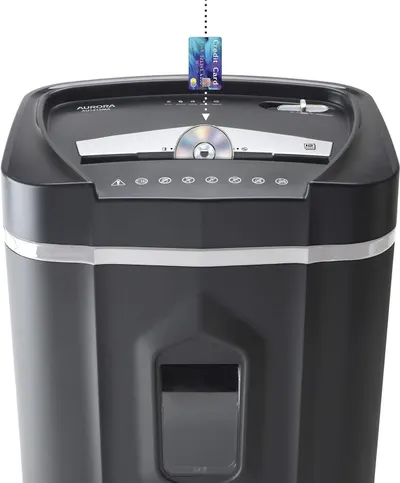 Aurora AU1210MA Professional Grade High Security 12-Sheet Micro-Cut Paper/CD and Credit…
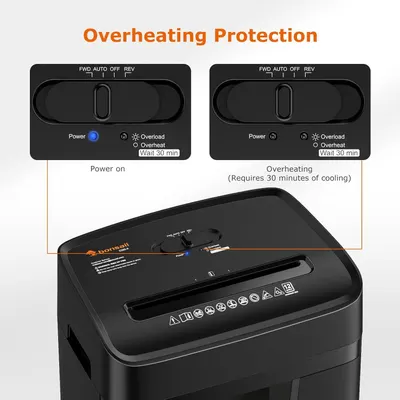 Bonsaii 12 Sheet Paper Shredder for Home Office
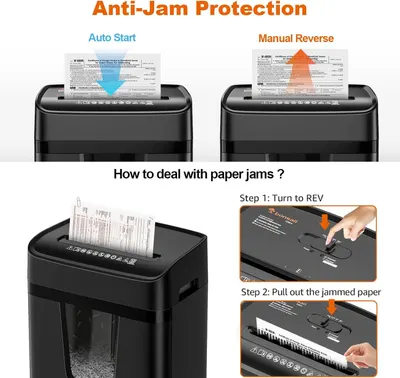 Bonsaii 12 Sheet Paper Shredder for Home Office
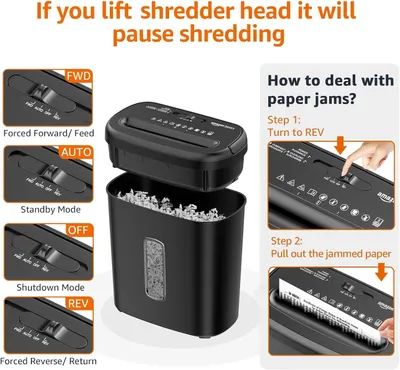 Amazon Basics 8-Sheet High Security Cross Cut Paper and Credit Card Shredder with P-4…
This image belongs to Post-it and is shown for design research. Request removal.