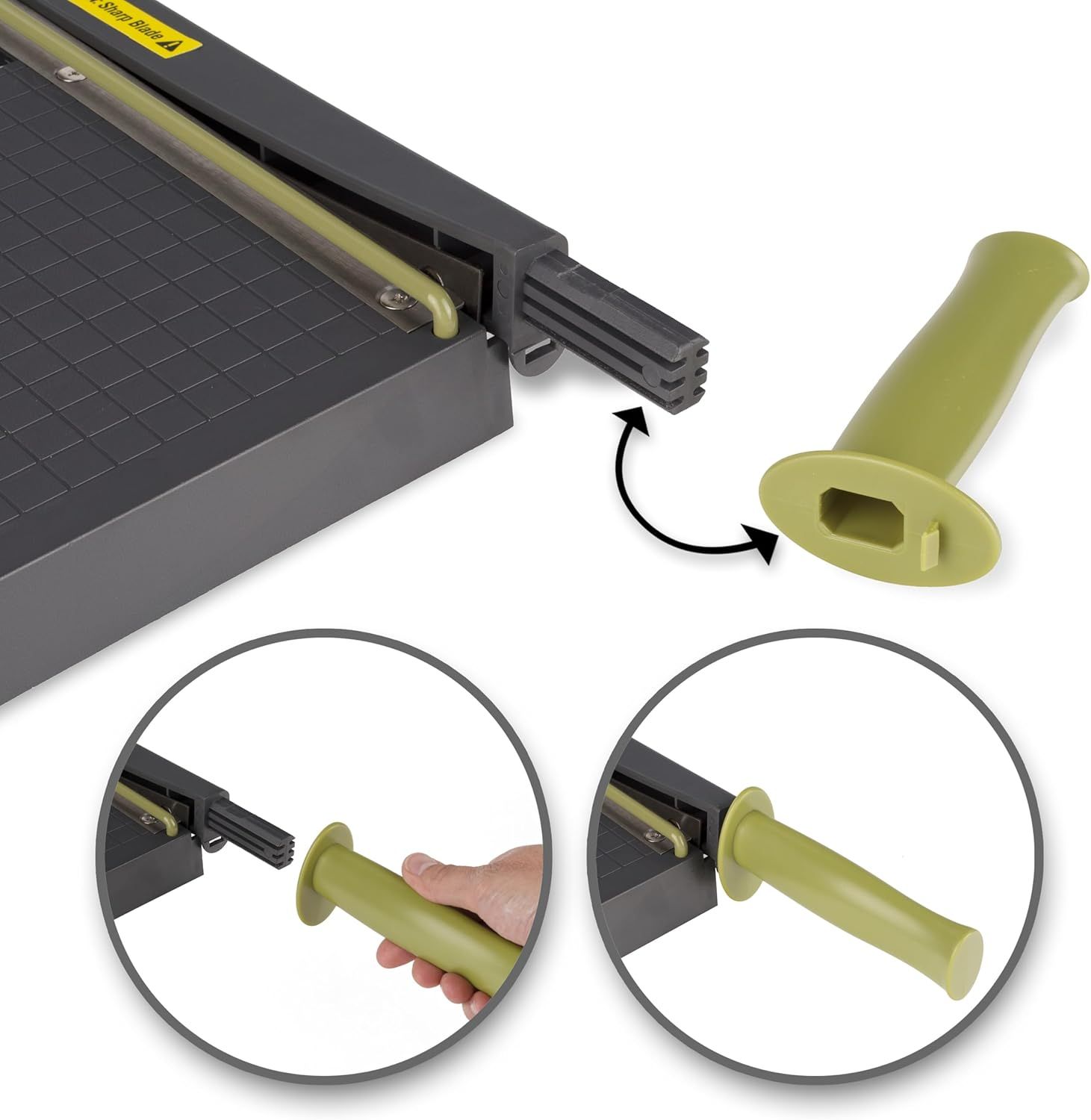
Swingline Paper Cutter: How to Use Images
Demonstrates the simple process of attaching the ergonomic handle to the paper trimmer, reassuring shoppers that setup is quick and intuitive.
- Brand
- Swingline
- Category
- Office Products › Office & School Supplies › Cutting & Measuring Devices › Paper Trimmers & Blades › Stack & Guillotine Trimmers
- Image type
- How to Use Images, Secondary Images
- Design focus
- Easy Handle Attachment
- Listing position
- Image 6
- Marketplace
- United States
- Best Sellers Rank
- #1,088 in Office Products (See Top 100 in Office Products) #4 in Stack Paper Trimmers
- Full listing
- See all 7 images in order
- ASIN
- B016LDV41S
See your listing next to your competitors
Paste your Amazon link. We score every image and show what the top sellers do differently. Your first comparison is free.
What this image does at a glance
- Score
- No text to measure
- Headline height
- 0.0% of the image
- Headline contrast
- Lc 0
- Text on the image
- 0.0% of the image, 0 blocks
- Blurred to tile size
- headline no longer readable
Listing bullet points
- Easy to use trimmer – Lite trimmer is simple and easy to use, with a sharp guillotine blade and a handy alignment grid. Built with a sturdy plastic base, it's also light enough for easy transport.
- 12” cutting Length – with a 12” cutting Length, It's a convenient choice for most common trimming tasks. Ideal for use in the home or at the office.
- Cuts 10 sheets – excellent for everyday use, this neat little trimmer cuts through paper, photos and more, cleanly cutting up to 10 sheets at a time (20 pounds paper)
- Accurate cuts - designed for accuracy, with an alignment grid for precision. Dual scale ruler, with marks in inches and centimeters, assists with measuring, regardless of which system You prefer.
- Safety features - guard rail keeps fingers safely away from the blade while it's in use. Blade latch hook securely locks the trimmer arm when not in use.
- Built to last – Swingline stands behind this high-quality trimmer with a limited 10-year .
- Cutting arm’s easy grip handle stays comfortable in your hand during extended use
Similar how to use images in Office Products
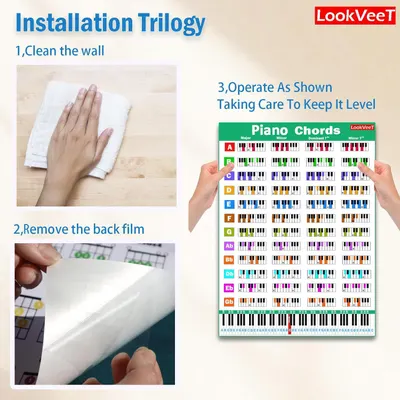 LookVeeT Piano Chord Chart Poster For Beginner And Portable A4 Laminated Chords
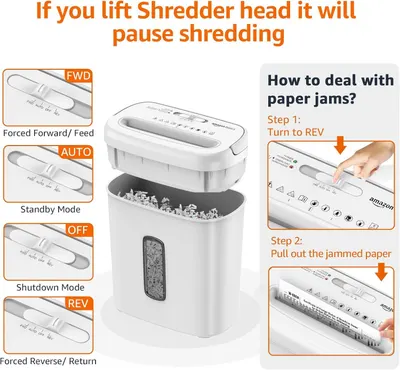 Amazon Basics 8-Sheet Cross Cut Paper and Credit Card Shredder for Security
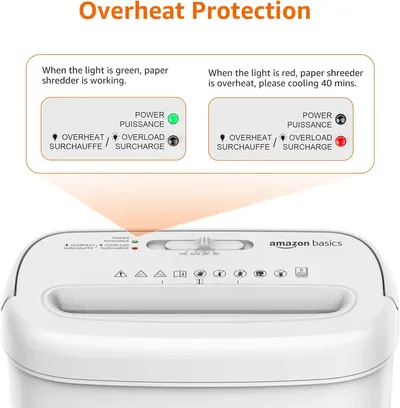 Amazon Basics 8-Sheet Cross Cut Paper and Credit Card Shredder for Security
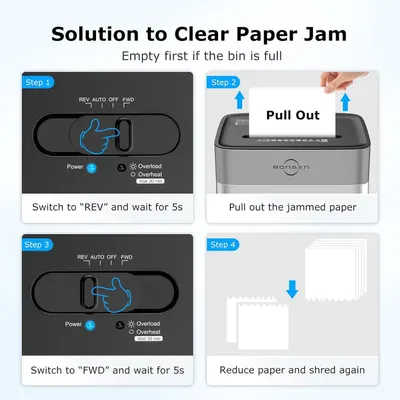 BONSEN 14-Sheet Paper Shredder for Home Office
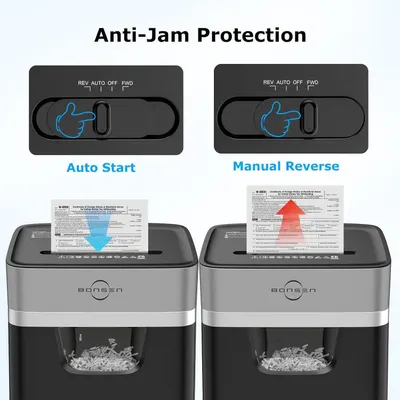 BONSEN 14-Sheet Paper Shredder for Home Office
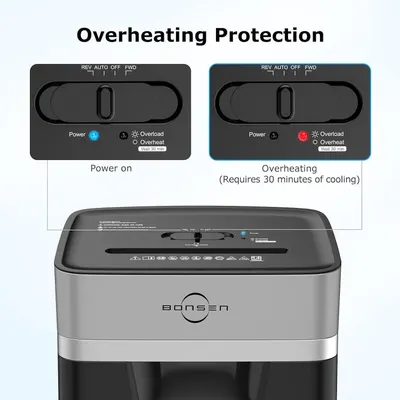 BONSEN 14-Sheet Paper Shredder for Home Office
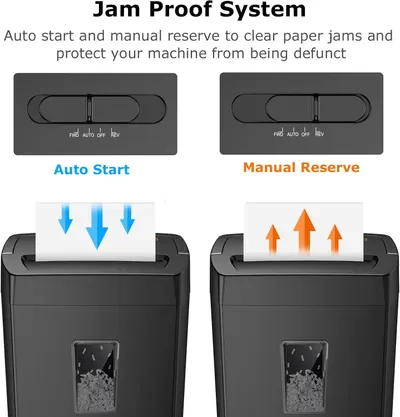 Bonsaii 12-Sheet Cross Cut Paper Shredder
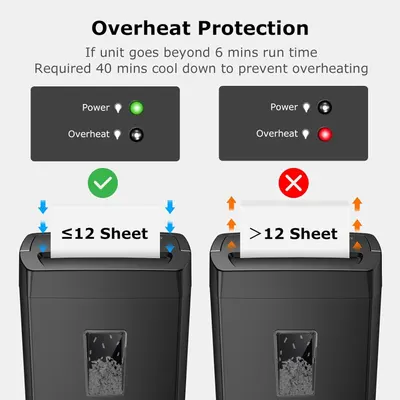 Bonsaii 12-Sheet Cross Cut Paper Shredder
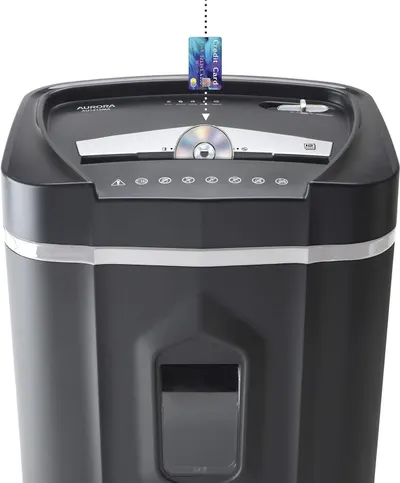 Aurora AU1210MA Professional Grade High Security 12-Sheet Micro-Cut Paper/CD and Credit…
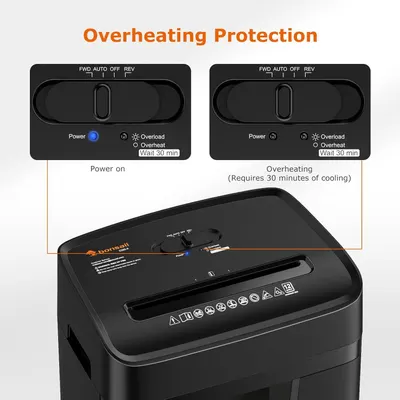 Bonsaii 12 Sheet Paper Shredder for Home Office
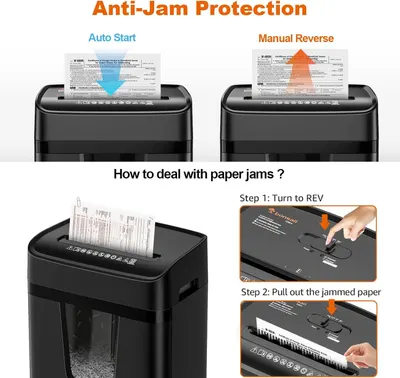 Bonsaii 12 Sheet Paper Shredder for Home Office
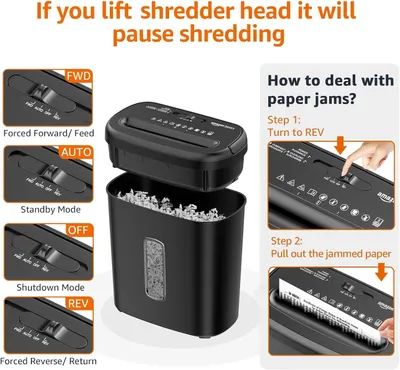 Amazon Basics 8-Sheet High Security Cross Cut Paper and Credit Card Shredder with P-4…
This image belongs to Swingline and is shown for design research. Request removal.