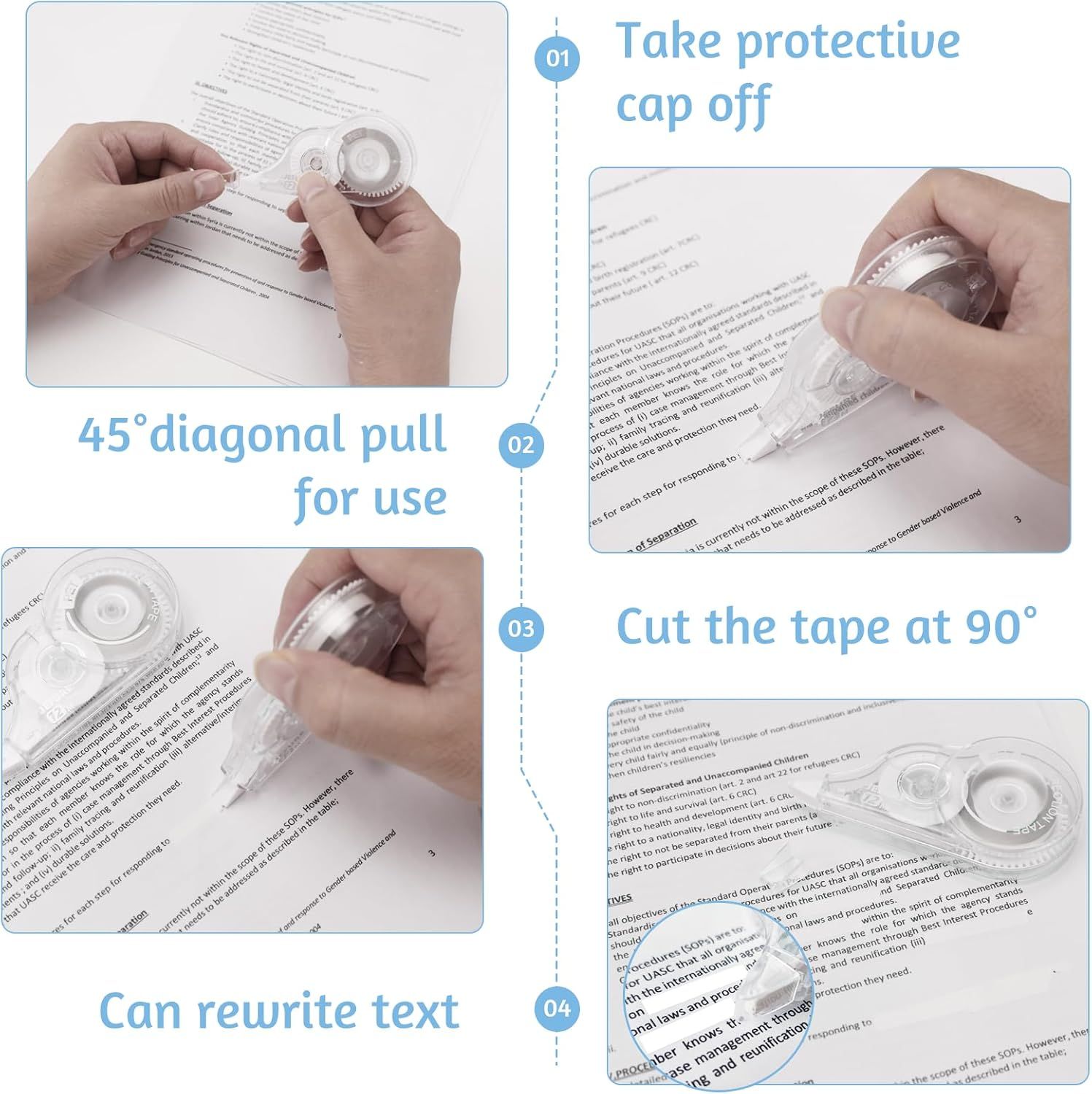
30 Pcs Correction Tape: How to Use Images
Demonstrates how to properly use the correction tape product through a clear 4-step instructional sequence, reassuring shoppers that the product is easy to operate.
- Brand
- JEFURE
- Category
- Office Products › Office & School Supplies › Writing & Correction Supplies › Erasers & Correction Products › Correction Tape
- Image type
- How to Use Images, Secondary Images
- Design focus
- Easy Setup; Step-by-Step Instructions
- Listing position
- Image 4
- Marketplace
- United States
- Best Sellers Rank
- #2,791 in Office Products (See Top 100 in Office Products) #12 in Correction Tape
- Full listing
- See all 7 images in order
- ASIN
- B0C3GL8BRN
See your listing next to your competitors
Paste your Amazon link. We score every image and show what the top sellers do differently. Your first comparison is free.
What this image does at a glance
- Score
- 0 / 100 · Unreadable small
- Headline
- foliow up: il famay tradeg and reurifcation (8) ahernatie/et
- Headline height
- 18.6% of the image
- Headline contrast
- Lc 35
- Text on the image
- 48.8% of the image, 53 blocks
- Blurred to tile size
- headline no longer readable
Listing bullet points
- Use Safety: Correction tapes are good alternative to traditional correction pens, non-toxic and odorless, applies dry, no bad impact to your health, safety to use. Correction Tape is mess-free and not easy to break
- Portable and Compact: Small enough to fit into a pocket or bag, our correction tapes can be used around the home, office or at school. Also, correction tape is essential addition to any pencil case or craft supplies drawer
- Simple to Use: Remove the lid, and then press the top of correction tape in the wrong place and slide backwards, fast and clean, no waiting to immediate rewriting with pen, pencil or maker, without damage for papers
- Comfortable Design: Ergonomic shape and comfort grip provides a secure hold, perfect for long correction tasks. Transparent dispenser allows you to see your tape so you know before you run out
- Widely Applicable: Writing with ballpoint pens, gel pens, fountain pens, pencils, you can easily make quick aesthetic corrections with our tape. An innovative tool and good addition to office and school supplies
Similar how to use images in Office Products
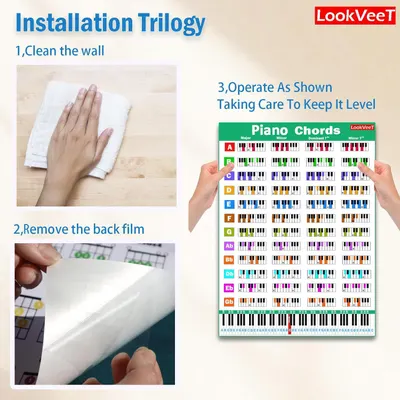 LookVeeT Piano Chord Chart Poster For Beginner And Portable A4 Laminated Chords
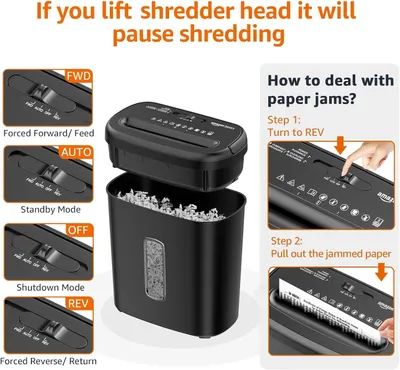
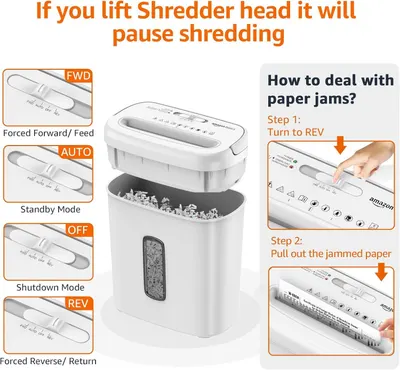 Amazon Basics 8-Sheet Cross Cut Paper and Credit Card Shredder for Security
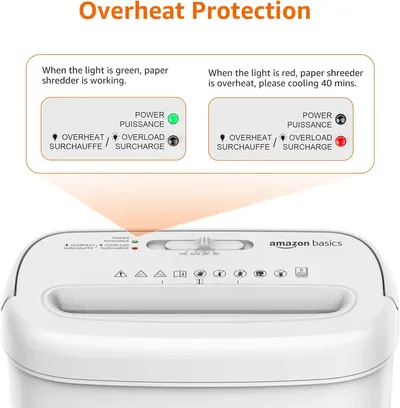 Amazon Basics 8-Sheet Cross Cut Paper and Credit Card Shredder for Security
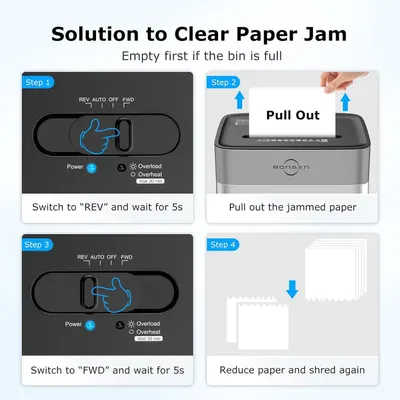 BONSEN 14-Sheet Paper Shredder for Home Office
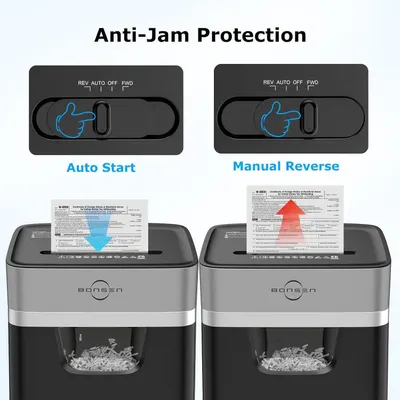 BONSEN 14-Sheet Paper Shredder for Home Office
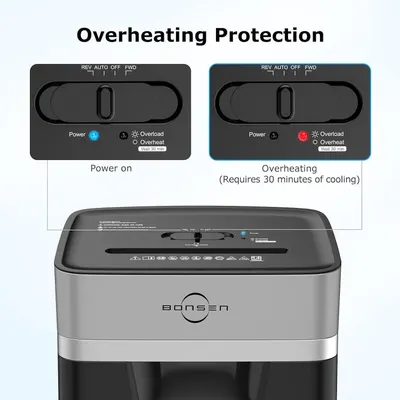 BONSEN 14-Sheet Paper Shredder for Home Office
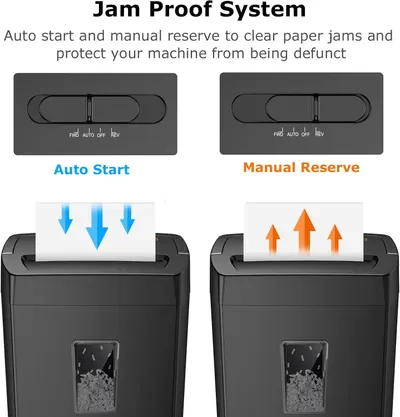 Bonsaii 12-Sheet Cross Cut Paper Shredder
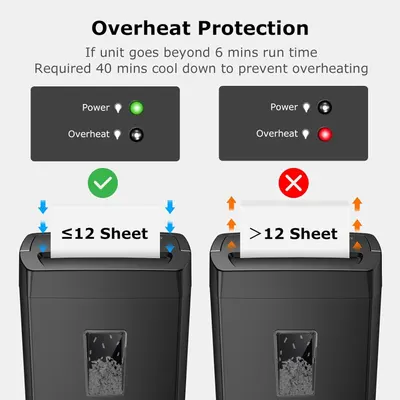 Bonsaii 12-Sheet Cross Cut Paper Shredder
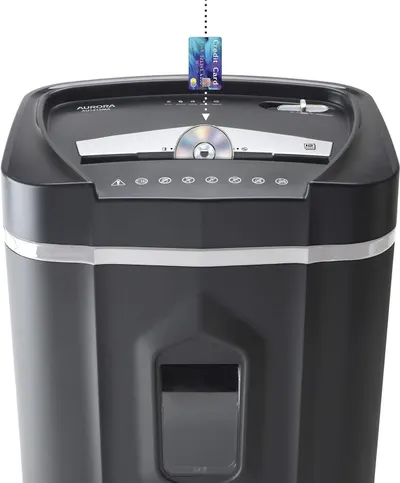 Aurora AU1210MA Professional Grade High Security 12-Sheet Micro-Cut Paper/CD and Credit…
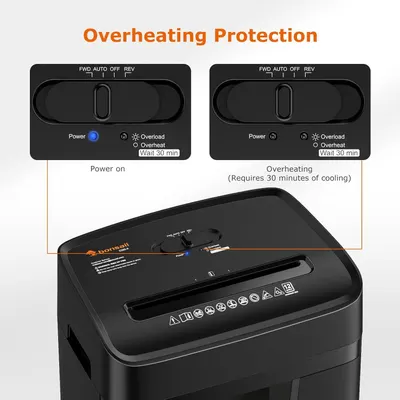 Bonsaii 12 Sheet Paper Shredder for Home Office
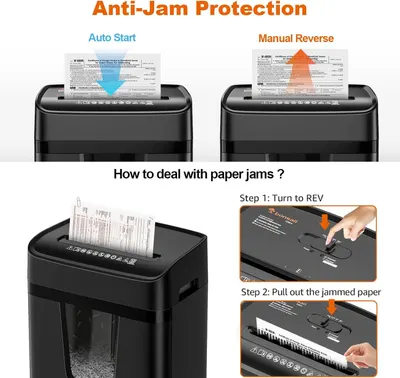 Bonsaii 12 Sheet Paper Shredder for Home Office
 Amazon Basics 8-Sheet High Security Cross Cut Paper and Credit Card Shredder with P-4…
This image belongs to JEFURE and is shown for design research. Request removal.