BIC Wite-Out Brand EZ Correct Correction Tape: How to Use Images
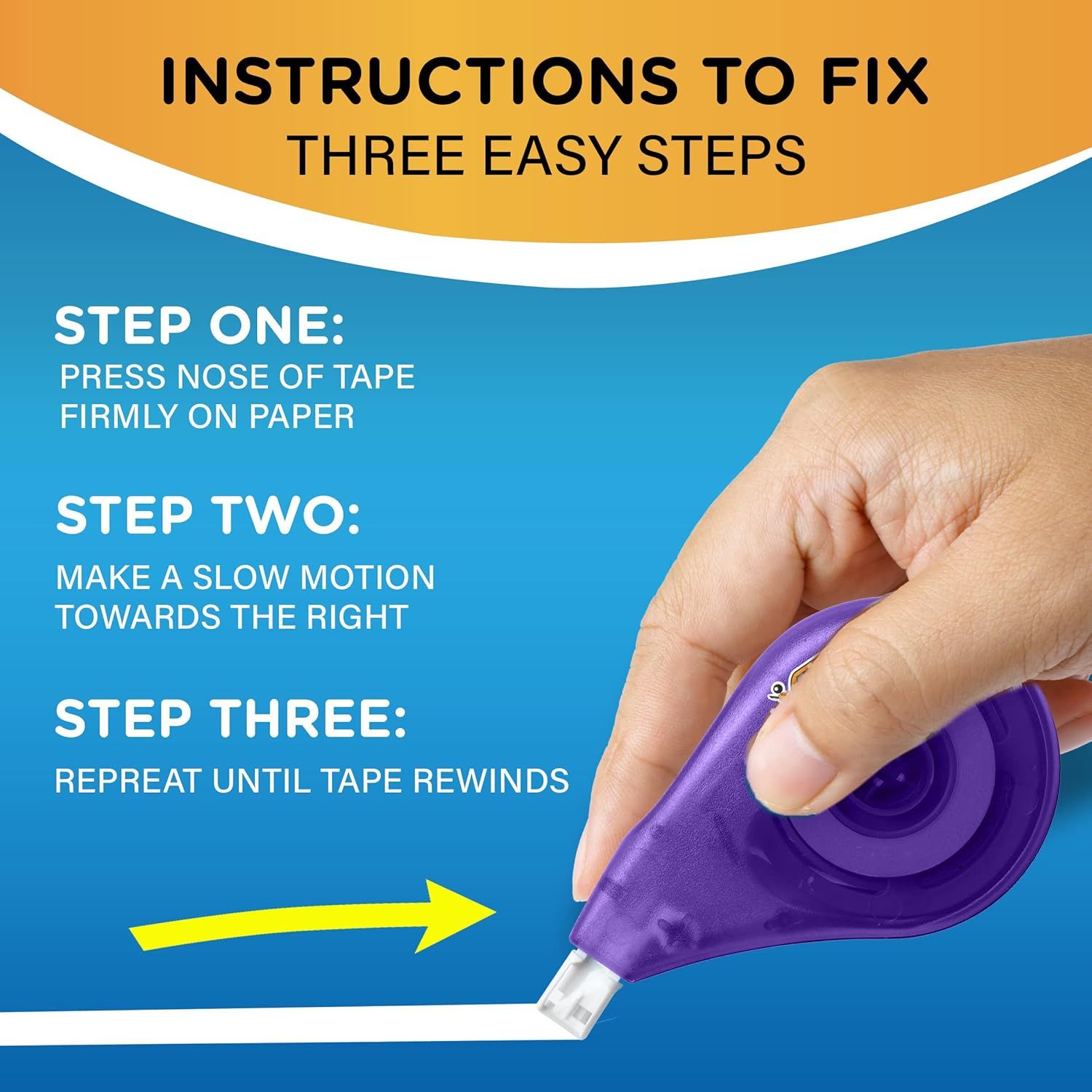
Provides clear step-by-step instructions to help customers troubleshoot and fix their tape dispenser when the tape needs to be rewound, reducing frustration and improving product usability.
- Brand
- BIC
- Category
- Office Products › Office & School Supplies › Writing & Correction Supplies › Erasers & Correction Products › Correction Tape
- Image type
- How to Use Images, Secondary Images
- Design focus
- Tape Dispenser Fix Instructions
- Listing position
- Image 3
- Marketplace
- United States
- Full listing
- See all 9 images in order
- ASIN
- B0007L1W0E
See your listing next to your competitors
Paste your Amazon link. We score every image and show what the top sellers do differently. Your first comparison is free.
What this image does at a glance
- Score
- 72 / 100 · Readable
- Headline
- INSTRUCTIONS TO FIX
- Headline height
- 4.4% of the image
- Headline contrast
- Lc 66
- Text on the image
- 15.2% of the image, 10 blocks
- Blurred to tile size
- headline still readable
Listing bullet points
- Instantly write or type your corrections with this white correction tape, which requires no dry time and won’t bleed or drip
- Clear correction tape dispenser lets you see exactly how much tape remains and the self-winding wheel lets you rewind the tape if it becomes loose
- Each tape dispenser contains 39.3 feet of white correction tape to offer a long-lasting option for school or office supplies
- Suitable for righties and lefties, these BIC Wite-Out Brand tapes offer a wide variety of use amongst students and employees for their documents and assignments
Similar how to use images in Office Products
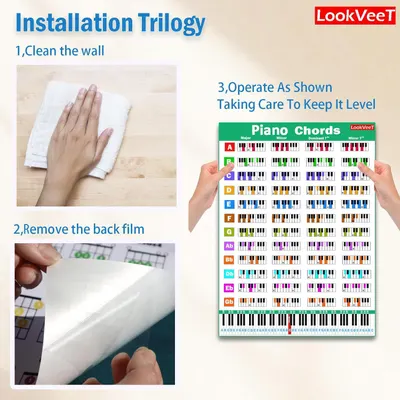 LookVeeT Piano Chord Chart Poster For Beginner And Portable A4 Laminated Chords
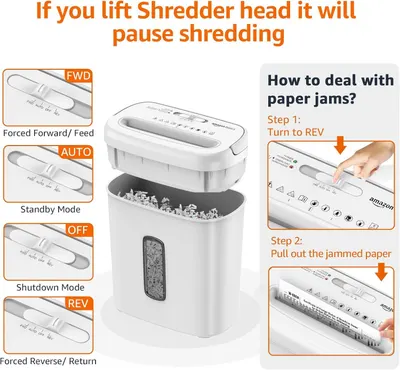 Amazon Basics 8-Sheet Cross Cut Paper and Credit Card Shredder for Security
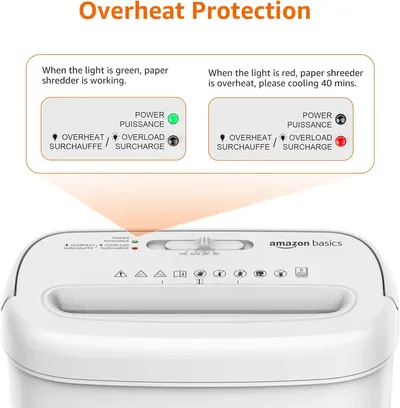 Amazon Basics 8-Sheet Cross Cut Paper and Credit Card Shredder for Security
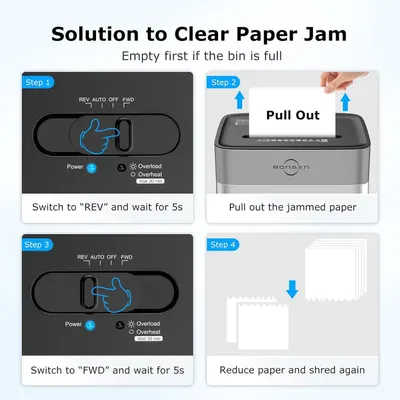 BONSEN 14-Sheet Paper Shredder for Home Office
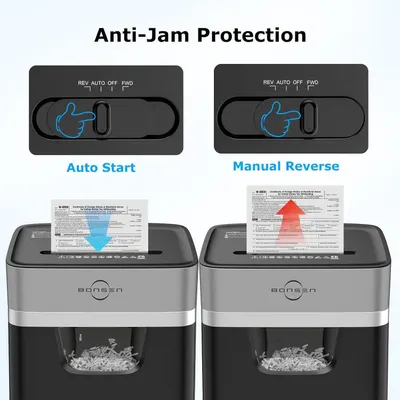 BONSEN 14-Sheet Paper Shredder for Home Office
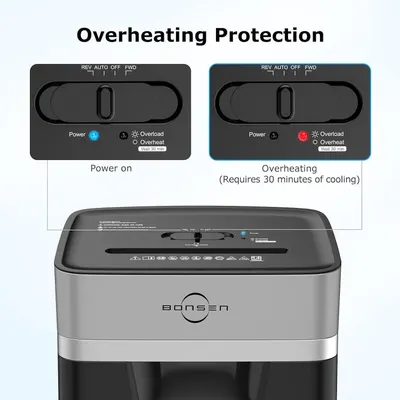 BONSEN 14-Sheet Paper Shredder for Home Office
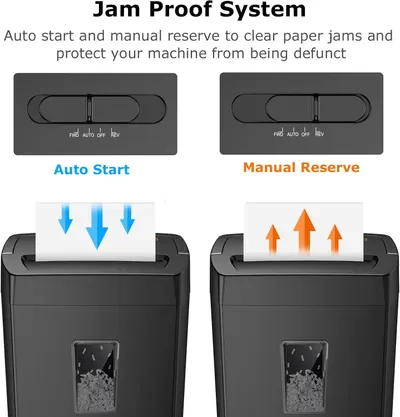 Bonsaii 12-Sheet Cross Cut Paper Shredder
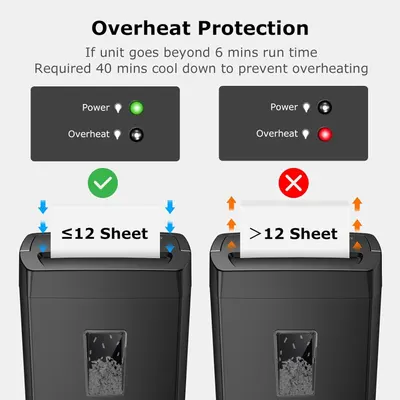 Bonsaii 12-Sheet Cross Cut Paper Shredder
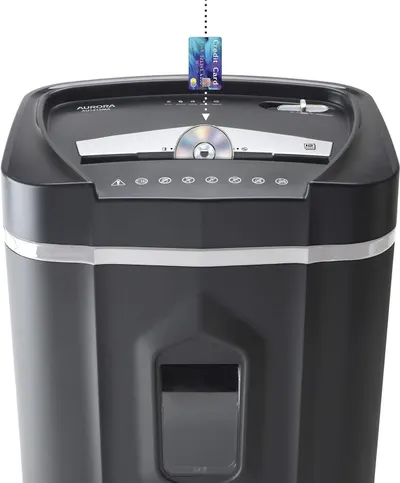 Aurora AU1210MA Professional Grade High Security 12-Sheet Micro-Cut Paper/CD and Credit…
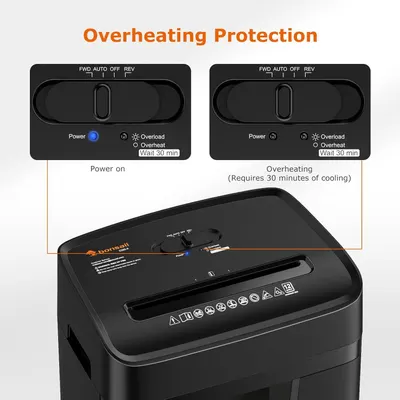 Bonsaii 12 Sheet Paper Shredder for Home Office
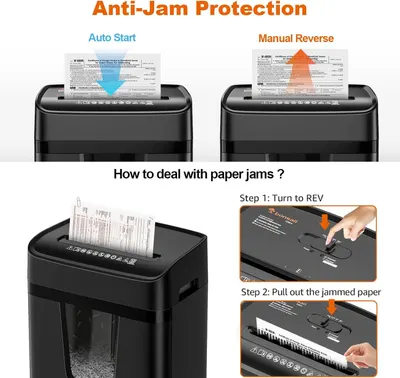 Bonsaii 12 Sheet Paper Shredder for Home Office
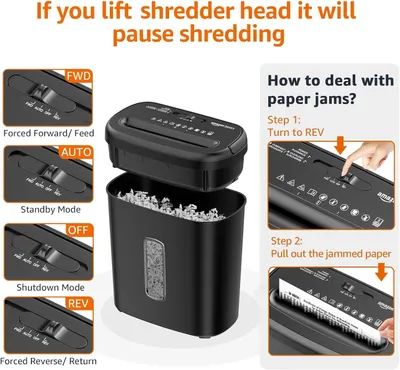 Amazon Basics 8-Sheet High Security Cross Cut Paper and Credit Card Shredder with P-4…
This image belongs to BIC and is shown for design research. Request removal.