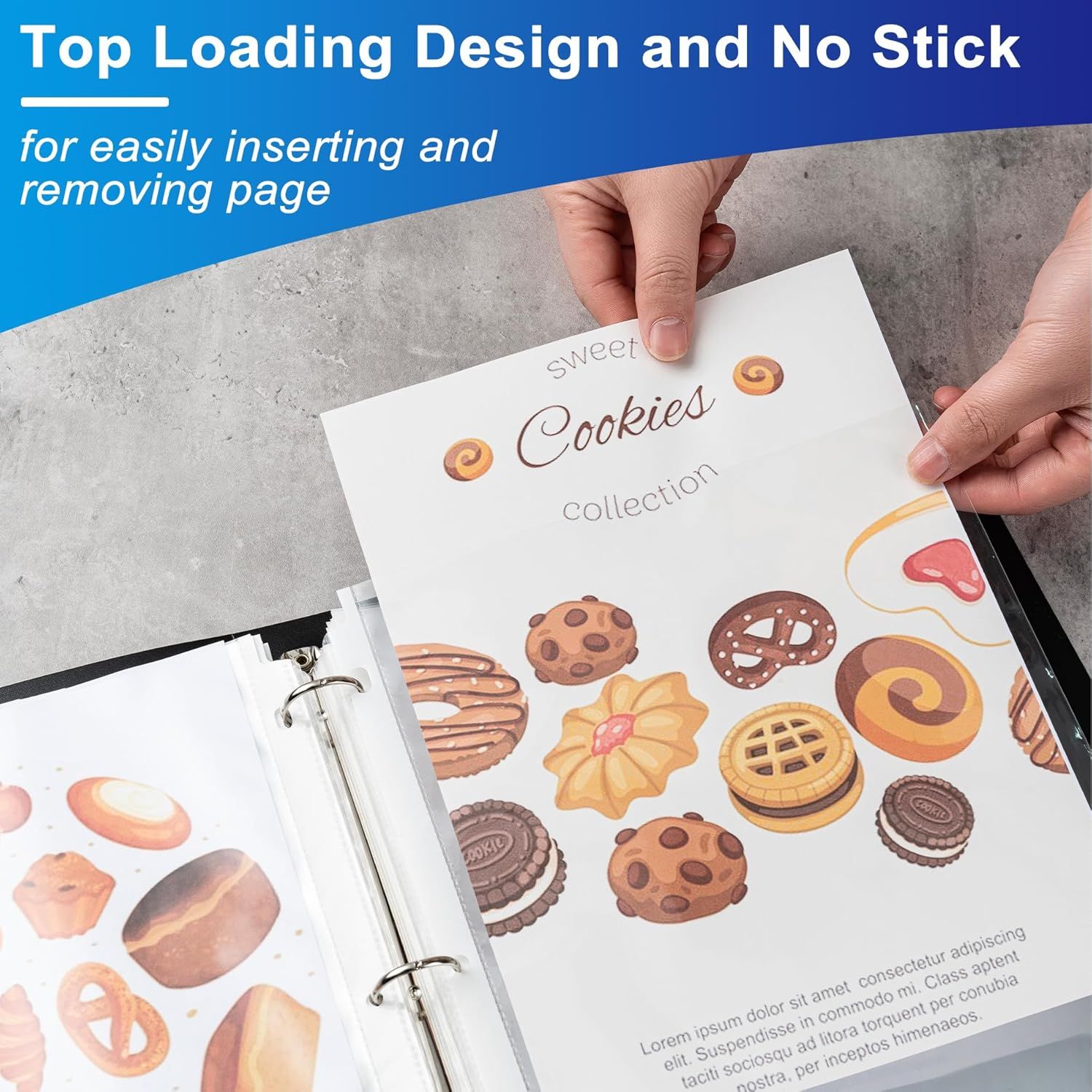
65 Pack Clear Sheet Protectors: How to Use Images
Demonstrates how the top-loading design allows users to easily insert and remove pages from the binder without sticking, emphasizing ease of use and convenience. Highlights the product's top-loading, no-stick feature that makes page management effortless, reassuring shoppers about the product's user-friendly design.
- Brand
- Aegero
- Category
- Office Products › Office & School Supplies › Binders & Binding Systems › Binder Accessories › Sheet Protectors, Card & Photo Sleeves
- Image type
- How to Use Images, Single Benefit Images, Secondary Images
- Design focus
- Top Loading Design; Easy Page Insertion and Removal; No-Stick Top Loading Design
- Listing position
- Image 6
- Marketplace
- United States
- Best Sellers Rank
- #527 in Office Products (See Top 100 in Office Products) #5 in Binder Sheets, Card & Photo Sleeves
- Full listing
- See all 7 images in order
- ASIN
- B0D62ZBV24
See your listing next to your competitors
Paste your Amazon link. We score every image and show what the top sellers do differently. Your first comparison is free.
What this image does at a glance
- Score
- 37 / 100 · Unreadable small
- Headline
- Top Loading Design and No Stick
- Headline height
- 5.8% of the image
- Headline contrast
- Lc 76
- Text on the image
- 26.9% of the image, 10 blocks
- Blurred to tile size
- headline no longer readable
- lower text "Lorem ipsum dolor sit am" is 3.5% of height, needs 5.5%
- headline unreadable at phone-tile blur
Listing bullet points
- 【65 Pack of Heavy-Duty Sheet Protectors】: Polypropylene sheet protectors (65-pack) can hold 8.5 x 11 inch letter size paper. Extra capacity binder sheet Fit for standard 3 ring binder.
- 【Durable and Sturdy】Made of premium quality polypropylene, PVC free (0.05 mm thick) for three hole plastic sleeve protector reliable durable, lasting document protection,reinforced edges,No tear or damage over time.
- 【Crystal Clear Visibility】Sheet protectors are super clear reduced glare. All non glare sheet protectors provide good visibilityfor you to read the document words and images super easy.
- 【Convenient, Easy Loading】: The top loading clear sheet protectors are sufficient wide makes inserting easy, the sleeves are nonstick and refillable.Your document is easy to put in the take out.
- 【Superior Protection & writable】: You can write marks on the surface of a page protector in daily use .Our heavyweight sheet protectors are made of non-stick materials that do not tear copies from important documents or smear ink. These plastic pages for binders keep your important papers,…
Similar how to use images in Office Products
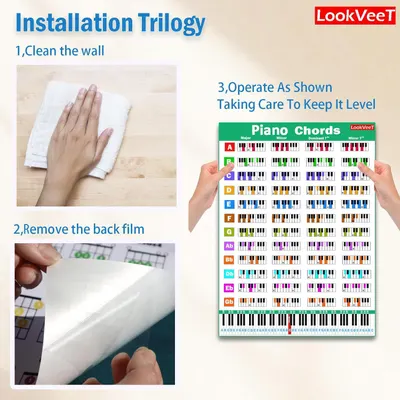 LookVeeT Piano Chord Chart Poster For Beginner And Portable A4 Laminated Chords
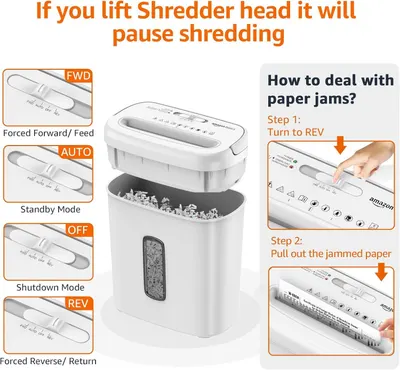 Amazon Basics 8-Sheet Cross Cut Paper and Credit Card Shredder for Security
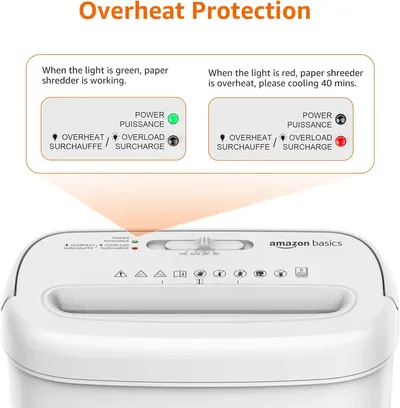 Amazon Basics 8-Sheet Cross Cut Paper and Credit Card Shredder for Security
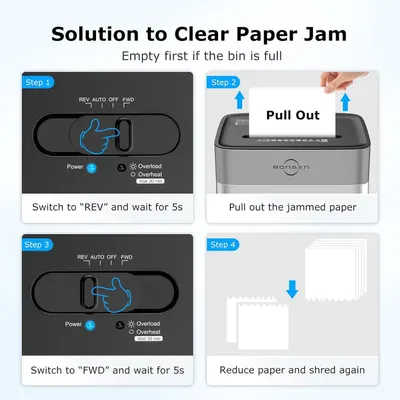 BONSEN 14-Sheet Paper Shredder for Home Office
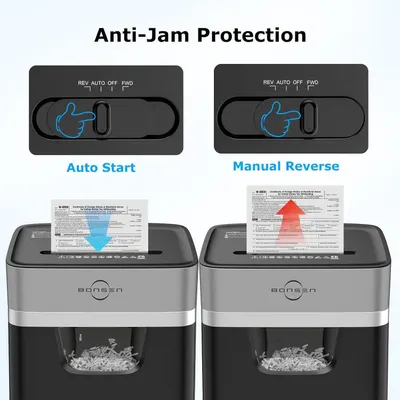 BONSEN 14-Sheet Paper Shredder for Home Office
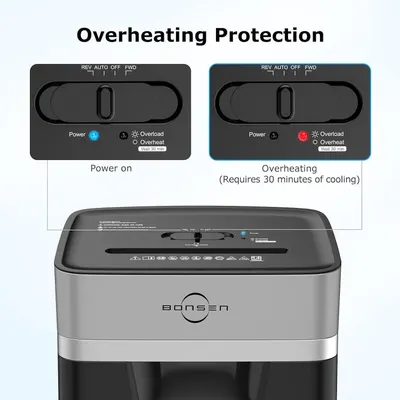 BONSEN 14-Sheet Paper Shredder for Home Office
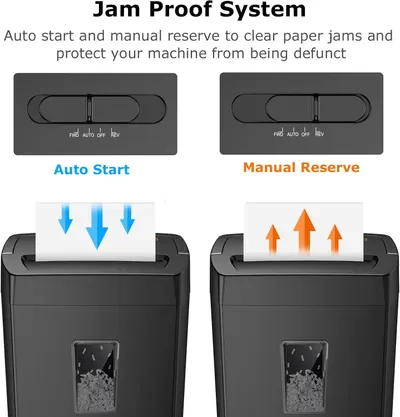 Bonsaii 12-Sheet Cross Cut Paper Shredder
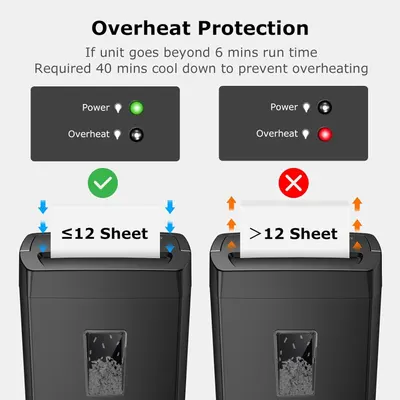 Bonsaii 12-Sheet Cross Cut Paper Shredder
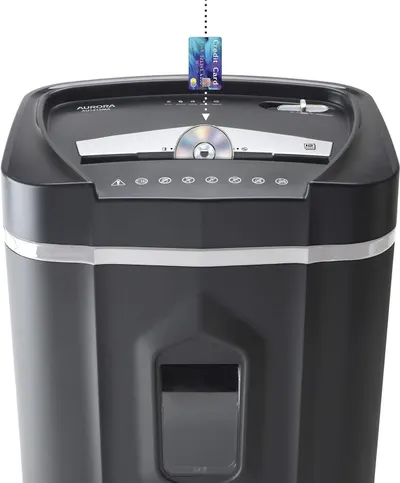 Aurora AU1210MA Professional Grade High Security 12-Sheet Micro-Cut Paper/CD and Credit…
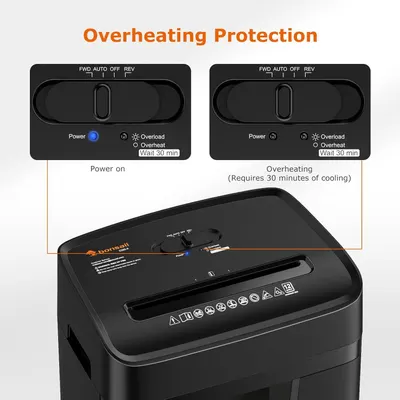 Bonsaii 12 Sheet Paper Shredder for Home Office
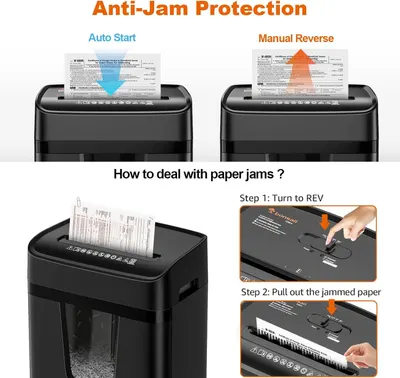 Bonsaii 12 Sheet Paper Shredder for Home Office
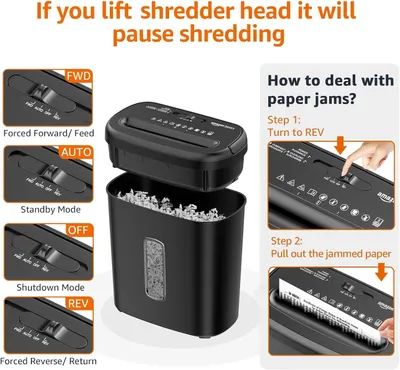 Amazon Basics 8-Sheet High Security Cross Cut Paper and Credit Card Shredder with P-4…
This image belongs to Aegero and is shown for design research. Request removal.