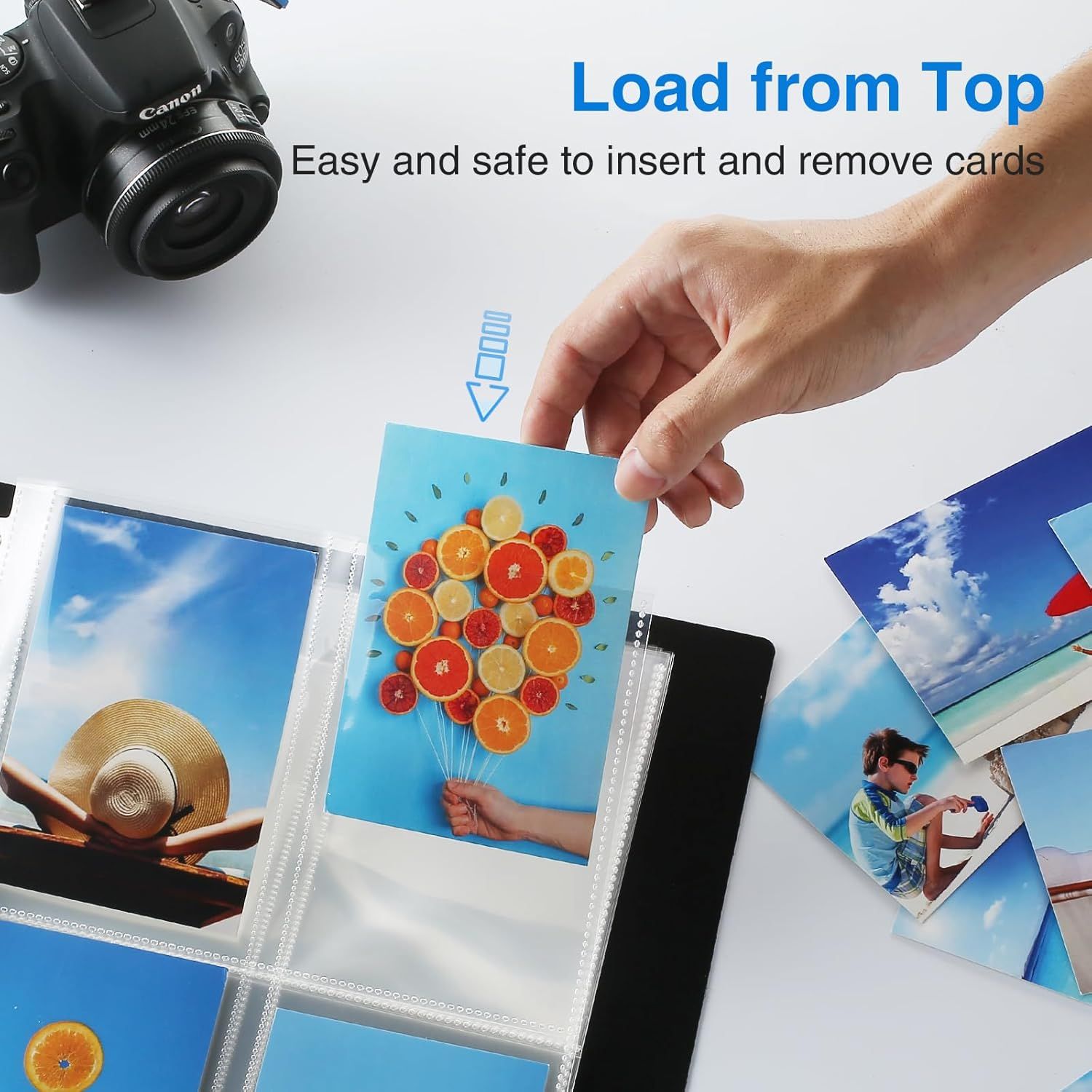
Sooez 30 Pack Photo Sleeves for 3 Ring Binder (240 Pictures): How to Use Images
Demonstrates how to insert and remove cards from the top of the photo album, emphasizing the ease and safety of the top-loading feature. Highlights the convenience and safety of the top-loading design for inserting and removing photo cards.
- Brand
- Sooez
- Category
- Office Products › Office & School Supplies › Binders & Binding Systems › Binder Accessories › Sheet Protectors, Card & Photo Sleeves
- Image type
- How to Use Images, Single Benefit Images, Secondary Images
- Design focus
- Top-Loading Design; Easy Card Insertion; Easy and Safe Card Access
- Listing position
- Image 6
- Marketplace
- United States
- Best Sellers Rank
- #1,451 in Office Products (See Top 100 in Office Products) #7 in Binder Sheets, Card & Photo Sleeves
- Full listing
- See all 7 images in order
- ASIN
- B08Q7746SW
See your listing next to your competitors
Paste your Amazon link. We score every image and show what the top sellers do differently. Your first comparison is free.
What this image does at a glance
- Score
- 46 / 100 · Hard to read small
- Headline
- Load from Top
- Headline height
- 4.5% of the image
- Headline contrast
- Lc 59
- Text on the image
- 5.5% of the image, 3 blocks
- Blurred to tile size
- headline no longer readable
- lower text "Easy and safe to insert " is 2.0% of height, needs 5.5%
- headline unreadable at phone-tile blur
Listing bullet points
- 30 Pack Photo Sleeves: 11.2 x 9.25" photo album pages with 11-hole punched fit for 3 ring binder and other different kinds of ring binders or albums. The 3.66''x 5.47'' Pockets Perfect for 3.5''x 5'' or smaller photos or cards, 4 pockets per page, up to 8 photos with 2 inserted back-to-back,…
- Heavy Duty: The photo protector pages are made from 10C (0.1mm) thick polypropylene and reinforced at the binding edge. These 3.5''x 5'' photo album refill pages help you protect your photos and cards from dirt, water, and fingerprint. It is ideal for frequently referenced photos or Postcards and…
- Acid-Free & High Clarity: Acid-free pocket pages won't transfer or lift-off ink which provides great protection for your pictures. Crystal clear PP sheet protectors offer complete transparency for checking through and organizing your photos or postcards.
- Load from Top: Load from top style for fast and easy loading or removing photographs. Your photos and cards will remain in the page protectors without falling out.
- Many Uses: Our clear pages are perfect for you to store your every precious moment. These photo pages also work well for storing 3.5”x5” or smaller recipe cards, coupons, postcards, etc.
Similar how to use images in Office Products
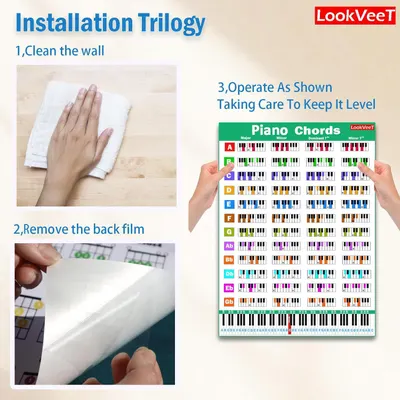 LookVeeT Piano Chord Chart Poster For Beginner And Portable A4 Laminated Chords
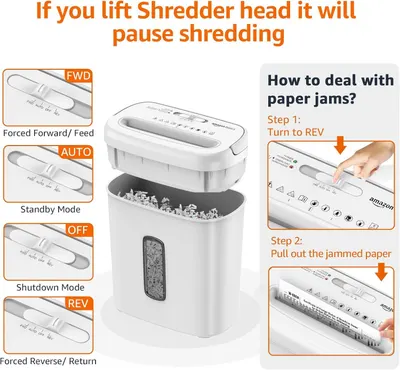 Amazon Basics 8-Sheet Cross Cut Paper and Credit Card Shredder for Security
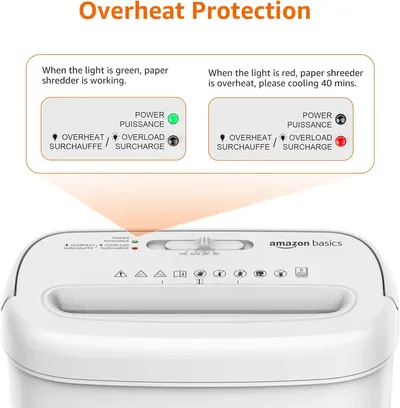 Amazon Basics 8-Sheet Cross Cut Paper and Credit Card Shredder for Security
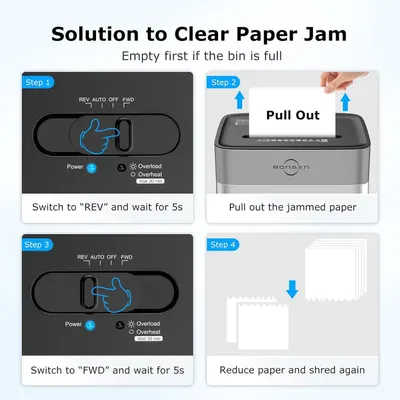 BONSEN 14-Sheet Paper Shredder for Home Office
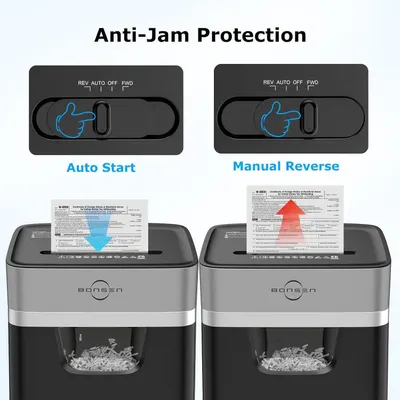 BONSEN 14-Sheet Paper Shredder for Home Office
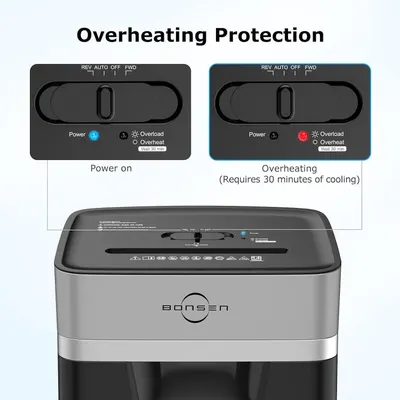 BONSEN 14-Sheet Paper Shredder for Home Office
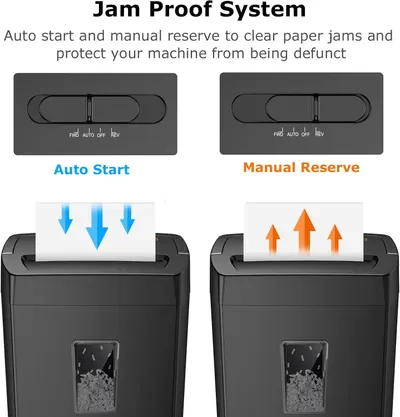 Bonsaii 12-Sheet Cross Cut Paper Shredder
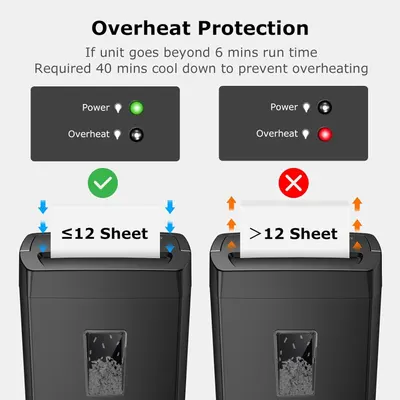 Bonsaii 12-Sheet Cross Cut Paper Shredder
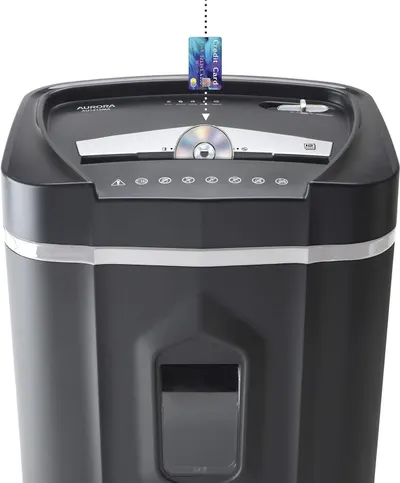 Aurora AU1210MA Professional Grade High Security 12-Sheet Micro-Cut Paper/CD and Credit…
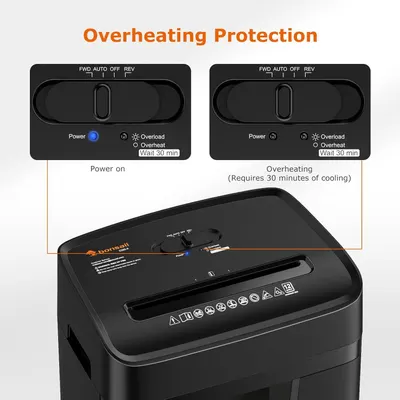 Bonsaii 12 Sheet Paper Shredder for Home Office
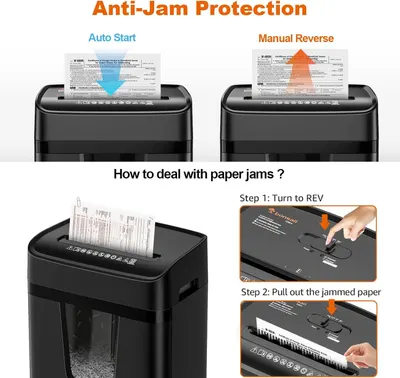 Bonsaii 12 Sheet Paper Shredder for Home Office
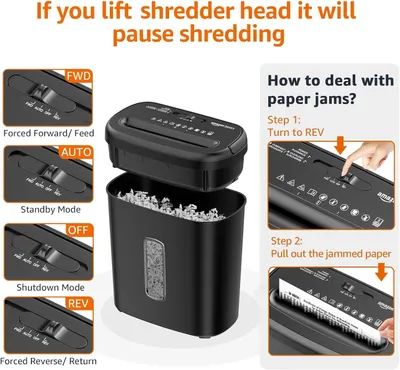 Amazon Basics 8-Sheet High Security Cross Cut Paper and Credit Card Shredder with P-4…
This image belongs to Sooez and is shown for design research. Request removal.