Razer BlackShark V2 X Gaming Headset: 7.1 Surround Sound: How to Use Images
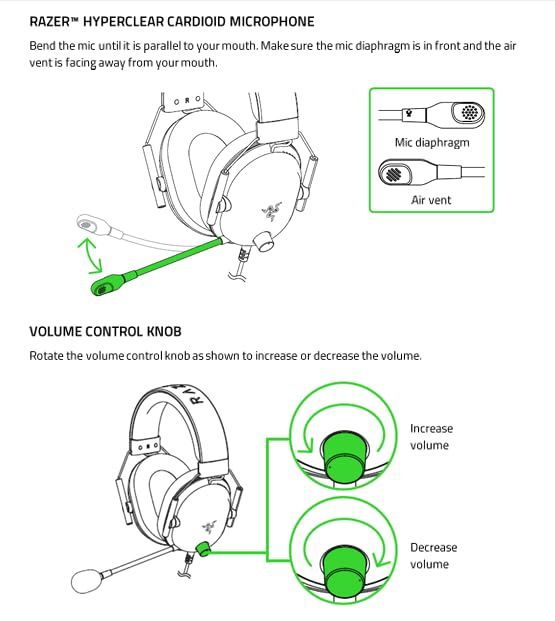
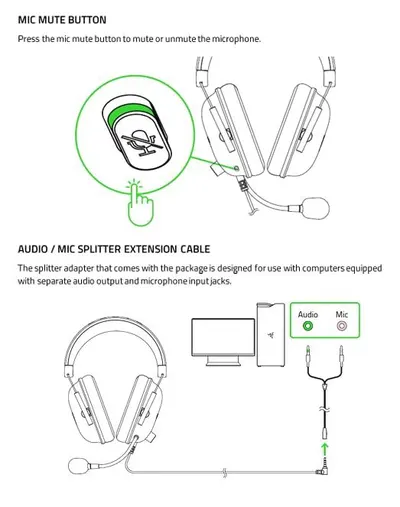
Instructs users on how to properly position the microphone and adjust the volume control knob, ensuring correct setup and optimal use of the headset.
- Brand
- Razer
- Category
- Video Games › PC › Accessories › Headsets
- Image type
- How to Use Images, Secondary Images
- Design focus
- Microphone Positioning; Volume Control
- Listing position
- Image 9
- Marketplace
- United States
- Best Sellers Rank
- #10 in Video Games (See Top 100 in Video Games) #3 in PC Game Headsets
- Full listing
- See all 11 images in order
- ASIN
- B086PKMZ21
See your listing next to your competitors
Paste your Amazon link. We score every image and show what the top sellers do differently. Your first comparison is free.
What this image does at a glance
- Score
- 25 / 100 · Unreadable small
- Headline
- RAZER™ HYPERCLEAR CARDIOID MICROPHONE
- Headline height
- 1.8% of the image
- Headline contrast
- Lc 81
- Text on the image
- 7.0% of the image, 11 blocks
- Blurred to tile size
- headline no longer readable
Listing bullet points
- ADVANCED PASSIVE NOISE CANCELLATION — sturdy closed earcups fully cover ears to prevent noise from leaking into the headset, with its cushions providing a closer seal for more sound isolation.
- 7.1 SURROUND SOUND FOR POSITIONAL AUDIO — Outfitted with custom-tuned 50 mm drivers, capable of software-enabled surround sound. *Only available on Windows 10 64-bit
- TRIFORCE TITANIUM 50MM HIGH-END SOUND DRIVERS — With titanium-coated diaphragms for added clarity, our new, cutting-edge proprietary design divides the driver into 3 parts for the individual tuning of highs, mids, and lowsproducing brighter, clearer audio with richer highs and more powerful lows
- LIGHTWEIGHT DESIGN WITH BREATHABLE FOAM EAR CUSHIONS — At just 240g, the BlackShark V2X is engineered from the ground up for maximum comfort
- RAZER HYPERCLEAR CARDIOID MIC — Improved pickup pattern ensures more voice and less noise as it tapers off towards the mic’s back and sides
- CROSS-PLATFORM COMPATIBILITY — Works with PC, Mac, PS4, Xbox One, Nintendo Switch via 3.5mm jack, enjoy unfair audio advantage across almost every platform. *Xbox One stereo adapter may be required, purchase separately
- #1 SELLING PC GAMING PERIPHERALS BRAND IN THE U.S. — Source — Circana, Retail Tracking Service, U.S., Dollar Sales, Gaming Designed Mice, Keyboards, and PC Headsets, Jan. 2019- Dec. 2023 combined
Similar how to use images in Video Games
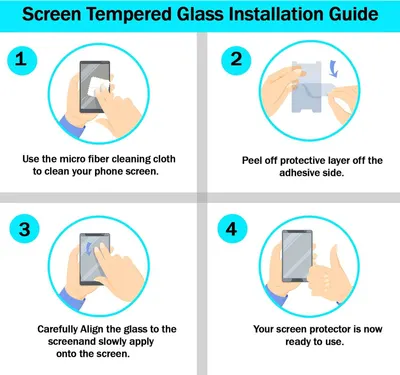 RKINC Screen Protector [2-Pack] for Nintendo Switch 2017
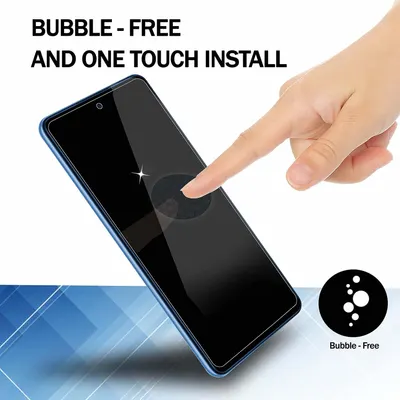 RKINC Screen Protector [2-Pack] for Nintendo Switch 2017
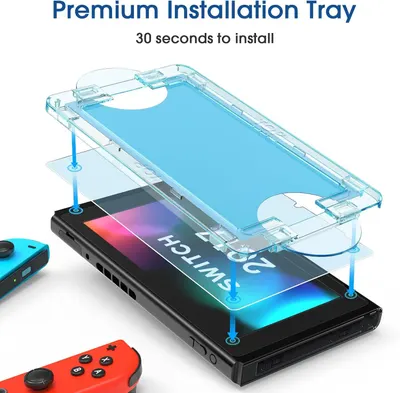 amFilm Auto-Alignment OneTouch for Nintendo Switch 6.2" 2017 Screen Protector
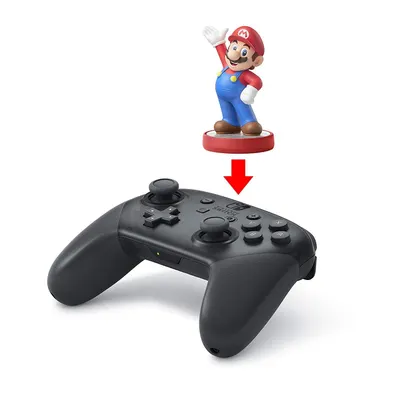 Nintendo Switch Pro Controller
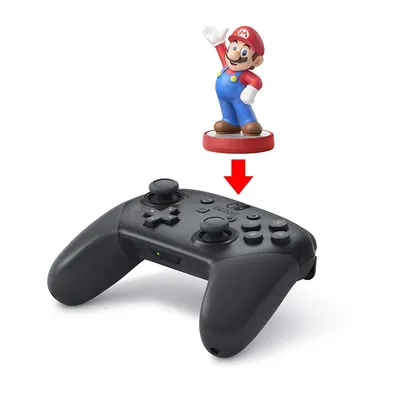 Nintendo Switch Pro Controller
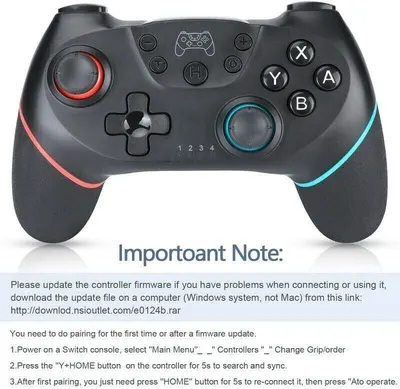 Lyyes Switch Controller
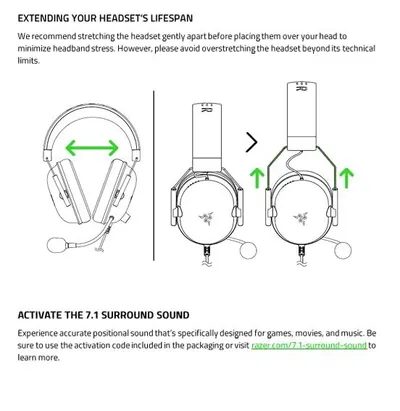 Razer BlackShark V2 X Gaming Headset: 7.1 Surround Sound
 Razer BlackShark V2 X Gaming Headset: 7.1 Surround Sound
 AULA F99 Wireless Mechanical Keyboard
This image belongs to Razer and is shown for design research. Request removal.