AULA F99 Wireless Mechanical Keyboard: How to Use Images
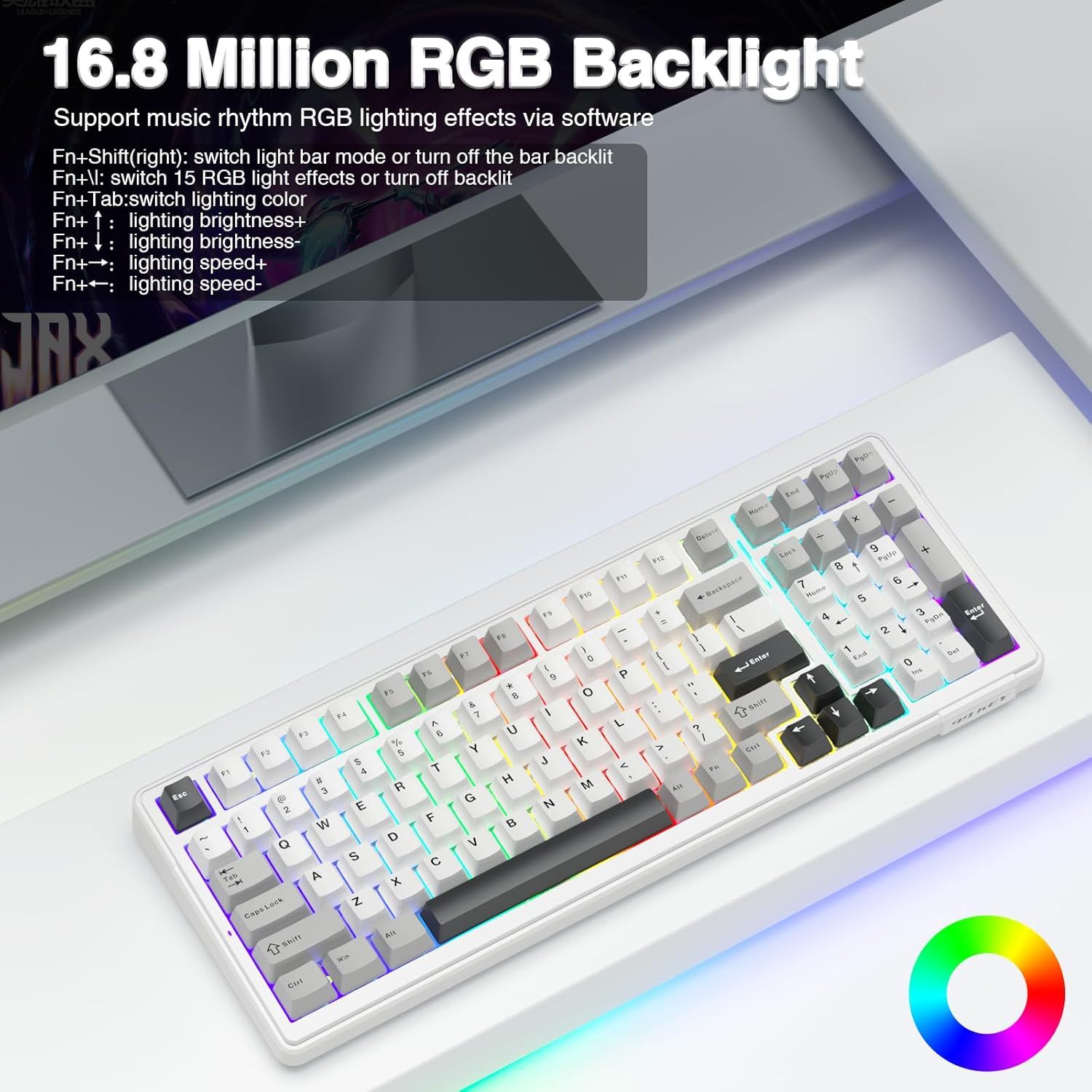
Explains how to control the keyboard's RGB backlight features using specific keyboard shortcuts, showing shoppers the customization options available. Highlights the extensive RGB lighting capability as a key feature, emphasizing customization and visual appeal for gaming or aesthetic preferences.
- Brand
- AULA
- Category
- Video Games › PC › Accessories › Gaming Keyboards
- Image type
- How to Use Images, Single Benefit Images, Secondary Images
- Design focus
- RGB Lighting Controls; Keyboard Shortcuts; 16.8 Million RGB Backlight Colors
- Listing position
- Image 3
- Marketplace
- United States
- Best Sellers Rank
- #11 in Computer Keyboards
- Full listing
- See all 9 images in order
- ASIN
- B0CLLHSWRL
See your listing next to your competitors
Paste your Amazon link. We score every image and show what the top sellers do differently. Your first comparison is free.
What this image does at a glance
- Score
- 46 / 100 · Hard to read small
- Headline
- 16.8 Million RGB Backlight
- Headline height
- 6.1% of the image
- Headline contrast
- Lc 103
- Text on the image
- 10.8% of the image, 10 blocks
- Blurred to tile size
- headline no longer readable
Listing bullet points
- Multi-Device Connection: The F99 wireless mechanical keyboard provides three connection methods, including BT5.0, 2.4GHz wireless mode, and USB wired mode. It can be connected to up to five devices at the same time, and switch between them easily by FN and key combination keys. No limits about…
- Hot-swappable Custom Keyboard: The switches and keycaps can be freely replaced(keycap/switch puller are included in the package).This customizable keyboard with hot-swap PCB allows users to replace 3 pins/5 pins switches easily without soldering issue. F99 mechanical keyboards equipped with…
- Mechanical Gaming Keyboard: F99 is a premium mechanical keyboard for both work and game. With 16 RGB lighting effect to adds a great atmosphere to the game room. Keys support macro customization, which allows macro recording and editing, customize key function and 16.8 million light colors, and…
- Gasket Structure and PCB Single Key Slotting: This computer keyboard features a advanced structure, extended integrated silicone pad, and PCB single key slotting, better optimizes resilience and stability, making the hand feel softer and more elastic. Five layers of filling silencer fills the gap…
- PBT Keycaps and 8000mAh Battery: 99 keys 96% layout compact keyboard can save more desktop space while keep necessary arrow keys and number area for games and work. The rechargeable keyboard built-in 8000mAh large capcacity battery to provide more power and longer battery life. Double shot PBT…
Similar how to use images in Video Games
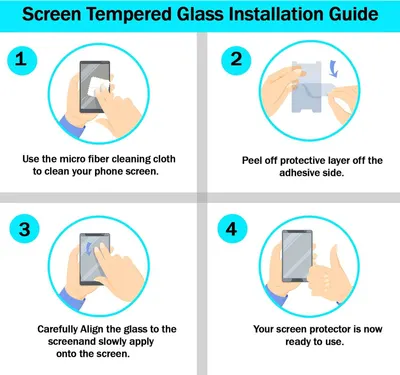 RKINC Screen Protector [2-Pack] for Nintendo Switch 2017
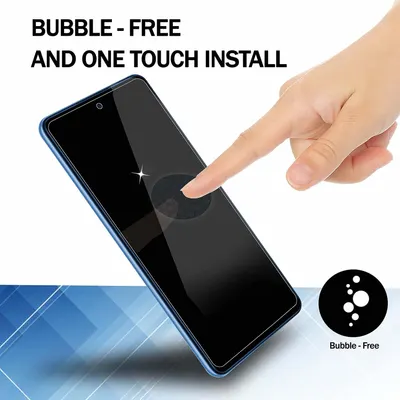 RKINC Screen Protector [2-Pack] for Nintendo Switch 2017
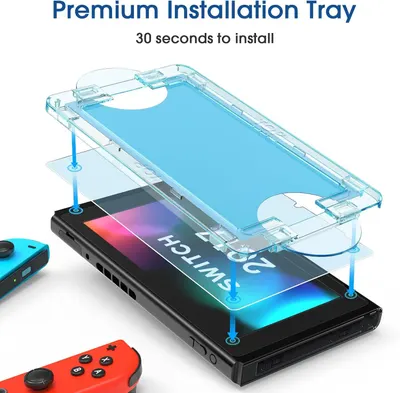 amFilm Auto-Alignment OneTouch for Nintendo Switch 6.2" 2017 Screen Protector
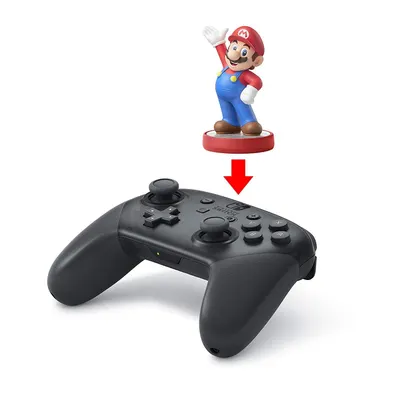 Nintendo Switch Pro Controller
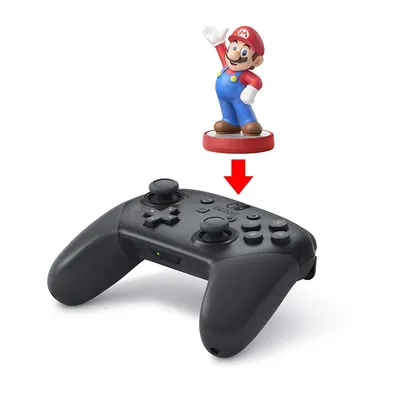 Nintendo Switch Pro Controller
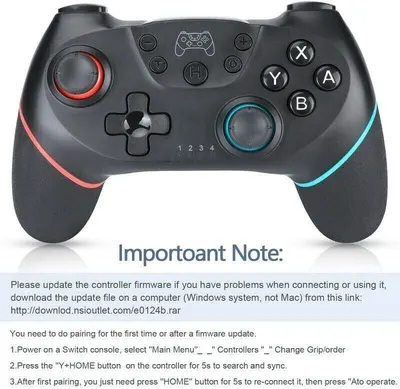 Lyyes Switch Controller
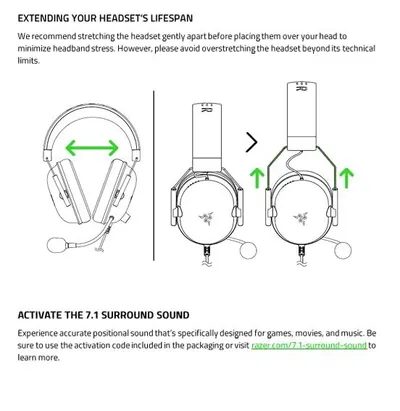 Razer BlackShark V2 X Gaming Headset: 7.1 Surround Sound
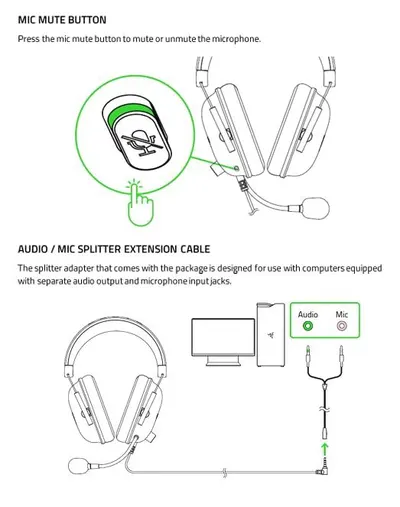 Razer BlackShark V2 X Gaming Headset: 7.1 Surround Sound
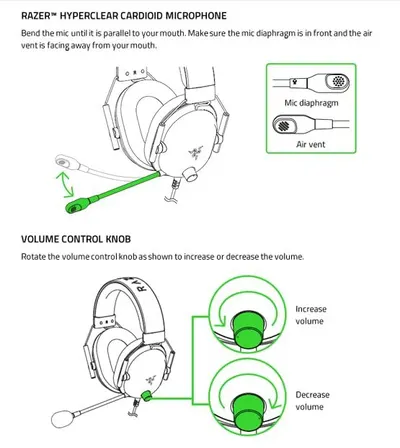 Razer BlackShark V2 X Gaming Headset: 7.1 Surround Sound
This image belongs to AULA and is shown for design research. Request removal.