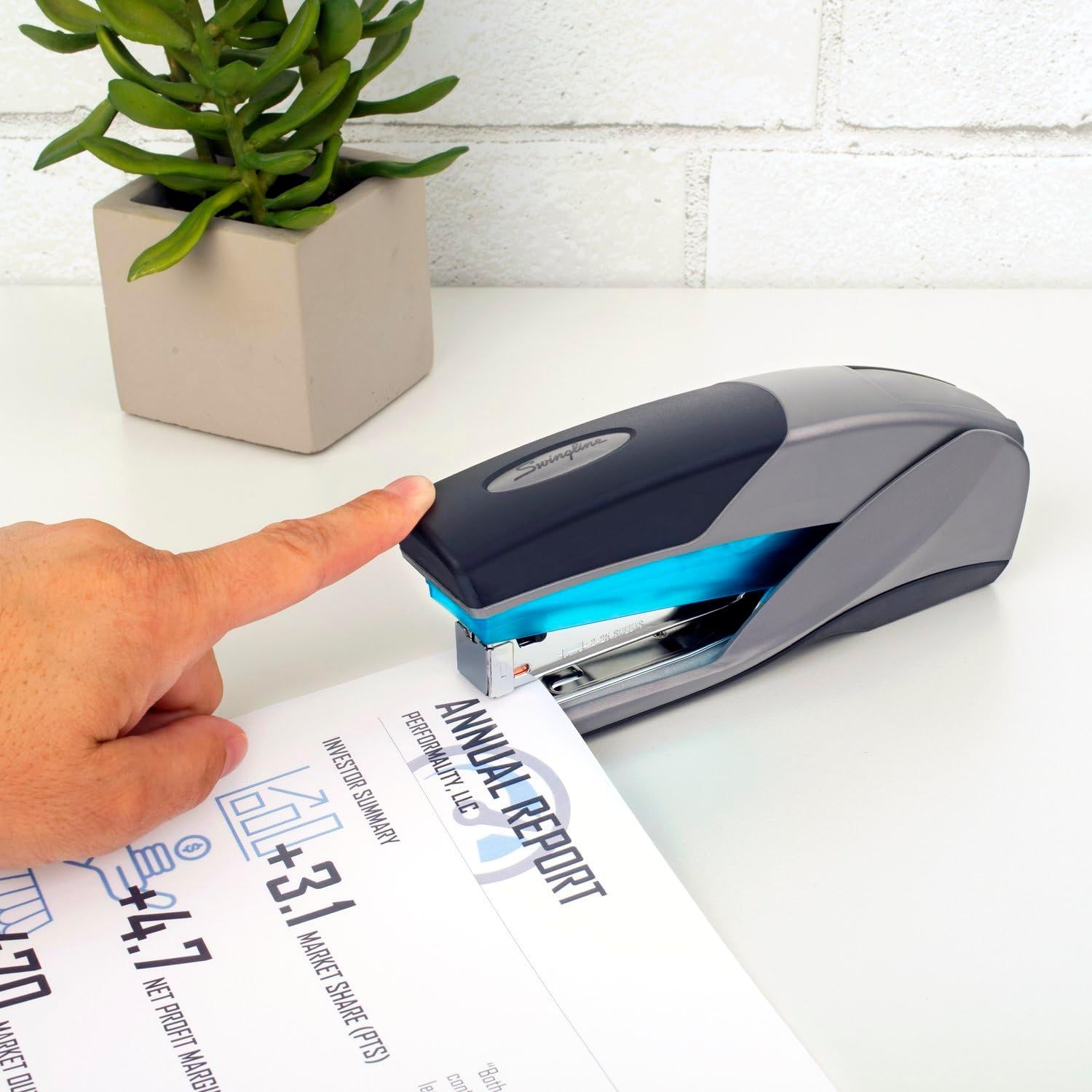
Swingline Stapler: How to Use Images
Demonstrates how simple it is to use the stapler with one-touch operation, reassuring shoppers that the product is user-friendly and requires minimal effort. Highlights the stapler's simple, effortless operation to communicate convenience and user-friendliness.
- Brand
- Swingline
- Category
- Office Products › Office & School Supplies › Staplers & Punches › Manual Staplers › Desktop Staplers
- Image type
- How to Use Images, Single Benefit Images, Secondary Images
- Design focus
- Easy One-Touch Operation; Ease of Use
- Listing position
- Image 3
- Marketplace
- United States
- Best Sellers Rank
- #1,696 in Office Products (See Top 100 in Office Products) #11 in Desk Staplers
- Full listing
- See all 7 images in order
- ASIN
- B001CE3ARS
See your listing next to your competitors
Paste your Amazon link. We score every image and show what the top sellers do differently. Your first comparison is free.
What this image does at a glance
- Score
- 63 / 100 · Readable
- Headline
- INVESTOR SUMMARY
- Headline height
- 9.8% of the image
- Headline contrast
- Lc 47
- Text on the image
- 6.5% of the image, 3 blocks
- Blurred to tile size
- headline no longer readable
- headline unreadable at phone-tile blur
Listing bullet points
- PREMIUM STAPLER – This gray-and-blue stapler’s durable plastic housing protects the internal metal stapling mechanism for long-lasting, reliable stapling you can count on.
- DESIGNED FOR DESKTOP – Ideal for use on a desk or any flat surface. This stapler holds a full strip of 210 staples. A helpful low-staple indicator lets you know when it's time for a refill.
- SECURES 25 SHEETS – Optima fastens up to 25 sheets of paper, and works best with Swingline Optima or S.F. 3 staples, with standard 1/4” length legs.
- REDUCED EFFORT – Requires less force to operate than traditional staplers, allowing you to staple more sheets with less effort. Soft, ergonomic grip ensures comfort while stapling.
- QUIETER STAPLING – Quiet, sturdy stapler serves your business without noisy interruptions.
- BUILT TO LAST – Swingline stands behind this high quality stapler with a limited lifetime warranty.
Similar how to use images in Office Products
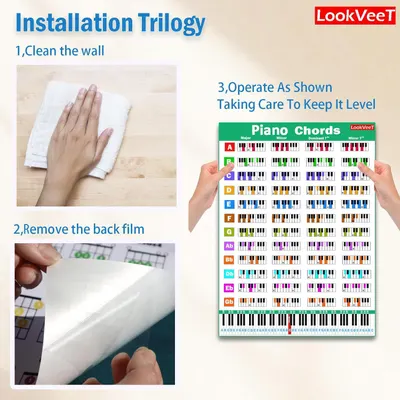 LookVeeT Piano Chord Chart Poster For Beginner And Portable A4 Laminated Chords
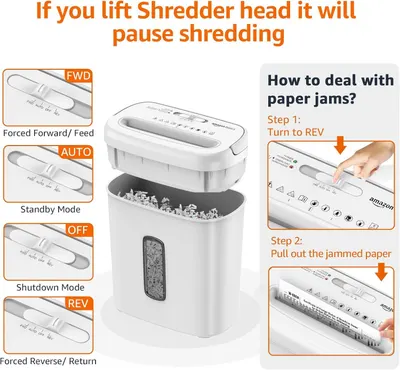 Amazon Basics 8-Sheet Cross Cut Paper and Credit Card Shredder for Security
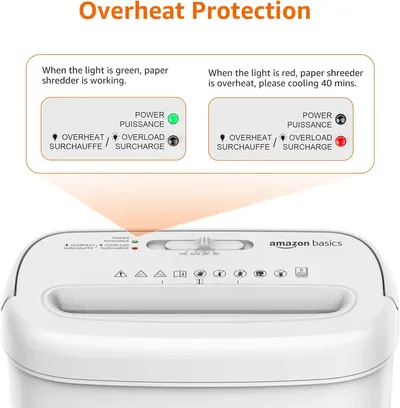 Amazon Basics 8-Sheet Cross Cut Paper and Credit Card Shredder for Security
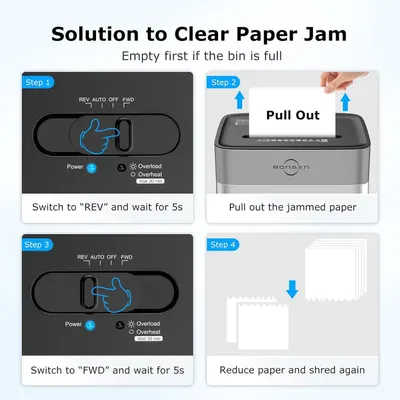 BONSEN 14-Sheet Paper Shredder for Home Office
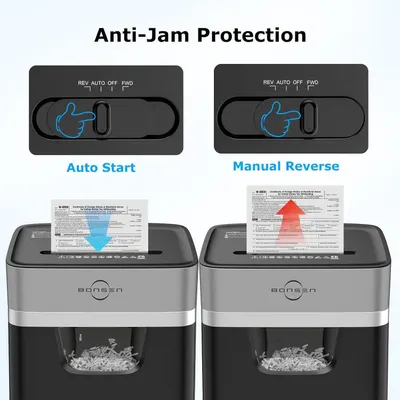 BONSEN 14-Sheet Paper Shredder for Home Office
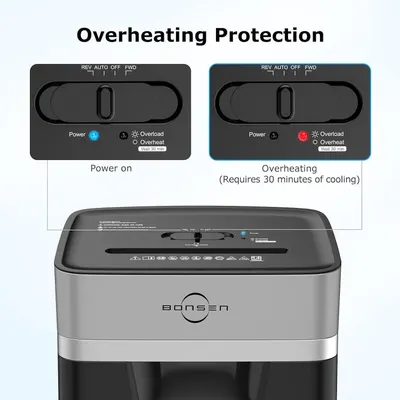 BONSEN 14-Sheet Paper Shredder for Home Office
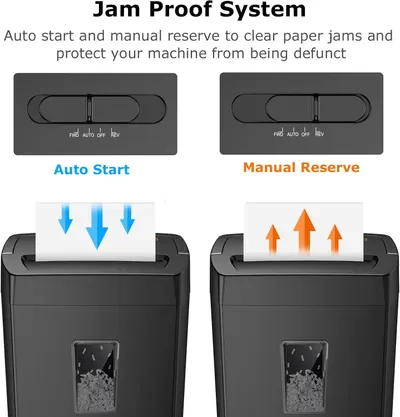 Bonsaii 12-Sheet Cross Cut Paper Shredder
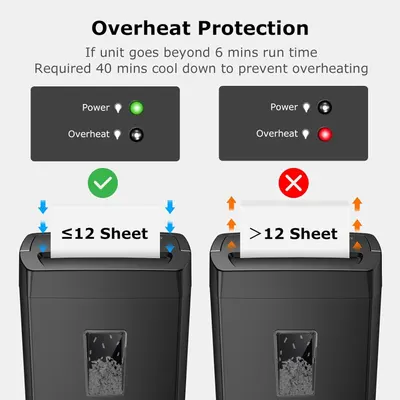 Bonsaii 12-Sheet Cross Cut Paper Shredder
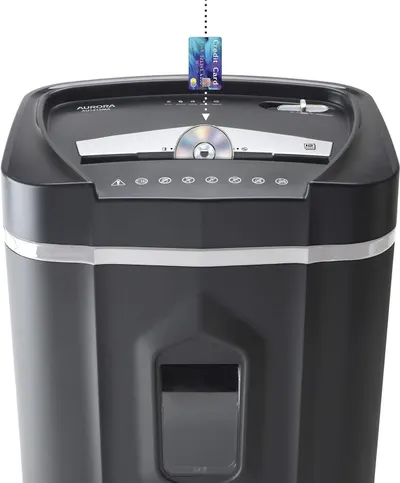 Aurora AU1210MA Professional Grade High Security 12-Sheet Micro-Cut Paper/CD and Credit…
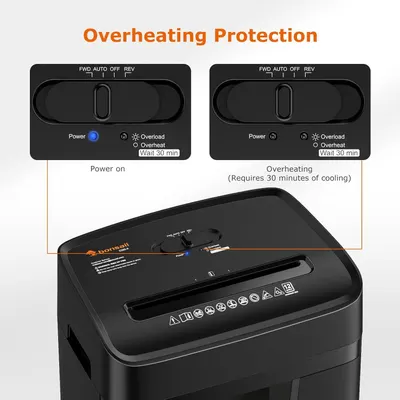 Bonsaii 12 Sheet Paper Shredder for Home Office
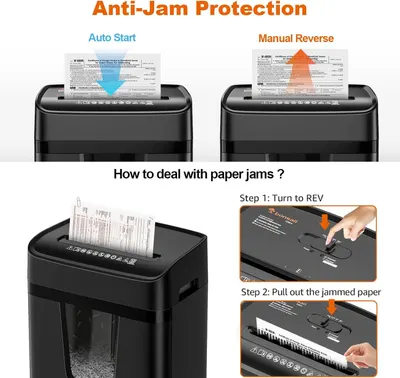 Bonsaii 12 Sheet Paper Shredder for Home Office
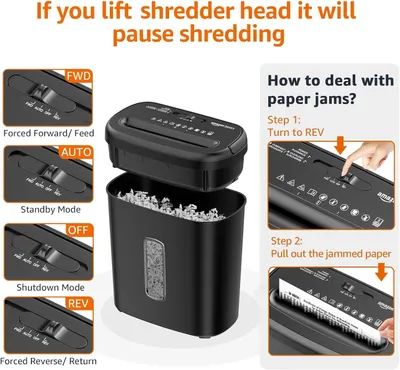 Amazon Basics 8-Sheet High Security Cross Cut Paper and Credit Card Shredder with P-4…
This image belongs to Swingline and is shown for design research. Request removal.