Canon PIXMA TS3720 Wireless All-in-One Printer for Basic Home Printing: How to Use Images
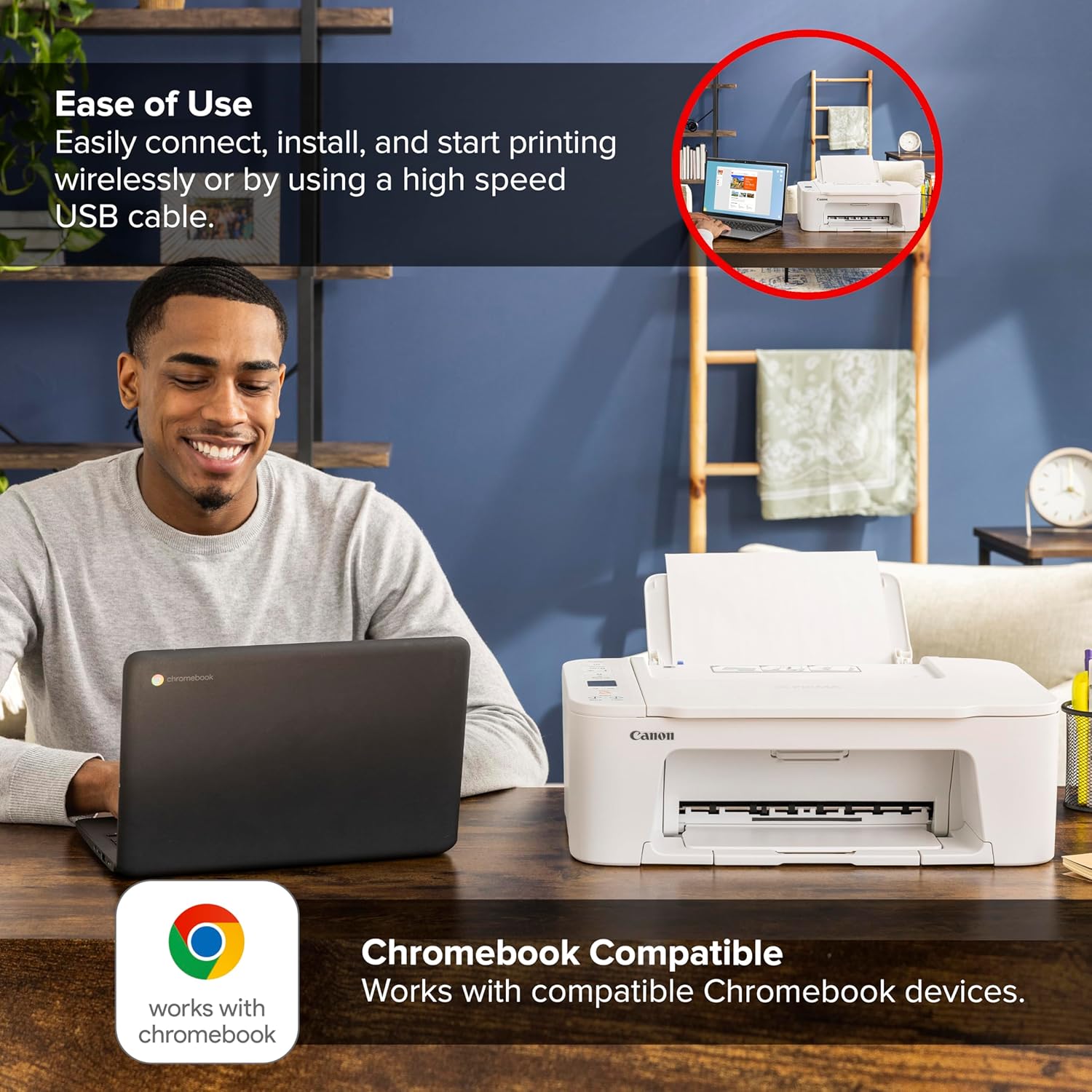
Demonstrates the simplicity of connecting and using the printer, emphasizing wireless capabilities and Chromebook compatibility. Highlights that the printer works with Chromebook devices, reassuring potential buyers about device compatibility.
- Brand
- Canon
- Category
- Office Products › Office Electronics › Printers & Accessories › Printers
- Image type
- How to Use Images, Secondary Images, Safety / Compatibility Images
- Design focus
- Easy Setup; Wireless Printing; Chromebook Compatible
- Listing position
- Image 3
- Marketplace
- United States
- Best Sellers Rank
- #805 in Office Products (See Top 100 in Office Products) #22 in Computer Printers
- Full listing
- See all 8 images in order
- ASIN
- B0D1DV6FV5
See your listing next to your competitors
Paste your Amazon link. We score every image and show what the top sellers do differently. Your first comparison is free.
What this image does at a glance
- Score
- 2 / 100 · Unreadable small
- Headline
- USB cable.
- Headline height
- 2.9% of the image
- Headline contrast
- Lc 19
- Text on the image
- 8.0% of the image, 10 blocks
- Blurred to tile size
- headline no longer readable
Listing bullet points
- ALL-IN-ONE: Print, Copy, Scan features for full control at your fingertips. Single-sided printing only.
- FAST PRINT SPEEDS: Print approximately 7.7 (black) / 4 (color) images per minute.
- EASY SETUP: Get running in just a few minutes thanks to a streamlined and easy setup process out of the box.
- EASY TO INSTALL INK: Print full color with only 2 (no mess) easy-to-replace ink cartridges.
- 1.5” LCD SCREEN: Get the job done with an intuitive and easy to use 1.5” segment LCD screen.
- STABLE, RELIABILE CONNECTION: Stable and reliable connection with Dual Band Wi-Fi (2.4GHz or 5GHz).
- EASY WIRELESS CONNECT: Easy Wi-Fi setup in minutes. Connect to Wi-Fi without the need for a computer.
- MOBILE DEVICE PRINTING: Print from your compatible mobile devices using the free Canon PRINT app, Apple AirPrint, and Mopria Print Service. The TS3720 also works with Chromebook, so you can print schoolwork and other documents hassle-free.
Similar how to use images in Office Products
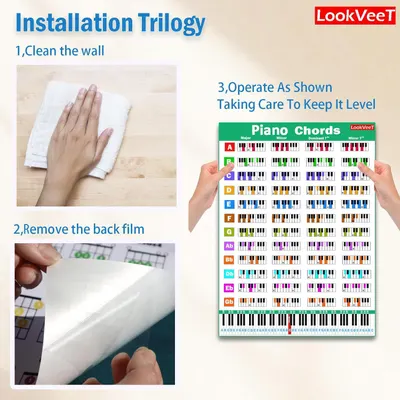 LookVeeT Piano Chord Chart Poster For Beginner And Portable A4 Laminated Chords
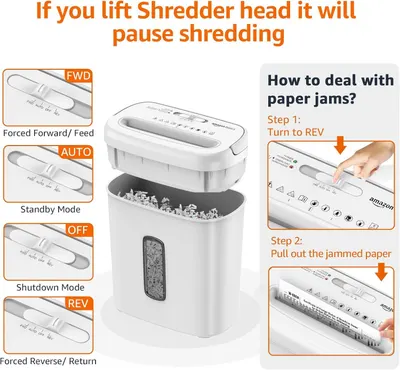 Amazon Basics 8-Sheet Cross Cut Paper and Credit Card Shredder for Security
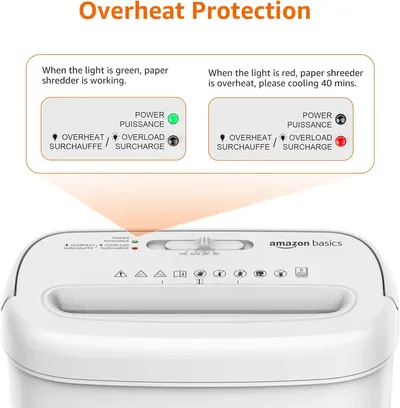 Amazon Basics 8-Sheet Cross Cut Paper and Credit Card Shredder for Security
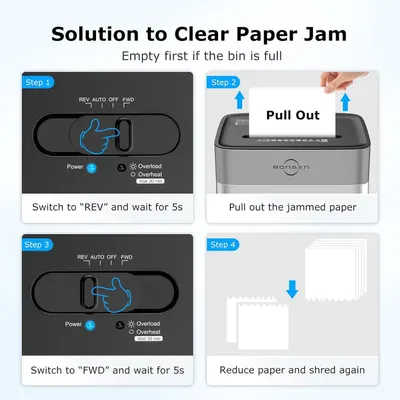 BONSEN 14-Sheet Paper Shredder for Home Office
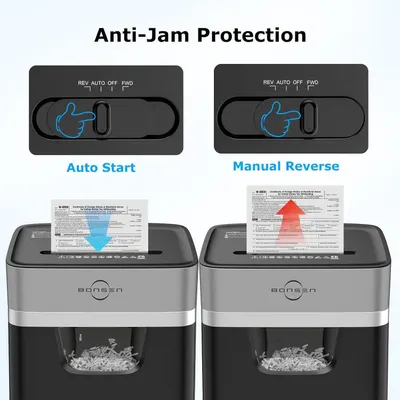 BONSEN 14-Sheet Paper Shredder for Home Office
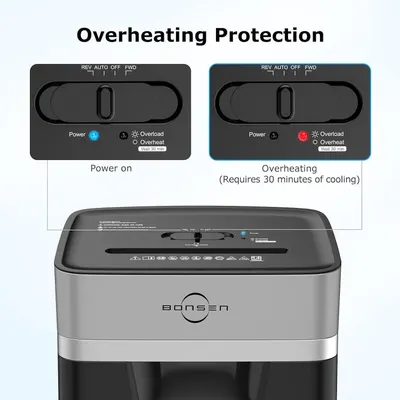 BONSEN 14-Sheet Paper Shredder for Home Office
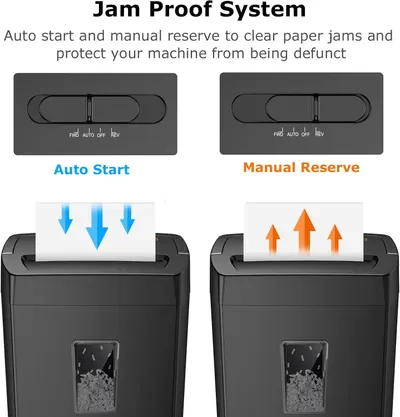 Bonsaii 12-Sheet Cross Cut Paper Shredder
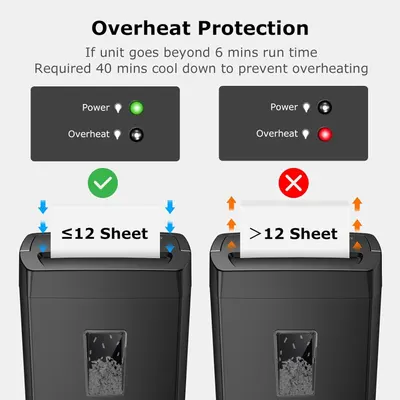 Bonsaii 12-Sheet Cross Cut Paper Shredder
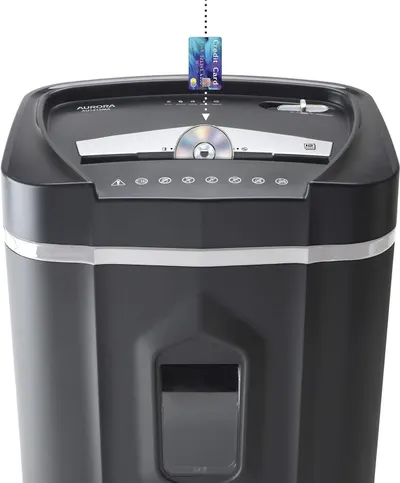 Aurora AU1210MA Professional Grade High Security 12-Sheet Micro-Cut Paper/CD and Credit…
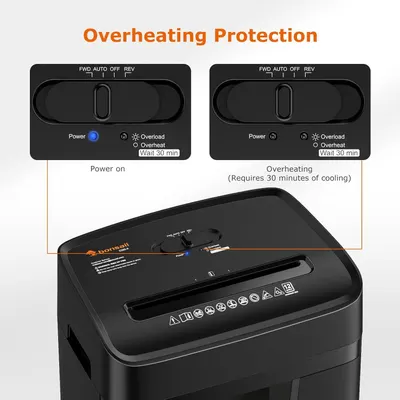 Bonsaii 12 Sheet Paper Shredder for Home Office
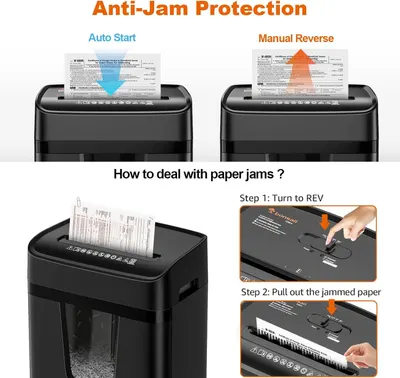 Bonsaii 12 Sheet Paper Shredder for Home Office
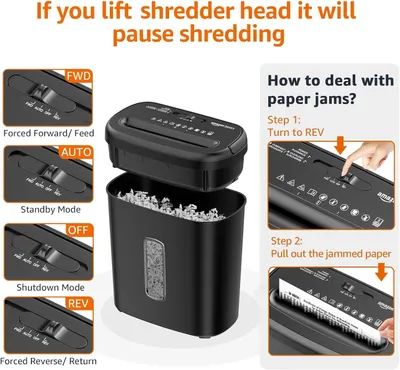 Amazon Basics 8-Sheet High Security Cross Cut Paper and Credit Card Shredder with P-4…
This image belongs to Canon and is shown for design research. Request removal.