HP DeskJet 2827e Wireless All-in-One Color Inkjet Printer: How to Use Images
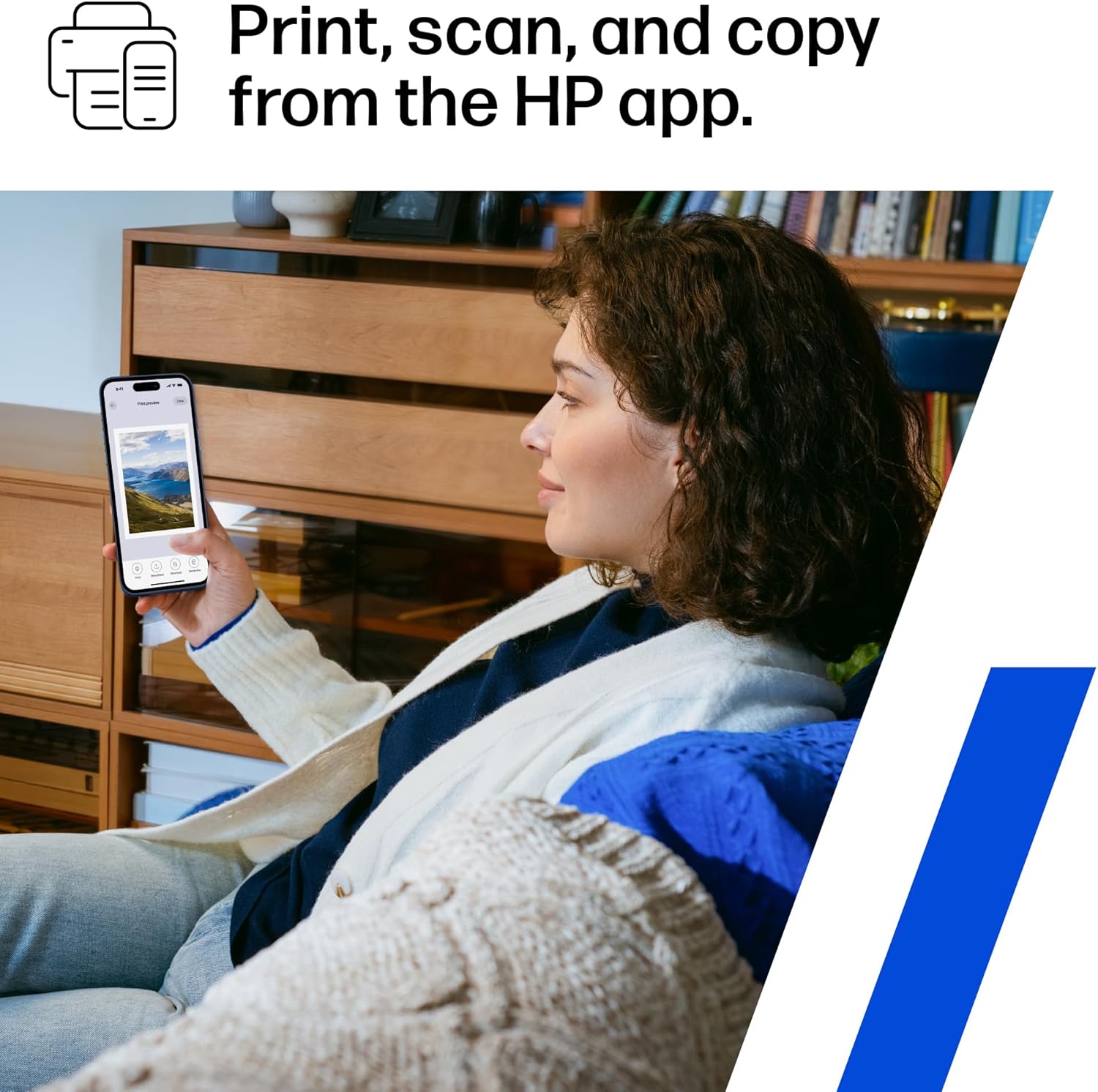
Demonstrates how to use the HP app for printing, scanning, and copying from a mobile device. Shows the versatility of the HP app for various printing tasks that can be done from a smartphone.
- Brand
- HP
- Category
- Office Products › Office Electronics › Printers & Accessories › Printers › Inkjet Printers
- Image type
- How to Use Images, Use Case Images, Secondary Images
- Design focus
- Mobile App Usage; Mobile Printing
- Listing position
- Image 10
- Marketplace
- United States
- Best Sellers Rank
- #64 in Office Products (See Top 100 in Office Products) #1 in Inkjet Computer Printers
- Full listing
- See all 12 images in order
- ASIN
- B0F1NJ75D5
See your listing next to your competitors
Paste your Amazon link. We score every image and show what the top sellers do differently. Your first comparison is free.
What this image does at a glance
- Score
- 70 / 100 · Readable
- Headline
- Print, scan, and copy
- Headline height
- 3.5% of the image
- Headline contrast
- Lc 106
- Text on the image
- 7.1% of the image, 2 blocks
- Blurred to tile size
- headline no longer readable
Listing bullet points
- The DeskJet 2827e is perfect for homes printing to-do lists, letters, financial documents and recipes. Print speeds up to 5.5 ppm color, 7.5 ppm black
- PERFECTLY FORMATTED PRINTS WITH HP AI – Print web pages and emails with precision—no wasted pages or awkward layouts; HP AI easily removes unwanted content, so your prints are just the way you want
- KEY FEATURES – Color printing, copy, scan, and a 60-sheet input tray
- WIRELESS PRINTING – Stay connected with our most reliable Wi-Fi, which automatically detects and resolves connection issues
- HP APP – Print, scan, copy, or fax right from your smartphone, PC, or tablet with the easiest-to-use print app
- 3 MONTHS OF INSTANT INK WITH HP+ ACTIVATION – Subscribe to Instant Ink delivery service to get ink delivered directly to your door before you run out. After 3 months, monthly fee applies unless cancelled
- COMPACT DESIGN – Made to fit any home
- ICON LCD – Print your basic documents with ease from the intuitive control panel
Similar how to use images in Office Products
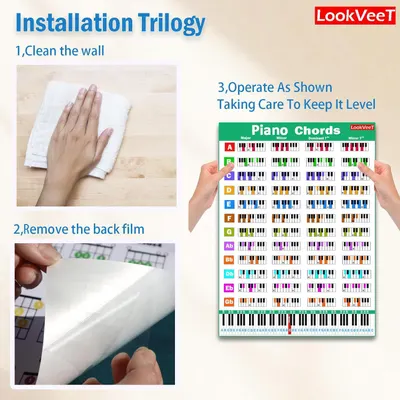 LookVeeT Piano Chord Chart Poster For Beginner And Portable A4 Laminated Chords
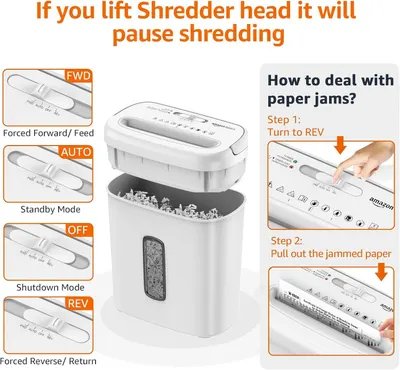 Amazon Basics 8-Sheet Cross Cut Paper and Credit Card Shredder for Security
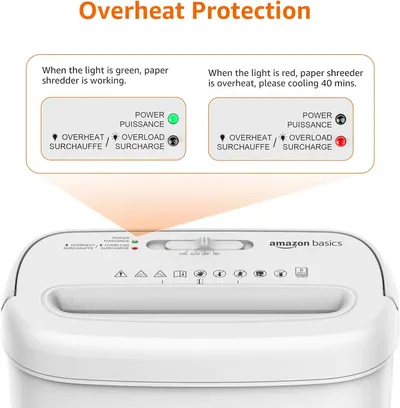 Amazon Basics 8-Sheet Cross Cut Paper and Credit Card Shredder for Security
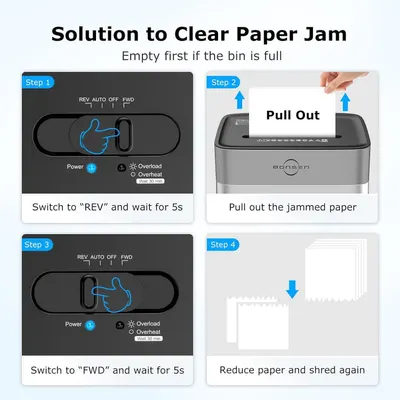 BONSEN 14-Sheet Paper Shredder for Home Office
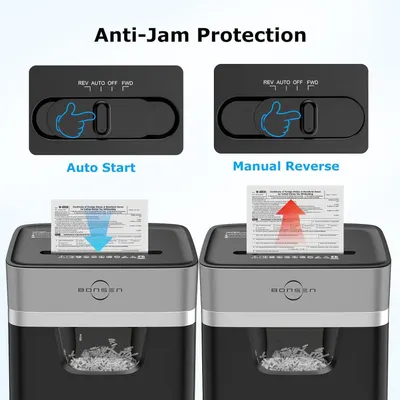 BONSEN 14-Sheet Paper Shredder for Home Office
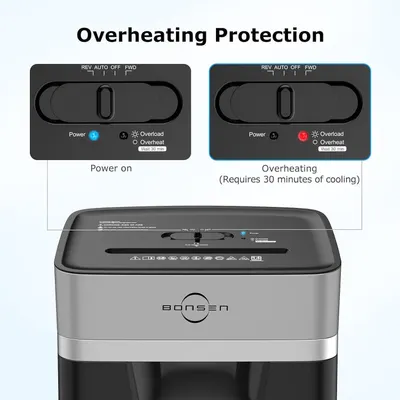 BONSEN 14-Sheet Paper Shredder for Home Office
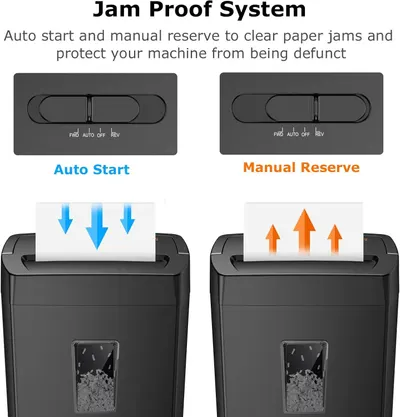 Bonsaii 12-Sheet Cross Cut Paper Shredder
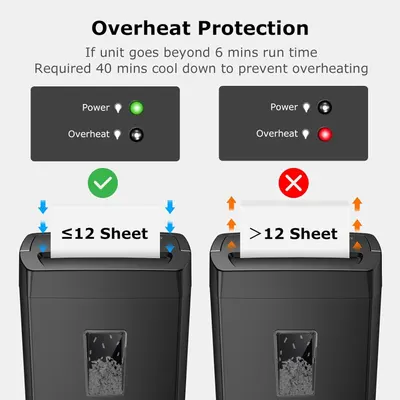 Bonsaii 12-Sheet Cross Cut Paper Shredder
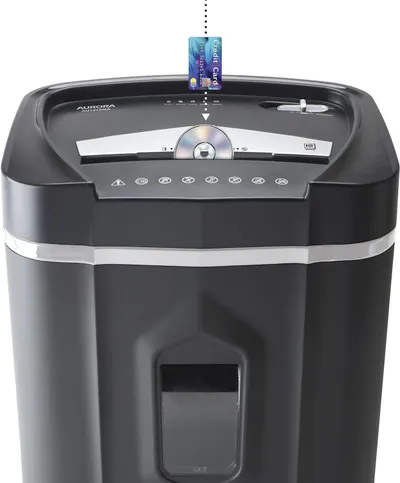 Aurora AU1210MA Professional Grade High Security 12-Sheet Micro-Cut Paper/CD and Credit…
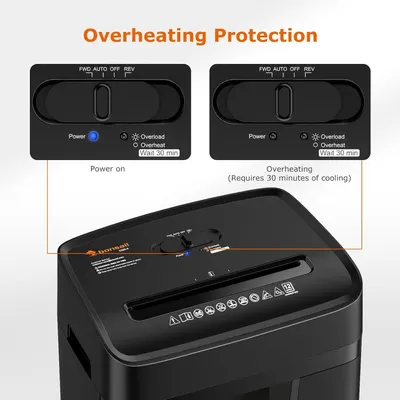 Bonsaii 12 Sheet Paper Shredder for Home Office
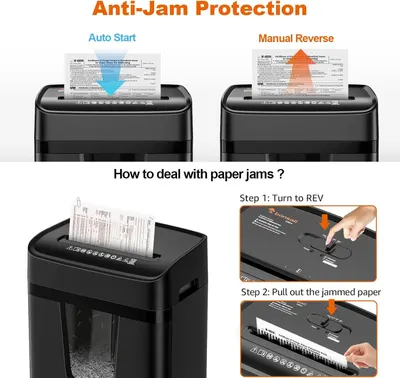 Bonsaii 12 Sheet Paper Shredder for Home Office
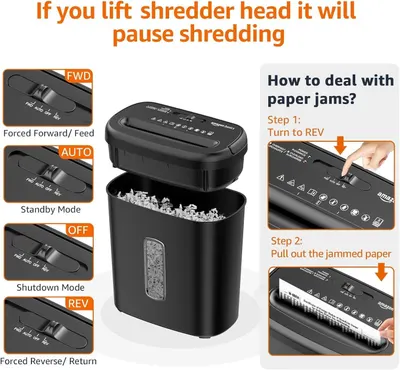 Amazon Basics 8-Sheet High Security Cross Cut Paper and Credit Card Shredder with P-4…
This image belongs to HP and is shown for design research. Request removal.