Electronics listing image examples

We have 5,956 listing images from 620 Electronics listings on Amazon, 7% of the library. The most common pattern: product main images in image 1 and single benefit images in images 2 to 7. Single Benefit Images make up 26% of these images, 2.1× the library average. Brands with the most listings: TP-Link, Dell and Anker.

Page 17
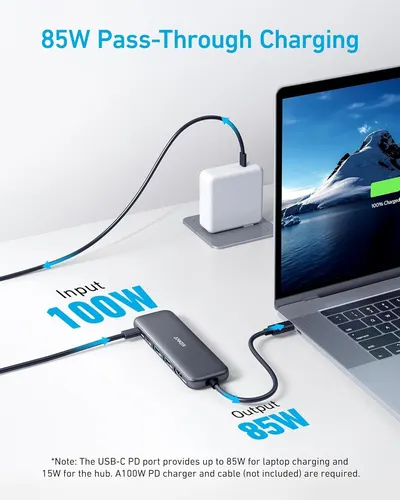
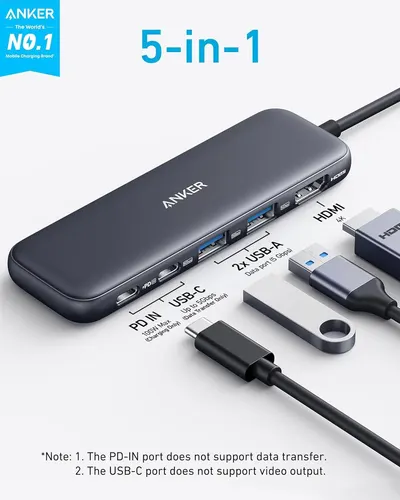
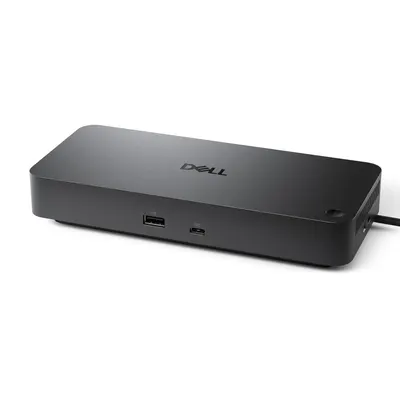
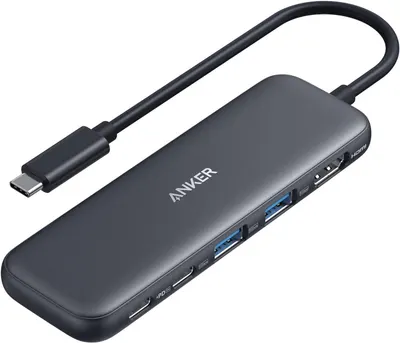
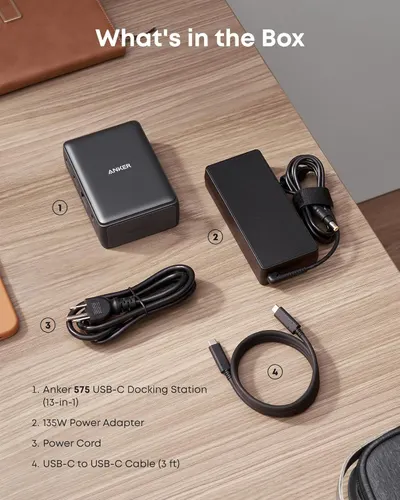
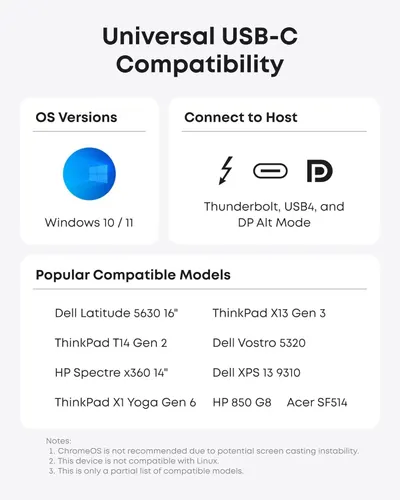
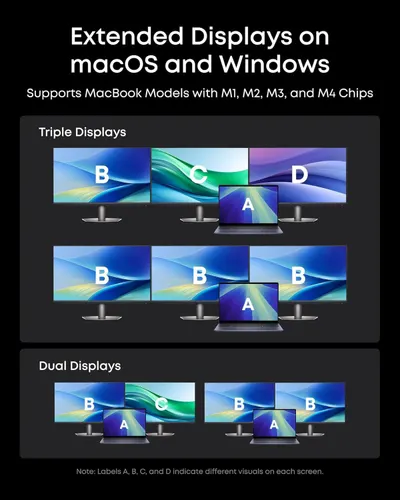
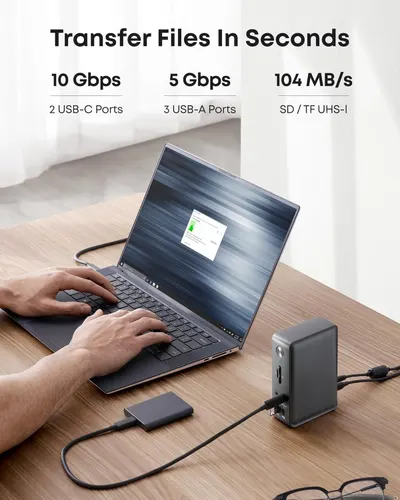
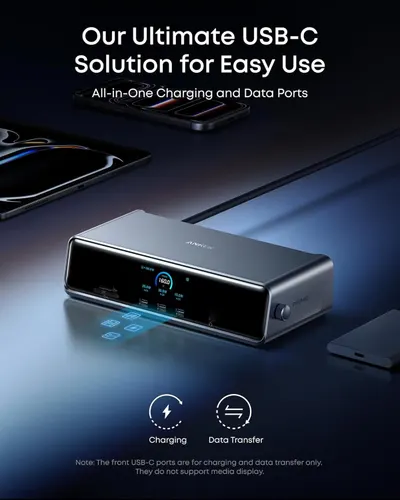
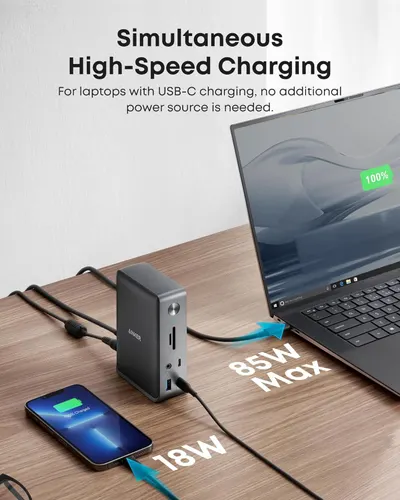
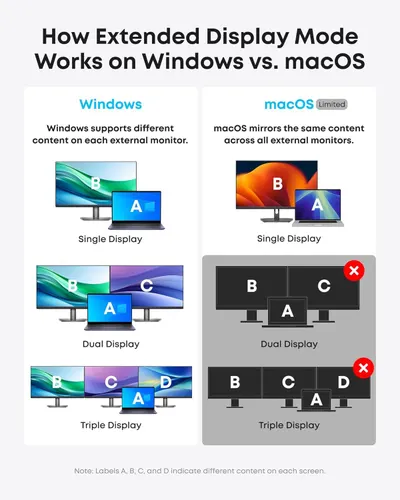
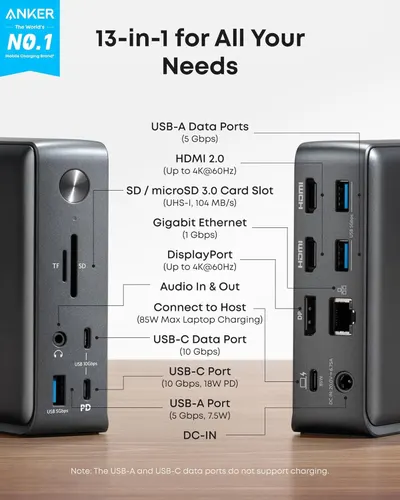
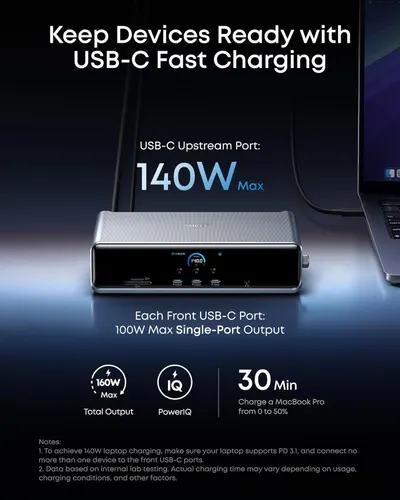
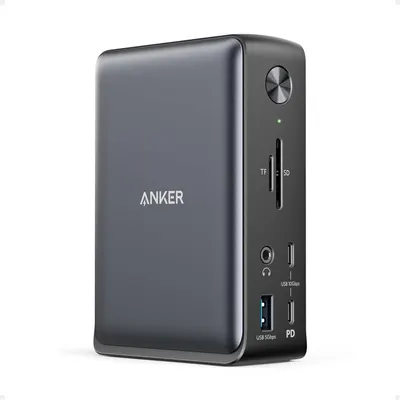
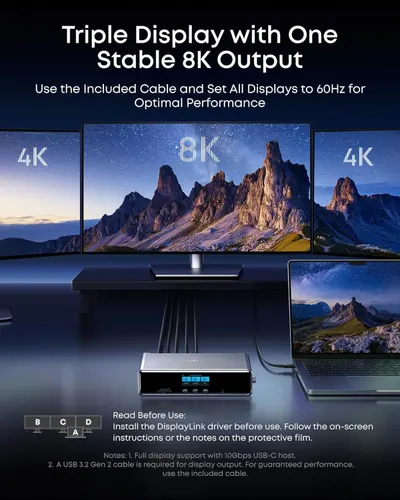
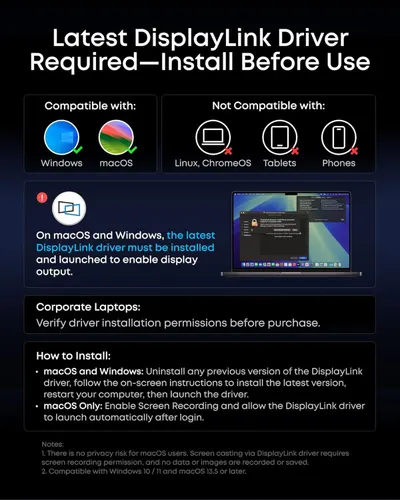
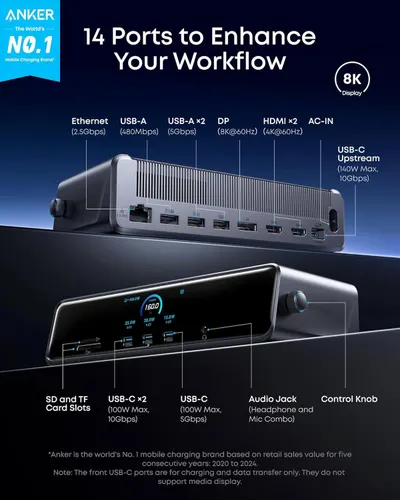
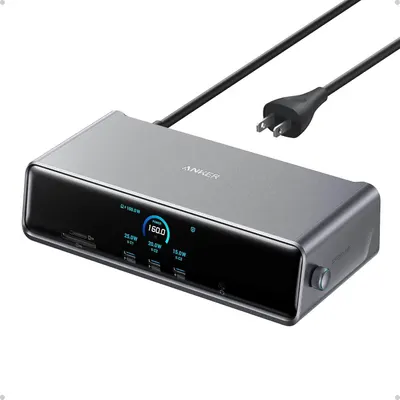
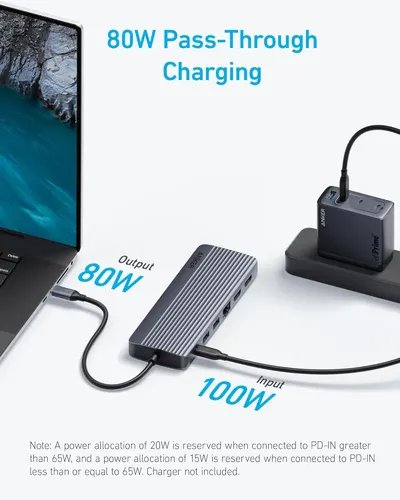
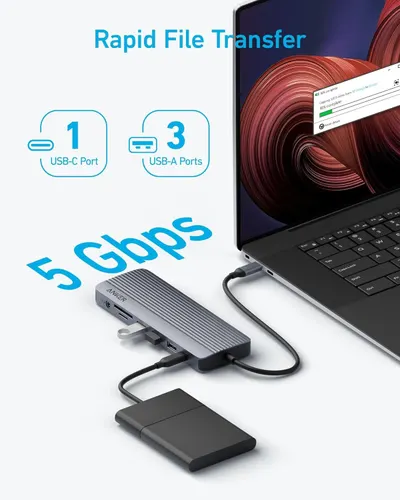
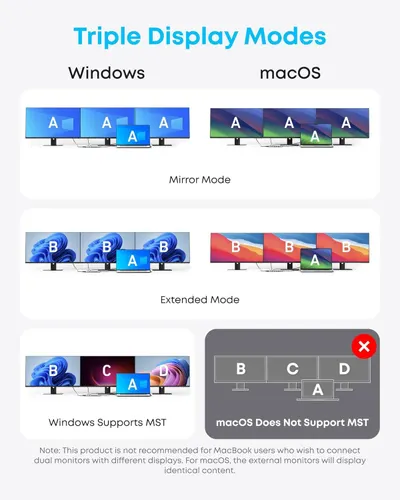
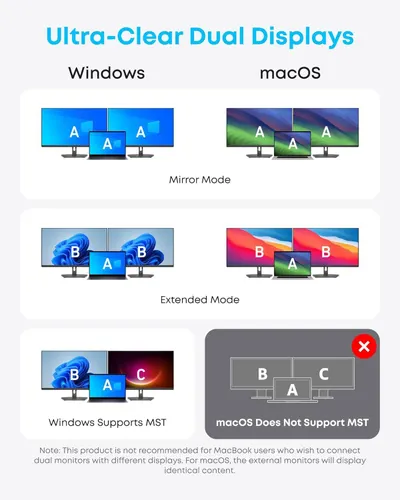
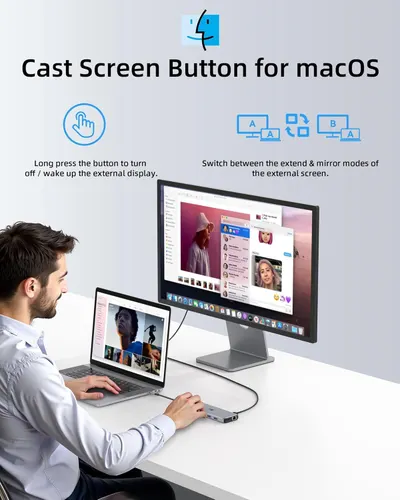
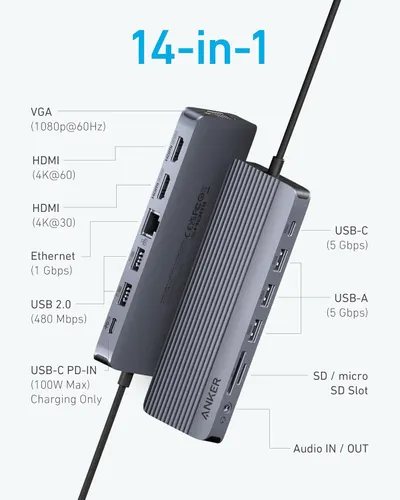
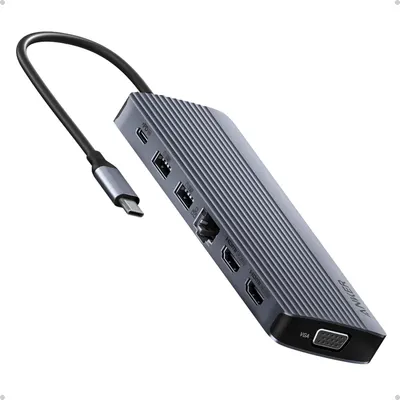
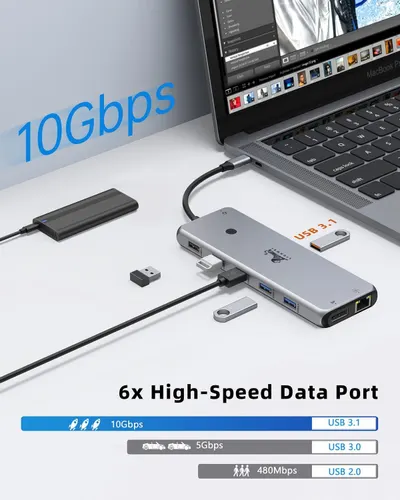
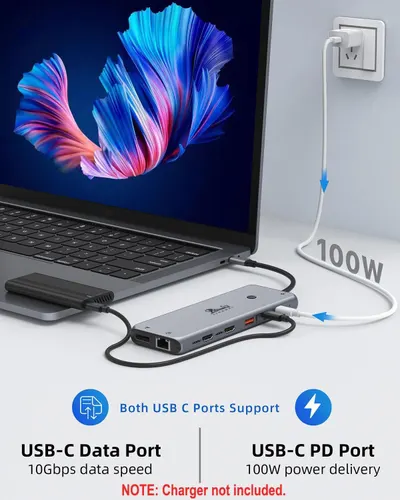
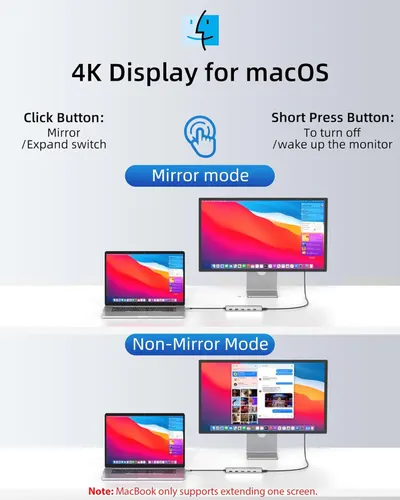
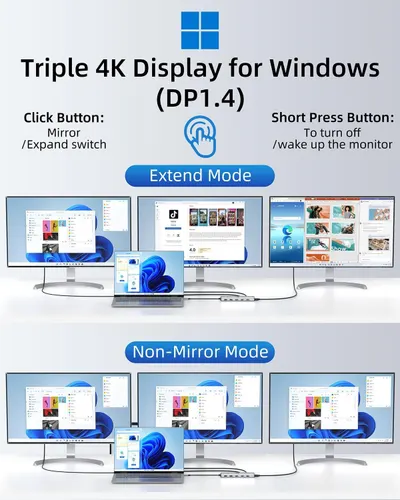
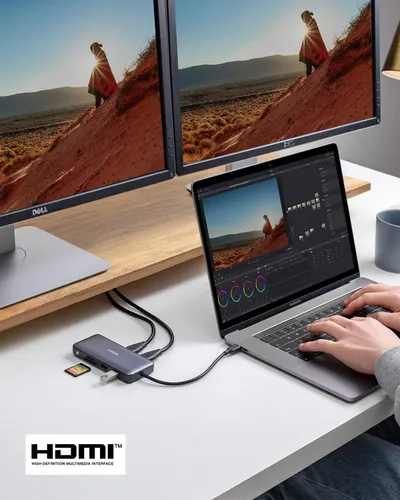
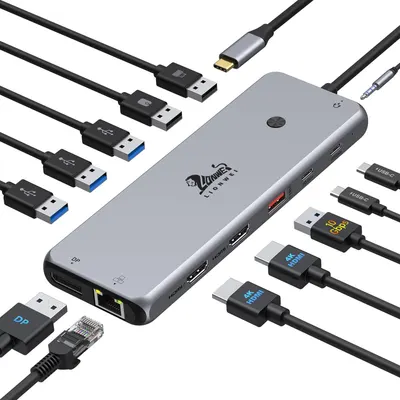
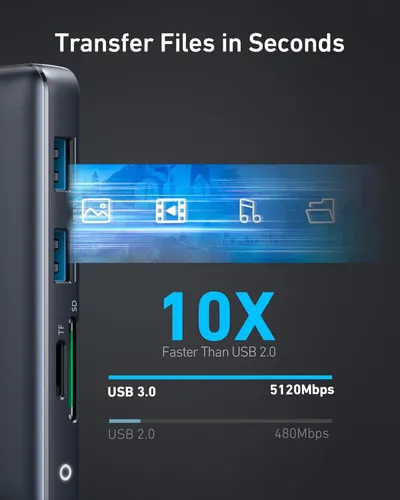
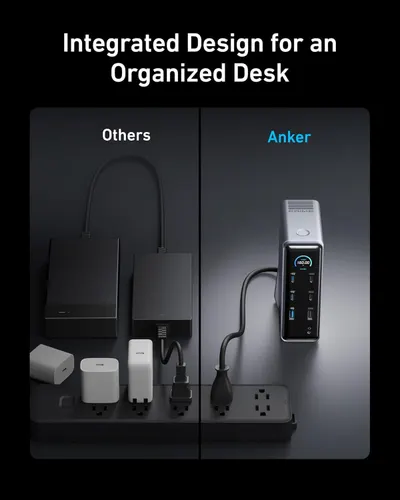
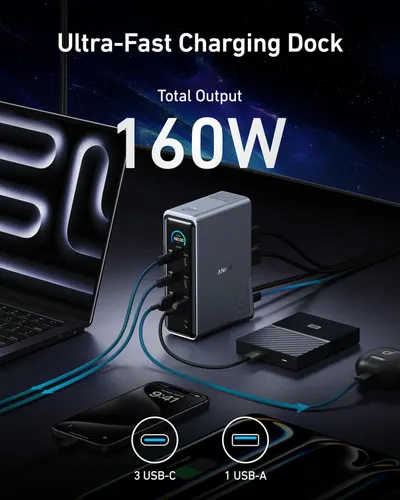
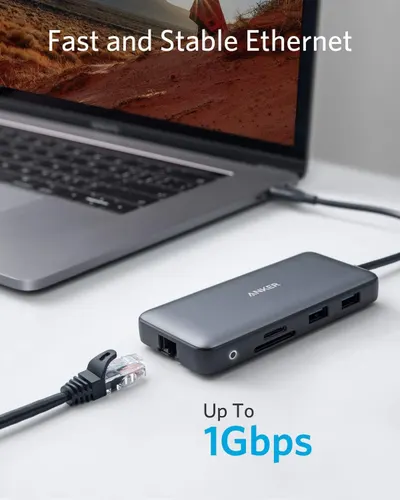
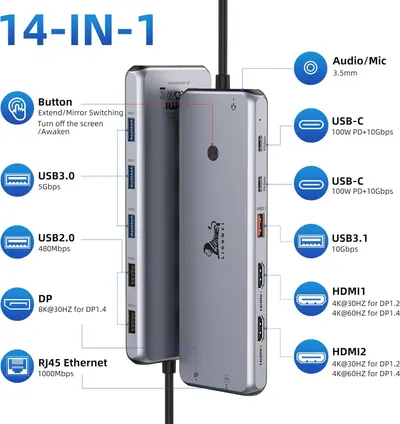
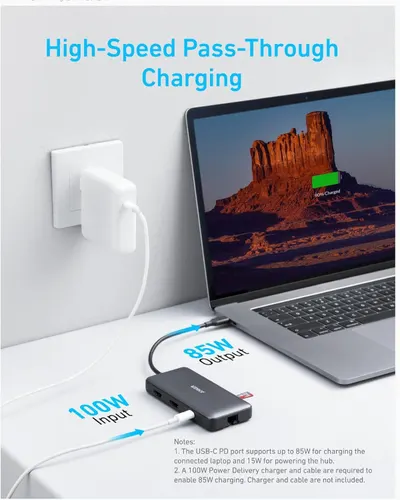
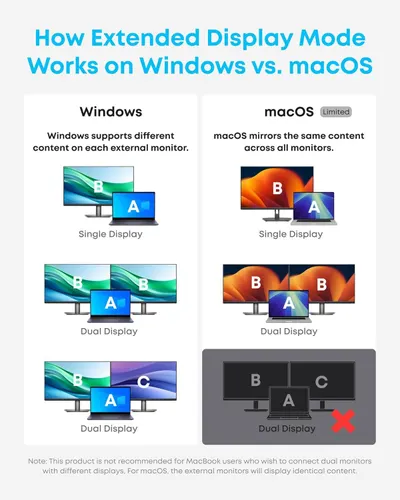
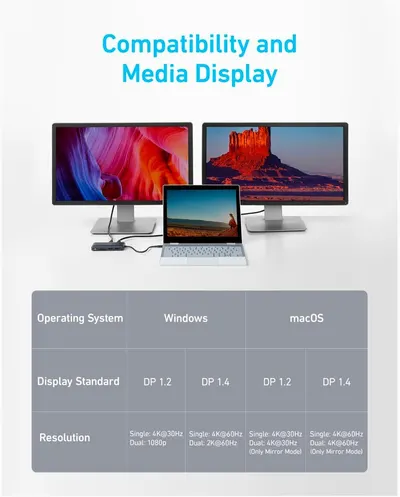
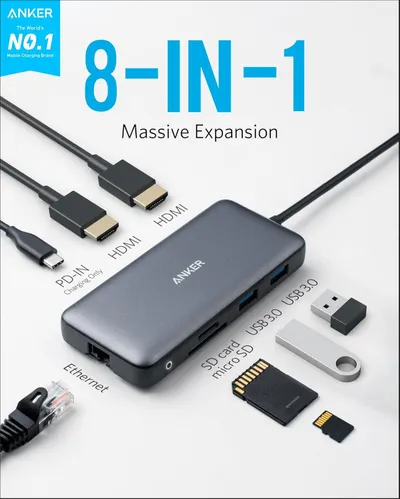
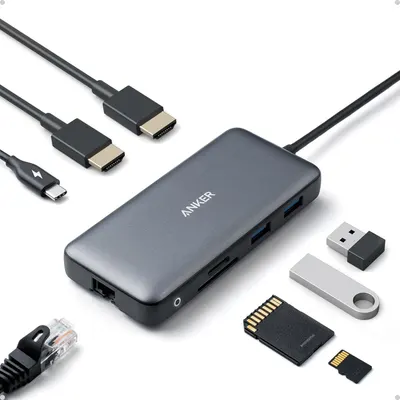
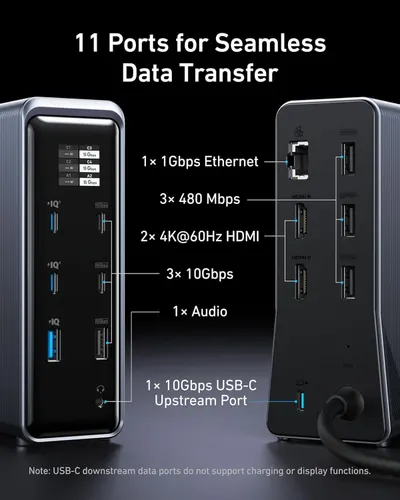
Communicates the high-wattage charging capability of the USB hub, emphasizing its ability to deliver 85W pass-through charging to power laptops while using the hub. Demonstrates how the hub connects…Anker USB C HubCommunicates the dock's versatility and productivity benefits by highlighting multiple key features: multiple USB ports, multi-display support, and high-power delivery capability for Dell AI PCs.Dell Pro Dock WD25This image breaks down the physical ports and components of the 5-in-1 USB hub, showing shoppers exactly what connections are available and their specifications to help them understand the product's…Anker USB C HubDisplays the Dell docking station as the core product in a clean catalog style, allowing shoppers to see the device design, branding, and front-facing ports clearly.Dell Pro Dock WD25Shows the core product clearly on a white background to communicate its design, ports, and brand identity to shoppers looking for a USB-C hub adapter.Anker USB C HubShows the customer everything included in the box—the docking station, power adapter, power cord, and USB-C cable—to set clear expectations and demonstrate completeness of the purchase.Anker Laptop Docking StationDemonstrates the product's universal USB-C compatibility across multiple operating systems, connection types, and popular laptop models to reassure shoppers that it will work with their devices.Anker Laptop Docking StationDemonstrates the various multi-monitor setup configurations (triple and dual displays) that the product supports, showing shoppers the flexibility and compatibility across different display…Anker Prime Docking Station (DL7400)Communicates the product's fast file transfer capabilities across multiple port types (10 Gbps, 5 Gbps, 104 MB/s) to reassure shoppers of high performance and versatility. Highlights the core…Anker Laptop Docking StationCommunicates the product's versatility as an all-in-one USB-C solution that handles both charging and data transfer, reassuring shoppers of its comprehensive functionality.Anker Prime Docking Station (DL7400)Communicates the product's powerful charging capabilities with specific wattage metrics (85W for laptops, 18W for phones) to demonstrate fast, simultaneous charging performance. Highlights the key…Anker Laptop Docking StationDemonstrates the internal cooling architecture and thermal management system to reassure shoppers that the product maintains consistent peak performance through active cooling technology. Highlights…Anker Prime Docking Station (DL7400)Compares how Windows and macOS handle extended display mode differently, showing Windows' flexibility in supporting different content on multiple monitors versus macOS's limitation of mirroring the…Anker Laptop Docking StationCommunicates two distinct product benefits in a segmented layout: the smart display feature for checking device status in real-time, and the Anker Dock Manager software for detailed management and…Anker Prime Docking Station (DL7400)This image breaks down all the physical ports and connection points on the Anker 13-in-1 hub, using labeled callout lines to show shoppers exactly what connectivity options are available and their…Anker Laptop Docking StationCommunicates the powerful charging capabilities of the product through multiple quantifiable performance metrics, emphasizing fast charging speeds and high wattage output to reassure shoppers of its…Anker Prime Docking Station (DL7400)Displays the Anker hub device clearly showing all available ports and connectivity options to communicate the product's versatility and functionality as a multi-port hub.Anker Laptop Docking StationDemonstrates how to set up a triple display configuration with 8K output and provides installation guidance to help shoppers understand the setup process and optimal performance settings. Shows the…Anker Prime Docking Station (DL7400)Provides step-by-step instructions for installing the DisplayLink driver and explains system compatibility requirements to ensure shoppers can successfully set up and use the product.Anker Prime Docking Station (DL7400)This image breaks down all 14 ports and connection types available on the docking station, helping shoppers understand the comprehensive connectivity options and technical specifications of each port.Anker Prime Docking Station (DL7400)Shows the core product clearly on a white background, displaying its premium design, multiple charging ports, and digital power monitoring screen to communicate its functionality and quality.…Anker Prime Docking Station (DL7400)Communicates the high-wattage charging capabilities of the hub, emphasizing fast pass-through charging performance to reassure shoppers about power efficiency and device compatibility. Highlights…Anker Laptop Docking Station 3 MonitorsCommunicates the fast data transfer speed of 5 Gbps to reassure shoppers that the USB hub enables rapid file transfers between devices. Highlights the primary benefit of fast file transfer…Anker Laptop Docking Station 3 MonitorsDemonstrates the product's ability to connect and display content across multiple screens simultaneously, reassuring shoppers that it supports high-resolution multi-monitor setups for productivity.Anker Laptop Docking Station 3 MonitorsDemonstrates the multiple display configuration options available for Windows and macOS users, showing compatibility and flexibility across different operating systems and display modes.Anker Laptop Docking Station 3 MonitorsDemonstrates the product's ability to support multiple display configurations across Windows and macOS, highlighting compatibility features and display modes to help shoppers understand setup…Anker Laptop Docking Station 3 MonitorsCommunicates multiple distinct benefits of the product's cast screen button functionality, including the ability to turn on/off external displays and switch between extend and mirror modes.13 in 1 USB C Docking StationThis image breaks down all the ports and connectivity options available on the USB-C hub, helping shoppers understand the full range of connections and capabilities the product offers.Anker Laptop Docking Station 3 MonitorsInstructs users on how to use the cast screen button to control external displays on Windows, including turning on/off displays and switching between four display modes (PC screen only, Duplicate,…13 in 1 USB C Docking StationDisplays the core product clearly on a white background to show the hub's design, multiple ports (USB, HDMI, Ethernet, VGA), and attached cable, helping shoppers understand what they will receive.…Anker Laptop Docking Station 3 MonitorsCommunicates the high-speed network performance capability of the USB hub to reassure shoppers that it delivers fast and stable connectivity. Highlights the product's ability to provide a stable and…13 in 1 USB C Docking StationCommunicates the product's high-speed data transfer capability (10Gbps) and multiple port options to reassure shoppers of fast, efficient connectivity and performance. Highlights the primary benefit…13 in 1 USB C Docking StationHighlights the dual functionality of the USB-C hub's two ports—one for high-speed data transfer and one for powerful charging—to communicate versatility and performance to shoppers.13 in 1 USB C Docking StationExplains how to use the 4K display with macOS, showing the difference between mirror mode and non-mirror mode configurations, and instructing users on button functions for switching between modes.…13 in 1 USB C Docking StationExplains how to set up and use the triple 4K display adapter for Windows, showing both Extend Mode and Non-Mirror Mode configurations with button instructions. Demonstrates the two different display…13 in 1 USB C Docking StationDemonstrates the USB hub's ability to connect a laptop to multiple external monitors and peripherals, showing its versatility for professional creative workflows like video editing.Anker Laptop Docking Station Dual MonitorCommunicates the high-speed Ethernet performance of the hub, reassuring shoppers that they will get fast and stable wired connectivity up to 1Gbps. Highlights the key benefit of reliable, high-speed…Anker Laptop Docking Station Dual MonitorThis image breaks down all the physical ports and components of the docking station hub, showing shoppers exactly what connectivity options are included and where each port is located.13 in 1 USB C Docking StationDisplays the core product, a USB hub with various ports (USB-A, USB-C, HDMI, DisplayPort, Ethernet, audio jack), along with all compatible cables to show connectivity versatility and compatibility.…13 in 1 USB C Docking StationHighlights the product's superior file transfer speed (10X faster than USB 2.0) to communicate performance efficiency and time-saving benefits to shoppers. Compares USB 3.0 performance against USB…Anker Laptop Docking Station Dual MonitorDemonstrates that the USB hub allows fast pass-through charging while in use, reassuring shoppers that their laptop can charge at high speeds (85W) even while using the hub's ports.Anker Laptop Docking Station Dual MonitorCompares how Windows and macOS handle extended display mode differently, showing Windows' advantage in supporting different content on each monitor versus macOS's limitation of mirroring content.Anker Laptop Docking Station Dual MonitorDemonstrates the product's compatibility with multiple operating systems (Windows and macOS) and its ability to support dual-monitor setups with various display standards and resolutions.Anker Laptop Docking Station Dual MonitorCommunicates the product's versatility by highlighting that it expands one port into eight different connection types, emphasizing massive connectivity expansion. Demonstrates the multiple…Anker Laptop Docking Station Dual MonitorDisplays the core product, an Anker USB-C hub, along with all the cables and accessories that demonstrate its connectivity capabilities and compatibility with various devices and storage media.…Anker Laptop Docking Station Dual MonitorThis image breaks down all 11 ports and their specifications to help shoppers understand the comprehensive connectivity options available, including Ethernet, USB, HDMI, and audio ports with their…Anker Prime Docking StationDemonstrates how the Anker product provides a cleaner, more organized desk setup compared to competitors' cluttered arrangement of multiple devices and cables.Anker Prime Docking StationHighlights the charging dock's powerful 160W total output capacity to communicate fast, efficient charging performance for multiple devices simultaneously. Emphasizes the primary benefit of…Anker Prime Docking Station
Electronics by image type

Popular Electronics product niches

Need Electronics listing images designed?

Our design team makes Amazon listing images, infographics and A+ content. £750 per day, with revisions the next day.

Last example added 2026-10-21 · 5,956 images. Image types are tagged by AI and checked by hand in samples.