USB Fingerprint Reader Fingerprint for Windows10/11: How to Use Images
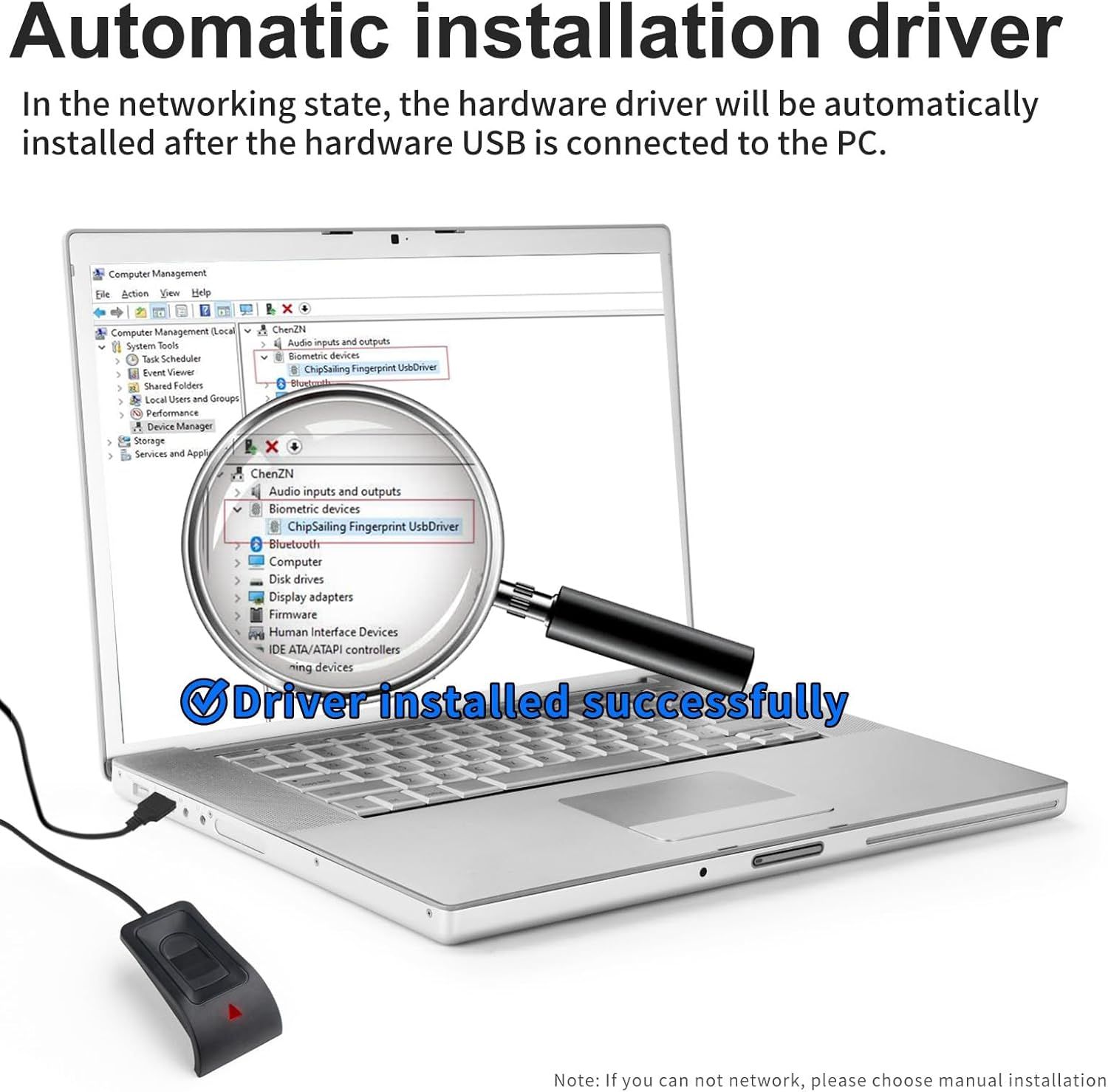
Explains how the product's driver is automatically installed when the USB device is connected to a PC, reassuring shoppers about ease of setup and plug-and-play functionality. Highlights the convenience of automatic driver installation to reassure shoppers that the product is easy to set up without technical expertise.
- Brand
- JIAN BOLAND
- Category
- Electronics › Security & Surveillance › Biometrics
- Image type
- How to Use Images, Single Benefit Images, Secondary Images
- Design focus
- Automatic Driver Installation; Easy Setup; Plug-and-Play
- Listing position
- Image 6
- Marketplace
- United States
- Best Sellers Rank
- #12 in Security & Surveillance Biometrics
- Full listing
- See all 8 images in order
- ASIN
- B0CGCYVGYW
See your listing next to your competitors
Paste your Amazon link. We score every image and show what the top sellers do differently. Your first comparison is free.
What this image does at a glance
- Score
- 16 / 100 · Unreadable small
- Headline
- Driver installed successfully
- Headline height
- 4.3% of the image
- Headline contrast
- Lc 37
- Text on the image
- 18.0% of the image, 30 blocks
- Blurred to tile size
- headline no longer readable
- lower text "In the networking state," is 1.7% of height, needs 5.5%
- headline contrast below APCA minimum (Lc 42)
- headline unreadable at phone-tile blur
- 36 separate text blocks
Listing bullet points
- 🔑Instant Windows Hello Integration:Seamlessly access your Windows 10/11 PC with Microsoft-certified biometric authentication. Replace cumbersome passwords with one-touch fingerprint login through the native Windows Hello framework - no third-party software required.
- ✅ Microsoft Certified Security:Officially supports Windows Biometric Framework & Windows Hello;0.001% False Acceptance Rate / 0.1% False Rejection Rate
- 🚀 Plug & Play Simplicity:Zero driver installation for genuine Windows systems Automatic recognition upon connection (95%+ compatibility rate) Troubleshooting Tip: Manual driver update needed only for non-genuine OS
- Multi-User Flexibility:Store 10 unique fingerprints for shared devices Ideal for family PCs or workplace stations Lightning-fast authentication: <0.5 second response time
- Professional-Grade Design:Includes 5FT braided USB extension cable Desktop-optimized positioning for ergonomic scanning Durable aluminum-alloy sensor housing
Similar how to use images in Electronics
 GEEKOM A7 Mini PC
 Sennehiser ACCENTUM Plus Wireless Headphones
 Sennehiser ACCENTUM Plus Wireless Headphones
 Sennehiser ACCENTUM Plus Wireless Headphones
 Sennheiser Consumer Audio Momentum 4 Wireless Headphones
 Sennheiser Consumer Audio Momentum 4 Wireless Headphones
 Sennheiser Consumer Audio Momentum 4 Wireless Headphones
 Sennehiser ACCENTUM Wireless Headphones
 Anker Adaptador hub USB-C
 Metal Switch Opener GPL 205G0 0.35oz
 Metal Switch Opener GPL 205G0 0.35oz
 RUNJRX
This image belongs to JIAN BOLAND and is shown for design research. Request removal.