USB Fingerprint Reader Fingerprint for Windows10/11: full Amazon image stack
USB Fingerprint Reader Fingerprint for Windows10/11 by JIAN BOLAND uses 8 gallery images. Image 1 is a product main image. The rest of the stack uses single benefit images, infographic images and how to use images. It ranks #12 in Security & Surveillance Biometrics.
See your listing next to your competitors
Paste your Amazon link. We score every image and show what the top sellers do differently. Your first comparison is free.
- Brand
- JIAN BOLAND
- Niche
- Fingerprint Reader
- Category
- Electronics
- Gallery images
- 8
- Best Sellers Rank
- #12 in Security & Surveillance Biometrics
- ASIN
- B0CGCYVGYW
Gallery images in order
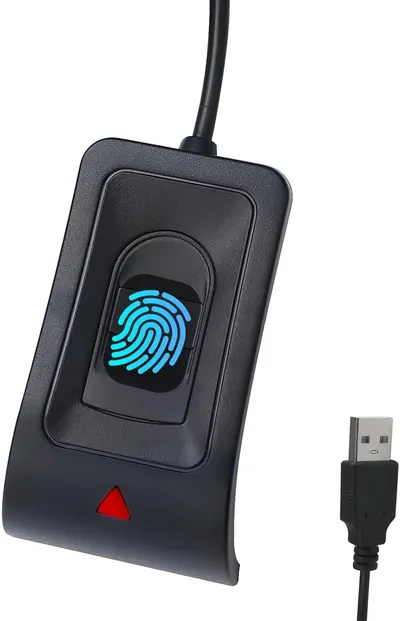 Image 1 · Product Main Images, Main Images with Graphics
Shows the core product, a fingerprint scanner with USB connection, clearly displaying its biometric sensor interface and connectivity to communicate its security and authentication functionality. The bright blue glowing fingerprint graphic overlay emphasizes the biometric security feature and makes the scanning area visually prominent to shoppers.
Fingerprint Scanner; USB Connectivity; Glowing Fingerprint Icon
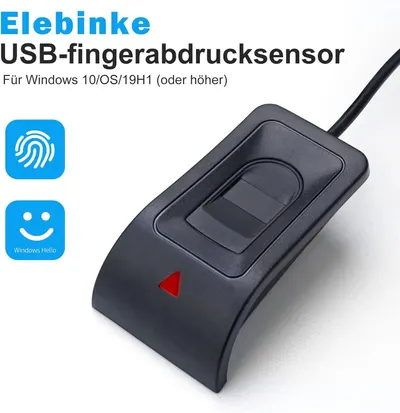 Image 2 · Single Benefit Images
Communicates that this USB fingerprint sensor provides secure biometric authentication and is compatible with Windows Hello, reassuring shoppers about ease of use and security.
Fingerprint Security; Windows Hello Compatibility
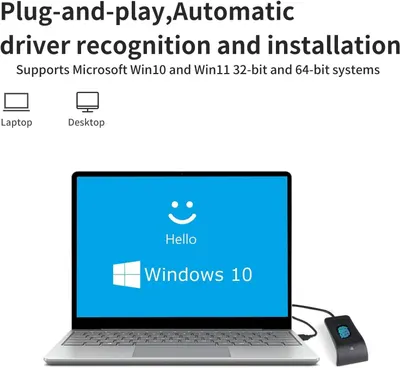 Image 3 · Single Benefit Images, Safety / Compatibility Images
Communicates ease of setup and broad system compatibility to reassure shoppers that the product will work seamlessly with their Windows computers without technical hassle. Highlights the convenience and simplicity of using the product with automatic driver installation, reducing setup friction for the buyer.
Plug-and-play; Automatic driver recognition; Windows compatibility; Plug-and-play ease; Automatic installation
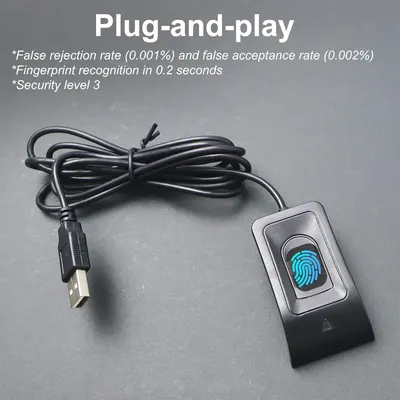 Image 4 · Infographic Images
Communicates multiple technical benefits of the fingerprint scanner including ease of use, speed, accuracy, and security to reassure shoppers of the product's reliability and performance.
Plug-and-play; Fast fingerprint recognition; Low false rejection/acceptance rates; Security level 3
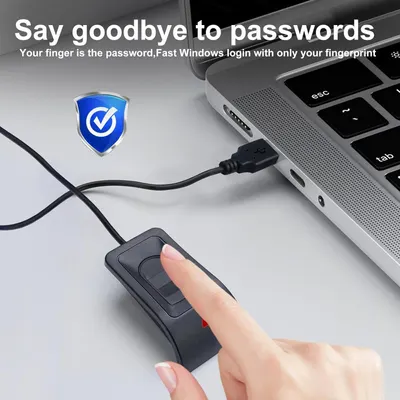 Image 5 · Single Benefit Images, Safety / Compatibility Images
Communicates that the product enables fast, secure Windows login using fingerprint authentication instead of passwords, emphasizing convenience and security. Reinforces the security aspect of the fingerprint reader with the shield icon, assuring shoppers that their login is protected and safe.
Fingerprint Login; Password-Free Security; Security; Biometric Authentication
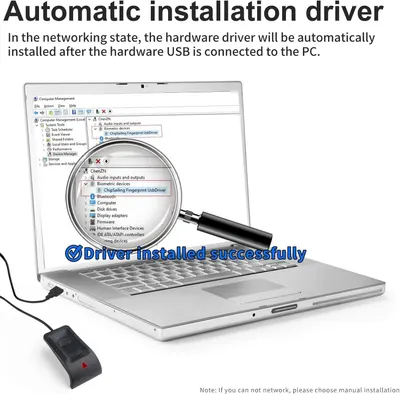 Image 6 · How to Use Images, Single Benefit Images
Explains how the product's driver is automatically installed when the USB device is connected to a PC, reassuring shoppers about ease of setup and plug-and-play functionality. Highlights the convenience of automatic driver installation to reassure shoppers that the product is easy to set up without technical expertise.
Automatic Driver Installation; Easy Setup; Plug-and-Play
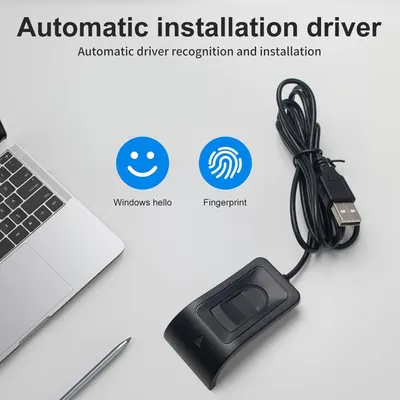 Image 7 · Single Benefit Images
Communicates that the fingerprint scanner features automatic driver recognition and installation, making setup effortless for Windows Hello and fingerprint authentication.
Automatic Driver Installation; Plug-and-Play Setup
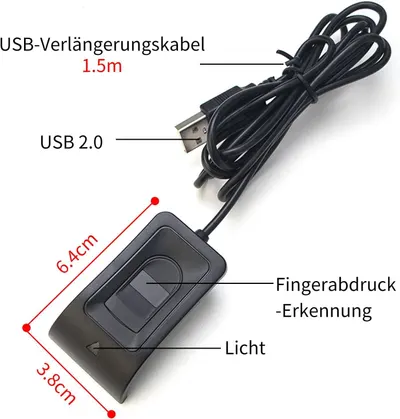 Image 8 · Product Detail Images
This image breaks down the physical components and specifications of the USB fingerprint reader, helping shoppers understand what parts and features the device includes and its exact size.
USB 2.0 connector; 1.5m cable length; Fingerprint recognition sensor; LED indicator light; Physical dimensions (6.4cm x 3.8cm)
Design themes in this listing
- Automatic Driver Installation2
- Plug-and-play2
- 1.5m cable length1
- Automatic driver recognition1
- Automatic installation1
- Biometric Authentication1
- Easy Setup1
- Fast fingerprint recognition1
Other Fingerprint Reader listings
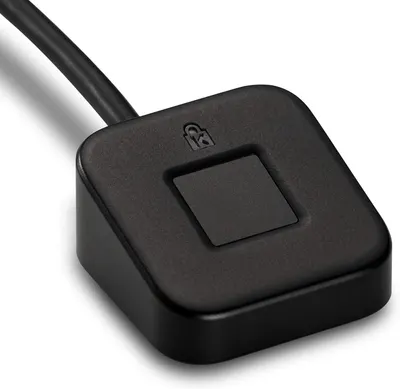 Kensington VeriMark Desktop USB Fingerprint Reader8 gallery images · #7 in Security & Surveillance Biometrics
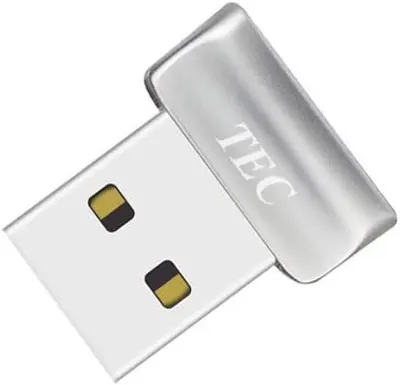 TEC Mini USB Fingerprint Reader for Windows 11/10 Hello9 gallery images · #11 in Security & Surveillance Biometrics
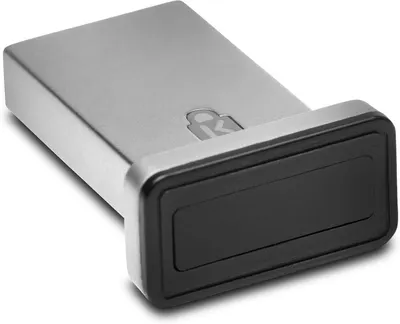 Kensington VeriMark™ Gen2 USB-A Fingerprint Key Reader7 gallery images · #17 in Security & Surveillance Biometrics
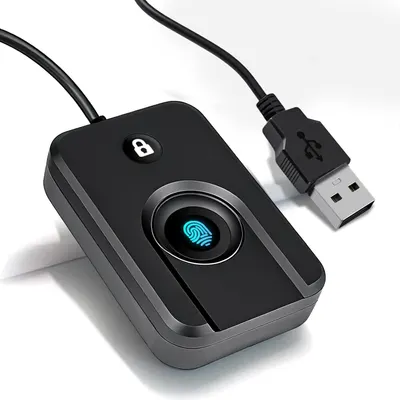 USB Fingerprint Reader for Windows10/117 gallery images · #73 in Security & Surveillance Biometrics
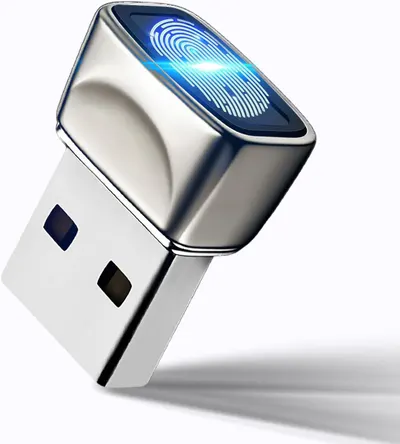 USB Fingerprint Reader for Windows10/118 gallery images · #162 in Security & Surveillance Biometrics
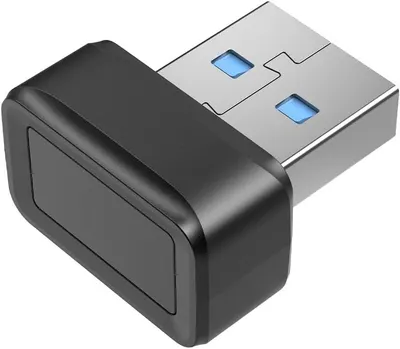 USB Fingerprint Key Reader Advanced Security Access Window Hello…8 gallery images · #201 in Security & Surveillance Biometrics
Our design team makes Amazon listing images, infographics and A+ content. £750 per day, with revisions the next day.
Last example added 2026-02-26 · 8 images. Image types are tagged by AI and checked by hand in samples.
These images belong to JIAN BOLAND and are shown for design research. Request removal.