Keurig K-Elite Single Serve K-Cup Pod Coffee Maker: How to Use Images
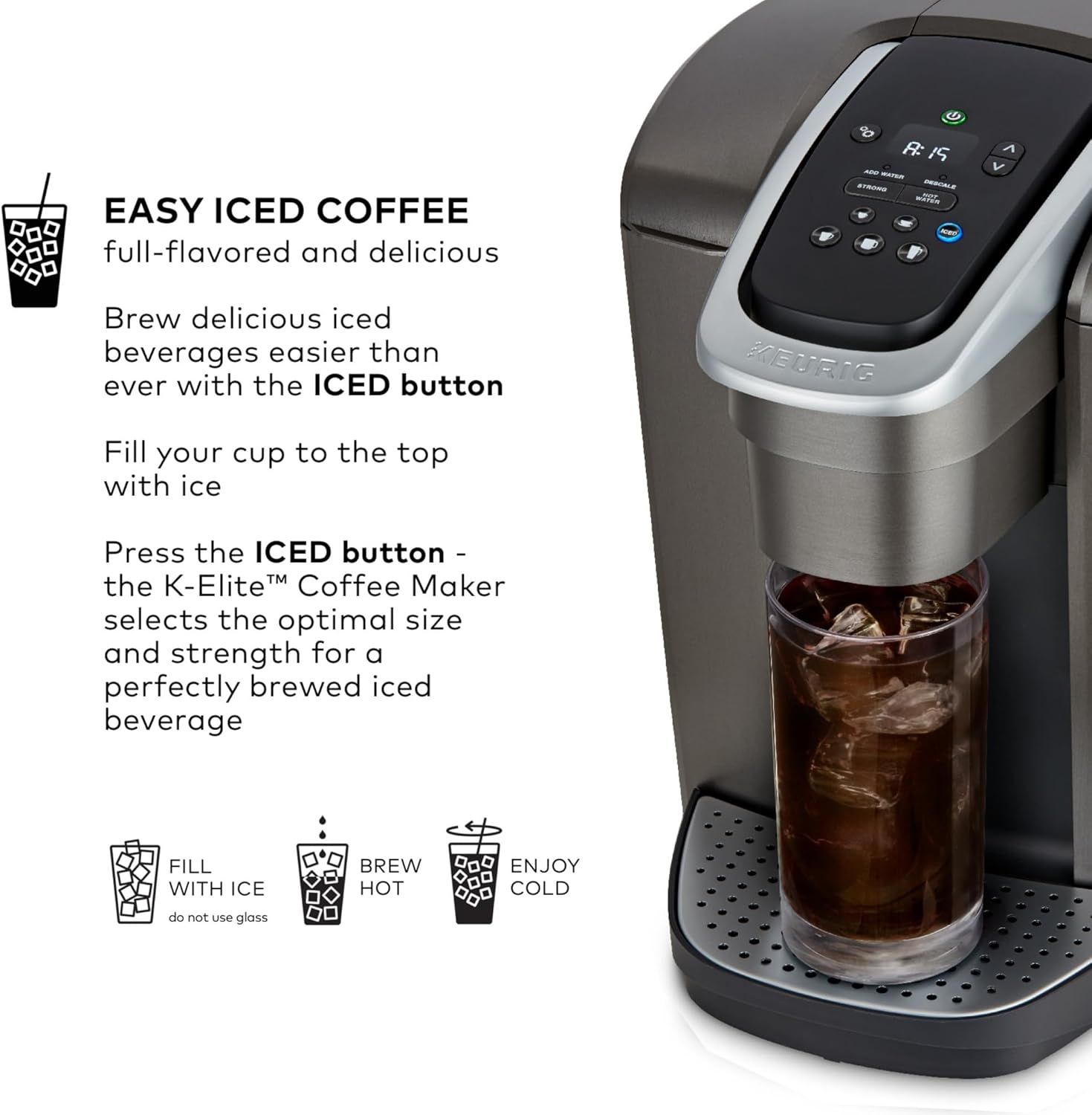
Explains how to use the ICED button feature to brew iced coffee, walking the shopper through the simple three-step process: fill with ice, press the ICED button, and enjoy cold beverages. Highlights the dedicated ICED button feature that automatically optimizes brewing for iced beverages, emphasizing ease of use and full-flavored results.
- Brand
- Keurig
- Category
- Home & Kitchen › Kitchen & Dining › Coffee, Tea & Espresso › Coffee Makers › Single-Serve Brewers
- Image type
- How to Use Images, Single Benefit Images, Secondary Images
- Design focus
- Easy Iced Coffee Brewing; Iced Coffee Feature
- Listing position
- Image 5
- Marketplace
- United States
- Best Sellers Rank
- #196 in Home & Kitchen (See Top 100 in Home & Kitchen) #1 in Single-Serve Brewers
- Full listing
- See all 12 images in order
- ASIN
- B078NN17K3
See your listing next to your competitors
Paste your Amazon link. We score every image and show what the top sellers do differently. Your first comparison is free.
What this image does at a glance
- Score
- 12 / 100 · Unreadable small
- Headline
- KEURNG
- Headline height
- 5.0% of the image
- Headline contrast
- Lc 51
- Text on the image
- 12.0% of the image, 23 blocks
- Blurred to tile size
- headline no longer readable
- lower text "selects the optimal size" is 1.4% of height, needs 5.5%
- headline unreadable at phone-tile blur
- 22 separate text blocks
Listing bullet points
- WHAT'S IN THE BOX: One water filter handle, and one filter to help ensure your beverages taste their absolute best.
- BREWS MULTIPLE CUP SIZES: 4, 6, 8, 10, 12oz Enjoy the most popular cup sizes.
- STRONG BREW: Brew a stronger, more intense cup.
- ICED SETTING: Brew hot over ice at the touch of a button for full-flavored, delicious iced coffee.
- HOT WATER ON DEMAND BUTTON: Perfect for instant soups or oatmeal.
- FAST & FRESH BREWED: Coffee made in minutes.
- LARGE 75oz WATER RESERVOIR: Allows you to brew multiple cups before having to refill, saving you time and simplifying your morning routine. Removable reservoir makes refilling easy.
- BREWER MAINTENANCE REMINDER: Alerts you when it is time to descale your coffee maker. Descaling is an important process that removes built-up calcium deposits, ensuring the best-tasting brew possible.
Similar how to use images in Home & Kitchen
 2 Pack Airmega 100 Filter Replacement For Coway Airmega 100 Air Purifier
 ELLDOO Wooden Treasure Chest with Lock
 ELLDOO Wooden Treasure Chest with Lock
 Native M2 Pro Water Purifier by Urban Company
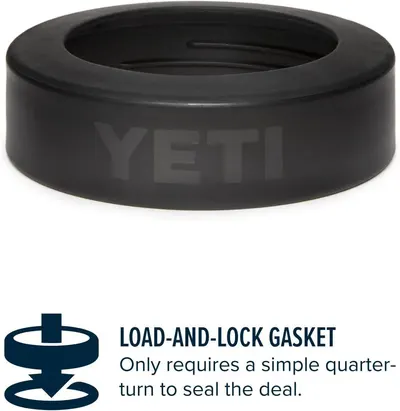 YETI Navy Rambler Colster Can Insulator
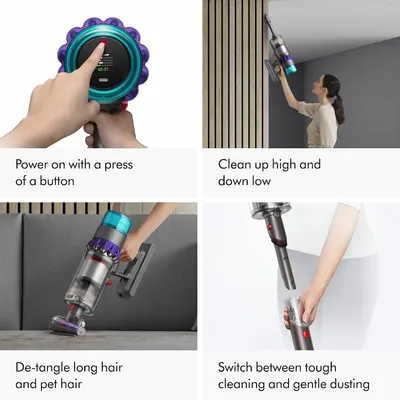 Dyson Gen5detect Cordless Vacuum
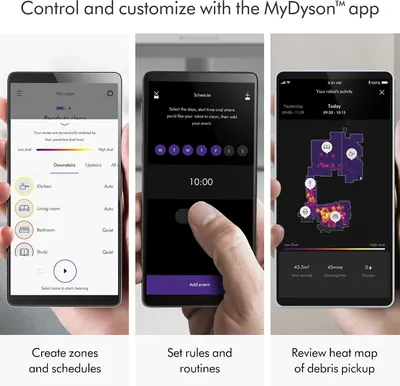 Dyson 360 Vis Nav Robot Vacuum
 Comfy Hour 3 Inch Cardinal Salt and Pepper Shakers
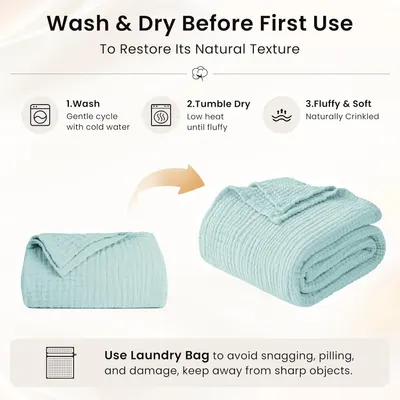 Love's cabin 100% Cotton Muslin Blanket
 EMME Muslin Cotton Blankets Queen Size for Bed Adults Soft Teal 90" x 90"
 Threadmill Cotton Queen Coverlet Blanket
 100% Cotton Muslin Blanket for Adults
This image belongs to Keurig and is shown for design research. Request removal.