Dehumidifier: How to Use Images
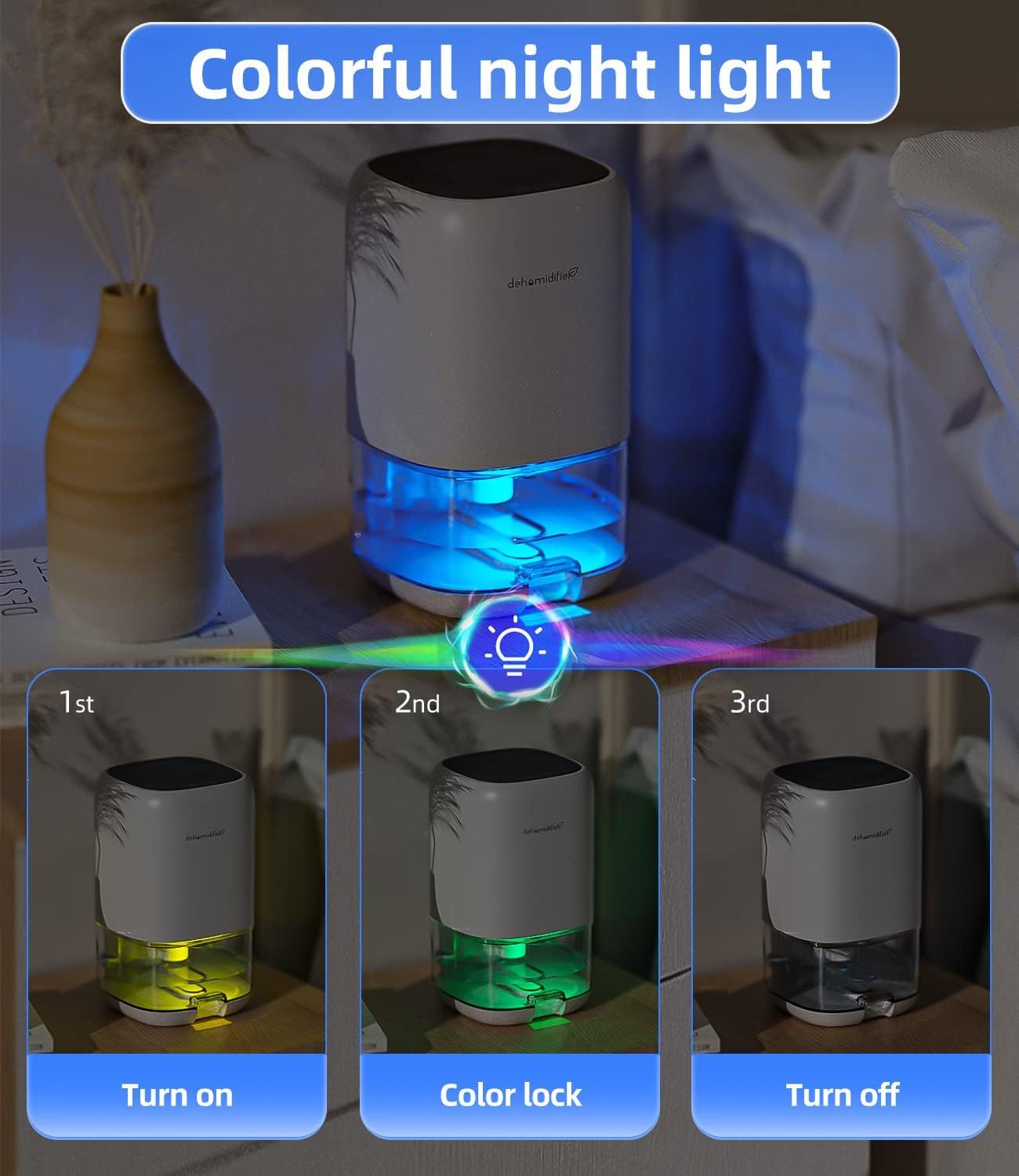
Demonstrates the three-step operation sequence for the product's colorful night light feature: how to turn it on, lock a color, and turn it off. Highlights the product's colorful ambient lighting feature as a key benefit for creating mood and ambiance.
- Brand
- TABYIK
- Category
- Home & Kitchen › Heating, Cooling & Air Quality › Dehumidifiers
- Image type
- How to Use Images, Single Benefit Images, Secondary Images
- Design focus
- Colorful Night Light Operation; Colorful Night Light
- Listing position
- Image 5
- Marketplace
- United States
- Best Sellers Rank
- #768 in Home & Kitchen (See Top 100 in Home & Kitchen) #1 in Dehumidifiers
- Full listing
- See all 9 images in order
- ASIN
- B09TSZTMZ2
See your listing next to your competitors
Paste your Amazon link. We score every image and show what the top sellers do differently. Your first comparison is free.
What this image does at a glance
- Score
- 76 / 100 · Readable
- Headline
- Colorful night light
- Headline height
- 4.7% of the image
- Headline contrast
- Lc 66
- Text on the image
- 5.6% of the image, 8 blocks
- Blurred to tile size
- headline still readable
Listing bullet points
- High Efficient Dehumidifiers for Home: Still annoyed about the muggy weather? Just Take it easy! have a try at TABYIK 35OZ Peltier dehumidifier, in a closed small room with humid environment of 86°F and 80% RH, it can collect a max of 16oz(450ml) of water in 24 hours, and with very low energy…
- Small Dehumidifiers with Colorful Light: There is a separate light button, which can emit 7-color romantic atmosphere lights for you, and the ultra-quiet operation (28dB) creates a comfortable and peaceful environment for your bedroom and office.
- 35OZ Dehumidifiers for Bathroom: With 1000ml (35OZ) large transparent tank, you can see the water collection volume of the dehumidifier in real-time, and there is a groove design at the bottom of the water tank, you can easily take it out, pour water and clean it!
- Auto Shut Off Protection: When the water tank is 700~800ml full, dehumidifiers will auto shut off work, and the light will flash red to inform you. It is also very safe and convenient to use when you are not at home.
- Portable Dehumidifier for Bedroom: With a compact size of 5.9X5.9X10.1 inch and a built-in handle on the back, it is very convenient to be placed everywhere. Helping to get the excess moisture out of the air for you in bedroom, bathroom, RV, closet.
- Important using tips: Please keep the top air inlet and the back outlet of this dehumidifier free from blocking.
Similar how to use images in Home & Kitchen
 2 Pack Airmega 100 Filter Replacement For Coway Airmega 100 Air Purifier
 ELLDOO Wooden Treasure Chest with Lock
 ELLDOO Wooden Treasure Chest with Lock
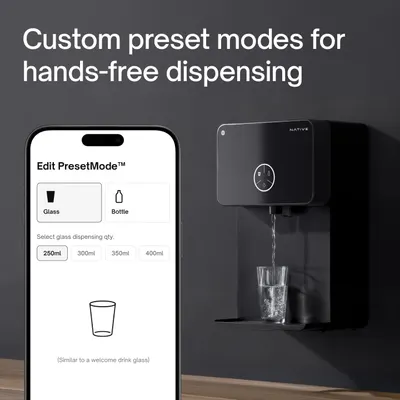 Native M2 Pro Water Purifier by Urban Company
 YETI Navy Rambler Colster Can Insulator
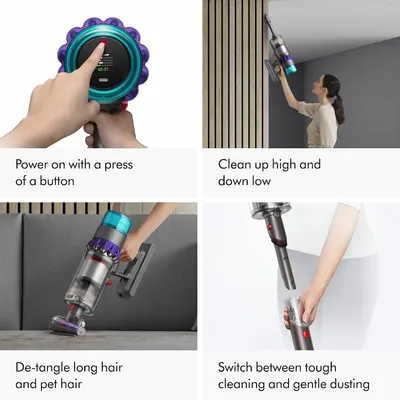 Dyson Gen5detect Cordless Vacuum
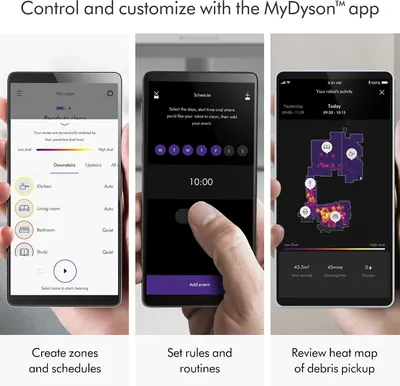 Dyson 360 Vis Nav Robot Vacuum
 Comfy Hour 3 Inch Cardinal Salt and Pepper Shakers
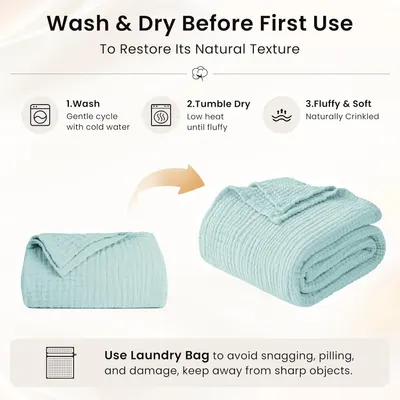 Love's cabin 100% Cotton Muslin Blanket
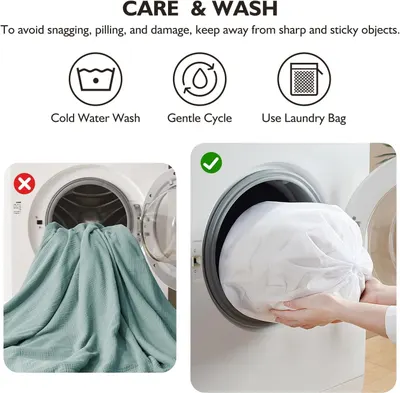 EMME Muslin Cotton Blankets Queen Size for Bed Adults Soft Teal 90" x 90"
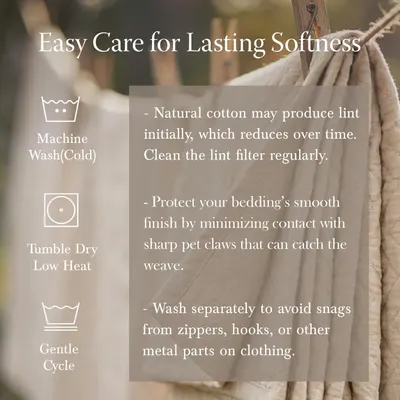 Threadmill Cotton Queen Coverlet Blanket
 100% Cotton Muslin Blanket for Adults
This image belongs to TABYIK and is shown for design research. Request removal.