Samsung 27" Essential S3 (S36GD) Series FHD 1800R Curved Computer Monitor: full Amazon image stack
Samsung 27" Essential S3 (S36GD) Series FHD 1800R Curved Computer Monitor by Samsung uses 12 gallery images. Image 1 is a product main image. The rest of the stack uses brand images, dimension images and single benefit images. It ranks #1,446 in Electronics.
See your listing next to your competitors
Paste your Amazon link. We score every image and show what the top sellers do differently. Your first comparison is free.
- Brand
- Samsung
- Niche
- Monitor
- Category
- Electronics
- Gallery images
- 12
- Best Sellers Rank
- #1,446 in Electronics (See Top 100 in Electronics)
- ASIN
- B0DB9Q5G3R
Gallery images in order
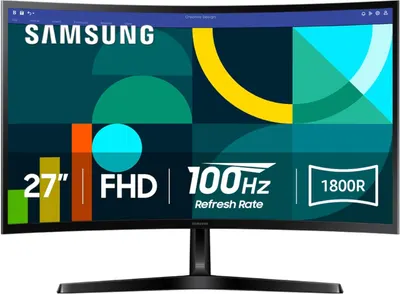 Image 1 · Product Main Images, Shadow Main Images
Shows the Samsung monitor as the core product with key technical specifications displayed on-screen to communicate its size, resolution, refresh rate, and curved design to help shoppers quickly understand the product's main features. Uses a subtle drop shadow beneath the monitor stand and a light gradient background to give the product visual weight and professional presentation that elevates it beyond a flat catalog look.
27-inch FHD Monitor; 100Hz Refresh Rate; 1800R Curved Display; Drop Shadow; Non-white Background
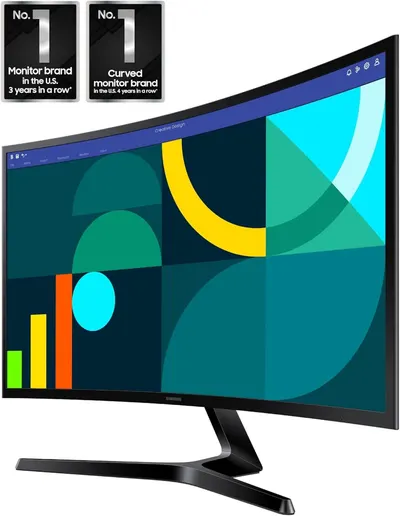 Image 2 · Brand Images
Communicates brand dominance and market leadership by highlighting that this is the #1 monitor brand in the U.S. for 3 years running and #1 curved monitor brand for 4 years in a row, building trust and credibility with shoppers.
Market Leadership; Brand Authority
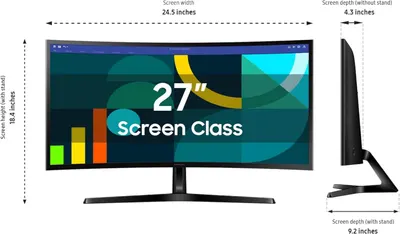 Image 3 · Dimension Images
Communicates the exact physical dimensions of the monitor to help shoppers understand its size and ensure it fits their workspace.
Physical Dimensions; Screen Width; Screen Height; Screen Depth
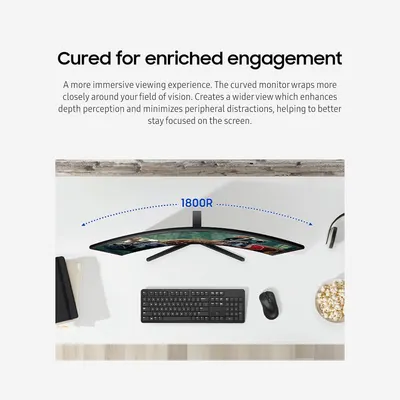 Image 4 · Single Benefit Images
Communicates the benefit of the curved monitor design, emphasizing how it creates a more immersive viewing experience that enhances focus and reduces peripheral distractions.
Curved Display; Immersive Viewing Experience; 1800R Curvature
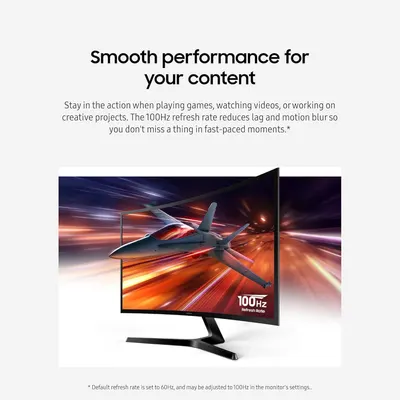 Image 5 · Key Stat Images, Single Benefit Images
Communicates the monitor's 100Hz refresh rate as a key performance specification, emphasizing smooth, lag-free performance for gaming, video watching, and creative work. Highlights the benefit of smooth, uninterrupted performance during fast-paced content, reassuring shoppers that the monitor delivers a superior viewing experience.
100Hz Refresh Rate; Smooth Performance; Reduced Lag and Motion Blur
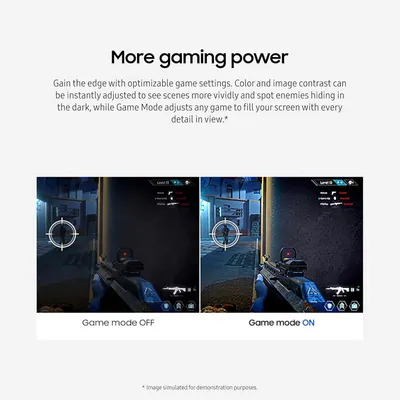 Image 6 · Single Benefit Images, Before and After Images
Demonstrates the visual transformation and enhanced gaming experience when Game Mode is activated, showing improved color contrast and image clarity to help gamers spot enemies more easily. Highlights the gaming optimization feature that enhances visual quality and provides competitive advantage through adjustable settings.
Game Mode; Optimizable Game Settings; Enhanced Visibility; Gaming Performance; Visual Enhancement
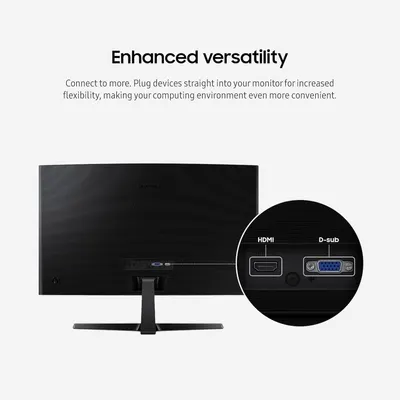 Image 7 · Single Benefit Images
Communicates that the monitor offers enhanced versatility by allowing users to plug devices directly into the monitor via HDMI and D-sub ports, making the computing environment more convenient and flexible.
Enhanced Versatility; Multiple Port Connectivity
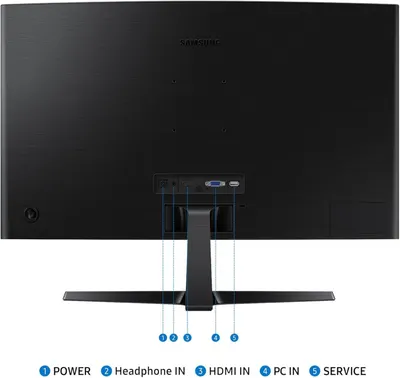 Image 8 · Product Detail Images
This image identifies and labels the physical ports and connections on the back of the Samsung monitor, helping shoppers understand how to connect power, audio, video, and service cables.
Port Identification; Connectivity Options
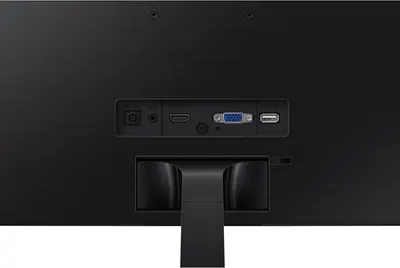 Image 9 · Product Detail Images
Highlights the monitor's various connectivity ports (DC power, HDMI, VGA, USB service) to reassure shoppers about compatibility and connection flexibility.
Connectivity Ports; Input/Output Options
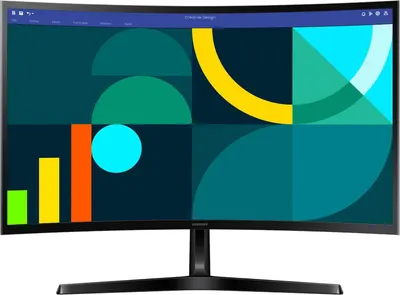 Image 10 · White Background Images
Provides a clean, catalog-style view of the Samsung monitor showing its design, screen display with creative graphics, and stand against a white background for clear product visualization.
Clean Product Display
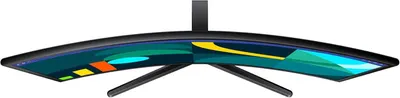 Image 11 · White Background Images
Provides a clean, catalog-style view of the curved monitor from a side angle to show its physical design and screen curvature without distractions.
Product on white background
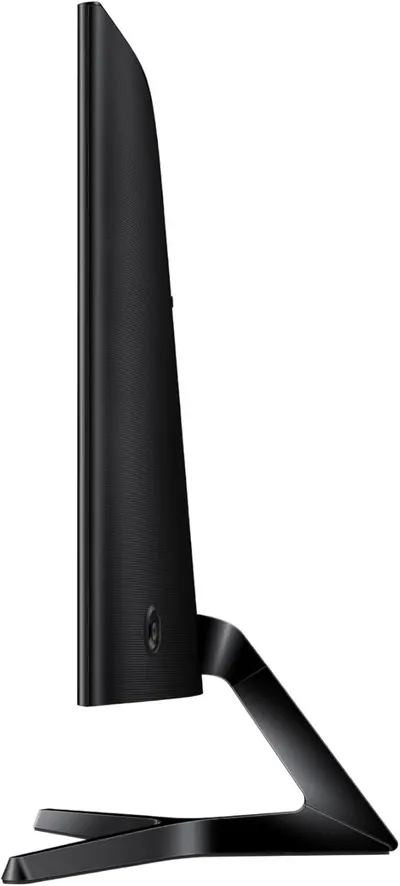 Image 12 · White Background Images
Displays the product's sleek side profile and curved stand design on a clean white background to showcase the monitor's slim form factor and modern aesthetic.
Side Profile View
Design themes in this listing
- 100Hz Refresh Rate2
- 1800R Curvature1
- 1800R Curved Display1
- 27-inch FHD Monitor1
- Brand Authority1
- Clean Product Display1
- Connectivity Options1
- Connectivity Ports1
Other Monitor listings
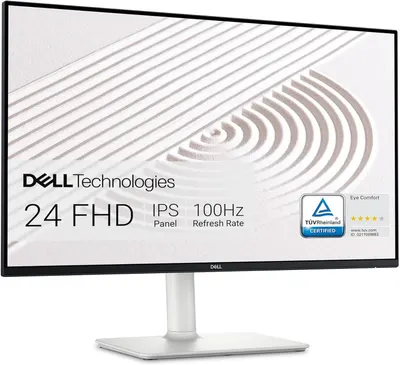 Dell S2425HS Monitor12 gallery images · #133 in Electronics
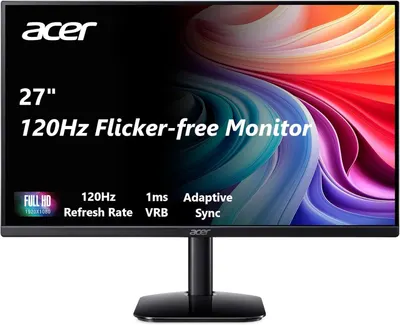 acer 27 Inch Monitor- KB272-27 Inch FHD IPS (1920 x 1080) Display12 gallery images · #190 in Electronics
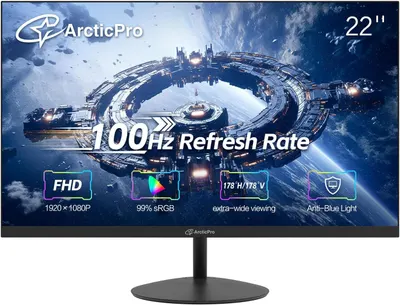 ArcticPro 22 inch 100Hz Monitor7 gallery images · #1,654 in Electronics
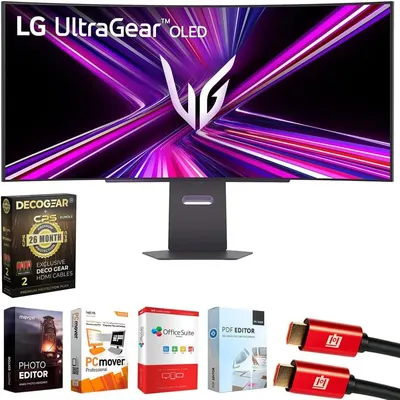 LG 39GX900A-B 39 Inch Ultragear OLED WQHD 240Hz 0.03ms 800R Curved…9 gallery images · #85,750 in Electronics
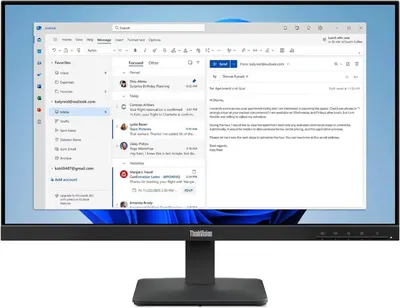 Lenovo ThinkVision S24-4e 24" Class Full HD LED Monitor8 gallery images · #223,525 in Electronics
Our design team makes Amazon listing images, infographics and A+ content. £750 per day, with revisions the next day.
Last example added 2026-02-26 · 12 images. Image types are tagged by AI and checked by hand in samples.
These images belong to Samsung and are shown for design research. Request removal.