Samsung 32-Inch Flat Computer Monitor: full Amazon image stack
Samsung 32-Inch Flat Computer Monitor by Samsung uses 11 gallery images. Image 1 is a product main image. The rest of the stack uses brand images, white background images and single benefit images. It ranks #216 in Electronics.
See your listing next to your competitors
Paste your Amazon link. We score every image and show what the top sellers do differently. Your first comparison is free.
- Brand
- Samsung
- Niche
- Monitors
- Category
- Electronics
- Gallery images
- 11
- Best Sellers Rank
- #216 in Electronics (See Top 100 in Electronics)
- ASIN
- B0D6CKL4HV
Gallery images in order
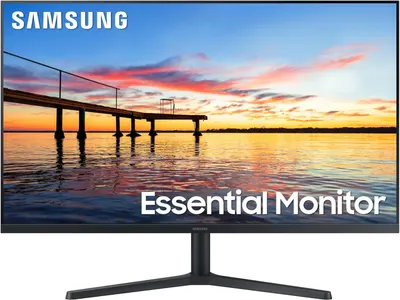 Image 1 · Product Main Images, Shadow Main Images
Shows the Samsung Essential Monitor displaying a vibrant, high-quality sunset scene to communicate the monitor's visual performance and color reproduction capabilities. Uses a clean white background to anchor and isolate the monitor, making it stand out clearly as the focal product while emphasizing its professional presentation.
Display Quality; Scenic Visuals; White Background; Product Grounding
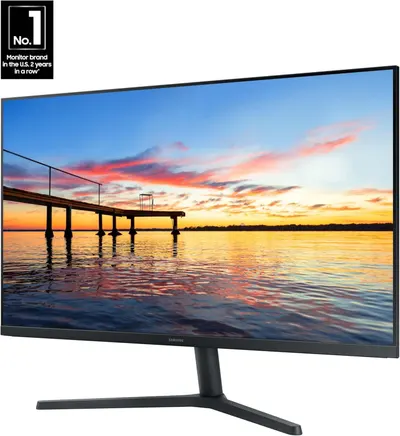 Image 2 · Brand Images
Communicates brand authority and market leadership to build trust and credibility with shoppers by highlighting the brand's #1 position in the U.S. monitor market.
No.1 Monitor Brand in U.S. 2 Years in a Row
 Image 3 · White Background Images
Provides a clean, catalog-style view of the monitor showing its design, stand, and display from the front angle.
Product on white background
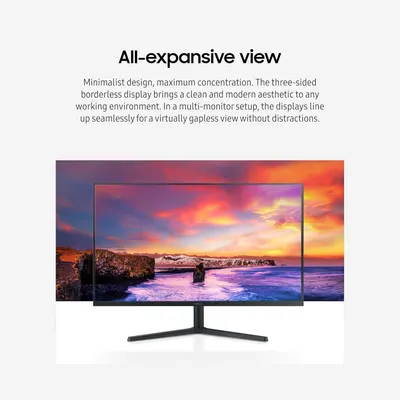 Image 4 · Single Benefit Images
Communicates the monitor's three-sided borderless design and its benefit for creating a seamless, distraction-free multi-monitor setup with a clean aesthetic.
Borderless Display; Multi-Monitor Setup
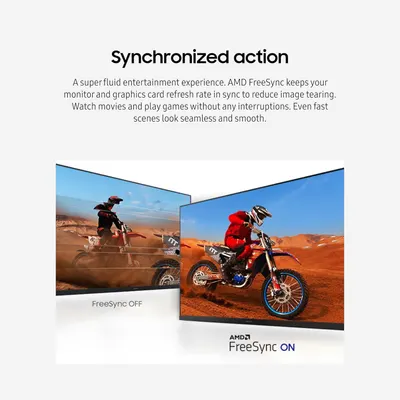 Image 5 · Single Benefit Images, Comparison Chart Images
Demonstrates the visual quality improvement with AMD FreeSync ON versus OFF, showing how the technology eliminates screen tearing and provides smooth, seamless gameplay. Communicates the core benefit of AMD FreeSync technology in delivering a fluid, interruption-free entertainment experience for gaming and movies.
AMD FreeSync Technology; Synchronized Refresh Rate; Smooth Gaming Performance; No Screen Tearing
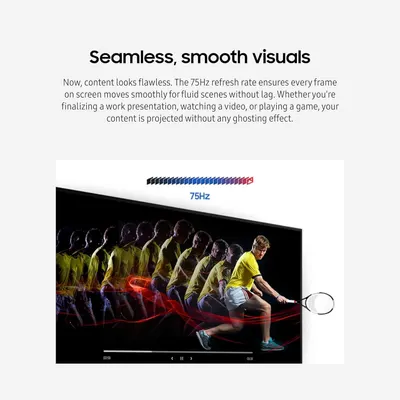 Image 6 · Key Stat Images, Single Benefit Images
Communicates the technical performance specification of 75Hz refresh rate to reassure shoppers that the display delivers smooth, lag-free visuals for gaming, video, and presentations. Highlights the benefit of seamless, fluid motion without ghosting effects, emphasizing visual quality for various use cases like work, entertainment, and gaming.
75Hz Refresh Rate; Smooth Motion; No Ghosting
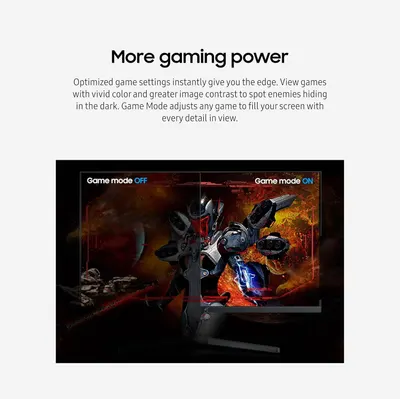 Image 7 · Before and After Images
Demonstrates the visual transformation when Game Mode is activated, showing improved color vibrancy and image contrast to help gamers spot enemies more easily and gain a competitive edge.
Game Mode Enhancement; Optimized Display Settings
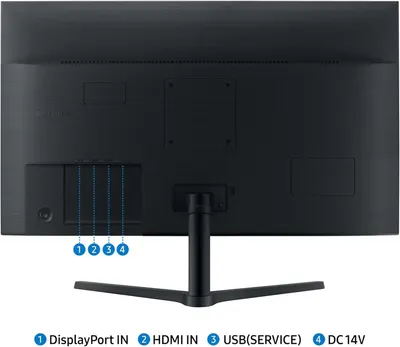 Image 8 · Product Detail Images
This image identifies and labels the physical ports and connections on the back of the monitor, helping shoppers understand the connectivity options and how to set up the device.
Port Layout; DisplayPort IN; HDMI IN; USB(SERVICE); DC 14V
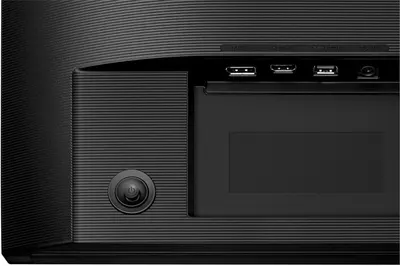 Image 9 · Product Detail Images
Shows the physical layout and location of key components including USB ports, HDMI port, audio jack, and power button to help shoppers understand the device's connectivity options and interface.
Port Configuration; Power Button Location
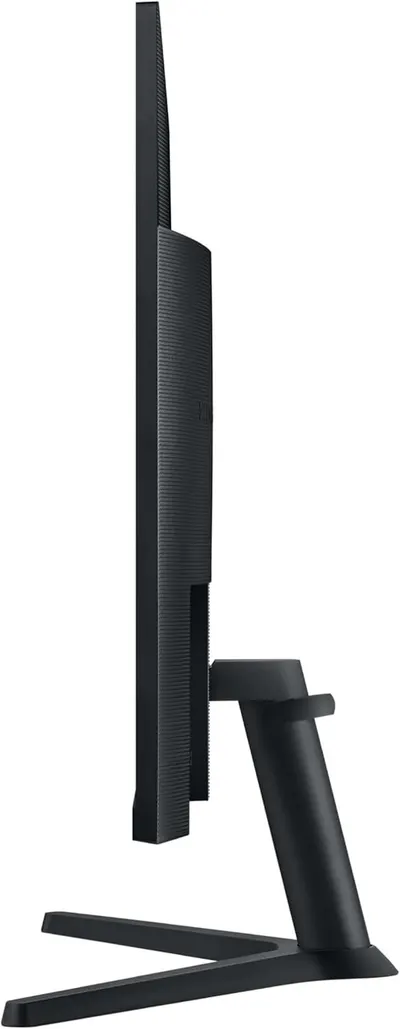 Image 10 · White Background Images
Displays the product's slim profile and stand design from a side angle to help shoppers understand the physical form factor and desk footprint of the monitor.
Side Profile View
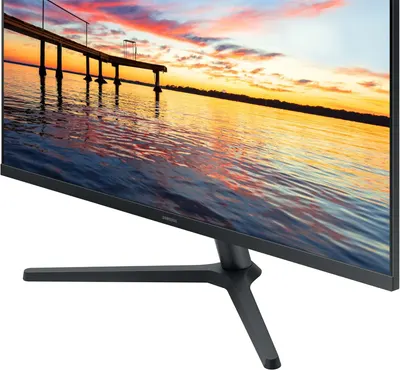 Image 11 · Lifestyle Images
Showcases the monitor's display quality and visual capabilities by showing a beautiful, high-resolution sunset scene to demonstrate color reproduction and image clarity.
Display Quality; Visual Experience
Design themes in this listing
- Display Quality2
- 75Hz Refresh Rate1
- AMD FreeSync Technology1
- Borderless Display1
- DC 14V1
- DisplayPort IN1
- Game Mode Enhancement1
- HDMI IN1
Other Monitors listings
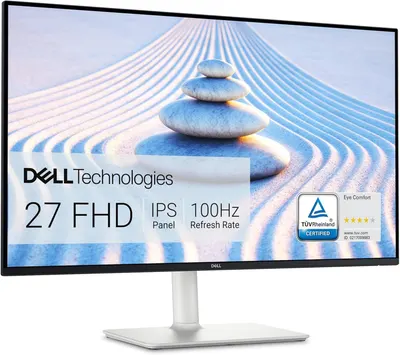 Dell S2725HS 27 Inch Monitor11 gallery images · #146 in Electronics
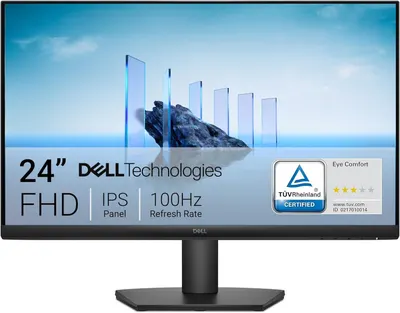 Dell 24 Monitor11 gallery images · #201 in Electronics
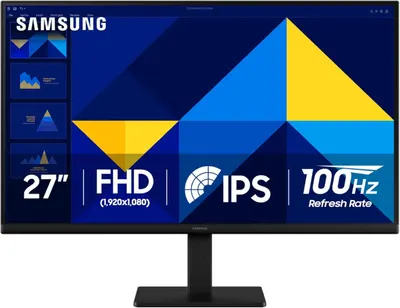 Samsung 27" (S30GD) Essential Monitor with IPS Panel and Tilt Only…12 gallery images · #216 in Electronics
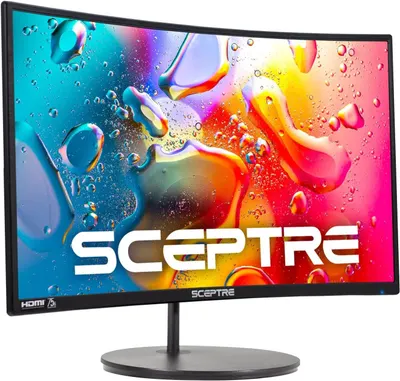 Sceptre Curved 24-inch Gaming Monitor 1080p R1500 98% sRGB HDMI x2…10 gallery images · #221 in Electronics
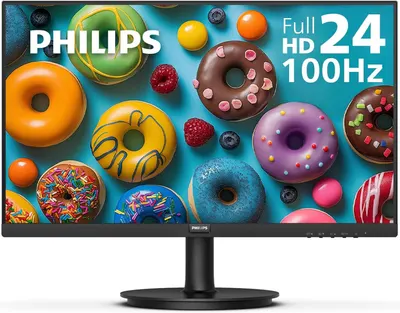 Philips New 24 inch Frameless Full HD (1920 x 1080) 100Hz Monitor7 gallery images · #355 in Electronics
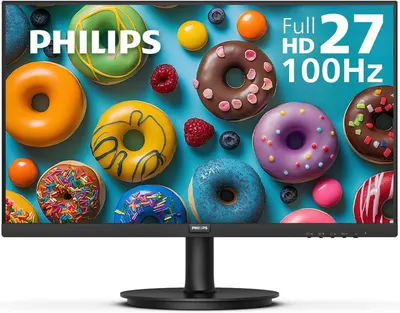 Philips New 27-inch Class Thin Full HD (1920 x 1080) 100Hz Monitor7 gallery images · #355 in Electronics
Our design team makes Amazon listing images, infographics and A+ content. £750 per day, with revisions the next day.
Last example added 2026-02-26 · 11 images. Image types are tagged by AI and checked by hand in samples.
These images belong to Samsung and are shown for design research. Request removal.