AICHESON Laptop Cooling Pad for 12-15.6 Inch: full Amazon image stack
AICHESON Laptop Cooling Pad for 12-15.6 Inch by AICHESON uses 9 gallery images. Image 1 is a product main image. The rest of the stack uses key stat images, infographic images and how to use images. It ranks #10,539 in Electronics.
See your listing next to your competitors
Paste your Amazon link. We score every image and show what the top sellers do differently. Your first comparison is free.
- Brand
- AICHESON
- Niche
- Laptop Cooling Pads
- Category
- Electronics
- Gallery images
- 9
- Best Sellers Rank
- #10,539 in Electronics (See Top 100 in Electronics)
- ASIN
- B09CYK6C93
Gallery images in order
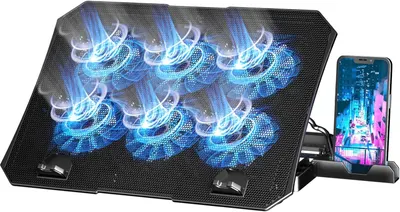 Image 1 · Product Main Images, Main Images with Graphics
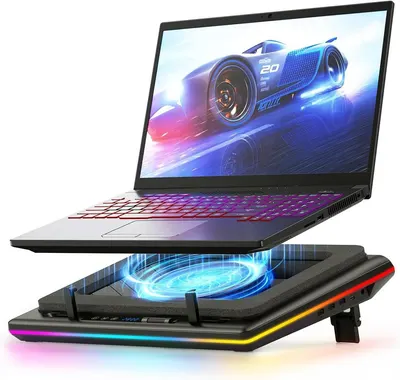
Shows the core product—a laptop cooling pad with illuminated blue LED fans and an integrated phone stand—to communicate its cooling functionality and multi-device support. Uses glowing blue light swirls and sparkle effects overlaid on the fans to visually emphasize the cooling airflow and create an eye-catching, dynamic appearance.
Laptop Cooling Pad with LED Fans; Phone Stand; Glowing Light Effects; Swirl Overlays
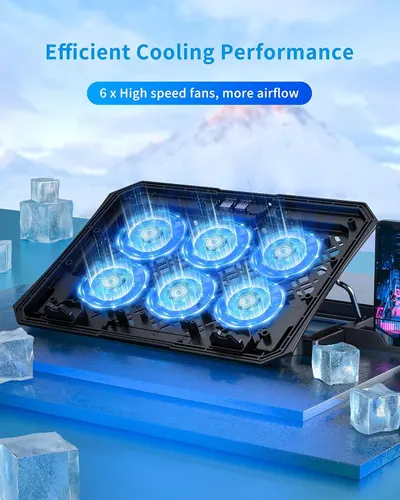 Image 2 · Key Stat Images, Single Benefit Images
Communicates the quantifiable cooling performance by highlighting the product has 6 high-speed fans for increased airflow, reassuring shoppers of its superior cooling capability. Emphasizes the core benefit of efficient cooling through the visual of glowing fans and ice cubes, reinforcing the product's ability to keep laptops cool during use.
6 High-Speed Fans; Efficient Cooling Performance
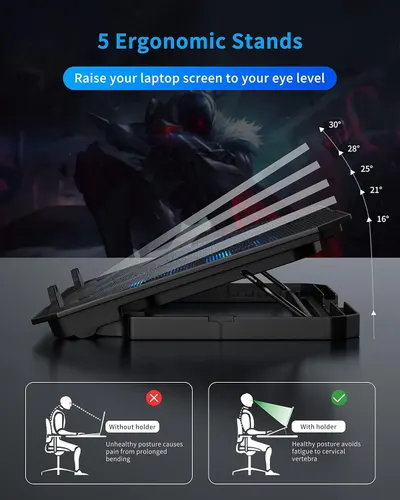 Image 3 · Infographic Images
Communicates the laptop stand's multiple adjustable angles and ergonomic benefits, showing how it improves posture and reduces neck strain compared to working without a stand.
5 Ergonomic Angle Adjustments; Posture Improvement; Eye-Level Screen Positioning
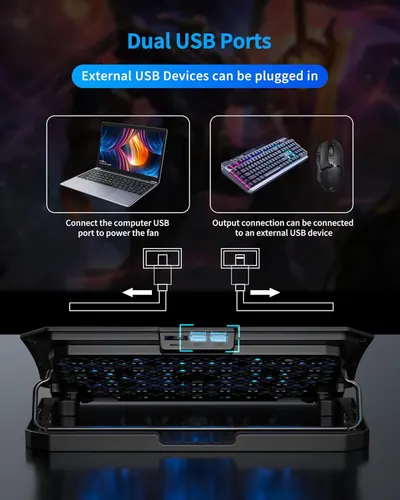 Image 4 · How to Use Images, Use Case Images
Explains how to use the dual USB ports on the product, showing that one port can power the fan via computer connection and the other can connect to external USB devices like keyboards and mice. Demonstrates the multiple applications of the dual USB ports, showing compatibility with both computer power connections and external USB peripherals.
Dual USB Port Setup; USB Device Connection; Multiple USB Use Cases; Device Compatibility
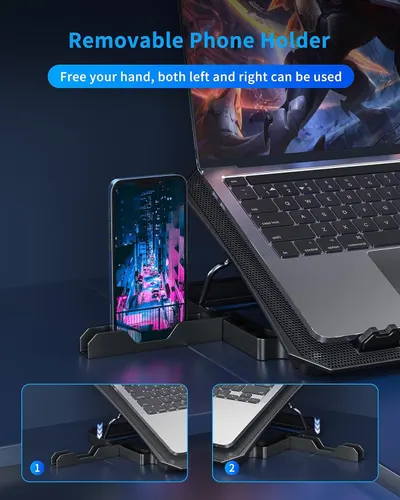 Image 5 · Single Benefit Images
Demonstrates that the laptop stand includes a removable phone holder that allows users to keep their phone visible and accessible while working, freeing both hands for typing or other tasks.
Removable Phone Holder; Hands-Free Use
 Image 6 · Lifestyle Images
Demonstrates the product (laptop cooling stand) in a real-world gaming environment to help shoppers visualize how it fits into their lifestyle and gaming setup.
Gaming Setup
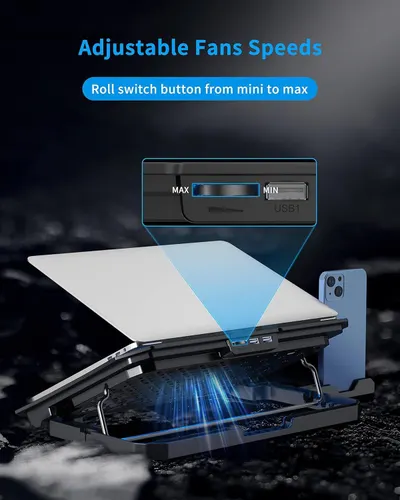 Image 7 · Product Detail Images, Single Benefit Images
Communicates that the laptop cooling pad offers adjustable fan speeds via a roll switch button, giving users control over cooling intensity from minimum to maximum. Highlights the physical location and function of the fan speed control switch and USB port on the laptop cooling pad.
Adjustable Fan Speed Control; Fan Speed Control Switch; USB Port
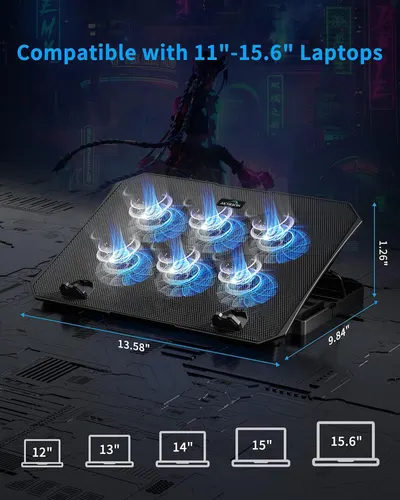 Image 8 · Use Case Images, Dimension Images
Demonstrates the range of laptop sizes this cooling pad is compatible with, reassuring shoppers that it will fit their device. Shows the exact physical dimensions of the cooling pad so shoppers can verify it will fit their workspace and laptop.
Laptop Compatibility (11"-15.6"); Physical Dimensions (13.58" x 9.84" x 1.26")
 Image 9 · Lifestyle Images
Demonstrates the product in a real-world office or home setting, showing how the laptop stand fits naturally into a professional's daily workflow.
Professional Use; Ergonomic Setup
Design themes in this listing
- 5 Ergonomic Angle Adjustments1
- 6 High-Speed Fans1
- Adjustable Fan Speed Control1
- Device Compatibility1
- Dual USB Port Setup1
- Efficient Cooling Performance1
- Ergonomic Setup1
- Eye-Level Screen Positioning1
Other Laptop Cooling Pads listings
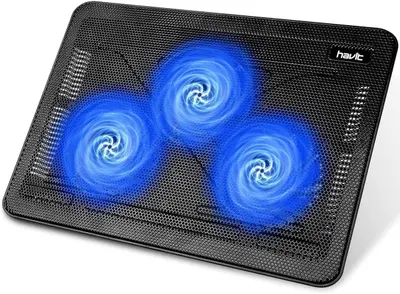 havit HV-F2056 15.6"-17" Laptop Cooler Cooling Pad8 gallery images · #301 in Electronics
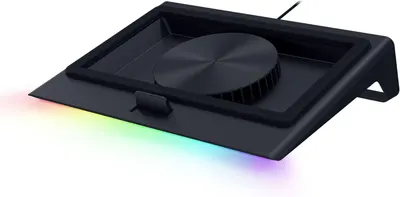 Razer Laptop Cooling Pad: Adaptive Smart11 gallery images · #367 in Computers & Accessories
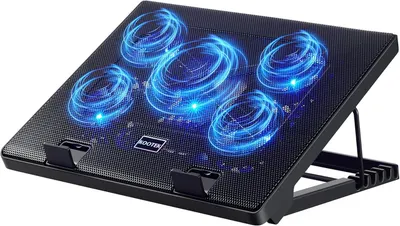 Kootek Laptop Cooling Pad7 gallery images · #667 in Electronics
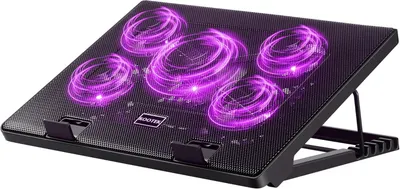 Kootek Laptop Cooling Pad7 gallery images · #667 in Electronics
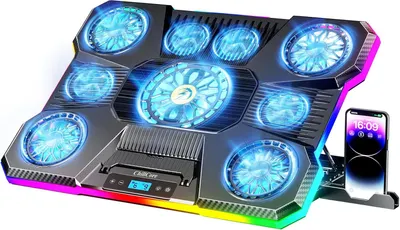 ChillCore Laptop Cooling Pad8 gallery images · #1,025 in Electronics
 llano V12 Gaming Laptop Cooling Pad8 gallery images · #1,433 in Electronics
Our design team makes Amazon listing images, infographics and A+ content. £750 per day, with revisions the next day.
Last example added 2026-02-26 · 9 images. Image types are tagged by AI and checked by hand in samples.
These images belong to AICHESON and are shown for design research. Request removal.