JOREST Watch Battery Replacement Kit: How to Use Images
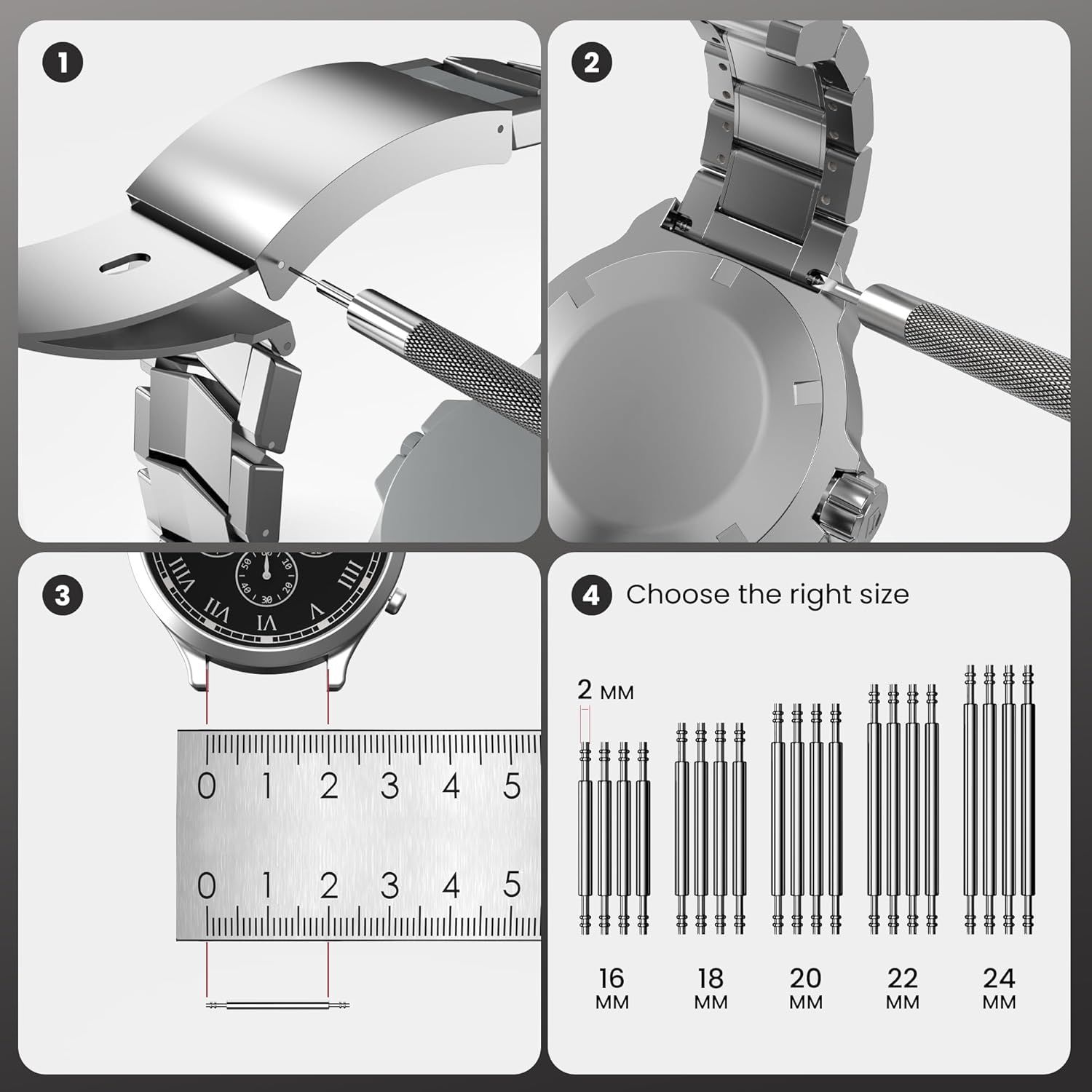
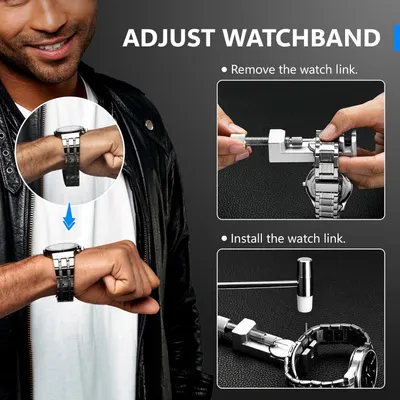
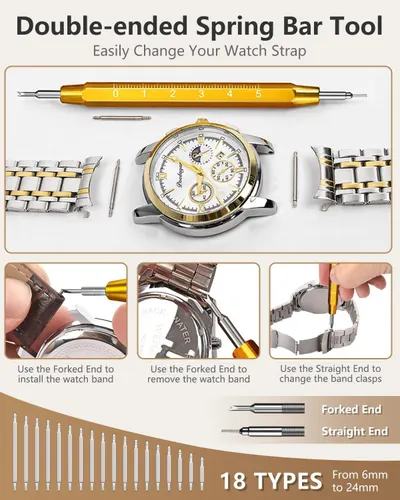
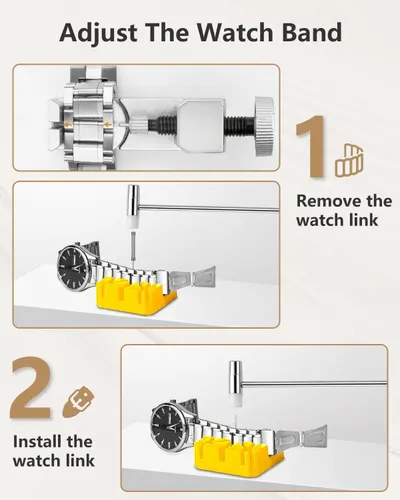
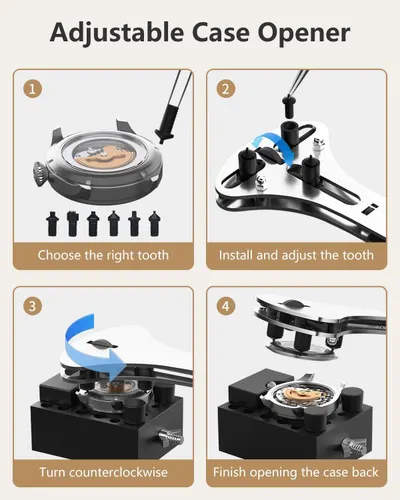
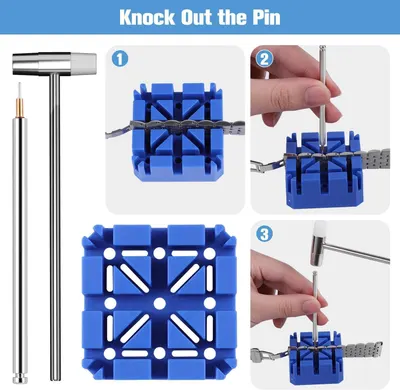
This image provides step-by-step instructions on how to install or replace a watch band, showing the removal process, clasp mechanism, proper sizing measurement, and available size options to help shoppers successfully set up their watch band. Helps shoppers understand the physical dimensions of the watch band and choose the correct size from available options (16mm to 24mm) by showing measurement reference and size comparison.
- Brand
- Jorest
- Category
- Clothing, Shoes & Jewelry › Shoe, Jewelry & Watch Accessories › Watch Accessories › Repair Tools & Kits
- Image type
- How to Use Images, Dimension Images, Secondary Images
- Design focus
- Watch Band Installation; Size Selection; Watch Band Width Measurement; Multiple Size Options
- Listing position
- Image 7
- Marketplace
- United States
- Best Sellers Rank
- #1,693 in Clothing, Shoes & Jewelry (See Top 100 in Clothing, Shoes & Jewelry) #3 in Watch Repair Tools & Kits
- Full listing
- See all 9 images in order
- ASIN
- B09B4R1G33
See your listing next to your competitors
Paste your Amazon link. We score every image and show what the top sellers do differently. Your first comparison is free.
What this image does at a glance
- Score
- 26 / 100 · Unreadable small
- Headline
- *#**
- Headline height
- 3.6% of the image
- Headline contrast
- Lc 62
- Text on the image
- 4.7% of the image, 24 blocks
- Blurred to tile size
- headline no longer readable
Listing bullet points
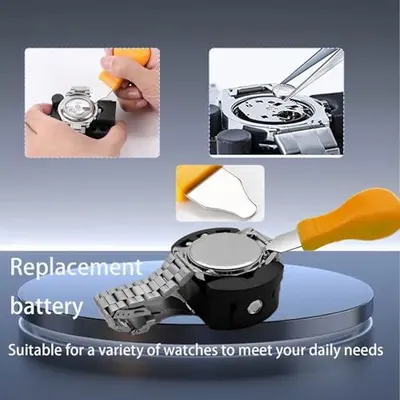
- 【Watch battery replacement kit】-- This watch battery removal kit consists of a watch back case opener, a watch case opening pry, a caseback holder, a five-in-one watch screwdriver handle, and five screwdriver bits (-1.0/ -1.2/ -1.5 /+1.5 /+1.8), a spring bar tool, tweezers, 20PCS 1.5ΦSpring bar…
- 【Suitable for different watch covers】-- Watch back wrench is used for watch cases with grooves;watch case opening pry is used for the watch case with a pry opening;Screwdriver is used for watch case fixed by screws;tweezers are used to remove the battery.The use range of the watch back case opener…
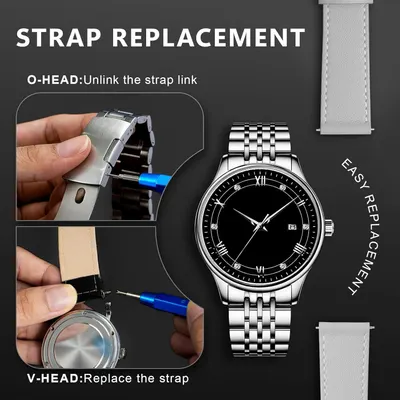
- 【Five-in-one watch screwdriver】-- Five types of screwdriver bits are suitable for many situations: watch battery fixing screws, watch case screws, watchband screws, and can also be used for glasses screws. The cover at the end of the screwdriver can be opened, and the inside is hollow for storing…
- 【The purpose of the watch case holder】-- The watch case holder can be used with other tools in the kit to help fix the watch. Moreover, it is more effective in avoiding the risk of sliding and scratching the watch after reducing the diameter of the spring. It is suitable for watches of various…
- 【Picture Operation Manual】-- The kit comes with a user manual(in English). The detailed pictures explain the correct usage method to you, avoid damaging your watch by wrong operation, and help you solve the watch problem at home.
Similar how to use images in Clothing, Shoes & Jewelry
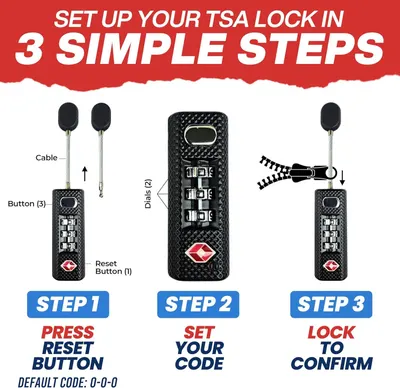 TSA Approved 3-Digit Combination Luggage Lock
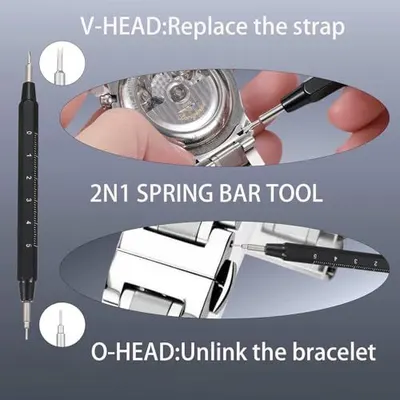 Watch Repair Kit with Canvas Storage Bag
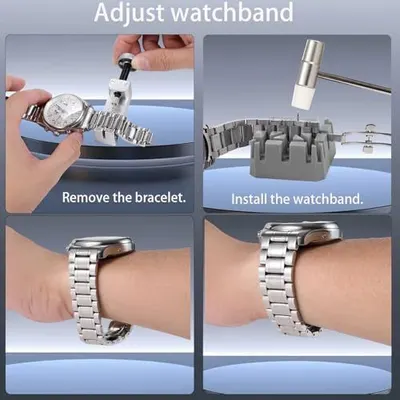 Watch Repair Kit with Canvas Storage Bag
 Watch Repair Kit with Canvas Storage Bag
 JOREST Watch Repair Kit + Watch Press Tool
 JOREST Watch Repair Kit + Watch Press Tool
 EasyTime Watch Repair Kit
 EasyTime Watch Repair Kit
 EasyTime Watch Repair Kit
 【New Upgraded】Eventronic Watch Repair Kit Professional 154PCS
 【New Upgraded】Eventronic Watch Repair Kit Professional 154PCS
 Watch Link Removal Kit
This image belongs to Jorest and is shown for design research. Request removal.