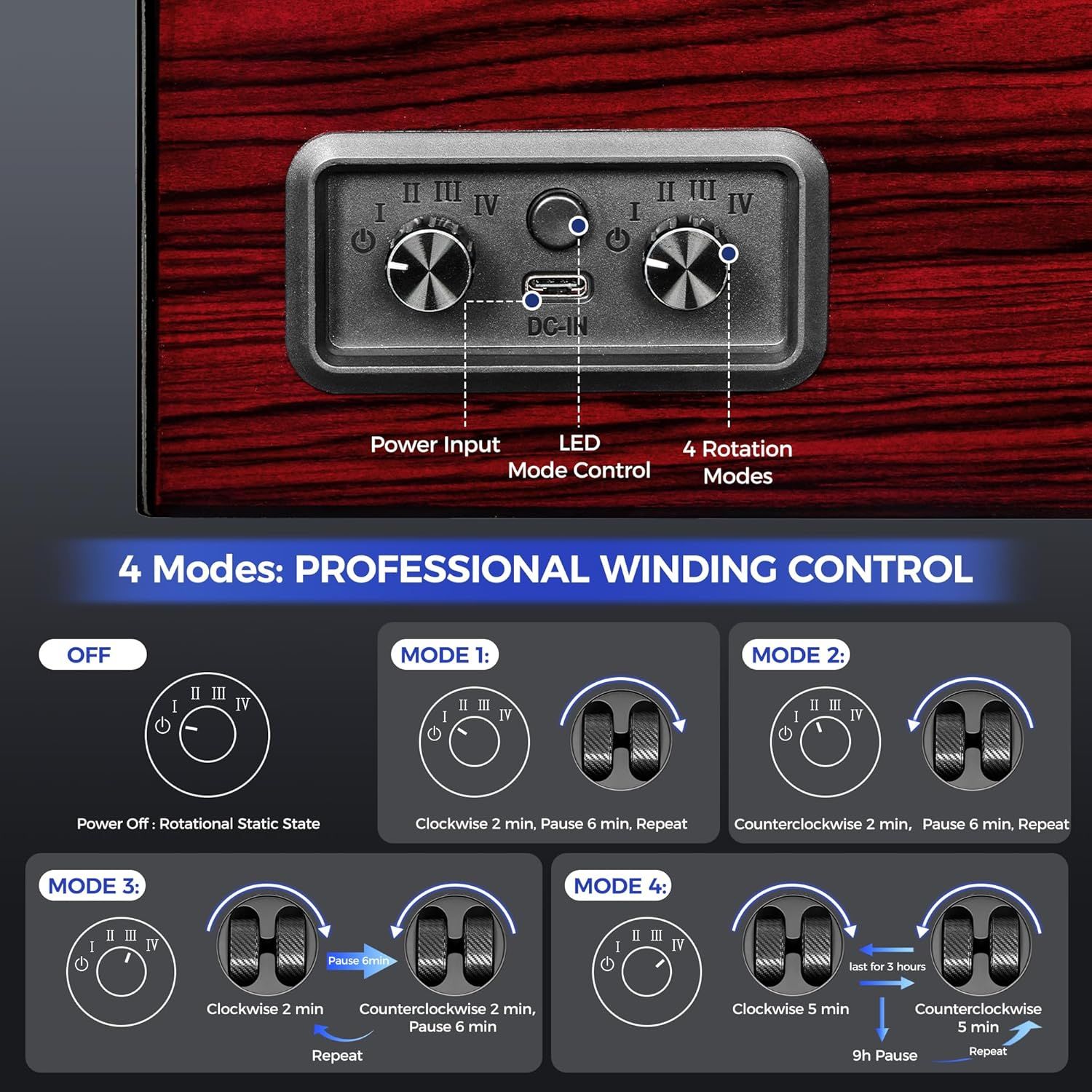
ANWBROAD Watch Winders For Automatic Watches: How to Use Images
This image breaks down the control panel of the watch winder, labeling each physical component (power input, LED, mode control, rotation dials) to help shoppers understand how to operate the device. Explains how to use the watch winder by showing the four different rotation modes (OFF, Mode 1-4) with step-by-step visual instructions for each winding pattern.
- Brand
- ANWBROAD
- Category
- Clothing, Shoes & Jewelry › Shoe, Jewelry & Watch Accessories › Watch Accessories › Watch Winders
- Image type
- How to Use Images, Product Detail Images, Secondary Images
- Design focus
- Power Input; LED Mode Control; 4 Rotation Modes; 4 Winding Modes; Rotation Programming
- Listing position
- Image 7
- Marketplace
- United States
- Best Sellers Rank
- #282,488 in Clothing, Shoes & Jewelry (See Top 100 in Clothing, Shoes & Jewelry) #76 in Watch Winders
- Full listing
- See all 8 images in order
- ASIN
- B0F32J9MLJ
See your listing next to your competitors
Paste your Amazon link. We score every image and show what the top sellers do differently. Your first comparison is free.
What this image does at a glance
- Score
- 15 / 100 · Unreadable small
- Headline
- 4 Modes: PROFESSIONAL WINDING CONTROL
- Headline height
- 2.5% of the image
- Headline contrast
- Lc 86
- Text on the image
- 7.7% of the image, 29 blocks
- Blurred to tile size
- headline no longer readable
Listing bullet points
- 【High-quality Piano Finish】The automatic watch winder is made of High-quality piano finish and carbon fiber material.Automatic watch winder box features 4 winding positions.This watch box has store and maintain automatic watches with dual rotation modes (clockwise/counterclockwise/interval)…
- 【Adjusttable Pillows And Built-In Blue Led Illumination】Each pillow of this watch case for automatic watches has a removable ring to increase the circumference to fit different sizes of watches, Both men's and women's watches can be used. Blue LED can beautify the use atmosphere, which also makes…
- 【4 Rotation Modes】Mode 1:Rotate clockwise for 2 minufes,Pause for 6 minutes,Repeat;Mode 2:Rotate couterclockwise for 2 minufes,Pause for 6 minufes,Repeat;Mode 3:Rofate clockwise for 2 minufes,Pause for 6 minutes,Then rotafe counterclockwise for 2 minutes, Pause for 6 minufes.Repeat;Mode 4:Rotate…
- 【Ultra-Silent Rotation】Silent watch spinner box with <5dB brushless motor (quieter than a library) . The automatic watch winder runs very quietly, You can place it in the office, study and bedroom without worries
- 【Perfect Watch Winder】Watch turner is an ideal for birthdays, Valentine's Day, weddings, anniversaries, Christmas, or Father's Day.Whether for your husband, father, or friend, it’s sure to please even the most discerning recipient
Similar how to use images in Clothing, Shoes & Jewelry
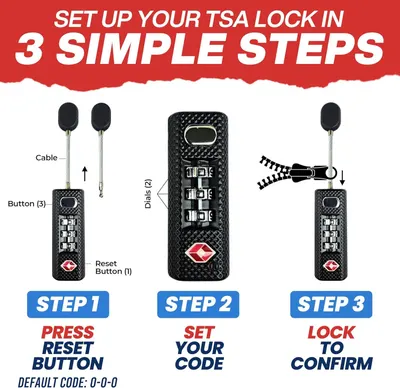 TSA Approved 3-Digit Combination Luggage Lock
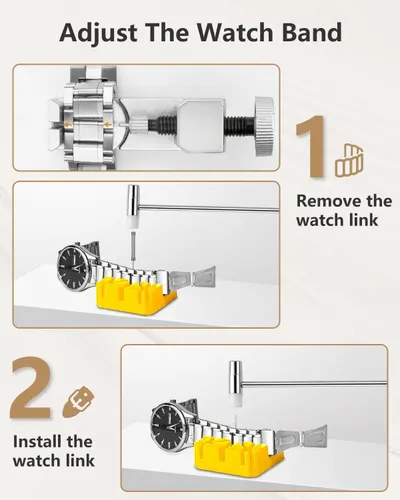
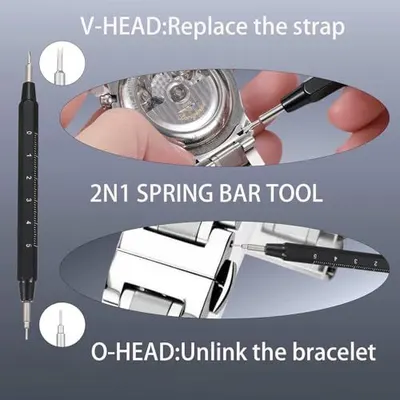 Watch Repair Kit with Canvas Storage Bag
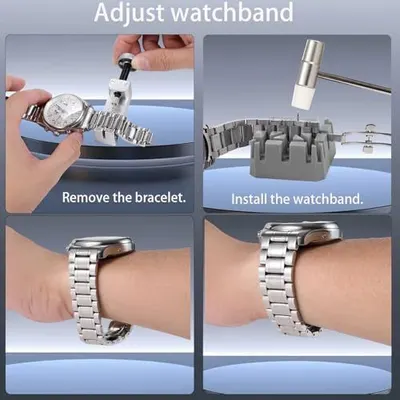 Watch Repair Kit with Canvas Storage Bag
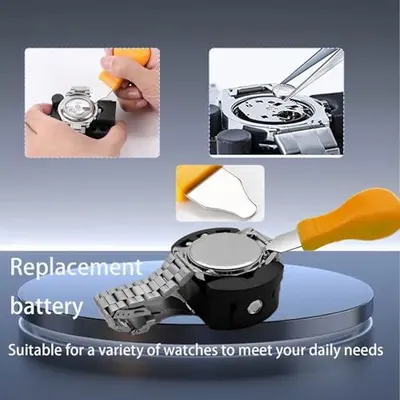 Watch Repair Kit with Canvas Storage Bag
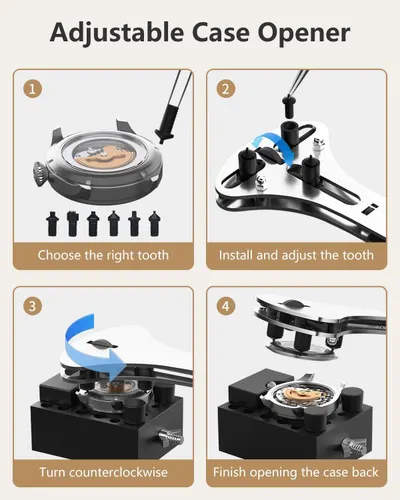
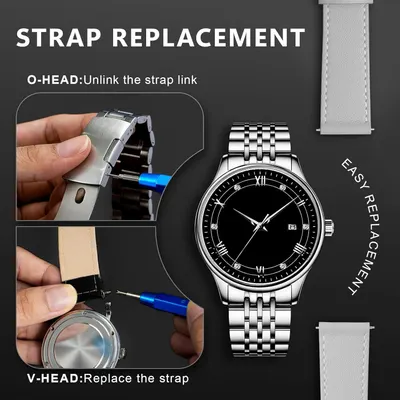 JOREST Watch Repair Kit + Watch Press Tool
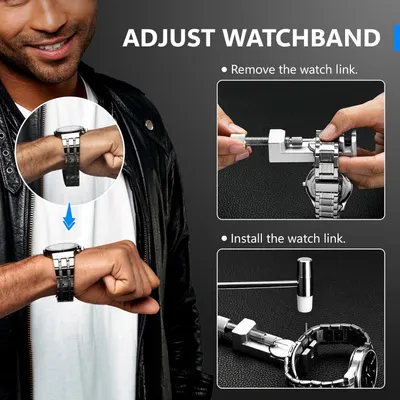 JOREST Watch Repair Kit + Watch Press Tool
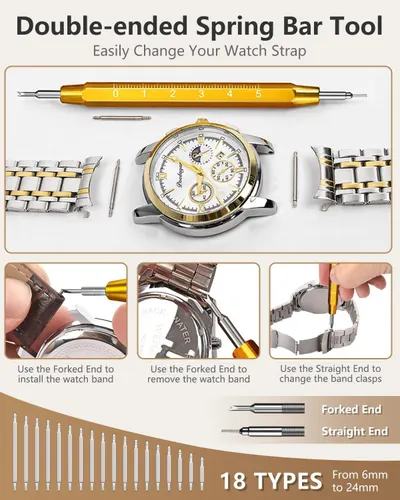 EasyTime Watch Repair Kit
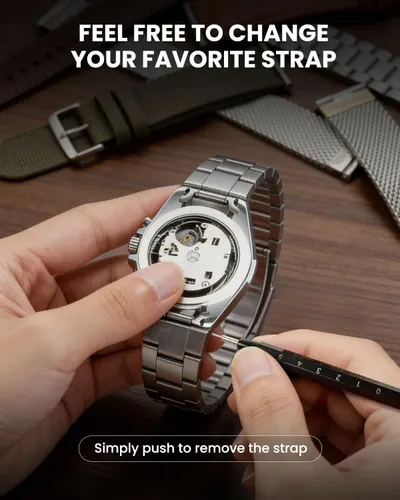
 EasyTime Watch Repair Kit
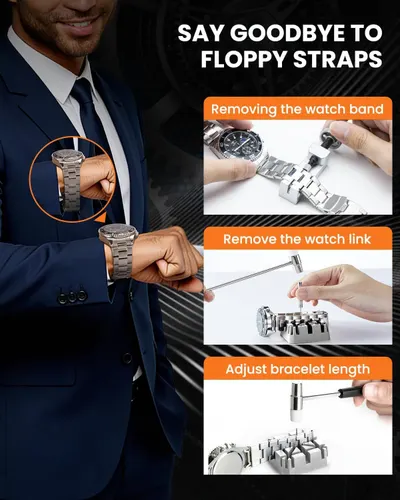
 EasyTime Watch Repair Kit
 【New Upgraded】Eventronic Watch Repair Kit Professional 154PCS
 【New Upgraded】Eventronic Watch Repair Kit Professional 154PCS
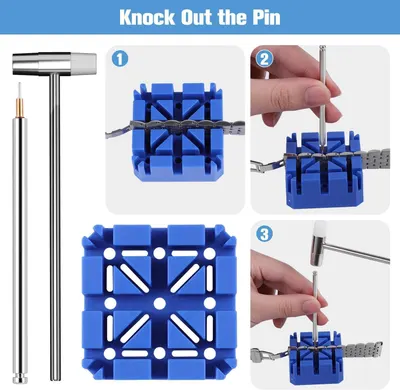 Watch Link Removal Kit
This image belongs to ANWBROAD and is shown for design research. Request removal.