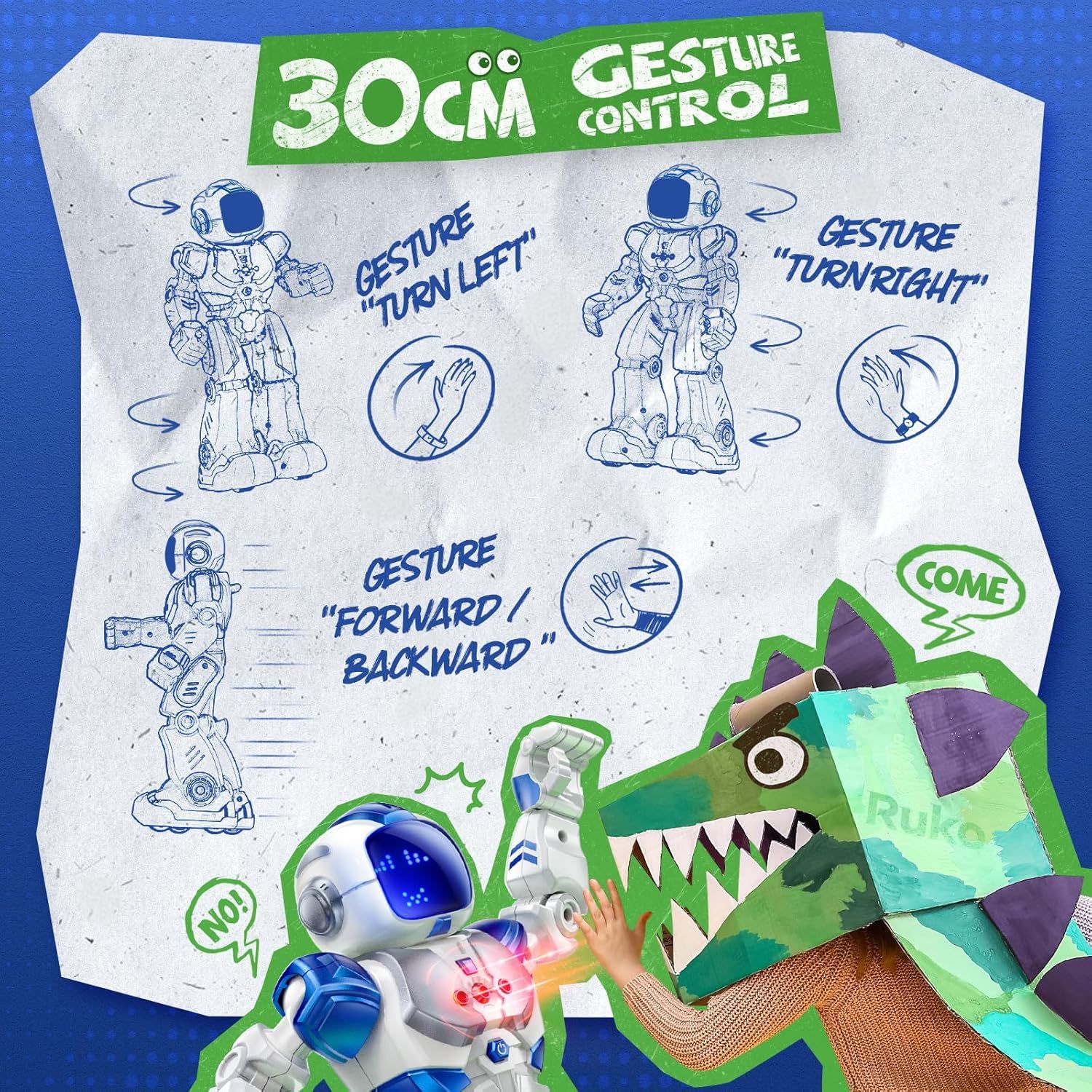
Ruko 6088 Programmable Robot with Gesture: How to Use Images
Explains how to control the robot toy using hand gestures (turn left, turn right, forward/backward) to help shoppers understand the interactive play features.
- Brand
- Ruko
- Category
- Toys & Games › Remote & App Controlled Vehicles & Parts › Robots
- Image type
- How to Use Images, Secondary Images
- Design focus
- Gesture Control Instructions
- Listing position
- Image 3
- Marketplace
- United States
- Best Sellers Rank
- #13,411 in Toys & Games (See Top 100 in Toys & Games) #18 in Remote- & App-Controlled Robots #362 in Kids' Electronics
- Full listing
- See all 9 images in order
- ASIN
- B0DBZH6YHV
See your listing next to your competitors
Paste your Amazon link. We score every image and show what the top sellers do differently. Your first comparison is free.
What this image does at a glance
- Score
- 69 / 100 · Readable
- Headline
- "TURN LEFT
- Headline height
- 11.3% of the image
- Headline contrast
- Lc 70
- Text on the image
- 15.6% of the image, 11 blocks
- Blurred to tile size
- headline no longer readable
Listing bullet points
- 【4 Innovative Control Methods】The 6088 RC robot boasts remote control, APP control, gravity-sensitive control and infrared gesture sensing. It seamlessly responds to commands like turning, sliding, enhancing play. Children can collaborate, exercising coordination in immersive, enjoyable sessions.
- 【200 Editable Program Bar】Comes with 9 dynamic expressions, 9 music, 9 ABCs, & 10 actions on the app program. Customize with 200 icons to spark brain creativity & logical thinking. Plus, the 50-function program button on the remote lets you create freely.
- 【Fun App for Learning】Explore Earth's wonders & planetary mysteries of Popular Science on Romo App! From nature to cosmos, providing kids with 10-question QA rounds, fueling curiosity & fostering a love for learning.
- 【Singing and Dancing】This interactive robot entertains kids with walking, sliding, singing and dancing. Control volume effortlessly via the wireless remote. One-key MEMO feature plays a full dance routine with music, ensuring endless fun for your little ones with this smart toy.
- 【120 Mins Playing Time】The rechargeable robot runs on built-in batteries and can be conveniently charged using its USB interface, compatible with power banks, plugs, and computers. With just a 2-hour charging time, you can enjoy up to 120 minutes of uninterrupted fun.
- 【Dynamic Expressions & Flexible Joints】The sensing robot boasts 9 Dynamic Expressions for emotive expression & flexible joints for dynamic movement. It fosters children's emotional exploration, communication skills and comprehension of non-verbal cues, making it an engaging interactive companion.
Similar how to use images in Toys & Games
 Ixiaoyoo Air Dry Clay
 YILAIDA Air Dry Clay
 YILAIDA Air Dry Clay
 iFergoo Air Dry Clay
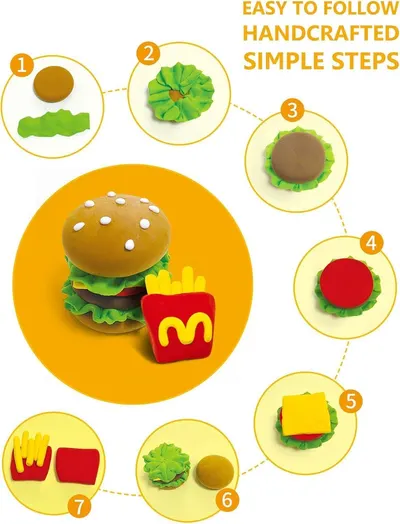 SAGO BROTHERS Air Dry Clay
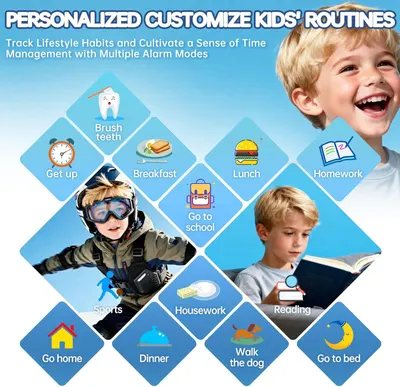 Smart Watch for Kids with 26 Puzzle Games
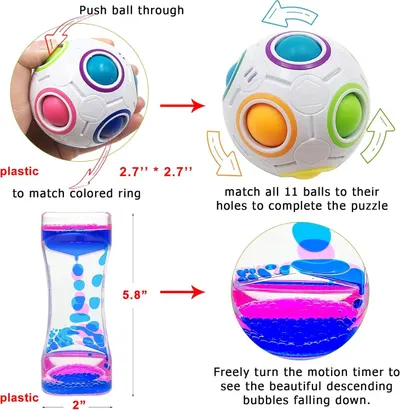 Scientoy Fidget Toy Set
 6 Set Squishy Sensory Stress Squeezing Balls forAdults: Best Calming Tool to Relieve…
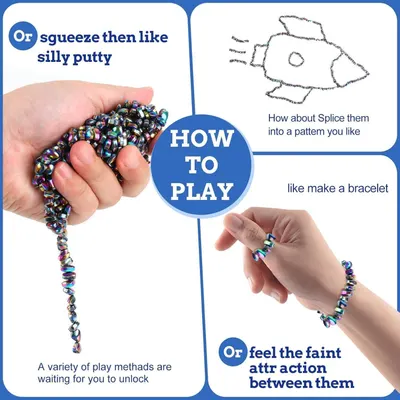 550pcs Putty
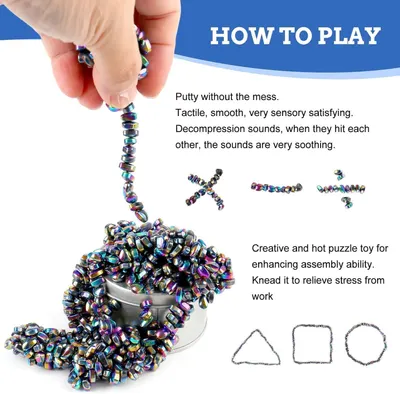 550pcs Putty
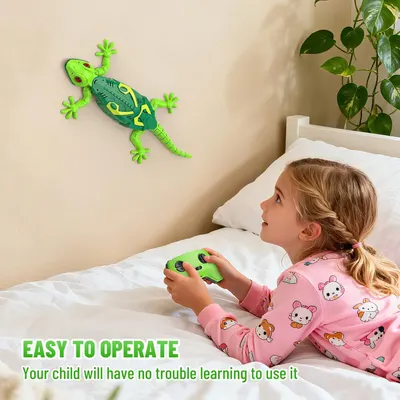 RC Wall Crawler Gecko
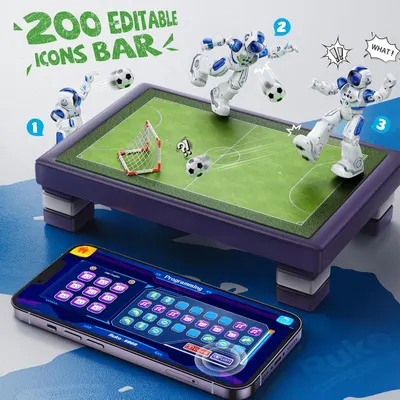 Ruko 6088 Programmable Robot with Gesture
This image belongs to Ruko and is shown for design research. Request removal.