KingsDragon RC Robot Toys for Kids: How to Use Images
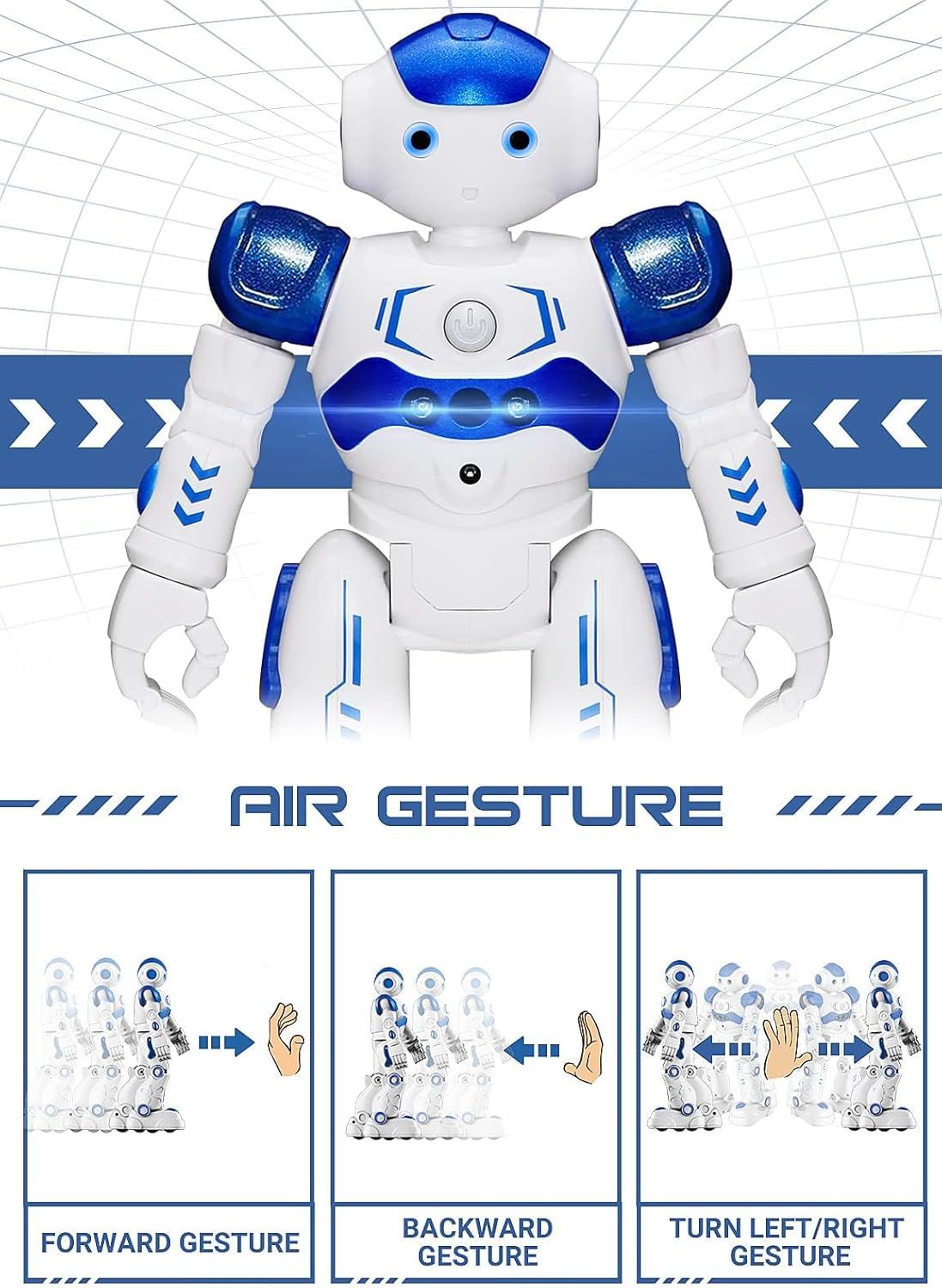
Demonstrates how to control the robot using hand gestures, showing three different gesture commands (forward, backward, turn left/right) to reassure shoppers that the product is easy and intuitive to operate. Highlights multiple gesture control capabilities in a segmented three-panel layout, showing the variety of commands available to control the robot.
- Brand
- KingsDragon
- Category
- Toys & Games › Remote & App Controlled Vehicles & Parts › Robots
- Image type
- How to Use Images, Infographic Images, Secondary Images
- Design focus
- Air Gesture Control; Hand Gesture Commands; Forward Gesture; Backward Gesture; Turn Left/Right Gesture
- Listing position
- Image 2
- Marketplace
- United States
- Best Sellers Rank
- #1,342 in Toys & Games (See Top 100 in Toys & Games) #2 in Remote- & App-Controlled Robots
- Full listing
- See all 7 images in order
- ASIN
- B07RWLZSQP
See your listing next to your competitors
Paste your Amazon link. We score every image and show what the top sellers do differently. Your first comparison is free.
What this image does at a glance
- Score
- 25 / 100 · Unreadable small
- Headline
- AIR GESTURE
- Headline height
- 3.2% of the image
- Headline contrast
- Lc 80
- Text on the image
- 3.8% of the image, 7 blocks
- Blurred to tile size
- headline no longer readable
Listing bullet points
- Remote Control and Hand Gesture Control:This gesture sensing robot not only can be controlled by infrared controller, but also can turn left ,turn right, slide backward, and slide forward according to how your hand gesture commands; Multi function includes auto display and obstacles avoidance as…
- Intelligent Programming: This smart robot toy can demonstrating a set of 50 actions inputted by the user.If you switch programming function,this Interactive robot will playback using its moves record feature to repeat the movement one by one as you created like turn left+turn right+walk…
- Premium Material:This Remote Control Robot is made of non-toxic ABS plastic, with flexible multi-joint in shoulder,elbows and thumbs ,and the bottom skating wheels are pretty sturdy to well carry out a various combination of moves;This playful robot really entertain your kids and bring you endless…
- Convenient Rechargeable Robot Toy:this RC robot is powered by built-in batteries.Directly connect to USB charging interface like your power bank,plug,computers.Rechargeable way saves your money for batteries and you only recharge the robot about 2 hours, and its playtime is about 60 minutes;
- Ideal Birthday Xmas Gift & Kids Intimate Companion : The infrared control Robot is versatile and vivid can dance,sing,walk,patrol,even can speak with a charming accent;Don’t scratch your head to search gifts but directly pick this intelligent robot for your kids;It is an amazing gift kids will be…
Similar how to use images in Toys & Games
 Ixiaoyoo Air Dry Clay
 YILAIDA Air Dry Clay
 YILAIDA Air Dry Clay
 iFergoo Air Dry Clay
 SAGO BROTHERS Air Dry Clay
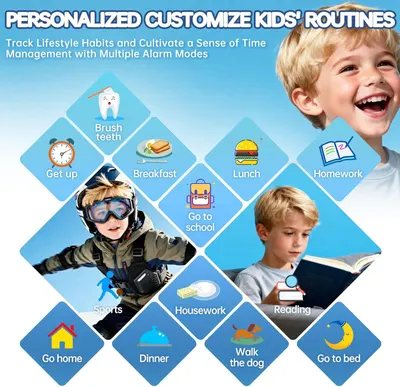 Smart Watch for Kids with 26 Puzzle Games
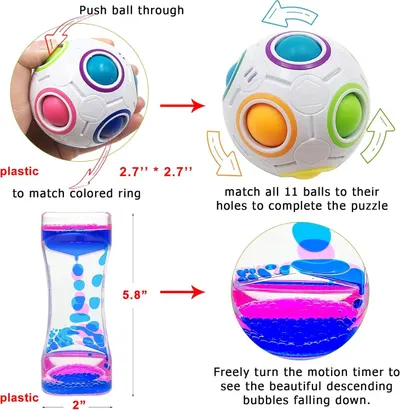 Scientoy Fidget Toy Set
 6 Set Squishy Sensory Stress Squeezing Balls forAdults: Best Calming Tool to Relieve…
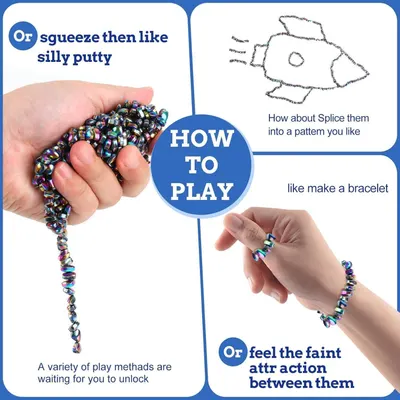 550pcs Putty
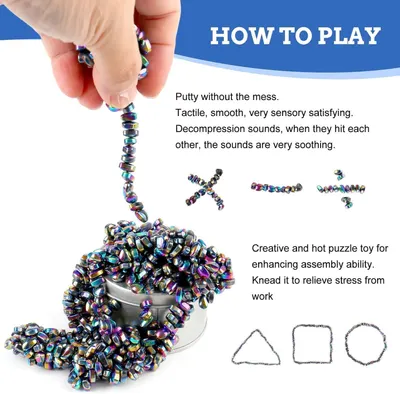 550pcs Putty
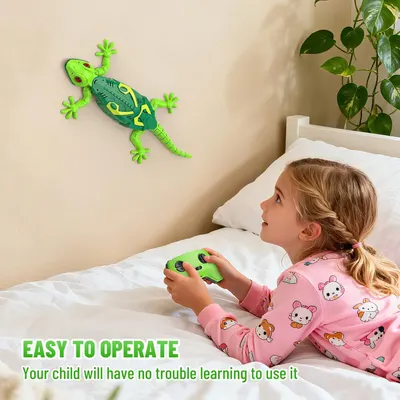 RC Wall Crawler Gecko
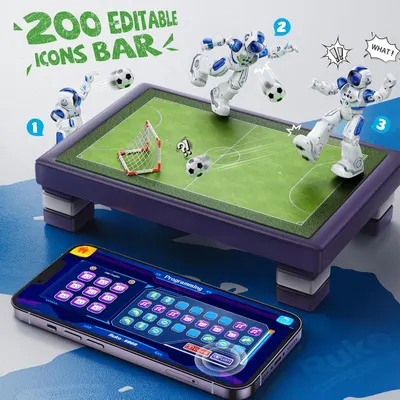 Ruko 6088 Programmable Robot with Gesture
This image belongs to KingsDragon and is shown for design research. Request removal.