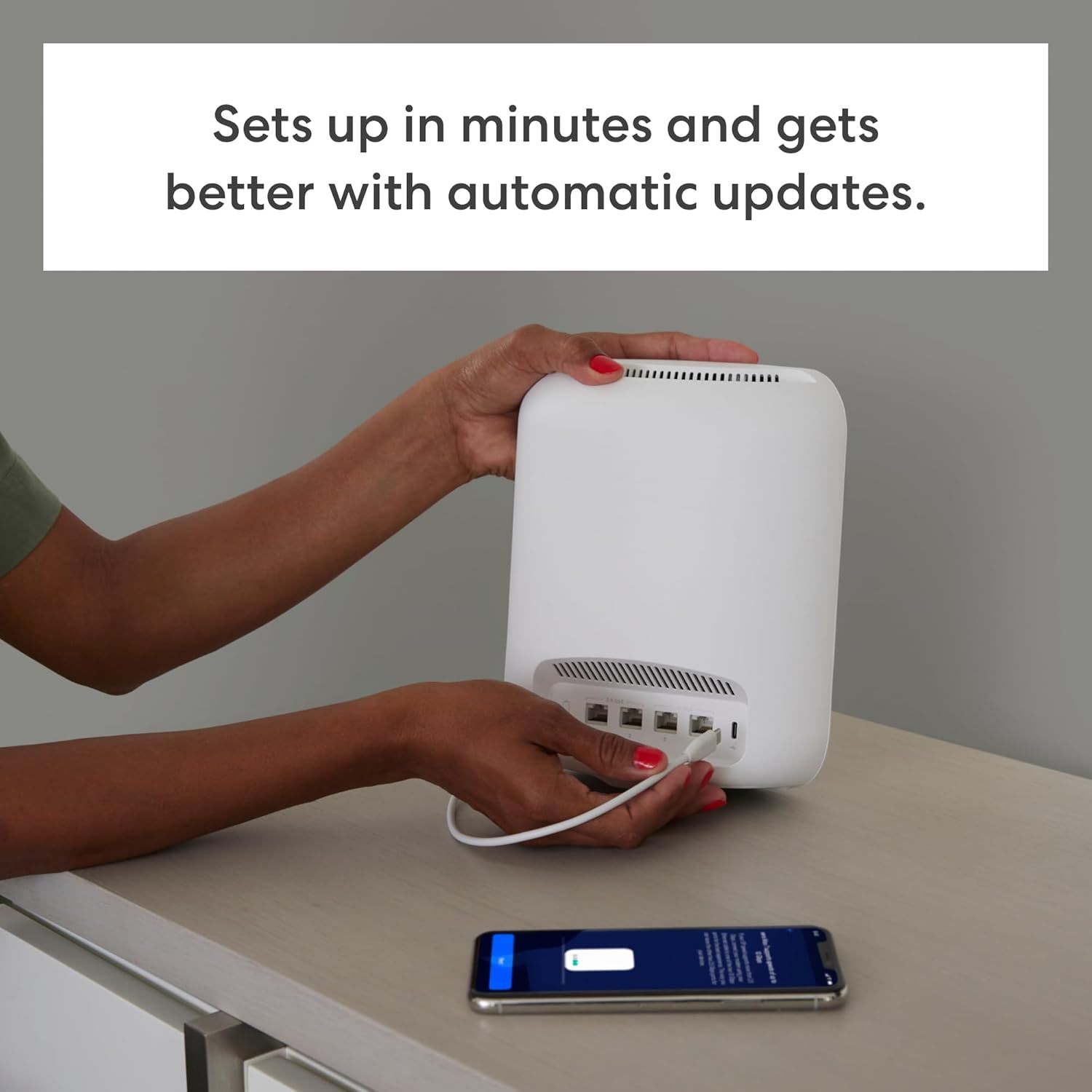
Amazon eero Max 7 mesh wifi router (newest model): How to Use Images
Demonstrates the simple setup process to reassure shoppers that the product can be installed quickly and easily, with automatic updates for ongoing improvement. Highlights the ease of setup and self-improving nature of the product through automatic updates, reducing buyer concerns about complexity.
- Brand
- eero
- Image type
- How to Use Images, Single Benefit Images, Secondary Images
- Design focus
- Easy Setup; Quick Installation; Quick Setup; Automatic Updates
- Listing position
- Image 7
- Marketplace
- United States
- Full listing
- See all 7 images in order
- ASIN
- B09HJJN7MS
See your listing next to your competitors
Paste your Amazon link. We score every image and show what the top sellers do differently. Your first comparison is free.
What this image does at a glance
- Score
- 25 / 100 · Unreadable small
- Headline
- better with automatic updates.
- Headline height
- 2.5% of the image
- Headline contrast
- Lc 94
- Text on the image
- 7.1% of the image, 2 blocks
- Blurred to tile size
- headline no longer readable
Listing bullet points
- THE SPEED OF EERO MAX 7 - With two 10 Gigabit Ethernet ports, you can enjoy wired speeds up to 9.4 Gbps, wireless speeds up to 4.3 Gbps, and multi-gigabit backhaul speeds—making your network seriously fast.
- THE POWER OF WI-FI 7 TECHNOLOGY - Wi-Fi 7 technology can provide more than twice the speed of Wi-Fi 6, so you can enjoy greater capacity, less latency, and more efficiency on your network.
- TRUEMESH RELIABILITY - Our patented TrueMesh network intelligence dynamically finds the ideal path for data transfer, limiting interference and helping ensure fast, reliable internet.
- LEVEL UP YOUR GAME - eero Max 7 helps deliver high performance gaming experiences, ideal for AR, VR, and cloud applications that require high throughput and low latency.
- ADVANCED DIGITAL SECURITY - An optional subscription to eero Plus protects your data, helping to keep your family’s personal information, connected devices, and network protected from online threats.
- BUILT FOR SMART HOMES - eero Max 7 works as a smart home hub so you can connect Thread devices, as well as Matter and Zigbee devices (as a controller only).
- MORE COVERAGE, MORE DEVICES - Provides up to 2,500 sq. ft. of mesh wifi coverage (a 28 foot radius) and connects 250+ devices.
- SET UP IN MINUTES - The eero app guides you through setup and allows you to manage your network from anywhere.
Similar how to use images
 Dosador Dispenser de Detergente Embutir Pia Inox 304 Cromado 500ml
 Philips Hue Essential Smart LED A60 Lampe
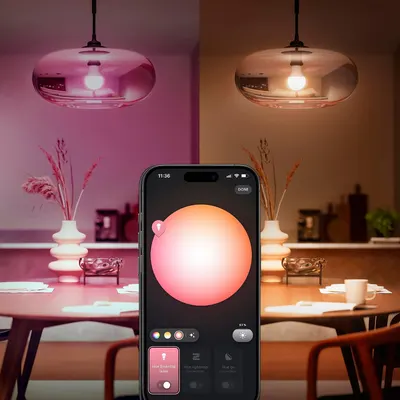 Philips Hue Essential Smart LED A60 Lampe
 Tapo L530E alexa Lampe E27
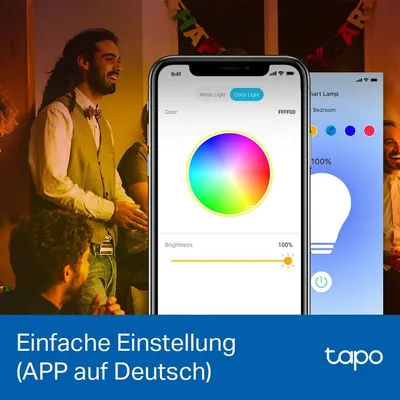 Tapo L530E alexa Lampe E27
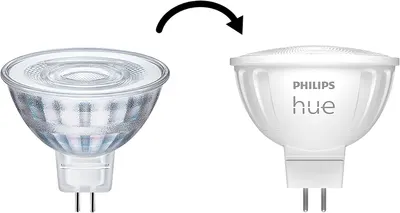 Philips Hue
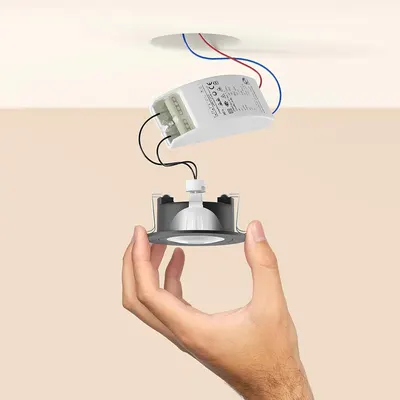 Philips Hue
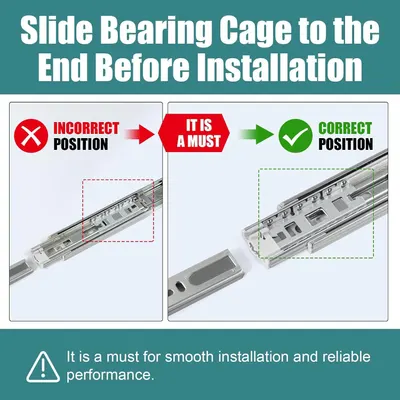 HBL' 2 Pairs Soft Close Drawer Slides 12 inch
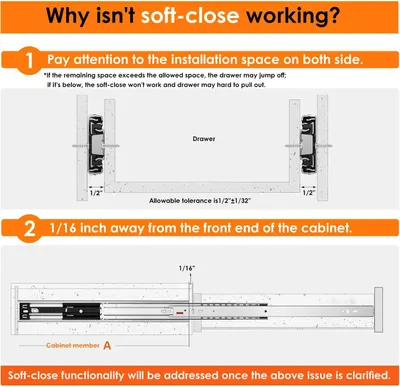 HBL' 2 Pairs Soft Close Drawer Slides 12 inch
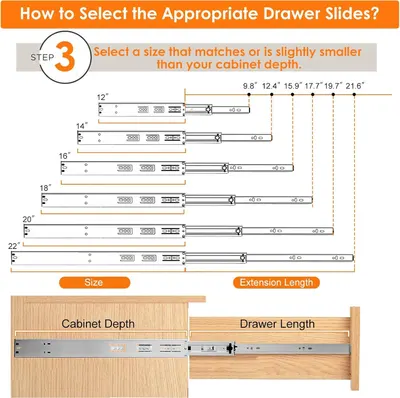 HBL' 2 Pairs Soft Close Drawer Slides 12 inch
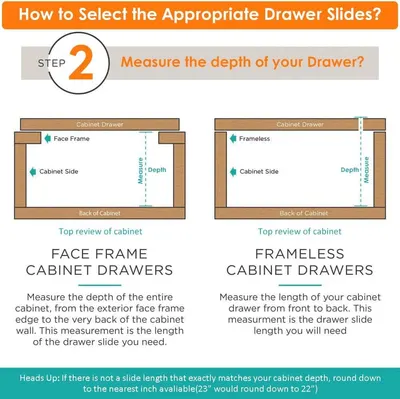 HBL' 2 Pairs Soft Close Drawer Slides 12 inch
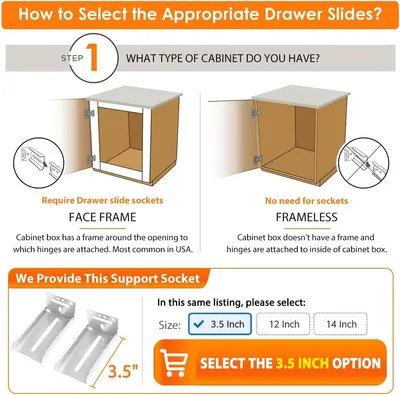 HBL' 2 Pairs Soft Close Drawer Slides 12 inch
This image belongs to eero and is shown for design research. Request removal.