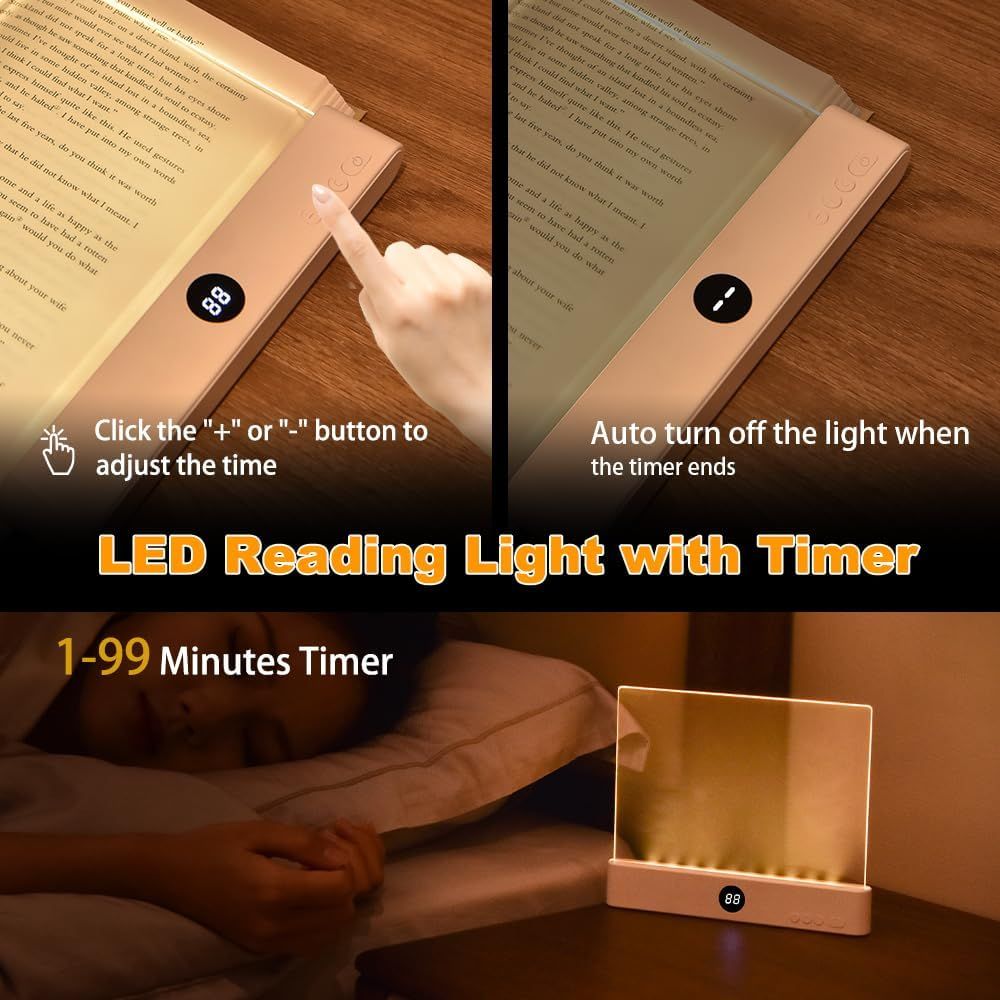
Book Light: How to Use Images
Demonstrates how to use the timer function on the LED reading light, showing button controls and auto shut-off feature to reassure shoppers about ease of use and convenience. Highlights multiple benefits of the timer feature including adjustable time settings, automatic shut-off, and wide timer range for user convenience and energy savings.
- Brand
- VEEKI
- Category
- Tools & Home Improvement › Lighting & Ceiling Fans › Novelty Lighting › Book Lights
- Image type
- How to Use Images, Infographic Images, Secondary Images
- Design focus
- Timer Control; Auto Shut-off; Timer Control; Auto Shut-off; 1-99 Minute Timer Range
- Listing position
- Image 4
- Marketplace
- United States
- Best Sellers Rank
- #5,643 in Tools & Home Improvement (See Top 100 in Tools & Home Improvement) #39 in Book Lights
- Full listing
- See all 7 images in order
- ASIN
- B0DLBDHZQ3
See your listing next to your competitors
Paste your Amazon link. We score every image and show what the top sellers do differently. Your first comparison is free.
What this image does at a glance
- Score
- 0 / 100 · Unreadable small
- Headline
- wiowfoethoaphe of sn bliod loi in a boundlere ses.
- Headline height
- 13.6% of the image
- Headline contrast
- Lc 32
- Text on the image
- 38.9% of the image, 23 blocks
- Blurred to tile size
- headline no longer readable
Listing bullet points
- Upgraded 2-in-1 Book Light: VEEKI newly upgraded reading light uses HD transparent PC lenses with special hardened surface treatment to make the lenses smoother and wear-resistant. The entire transparent panel lights up when turned on, so that the light is evenly covered in the reading position,…
- Book Night Light with 3 Light Colors: The book lights for reading at night can switch 3 light colors: white light, warm light, and neutral light. Clear panel plate book light suitable for all kinds of scenes. Warm white creates a relaxed and comfortable ambiance, as a bedside lamp for midnight…
- Rechargeable Book Lights: The reading lights for books in bed has a built-in 1200 mAh large-capacity rechargeable battery, which can be charged via the included USB charging cable. Cordless, easy to move and carry. 3 hours of charging time can bring you 5-35 hours of lighting time (working time…
- Dimmable & Timer: Book reading light with stepless dimming function, you can find the right brightness in any lighting environment. With a timer countdown LED digital screen display, you can set your reading time within the time range of 1-99 minutes. When the time is up, the book light for…
- Creative Lighting & Funny Gifts: The full page book light for reading is innovative in design and easy to carry, making it a unique book accessories and deskboard buddy. LED book lamp make funny gifts and creative gifts for men, women, teenager, boys and girls on Christmas, Thanksgiving,…
Similar how to use images in Tools & Home Improvement
 Dosador Dispenser de Detergente Embutir Pia Inox 304 Cromado 500ml
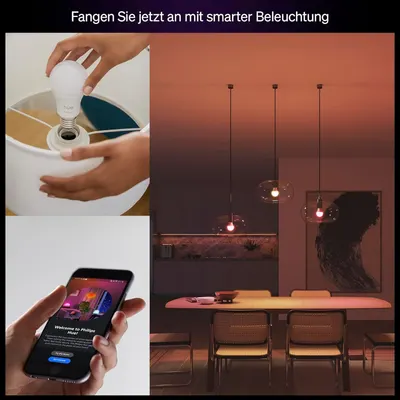 Philips Hue Essential Smart LED A60 Lampe
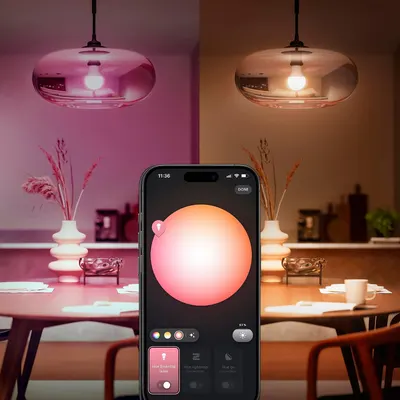 Philips Hue Essential Smart LED A60 Lampe
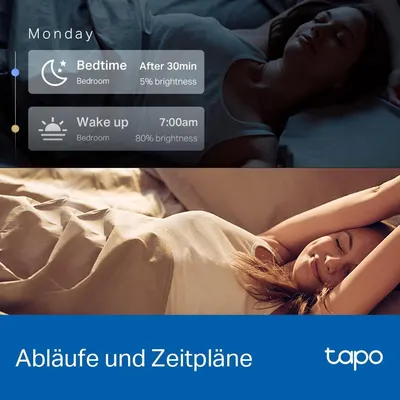 Tapo L530E alexa Lampe E27
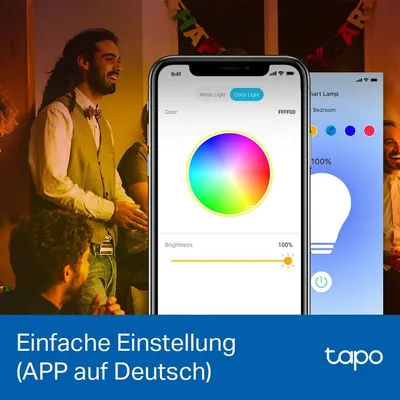 Tapo L530E alexa Lampe E27
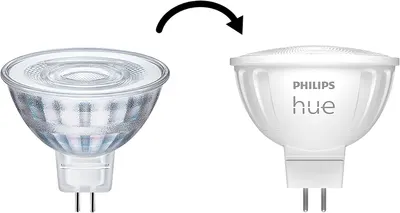 Philips Hue
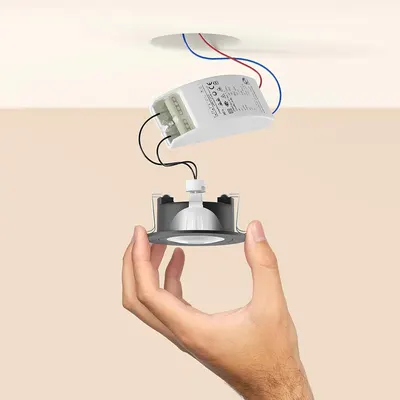 Philips Hue
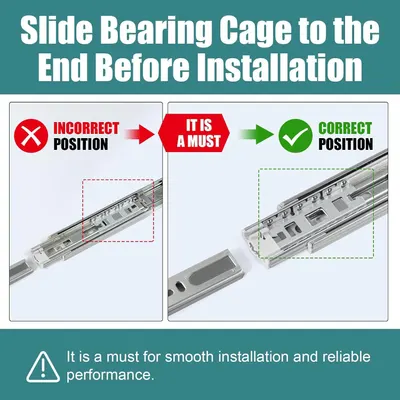 HBL' 2 Pairs Soft Close Drawer Slides 12 inch
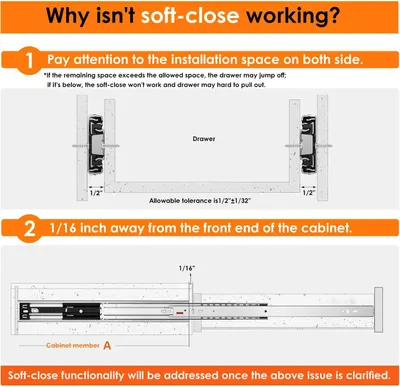 HBL' 2 Pairs Soft Close Drawer Slides 12 inch
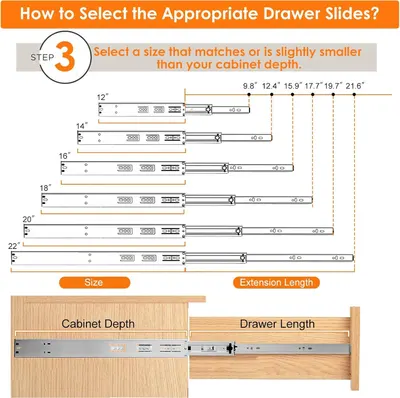 HBL' 2 Pairs Soft Close Drawer Slides 12 inch
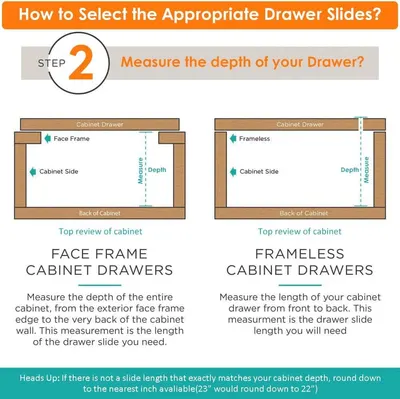 HBL' 2 Pairs Soft Close Drawer Slides 12 inch
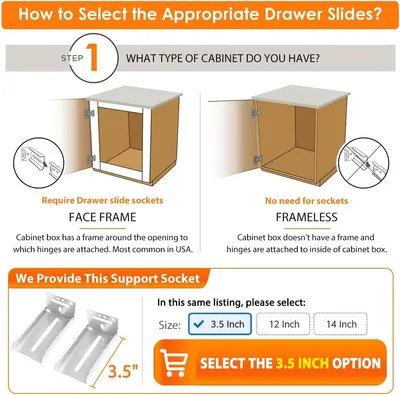 HBL' 2 Pairs Soft Close Drawer Slides 12 inch
This image belongs to VEEKI and is shown for design research. Request removal.