Amazon Fire TV 40" 2-Series: Product Detail Images
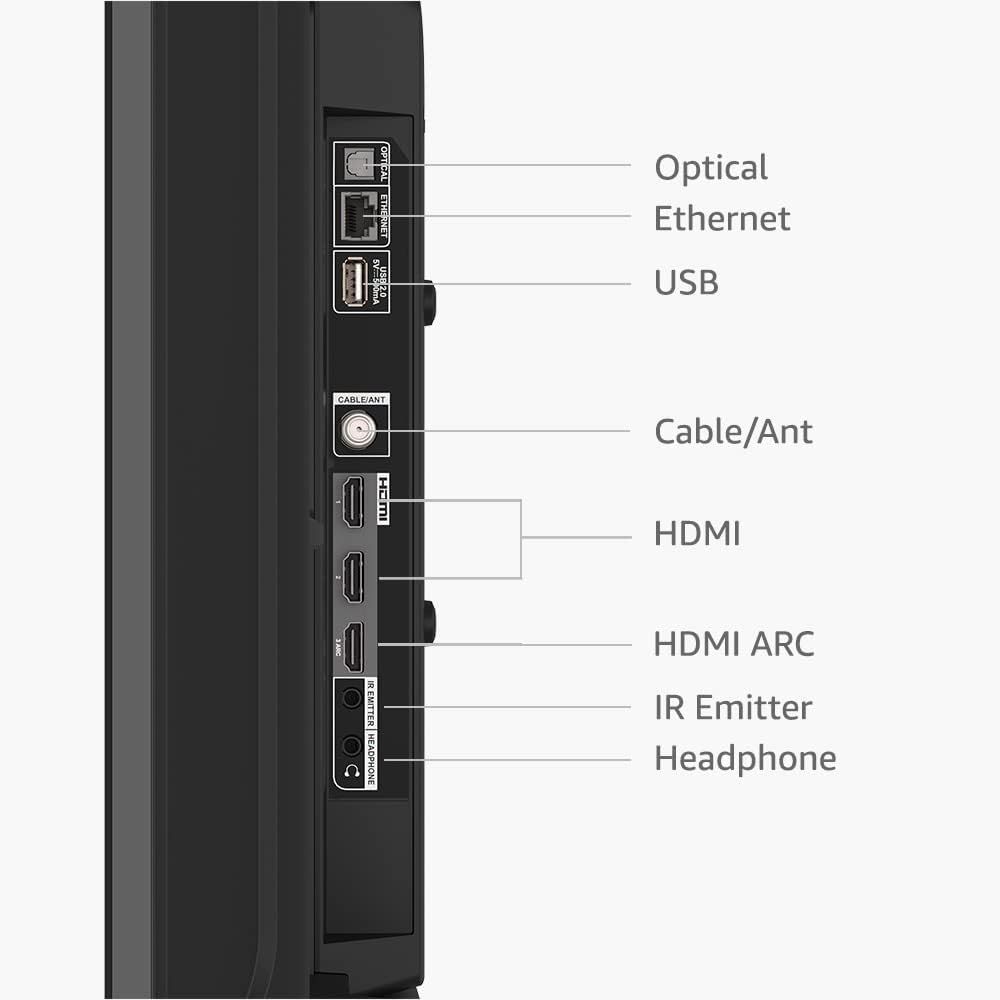
This image breaks down the physical ports and connection options available on the device, helping shoppers understand what devices and cables they can connect to the product.
- Brand
- Amazon Fire TV
- Image type
- Product Detail Images, Secondary Images
- Design focus
- Port and Connectivity Options
- Listing position
- Image 5
- Marketplace
- United States
- ASIN
- B0CJCYMBZJ
See your listing next to your competitors
Paste your Amazon link. We score every image and show what the top sellers do differently. Your first comparison is free.
What this image does at a glance
- Score
- 25 / 100 · Unreadable small
- Headline
- USB
- Headline height
- 2.5% of the image
- Headline contrast
- Lc 70
- Text on the image
- 3.9% of the image, 8 blocks
- Blurred to tile size
- headline no longer readable
Listing bullet points
- High definition TV - Bring movies and shows to life in HD 1080p resolution, with support for HDR 10, HLG, and Dolby Digital Audio.
- All your entertainment in one place - Fire TV gives you quick access to live TV, video games, and music, and lets you stream over 1.8 million movies and TV episodes with subscriptions to Netflix, Prime Video, Disney+, and more.
- Stream for free - Watch free movies and TV episodes with apps like YouTube, Tubi, Pluto TV, and more.
- Watch from room to room - All of your movies and shows from your Fire TV devices will stay in sync, for a seamless viewing experience from one room to the next.
- Smart and always getting smarter - Fire TV adds new Alexa skills, features, smart home capabilities, and voice functionality all the time.
- Press and ask Alexa - Use the Fire TV Alexa Voice Remote to find your favorite content, get sports scores, control smart home devices, and more.
- Connect all your devices - Use the 2 standard HDMI inputs to connect to cable or satellite and video game consoles. Use the 1 HDMI ARC input for audio equipment for enhanced sound.
- Wireless Bluetooth listening - Connect Bluetooth headphones for private listening to watch TV without disturbing those around you.
Similar product detail images
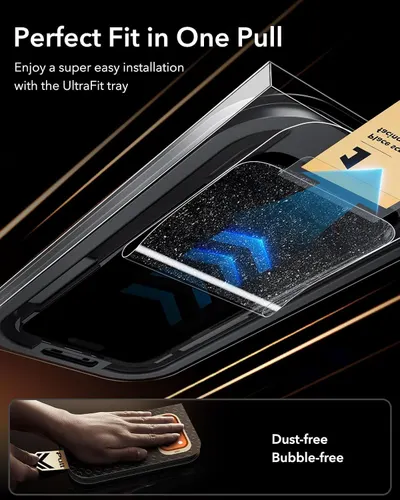 ESR 3 Pack for iPhone 17 Pro Max Screen Protector
 OM MUSHROOM SUPERFOOD Master Blend Mushroom Gummies
 Drops Of Nature Organic Mushroom Gummies & Ashwagandha
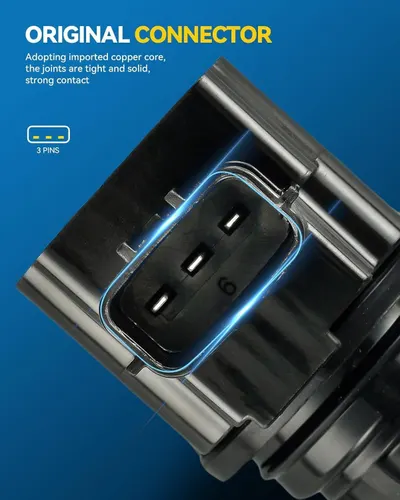 PHILTOP UF749 Ignition Coil Pack and Spark Plug Kit Fits Honda Civic
 Dosador Dispenser de Detergente Embutir Pia Inox 304 Cromado 500ml
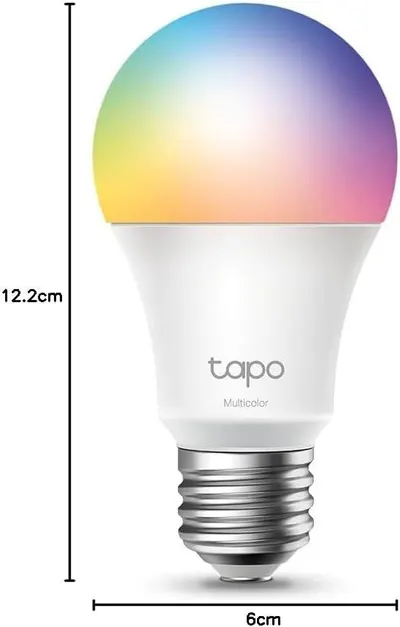 Tapo L530E alexa Lampe E27
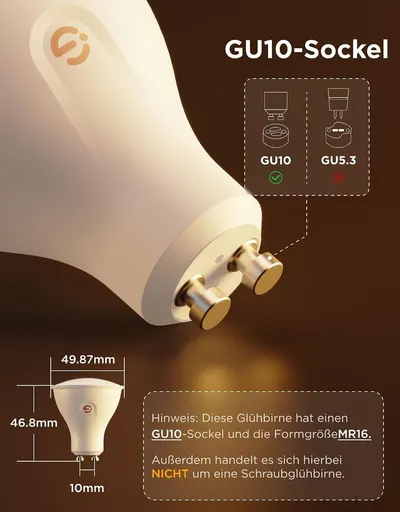 Govee Glühbirne GU10 LED RGBWW
 ZΛD Rolltop Rucksack für Damen & Herren
 ZΛD Rolltop Rucksack für Damen & Herren
 ZΛD Rolltop Rucksack für Damen & Herren
 ZΛD Rolltop Rucksack für Damen & Herren
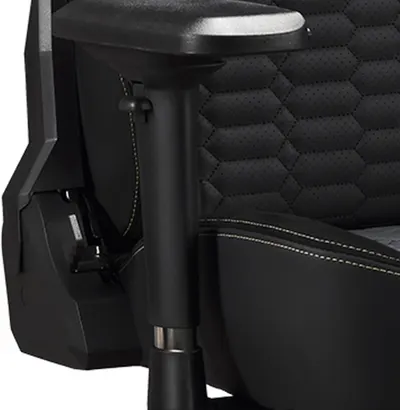 Iconic Premium Gaming Office Chair Apollon Classic Black Gold
This image belongs to Amazon Fire TV and is shown for design research. Request removal.