Wireless Earbuds: How to Use Images
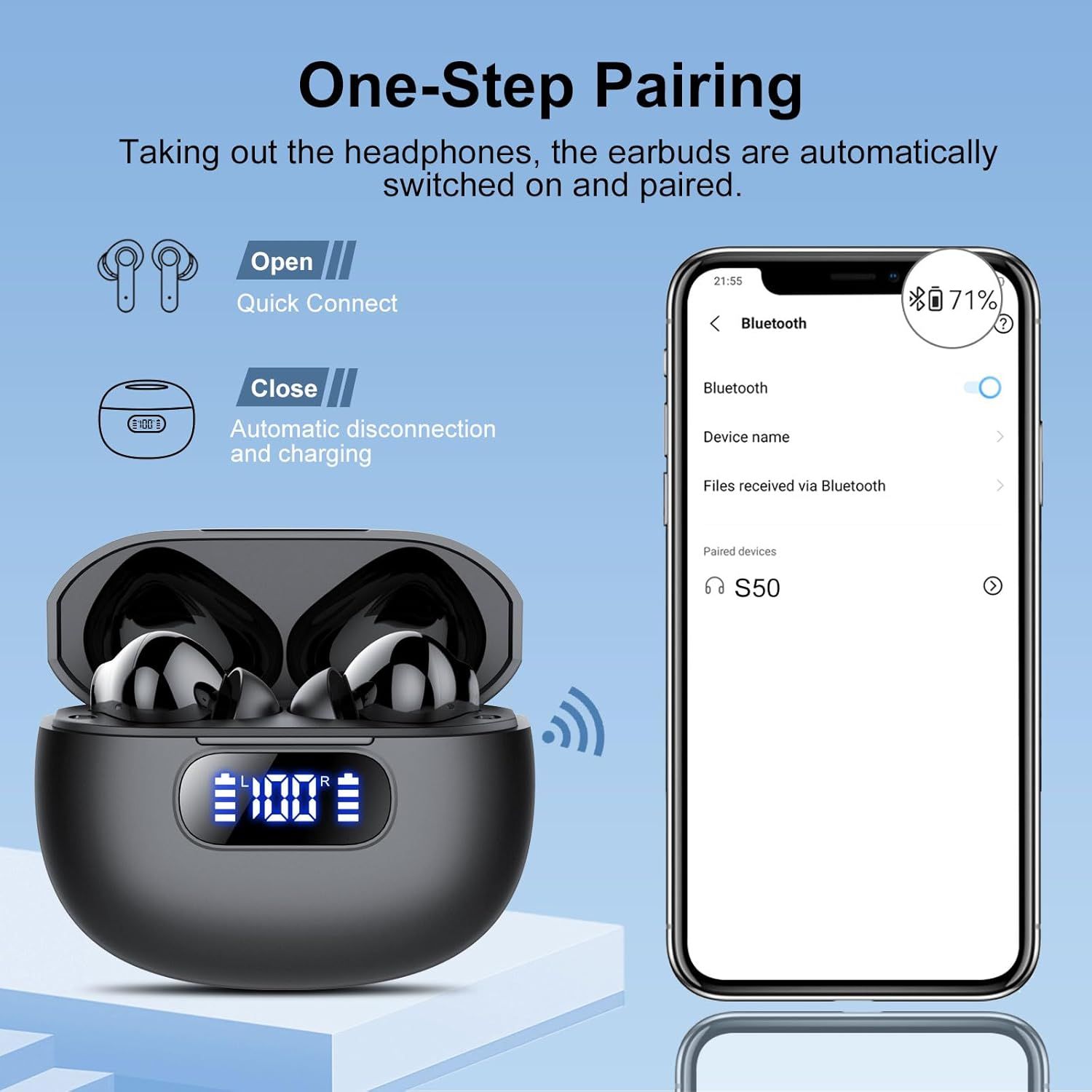
Demonstrates the simple pairing process for the wireless earbuds, showing shoppers that connecting to their device is effortless and automatic when opening the case. Highlights the convenience and ease of use benefit, reassuring shoppers that setup is hassle-free.
- Brand
- Wekily
- Category
- Electronics › Headphones, Earbuds & Accessories › Headphones & Earbuds › Earbud Headphones
- Image type
- How to Use Images, Single Benefit Images, Secondary Images
- Design focus
- One-Step Pairing; Automatic Bluetooth Connection; Easy Pairing; Quick Connect
- Listing position
- Image 6
- Marketplace
- United States
- Best Sellers Rank
- #1,823 in Electronics (See Top 100 in Electronics) #194 in Earbud & In-Ear Headphones
- Full listing
- See all 7 images in order
- ASIN
- B0DQXT42DR
See your listing next to your competitors
Paste your Amazon link. We score every image and show what the top sellers do differently. Your first comparison is free.
What this image does at a glance
- Score
- 31 / 100 · Unreadable small
- Headline
- EN00E
- Headline height
- 5.4% of the image
- Headline contrast
- Lc 96
- Text on the image
- 9.8% of the image, 17 blocks
- Blurred to tile size
- headline no longer readable
- lower text "Taking out the headphone" is 1.7% of height, needs 5.5%
- 16 separate text blocks
Listing bullet points
- POWERFUL BASS AND CLEAR CALLS: Wireless headphones bluetooth with 14.2 mm drivers and an advanced Bluetooth audio codec, the S50 Earbuds wireless bluetooth deliver superior Hi-Fi stereo quality with powerful bass and soft mids; The wireless earbuds are equipped with an ENC noise-canceling…
- New Bluetooth 5.3 and One-Step Pairing: The wireless headset adopts the latest Bluetooth 5.3 chip technology in 2025 for fast signal transmission speed, stable connection and low power consumption; With a transmission distance of up to 15 meters, you don't have to worry about disconnecting at…
- SMART TOUCH & WIDE COMPATIBILITY: The S50 in-ear headphones features a smart touch design that is sensitive and easy to use, allowing you to answer/reject/hang up calls, switch between songs, activate voice assistants, and more with a simple touch of the earbuds; The Bluetooth earbuds is…
- LIGHTWEIGHT, PORTABLE AND COMFORTABLE: Weighing only 4 grams, the single earbud is ergonomically designed to distribute 90% of the pressure in the ear canal and comes with 3 different sizes (S/M/L) of silicone earbuds for long hours of wearing and listening to music without any pain; The charging…
- 48-HOUR BATTERY LIFE AND LED DIGITAL DISPLAY: The Bluetooth headphones last 6-8 hours on a single charge, and the rechargeable case lasts up to 40 hours of continuous playback, Whether you're exercising, enjoying music or focusing on work, you don't have to worry about running out of power;…
- TYPE-C FAST CHARGING & IPX7 WATERPROOF: Type-C charging port provides fast charging, stable and safe charging; Bluetooth headset charge in 10 minutes for up to 1 hour of music playback; The wireless earphones have IPX7 waterproof technology, which is resistant to splashes, rain and sweat in daily…
- Packing List:Earbuds *2、Charging case *1、Mini USB Type C cable *1、Ear Caps *6 (S/M/L)、User manual *1
Similar how to use images in Electronics
 GEEKOM A7 Mini PC
 Sennehiser ACCENTUM Plus Wireless Headphones
 Sennehiser ACCENTUM Plus Wireless Headphones
 Sennehiser ACCENTUM Plus Wireless Headphones
 Sennheiser Consumer Audio Momentum 4 Wireless Headphones
 Sennheiser Consumer Audio Momentum 4 Wireless Headphones
 Sennheiser Consumer Audio Momentum 4 Wireless Headphones
 Sennehiser ACCENTUM Wireless Headphones
 Anker Adaptador hub USB-C
 Metal Switch Opener GPL 205G0 0.35oz
 Metal Switch Opener GPL 205G0 0.35oz
 RUNJRX
This image belongs to Wekily and is shown for design research. Request removal.