Dell S2425HS Monitor: How to Use Images
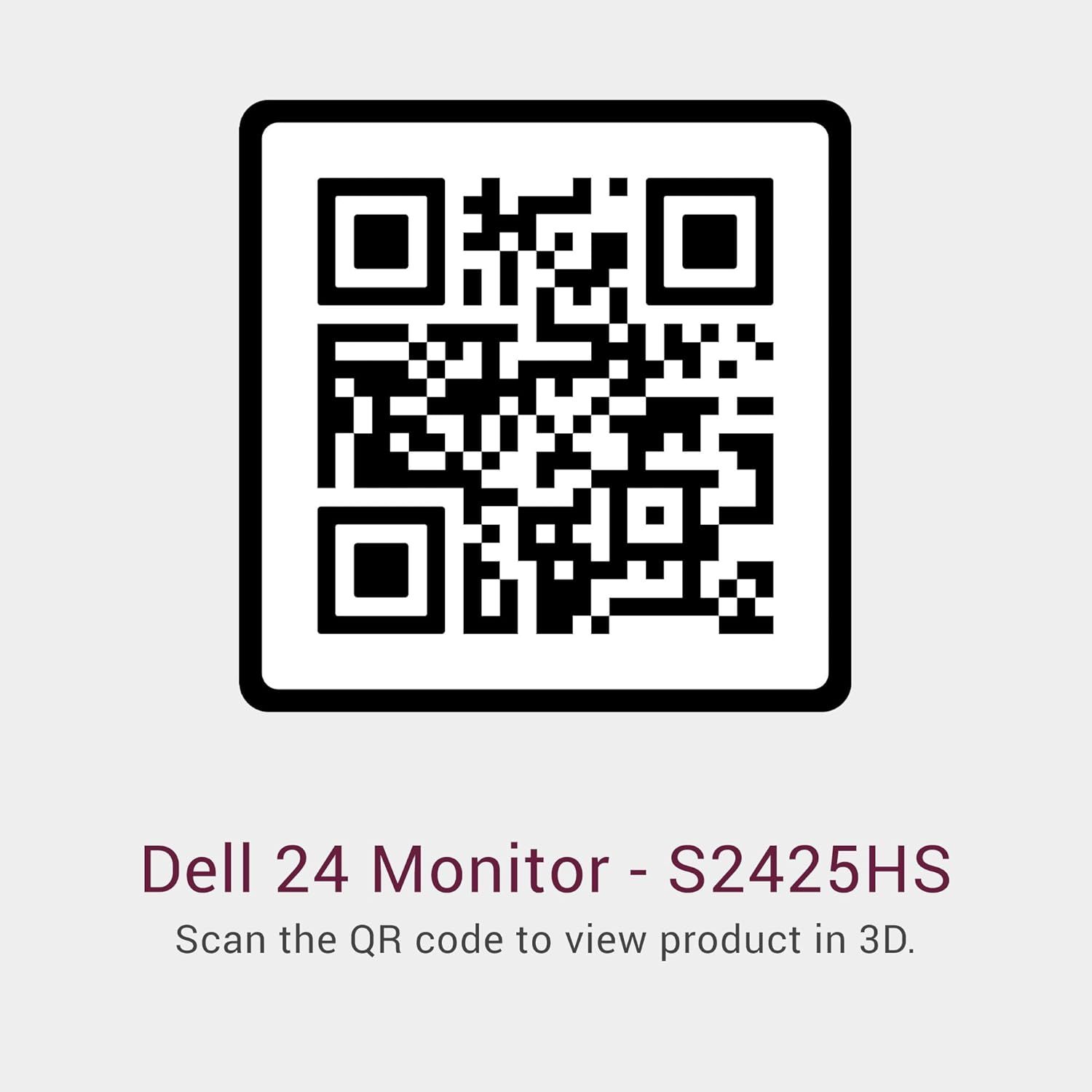
Instructs shoppers to scan the QR code to access an interactive 3D view of the product, enhancing their ability to evaluate the monitor before purchase.
- Brand
- Dell
- Category
- Electronics › Computers & Accessories › Monitors
- Image type
- How to Use Images, Secondary Images
- Design focus
- 3D Product Viewing via QR Code
- Listing position
- Image 5
- Marketplace
- United States
- Best Sellers Rank
- #133 in Electronics (See Top 100 in Electronics) #2 in Computer Monitors
- Full listing
- See all 12 images in order
- ASIN
- B0CZ1RTYQY
See your listing next to your competitors
Paste your Amazon link. We score every image and show what the top sellers do differently. Your first comparison is free.
What this image does at a glance
- Score
- 51 / 100 · Hard to read small
- Headline
- Dell 24 Monitor - S2425HS
- Headline height
- 4.4% of the image
- Headline contrast
- Lc 87
- Text on the image
- 6.8% of the image, 2 blocks
- Blurred to tile size
- headline no longer readable
Listing bullet points
- Modern, lifestyle-inspired design with ultrathin bezels let you enjoy the stunning screen with less distraction.
- Enjoy impressive audio with the integrated dual 5W speakers with a wide dynamic range. Easy options of 5 preset and 1 customizable audio profiles to tailor for every moment.
- Experience consistent vibrant colors across a wide viewing angle enabled by In-plane switching technology with 99% sRGB color coverage.
- Connect with ease with convenient primary connections and easy side access to secondary connections that offer multiple input ports in a multi-device setup. An improved cable management design offers a more pleasing, clutter-free set up that optimize your desk space. You can also navigate and…
- Seamlessly switch between streaming and casual gaming with the built-in dual HDMI connectivity ports.
- Customize your view with tilt, swivel, pivot and adjust the height of your monitor for a comfortable setup all day long.
- This 23.8" monitors achieve TÜV Rheinland 4-star eye comfort certification — the latest industry standard for eye comfort to help reduce signs of eye fatigue.
- Benefit from improved ComfortView Plus, a built-in feature that reduces blue light emission to less than 35%, and the 100Hz refresh rate that delivers smoother motion visuals, ensuring seamless viewing experience and perfect for casual gaming sessions.
Similar how to use images in Electronics
 GEEKOM A7 Mini PC
 Sennehiser ACCENTUM Plus Wireless Headphones
 Sennehiser ACCENTUM Plus Wireless Headphones
 Sennehiser ACCENTUM Plus Wireless Headphones
 Sennheiser Consumer Audio Momentum 4 Wireless Headphones
 Sennheiser Consumer Audio Momentum 4 Wireless Headphones
 Sennheiser Consumer Audio Momentum 4 Wireless Headphones
 Sennehiser ACCENTUM Wireless Headphones
 Anker Adaptador hub USB-C
 Metal Switch Opener GPL 205G0 0.35oz
 Metal Switch Opener GPL 205G0 0.35oz
 RUNJRX
This image belongs to Dell and is shown for design research. Request removal.